Sign in to review
Join our community of software reviewers on Subscribed.fyi

Continue With Google
Continue With LinkedIn
Continue Review with Email
Continue with Email
Enter your email to continue.
Continue
Enter your password
Enter your password to finish setting up your account.
Continue
Activate your email
Enter activation code we sent to your email.
Submit
Reset your password
Enter activation code we sent to your email.
Submit
Set your new password
Enter a new password for your account.
Submit
Log in
Provide My Insights
Blink logo
Blink logo

Blink Reviews, Pricing, Features & Alternatives (2026)

Blink connects frontline workers and organizations through real-time messaging, surveys, and document sharing. It enhances team collaboration, streamlines communication, and boosts engagement with its mobile-friendly interface.

Blink logo
Blink logo
Blink logo

Blink Overview

What is Blink?

N/A
★ ★ ★ ★ ★
0
Reviews

Available for Claim - This listing is available to be claimed
Claim Profile

Unclaimed

Claim this profile to manage it.

Claim Profile

Why teams choose Blink

Key Features

No-Code Simplicity
No-Code Simplicity
Launch without writing a single line of code.
Trusted by Thousands
Proven by professionals worldwide.
Smart Automation
Smart Automation
Save time with AI-powered workflows.

Who is Blink for?

What is Blink?

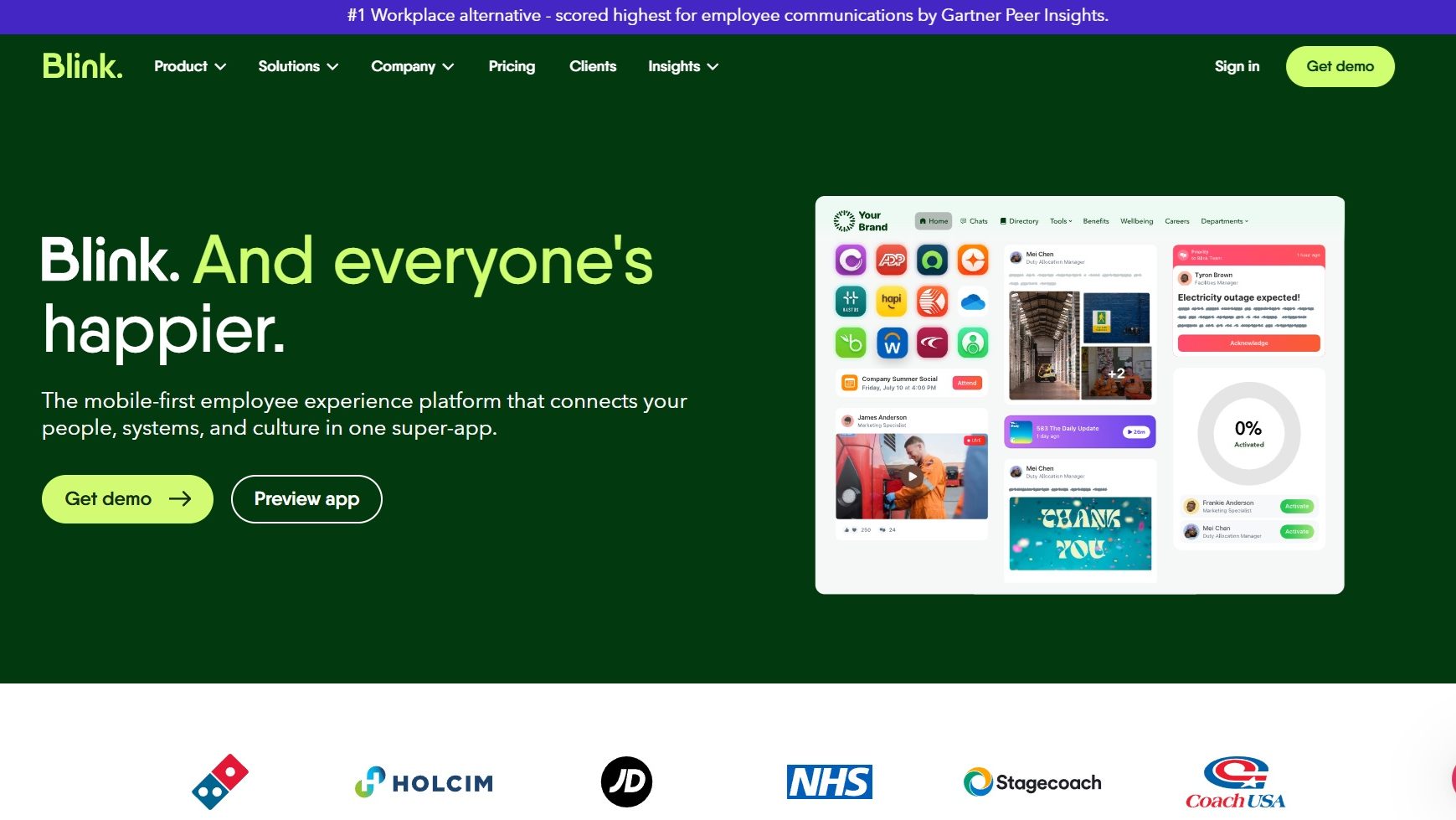
Blink is an all-in-one employee communication and engagement platform tailored for frontline workers and organizations. With features like real-time messaging, surveys, and document sharing, Blink enhances workplace collaboration, streamlines communication, and boosts employee engagement.

Why Use Blink?

In the competitive landscape of employee communication tools, Blink stands out by:

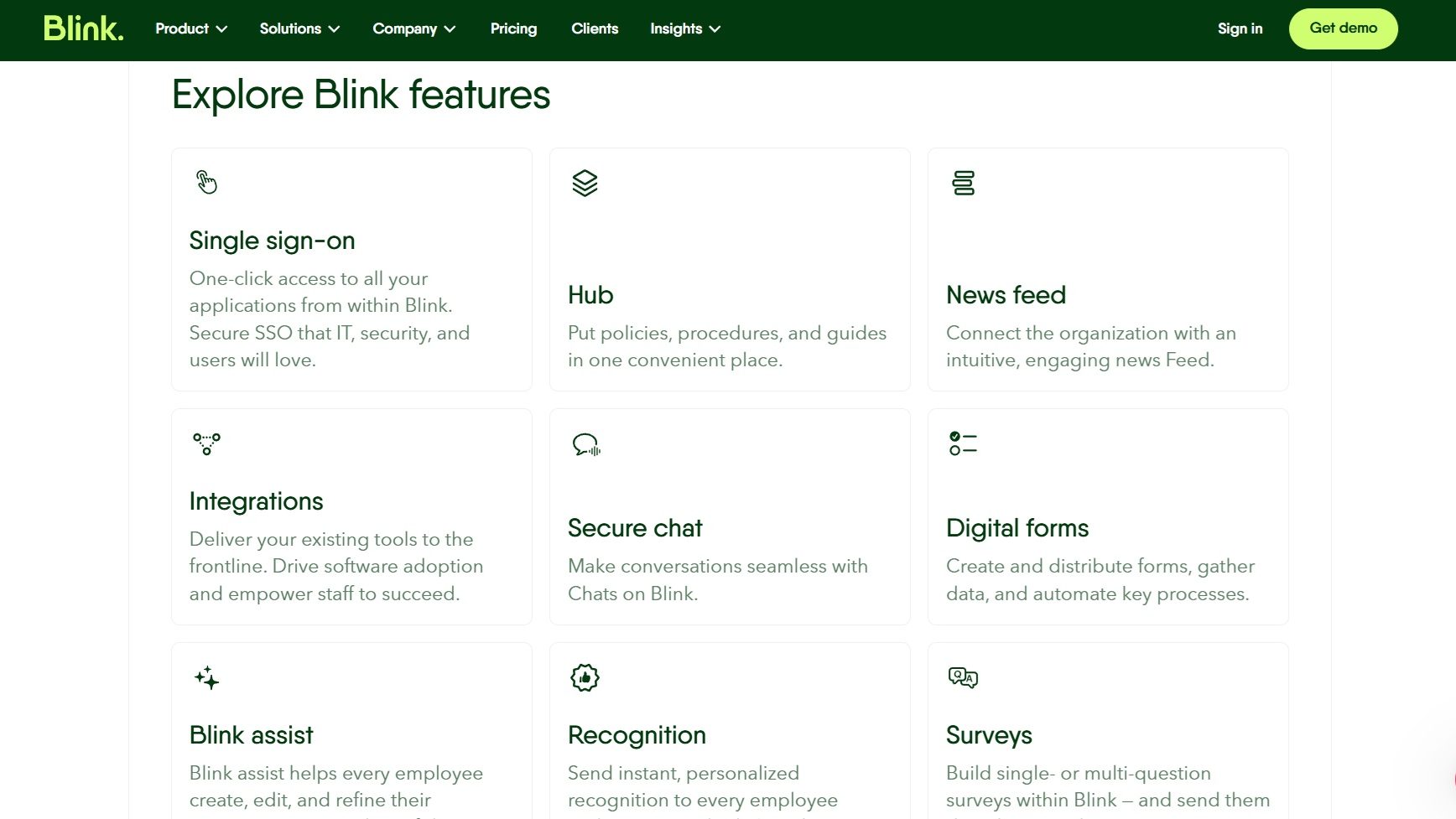
  1. Real-Time Messaging: Blink facilitates instant communication, ensuring teams stay connected regardless of location.
  2. Centralized Hub: Employees can access schedules, announcements, and essential tools in one unified platform, reducing confusion.
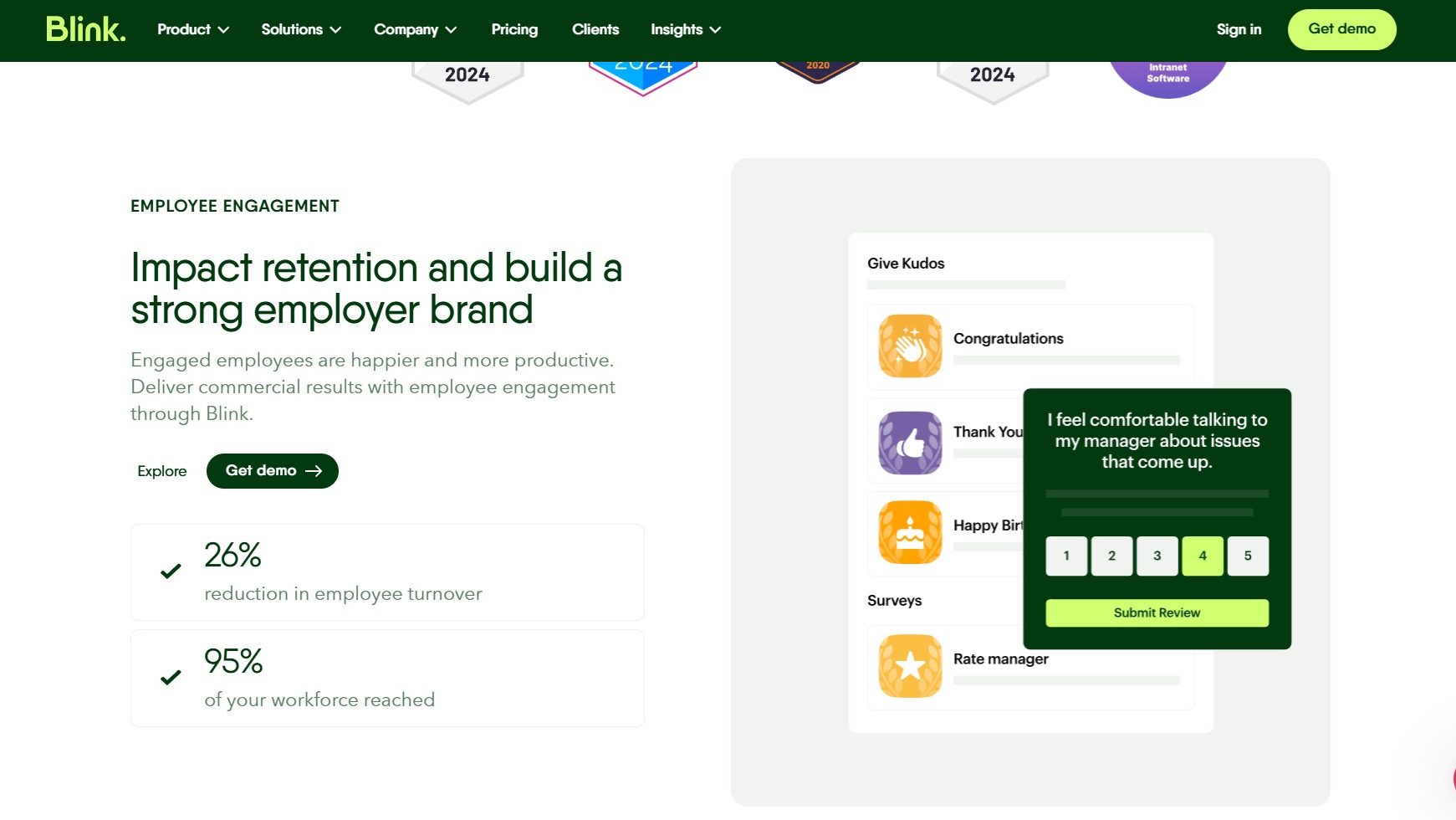
  3. Surveys and Feedback: Blink empowers organizations to gather employee insights through customizable surveys, improving engagement and satisfaction.
  4. Document Sharing: Share critical files securely and access them anytime, boosting productivity and collaboration.
  5. Mobile-Friendly Interface: Designed for on-the-go use, Blink’s app ensures frontline workers stay informed and engaged from anywhere.

Who is Blink For?

Blink caters to a wide range of users:

  1. Frontline Workers: Provides a streamlined communication tool for non-desk employees.
  2. HR Teams: Offers a centralized solution to boost employee engagement and manage internal communications.
  3. Managers: Helps coordinate teams, share tasks, and ensure alignment on workplace initiatives.
  4. Large Organizations: Ideal for companies needing a scalable platform to connect dispersed teams.

In conclusion, Blink transforms workplace communication and engagement by connecting frontline workers with their organizations. With its intuitive interface and robust features, Blink empowers teams to collaborate and thrive in dynamic work environments.

Blink Summary

What is Blink?

Blink is an all-in-one employee communication and engagement platform tailored for frontline workers and organizations. With features like real-time messaging, surveys, and document sharing, Blink enhances workplace collaboration, streamlines communication, and boosts employee engagement.

Why Use Blink?

In the competitive landscape of employee communication tools, Blink stands out by:

  1. Real-Time Messaging: Blink facilitates instant communication, ensuring teams stay connected regardless of location.
  2. Centralized Hub: Employees can access schedules, announcements, and essential tools in one unified platform, reducing confusion.
  3. Surveys and Feedback: Blink empowers organizations to gather employee insights through customizable surveys, improving engagement and satisfaction.
  4. Document Sharing: Share critical files securely and access them anytime, boosting productivity and collaboration.
  5. Mobile-Friendly Interface: Designed for on-the-go use, Blink’s app ensures frontline workers stay informed and engaged from anywhere.

Who is Blink For?

Blink caters to a wide range of users:

  1. Frontline Workers: Provides a streamlined communication tool for non-desk employees.
  2. HR Teams: Offers a centralized solution to boost employee engagement and manage internal communications.
  3. Managers: Helps coordinate teams, share tasks, and ensure alignment on workplace initiatives.
  4. Large Organizations: Ideal for companies needing a scalable platform to connect dispersed teams.

In conclusion, Blink transforms workplace communication and engagement by connecting frontline workers with their organizations. With its intuitive interface and robust features, Blink empowers teams to collaborate and thrive in dynamic work environments.

Blink reviews and insights

Learn what people say about Blink

N/A ★ ★ ★ ★ ★
0 Reviews

No Reviews Yet!

Be the first to share your experience and help others in the community.

Blink logo

Blink User Reviews

0 User Reviews

Reviews from G2, Capterra, Trustpilot
info Icon

These ratings come directly from third-party platforms like G2, Capterra, and Trustpilot. They reflect real user feedback collected independently on those sites.

Blink pricing

Pricing model

Blink logo
Pricing Range
info Icon

This only an estimated pricing range, visit Blink pricing page to access all the information by clicking “Visit Now”.

Not specified
Deals Available

This product comes with a special deal, see details

Visit Now

Overview

What is Blink?

Blink is an all-in-one employee communication and engagement platform tailored for frontline workers and organizations. With features like real-time messaging, surveys, and document sharing, Blink enhances workplace collaboration, streamlines communication, and boosts employee engagement.

Why Use Blink?

In the competitive landscape of employee communication tools, Blink stands out by:

  1. Real-Time Messaging: Blink facilitates instant communication, ensuring teams stay connected regardless of location.
  2. Centralized Hub: Employees can access schedules, announcements, and essential tools in one unified platform, reducing confusion.
  3. Surveys and Feedback: Blink empowers organizations to gather employee insights through customizable surveys, improving engagement and satisfaction.
  4. Document Sharing: Share critical files securely and access them anytime, boosting productivity and collaboration.
  5. Mobile-Friendly Interface: Designed for on-the-go use, Blink’s app ensures frontline workers stay informed and engaged from anywhere.

Who is Blink For?

Blink caters to a wide range of users:

  1. Frontline Workers: Provides a streamlined communication tool for non-desk employees.
  2. HR Teams: Offers a centralized solution to boost employee engagement and manage internal communications.
  3. Managers: Helps coordinate teams, share tasks, and ensure alignment on workplace initiatives.
  4. Large Organizations: Ideal for companies needing a scalable platform to connect dispersed teams.

In conclusion, Blink transforms workplace communication and engagement by connecting frontline workers with their organizations. With its intuitive interface and robust features, Blink empowers teams to collaborate and thrive in dynamic work environments.

Where Blink performs best

What users like
  • Quick setup and user-friendly interface
  • Detailed analytics and reporting
  • Good value for money
  • Responsive customer support

Where Blink falls short

What users dislike
  • Limited customization options
  • Issues with discount and pricing adjustments
  • Timezone challenges for support
  • Customer address errors during order placement
Blink Pricing Range
Not specified

Blink in action
info Icon

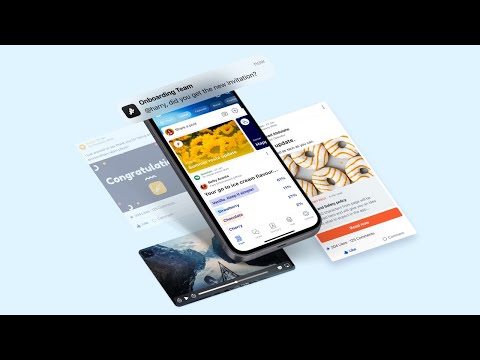
A curated gallery of real screenshots and use cases from the product, so you can see how it works before trying it.

Blink screenshot 1 Full Screen Icon
Blink screenshot 2 Full Screen Icon
Blink screenshot 3 Full Screen Icon
Blink screenshot 4 Full Screen Icon
Blink screenshot 5 Full Screen Icon
https://www.youtube.com/watch?v=uV1_4ZdjPQ4?feature=oembed
Full Screen Icon
Blink screenshot 1
Blink screenshot 2
Blink screenshot 3
Blink screenshot 4
Blink screenshot 5
Video thumbnail
Blink screenshot 1
Blink screenshot 2
Blink screenshot 3
Blink screenshot 4
Blink screenshot 5

Alternatives to Blink
info Icon

A list of platforms similar to Blink, helping you evaluate which tool best matches your needs.

How to cancel Blink

Need to cancel Blink? Here is how
info Icon

Thinking about how to cancel Blink this is how you do it!

Steps to Cancel Workhuman Social Recognition Subscription.

Canceling your Workhuman Social Recognition Subscription is a straightforward process. You can follow a few simple steps to initiate the cancellation or explore options to switch to a different plan. For detailed instructions, refer to Workhuman Social Recognition Cancellation Guide.

How to Cancel the Blink

Steps to Cancel Workhuman Social Recognition Subscription.

Canceling your Workhuman Social Recognition Subscription is a straightforward process. You can follow a few simple steps to initiate the cancellation or explore options to switch to a different plan. For detailed instructions, refer to Workhuman Social Recognition Cancellation Guide.

Manage your Blink profile

Create profile

Want to list your product on Subscribed.fyi? Create a profile to reach more buyers.

Pricing Range
info Icon

This only an estimated pricing range, visit Blink pricing page to access all the information by clicking “Visit Now”.

Not specified
Visit Now
Deals Available

This product comes with a special deal, see details

This product comes with a special deal, see details