Sign in to review
Join our community of software reviewers on Subscribed.fyi

Continue With Google
Continue With LinkedIn
Continue Review with Email
Continue with Email
Enter your email to continue.
Continue
Enter your password
Enter your password to finish setting up your account.
Continue
Activate your email
Enter activation code we sent to your email.
Submit
Reset your password
Enter activation code we sent to your email.
Submit
Set your new password
Enter a new password for your account.
Submit
Log in
Provide My Insights
eWay CRM logo
eWay CRM logo

eWay CRM Reviews, Pricing, Features & Alternatives (2026)

eWay-CRM transforms Microsoft Outlook into a comprehensive CRM solution, integrating customer management, sales tracking, and project handling within a familiar interface. It simplifies workflows with features like email automation, calendar synchronization, and contact management. Highly customizable and user-friendly, eWay-CRM is ideal for businesses seeking seamless CRM integration directly in Outlook.

eWay CRM logo
eWay CRM logo
eWay CRM logo

eWay CRM Overview

What is eWay CRM?

N/A
★ ★ ★ ★ ★
0
Reviews

Available for Claim - This listing is available to be claimed
Claim Profile

Unclaimed

Claim this profile to manage it.

Claim Profile

Why teams choose eWay CRM

Key Features

Trusted by Thousands
Proven by professionals worldwide.
Smart Automation
Smart Automation
Save time with AI-powered workflows.
Affordable Pricing
Affordable Pricing
Transparent plans to fit any budget.

Who is eWay CRM for?

eWay-CRM – The CRM Simplifier in Outlook

eWay-CRM transforms Microsoft Outlook into a seamless Constituent Relationship Management powerhouse. By integrating directly with Outlook and Microsoft 365, businesses can manage customers, sales, projects, communication history, and email campaigns—all within familiar tools. Designed for centralized client and project management, eWay-CRM ensures that every vital element is just a click away in your inbox.

Why Use eWay-CRM?

  • Effortless Outlook Integration: eWay-CRM brings CRM tools into your existing Outlook workflow. Forget switching between applications; features like email auto-saving and calendar synchronization are built right in.
  • Streamlined Workflows: Easily convert emails into actionable tasks, contacts, or deals with the “convert-to” feature, simplifying daily operations and minimizing data entry time.
  • All-in-One Management: From sales lead tracking to project progress and email campaigns, eWay-CRM consolidates everything into a single platform. It’s a solution tailored for efficiency.
  • Customization and Scalability: Adapt the CRM’s parameters to fit various business needs without relying on external platforms, enhancing control and personalization.
  • Accessible Across Platforms: With synchronized mobile support, users on the go or in-office can stay consistently updated and connected.

Pricing and Accessibility

eWay-CRM offers flexible pricing, starting at $24 per user per month for a premium subscription, and a lifetime option at $369 per user, accompanied by a 15% annual support fee. A free plan with essential features is also available, catering to small businesses or teams trying the system.

Deals and Alternatives

Explore exclusive deals for eWay-CRM. This software stands strong among Constituent Relationship Management solutions like others. However, there are currently no specific direct alternatives listed.

Who Should Use eWay-CRM?

  • Small to Medium Businesses: Companies looking to enhance organization and streamline operations with limited resources can utilize its easy integration and user-friendly interface.
  • Sales and Project Teams: Professionals who rely on effective client and project tracking through Outlook benefit significantly from eWay-CRM’s all-in-one tools.
  • Mobile Teams: Those working across different environments can take advantage of eWay-CRM’s synchronized platform flexibility.

Discover how eWay-CRM can effectively reshape your client management and drive your business goals forward.

eWay CRM Summary

eWay-CRM – The CRM Simplifier in Outlook

eWay-CRM transforms Microsoft Outlook into a seamless Constituent Relationship Management powerhouse. By integrating directly with Outlook and Microsoft 365, businesses can manage customers, sales, projects, communication history, and email campaigns—all within familiar tools. Designed for centralized client and project management, eWay-CRM ensures that every vital element is just a click away in your inbox.

Why Use eWay-CRM?

  • Effortless Outlook Integration: eWay-CRM brings CRM tools into your existing Outlook workflow. Forget switching between applications; features like email auto-saving and calendar synchronization are built right in.
  • Streamlined Workflows: Easily convert emails into actionable tasks, contacts, or deals with the “convert-to” feature, simplifying daily operations and minimizing data entry time.
  • All-in-One Management: From sales lead tracking to project progress and email campaigns, eWay-CRM consolidates everything into a single platform. It’s a solution tailored for efficiency.
  • Customization and Scalability: Adapt the CRM’s parameters to fit various business needs without relying on external platforms, enhancing control and personalization.
  • Accessible Across Platforms: With synchronized mobile support, users on the go or in-office can stay consistently updated and connected.

Pricing and Accessibility

eWay-CRM offers flexible pricing, starting at $24 per user per month for a premium subscription, and a lifetime option at $369 per user, accompanied by a 15% annual support fee. A free plan with essential features is also available, catering to small businesses or teams trying the system.

Deals and Alternatives

Explore exclusive deals for eWay-CRM. This software stands strong among Constituent Relationship Management solutions like others. However, there are currently no specific direct alternatives listed.

Who Should Use eWay-CRM?

  • Small to Medium Businesses: Companies looking to enhance organization and streamline operations with limited resources can utilize its easy integration and user-friendly interface.
  • Sales and Project Teams: Professionals who rely on effective client and project tracking through Outlook benefit significantly from eWay-CRM’s all-in-one tools.
  • Mobile Teams: Those working across different environments can take advantage of eWay-CRM’s synchronized platform flexibility.

Discover how eWay-CRM can effectively reshape your client management and drive your business goals forward.

eWay CRM reviews and insights

Learn what people say about eWay CRM

N/A ★ ★ ★ ★ ★
0 Reviews

No Reviews Yet!

Be the first to share your experience and help others in the community.

eWay CRM logo

eWay CRM User Reviews

0 User Reviews

eWay CRM pricing

Pricing model

eWay CRM logo
Pricing Range
info Icon

This only an estimated pricing range, visit eWay CRM pricing page to access all the information by clicking “Visit Now”.

$0-$40 / Month
Deals Available

This product comes with a special deal, see details

Visit Now

Overview

eWay-CRM – The CRM Simplifier in Outlook

eWay-CRM transforms Microsoft Outlook into a seamless Constituent Relationship Management powerhouse. By integrating directly with Outlook and Microsoft 365, businesses can manage customers, sales, projects, communication history, and email campaigns—all within familiar tools. Designed for centralized client and project management, eWay-CRM ensures that every vital element is just a click away in your inbox.

Why Use eWay-CRM?

  • Effortless Outlook Integration: eWay-CRM brings CRM tools into your existing Outlook workflow. Forget switching between applications; features like email auto-saving and calendar synchronization are built right in.
  • Streamlined Workflows: Easily convert emails into actionable tasks, contacts, or deals with the “convert-to” feature, simplifying daily operations and minimizing data entry time.
  • All-in-One Management: From sales lead tracking to project progress and email campaigns, eWay-CRM consolidates everything into a single platform. It’s a solution tailored for efficiency.
  • Customization and Scalability: Adapt the CRM’s parameters to fit various business needs without relying on external platforms, enhancing control and personalization.
  • Accessible Across Platforms: With synchronized mobile support, users on the go or in-office can stay consistently updated and connected.

Pricing and Accessibility

eWay-CRM offers flexible pricing, starting at $24 per user per month for a premium subscription, and a lifetime option at $369 per user, accompanied by a 15% annual support fee. A free plan with essential features is also available, catering to small businesses or teams trying the system.

Deals and Alternatives

Explore exclusive deals for eWay-CRM. This software stands strong among Constituent Relationship Management solutions like others. However, there are currently no specific direct alternatives listed.

Who Should Use eWay-CRM?

  • Small to Medium Businesses: Companies looking to enhance organization and streamline operations with limited resources can utilize its easy integration and user-friendly interface.
  • Sales and Project Teams: Professionals who rely on effective client and project tracking through Outlook benefit significantly from eWay-CRM’s all-in-one tools.
  • Mobile Teams: Those working across different environments can take advantage of eWay-CRM’s synchronized platform flexibility.

Discover how eWay-CRM can effectively reshape your client management and drive your business goals forward.

Where eWay CRM performs best

What users like
  • Seamless Outlook integration
  • Highly customizable to business needs
  • User-friendly interface
  • Helpful customer support

Where eWay CRM falls short

What users dislike
  • Frequent updates disrupt work
  • Performance slowdown in Outlook
  • Lack of adequate training resources
  • Limited offline functionality
eWay CRM Pricing Range
$0-$40 / Month

eWay CRM in action
info Icon

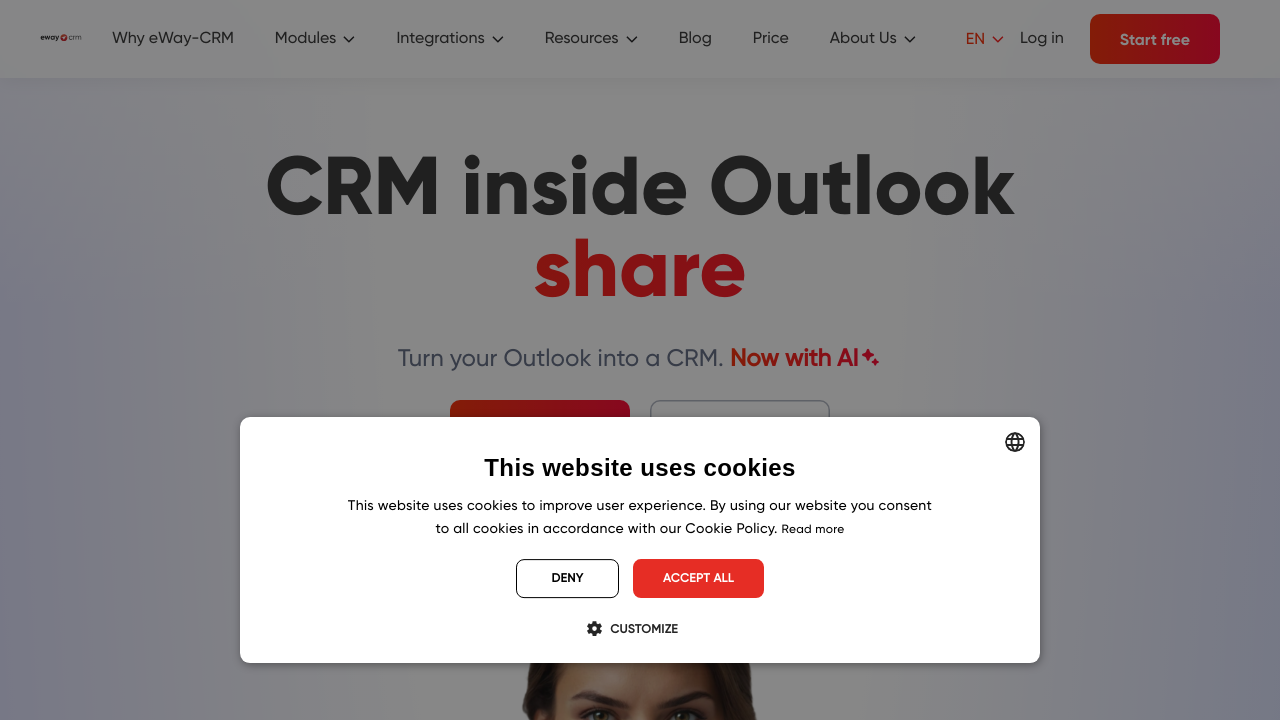
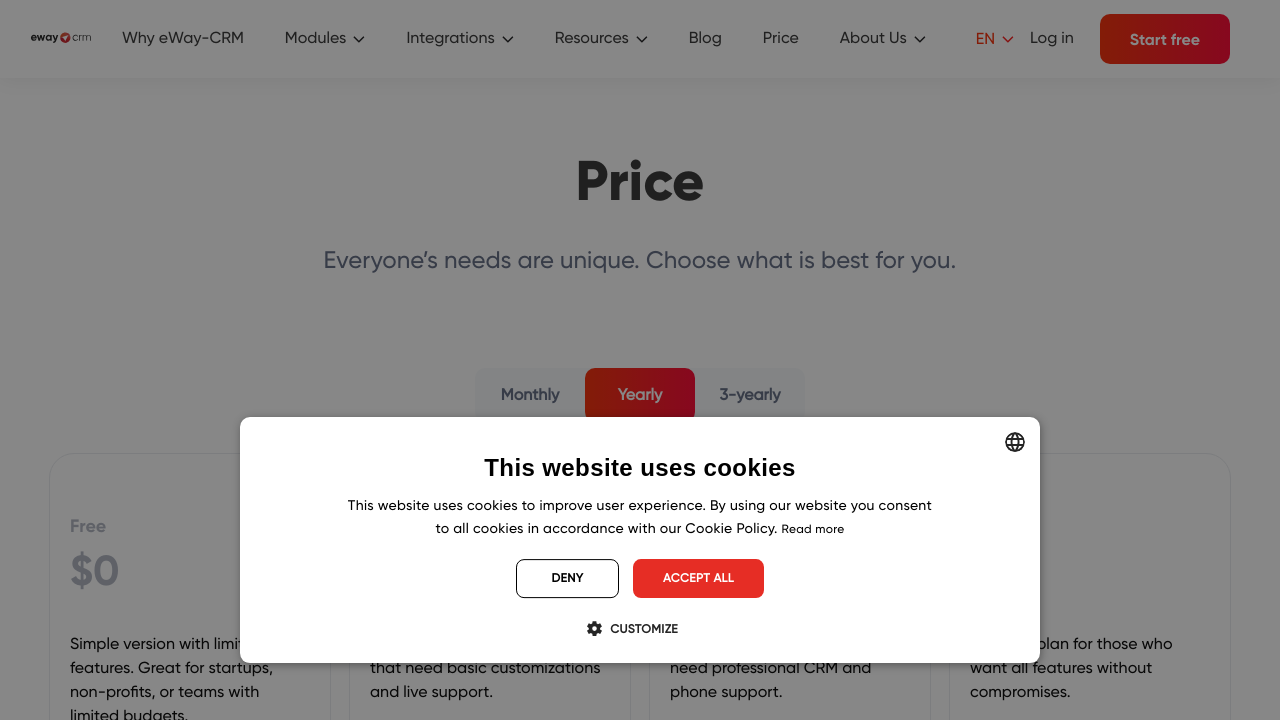
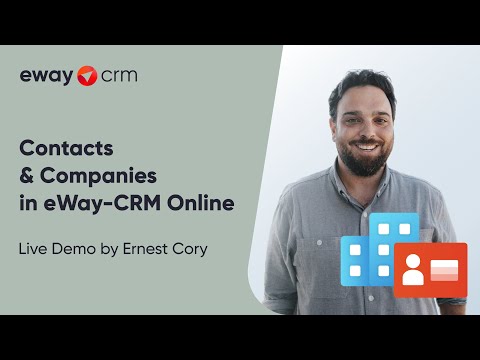
A curated gallery of real screenshots and use cases from the product, so you can see how it works before trying it.

eWay CRM screenshot 1 Full Screen Icon
eWay CRM screenshot 2 Full Screen Icon
https://www.youtube.com/watch?v=_v7J4lzrmcU
Full Screen Icon
https://www.youtube.com/watch?v=SYxmy38mpEw
Full Screen Icon
eWay CRM screenshot 1
eWay CRM screenshot 2
Video thumbnail
Video thumbnail
eWay CRM screenshot 1
eWay CRM screenshot 2

Alternatives to eWay CRM
info Icon

A list of platforms similar to eWay CRM, helping you evaluate which tool best matches your needs.

How to cancel eWay CRM

Need to cancel eWay CRM? Here is how
info Icon

Thinking about how to cancel eWay CRM this is how you do it!

To cancel eWay CRM, go to the Administration Center in Outlook, select Manage Subscriptions, and click Close Account. Your account remains active until the end of your paid subscription cycle. Contact support for a database backup.

How to Cancel the eWay CRM

To cancel eWay CRM, go to the Administration Center in Outlook, select Manage Subscriptions, and click Close Account. Your account remains active until the end of your paid subscription cycle. Contact support for a database backup.

Manage your eWay CRM profile

Create profile

Want to list your product on Subscribed.fyi? Create a profile to reach more buyers.

Pricing Range
info Icon

This only an estimated pricing range, visit eWay CRM pricing page to access all the information by clicking “Visit Now”.

$0-$40 / Month
Visit Now
Deals Available

This product comes with a special deal, see details

This product comes with a special deal, see details