Project management tools like , Notion, Basecamp, Lark, Slack, Asana and Trello.
AI chatbot tools like ChatGPT, Grok, Perplexity, Claude, Gemini and Copilot.
Marketing analytics platforms like Google Analytics, Similarweb and Semrush.
CRM systems like HubSpot, Apollo.io Pipedrive, Zoho CRM, and Salesforce.
VPNs, SSO providers, and password managers like NordVPN, Okta, and LastPass.
Email marketing and campaign tools like MailerLite, Instantly, and Mailchimp.
Website builders, hosting tools like Hostinger, Webflow, Framer, and Shopify
HR and recruiting software like ATS platforms, BambooHR, Workday, and Lever.
Automate finances with confidence like Quickbooks, Stripe, Brex, and Mercury.
Design and editing tools like Figma, Canva, Adobe Creative Cloud, CapCut.
Workflow automation tools like Zapier, Make, Clay, and Reclaim.ai.
No-code and AI-native dev tools like Cursor, Windsurf, Lovable and Bubble.
Chat to find tools, compare options,
Discover the best-performing
Curated and listed by Subscribed Team
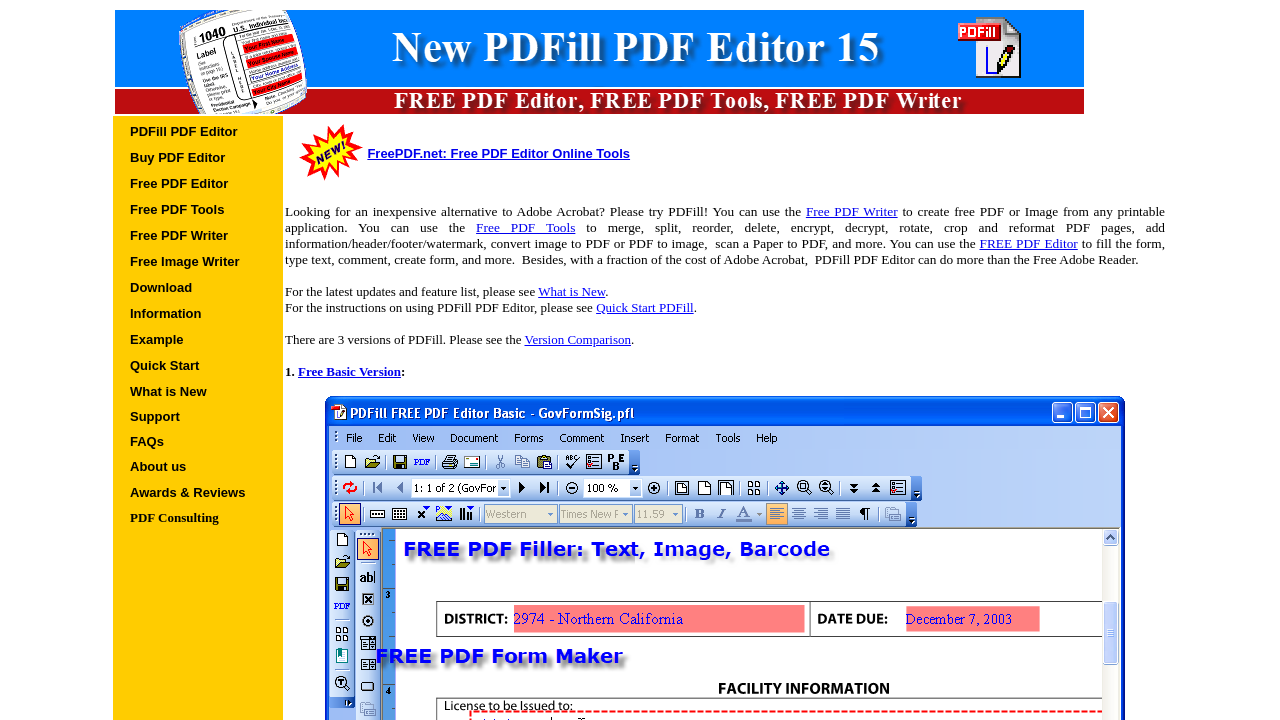
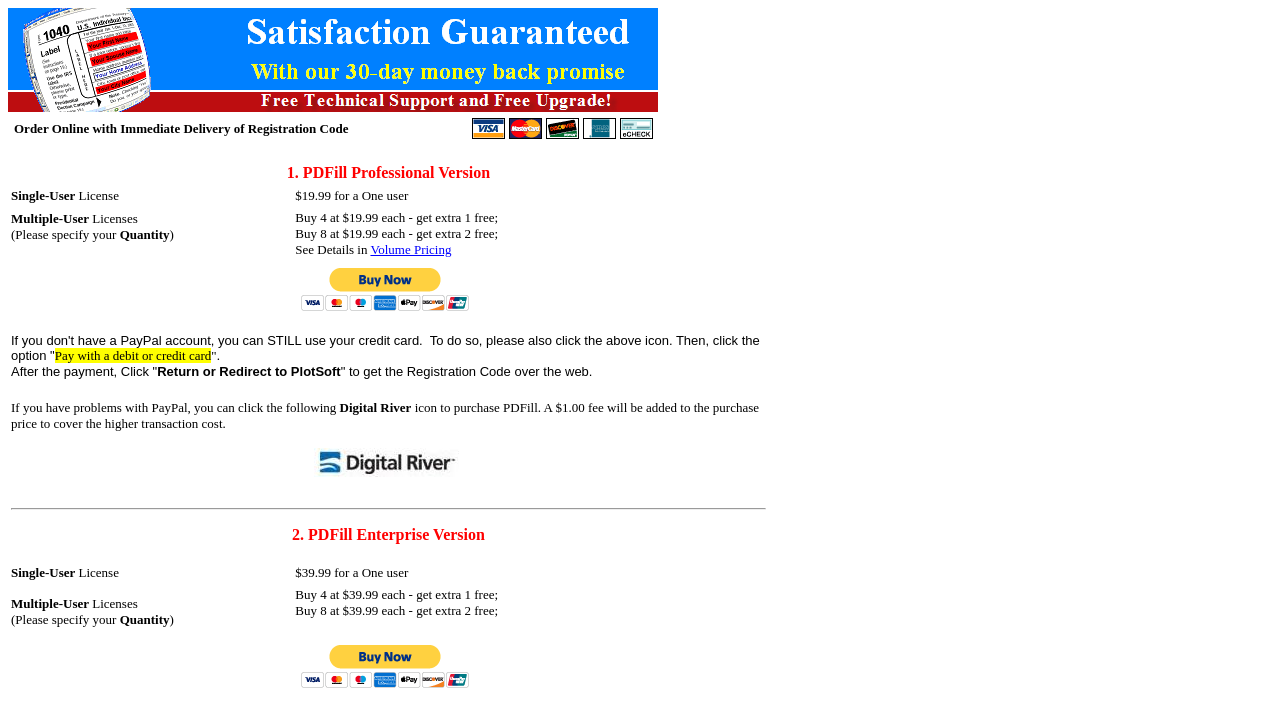
PDFill is a robust PDF solution that transforms how you work with document files. Built on a Windows-based platform, PDFill lets you create new PDF documents, merge, split, reorder, encrypt, and annotate files—all without the premium price tag of other expensive alternatives. Designed with a focus on practicality, this tool is ideal for businesses and individuals seeking an affordable yet comprehensive PDF editing solution.
Positioned in the Image Editing category, PDFill provides a wide range of features that streamline document management processes. Its core functionality includes not only creating PDFs from scratch but also editing existing documents by allowing users to modify fields, adjust file size, and secure documents with password protection. PDFill’s extensive suite of tools minimizes the need for multiple applications, saving you time and effort while ensuring that all your editing needs are met in one secure platform.
Key Features of PDFill
Beyond basic editing, PDFill supports integration with document scanning software and provides features to track editing history and manage document versions. The comprehensive set of options allows users to convert images to PDF, adjust page layouts, add watermarks, and even incorporate digital signatures for enhanced authenticity.
PDFill is an excellent choice for professionals who value efficiency and cost-effectiveness. Its versatile tools make it suitable not only for routine administrative tasks but also for more specialized document management in legal, accounting, and creative fields. Additionally, the software’s compatibility with various operating systems, including Microsoft Windows, macOS, and Linux, ensures that users can work seamlessly across different environments.
Enjoy exclusive deals on PDFill by visiting the PDFill Deals page. For those exploring other PDF editing options, consider these trusted alternatives: iLovePDF and Foxit PDF Editor. With its comprehensive toolset and user-friendly approach, PDFill offers a reliable solution for all your PDF editing and document management needs.

PDFill is a robust PDF solution that transforms how you work with document files. Built on a Windows-based platform, PDFill lets you create new PDF documents, merge, split, reorder, encrypt, and annotate files—all without the premium price tag of other expensive alternatives. Designed with a focus on practicality, this tool is ideal for businesses and individuals seeking an affordable yet comprehensive PDF editing solution.
Positioned in the Image Editing category, PDFill provides a wide range of features that streamline document management processes. Its core functionality includes not only creating PDFs from scratch but also editing existing documents by allowing users to modify fields, adjust file size, and secure documents with password protection. PDFill’s extensive suite of tools minimizes the need for multiple applications, saving you time and effort while ensuring that all your editing needs are met in one secure platform.
Key Features of PDFill
Beyond basic editing, PDFill supports integration with document scanning software and provides features to track editing history and manage document versions. The comprehensive set of options allows users to convert images to PDF, adjust page layouts, add watermarks, and even incorporate digital signatures for enhanced authenticity.
PDFill is an excellent choice for professionals who value efficiency and cost-effectiveness. Its versatile tools make it suitable not only for routine administrative tasks but also for more specialized document management in legal, accounting, and creative fields. Additionally, the software’s compatibility with various operating systems, including Microsoft Windows, macOS, and Linux, ensures that users can work seamlessly across different environments.
Enjoy exclusive deals on PDFill by visiting the PDFill Deals page. For those exploring other PDF editing options, consider these trusted alternatives: iLovePDF and Foxit PDF Editor. With its comprehensive toolset and user-friendly approach, PDFill offers a reliable solution for all your PDF editing and document management needs.

Learn what people say about PDFill
Be the first to share your experience and help others in the community.
PDFill is a robust PDF solution that transforms how you work with document files. Built on a Windows-based platform, PDFill lets you create new PDF documents, merge, split, reorder, encrypt, and annotate files—all without the premium price tag of other expensive alternatives. Designed with a focus on practicality, this tool is ideal for businesses and individuals seeking an affordable yet comprehensive PDF editing solution.
Positioned in the Image Editing category, PDFill provides a wide range of features that streamline document management processes. Its core functionality includes not only creating PDFs from scratch but also editing existing documents by allowing users to modify fields, adjust file size, and secure documents with password protection. PDFill’s extensive suite of tools minimizes the need for multiple applications, saving you time and effort while ensuring that all your editing needs are met in one secure platform.
Key Features of PDFill
Beyond basic editing, PDFill supports integration with document scanning software and provides features to track editing history and manage document versions. The comprehensive set of options allows users to convert images to PDF, adjust page layouts, add watermarks, and even incorporate digital signatures for enhanced authenticity.
PDFill is an excellent choice for professionals who value efficiency and cost-effectiveness. Its versatile tools make it suitable not only for routine administrative tasks but also for more specialized document management in legal, accounting, and creative fields. Additionally, the software’s compatibility with various operating systems, including Microsoft Windows, macOS, and Linux, ensures that users can work seamlessly across different environments.
Enjoy exclusive deals on PDFill by visiting the PDFill Deals page. For those exploring other PDF editing options, consider these trusted alternatives: iLovePDF and Foxit PDF Editor. With its comprehensive toolset and user-friendly approach, PDFill offers a reliable solution for all your PDF editing and document management needs.
To cancel a PDFill subscription: