PhotoRoom Reviews 2026: Details, Pricing, & Features | Subscribed.fyi
Sign in to review
Join our community of software reviewers on Subscribed.fyi

Continue With Google
Continue With LinkedIn
Continue Review with Email
Continue with Email
Enter your email to continue.
Continue
Enter your password
Enter your password to finish setting up your account.
Continue
Activate your email
Enter activation code we sent to your email.
Submit
Reset your password
Enter activation code we sent to your email.
Submit
Set your new password
Enter a new password for your account.
Submit
✨ Ask AI Search
Categories
For Business
Log in
Provide My Insights

PhotoRoom

5/5
(2)

Photoroom is a photo editing app that simplifies background removal and image enhancement. It's ideal for small business owners, content creators, and online sellers seeking professional-quality visuals with user-friendly tools and versatile templates.

PhotoRoom

5
2
Reviews
67%
Subscribed Score

Reliable Service - This seller has been verified by our team

Verified

Curated and listed by Subscribed Team

Affordable Pricing
Affordable Pricing
Transparent plans to fit any budget.
Fully Customizable
Fully Customizable
Tailor it to your brand and workflow.
Eco-Friendly
Eco-Friendly
Designed with sustainability in mind.

Transform Your Content Creation with Photoroom – The Ultimate Photo Editing App

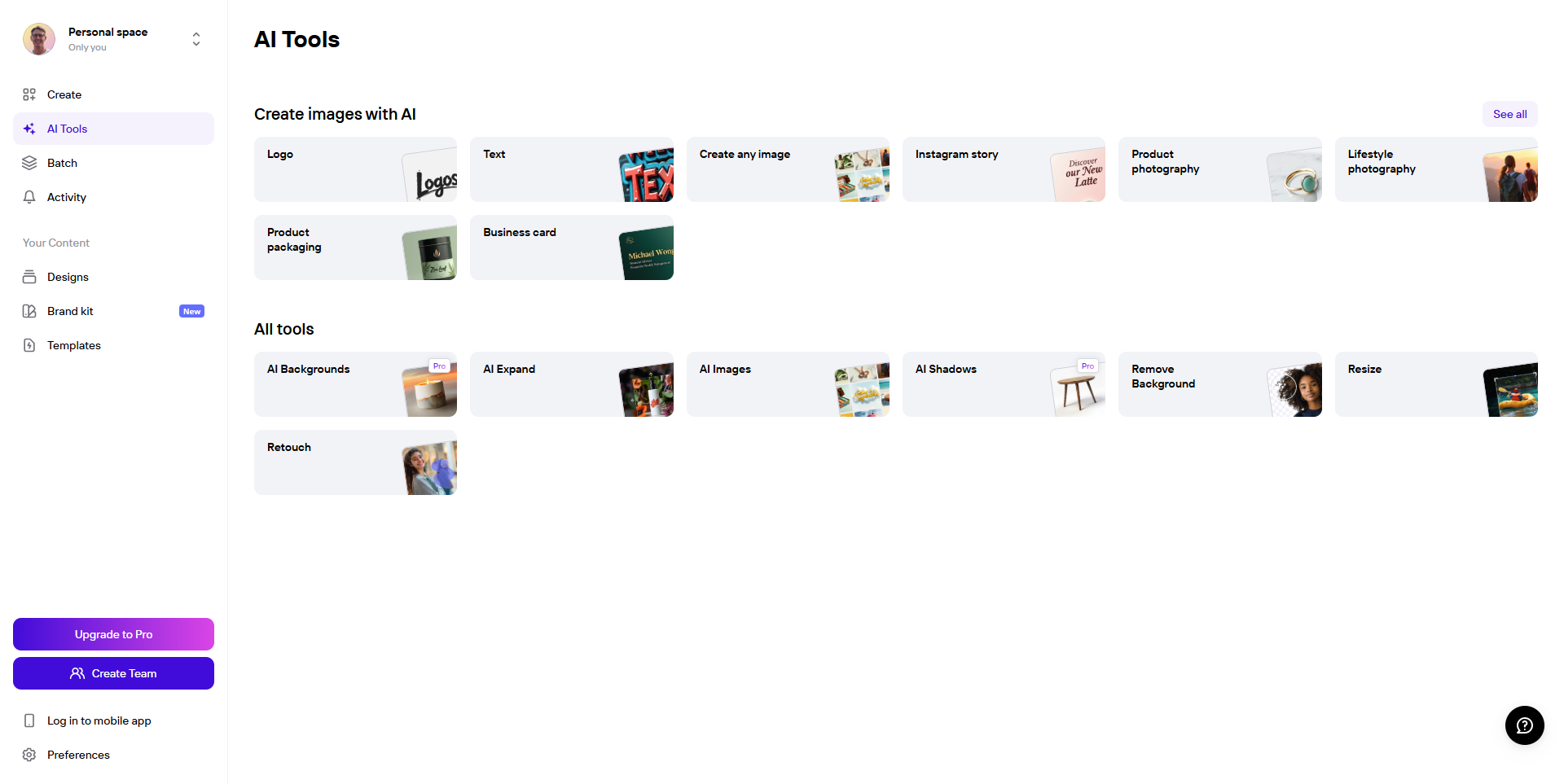
Photoroom, a leading tool in the AI Image Generators Software category, empowers users to create professional-quality images effortlessly by removing backgrounds and enhancing visuals. Perfect for small business owners, content creators, and online sellers, Photoroom makes it easy to produce eye-catching photos for products and social media content. Ready to elevate your visuals? Explore exclusive deals.

Why Use Photoroom?

In the realm of photo editing tools, Photoroom stands out by:

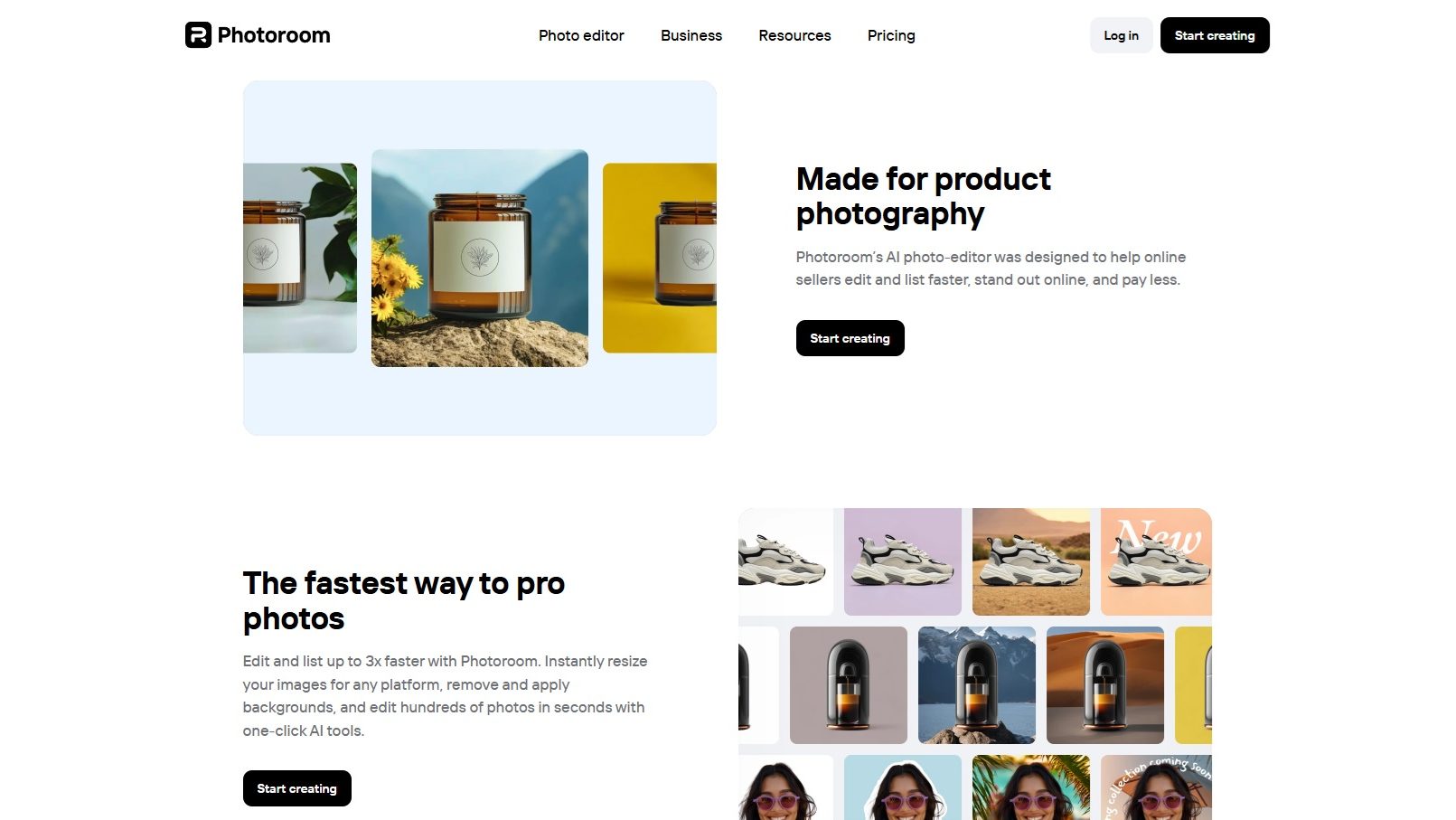
  1. Background Removal: Photoroom offers an intuitive background removal feature, allowing users to isolate subjects and create clean, professional images with ease.
  2. Enhancement Tools: The app provides a suite of enhancement tools to adjust lighting, colors, and other visual elements, ensuring that photos are polished and visually appealing.
  3. User-Friendly Interface: With its straightforward and user-friendly interface, Photoroom makes photo editing accessible to users of all skill levels, from beginners to professionals.
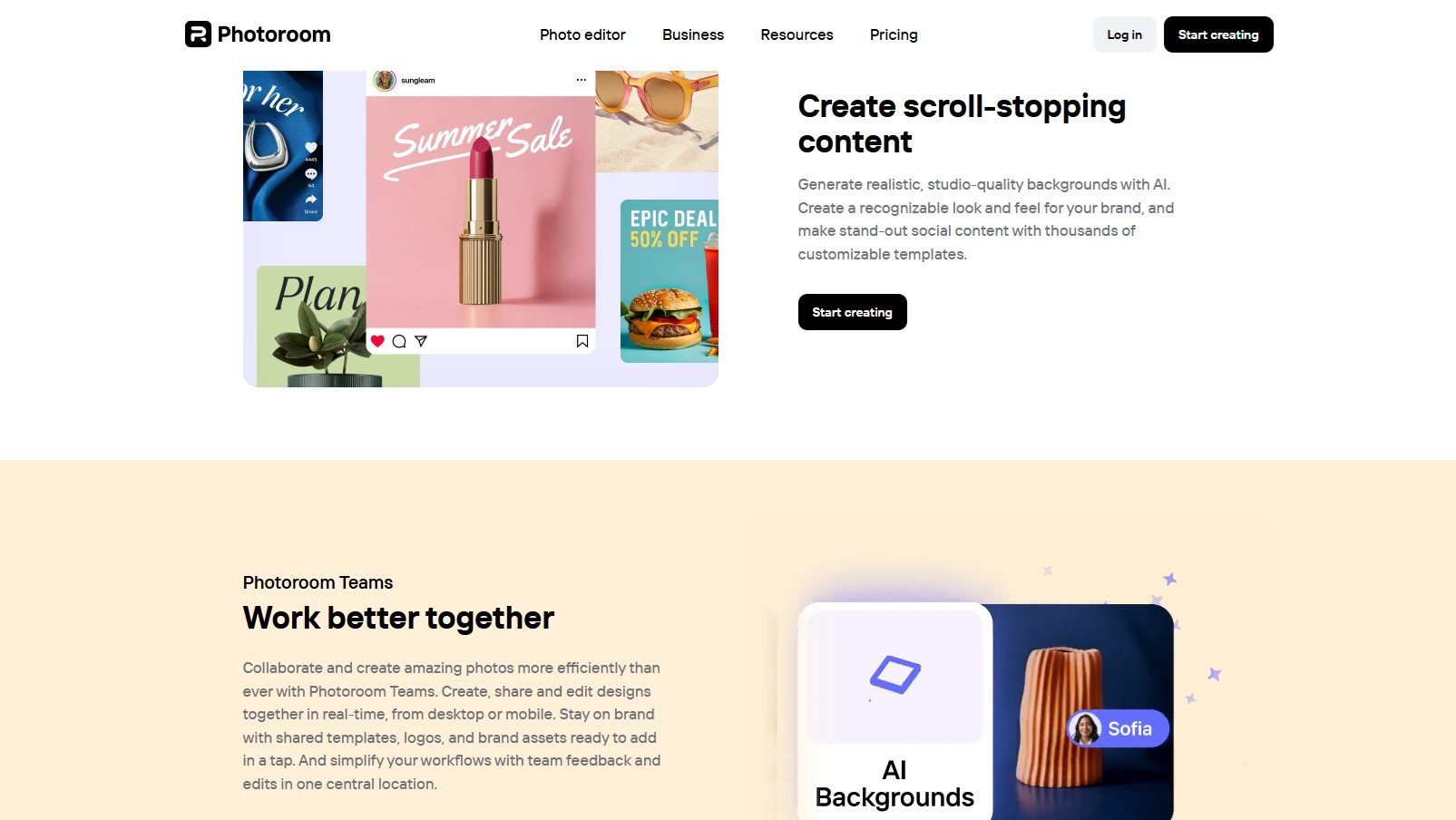
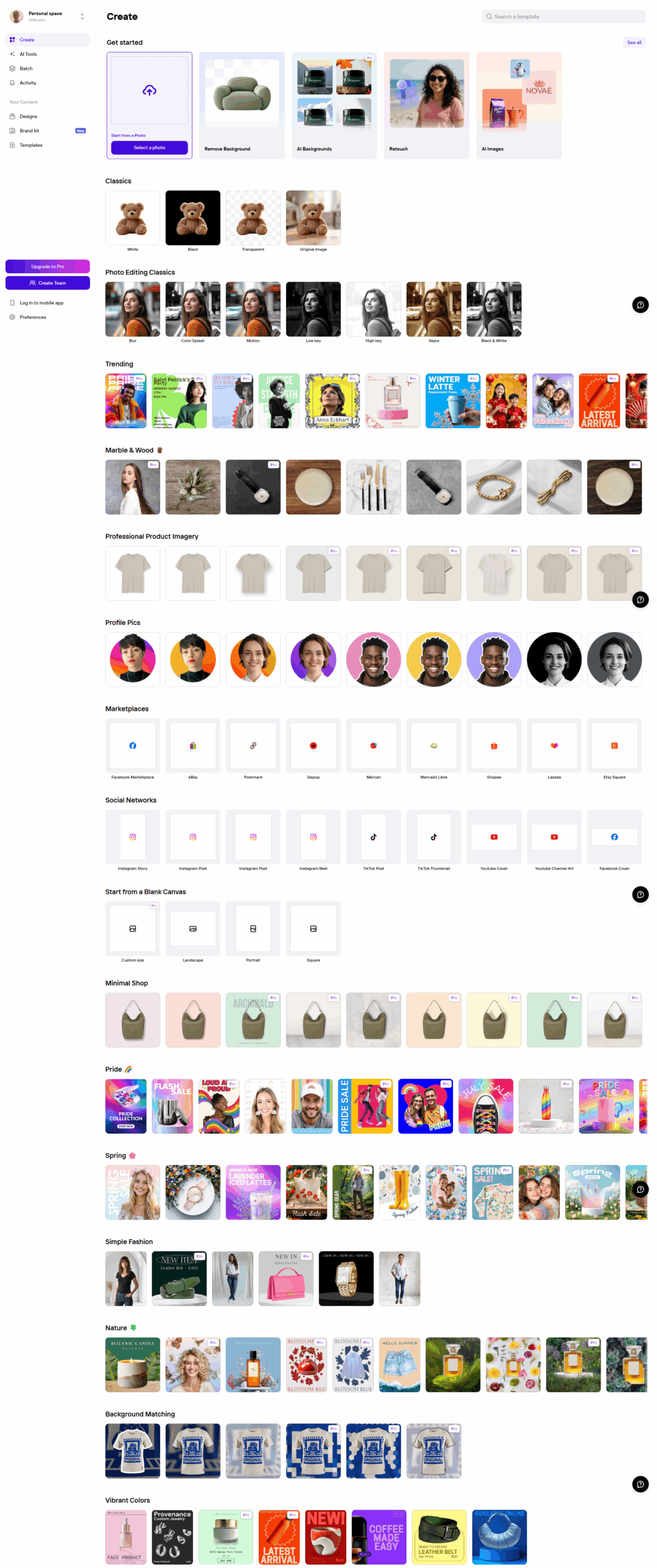
  4. Versatile Templates: Photoroom includes a variety of templates tailored for different platforms and purposes, helping users quickly create content that meets specific requirements.

Who is Photoroom For?

Photoroom caters to a diverse range of users:

  1. Small Business Owners: Small business owners use Photoroom to create professional product images for their online stores and marketing materials, enhancing their brand’s visual appeal.
  2. Content Creators: Content creators leverage Photoroom to produce high-quality visuals for social media, blogs, and other digital platforms, ensuring their content stands out.
  3. Online Sellers: Online sellers benefit from Photoroom’s ability to quickly generate clean and attractive product photos, improving their listings and attracting more customers.
  4. Individuals Seeking Quality Photos: Individuals looking to enhance personal photos for social media or personal projects find Photoroom’s tools and features ideal for achieving professional results.

In conclusion, Photoroom is an essential tool for anyone looking to create stunning, professional-quality images with ease. Whether you’re a small business owner, content creator, online seller, or simply someone who wants to enhance their photos, Photoroom provides the tools needed to elevate your visuals.


PhotoRoom Summary

Transform Your Content Creation with Photoroom – The Ultimate Photo Editing App

Photoroom, a leading tool in the AI Image Generators Software category, empowers users to create professional-quality images effortlessly by removing backgrounds and enhancing visuals. Perfect for small business owners, content creators, and online sellers, Photoroom makes it easy to produce eye-catching photos for products and social media content. Ready to elevate your visuals? Explore exclusive deals.

Why Use Photoroom?

In the realm of photo editing tools, Photoroom stands out by:

  1. Background Removal: Photoroom offers an intuitive background removal feature, allowing users to isolate subjects and create clean, professional images with ease.
  2. Enhancement Tools: The app provides a suite of enhancement tools to adjust lighting, colors, and other visual elements, ensuring that photos are polished and visually appealing.
  3. User-Friendly Interface: With its straightforward and user-friendly interface, Photoroom makes photo editing accessible to users of all skill levels, from beginners to professionals.
  4. Versatile Templates: Photoroom includes a variety of templates tailored for different platforms and purposes, helping users quickly create content that meets specific requirements.

Who is Photoroom For?

Photoroom caters to a diverse range of users:

  1. Small Business Owners: Small business owners use Photoroom to create professional product images for their online stores and marketing materials, enhancing their brand’s visual appeal.
  2. Content Creators: Content creators leverage Photoroom to produce high-quality visuals for social media, blogs, and other digital platforms, ensuring their content stands out.
  3. Online Sellers: Online sellers benefit from Photoroom’s ability to quickly generate clean and attractive product photos, improving their listings and attracting more customers.
  4. Individuals Seeking Quality Photos: Individuals looking to enhance personal photos for social media or personal projects find Photoroom’s tools and features ideal for achieving professional results.

In conclusion, Photoroom is an essential tool for anyone looking to create stunning, professional-quality images with ease. Whether you’re a small business owner, content creator, online seller, or simply someone who wants to enhance their photos, Photoroom provides the tools needed to elevate your visuals.

PhotoRoom reviews

Learn what people say about PhotoRoom

5
2 Reviews
67%
Subscribed Score

Lear more here about the Subscribed score on how it is composed. Learn more Click here

Overall rating

5
4
3
2
1
CX 4/6

How good is the customer support based on subscribed’s assessment

CX Icon
Security 2/6

How secure is the product based on Subscribed’s assessment?

Security Icon
Ease of Use 6/6

How easy is the product to use, based on Subscribed’s assessment?

EOU Icon
Value 5/6

What is the value for money based on Subscribed’s assessment?

coin Icon
Integration 3/6

How many integrations does the product offer?

gear Icon
Popularity 4/6

How popular is the product?

star
ruhimirpuri Organic
Freelancer
3 days ago
Share
What was your first impression when you started using it?
My first impression was that the interface is very clean. It is easy to use. I was able to start editing photos immediately without needing much guidance.
What slows you down when using it?
Sometimes, when processing edits the app can lag slightly. Also, certain features are limited to upgrade users.
Is there a workflow that could be simpler?
Yes. exporting and switching between templates could be quicker. A smoother transition between editing steps would make the process faster.
Final thoughts, wrap up what you think
It’s a user-friendly and efficient tool that delivers strong results, especially for quick photo editing and background removal. While it’s very convenient and produces high-quality visuals, there’s still room for improvement in advanced editing features and performance.
Upvote
shakeeb ahmad Organic
web developer
See My Portfolio
5 days ago
Share
How does this compare to similar products you’ve tried?
PhotoRoom stands out for its incredibly simple background removal and easy object extraction, much quicker than many competitors. It’s especially sharp for product photos and social media visuals.
What slows you down when using it?
The export options sometimes take extra time, especially when choosing higher-quality settings or multiple formats.
What’s still missing for your needs?
More advanced editing features like detailed retouching or batch edits would make it even more versatile.
Final thoughts, wrap up what you think
It’s fast and intuitive for clean photo editing and background removal, which saves lots of time. A few more pro-level tools would make it perfect for creative workflows.
Upvote

PhotoRoom User Reviews

2 User Reviews

ruhimirpuri Organic
Freelancer
3 days ago
Share
What was your first impression when you started using it?
My first impression was that the interface is very clean. It is easy to use. I was able to start editing photos immediately without needing much guidance.
What slows you down when using it?
Sometimes, when processing edits the app can lag slightly. Also, certain features are limited to upgrade users.
Is there a workflow that could be simpler?
Yes. exporting and switching between templates could be quicker. A smoother transition between editing steps would make the process faster.
Final thoughts, wrap up what you think
It’s a user-friendly and efficient tool that delivers strong results, especially for quick photo editing and background removal. While it’s very convenient and produces high-quality visuals, there’s still room for improvement in advanced editing features and performance.
Upvote
shakeeb ahmad Organic
web developer
See My Portfolio
5 days ago
Share
How does this compare to similar products you’ve tried?
PhotoRoom stands out for its incredibly simple background removal and easy object extraction, much quicker than many competitors. It’s especially sharp for product photos and social media visuals.
What slows you down when using it?
The export options sometimes take extra time, especially when choosing higher-quality settings or multiple formats.
What’s still missing for your needs?
More advanced editing features like detailed retouching or batch edits would make it even more versatile.
Final thoughts, wrap up what you think
It’s fast and intuitive for clean photo editing and background removal, which saves lots of time. A few more pro-level tools would make it perfect for creative workflows.
Upvote
Reviews from G2, Capterra, Trustpilot
info Icon

These ratings come directly from third-party platforms like G2, Capterra, and Trustpilot. They reflect real user feedback collected independently on those sites.

PhotoRoom

Pricing Range
info Icon

This only an estimated pricing range, visit PhotoRoom pricing page to access all the information by clicking “Visit Now”.

$20-1k / Month
Deals Available

This product comes with a special deal, see details

Visit Now
✨ Ask AI about pricing
67% Subscribed Score
info Icon

The Subscribed Score is an independent rating that combines user reviews, features, and value-for-money from multiple trusted sources. It’s designed as a quick benchmark, not a guarantee of individual experience.

Analysis

Transform Your Content Creation with Photoroom – The Ultimate Photo Editing App

Photoroom, a leading tool in the AI Image Generators Software category, empowers users to create professional-quality images effortlessly by removing backgrounds and enhancing visuals. Perfect for small business owners, content creators, and online sellers, Photoroom makes it easy to produce eye-catching photos for products and social media content. Ready to elevate your visuals? Explore exclusive deals.

Why Use Photoroom?

In the realm of photo editing tools, Photoroom stands out by:

  1. Background Removal: Photoroom offers an intuitive background removal feature, allowing users to isolate subjects and create clean, professional images with ease.
  2. Enhancement Tools: The app provides a suite of enhancement tools to adjust lighting, colors, and other visual elements, ensuring that photos are polished and visually appealing.
  3. User-Friendly Interface: With its straightforward and user-friendly interface, Photoroom makes photo editing accessible to users of all skill levels, from beginners to professionals.
  4. Versatile Templates: Photoroom includes a variety of templates tailored for different platforms and purposes, helping users quickly create content that meets specific requirements.

Who is Photoroom For?

Photoroom caters to a diverse range of users:

  1. Small Business Owners: Small business owners use Photoroom to create professional product images for their online stores and marketing materials, enhancing their brand’s visual appeal.
  2. Content Creators: Content creators leverage Photoroom to produce high-quality visuals for social media, blogs, and other digital platforms, ensuring their content stands out.
  3. Online Sellers: Online sellers benefit from Photoroom’s ability to quickly generate clean and attractive product photos, improving their listings and attracting more customers.
  4. Individuals Seeking Quality Photos: Individuals looking to enhance personal photos for social media or personal projects find Photoroom’s tools and features ideal for achieving professional results.

In conclusion, Photoroom is an essential tool for anyone looking to create stunning, professional-quality images with ease. Whether you’re a small business owner, content creator, online seller, or simply someone who wants to enhance their photos, Photoroom provides the tools needed to elevate your visuals.

Pros
  • Easy to use with intuitive design
  • High-quality background removal
  • AI features enhance creativity
  • Batch editing for efficiency
Cons
  • Occasional inaccuracies in background removal
  • Limited advanced video editing
  • AI backgrounds sometimes lack quality
  • Export process to other devices needs improvement
Subscribed Score Metrics
24/36 Metric achieved
MetricsScore
Customer Support4/6
Security2/6
Ease of Use6/6
Value of Money5/6
Integration3/6
Popularity4/6
Radar Chart Table View
Ease of Use
Measures how simple and intuitive the product is to use, including setup, navigation, and overall user experience
6/6 Metric Checks
Security
Compares the product`s features, quality, and pricing to determine its overall cost-effectiveness.
2/6 Metric Checks
Value of Money
Assesses the product`s ability to protect data, prevent breaches, and comply with industry standards.
5/6 Metric Checks
Customer Support
Reflects the responsiveness, helpfulness, and quality of assistance provided by the product`s support team.
4/6 Metric Checks
Integrations
Evaluates how well the product connects with other tools and platforms, enabling seamless workflows.
3/6 Metric Checks
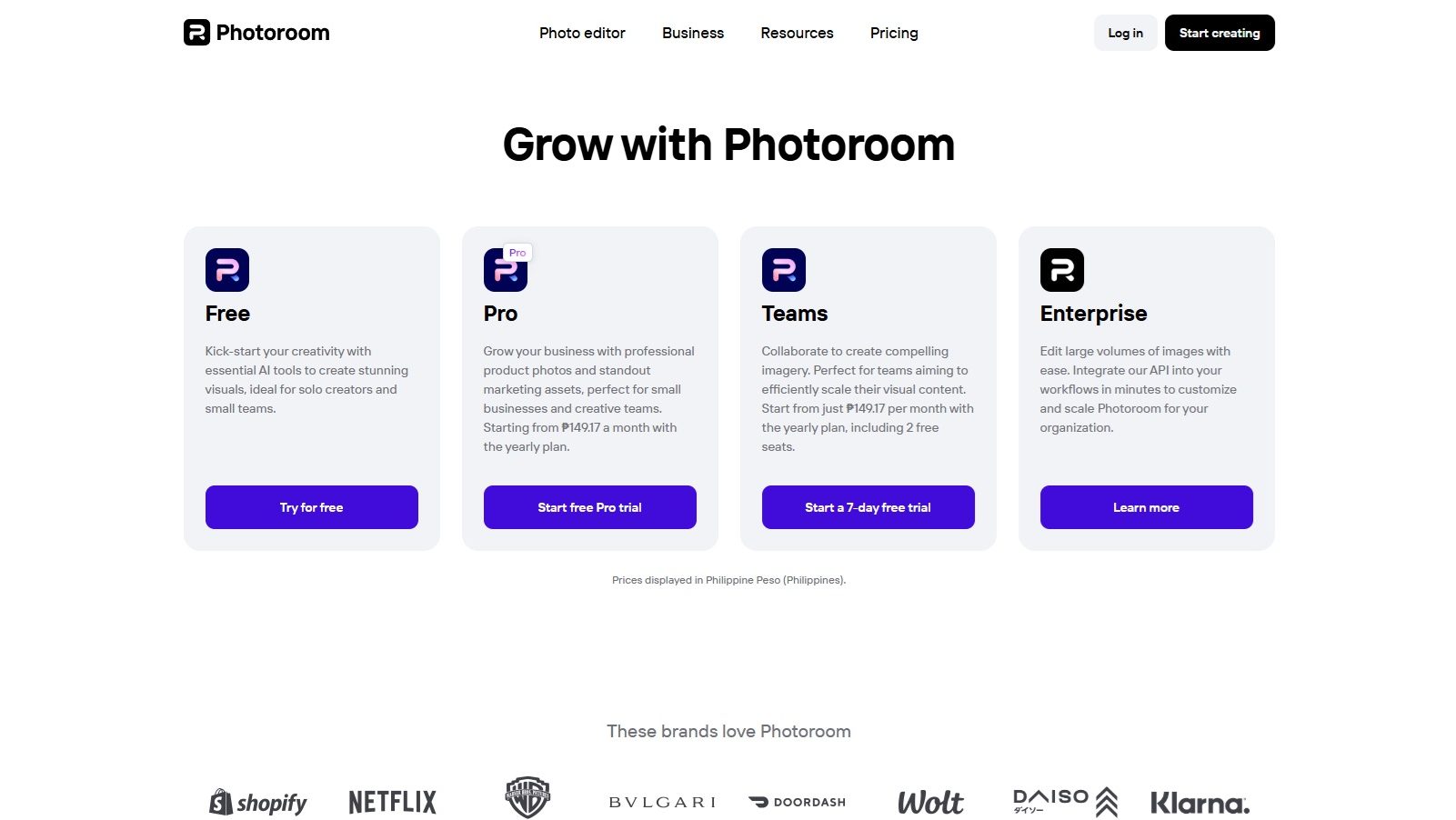
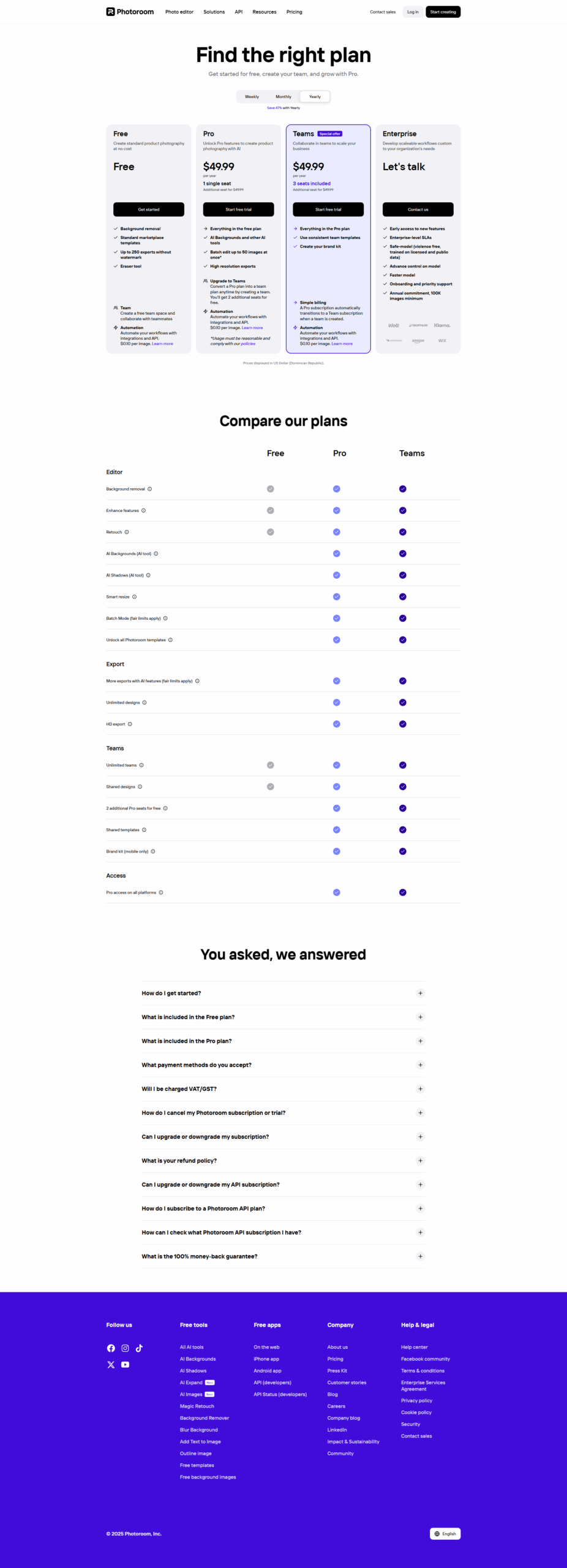
PhotoRoom Pricing Range
$20-1k / Month

PhotoRoom Showcase
info Icon

A curated gallery of real screenshots and use cases from the product, so you can see how it works before trying it.

Full Screen Icon
Full Screen Icon
Full Screen Icon
Full Screen Icon
Full Screen Icon
Full Screen Icon
Full Screen Icon
Full Screen Icon
Full Screen Icon
Full Screen Icon
https://www.youtube.com/watch?v=DHEbcS4pudo?feature=oembed
Full Screen Icon

What else exists next to PhotoRoom
info Icon

A list of platforms similar to PhotoRoom, helping you evaluate which tool best matches your needs.

Need to cancel PhotoRoom? Here is how
info Icon

Thinking about how to cancel PhotoRoom this is how you do it!

Steps to Cancel Photoroom Subscription.

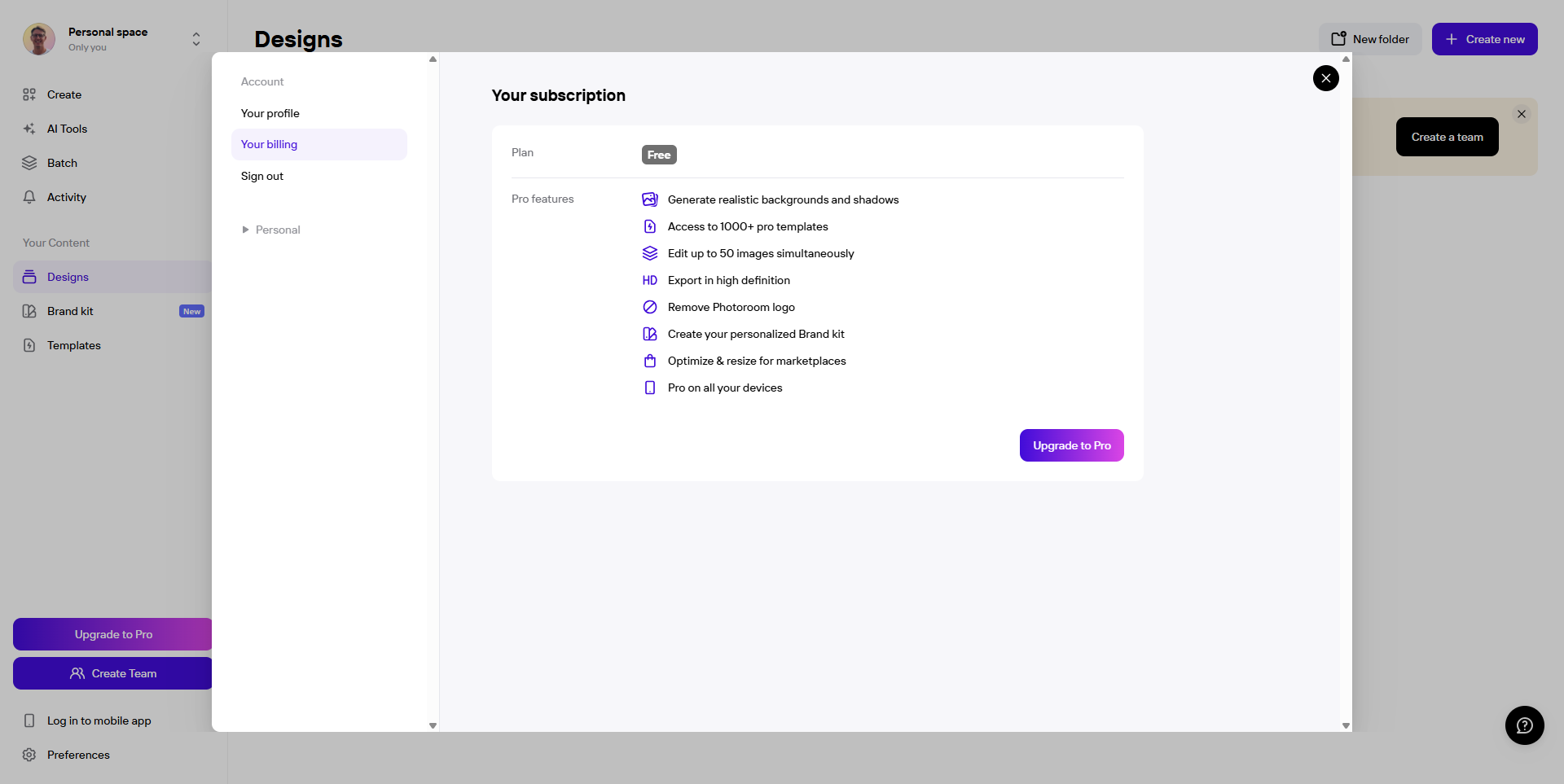
Canceling your Photoroom Subscription is a straightforward process. You can follow a few simple steps to initiate the cancellation or explore options to switch to a different plan. For detailed instructions, refer to Photoroom Cancellation Guide.

How to Cancel the PhotoRoom

Steps to Cancel Photoroom Subscription.

Canceling your Photoroom Subscription is a straightforward process. You can follow a few simple steps to initiate the cancellation or explore options to switch to a different plan. For detailed instructions, refer to Photoroom Cancellation Guide.

Every else you need to know about PhotoRoom
info Icon

A collection of FAQs, guides, alternatives, and comparisons to help you quickly understand if PhotoRoom is right for you.

Pricing Range
info Icon

This only an estimated pricing range, visit PhotoRoom pricing page to access all the information by clicking “Visit Now”.

$20-1k / Month
Visit Now
Deals Available

This product comes with a special deal, see details

This product comes with a special deal, see details