Gantter Reviews 2026: Details, Pricing, & Features | Subscribed.fyi
Sign in to review
Join our community of software reviewers on Subscribed.fyi

Continue With Google
Continue With LinkedIn
Continue Review with Email
Continue with Email
Enter your email to continue.
Continue
Enter your password
Enter your password to finish setting up your account.
Continue
Activate your email
Enter activation code we sent to your email.
Submit
Reset your password
Enter activation code we sent to your email.
Submit
Set your new password
Enter a new password for your account.
Submit
Categories
For Business
Log in
Provide My Insights

Gantter Reviews, Pricing, Features & Alternatives (2026)

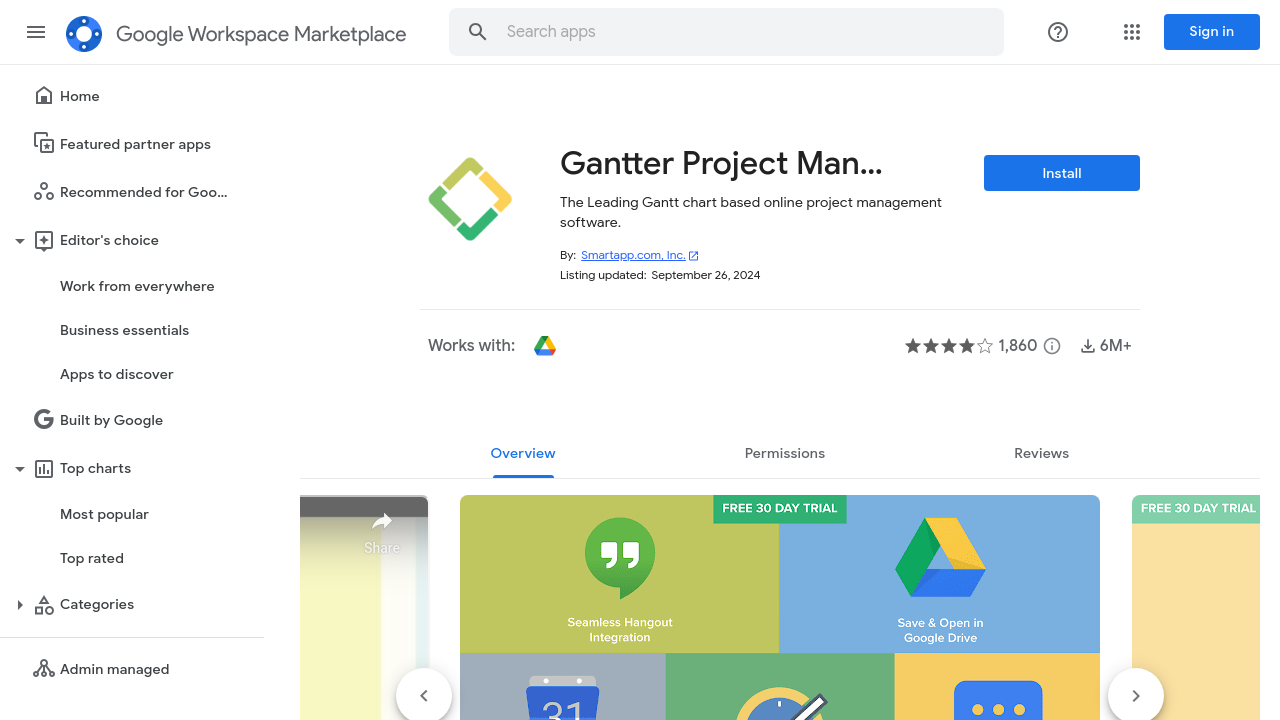
Gantter is a cloud-based project management tool, seamlessly integrated with Google Workspace, enabling users to create, edit, and share Gantt charts collaboratively. It supports MS Project files and offers features like task tracking, cost management, risk management, and resource allocation. Designed for accessibility and ease of use, Gantter provides scalable solutions for individuals and teams at an affordable price.

Gantter Overview

What is Gantter?

N/A
0
Reviews
59%
Subscribed Score

Available for Claim - This listing is available to be claimed
Claim Profile For Free

Unclaimed

Manage profile with subsig, and unlock 23+ social and review monitoring. Get partnership options with

Claim Profile For Free

Why teams choose Gantter

Key Features

No-Code Simplicity
No-Code Simplicity
Launch without writing a single line of code.
Save Time
Save Time
Focus on impact, not repetitive tasks.
Affordable Pricing
Affordable Pricing
Transparent plans to fit any budget.

Who is Gantter for?

Gantter is a leading cloud-based project management solution designed to provide the real-time power of desktop project scheduling software within a Google-integrated environment. Fully compatible with Google Drive and G Suite, it enables teams to open and edit MS Project MPP files directly in the cloud, making collaboration seamless and efficient from any device at any time.

Gantter stands out as a comprehensive tool in the Project Management Software category. With built-in features for cost tracking, resource management, and interactive Gantt charts, users can easily monitor tasks and project progress. Its integration with familiar Google Apps ensures a user-friendly interface, reducing the learning curve and allowing teams to focus on delivering projects successfully.

Key Features of Gantter:

  • Seamless Cloud Integration: Easily access and share project plans with real-time updates through Google Drive and G Suite integration.
  • MPP File Compatibility: Open and edit MS Project files without the need for additional software, streamlining project portability.
  • Interactive Gantt Charts: Create, customize, and export dynamic charts to visualize project timelines and dependencies at a glance.
  • Risk Management & Recommendations: Benefit from innovative tools such as the community-powered recommendation engine and risk management features to proactively address potential challenges.
  • Flexible Collaboration: Work with team members from anywhere, ensuring that project updates are communicated in real time.

Gantter is perfect for a range of users including project managers, team leaders, and educators. Its ease of use and powerful collaboration capabilities make it a top choice for organizations seeking to manage complex projects with flexibility and efficiency.

The platform offers a 30-day free trial, allowing new users to explore its robust features before transitioning to a cost-effective plan of $5 per user per month. For those looking to maximize value, exclusive deals are available on its dedicated deals page: Gantter Deals.

Why Choose Gantter?

  • Cloud Convenience: Eliminate software installation hassles by managing projects entirely online.
  • Proven Efficiency: Leverage an interface similar to native Google Apps for faster adoption and minimal downtime.
  • Comprehensive Planning: Meet all your scheduling, resource allocation, and risk management needs under one platform.

For those exploring other project management solutions, consider these alternatives: Hive and Podio. Each offers unique features that cater to varied business needs, ensuring you can find the best fit for your project management strategy.


Gantter Summary

Gantter is a leading cloud-based project management solution designed to provide the real-time power of desktop project scheduling software within a Google-integrated environment. Fully compatible with Google Drive and G Suite, it enables teams to open and edit MS Project MPP files directly in the cloud, making collaboration seamless and efficient from any device at any time.

Gantter stands out as a comprehensive tool in the Project Management Software category. With built-in features for cost tracking, resource management, and interactive Gantt charts, users can easily monitor tasks and project progress. Its integration with familiar Google Apps ensures a user-friendly interface, reducing the learning curve and allowing teams to focus on delivering projects successfully.

Key Features of Gantter:

  • Seamless Cloud Integration: Easily access and share project plans with real-time updates through Google Drive and G Suite integration.
  • MPP File Compatibility: Open and edit MS Project files without the need for additional software, streamlining project portability.
  • Interactive Gantt Charts: Create, customize, and export dynamic charts to visualize project timelines and dependencies at a glance.
  • Risk Management & Recommendations: Benefit from innovative tools such as the community-powered recommendation engine and risk management features to proactively address potential challenges.
  • Flexible Collaboration: Work with team members from anywhere, ensuring that project updates are communicated in real time.

Gantter is perfect for a range of users including project managers, team leaders, and educators. Its ease of use and powerful collaboration capabilities make it a top choice for organizations seeking to manage complex projects with flexibility and efficiency.

The platform offers a 30-day free trial, allowing new users to explore its robust features before transitioning to a cost-effective plan of $5 per user per month. For those looking to maximize value, exclusive deals are available on its dedicated deals page: Gantter Deals.

Why Choose Gantter?

  • Cloud Convenience: Eliminate software installation hassles by managing projects entirely online.
  • Proven Efficiency: Leverage an interface similar to native Google Apps for faster adoption and minimal downtime.
  • Comprehensive Planning: Meet all your scheduling, resource allocation, and risk management needs under one platform.

For those exploring other project management solutions, consider these alternatives: Hive and Podio. Each offers unique features that cater to varied business needs, ensuring you can find the best fit for your project management strategy.

Gantter reviews and insights

Learn what people say about Gantter

N/A
0 Reviews
59%
Subscribed Score

Lear more here about the Subscribed score on how it is composed. Learn more Click here

Overall rating

5
4
3
2
1
CX 3/6

How good is the customer support based on subscribed’s assessment

CX Icon
Security 0/6

How secure is the product based on Subscribed’s assessment?

Security Icon
Ease of Use 5/6

How easy is the product to use, based on Subscribed’s assessment?

EOU Icon
Value 5/6

What is the value for money based on Subscribed’s assessment?

coin Icon
Integration 4/6

How many integrations does the product offer?

gear Icon
Popularity 4/6

How popular is the product?

star

No Reviews Yet!

Be the first to share your experience and help others in the community.

Gantter User Reviews

0 User Reviews

Reviews from G2, Capterra, Trustpilot
info Icon

These ratings come directly from third-party platforms like G2, Capterra, and Trustpilot. They reflect real user feedback collected independently on those sites.

Gantter pricing

Pricing model

Pricing Range
info Icon

This only an estimated pricing range, visit Gantter pricing page to access all the information by clicking “Visit Now”.

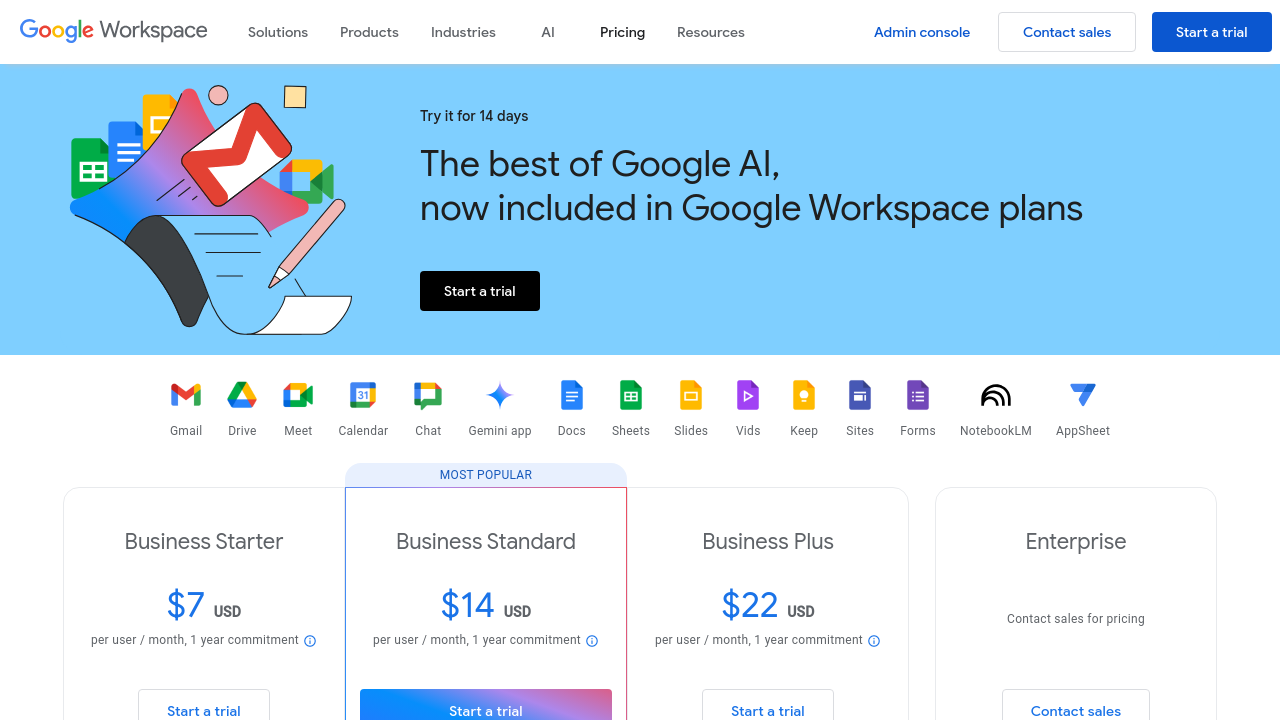
**Gantter:** $5 / Month **Google Workspace:** Not specified
Deals Available

This product comes with a special deal, see details

Visit Now
✨ Ask AI about pricing
59% Subscribed Score
info Icon

The Subscribed Score is an independent rating that combines user reviews, features, and value-for-money from multiple trusted sources. It’s designed as a quick benchmark, not a guarantee of individual experience.

Overview

Gantter is a leading cloud-based project management solution designed to provide the real-time power of desktop project scheduling software within a Google-integrated environment. Fully compatible with Google Drive and G Suite, it enables teams to open and edit MS Project MPP files directly in the cloud, making collaboration seamless and efficient from any device at any time.

Gantter stands out as a comprehensive tool in the Project Management Software category. With built-in features for cost tracking, resource management, and interactive Gantt charts, users can easily monitor tasks and project progress. Its integration with familiar Google Apps ensures a user-friendly interface, reducing the learning curve and allowing teams to focus on delivering projects successfully.

Key Features of Gantter:

  • Seamless Cloud Integration: Easily access and share project plans with real-time updates through Google Drive and G Suite integration.
  • MPP File Compatibility: Open and edit MS Project files without the need for additional software, streamlining project portability.
  • Interactive Gantt Charts: Create, customize, and export dynamic charts to visualize project timelines and dependencies at a glance.
  • Risk Management & Recommendations: Benefit from innovative tools such as the community-powered recommendation engine and risk management features to proactively address potential challenges.
  • Flexible Collaboration: Work with team members from anywhere, ensuring that project updates are communicated in real time.

Gantter is perfect for a range of users including project managers, team leaders, and educators. Its ease of use and powerful collaboration capabilities make it a top choice for organizations seeking to manage complex projects with flexibility and efficiency.

The platform offers a 30-day free trial, allowing new users to explore its robust features before transitioning to a cost-effective plan of $5 per user per month. For those looking to maximize value, exclusive deals are available on its dedicated deals page: Gantter Deals.

Why Choose Gantter?

  • Cloud Convenience: Eliminate software installation hassles by managing projects entirely online.
  • Proven Efficiency: Leverage an interface similar to native Google Apps for faster adoption and minimal downtime.
  • Comprehensive Planning: Meet all your scheduling, resource allocation, and risk management needs under one platform.

For those exploring other project management solutions, consider these alternatives: Hive and Podio. Each offers unique features that cater to varied business needs, ensuring you can find the best fit for your project management strategy.

Where Gantter performs best

What users like
  • Seamless MS Project integration
  • Cloud-based and easy sharing
  • Affordable pricing
  • Intuitive Google integration

Where Gantter falls short

What users dislike
  • Customer support delays
  • Poor printing options
  • Issues with task handling
  • No native mobile app
Subscribed Score Metrics
21/36 Metric achieved
MetricsScore
Customer Support3/6
Security0/6
Ease of Use5/6
Value of Money5/6
Integration4/6
Popularity4/6
Radar Chart Table View
Ease of Use
Measures how simple and intuitive the product is to use, including setup, navigation, and overall user experience
5/6 Metric Checks
Security
Compares the product`s features, quality, and pricing to determine its overall cost-effectiveness.
0/6 Metric Checks
Value of Money
Assesses the product`s ability to protect data, prevent breaches, and comply with industry standards.
5/6 Metric Checks
Customer Support
Reflects the responsiveness, helpfulness, and quality of assistance provided by the product`s support team.
3/6 Metric Checks
Integrations
Evaluates how well the product connects with other tools and platforms, enabling seamless workflows.
4/6 Metric Checks
Gantter Pricing Range
**Gantter:** $5 / Month **Google Workspace:** Not specified

Gantter in action
info Icon

A curated gallery of real screenshots and use cases from the product, so you can see how it works before trying it.

Gantter Full Screen Icon
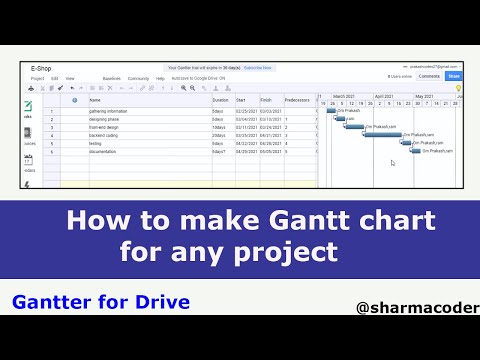
https://www.youtube.com/watch?v=dbzq34QBlF8
Full Screen Icon
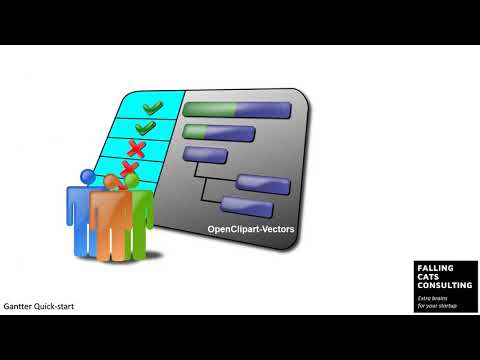
https://www.youtube.com/watch?v=B8RVbEHHSlw
Full Screen Icon
Gantter
Gantter
Video thumbnail
Video thumbnail
Gantter
Gantter

Alternatives to Gantter
info Icon

A list of platforms similar to Gantter, helping you evaluate which tool best matches your needs.

How to cancel Gantter

Need to cancel Gantter? Here is how
info Icon

Thinking about how to cancel Gantter this is how you do it!

To cancel a Gantter subscription:

  • Sign in to your Gantter account.
  • Click "Manage Subscription."
  • Select "Buy & Manage Subscriptions," then "Reduce."
  • Click "Cancel Subscription" and confirm.

How to Cancel the Gantter

To cancel a Gantter subscription:

  • Sign in to your Gantter account.
  • Click "Manage Subscription."
  • Select "Buy & Manage Subscriptions," then "Reduce."
  • Click "Cancel Subscription" and confirm.

FAQs about Gantter

Every else you need to know about Gantter
info Icon

A collection of FAQs, guides, alternatives, and comparisons to help you quickly understand if Gantter is right for you.

Manage your Gantter profile

Create profile

Want to list your product on Subscribed.fyi? Create a profile to reach more buyers.

Pricing Range
info Icon

This only an estimated pricing range, visit Gantter pricing page to access all the information by clicking “Visit Now”.

**Gantter:** $5 / Month **Google Workspace:** Not specified
Visit Now
Deals Available

This product comes with a special deal, see details

This product comes with a special deal, see details