Project management tools like , Notion, Basecamp, Lark, Slack, Asana and Trello.
AI chatbot tools like ChatGPT, Grok, Perplexity, Claude, Gemini and Copilot.
Marketing analytics platforms like Google Analytics, Similarweb and Semrush.
CRM systems like HubSpot, Apollo.io Pipedrive, Zoho CRM, and Salesforce.
VPNs, SSO providers, and password managers like NordVPN, Okta, and LastPass.
Email marketing and campaign tools like MailerLite, Instantly, and Mailchimp.
Website builders, hosting tools like Hostinger, Webflow, Framer, and Shopify
HR and recruiting software like ATS platforms, BambooHR, Workday, and Lever.
Automate finances with confidence like Quickbooks, Stripe, Brex, and Mercury.
Design and editing tools like Figma, Canva, Adobe Creative Cloud, CapCut.
Workflow automation tools like Zapier, Make, Clay, and Reclaim.ai.
No-code and AI-native dev tools like Cursor, Windsurf, Lovable and Bubble.
Chat to find tools, compare options,
Discover the best-performing
Curated and listed by Subscribed Team
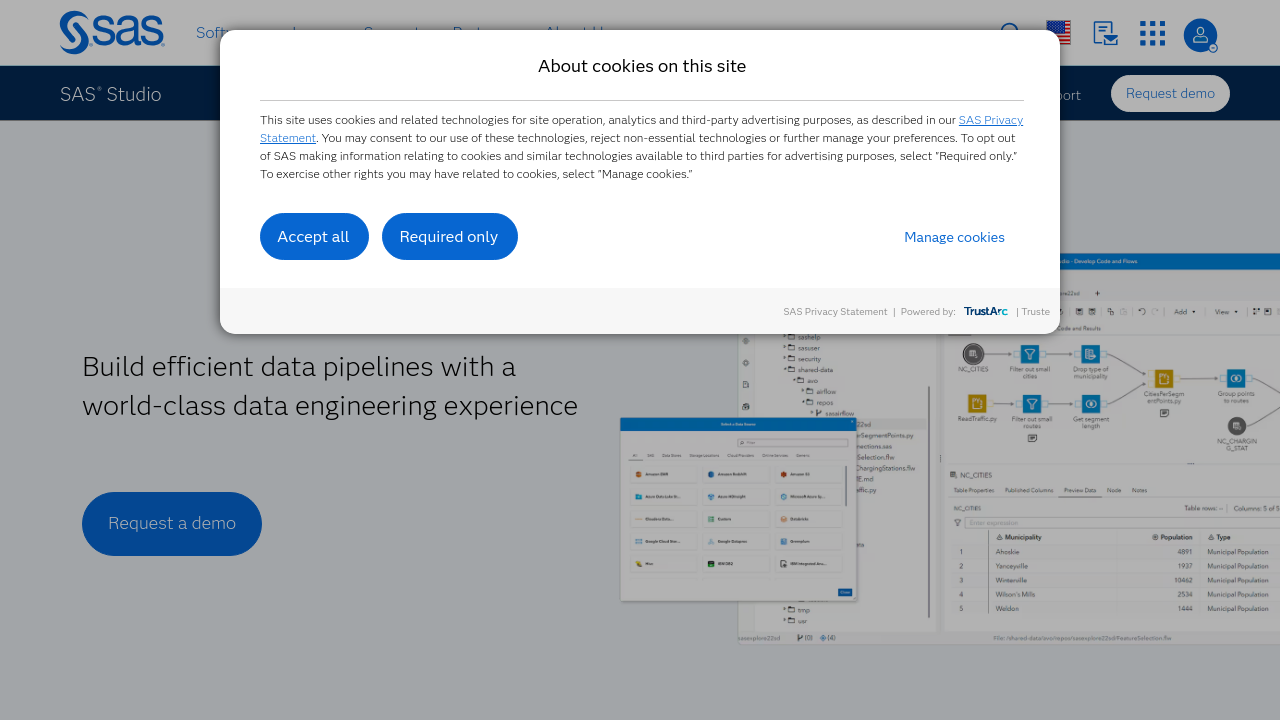
SAS Studio is a robust, web‐based integrated development environment designed for comprehensive data analytics and model development. Leveraging the power of a SAS server—whether hosted in the cloud, on your local network, or on your personal computer—SAS Studio enables users to access data files, libraries, and previously written programs while creating new code with ease. Built with simplicity and flexibility in mind, it provides a familiar coding experience, making it simple to explore data, perform thorough analytics, and execute complex statistical analyses using SAS language procedures.
Positioned in the Data Analytics category, SAS Studio empowers organizations to process very large datasets efficiently. Its intuitive browser-based interface, minimal installation requirements, and seamless integration with existing SAS systems help companies accelerate their analytics processes while maintaining a stable performance environment. The platform supports direct coding along with predefined tasks that generate code snippets automatically, letting both beginners and experienced analysts build, test, and deploy models rapidly.
Why Use SAS Studio?
Who Is SAS Studio For?
SAS Studio is an ideal platform for those looking to streamline analytical workflows and improve the speed of model development. Its deployment flexibility and online accessibility make it simple to incorporate into existing infrastructures. Explore exclusive deals to get started and unlock the full potential of your data analytics processes.
Alternatives

SAS Studio is a robust, web‐based integrated development environment designed for comprehensive data analytics and model development. Leveraging the power of a SAS server—whether hosted in the cloud, on your local network, or on your personal computer—SAS Studio enables users to access data files, libraries, and previously written programs while creating new code with ease. Built with simplicity and flexibility in mind, it provides a familiar coding experience, making it simple to explore data, perform thorough analytics, and execute complex statistical analyses using SAS language procedures.
Positioned in the Data Analytics category, SAS Studio empowers organizations to process very large datasets efficiently. Its intuitive browser-based interface, minimal installation requirements, and seamless integration with existing SAS systems help companies accelerate their analytics processes while maintaining a stable performance environment. The platform supports direct coding along with predefined tasks that generate code snippets automatically, letting both beginners and experienced analysts build, test, and deploy models rapidly.
Why Use SAS Studio?
Who Is SAS Studio For?
SAS Studio is an ideal platform for those looking to streamline analytical workflows and improve the speed of model development. Its deployment flexibility and online accessibility make it simple to incorporate into existing infrastructures. Explore exclusive deals to get started and unlock the full potential of your data analytics processes.
Alternatives

Learn what people say about SAS Studio
Be the first to share your experience and help others in the community.
SAS Studio is a robust, web‐based integrated development environment designed for comprehensive data analytics and model development. Leveraging the power of a SAS server—whether hosted in the cloud, on your local network, or on your personal computer—SAS Studio enables users to access data files, libraries, and previously written programs while creating new code with ease. Built with simplicity and flexibility in mind, it provides a familiar coding experience, making it simple to explore data, perform thorough analytics, and execute complex statistical analyses using SAS language procedures.
Positioned in the Data Analytics category, SAS Studio empowers organizations to process very large datasets efficiently. Its intuitive browser-based interface, minimal installation requirements, and seamless integration with existing SAS systems help companies accelerate their analytics processes while maintaining a stable performance environment. The platform supports direct coding along with predefined tasks that generate code snippets automatically, letting both beginners and experienced analysts build, test, and deploy models rapidly.
Why Use SAS Studio?
Who Is SAS Studio For?
SAS Studio is an ideal platform for those looking to streamline analytical workflows and improve the speed of model development. Its deployment flexibility and online accessibility make it simple to incorporate into existing infrastructures. Explore exclusive deals to get started and unlock the full potential of your data analytics processes.
Alternatives
To cancel a SAS Studio program: