PowerISO Reviews 2026: Details, Pricing, & Features | Subscribed.fyi
Sign in to review
Join our community of software reviewers on Subscribed.fyi

Continue With Google
Continue With LinkedIn
Continue Review with Email
Continue with Email
Enter your email to continue.
Continue
Enter your password
Enter your password to finish setting up your account.
Continue
Activate your email
Enter activation code we sent to your email.
Submit
Reset your password
Enter activation code we sent to your email.
Submit
Set your new password
Enter a new password for your account.
Submit
Categories
For Business
Log in
Provide My Insights

PowerISO Reviews, Pricing, Features & Alternatives (2026)

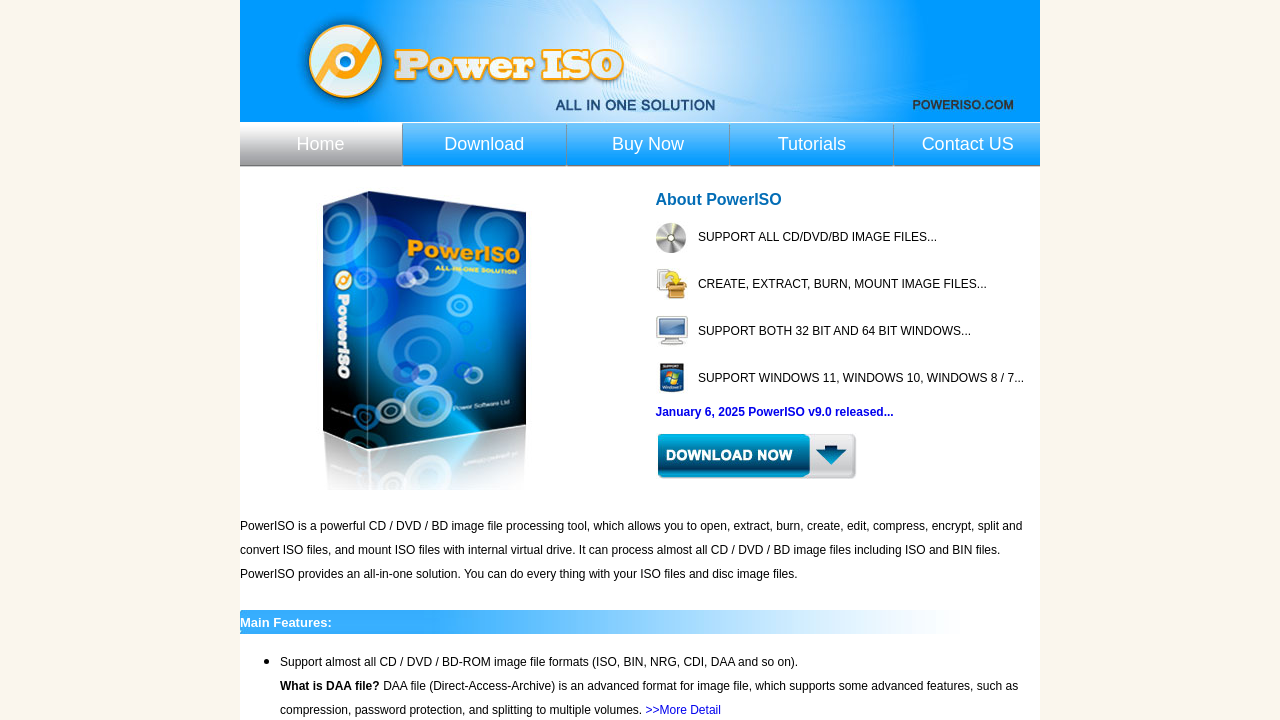
PowerISO is a versatile image file processing tool designed for extracting, creating, editing, compressing, encrypting, and converting ISO files. It allows users to mount ISO files on virtual drives, create bootable USB drives, and burn data to CDs or DVDs. With an intuitive interface and robust functionality, it is ideal for managing complex file formats efficiently.

PowerISO Overview

What is PowerISO?

N/A
0
Reviews
67%
Subscribed Score

Available for Claim - This listing is available to be claimed
Claim Profile For Free

Unclaimed

Manage profile with subsig, and unlock 23+ social and review monitoring. Get partnership options with

Claim Profile For Free

Why teams choose PowerISO

Key Features

Fully Customizable
Fully Customizable
Tailor it to your brand and workflow.
Fast & Efficient
Fast & Efficient
Optimized for speed and performance.
Affordable Pricing
Affordable Pricing
Transparent plans to fit any budget.

Who is PowerISO for?

PowerISO is a versatile disk image processing tool designed to simplify the way you manage ISO files. This comprehensive solution enables you to open, extract, burn, create, edit, compress, encrypt, split, and convert ISO files, making it the perfect choice for both professionals and home users who require efficient file processing and backup solutions.

Positioned as a leader in the Disk Partitioning Tools category, PowerISO stands apart with its easy-to-use interface and robust functionality. Businesses and individuals alike benefit from its intuitive design that reduces complexity in tasks such as creating bootable USB drives, burning CDs/DVDs, and extracting compressed images. Whether you are managing operating system installations or archiving important data, PowerISO provides the flexibility and speed required for everyday file management.

Key Features of PowerISO:

  • Multi-Functional Capabilities: Seamlessly perform tasks like file extraction, creation, editing, and conversion within one user-friendly application.
  • Enhanced Data Security: Utilize robust encryption features to safeguard your files from unauthorized access.
  • Bootable Media Creation: Easily create bootable USB drives and discs, ensuring that you are always prepared for system recovery or installation.
  • Optimized Compression: Efficiently compress large files to save storage space without compromising on quality.
  • Wide Format Support: Handle various image file formats with a single tool that simplifies your workflow.

Designed to streamline complex file operations, PowerISO allows you to manage and manipulate disk images with minimal effort. Its intuitive interface and straightforward workflow reduce the learning curve, allowing users to start processing files with little to no prior experience. In environments where efficiency is critical, PowerISO delivers consistent performance without taxing system resources.

Who Should Consider PowerISO?

  • IT Professionals: Simplify the process of system deployments, backups, and recovery by managing ISO files with ease.
  • Developers and Administrators: Enjoy a powerful set of features that streamline the creation and editing of virtual disk images.
  • Everyday Users: Benefit from an accessible platform to burn media and manage large file formats without complications.

Discover exclusive deals on PowerISO by visiting the deal page. With its comprehensive suite of features and ease-of-use, PowerISO is built to enhance your digital workflow and protect your valuable data. If you are exploring other solutions, consider these alternatives: Hard Disk Manager 15, DaisyDisk, and Foxit PDF Editor for varying needs that complement your file management strategy.

In summary, PowerISO delivers a powerful and reliable toolkit for managing disk image files efficiently. Its broad range of functions coupled with an accessible interface makes it a must-have tool for anyone looking to simplify the processes of creating, editing, and preserving important disk images.


PowerISO Summary

PowerISO is a versatile disk image processing tool designed to simplify the way you manage ISO files. This comprehensive solution enables you to open, extract, burn, create, edit, compress, encrypt, split, and convert ISO files, making it the perfect choice for both professionals and home users who require efficient file processing and backup solutions.

Positioned as a leader in the Disk Partitioning Tools category, PowerISO stands apart with its easy-to-use interface and robust functionality. Businesses and individuals alike benefit from its intuitive design that reduces complexity in tasks such as creating bootable USB drives, burning CDs/DVDs, and extracting compressed images. Whether you are managing operating system installations or archiving important data, PowerISO provides the flexibility and speed required for everyday file management.

Key Features of PowerISO:

  • Multi-Functional Capabilities: Seamlessly perform tasks like file extraction, creation, editing, and conversion within one user-friendly application.
  • Enhanced Data Security: Utilize robust encryption features to safeguard your files from unauthorized access.
  • Bootable Media Creation: Easily create bootable USB drives and discs, ensuring that you are always prepared for system recovery or installation.
  • Optimized Compression: Efficiently compress large files to save storage space without compromising on quality.
  • Wide Format Support: Handle various image file formats with a single tool that simplifies your workflow.

Designed to streamline complex file operations, PowerISO allows you to manage and manipulate disk images with minimal effort. Its intuitive interface and straightforward workflow reduce the learning curve, allowing users to start processing files with little to no prior experience. In environments where efficiency is critical, PowerISO delivers consistent performance without taxing system resources.

Who Should Consider PowerISO?

  • IT Professionals: Simplify the process of system deployments, backups, and recovery by managing ISO files with ease.
  • Developers and Administrators: Enjoy a powerful set of features that streamline the creation and editing of virtual disk images.
  • Everyday Users: Benefit from an accessible platform to burn media and manage large file formats without complications.

Discover exclusive deals on PowerISO by visiting the deal page. With its comprehensive suite of features and ease-of-use, PowerISO is built to enhance your digital workflow and protect your valuable data. If you are exploring other solutions, consider these alternatives: Hard Disk Manager 15, DaisyDisk, and Foxit PDF Editor for varying needs that complement your file management strategy.

In summary, PowerISO delivers a powerful and reliable toolkit for managing disk image files efficiently. Its broad range of functions coupled with an accessible interface makes it a must-have tool for anyone looking to simplify the processes of creating, editing, and preserving important disk images.

PowerISO reviews and insights

Learn what people say about PowerISO

N/A
0 Reviews
67%
Subscribed Score

Lear more here about the Subscribed score on how it is composed. Learn more Click here

Overall rating

5
4
3
2
1
CX 3/6

How good is the customer support based on subscribed’s assessment

CX Icon
Security 4/6

How secure is the product based on Subscribed’s assessment?

Security Icon
Ease of Use 5/6

How easy is the product to use, based on Subscribed’s assessment?

EOU Icon
Value 6/6

What is the value for money based on Subscribed’s assessment?

coin Icon
Integration 2/6

How many integrations does the product offer?

gear Icon
Popularity 4/6

How popular is the product?

star

No Reviews Yet!

Be the first to share your experience and help others in the community.

PowerISO User Reviews

0 User Reviews

Reviews from G2, Capterra, Trustpilot
info Icon

These ratings come directly from third-party platforms like G2, Capterra, and Trustpilot. They reflect real user feedback collected independently on those sites.

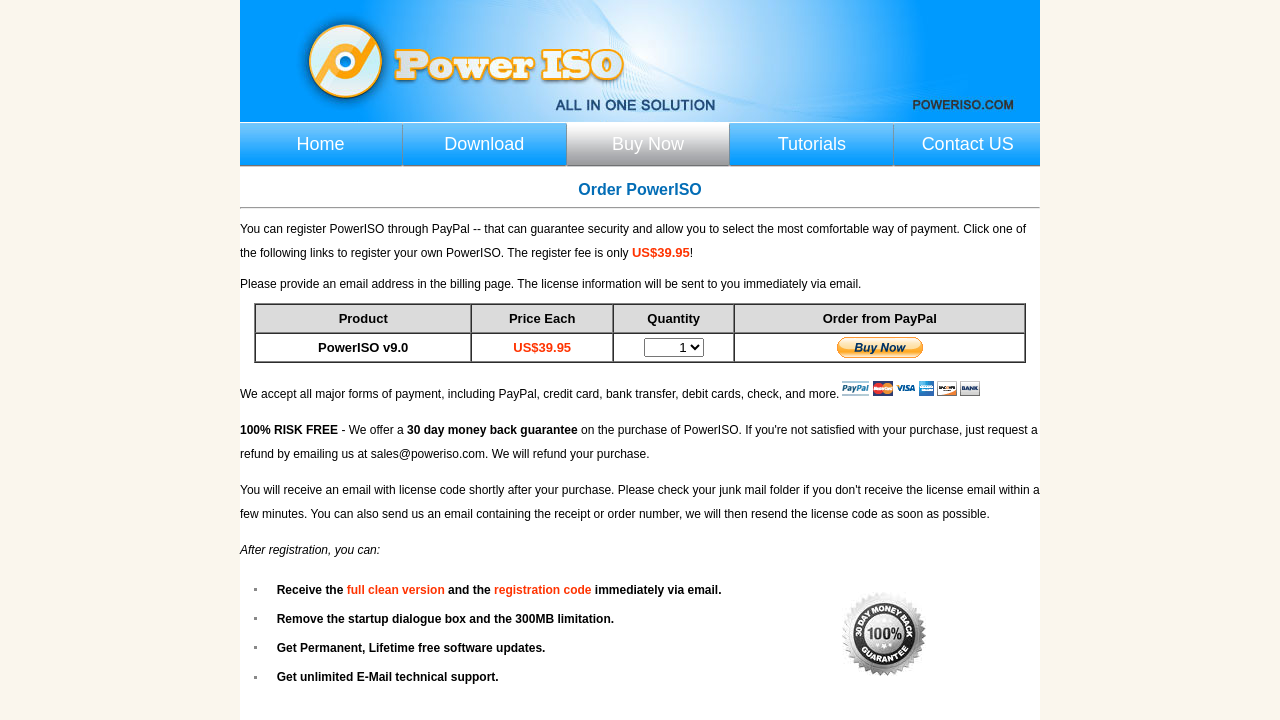
PowerISO pricing

Pricing model

Pricing Range
info Icon

This only an estimated pricing range, visit PowerISO pricing page to access all the information by clicking “Visit Now”.

Not specified
Deals Available

This product comes with a special deal, see details

Visit Now
✨ Ask AI about pricing
67% Subscribed Score
info Icon

The Subscribed Score is an independent rating that combines user reviews, features, and value-for-money from multiple trusted sources. It’s designed as a quick benchmark, not a guarantee of individual experience.

Overview

PowerISO is a versatile disk image processing tool designed to simplify the way you manage ISO files. This comprehensive solution enables you to open, extract, burn, create, edit, compress, encrypt, split, and convert ISO files, making it the perfect choice for both professionals and home users who require efficient file processing and backup solutions.

Positioned as a leader in the Disk Partitioning Tools category, PowerISO stands apart with its easy-to-use interface and robust functionality. Businesses and individuals alike benefit from its intuitive design that reduces complexity in tasks such as creating bootable USB drives, burning CDs/DVDs, and extracting compressed images. Whether you are managing operating system installations or archiving important data, PowerISO provides the flexibility and speed required for everyday file management.

Key Features of PowerISO:

  • Multi-Functional Capabilities: Seamlessly perform tasks like file extraction, creation, editing, and conversion within one user-friendly application.
  • Enhanced Data Security: Utilize robust encryption features to safeguard your files from unauthorized access.
  • Bootable Media Creation: Easily create bootable USB drives and discs, ensuring that you are always prepared for system recovery or installation.
  • Optimized Compression: Efficiently compress large files to save storage space without compromising on quality.
  • Wide Format Support: Handle various image file formats with a single tool that simplifies your workflow.

Designed to streamline complex file operations, PowerISO allows you to manage and manipulate disk images with minimal effort. Its intuitive interface and straightforward workflow reduce the learning curve, allowing users to start processing files with little to no prior experience. In environments where efficiency is critical, PowerISO delivers consistent performance without taxing system resources.

Who Should Consider PowerISO?

  • IT Professionals: Simplify the process of system deployments, backups, and recovery by managing ISO files with ease.
  • Developers and Administrators: Enjoy a powerful set of features that streamline the creation and editing of virtual disk images.
  • Everyday Users: Benefit from an accessible platform to burn media and manage large file formats without complications.

Discover exclusive deals on PowerISO by visiting the deal page. With its comprehensive suite of features and ease-of-use, PowerISO is built to enhance your digital workflow and protect your valuable data. If you are exploring other solutions, consider these alternatives: Hard Disk Manager 15, DaisyDisk, and Foxit PDF Editor for varying needs that complement your file management strategy.

In summary, PowerISO delivers a powerful and reliable toolkit for managing disk image files efficiently. Its broad range of functions coupled with an accessible interface makes it a must-have tool for anyone looking to simplify the processes of creating, editing, and preserving important disk images.

Where PowerISO performs best

What users like
  • User-friendly interface
  • Supports various file operations
  • Highly reliable for ISO files
  • Efficient file compression

Where PowerISO falls short

What users dislike
  • Trial limits file size to 300MB
  • Slow for large extractions
  • No support for multi-boot systems
  • Occasional processing crashes
Subscribed Score Metrics
24/36 Metric achieved
MetricsScore
Customer Support3/6
Security4/6
Ease of Use5/6
Value of Money6/6
Integration2/6
Popularity4/6
Radar Chart Table View
Ease of Use
Measures how simple and intuitive the product is to use, including setup, navigation, and overall user experience
5/6 Metric Checks
Security
Compares the product`s features, quality, and pricing to determine its overall cost-effectiveness.
4/6 Metric Checks
Value of Money
Assesses the product`s ability to protect data, prevent breaches, and comply with industry standards.
6/6 Metric Checks
Customer Support
Reflects the responsiveness, helpfulness, and quality of assistance provided by the product`s support team.
3/6 Metric Checks
Integrations
Evaluates how well the product connects with other tools and platforms, enabling seamless workflows.
2/6 Metric Checks
PowerISO Pricing Range
Not specified

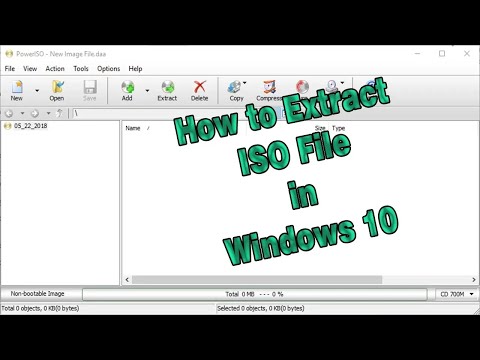
PowerISO in action
info Icon

A curated gallery of real screenshots and use cases from the product, so you can see how it works before trying it.

PowerISO Full Screen Icon
https://www.youtube.com/watch?v=o1DWZt6yKEo
Full Screen Icon
https://www.youtube.com/watch?v=fjGFVFBQdaE
Full Screen Icon
PowerISO
PowerISO
Video thumbnail
Video thumbnail
PowerISO
PowerISO

Alternatives to PowerISO
info Icon

A list of platforms similar to PowerISO, helping you evaluate which tool best matches your needs.

How to cancel PowerISO

Need to cancel PowerISO? Here is how
info Icon

Thinking about how to cancel PowerISO this is how you do it!

To cancel a PowerISO product, follow these steps:

  • Open Apps and Features in Windows.
  • Find PowerISO and click Uninstall.
  • Alternatively, use the uninstaller in the PowerISO installation folder.

How to Cancel the PowerISO

To cancel a PowerISO product, follow these steps:

  • Open Apps and Features in Windows.
  • Find PowerISO and click Uninstall.
  • Alternatively, use the uninstaller in the PowerISO installation folder.

FAQs about PowerISO

Every else you need to know about PowerISO
info Icon

A collection of FAQs, guides, alternatives, and comparisons to help you quickly understand if PowerISO is right for you.

Manage your PowerISO profile

Create profile

Want to list your product on Subscribed.fyi? Create a profile to reach more buyers.

Pricing Range
info Icon

This only an estimated pricing range, visit PowerISO pricing page to access all the information by clicking “Visit Now”.

Not specified
Visit Now
Deals Available

This product comes with a special deal, see details

This product comes with a special deal, see details