Klynke Reviews 2026: Details, Pricing, & Features | Subscribed.fyi
Sign in to review
Join our community of software reviewers on Subscribed.fyi

Continue With Google
Continue With LinkedIn
Continue Review with Email
Continue with Email
Enter your email to continue.
Continue
Enter your password
Enter your password to finish setting up your account.
Continue
Activate your email
Enter activation code we sent to your email.
Submit
Reset your password
Enter activation code we sent to your email.
Submit
Set your new password
Enter a new password for your account.
Submit
Categories
For Business
Log in
Provide My Insights
Klynke
Klynke

Klynke Reviews, Pricing, Features & Alternatives (2026)

4/5
(3)

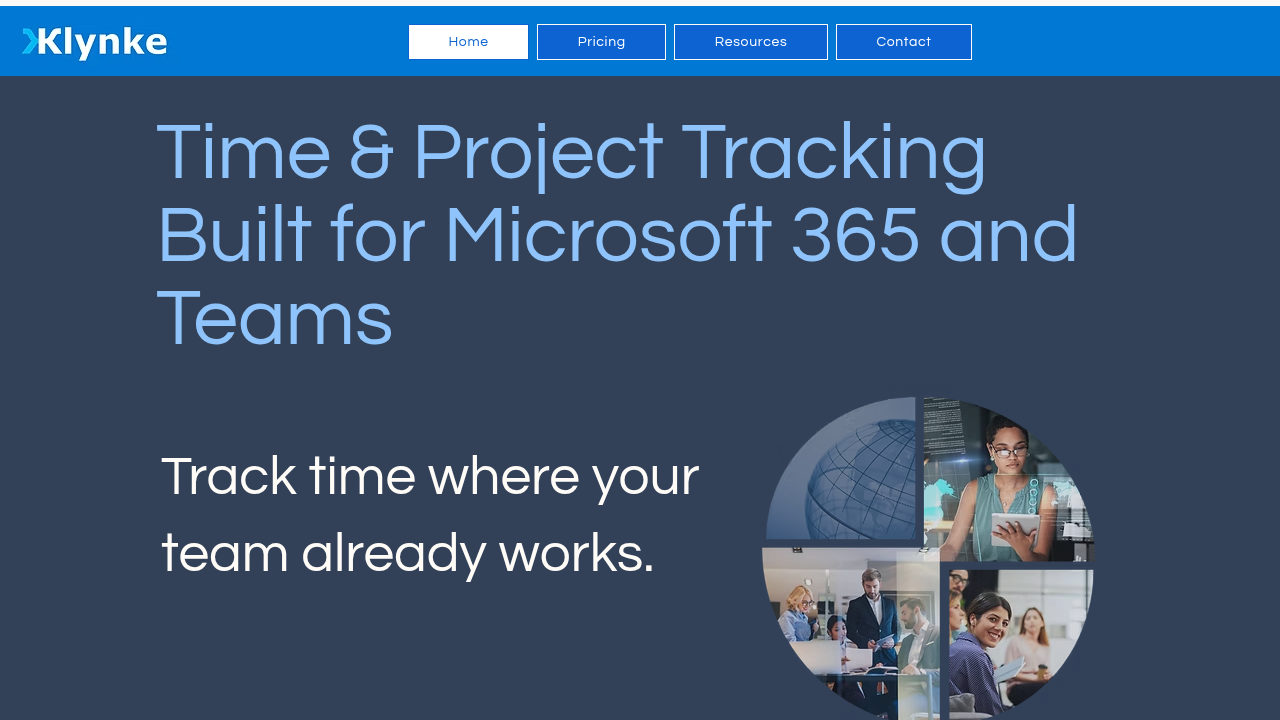
Klynke provides seamless time tracking integrated into Microsoft 365 apps like Teams, Outlook, and Copilot. Track time effortlessly without switching tools, map entries to projects, and gain productivity insights. Ideal for teams relying on Microsoft ecosystem for daily workflows.

Klynke
Klynke
Klynke

Klynke Overview

What is Klynke?

4
3
Reviews
75%
Subscribed Score

Available for Claim - This listing is available to be claimed
Claim Profile For Free

Unclaimed

Manage profile with subsig, and unlock 23+ social and review monitoring. Get partnership options with

Claim Profile For Free

Why teams choose Klynke

Key Features

Seamless Integrations
Connect easily with your favorite tools.
Smart Automation
Smart Automation
Save time with AI-powered workflows.
No-Code Simplicity
No-Code Simplicity
Launch without writing a single line of code.

Who is Klynke for?

Klynke

Klynke is a time tracking and project management tool deeply integrated with Microsoft 365, enabling users to log time directly within Teams, Outlook, and M365 Copilot without disrupting workflows.

Why Use Klynke?

  • Seamless Integration: Log time where work happens, converting Outlook events to entries automatically.
  • Project Mapping: Associate time with projects for billing and budget tracking.
  • Security: Built on Microsoft 365 standards for secure data handling.
  • Cross-Platform: Supported on web, mobile, and desktop.

Who is Klynke For?

  • Teams using Microsoft 365 for collaboration and productivity.
  • Managers needing visibility into time spent on projects and outcomes.
  • Businesses tracking billable hours or internal productivity.

Key Features and Benefits

  • Automatic Logging: Capture time from calendar events and Teams activities.
  • Timesheet Approvals: Configurable workflows for admin oversight.
  • Reporting: Insights into productivity patterns and project efforts.
  • M365 Copilot Support: Enhanced time entry via AI assistant.
  • No Extra Tools: Reduces context switching for higher efficiency.

Klynke Summary

Klynke

Klynke is a time tracking and project management tool deeply integrated with Microsoft 365, enabling users to log time directly within Teams, Outlook, and M365 Copilot without disrupting workflows.

Why Use Klynke?

  • Seamless Integration: Log time where work happens, converting Outlook events to entries automatically.
  • Project Mapping: Associate time with projects for billing and budget tracking.
  • Security: Built on Microsoft 365 standards for secure data handling.
  • Cross-Platform: Supported on web, mobile, and desktop.

Who is Klynke For?

  • Teams using Microsoft 365 for collaboration and productivity.
  • Managers needing visibility into time spent on projects and outcomes.
  • Businesses tracking billable hours or internal productivity.

Key Features and Benefits

  • Automatic Logging: Capture time from calendar events and Teams activities.
  • Timesheet Approvals: Configurable workflows for admin oversight.
  • Reporting: Insights into productivity patterns and project efforts.
  • M365 Copilot Support: Enhanced time entry via AI assistant.
  • No Extra Tools: Reduces context switching for higher efficiency.

Klynke reviews and insights

Learn what people say about Klynke

4
3 Reviews
75%
Subscribed Score

Lear more here about the Subscribed score on how it is composed. Learn more Click here

Overall rating

5
4
3
2
1
CX 4/6

How good is the customer support based on subscribed’s assessment

CX Icon
Security 5/6

How secure is the product based on Subscribed’s assessment?

Security Icon
Ease of Use 5/6

How easy is the product to use, based on Subscribed’s assessment?

EOU Icon
Value 6/6

What is the value for money based on Subscribed’s assessment?

coin Icon
Integration 5/6

How many integrations does the product offer?

gear Icon
Popularity 3/6

How popular is the product?

star
Jovie Macalolo-oy User Test Enabled
Executive / Leadership
See My Portfolio
3 months ago
Share
What’s the biggest benefit you’ve noticed?
he best thing is how it brings all my different calendars and tasks into one single view so I stop missing deadlines. It really helps me see exactly how much free time I actually have left in my day without me going to different apps.
Have you experienced any bugs or errors?
I noticed that sometimes the sync with my secondary calendar takes a few extra minutes to update when I make a change on my phone. There was also one time where it didn't show up correctly until I refreshed the entire browser page.
What’s still missing for your needs?
I would love to see a more advanced habit tracker built directly into the daily schedule so I can monitor my personal goals alongside my work. It would also be great if there were more color coding options to help me categorize different types of projects and that i can easily determine them.
Final thoughts, wrap up what you think
It is a good tool for anyone who feels overwhelmed by a messy schedule and needs a clean way to stay organized.
Upvote (1)
Quineybel Mag-usara Invitation
Marketing
3 months ago
Share
What feature do you use most often?
I use the automatic time logging from Outlook and Teams the most because it saves time and reduces manual entry. It makes tracking work hours feels seamless and integrated into daily tasks.
What’s been frustrating in your experience?
Sometimes, editing or correcting automatically logged entries can take extra steps. It can also take time to fully understand how project mapping works at the beginning.
What new feature would you love to see added?
I would like to see smarter AI suggestions that automatically categorize time entries into the correct projects. A simpler quick-edit option for timesheets would also be helpful.
Final thoughts, wrap up what you think
This tool is very recommended because it fits naturally into Microsoft 365 workflows and reduces manual time tracking. It’s a great tool for teams that want accurate and efficient project time management.
Upvote (2)
Khim Cincoflores User Test Enabled
Customer Success
See My Portfolio
3 months ago
Share
How has it made your work/life easier?
It's really helpful in tracking time and managing projects which is entirely built specially for Microsoft 365. It logs work hours easily and convert calendar events into timesheets.
What feature doesn’t work as expected?
It's not as flexible as you want it to be as it requires you to have Microsoft 365 account to use it. So if your team uses google workspace, it might not be possible to fully utilize this software.
What problem did this product solve for you?
Does working hours calculation into invoices for my employees. Tracks and manages my teams tasks and working hours just fine. Really convenient and reliable.
Final thoughts, wrap up what you think
Would totally recommend it. Very convenient to use especially in my team.
Upvote (2)
Klynke

Klynke User Reviews

3 User Reviews

Reviews from G2, Capterra, Trustpilot
info Icon

These ratings come directly from third-party platforms like G2, Capterra, and Trustpilot. They reflect real user feedback collected independently on those sites.

Klynke pricing

Pricing model

Klynke
Pricing Range
info Icon

This only an estimated pricing range, visit Klynke pricing page to access all the information by clicking “Visit Now”.

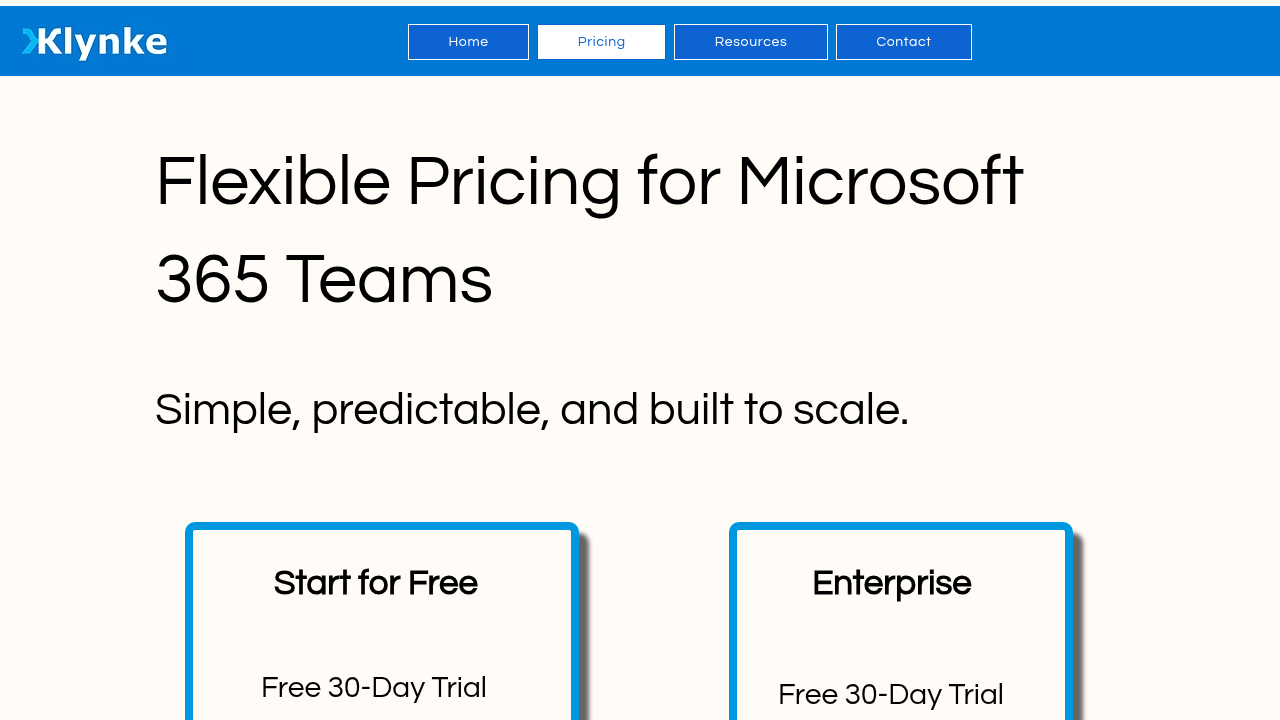
$2.49 / user
Deals Available

This product comes with a special deal, see details

Visit Now
✨ Ask AI about pricing
75% Subscribed Score
info Icon

The Subscribed Score is an independent rating that combines user reviews, features, and value-for-money from multiple trusted sources. It’s designed as a quick benchmark, not a guarantee of individual experience.

Overview

Klynke

Klynke is a time tracking and project management tool deeply integrated with Microsoft 365, enabling users to log time directly within Teams, Outlook, and M365 Copilot without disrupting workflows.

Why Use Klynke?

  • Seamless Integration: Log time where work happens, converting Outlook events to entries automatically.
  • Project Mapping: Associate time with projects for billing and budget tracking.
  • Security: Built on Microsoft 365 standards for secure data handling.
  • Cross-Platform: Supported on web, mobile, and desktop.

Who is Klynke For?

  • Teams using Microsoft 365 for collaboration and productivity.
  • Managers needing visibility into time spent on projects and outcomes.
  • Businesses tracking billable hours or internal productivity.

Key Features and Benefits

  • Automatic Logging: Capture time from calendar events and Teams activities.
  • Timesheet Approvals: Configurable workflows for admin oversight.
  • Reporting: Insights into productivity patterns and project efforts.
  • M365 Copilot Support: Enhanced time entry via AI assistant.
  • No Extra Tools: Reduces context switching for higher efficiency.

Where Klynke performs best

What users like
  • Seamless M365 integration
  • Low cost at $2.49/user/mo
  • Auto time logging
  • Strong security

Where Klynke falls short

What users dislike
  • Limited to M365 users
  • Requires trial upgrade
  • Basic reporting tools
  • Teams-focused
Subscribed Score Metrics
28/36 Metric achieved
MetricsScore
Customer Support4/6
Security5/6
Ease of Use5/6
Value of Money6/6
Integration5/6
Popularity3/6
Radar Chart Table View
Ease of Use
Measures how simple and intuitive the product is to use, including setup, navigation, and overall user experience
5/6 Metric Checks
Security
Compares the product`s features, quality, and pricing to determine its overall cost-effectiveness.
5/6 Metric Checks
Value of Money
Assesses the product`s ability to protect data, prevent breaches, and comply with industry standards.
6/6 Metric Checks
Customer Support
Reflects the responsiveness, helpfulness, and quality of assistance provided by the product`s support team.
4/6 Metric Checks
Integrations
Evaluates how well the product connects with other tools and platforms, enabling seamless workflows.
5/6 Metric Checks
Klynke Pricing Range
$2.49 / user/mo

Klynke in action
info Icon

A curated gallery of real screenshots and use cases from the product, so you can see how it works before trying it.

Klynke Full Screen Icon
Klynke
Klynke
Klynke
Klynke

Alternatives to Klynke
info Icon

A list of platforms similar to Klynke, helping you evaluate which tool best matches your needs.

How to cancel Klynke

Need to cancel Klynke? Here is how
info Icon

Thinking about how to cancel Klynke this is how you do it!

Cancel via Microsoft 365 Admin Center under Billing > Your Products, or Klynke admin portal. No penalties; effective end of period. Admin access required.

How to Cancel the Klynke

Cancel via Microsoft 365 Admin Center under Billing > Your Products, or Klynke admin portal. No penalties; effective end of period. Admin access required.

FAQs about Klynke

Every else you need to know about Klynke
info Icon

A collection of FAQs, guides, alternatives, and comparisons to help you quickly understand if Klynke is right for you.

Manage your Klynke profile

Create profile

Want to list your product on Subscribed.fyi? Create a profile to reach more buyers.

Pricing Range
info Icon

This only an estimated pricing range, visit Klynke pricing page to access all the information by clicking “Visit Now”.

$2.49 / user
Visit Now
Deals Available

This product comes with a special deal, see details

This product comes with a special deal, see details