Project management tools like , Notion, Basecamp, Lark, Slack, Asana and Trello.
AI chatbot tools like ChatGPT, Grok, Perplexity, Claude, Gemini and Copilot.
Marketing analytics platforms like Google Analytics, Similarweb and Semrush.
CRM systems like HubSpot, Apollo.io Pipedrive, Zoho CRM, and Salesforce.
VPNs, SSO providers, and password managers like NordVPN, Okta, and LastPass.
Email marketing and campaign tools like MailerLite, Instantly, and Mailchimp.
Website builders, hosting tools like Hostinger, Webflow, Framer, and Shopify
HR and recruiting software like ATS platforms, BambooHR, Workday, and Lever.
Automate finances with confidence like Quickbooks, Stripe, Brex, and Mercury.
Design and editing tools like Figma, Canva, Adobe Creative Cloud, CapCut.
Workflow automation tools like Zapier, Make, Clay, and Reclaim.ai.
No-code and AI-native dev tools like Cursor, Windsurf, Lovable and Bubble.

Chat to find tools, compare options,

Discover the best-performing


Curated and listed by Subscribed Team
What is InMobi CMP?
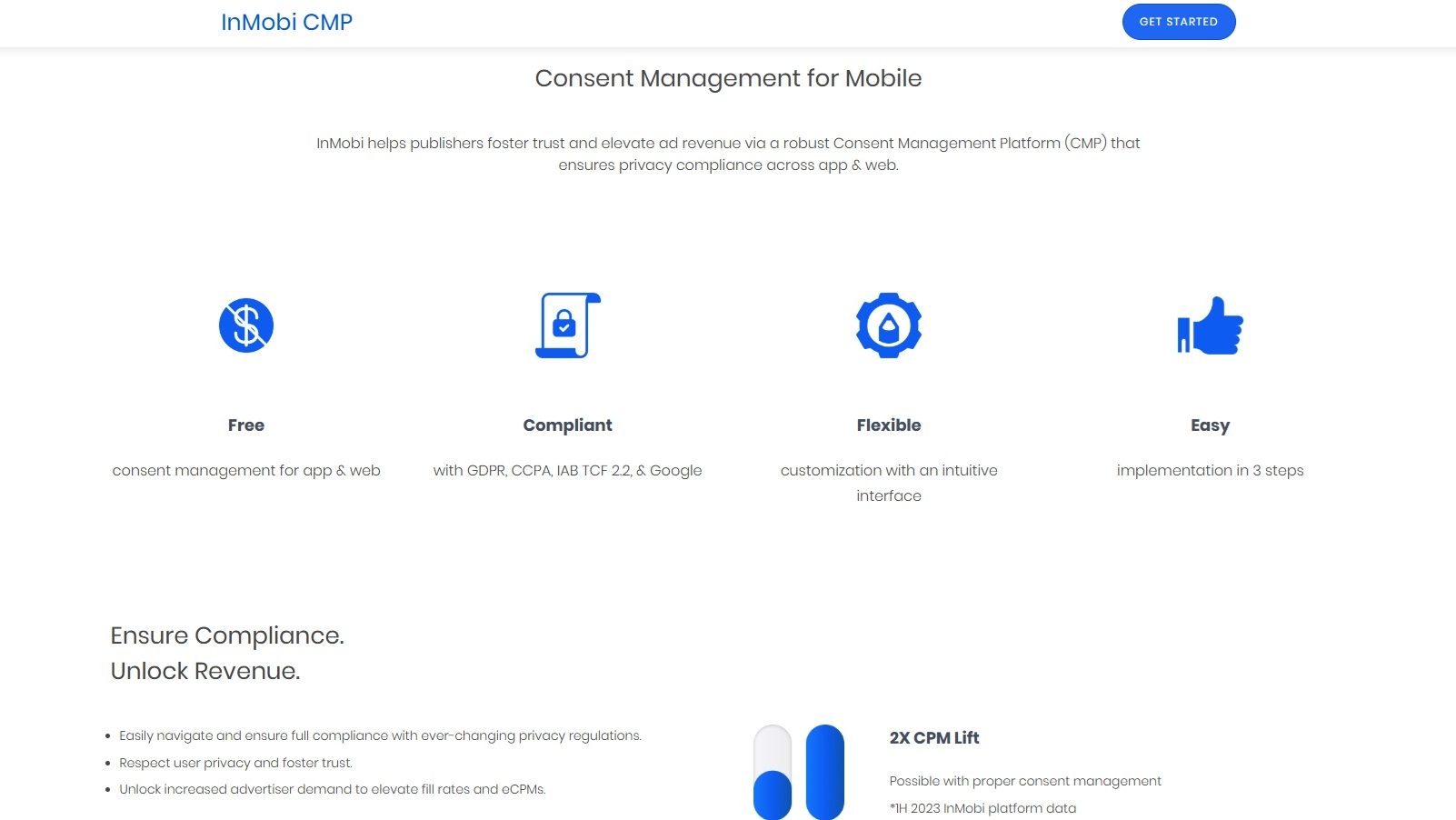
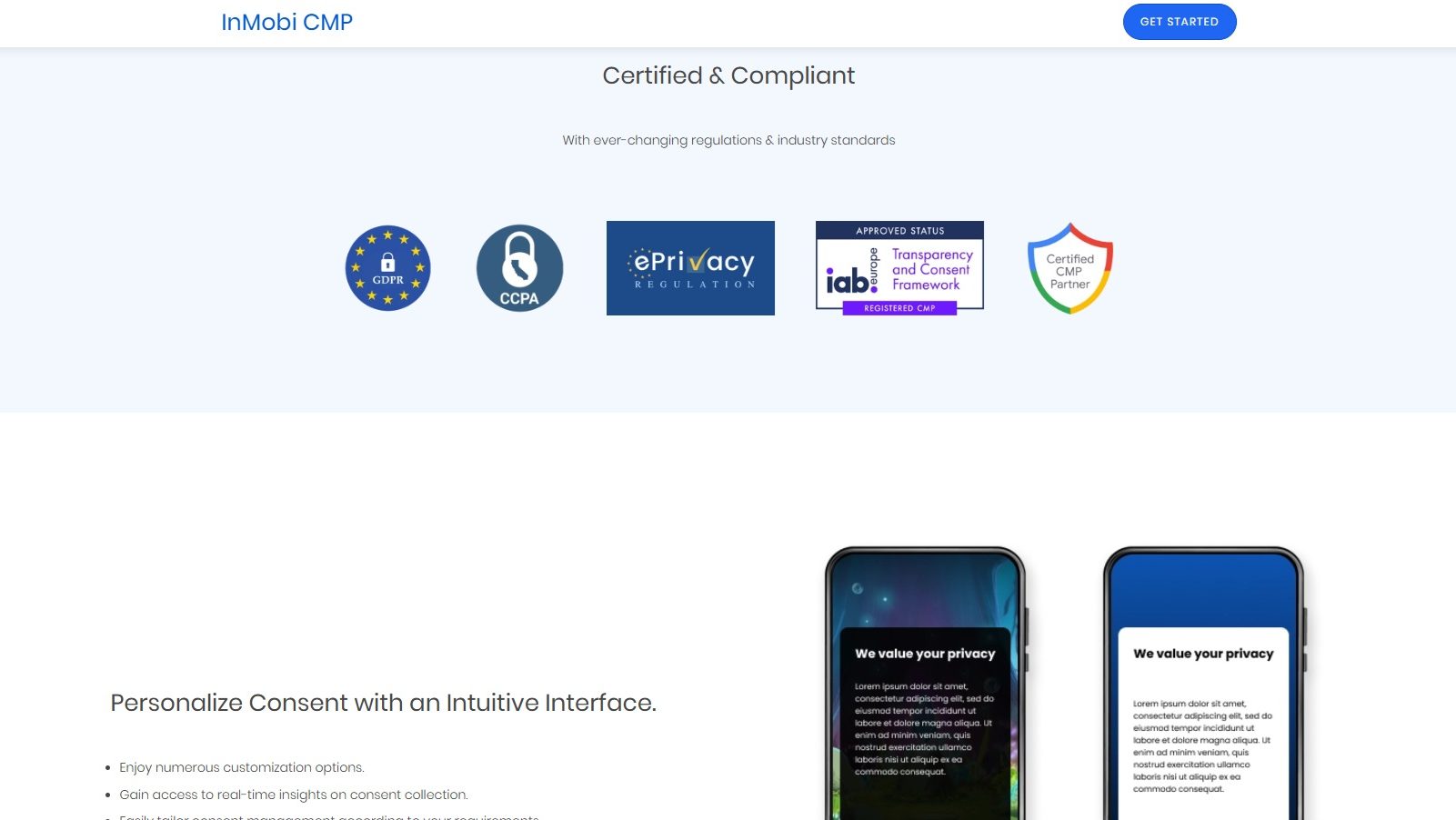
InMobi CMP is a comprehensive Consent Management Platform designed to help publishers build trust and increase ad revenue by ensuring privacy compliance across both app and web environments. It empowers publishers to adhere to privacy regulations, thereby enhancing user confidence and optimizing advertising effectiveness.
Why Use InMobi CMP?
In the realm of consent management solutions, InMobi CMP stands out by:
Who is InMobi CMP For?
InMobi CMP caters to a wide range of users:
In conclusion, InMobi CMP is an essential tool for publishers, app developers, advertisers, and privacy officers aiming to navigate the complexities of privacy compliance while optimizing ad revenue. By fostering trust and ensuring adherence to regulations, InMobi CMP supports a sustainable and effective advertising ecosystem.
What is InMobi CMP?
InMobi CMP is a comprehensive Consent Management Platform designed to help publishers build trust and increase ad revenue by ensuring privacy compliance across both app and web environments. It empowers publishers to adhere to privacy regulations, thereby enhancing user confidence and optimizing advertising effectiveness.
Why Use InMobi CMP?
In the realm of consent management solutions, InMobi CMP stands out by:
Who is InMobi CMP For?
InMobi CMP caters to a wide range of users:
In conclusion, InMobi CMP is an essential tool for publishers, app developers, advertisers, and privacy officers aiming to navigate the complexities of privacy compliance while optimizing ad revenue. By fostering trust and ensuring adherence to regulations, InMobi CMP supports a sustainable and effective advertising ecosystem.
Learn what people say about InMobi CMP
Be the first to share your experience and help others in the community.


What is InMobi CMP?
InMobi CMP is a comprehensive Consent Management Platform designed to help publishers build trust and increase ad revenue by ensuring privacy compliance across both app and web environments. It empowers publishers to adhere to privacy regulations, thereby enhancing user confidence and optimizing advertising effectiveness.
Why Use InMobi CMP?
In the realm of consent management solutions, InMobi CMP stands out by:
Who is InMobi CMP For?
InMobi CMP caters to a wide range of users:
In conclusion, InMobi CMP is an essential tool for publishers, app developers, advertisers, and privacy officers aiming to navigate the complexities of privacy compliance while optimizing ad revenue. By fostering trust and ensuring adherence to regulations, InMobi CMP supports a sustainable and effective advertising ecosystem.
Steps to Cancel InMobi CMP Subscription.
Canceling your InMobi CMP Subscription is a straightforward process. You can follow a few simple steps to initiate the cancellation or explore options to switch to a different plan. For detailed instructions, refer to InMobi CMP Cancellation Guide
Steps to Cancel InMobi CMP Subscription.
Canceling your InMobi CMP Subscription is a straightforward process. You can follow a few simple steps to initiate the cancellation or explore options to switch to a different plan. For detailed instructions, refer to InMobi CMP Cancellation Guide