Sign in to review
Join our community of software reviewers on Subscribed.fyi

Continue With Google
Continue With LinkedIn
Continue Review with Email
Continue with Email
Enter your email to continue.
Continue
Enter your password
Enter your password to finish setting up your account.
Continue
Activate your email
Enter activation code we sent to your email.
Submit
Reset your password
Enter activation code we sent to your email.
Submit
Set your new password
Enter a new password for your account.
Submit
Categories
For Business
Log in
Provide My Insights
Add Product
Suggested products People also compare with
Add to Comparison
Suggested products People also compare with

Compare Proposify and Loopio

We are comparing Proposify and Loopio to evaluate which one is the best product.

Suggested products People also compare with
Review Pricing Alternatives Experience

Review

83%
29/36 Metric achieved
90%
32/36 Metric achieved

Subscribed Metric

Customer Support 5/6
Security 4/6
Ease of Use 5/6
Value of Money 5/6
Integration 4/6
Popularity 6/6

Subscribed Metric

Customer Support 6/6
Security 5/6
Ease of Use 6/6
Value of Money 5/6
Integration 4/6
Popularity 6/6

Pros & Cons

Professional-looking proposals stand out.
Streamlined and time-saving templates.
Detailed client engagement tracking.
Helpful, responsive customer support.
Formatting issues with imported content.
Glitches during multi-user editing.
Occasional software bugs require fixes.
Some features lack customization options.

Pros & Cons

Efficient content management and proposal process
Great customer support and responsiveness
Ease of use and intuitive interface
Collaboration and assignment features
Export formatting challenges
Initial setup and training requirements
Occasional interface performance issues
Limited feature availability for graphics

Conclusion

Proposify is an intuitive proposal software aimed at supporting sales teams, marketers, and entrepreneurs in creating visually appealing proposals, streamlining workflows, and improving closure rates. Key features include customizable templates, CRM and e-signature integration, analytics, content management, and real-time notifications. Pricing starts at $35/month, scaling to $65+ for enterprises. While alternatives like PandaDoc and Qwilr offer strong competition, Proposify’s edge lies in its ease of use, branding capabilities, and excellent customer support. However, its editing interface can be glitchy at times. Overall, it’s cost-effective for growing businesses but less ideal for intricate, cross-team setups. Customer support rates highly among reviewers, adding value to the overall experience.

Conclusion

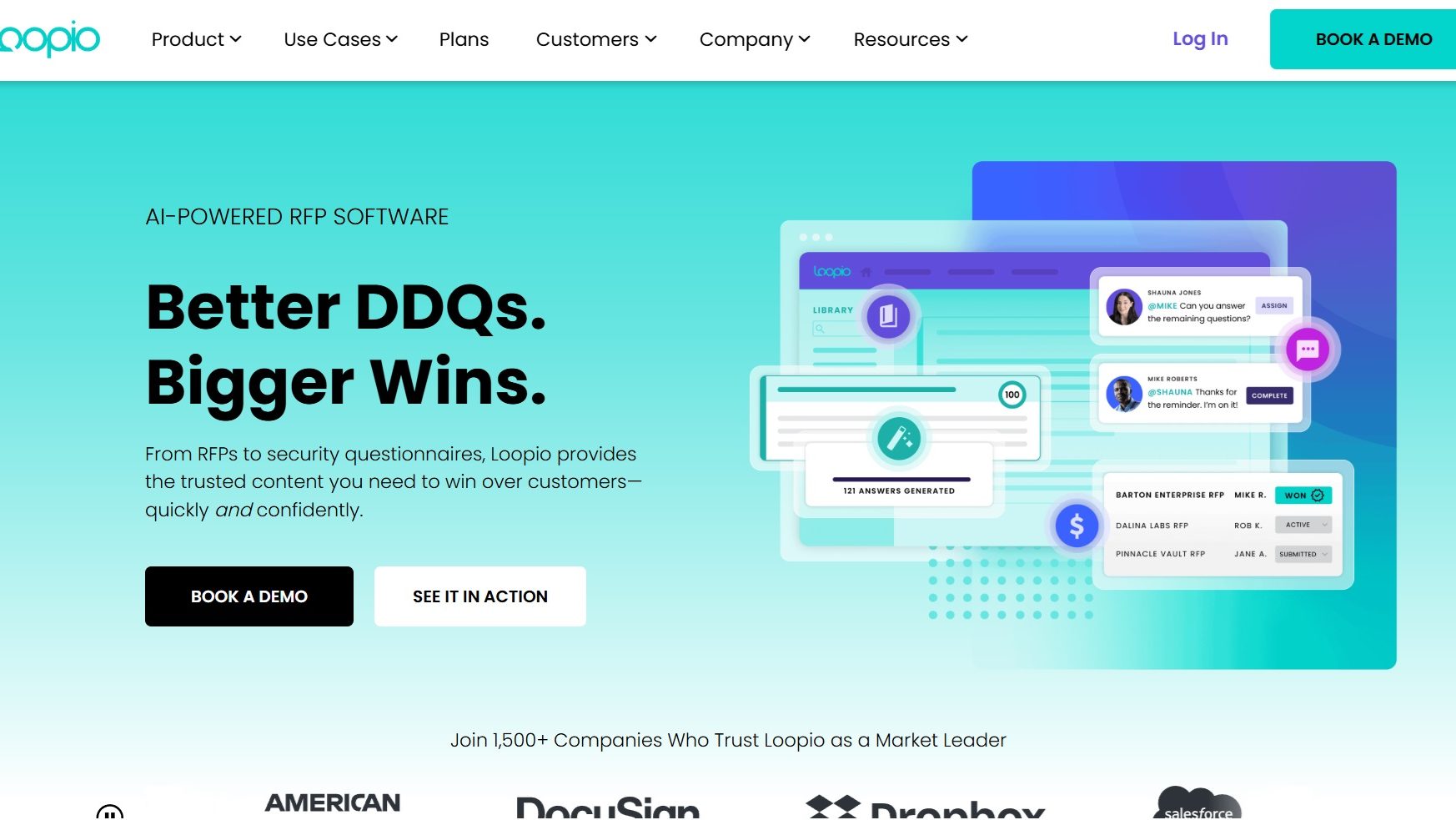
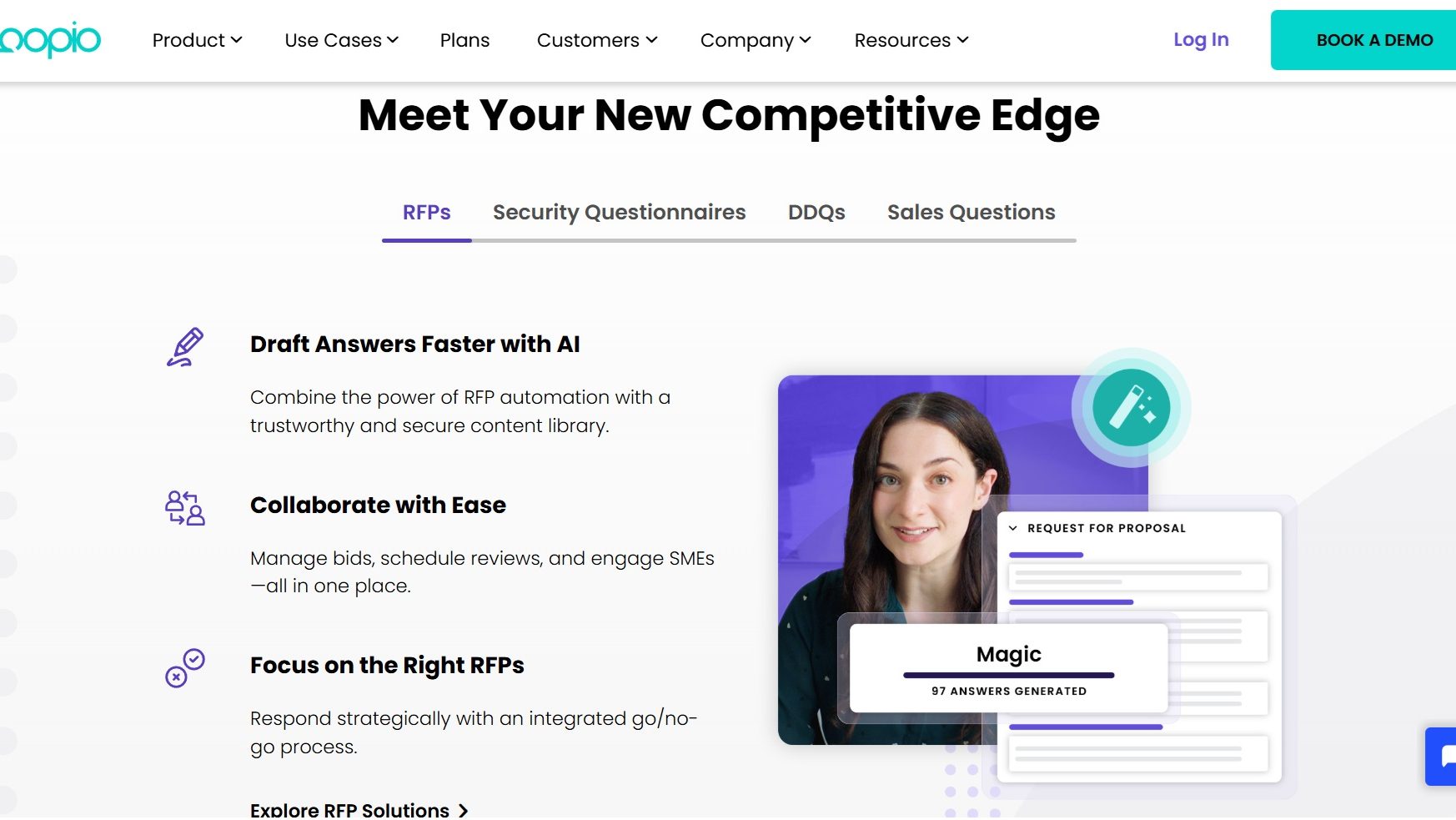
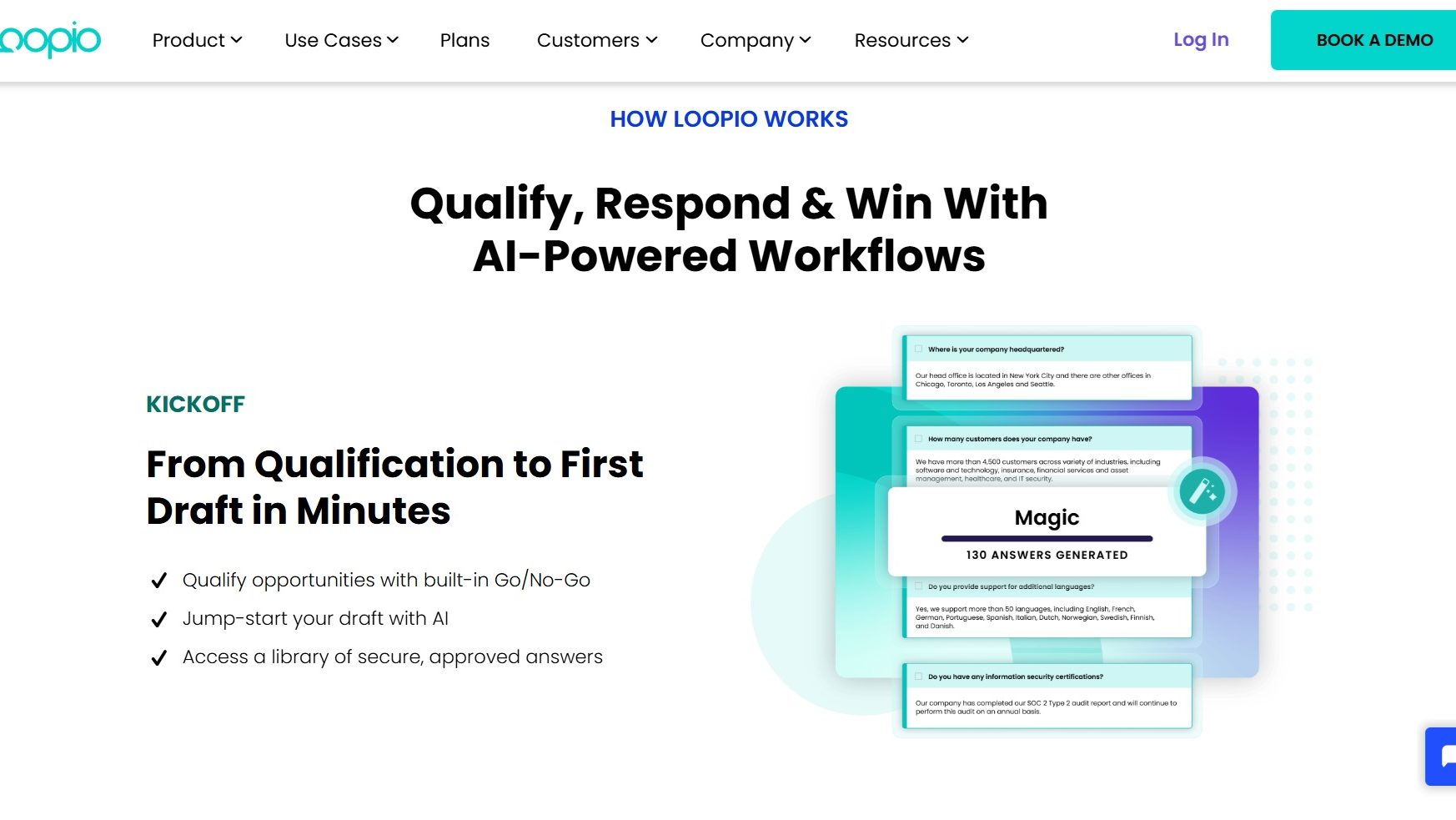
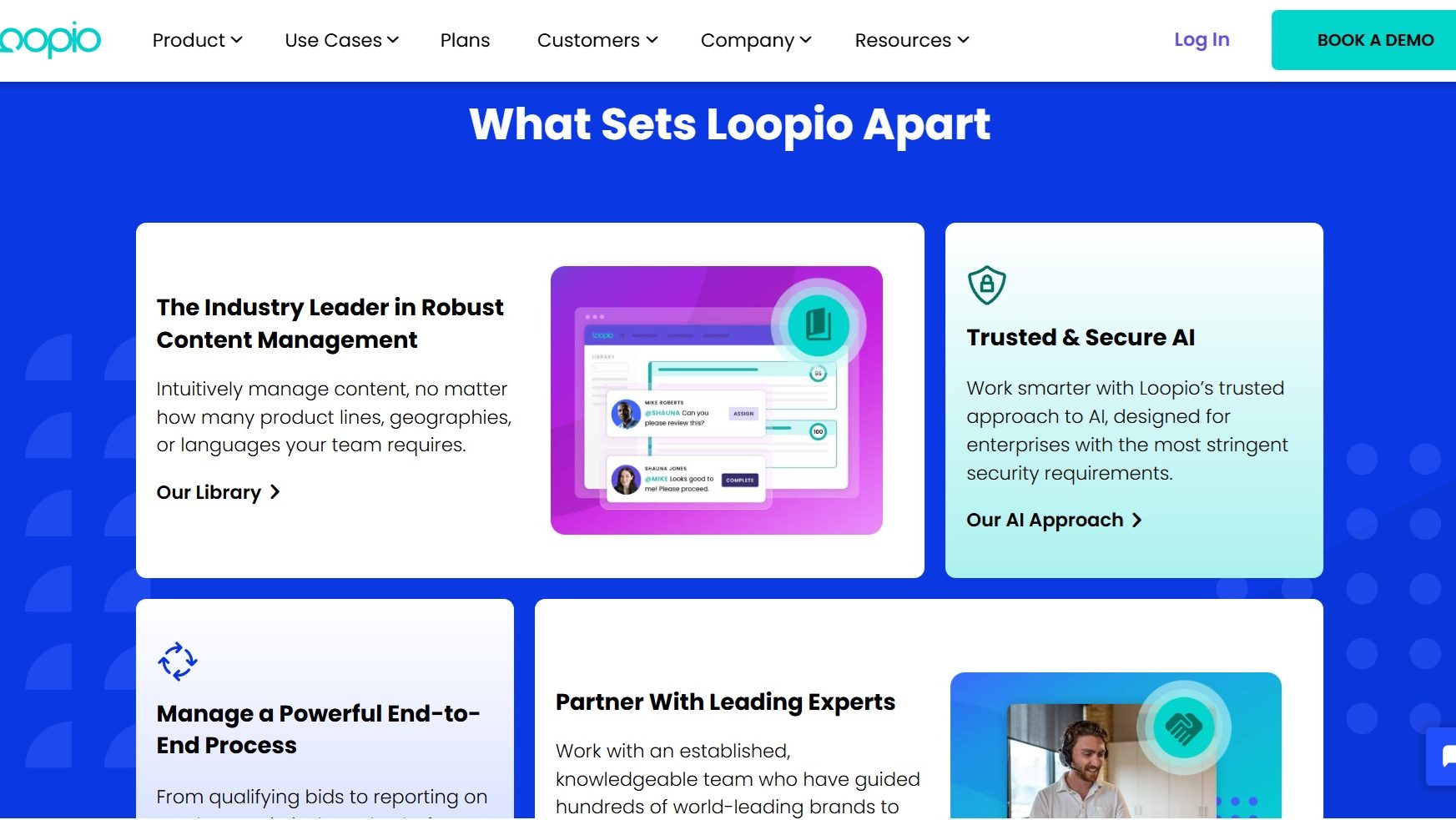
Loopio is an advanced RFP response management tool tailored for sales, marketing, and proposal teams. Key features include automation (Magic auto-fill), centralized content libraries, collaborative workflows, and analytics. Trusted by 1,300+ organizations, it reduces RFP response time significantly, boasting a 51% increase in completed responses and 42% time savings. Compared to alternatives like RFPIO, Ombud, and QorusDocs, Loopio is user-friendly but slower for graphical-heavy documents. Its responsive support and scalable pricing make it cost-effective for mid-to-large organizations. However, detailed pricing requires a demo. Ideal for extensive RFP responders, it’s a top choice for speed, collaboration, and content management.

Pricing

Proposify Pricing

Pricing Range $19-$65/Month See Proposify Pricing

Loopio Pricing

Pricing Range $15.1k-$74.2k/Month

Alternatives

Proposify Alternatives

PandaDoc logo

PandaDoc

93%
Loopio logo

Loopio

90%
Qwilr logo

Qwilr

85%
GetAccept logo

GetAccept

85%
See All Proposify Alternatives

Loopio Alternatives

PandaDoc logo

PandaDoc

93%
Responsive (formerly RFPIO) logo

Responsive (formerly RFPIO)

83%
See All Loopio Alternatives

Experience

Proposify Screenshots

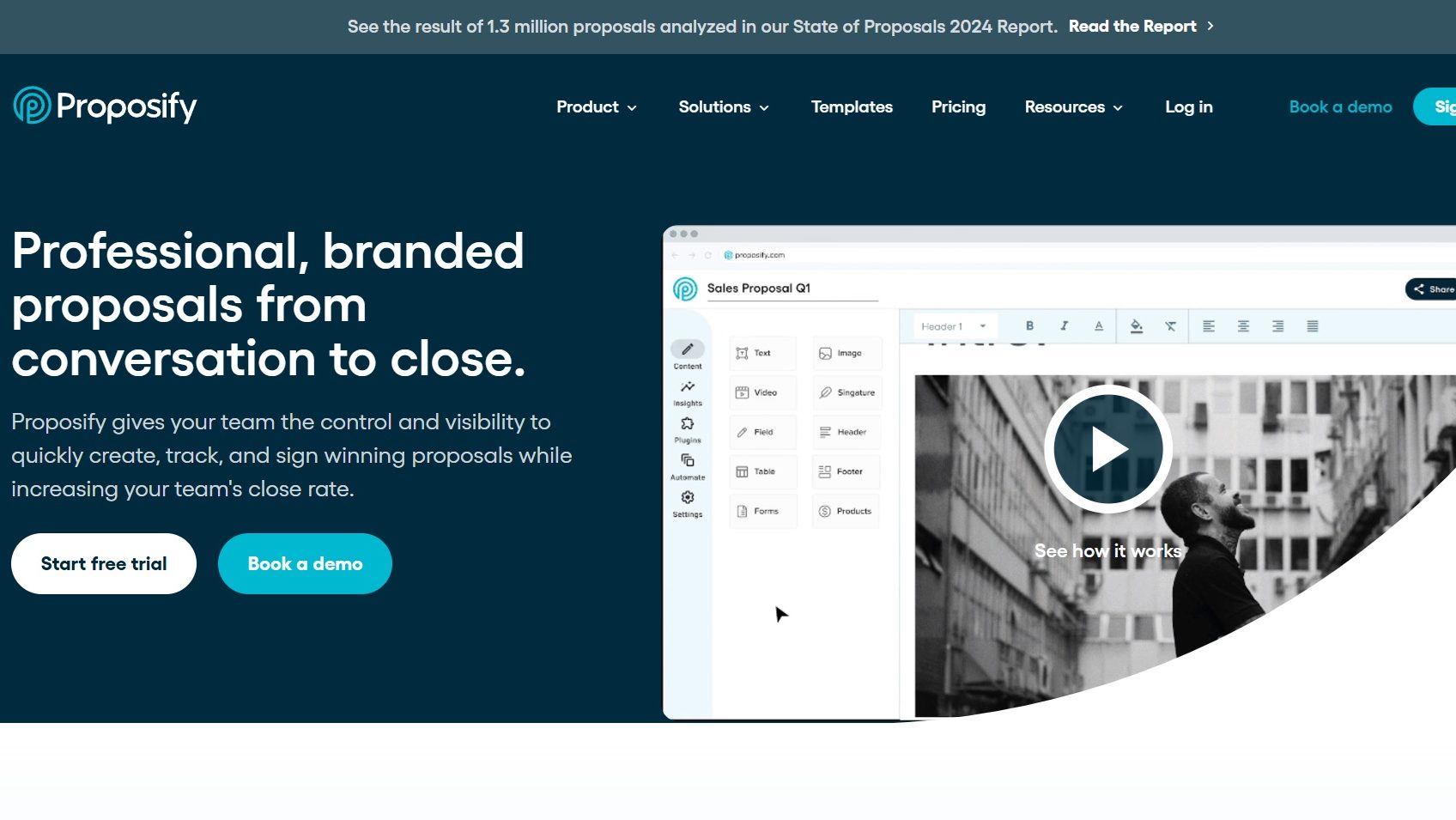
Proposify screenshot 1
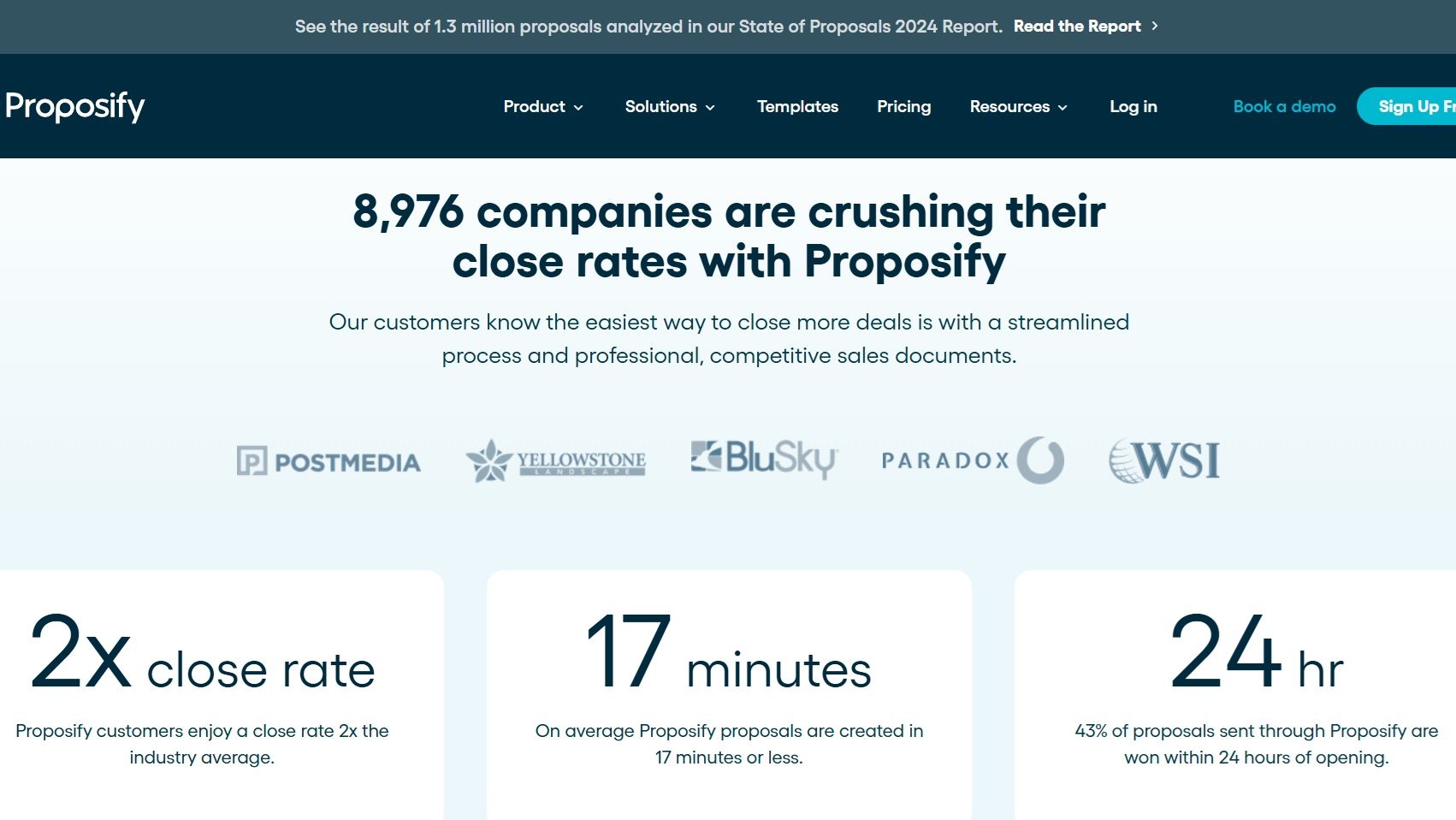
Proposify screenshot 2
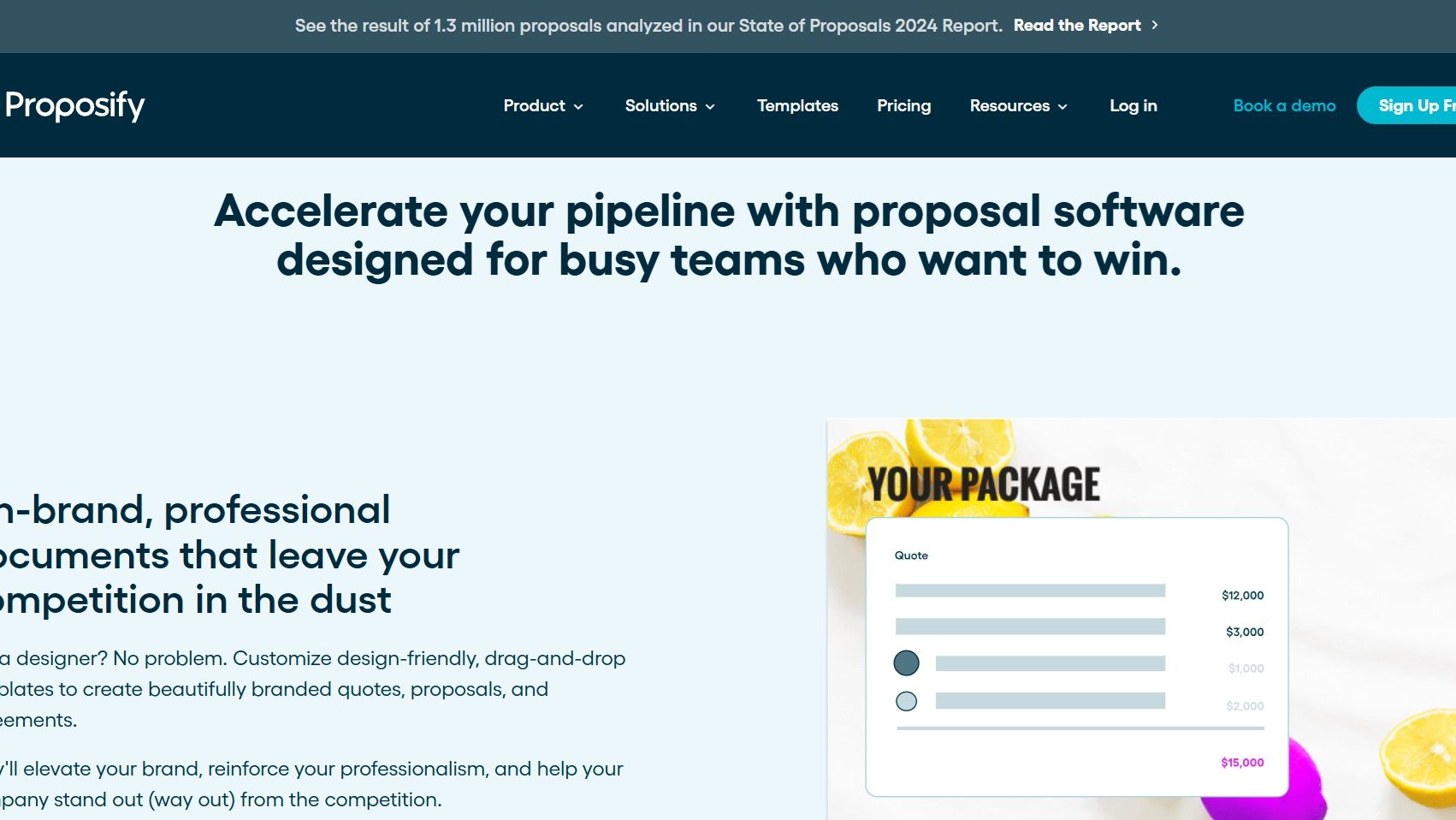
Proposify screenshot 3
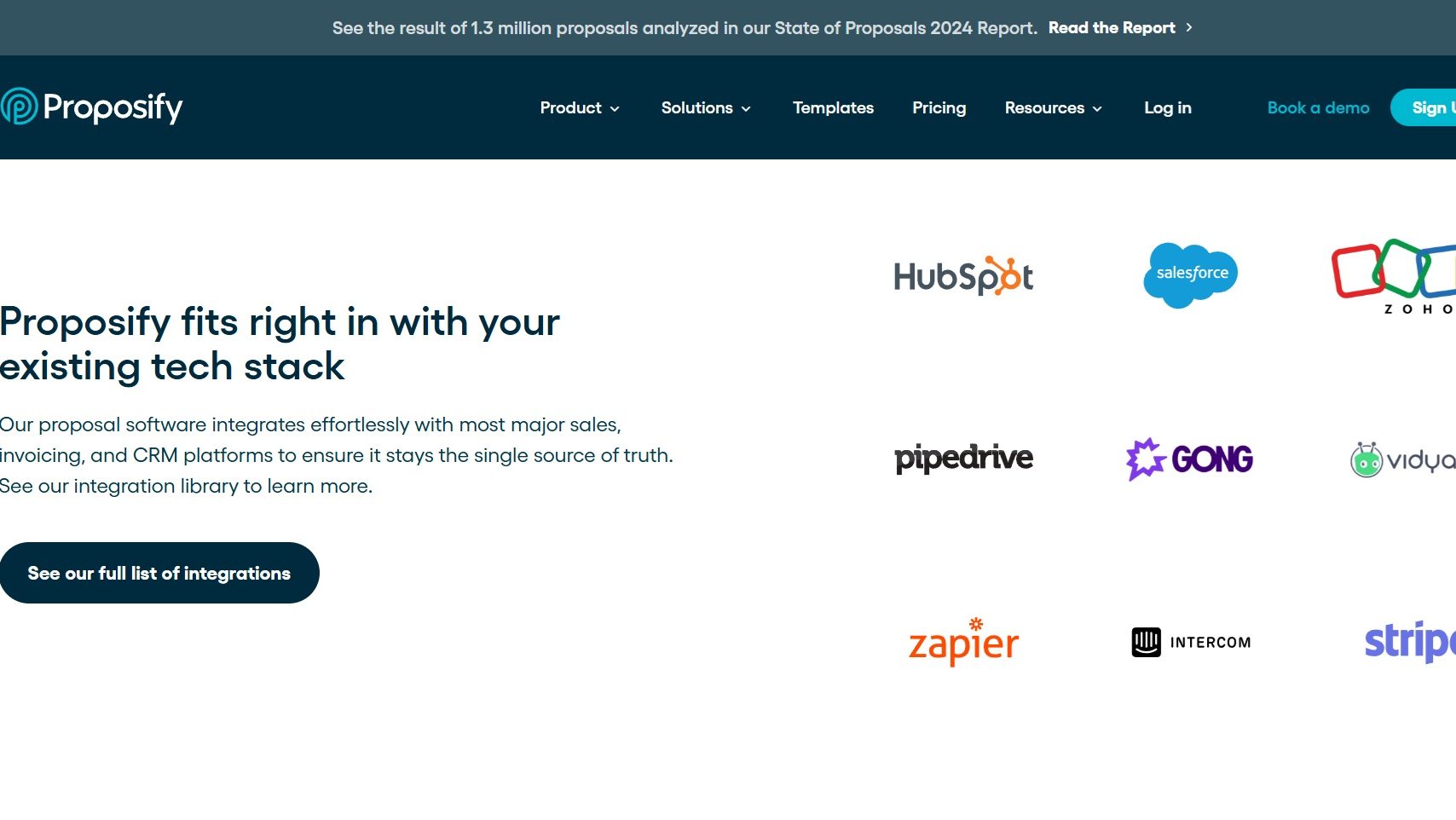
Proposify screenshot 4

Loopio Screenshots

Loopio screenshot 1
Loopio screenshot 2
Loopio screenshot 3
Loopio screenshot 4
Loopio screenshot 5