Sign in to review
Join our community of software reviewers on Subscribed.fyi

Continue With Google
Continue With LinkedIn
Continue Review with Email
Continue with Email
Enter your email to continue.
Continue
Enter your password
Enter your password to finish setting up your account.
Continue
Activate your email
Enter activation code we sent to your email.
Submit
Reset your password
Enter activation code we sent to your email.
Submit
Set your new password
Enter a new password for your account.
Submit
Categories
For Business
Log in
Provide My Insights
Add Product
Suggested products People also compare with
Add to Comparison
Suggested products People also compare with

Compare Adobe Analytics and Pendo

We are comparing Adobe Analytics and Pendo to evaluate which one is the best product.

Suggested products People also compare with
Review Pricing Alternatives Experience

Review

70%
24/36 Metric achieved
83%
29/36 Metric achieved

Subscribed Metric

Customer Support 4/6
Security 0/6
Ease of Use 5/6
Value of Money 4/6
Integration 5/6
Popularity 6/6

Subscribed Metric

Customer Support 5/6
Security 4/6
Ease of Use 5/6
Value of Money 5/6
Integration 4/6
Popularity 6/6

Pros & Cons

Comprehensive analytics capabilities
Customization of reports and dashboards
Effective integration with other tools
Real-time data insights
Steep learning curve for new users
High cost unsuitable for small businesses
Complex initial setup
Inconsistent data export features

Pros & Cons

Provides deep insights into user behavior
Easy setup with minimal developer effort
Customizable guides and notifications
Wide range of analytics and in-app tools
Steep learning curve for new users
Case-sensitive URL tracking is tedious
Requires basic coding for advanced features
Some reporting features are limited

Conclusion

Adobe Analytics empowers marketers, developers, and business professionals to derive actionable insights through robust features like advanced segmentation, real-time reporting, customer journey visualization, and AI-powered anomaly detection. It integrates seamlessly with Adobe’s ecosystem. While powerful for data-driven enterprises, it has a steep learning curve, higher costs (up to 36% above competitors), and limited accessibility for smaller businesses compared to alternatives like Google Analytics or Amplitude. Pro: customizability and precise tracking. Con: expensive and complex setup. Customer support is efficient but premium features can increase costs quickly. Suitable for large, data-centric organizations rather than startups.

Conclusion

Pendo is a robust product analytics and digital adoption platform designed for product managers, marketers, and customer success teams. It offers in-depth user analytics (feature adoption, segmentation, funnels), in-app guides, NPS surveys, and seamless integrations. Key benefits include actionable insights, easy onboarding, and scalable user engagement. Pricing ranges from a free plan to enterprise tiers (custom pricing). While it excels in analytics and customer feedback, it has a steep learning curve and may require technical setup.

Compared to alternatives like Mixpanel, WalkMe, or Heap, Pendo’s edge lies in combining analytics with in-app guidance, while competitors often focus on either analytics or adoption. However, it may lack advanced reporting customization or multichannel tracking offered by some competitors. Pendo provides highly responsive customer support, making it a cost-effective choice for medium to large SaaS companies seeking holistic product analytics and user engagement tools.

Pricing

Adobe Analytics Pricing

Pricing Range Not specified See Adobe Analytics Pricing

Pendo Pricing

Pricing Range $12.5k-$132.4k/Month See Pendo Pricing

Alternatives

Adobe Analytics Alternatives

Amplitude logo

Amplitude

90%
Zoho Analytics logo

Zoho Analytics

88%
Pendo logo

Pendo

83%
Mixpanel logo

Mixpanel

80%

Pendo Alternatives

Amplitude logo

Amplitude

90%
FullStory logo

FullStory

83%
Mixpanel logo

Mixpanel

80%
WalkMe logo

WalkMe

80%
See All Pendo Alternatives

Experience

Adobe Analytics Screenshots

Adobe Analytics screenshot 1
Adobe Analytics screenshot 2

Pendo Screenshots

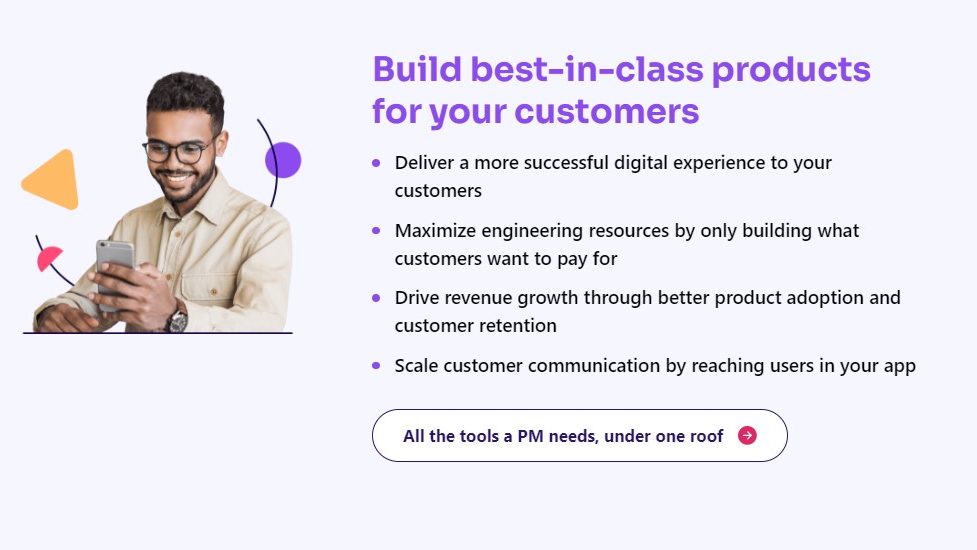
Pendo screenshot 1
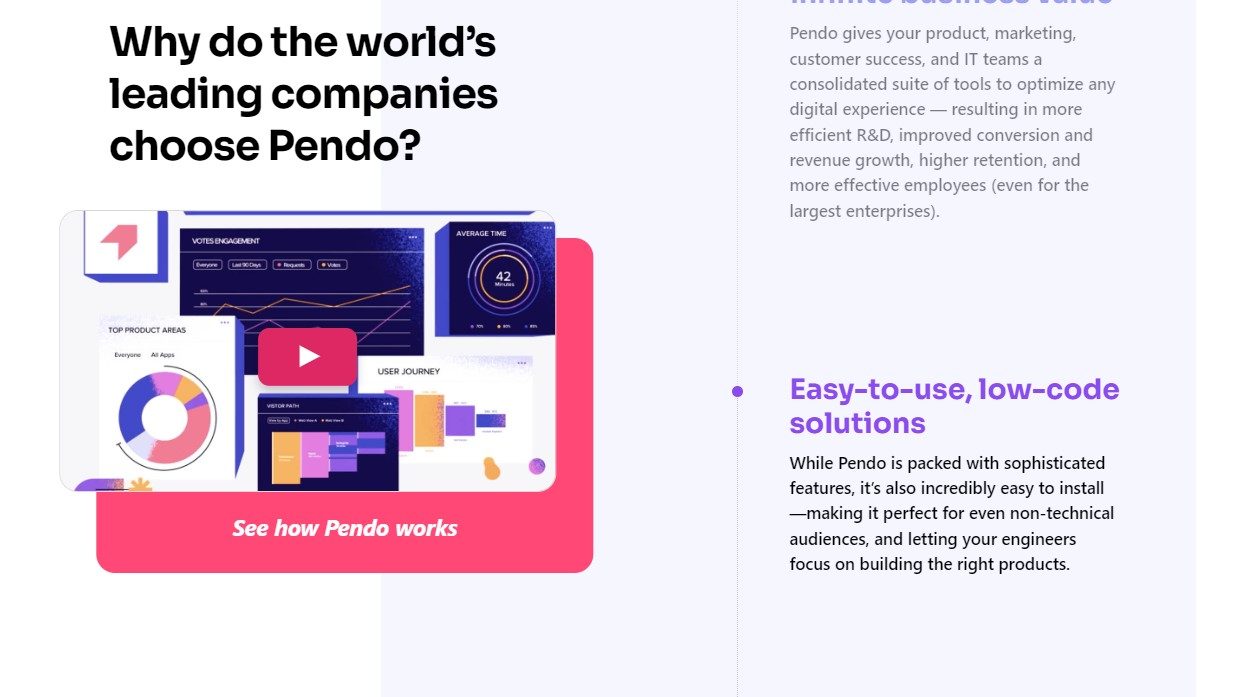
Pendo screenshot 2
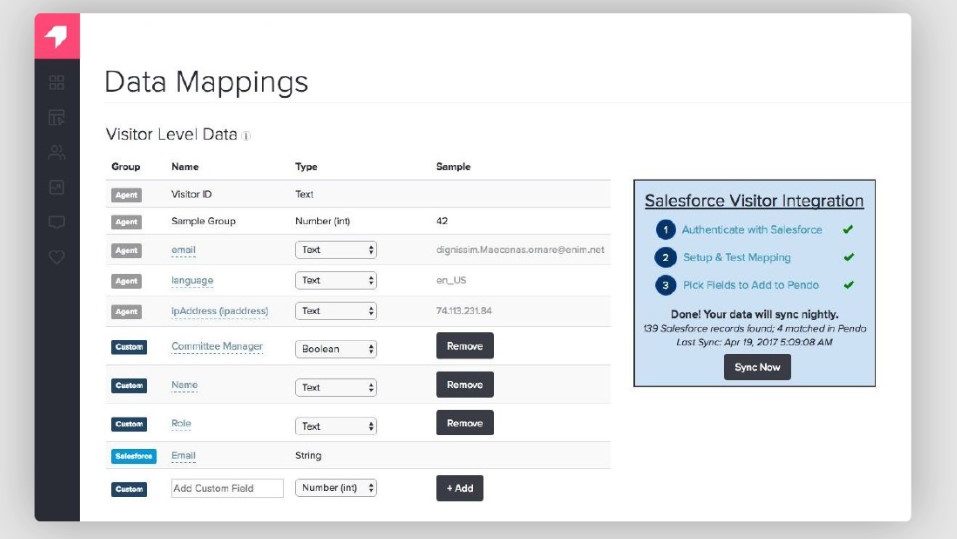
Pendo screenshot 3
Pendo screenshot 4
Pendo screenshot 5