Sign in to review
Join our community of software reviewers on Subscribed.fyi

Continue With Google
Continue With LinkedIn
Continue Review with Email
Continue with Email
Enter your email to continue.
Continue
Enter your password
Enter your password to finish setting up your account.
Continue
Activate your email
Enter activation code we sent to your email.
Submit
Reset your password
Enter activation code we sent to your email.
Submit
Set your new password
Enter a new password for your account.
Submit
Categories
For Business
Log in
Provide My Insights
Add Product
Suggested products People also compare with
Add to Comparison
Suggested products People also compare with

Compare After the Deadline and Grammarly

We are comparing After the Deadline and Grammarly to evaluate which one is the best product.

Suggested products People also compare with
Review Pricing Alternatives Experience

Review

38%
14/36 Metric achieved
90%
32/36 Metric achieved

Subscribed Metric

Customer Support 2/6
Security 0/6
Ease of Use 5/6
Value of Money 4/6
Integration 1/6
Popularity 2/6

Subscribed Metric

Customer Support 4/6
Security 5/6
Ease of Use 6/6
Value of Money 5/6
Integration 6/6
Popularity 6/6

Pros & Cons

Free to use and cost-effective.
Checks spelling, grammar, and style effectively.
Ease of use with browser extension support.
Helpful for creating accurate documents.
Chrome extension needs manual activation occasionally.
Not precise enough for critical grammar checks.
Lacks regular updates and improvements.
Falls short compared to competitors in features.

Pros & Cons

Improves grammar, clarity, and style
Seamless integration across platforms
Boosts productivity and efficiency
User-friendly and real-time suggestions
Expensive for small teams or startups
Limited offline functionality
Overly formal or prescriptive suggestions
Occasional incorrect corrections

Conclusion

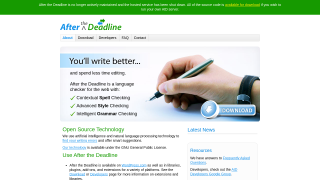
After the Deadline (ATD) is a free AI-driven proofreading tool focusing on spelling, grammar, and style errors, making it ideal for writers, marketers, and small business owners. It integrates easily as a browser extension, offering quick checks while writing online. Compared to Grammarly or PerfectIt, ATD lacks advanced features, detailed grammar corrections, and developer updates but remains highly cost-effective for basic needs. Customer support is minimal, but its price (free) makes it accessible.

Conclusion

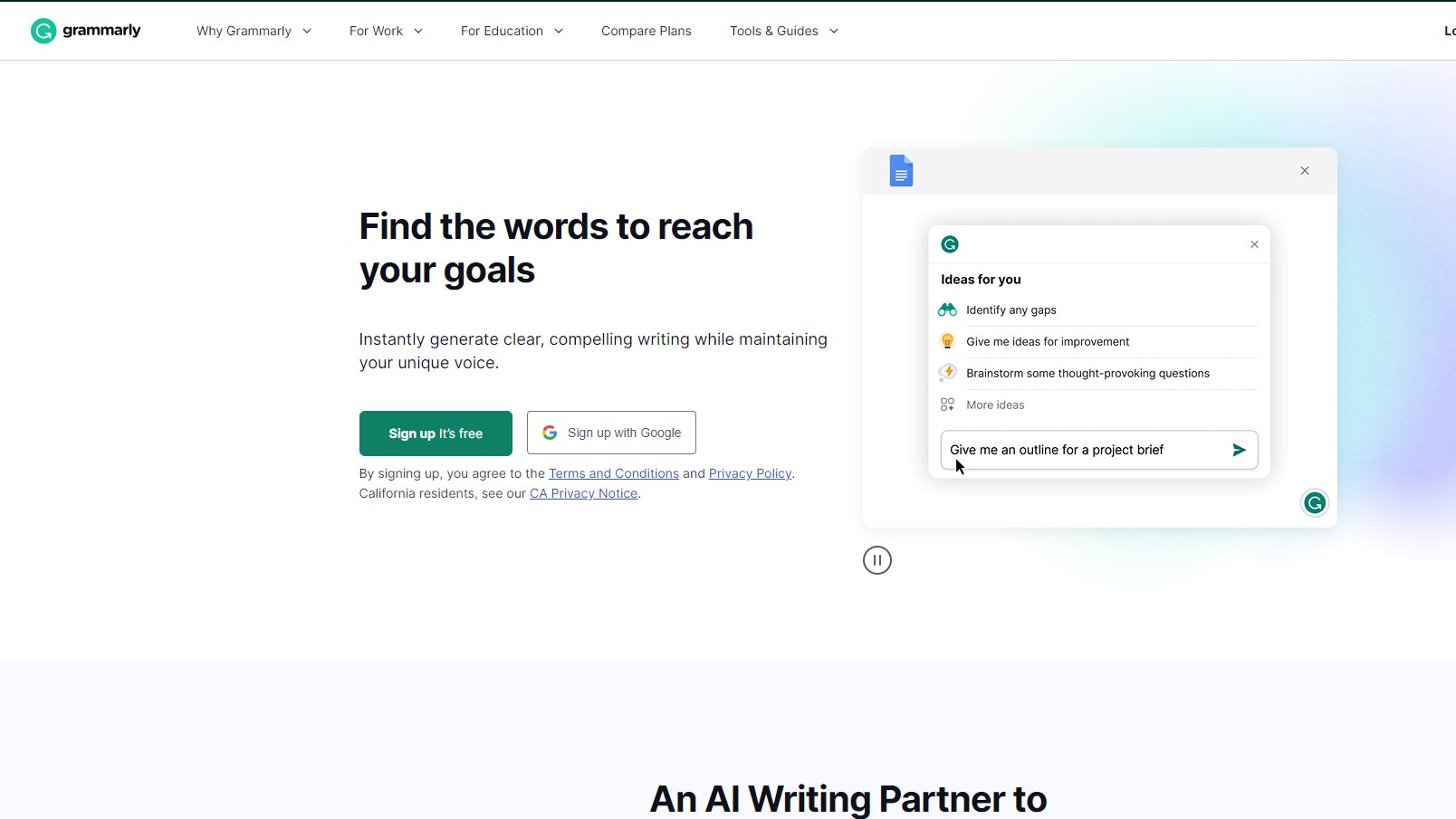
Grammarly is a leading AI-powered writing assistant helping individuals and businesses enhance communication by refining grammar, tone, and style. Its key features include grammar, spelling, tone checks, real-time suggestions, plagiarism detection, and custom style guides. Grammarly integrates seamlessly across platforms like MS Office, Google Docs, and browsers, ensuring efficiency.

Compared to tools like ProWritingAid and QuillBot, Grammarly stands out for user-friendliness and advanced tone suggestions, making it ideal for marketers, writers, and educators. However, its premium plans are costlier, and reliance may hinder skill growth.

Pros include accuracy, integrations, and flexibility. Cons involve limited language support and a dependency risk. Its robust customer support and scalable pricing deliver cost-efficiency for professional use.

Pricing

After the Deadline Pricing

Pricing Range Not specified

Grammarly Pricing

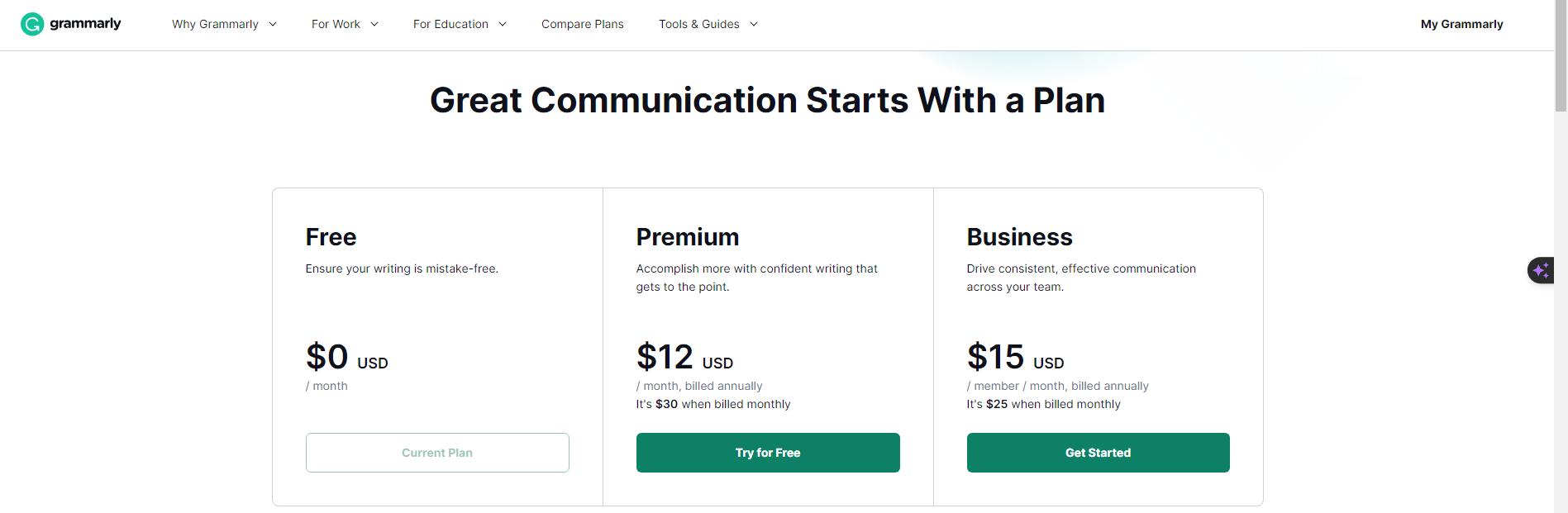
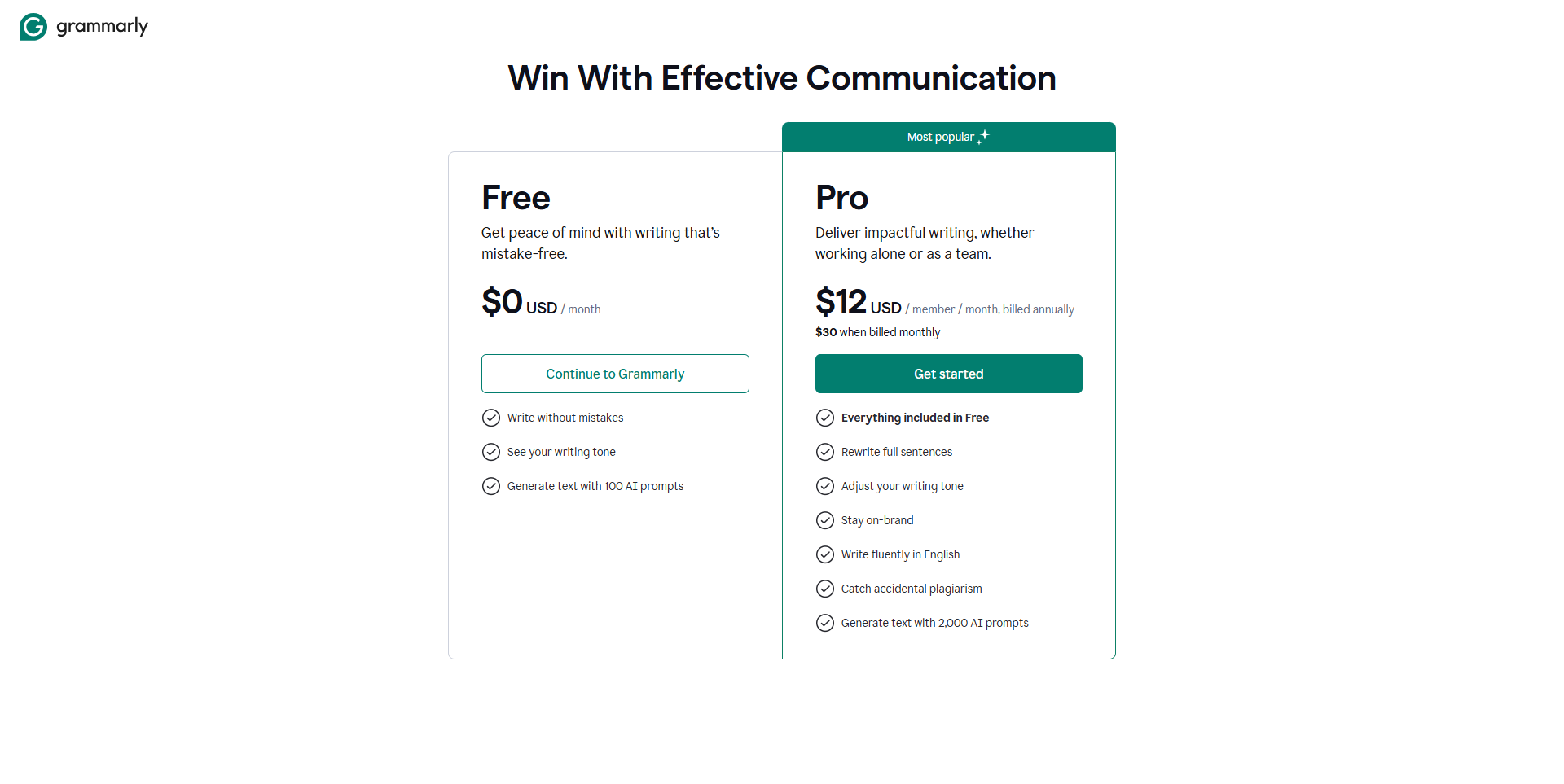
Pricing Range $0-$30/Month See Grammarly Pricing

Alternatives

After the Deadline Alternatives

Grammarly logo

Grammarly

90%
SEMrush logo

SEMrush

80%
See All After the Deadline Alternatives

Grammarly Alternatives

Visual Studio Code logo

Visual Studio Code

93%
Writesonic logo

Writesonic

85%
Jasper logo

Jasper

83%
ProWritingAid logo

ProWritingAid

83%
See All Grammarly Alternatives

Experience

After the Deadline Screenshots

After the Deadline screenshot 1

Grammarly Screenshots

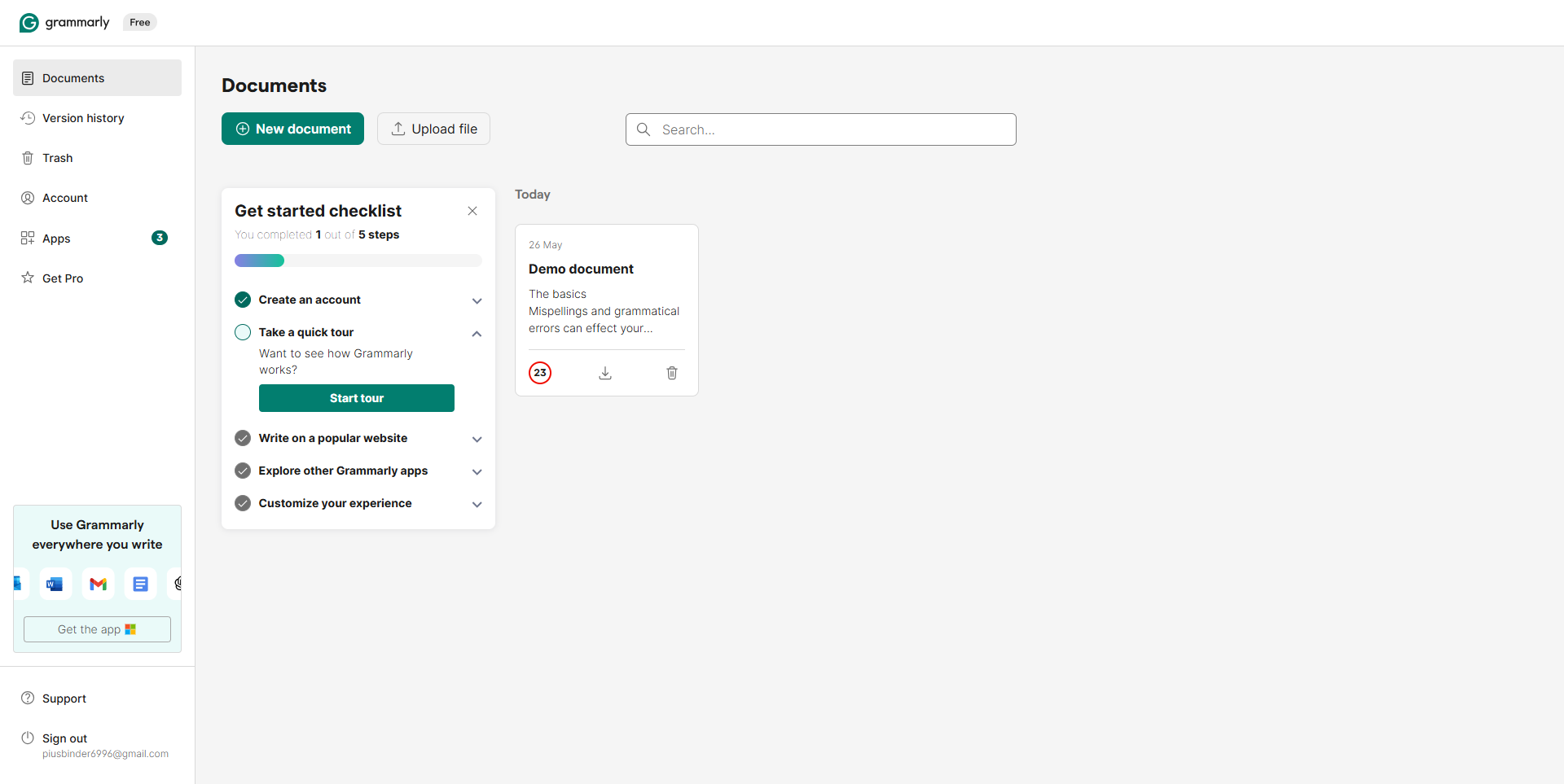
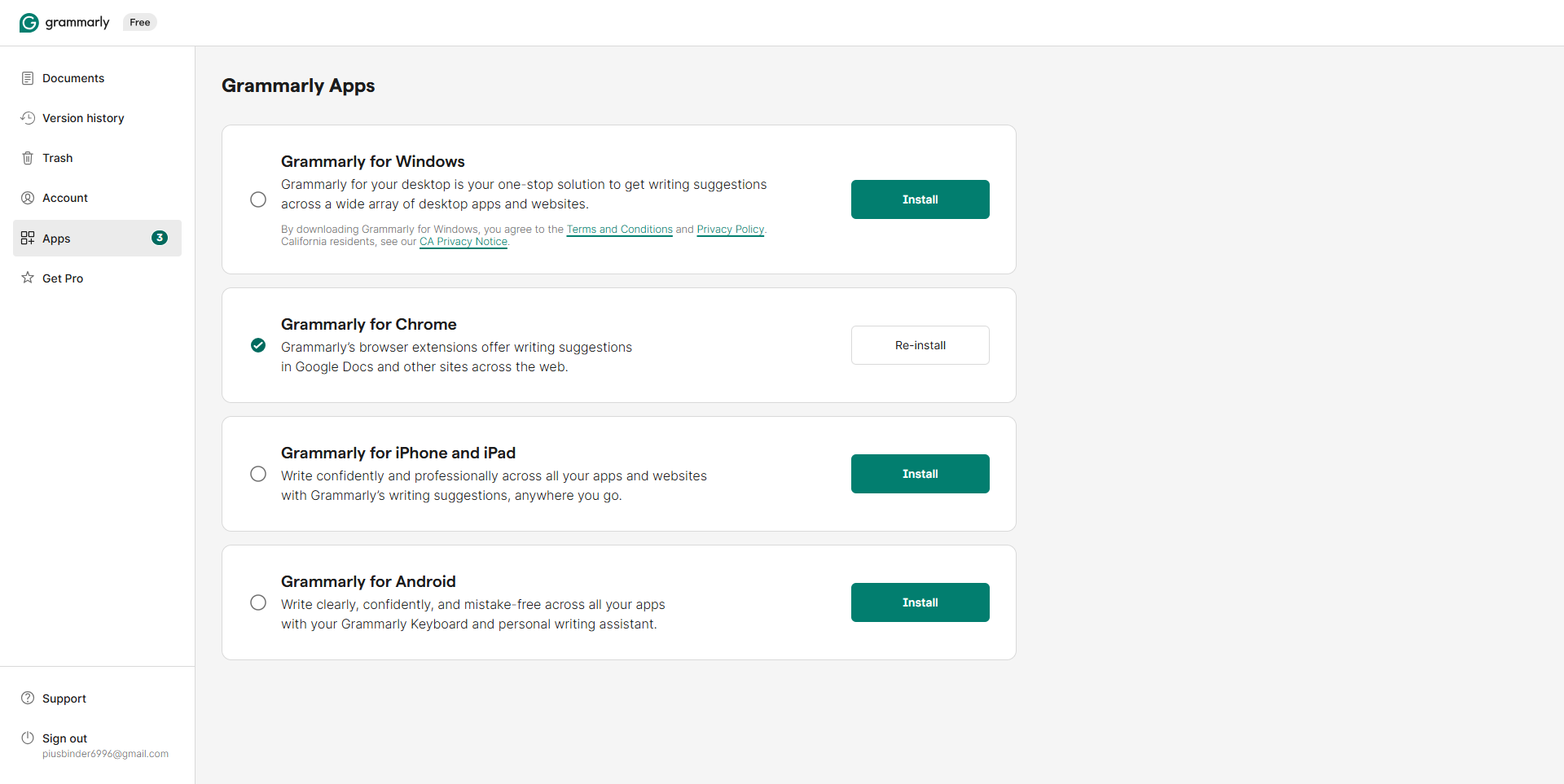
Grammarly screenshot 1
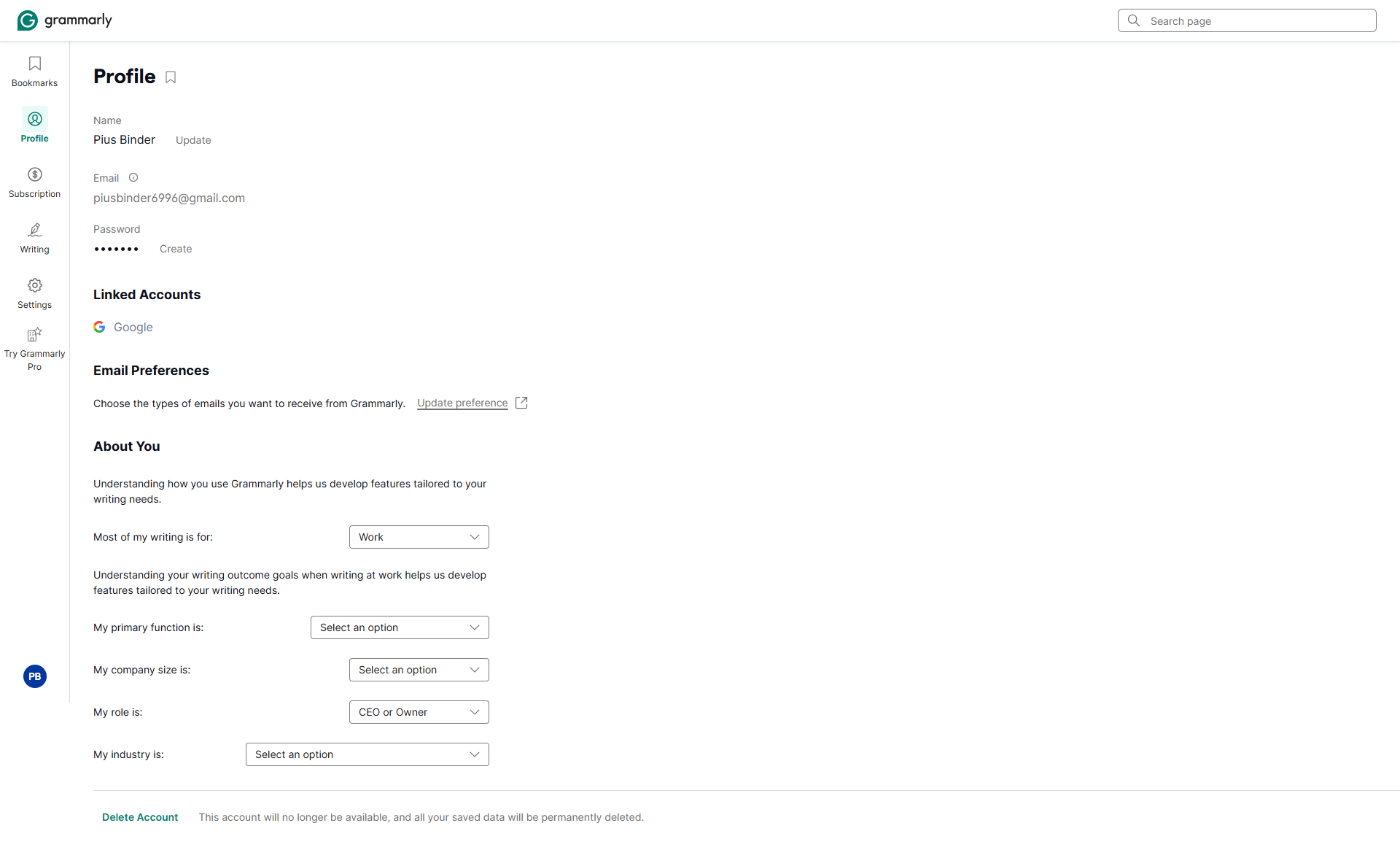
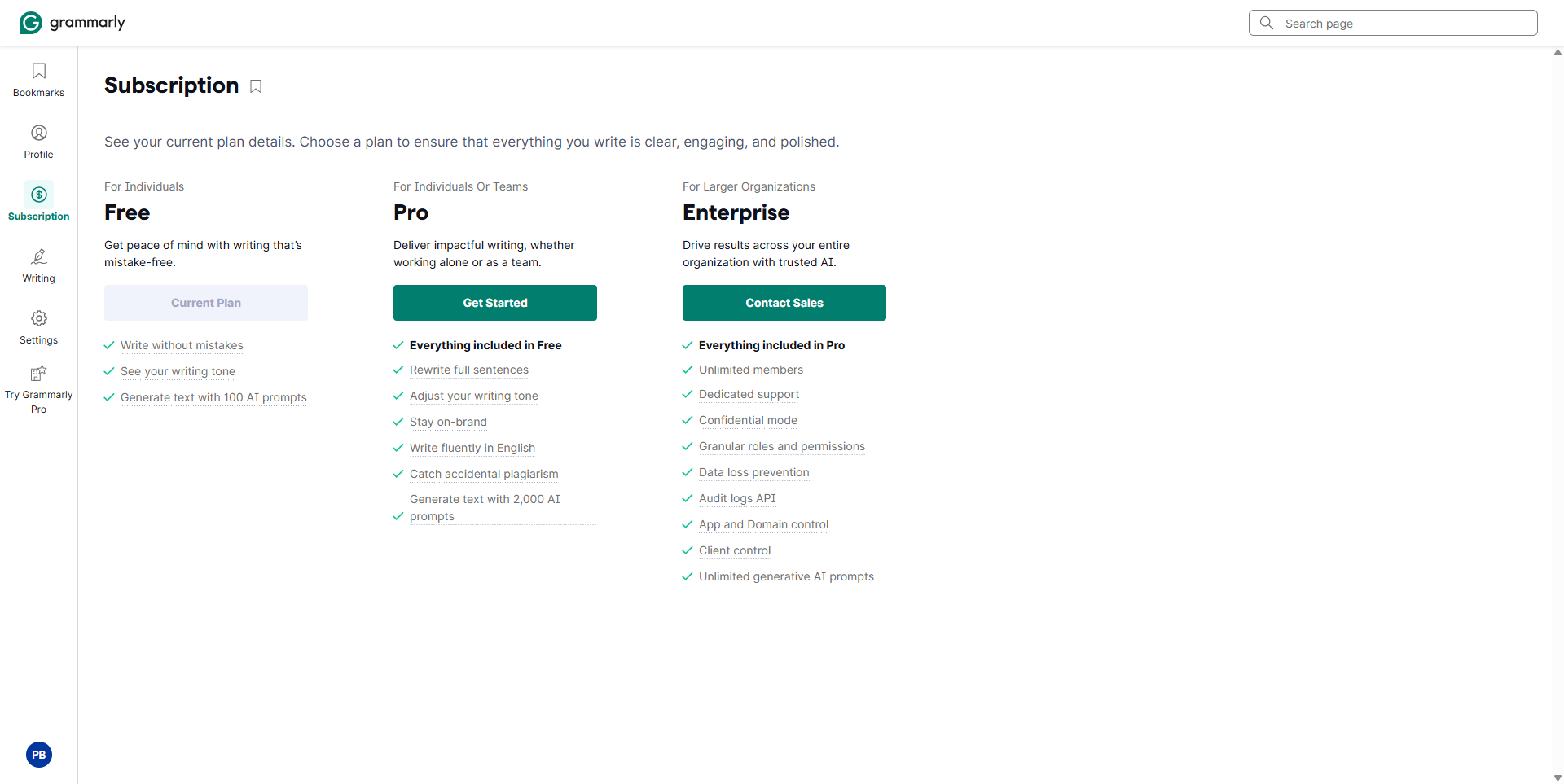
Grammarly screenshot 2
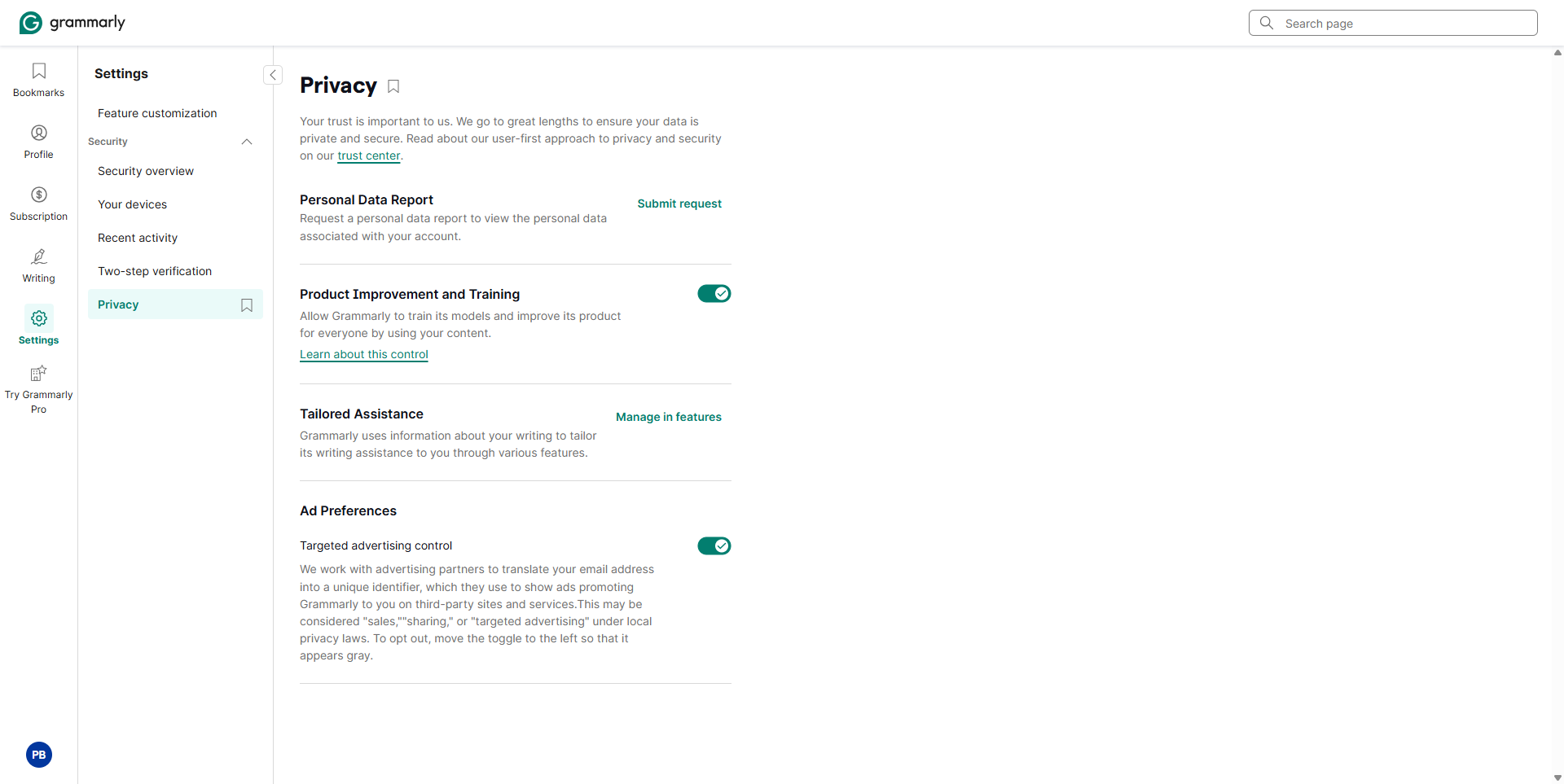
Grammarly screenshot 3
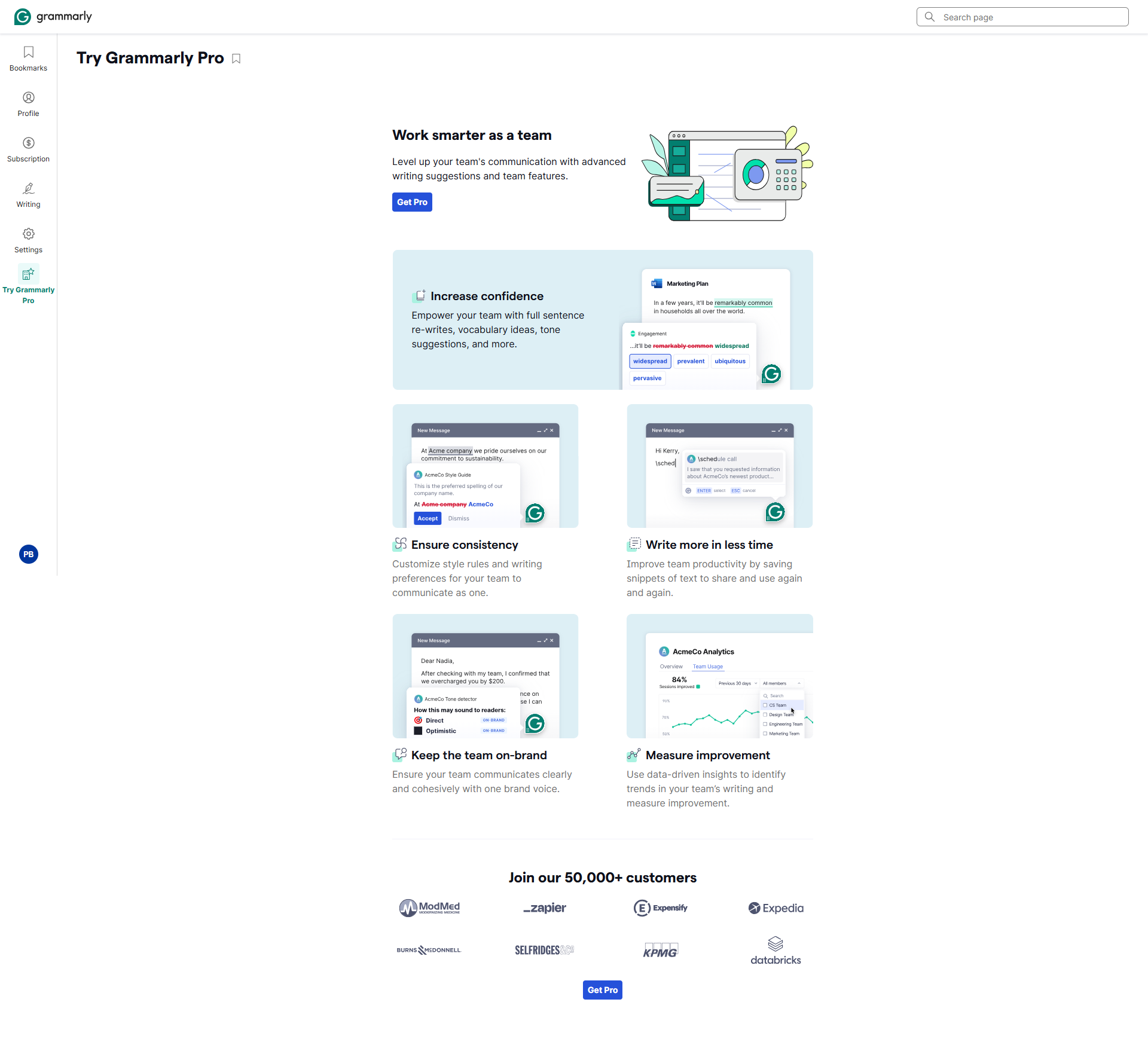
Grammarly screenshot 4
Grammarly screenshot 5
Grammarly screenshot 6
Grammarly screenshot 7
Grammarly screenshot 8
Grammarly screenshot 9
Grammarly screenshot 10