Sign in to review
Join our community of software reviewers on Subscribed.fyi

Continue With Google
Continue With LinkedIn
Continue Review with Email
Continue with Email
Enter your email to continue.
Continue
Enter your password
Enter your password to finish setting up your account.
Continue
Activate your email
Enter activation code we sent to your email.
Submit
Reset your password
Enter activation code we sent to your email.
Submit
Set your new password
Enter a new password for your account.
Submit
Categories
For Business
Log in
Provide My Insights
Add Product
Suggested products People also compare with
Add to Comparison
Suggested products People also compare with

Compare Any do and Todoist

We are comparing Any do and Todoist to evaluate which one is the best product.

Suggested products People also compare with
Review Pricing Alternatives Experience

Review

58%
20/36 Metric achieved
90%
32/36 Metric achieved

Subscribed Metric

Customer Support 3/6
Security 0/6
Ease of Use 5/6
Value of Money 4/6
Integration 3/6
Popularity 5/6

Subscribed Metric

Customer Support 5/6
Security 4/6
Ease of Use 6/6
Value of Money 6/6
Integration 5/6
Popularity 6/6

Pros & Cons

User-friendly and intuitive interface
Strong notification and reminder system
Seamless integration with calendars
Versatile for personal and professional use
Limited features in free version
Customer support response time is slow
Mobile app lacks offline access
Integration with some tools requires improvement

Pros & Cons

Easy to use and intuitive interface
Great task organization and prioritization features
Seamless synchronization across devices
Customizable and powerful task management tools
Limited offline functionality
Advanced features locked behind paid plans
Calendar integration could be improved
Occasional sluggishness with bulk operations

Conclusion

Any.do is a versatile task management tool offering features like to-do lists, recurring tasks, reminders, calendar sync, and collaboration, making it ideal for marketers, freelancers, and small teams to enhance productivity. It is lightweight, intuitive, and integrates with platforms like Google Calendar. Competitors like Trello and Todoist offer deeper customization and project management but lack simplicity. With plans starting free and premium at approx. $5/user/month, Any.do is cost-effective; however, limitations in free tier and support responsiveness need improvement. It suits users prioritizing simplicity and daily planning over complex workflows. Suitable customer support and pricing make it user-friendly for personal and small team use cases.

Conclusion

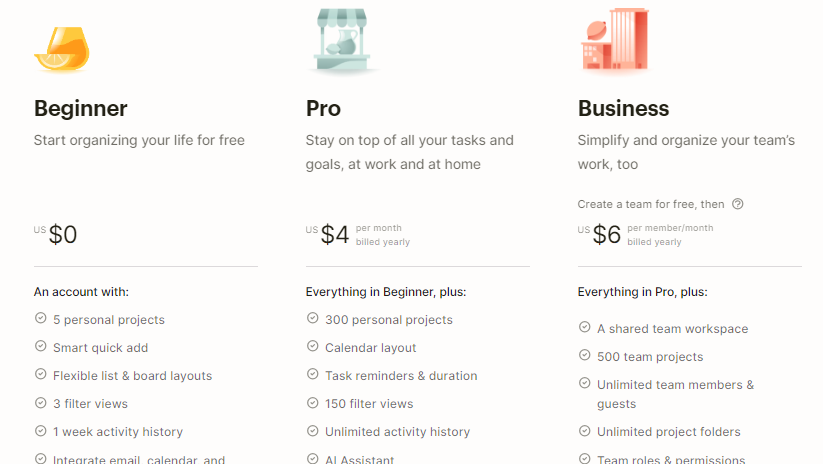
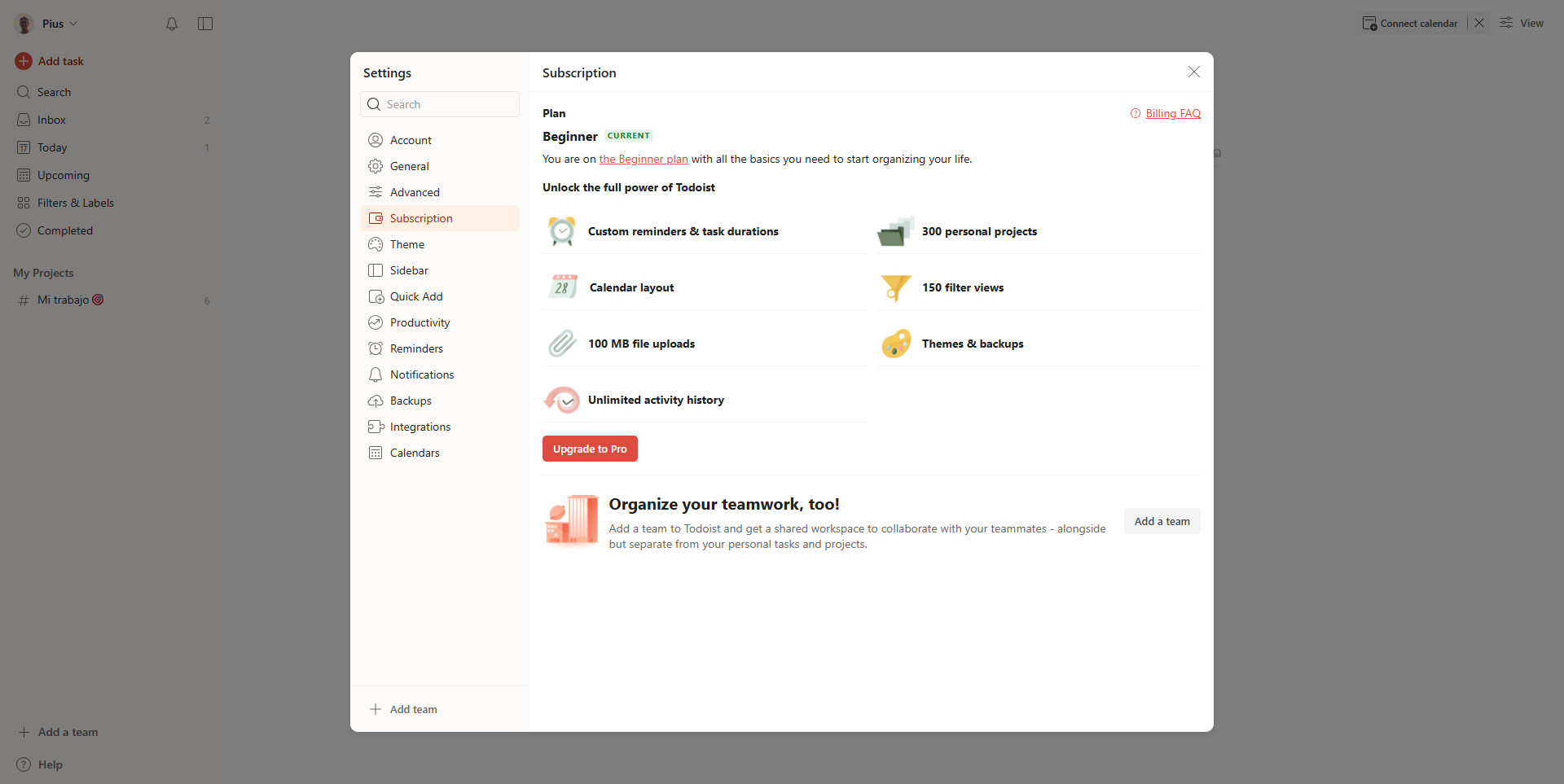
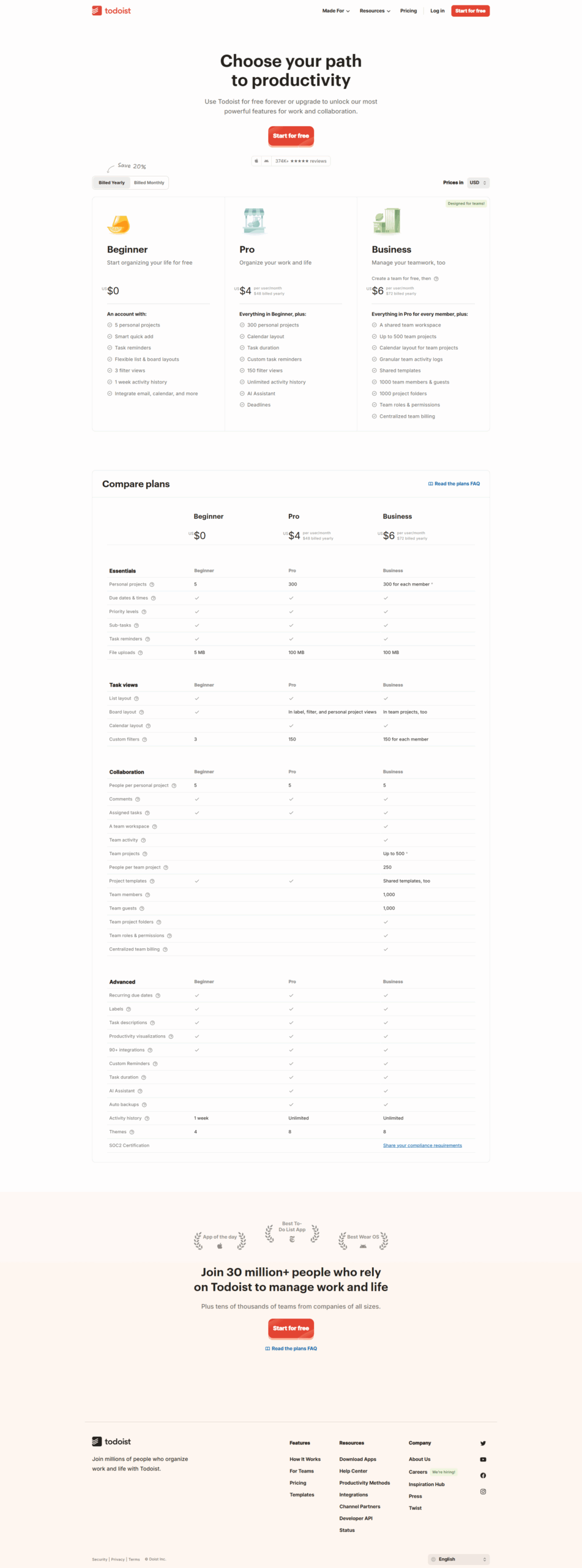
Todoist is a robust task management tool offering features like recurring tasks, priority sorting, project templates, integrations with apps like Google Calendar, and multi-platform support. Its plans cater to diverse user groups: free for minimal users, Pro ($4/month) for streamlined individual use (300 projects, reminders), and Business ($6/user/month) for collaborative teams (team inbox, 500 projects).

For designers and marketers, Todoist’s flexibility in managing projects and detailed task organization is a plus. Developers may find its lack of time-tracking features limiting. Compared to tools like Trello or Asana, Todoist is more intuitive but offers fewer advanced collaborative tools. Its clean UI and affordability make it highly cost-effective for small teams or individuals, though deeper analytics could enhance its appeal. Customer support is responsive but lacks in-depth troubleshooting guides.

Pricing

Any do Pricing

Pricing Range $4.99/Month See Any do Pricing

Todoist Pricing

Pricing Range €0-€6/Month See Todoist Pricing

Alternatives

Any do Alternatives

Trello logo

Trello

90%
Todoist logo

Todoist

90%
ClickUp logo

ClickUp

88%
TickTick logo

TickTick

68%

Todoist Alternatives

Trello logo

Trello

90%
Asana logo

Asana

83%
Things logo

Things

68%
TickTick logo

TickTick

68%

Experience

Any do Screenshots

Any do screenshot 1
Any do screenshot 2

Todoist Screenshots

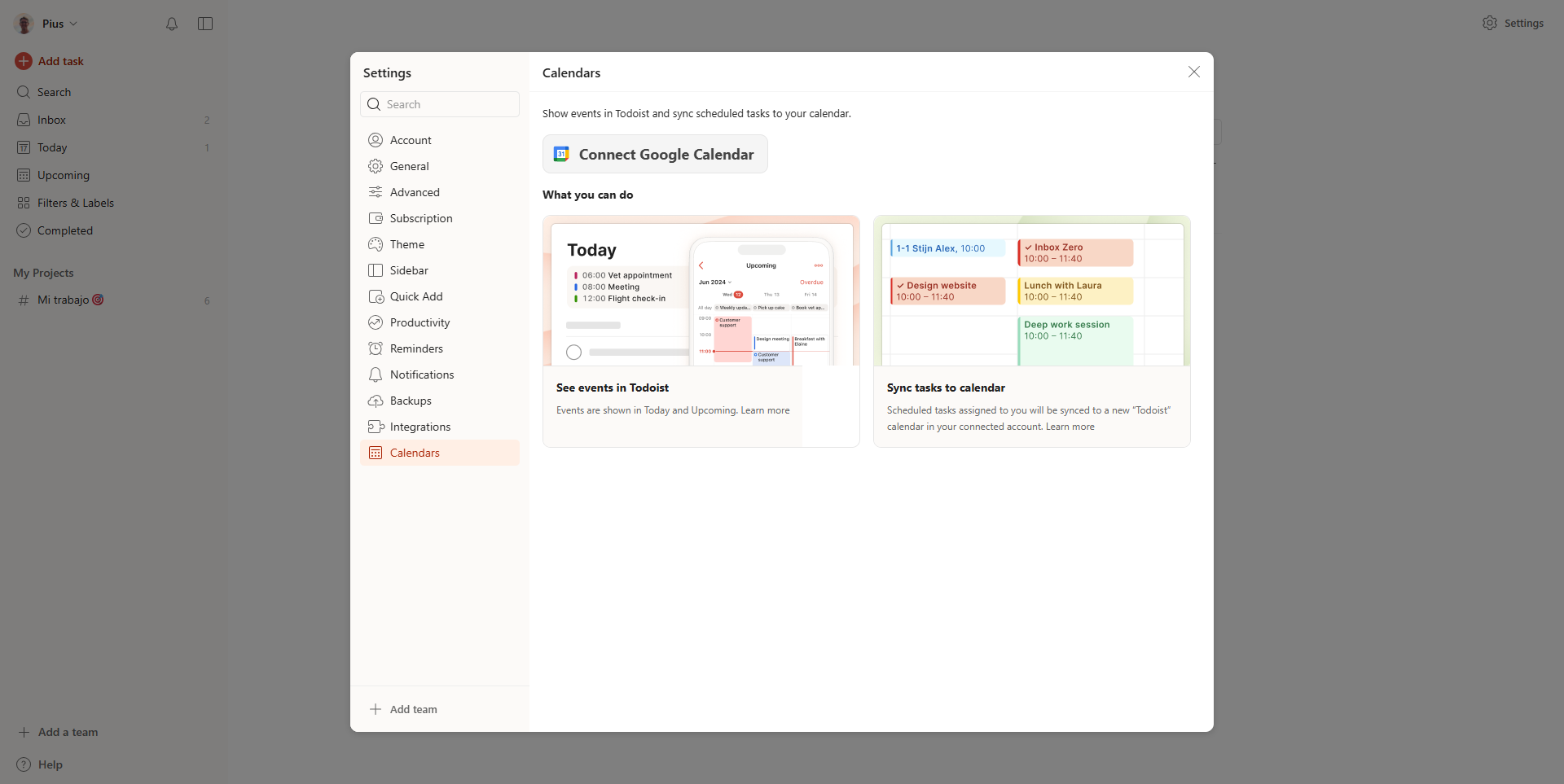
Todoist screenshot 1
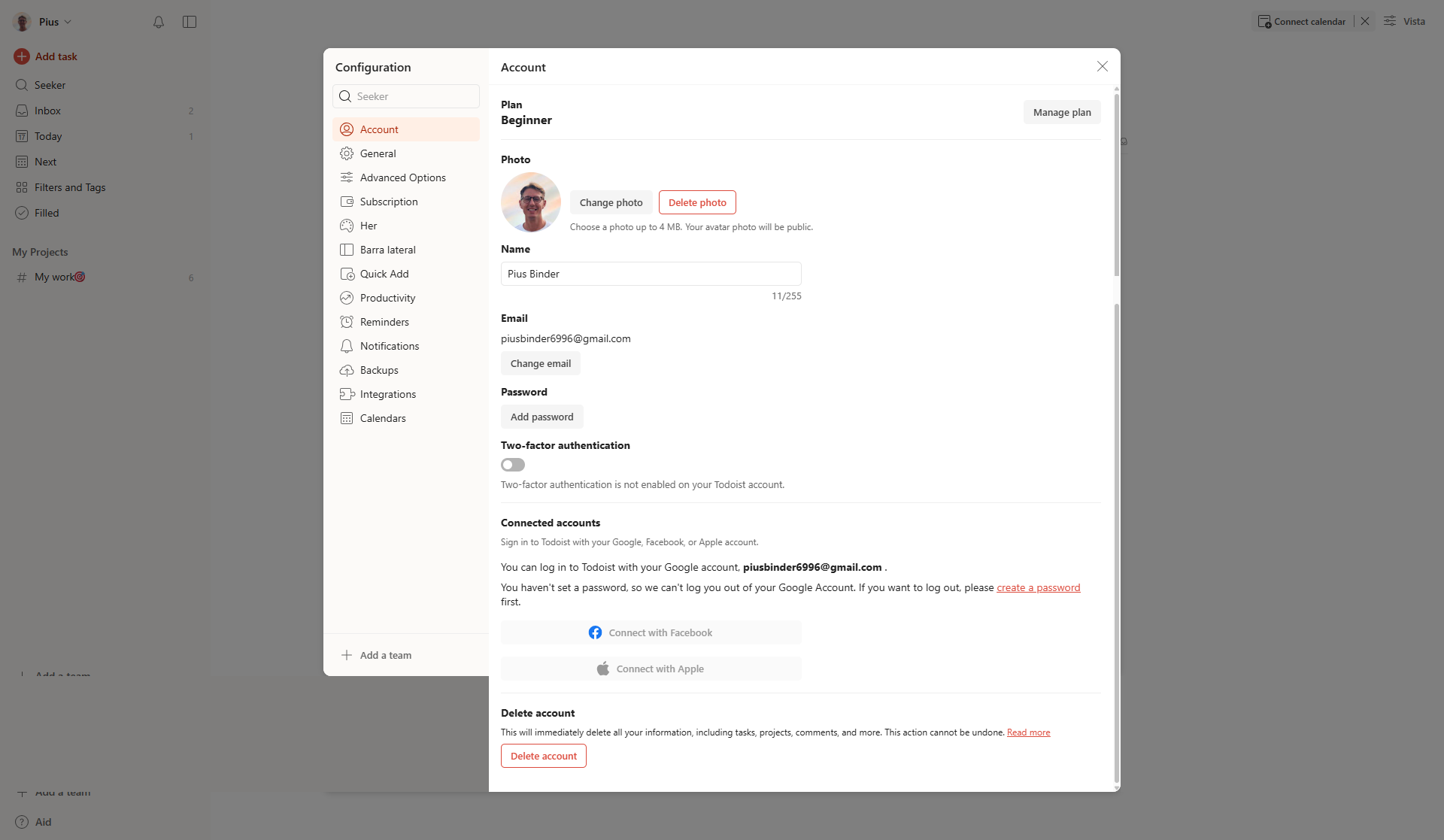
Todoist screenshot 2
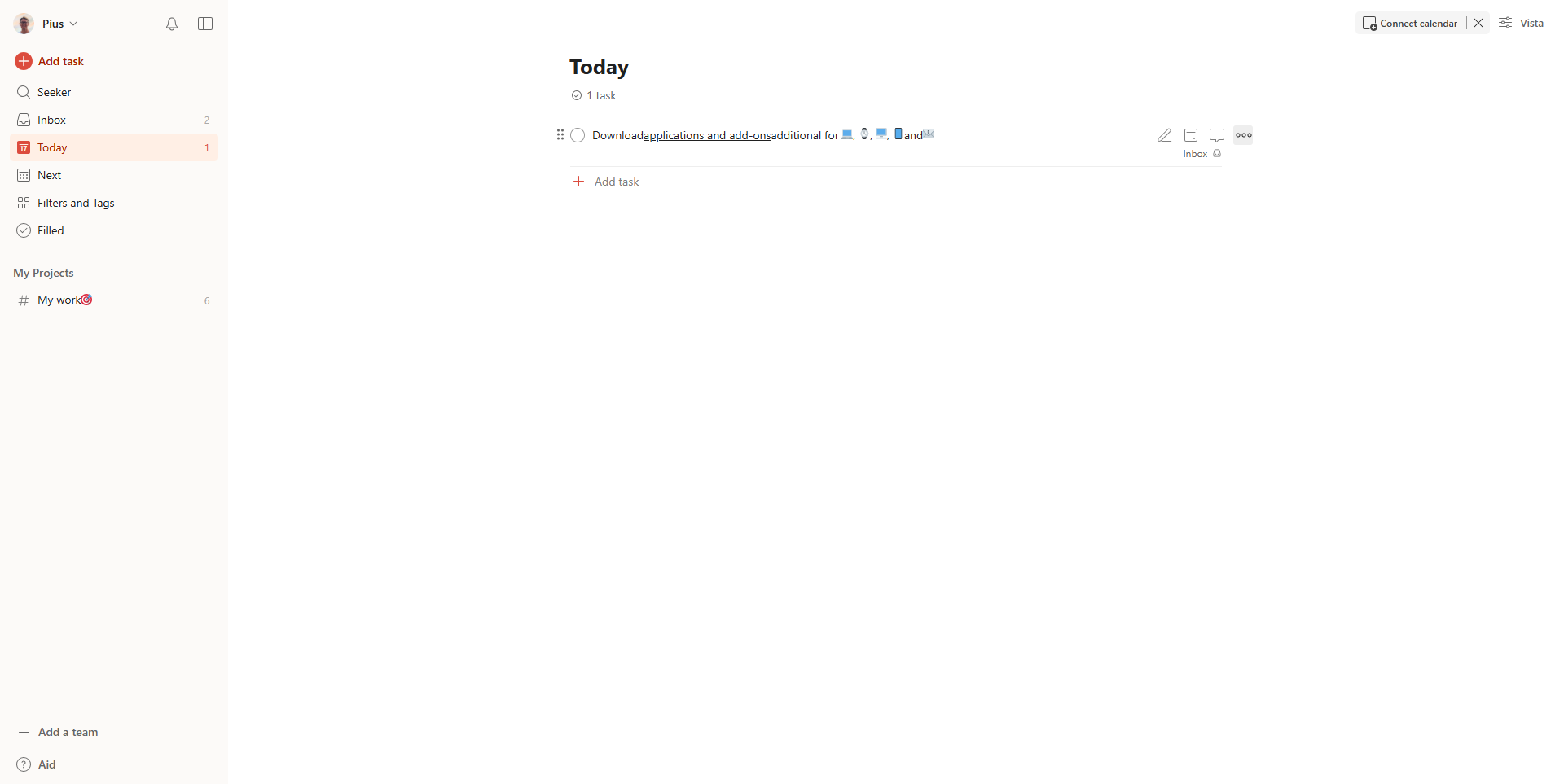
Todoist screenshot 3
Todoist screenshot 4
Todoist screenshot 5
Todoist screenshot 6
Todoist screenshot 7
Todoist screenshot 8
Todoist screenshot 9