Sign in to review
Join our community of software reviewers on Subscribed.fyi

Continue With Google
Continue With LinkedIn
Continue Review with Email
Continue with Email
Enter your email to continue.
Continue
Enter your password
Enter your password to finish setting up your account.
Continue
Activate your email
Enter activation code we sent to your email.
Submit
Reset your password
Enter activation code we sent to your email.
Submit
Set your new password
Enter a new password for your account.
Submit
Categories
For Business
Log in
Provide My Insights
Add Product
Suggested products People also compare with
Add to Comparison
Suggested products People also compare with

Compare Attentive AI and Procore

We are comparing Attentive AI and Procore to evaluate which one is the best product.

Suggested products People also compare with
Review Pricing Alternatives Experience

Review

78%
28/36 Metric achieved
80%
28/36 Metric achieved

Subscribed Metric

Customer Support 6/6
Security 4/6
Ease of Use 5/6
Value of Money 4/6
Integration 4/6
Popularity 5/6

Subscribed Metric

Customer Support 4/6
Security 4/6
Ease of Use 5/6
Value of Money 4/6
Integration 5/6
Popularity 6/6

Pros & Cons

User-friendly interface and ease of use
Highly responsive customer support
Strong ROI and impactful results
Excellent onboarding process
Limited analytics and reporting features
High pricing for SMS plans
Some features lack full integration
Desire for a mobile app to manage campaigns

Pros & Cons

Centralizes project information efficiently
Streamlines collaboration among team members
Facilitates document management
Offers robust project tracking tools
High costs for smaller businesses
Steep learning curve for new users
Limited editing once items are completed
Occasional performance lags

Conclusion

Attentive AI offers automated takeoff solutions for construction and landscaping professionals, focusing on aerial and blueprint-based site measurements. It streamlines project bidding with 98%+ accuracy on property takeoffs, allowing measurements of single or multi-site projects with no size restrictions. Key features include detailed site reports, HD sitemaps, and multiple export formats. Its pricing is not public, potentially less transparent than alternatives like Procore and Bluebeam Revu, which may provide broader integrations or features. Attentive’s strength lies in simplicity and accuracy, perfect for sales teams and project managers, but lacks advanced customization options of competitors. Customer support is highly rated, and the platform is cost-effective due to its time savings.

Conclusion

Procore is a leading construction project management tool designed for general contractors, subcontractors, and developers. Key features include document management, seamless collaboration, and cost tracking. Its mobile app enhances on-site coordination, and the platform supports unlimited users and data. While Procore excels in large-scale projects with robust integrations, its high starting cost (~$10K/year) may limit accessibility for smaller firms. Alternatives, like Autodesk Construction Cloud, offer comparable features but lack Procore’s intuitive interface. Procore stands out for its dedicated customer support, but training is essential to fully leverage the platform. Best suited for project administrators and managers seeking an all-in-one solution.

Pricing

Attentive AI Pricing

Pricing Range Not specified

Procore Pricing

Pricing Range $375-$549/Month See Procore Pricing

Alternatives

Attentive AI Alternatives

Autodesk Construction Cloud logo

Autodesk Construction Cloud

85%
Yotpo logo

Yotpo

83%
Klaviyo logo

Klaviyo

80%
Procore logo

Procore

80%
See All Attentive AI Alternatives

Procore Alternatives

Autodesk Construction Cloud logo

Autodesk Construction Cloud

85%
Oracle Aconex logo

Oracle Aconex

83%

Experience

Attentive AI Screenshots

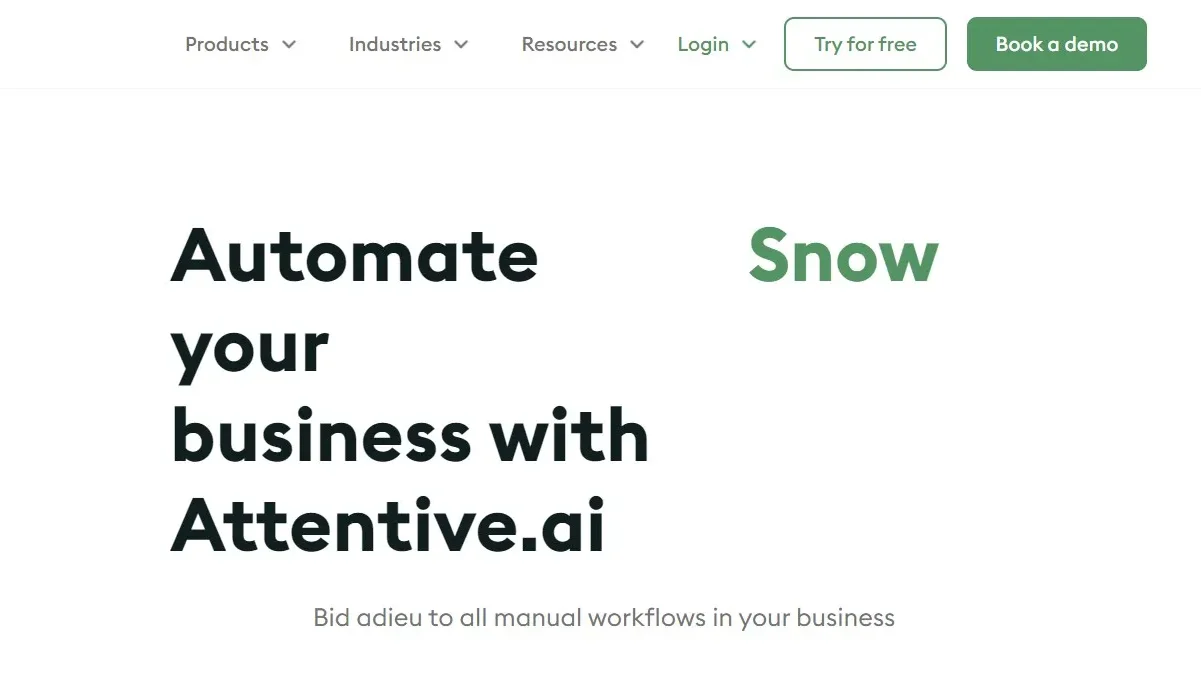
Attentive AI screenshot 1
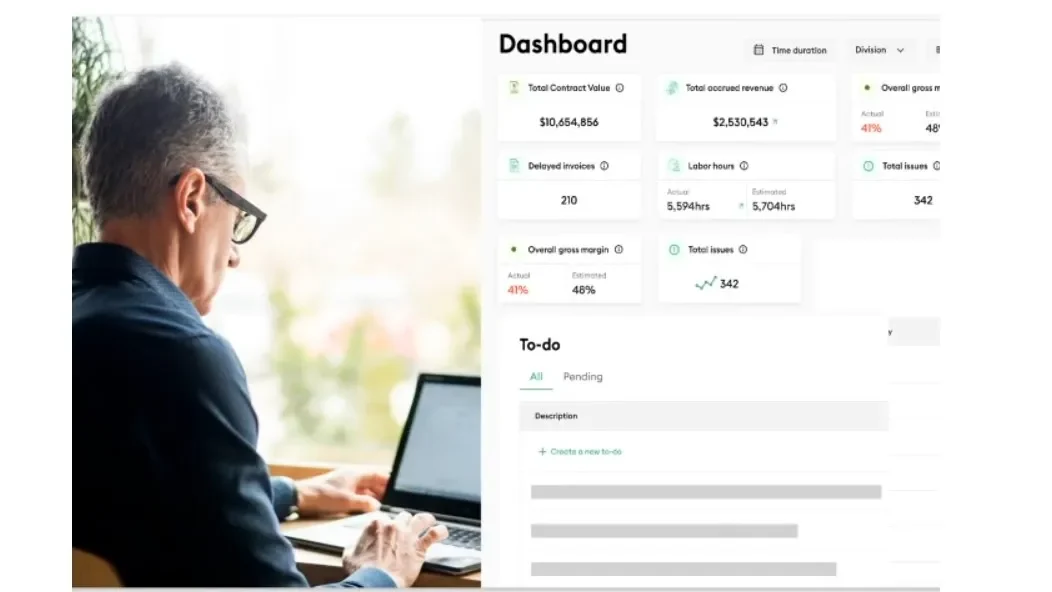
Attentive AI screenshot 2
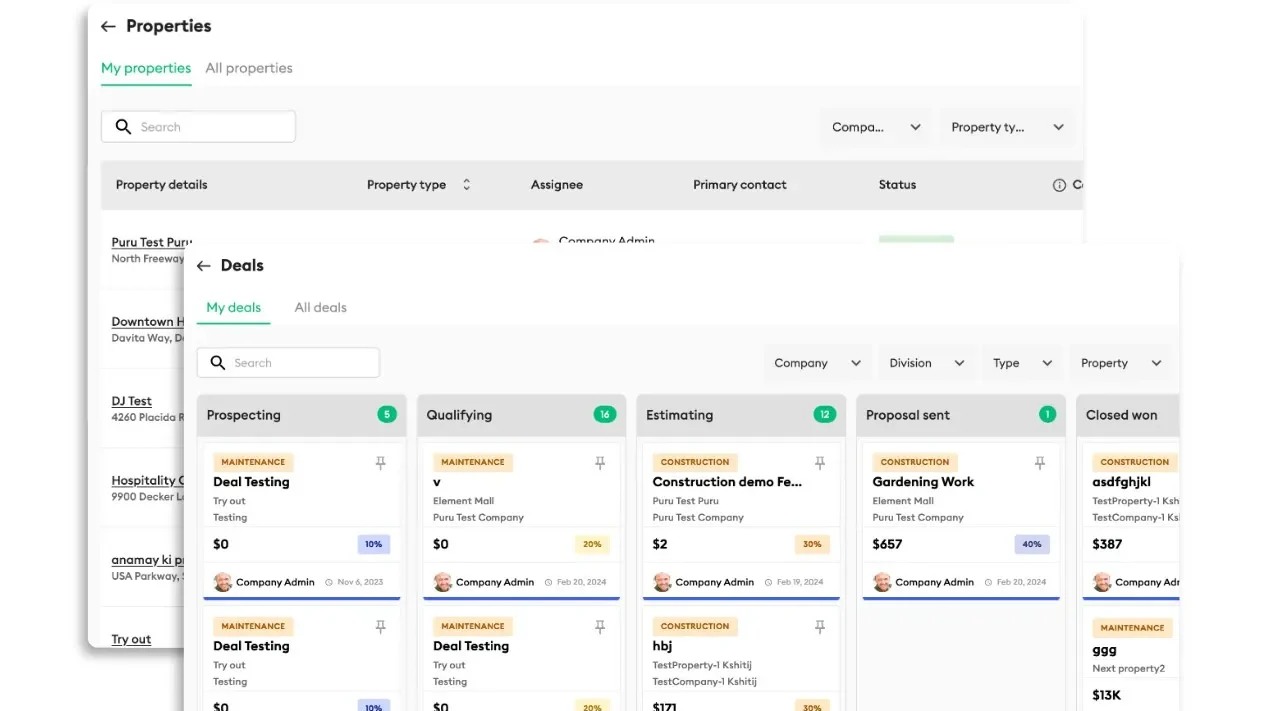
Attentive AI screenshot 3
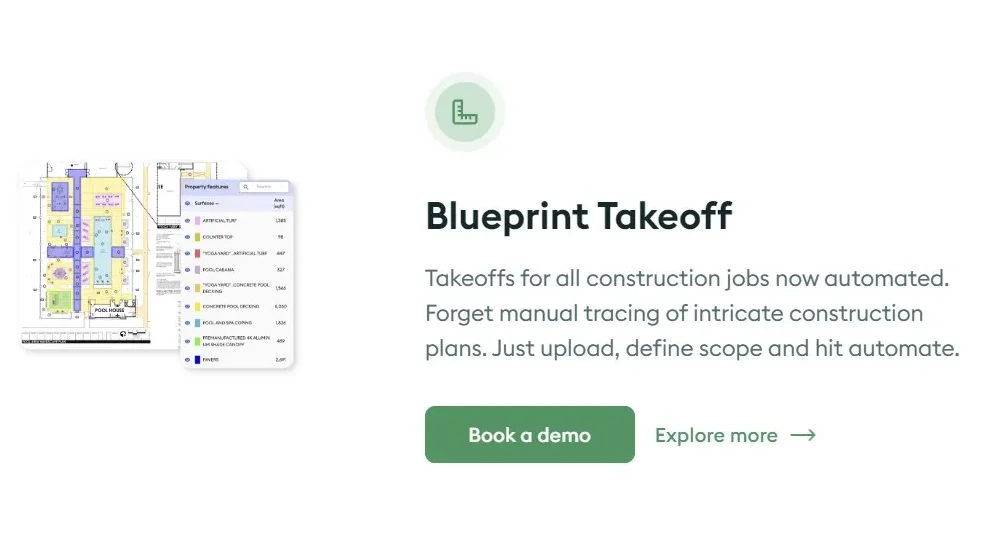
Attentive AI screenshot 4

Procore Screenshots

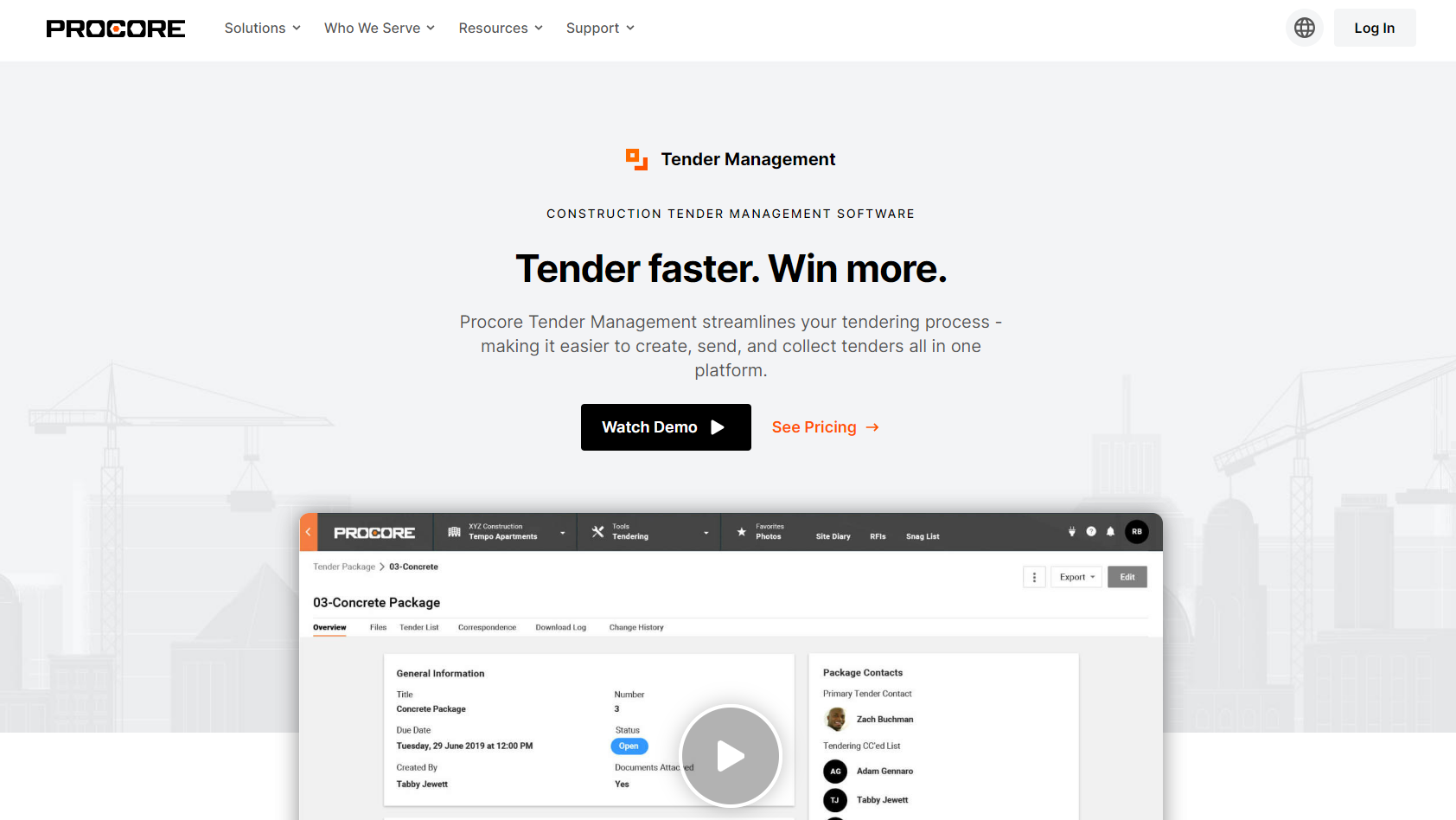
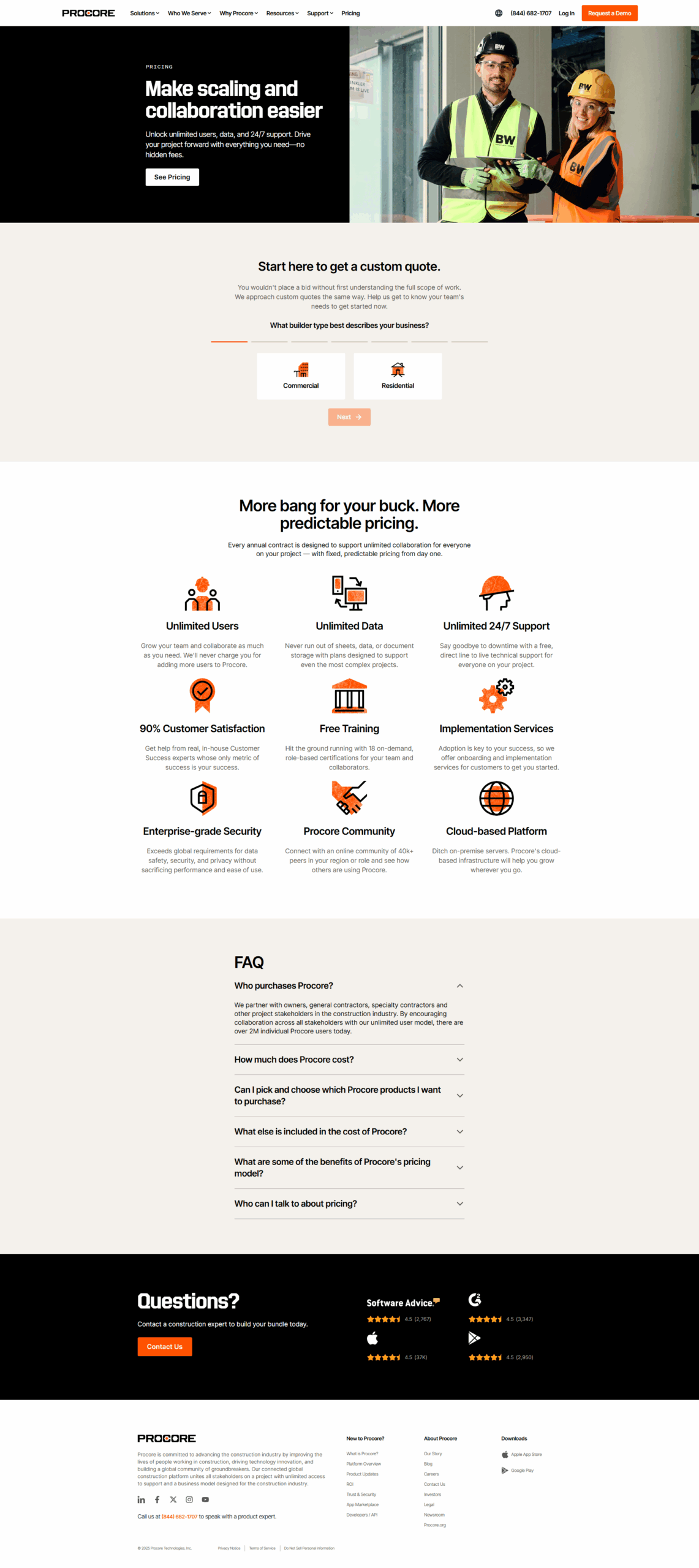
Procore screenshot 1
Procore screenshot 2
Procore screenshot 3
Procore screenshot 4