Sign in to review
Join our community of software reviewers on Subscribed.fyi

Continue With Google
Continue With LinkedIn
Continue Review with Email
Continue with Email
Enter your email to continue.
Continue
Enter your password
Enter your password to finish setting up your account.
Continue
Activate your email
Enter activation code we sent to your email.
Submit
Reset your password
Enter activation code we sent to your email.
Submit
Set your new password
Enter a new password for your account.
Submit
Categories
For Business
Log in
Provide My Insights
Add Product
Suggested products People also compare with
Add to Comparison
Suggested products People also compare with

Compare AVS Audio Editor and Audacity

We are comparing AVS Audio Editor and Audacity to evaluate which one is the best product.

Suggested products People also compare with
Review Pricing Alternatives Experience

Review

76%
27/36 Metric achieved
70%
24/36 Metric achieved

Subscribed Metric

Customer Support 5/6
Security 3/6
Ease of Use 6/6
Value of Money 6/6
Integration 2/6
Popularity 5/6

Subscribed Metric

Customer Support 4/6
Security 0/6
Ease of Use 5/6
Value of Money 6/6
Integration 3/6
Popularity 6/6

Pros & Cons

Wide range of features for flexibility
Ease of use and user-friendly interface
Lifetime license without recurring fees
Good value for money
Occasional software crashes
Interface needs modernization
Lags or slow performance at times
Limited advanced functionality compared to pricier tools

Pros & Cons

Free and open-source
User-friendly and intuitive
Supports multi-track editing
Wide range of built-in tools and filters
Limited MIDI support
Outdated interface design
Lacks advanced mixing/mastering features
Requires installation to use

Conclusion

AVS Audio Editor is a user-friendly audio editing tool tailored for marketers, designers, and content creators in need of flexible sound editing. It offers robust features including recording from multiple inputs, diverse effects, file conversion to popular audio formats, and tools for enhancing sound quality. While not as advanced as Adobe Audition, AVS excels in cost-efficiency with a lifetime license at a fraction of competitors’ subscription costs. Compared to free tools like Audacity, AVS provides better usability and aesthetic coherence. However, it lacks advanced multi-track editing offered by premium tools like Logic Pro. Compatible across systems, it occasionally faces performance lags but is overall stable. Customer support is responsive, adding value for new users. AVS is ideal for small businesses and non-profits looking for affordable yet feature-rich software.

Conclusion

Audacity is a free, open-source audio editing software suitable for podcasters, musicians, and content creators. It offers features like multi-track editing, audio recording, effects, and support for various file formats. Its user-friendly interface and low system requirements make it accessible for beginners while supporting custom plugins. However, it lacks advanced mixing/mastering tools and MIDI support, limiting its use for music production compared to alternatives like Adobe Audition or Logic Pro. While Audacity’s active community provides robust resources, customer support is limited. It’s highly cost-effective for basic-to-intermediate audio editing needs. Ideal for those prioritizing simplicity and budget over advanced functionality.

Pricing

AVS Audio Editor Pricing

Pricing Range Not specified.

Audacity Pricing

Pricing Range Not specified

Alternatives

AVS Audio Editor Alternatives

Adobe Audition logo

Adobe Audition

70%
Audacity logo

Audacity

70%
See All AVS Audio Editor Alternatives

Audacity Alternatives

Descript logo

Descript

83%
Adobe Audition logo

Adobe Audition

70%
WavePad logo

WavePad

67%
SOUND FORGE logo

SOUND FORGE

59%
See All Audacity Alternatives

Experience

AVS Audio Editor Screenshots

AVS Audio Editor screenshot 1

Audacity Screenshots

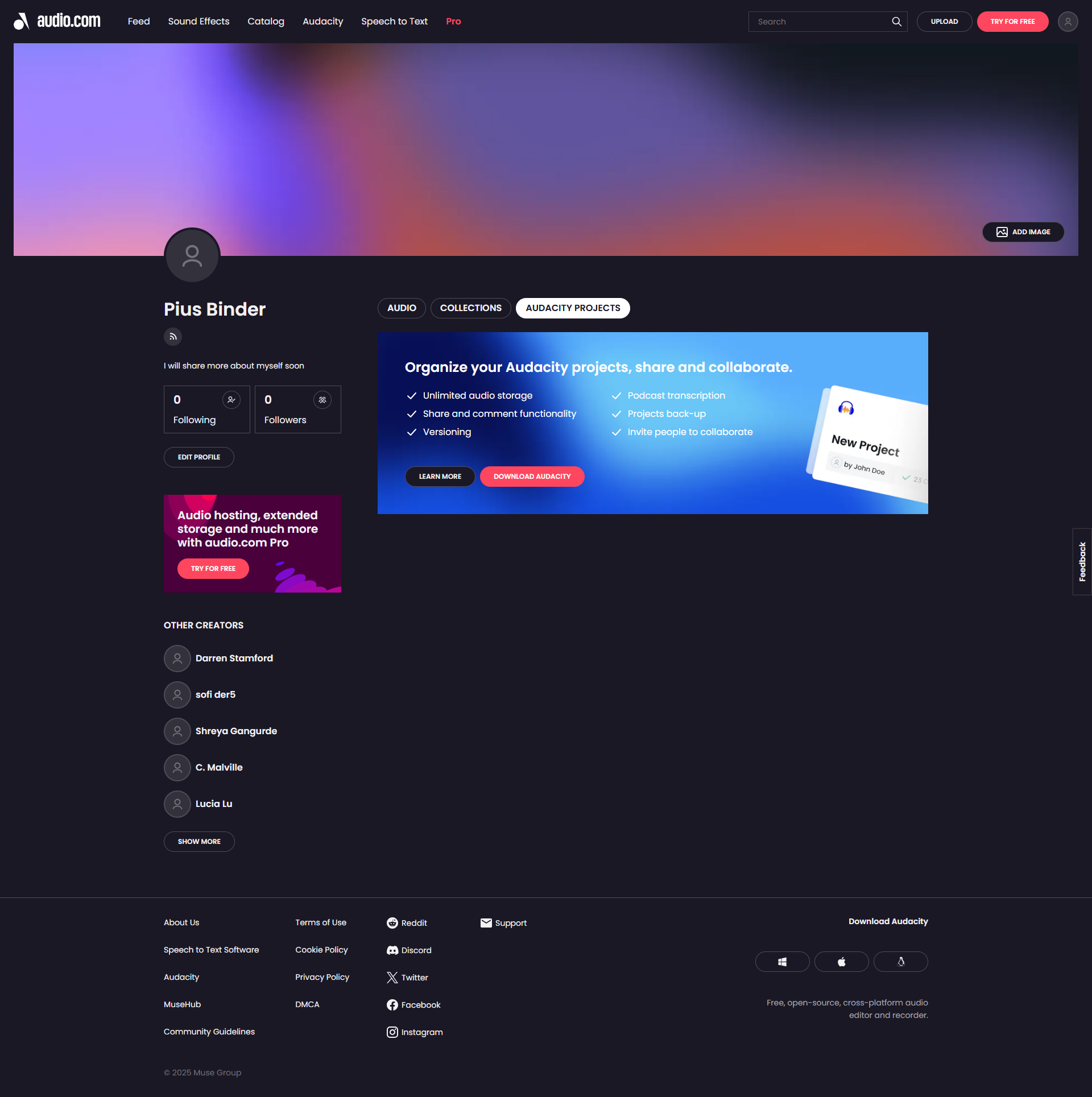
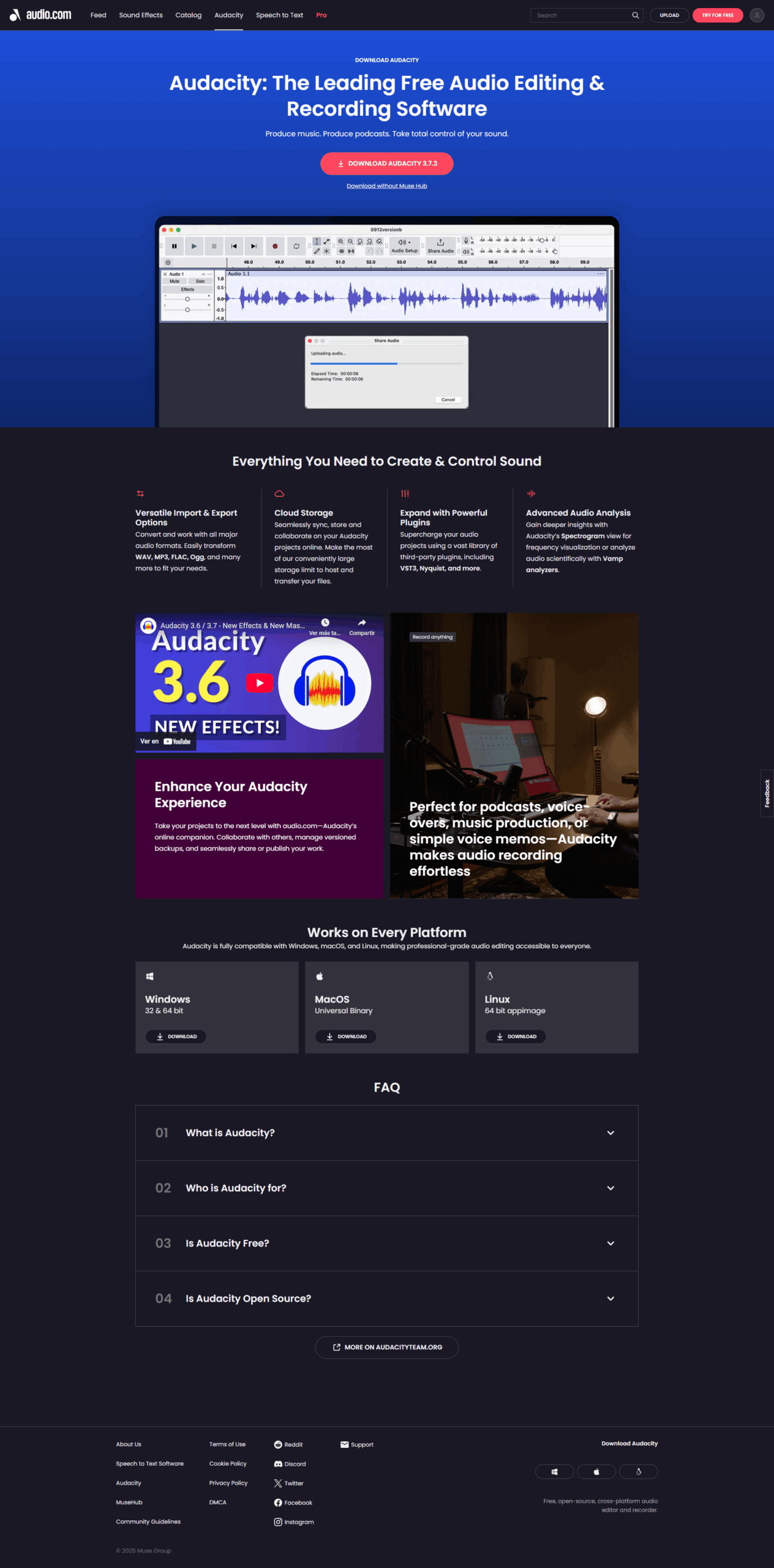
Audacity screenshot 1
Audacity screenshot 2
Audacity screenshot 3
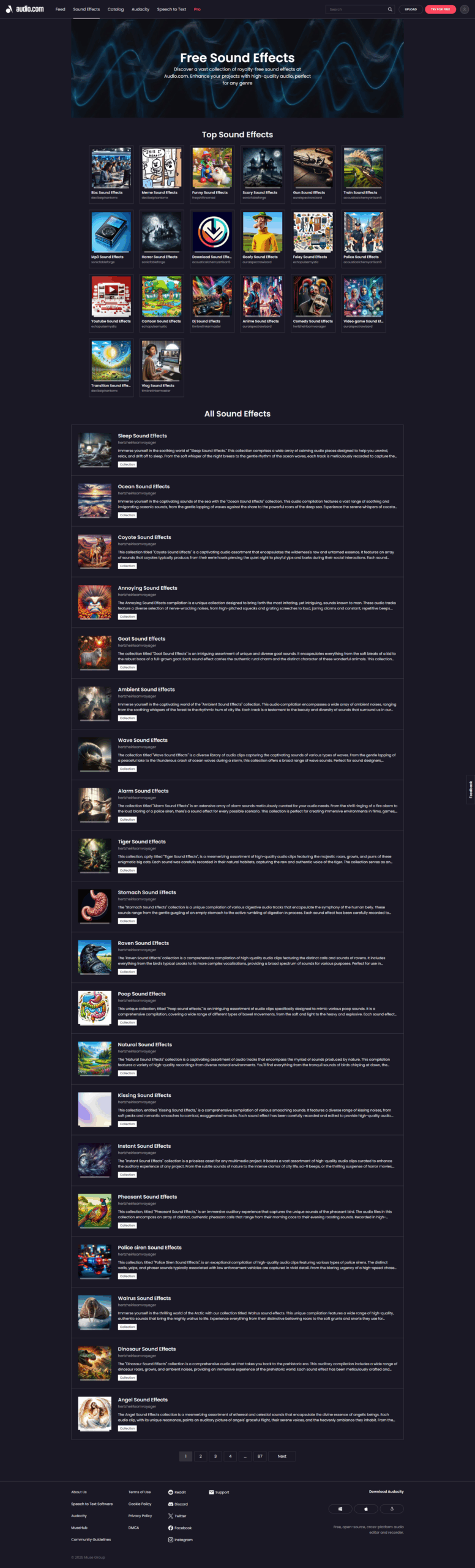
Audacity screenshot 4
Audacity screenshot 5
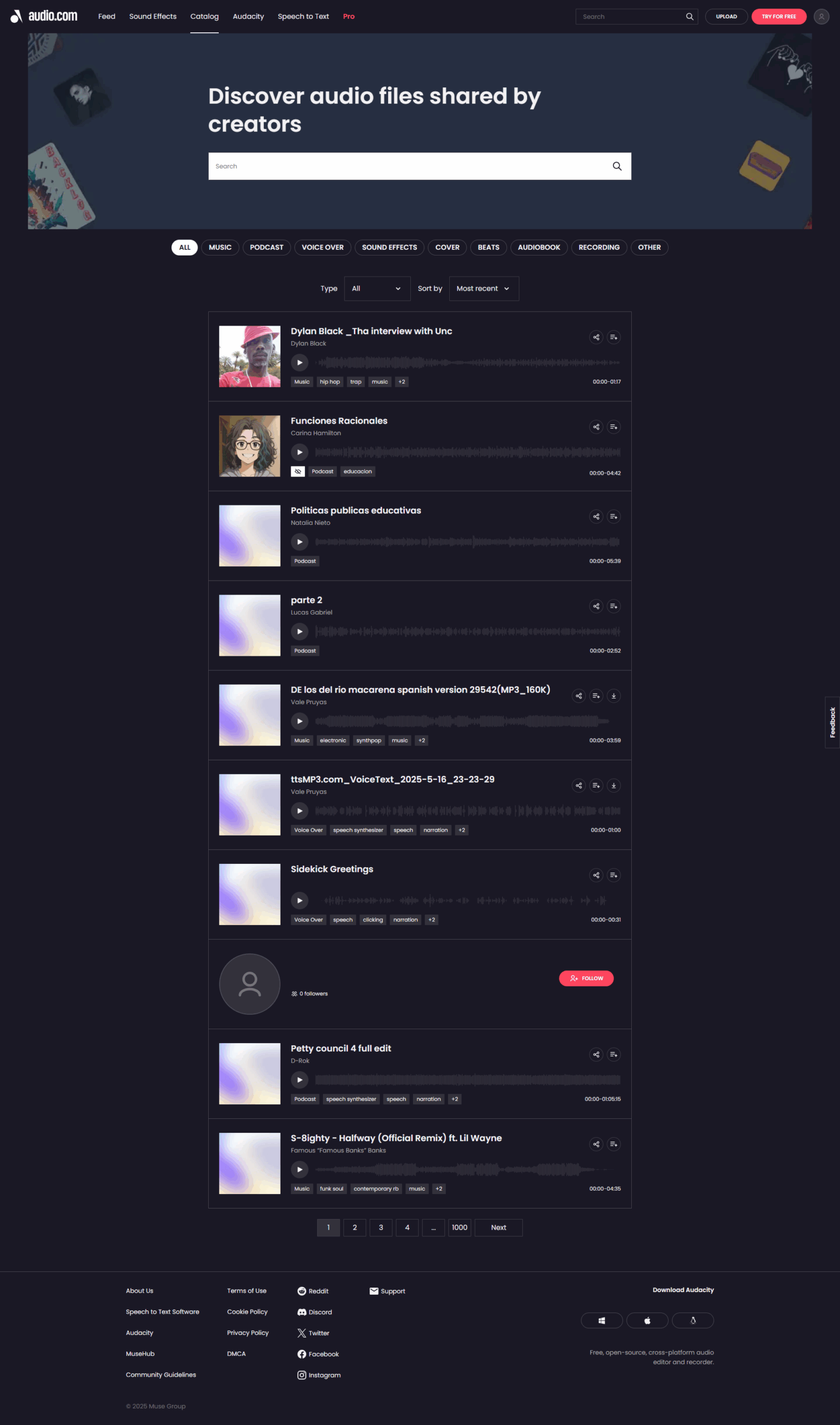
Audacity screenshot 6
Audacity screenshot 7
Audacity screenshot 8
Audacity screenshot 9
Audacity screenshot 10