Sign in to review
Join our community of software reviewers on Subscribed.fyi

Continue With Google
Continue With LinkedIn
Continue Review with Email
Continue with Email
Enter your email to continue.
Continue
Enter your password
Enter your password to finish setting up your account.
Continue
Activate your email
Enter activation code we sent to your email.
Submit
Reset your password
Enter activation code we sent to your email.
Submit
Set your new password
Enter a new password for your account.
Submit
Categories
For Business
Log in
Provide My Insights
Add Product
Suggested products People also compare with
Add to Comparison
Suggested products People also compare with

Compare Bloomfire and Confluence

We are comparing Bloomfire and Confluence to evaluate which one is the best product.

Suggested products People also compare with
Review Pricing Alternatives Experience

Review

90%
32/36 Metric achieved
85%
30/36 Metric achieved

Subscribed Metric

Customer Support 6/6
Security 5/6
Ease of Use 6/6
Value of Money 5/6
Integration 4/6
Popularity 6/6

Subscribed Metric

Customer Support 4/6
Security 4/6
Ease of Use 5/6
Value of Money 5/6
Integration 6/6
Popularity 6/6

Pros & Cons

Easy to use and intuitive interface
Effective and fast search functionality
Customization options for knowledge management
Great customer support and responsiveness
Limited editing and formatting tools
Search results can sometimes be too broad
Upgrades and deployments can be slow
Cost can be restrictive for scaling

Pros & Cons

Excellent integration with Atlassian tools like JIRA.
Facilitates strong team collaboration.
Highly customizable workflows and templates.
User-friendly for creating and organizing documentation.
Search function can be unintuitive.
Costly add-ons and plugins for full functionality.
Overwhelming initial learning curve.
Occasional slow page loading times.

Conclusion

Bloomfire offers an AI-powered knowledge management platform tailored for businesses needing efficient information sharing and collaboration. Key features include AI-driven enterprise search, robust content authoring, multimedia indexing, and analytics. Ideal for marketers, customer service, and sales teams, its notable ease of use and integrations like Slack make it versatile. It’s competitive against tools like Confluence (better multimedia indexing) and Guru (broader scalability). Pricing begins at "Contact Us" tiers for up to 500 users annually. Some users find customizations limited. Customer support rates highly, boosting cost-effectiveness for growing businesses.

Conclusion

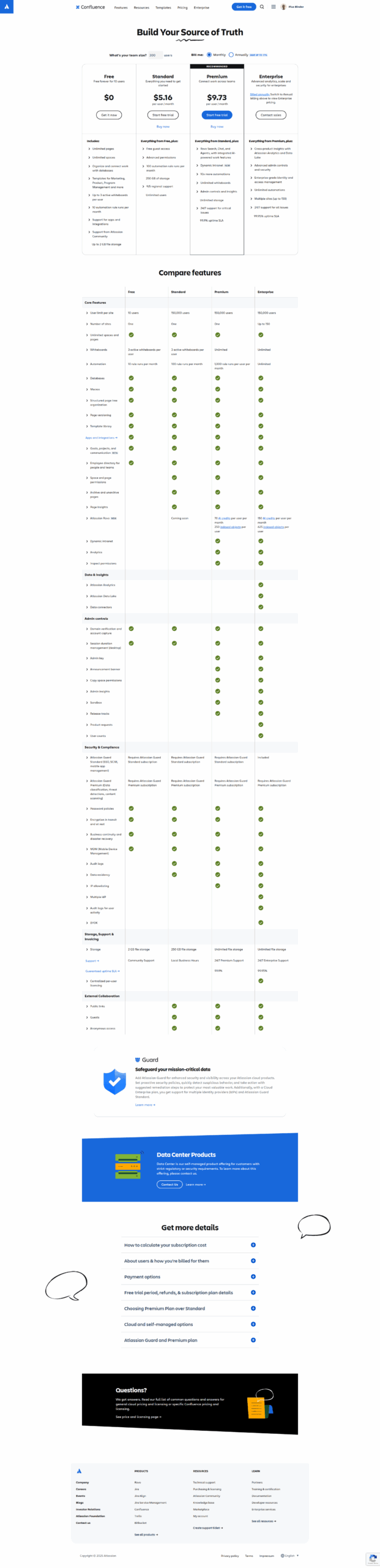
Confluence is a collaborative workspace ideal for developers, designers, and marketers to create, manage, and share documents. Key features include rich content editing, templates, versioning, team spaces, Jira integration, and analytics. Its streamlined collaboration tools foster transparency and organization. Pricing starts at $5.16/user/month, scaling up based on advanced features.

Compared to tools like Notion or ClickUp, Confluence excels in team collaboration, but its learning curve and occasional search issues can hinder usability. Designers might prefer Notion’s visual flexibility, while developers benefit more from Confluence’s seamless Jira integration. Customer support is reliable, and Confluence is cost-effective for mid-to-large teams.

Pricing

Bloomfire Pricing

Pricing Range Not specified. See Bloomfire Pricing

Confluence Pricing

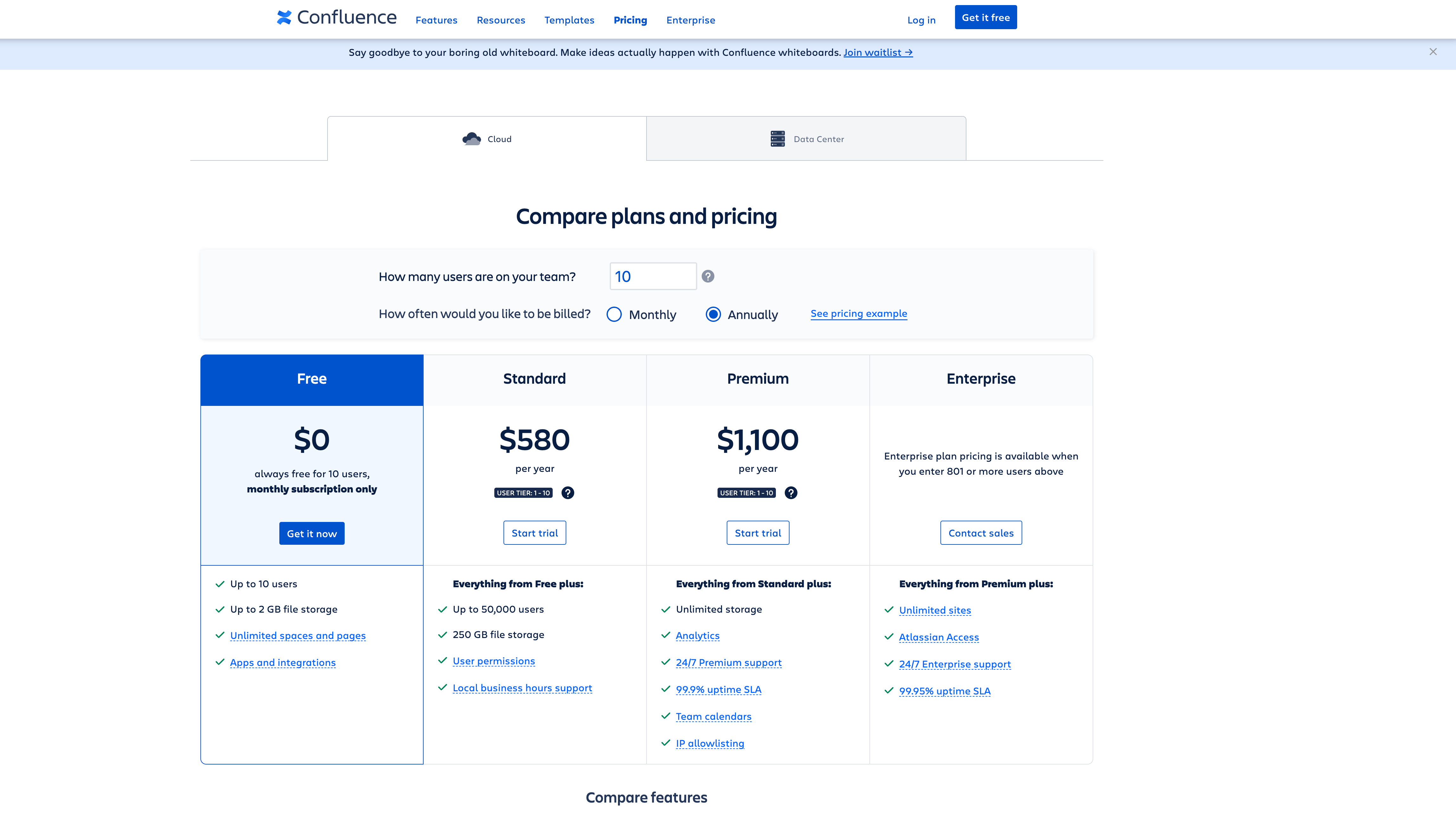
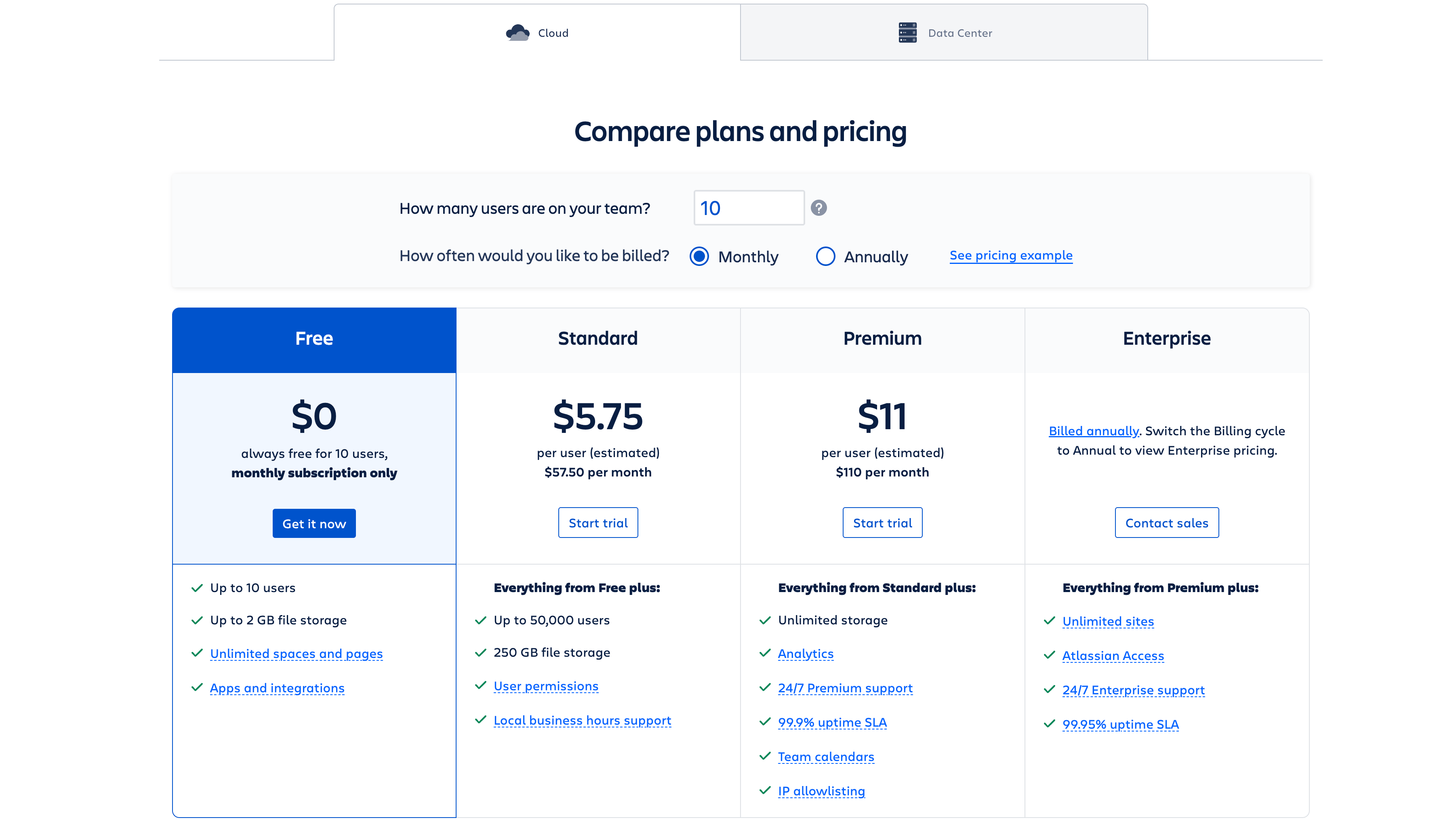
Pricing Range $6.40-$12.30/Month See Confluence Pricing

Alternatives

Bloomfire Alternatives

Guru logo

Guru

95%
Document360 logo

Document360

93%
Confluence logo

Confluence

85%
See All Bloomfire Alternatives

Confluence Alternatives

Guru logo

Guru

95%
Slack logo

Slack

90%
Notion logo

Notion

88%
ClickUp logo

ClickUp

88%
See All Confluence Alternatives

Experience

Bloomfire Screenshots

Bloomfire screenshot 1
Bloomfire screenshot 2

Confluence Screenshots

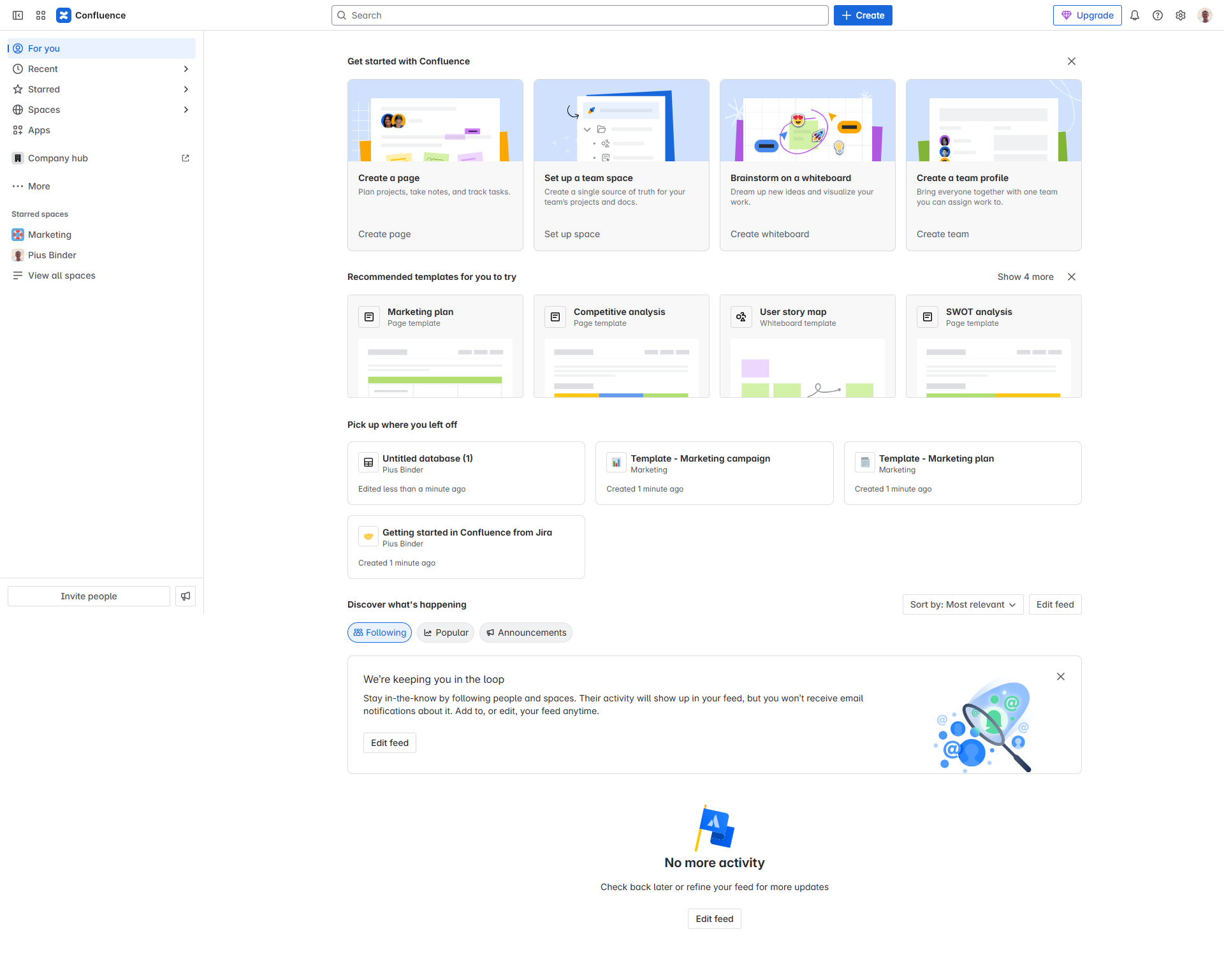
Confluence screenshot 1
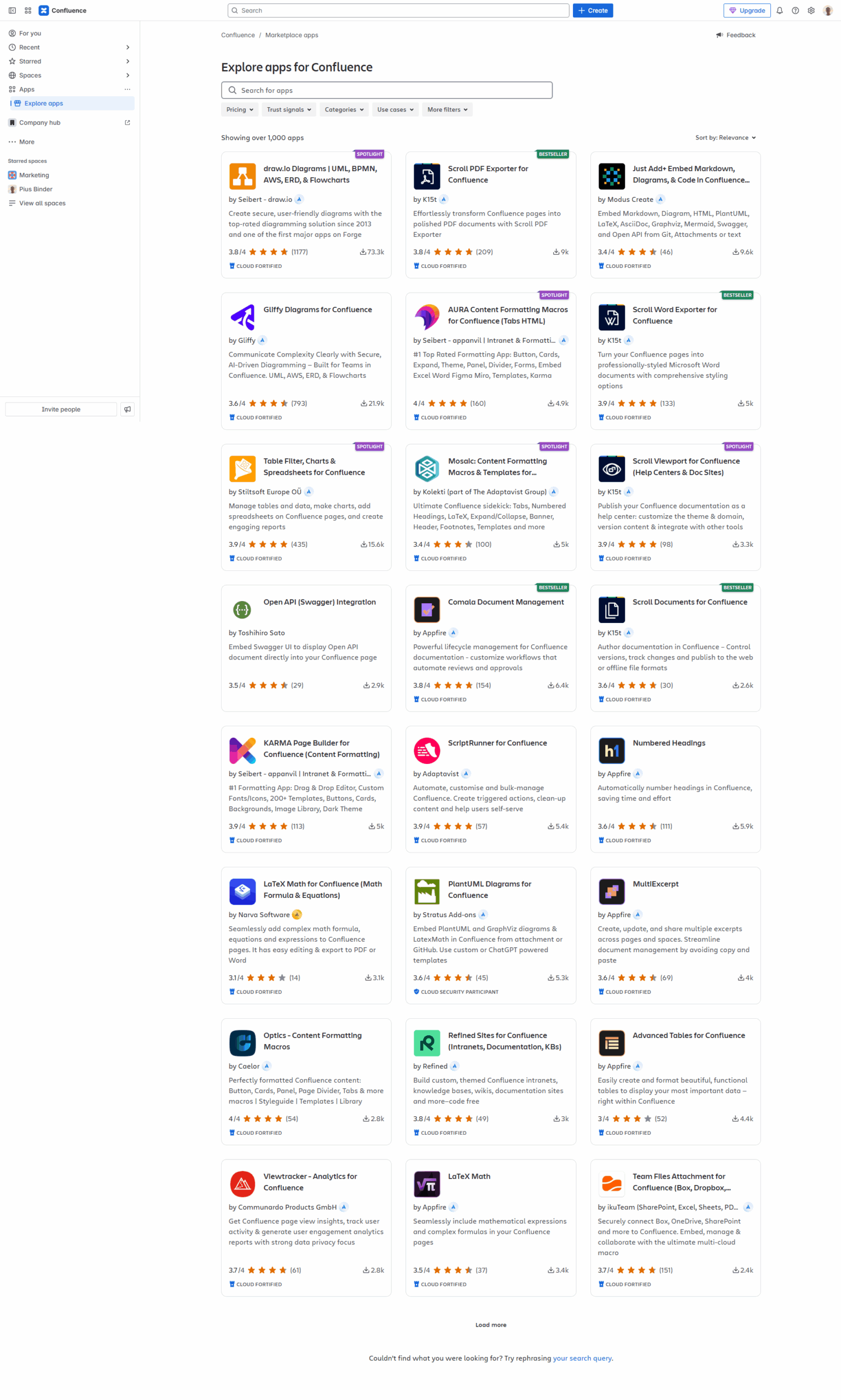
Confluence screenshot 2
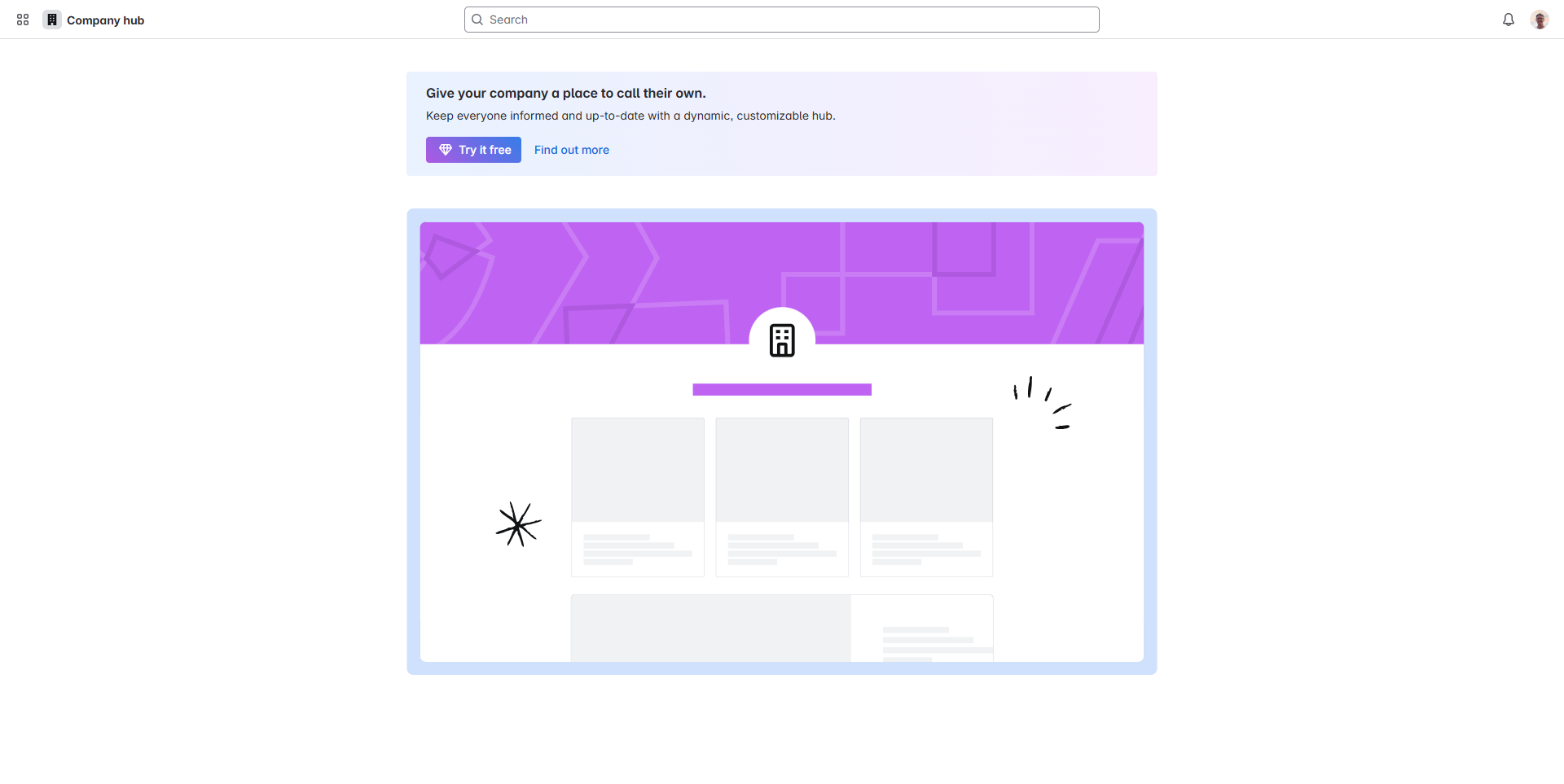
Confluence screenshot 3
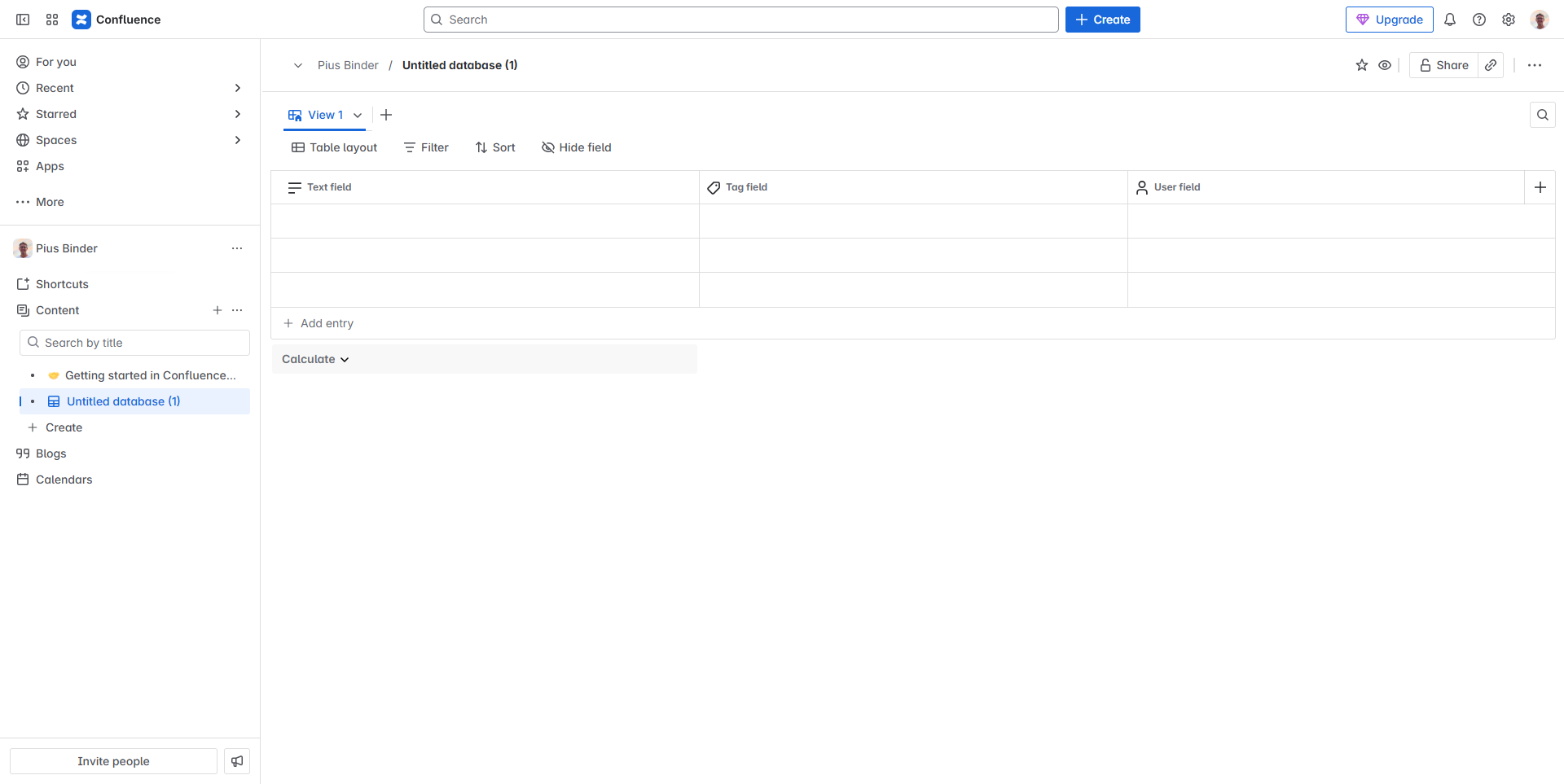
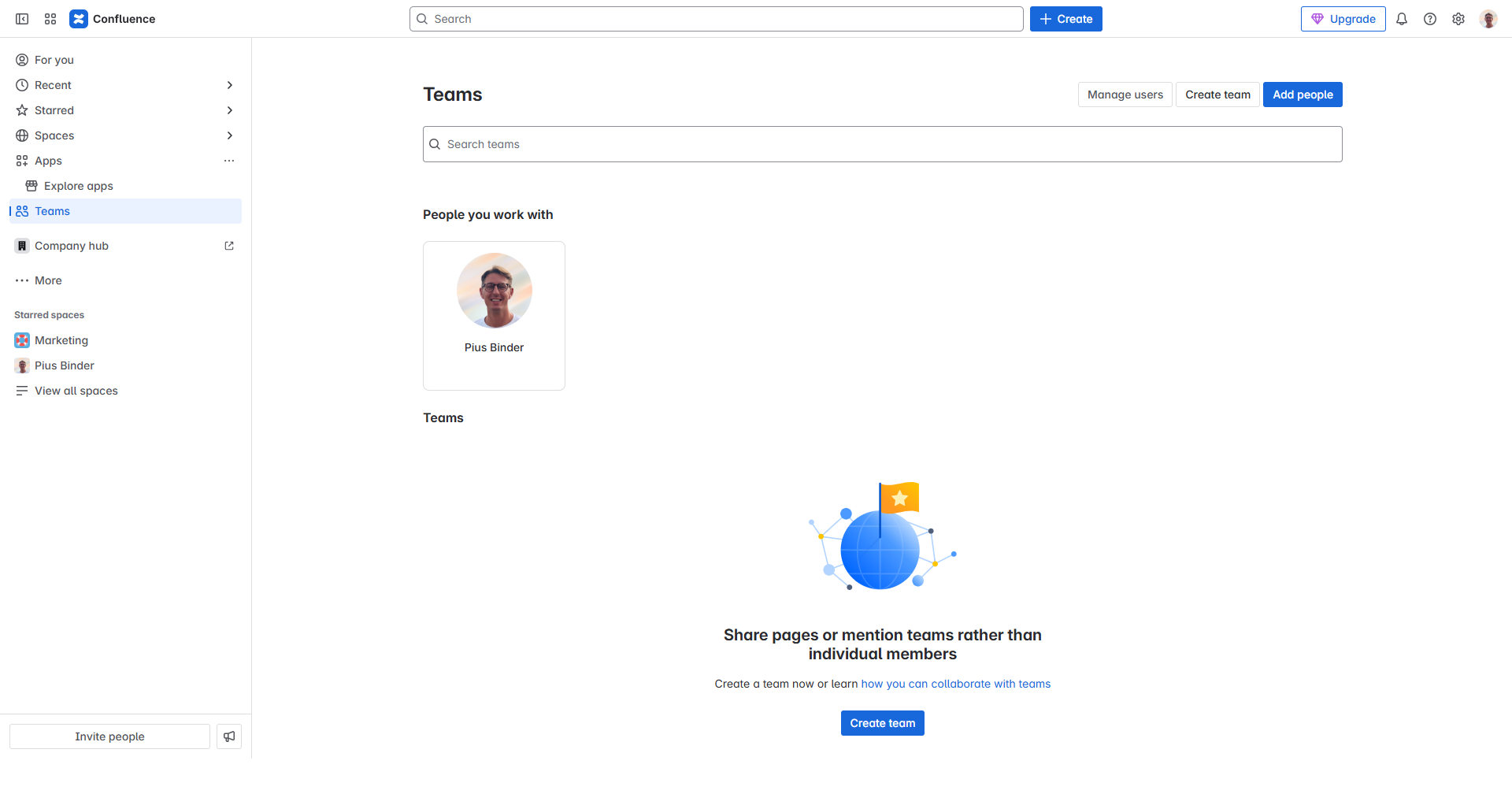
Confluence screenshot 4
Confluence screenshot 5
Confluence screenshot 6
Confluence screenshot 7
Confluence screenshot 8
Confluence screenshot 9
Confluence screenshot 10