Sign in to review
Join our community of software reviewers on Subscribed.fyi

Continue With Google
Continue With LinkedIn
Continue Review with Email
Continue with Email
Enter your email to continue.
Continue
Enter your password
Enter your password to finish setting up your account.
Continue
Activate your email
Enter activation code we sent to your email.
Submit
Reset your password
Enter activation code we sent to your email.
Submit
Set your new password
Enter a new password for your account.
Submit
Categories
For Business
Log in
Provide My Insights
Add Product
Suggested products People also compare with
Add to Comparison
Suggested products People also compare with

Compare Canva and Adobe InDesign

We are comparing Canva and Adobe InDesign to evaluate which one is the best product.

Suggested products People also compare with
Review Pricing Alternatives Experience

Review

90%
32/36 Metric achieved
80%
28/36 Metric achieved

Subscribed Metric

Customer Support 5/6
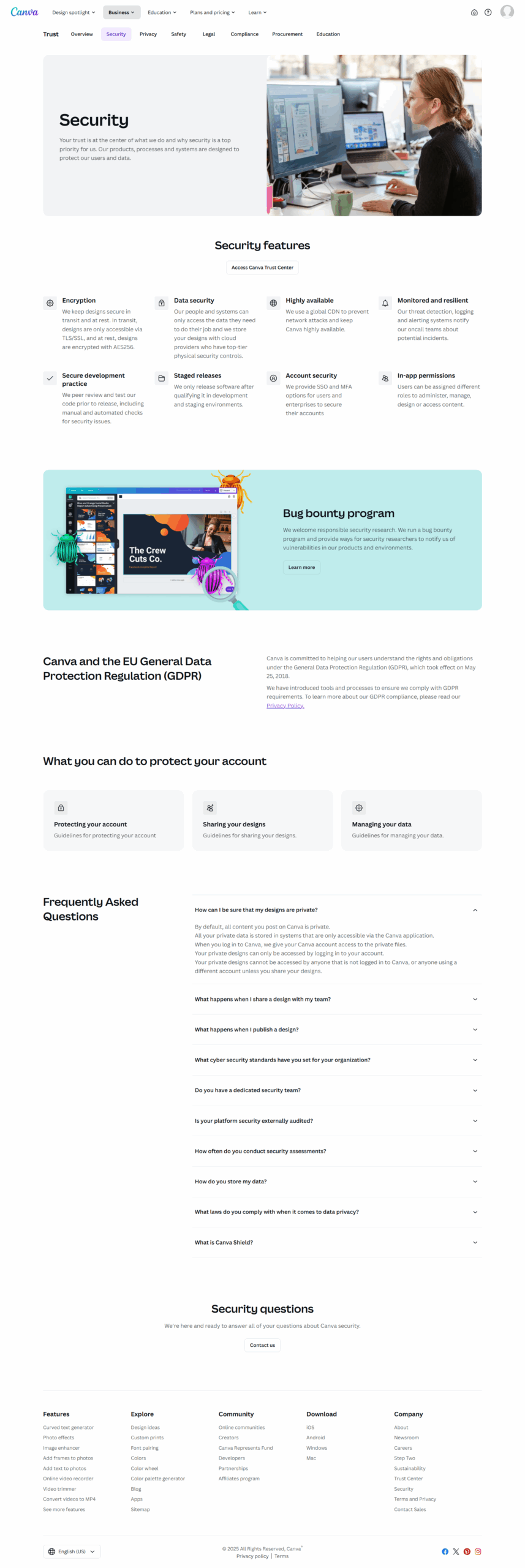
Security 4/6
Ease of Use 6/6
Value of Money 6/6
Integration 5/6
Popularity 6/6

Subscribed Metric

Customer Support 5/6
Security 0/6
Ease of Use 6/6
Value of Money 5/6
Integration 6/6
Popularity 6/6

Pros & Cons

User-friendly interface for beginners
Wide variety of templates and design assets
Cost-effective with a free version
Great for collaboration and team projects
Limited advanced design features
Export quality can sometimes be low
Interface can feel cluttered at times
Internet required for usage

Pros & Cons

Comprehensive layout and design features
Seamless Adobe ecosystem integration
Versatile for print and digital projects
Efficient page management and export options
High subscription cost
Steep learning curve for new users
Limited image handling functionality
Slow launch times with large files

Conclusion

Canva Product Overview
Canva is a versatile design platform tailored for marketers, educators, small businesses, and non-designers. Key features include an intuitive drag-and-drop editor, 1M+ templates, a vast stock library, and AI tools like text-to-image generation and background removal. It simplifies visual creation for web, social media, and print. Prices range from free to $15/user/month for Pro, offering premium elements and storage. Teams features ($10/user/month) enhance collaboration, while Enterprise caters to large organizations.

Comparison with Alternatives
Compared to tools like Adobe Photoshop or Visme, Canva excels in ease of use and templates but lacks advanced customization needed by professional designers. Its collaboration tools and quick output suit marketers and small teams. Developers might miss technical customization, while design experts may prefer Photoshop or Illustrator for control over details.

Pros & Cons
Pros: Easy for beginners, affordable, robust templates, and team features. Cons: Limited advanced customization and export options.

Customer Support & Cost-Effectiveness
Well-rated support (4.4/5) with online resources. Affordable even for small teams, combining features and functionality. Ideal for quick, professional designs without steep learning curves.

Conclusion

Adobe InDesign is a leading desktop publishing tool designed for designers and marketers to create professional layouts for print and digital media like brochures, books, and magazines. Key features include prebuilt templates, precise text formatting, multi-format publishing, and seamless integration with other Adobe apps. While its pricing is higher (44%-46% above average), it offers superior functionality compared to alternatives like Canva (simpler but limited features) or QuarkXPress (costlier and less intuitive). It’s ideal for advanced users, though its steep learning curve may challenge beginners. Customer support is highly rated, and it remains a cost-effective choice for professionals despite the subscription model.

Pricing

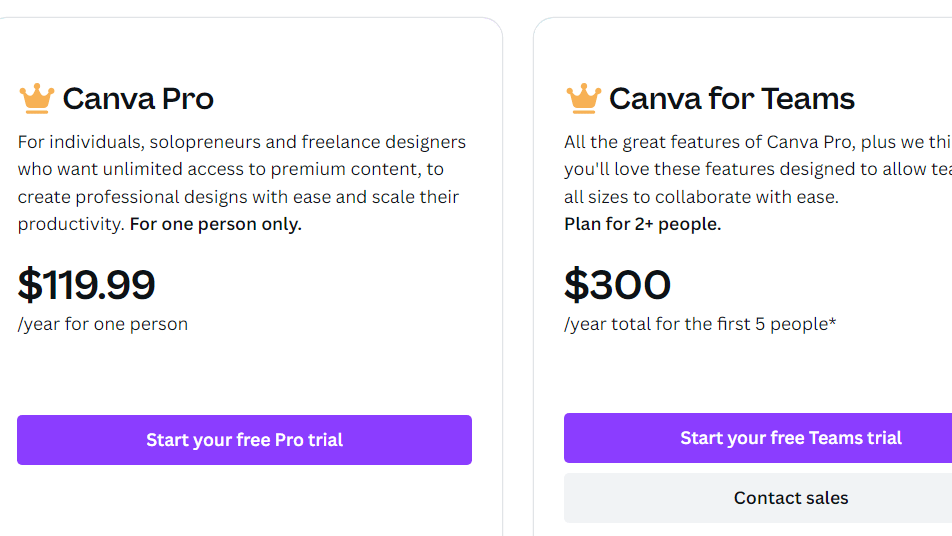
Canva Pricing

Pricing Range $12.99-8.33k/Month

Adobe InDesign Pricing

Pricing Range Not specified See Adobe InDesign Pricing

Alternatives

Canva Alternatives

Fotor Photo Editor logo

Fotor Photo Editor

83%
Adobe Photoshop logo

Adobe Photoshop

80%
Adobe InDesign logo

Adobe InDesign

80%
Adobe Creative Cloud logo

Adobe Creative Cloud

78%
See All Canva Alternatives

Adobe InDesign Alternatives

Canva logo

Canva

90%
QuarkXPress logo

QuarkXPress

71%
Microsoft Publisher logo

Microsoft Publisher

70%
Affinity Publisher logo

Affinity Publisher

67%
See All Adobe InDesign Alternatives

Experience

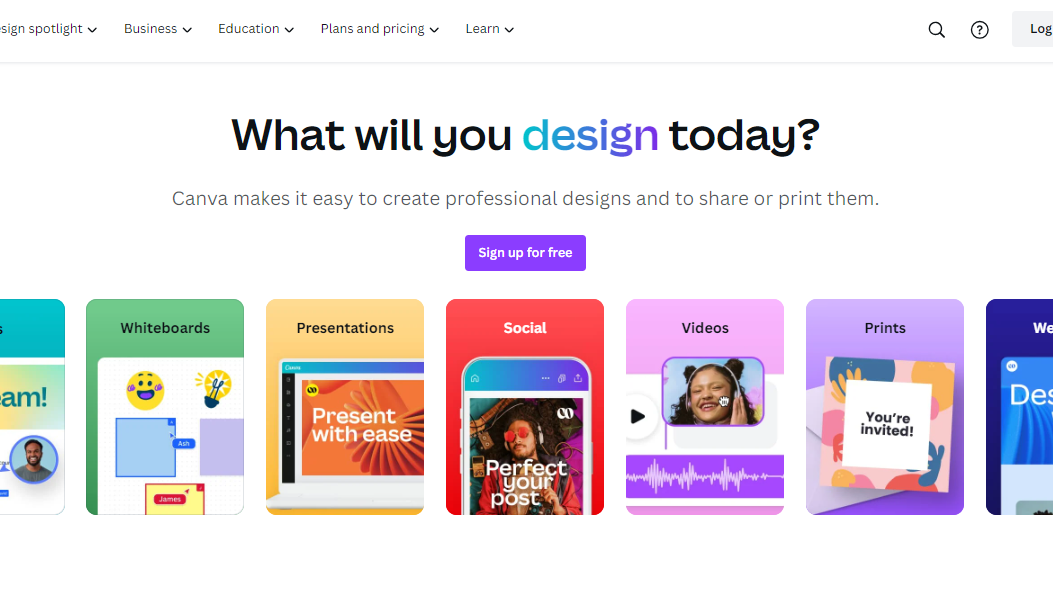
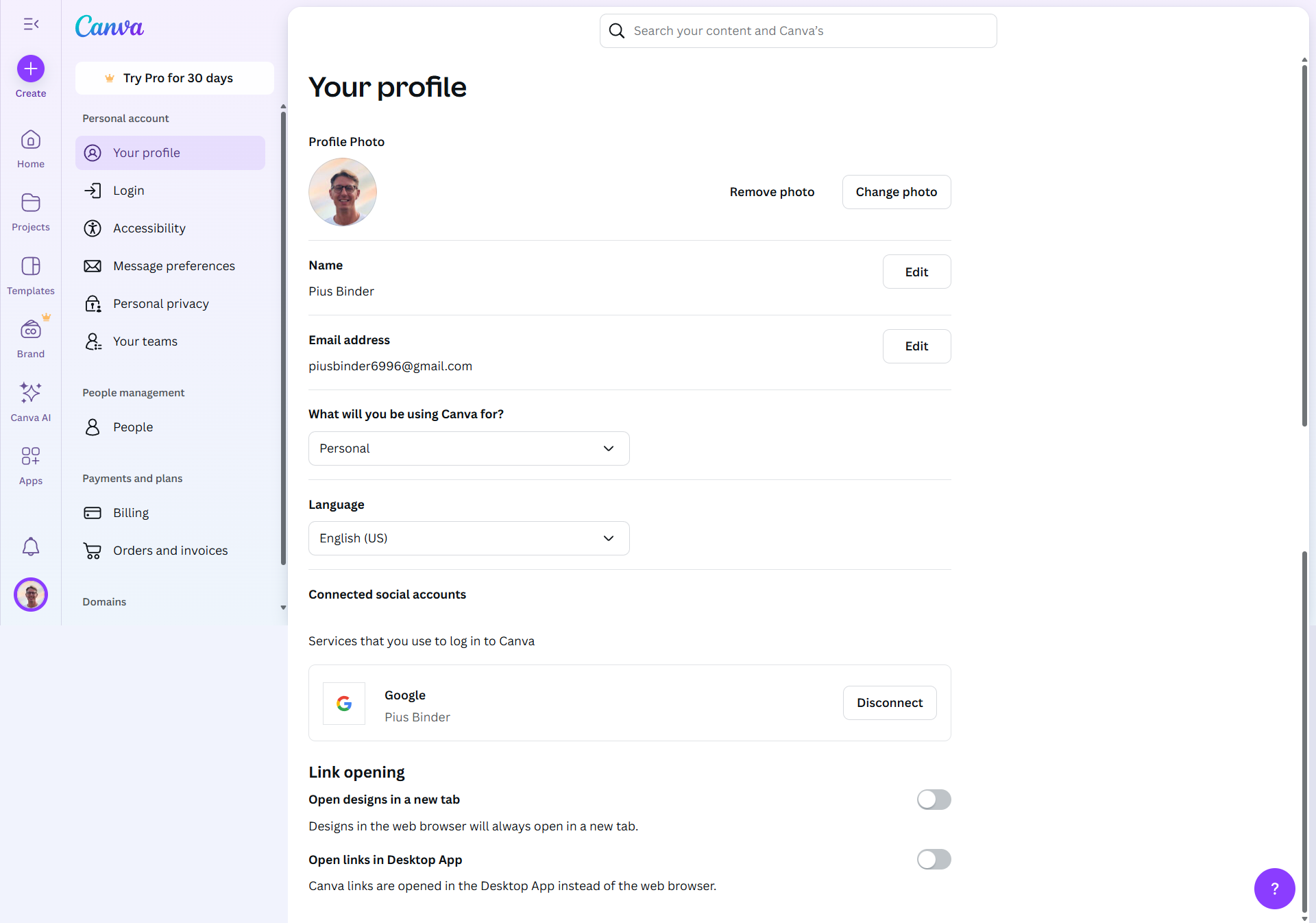
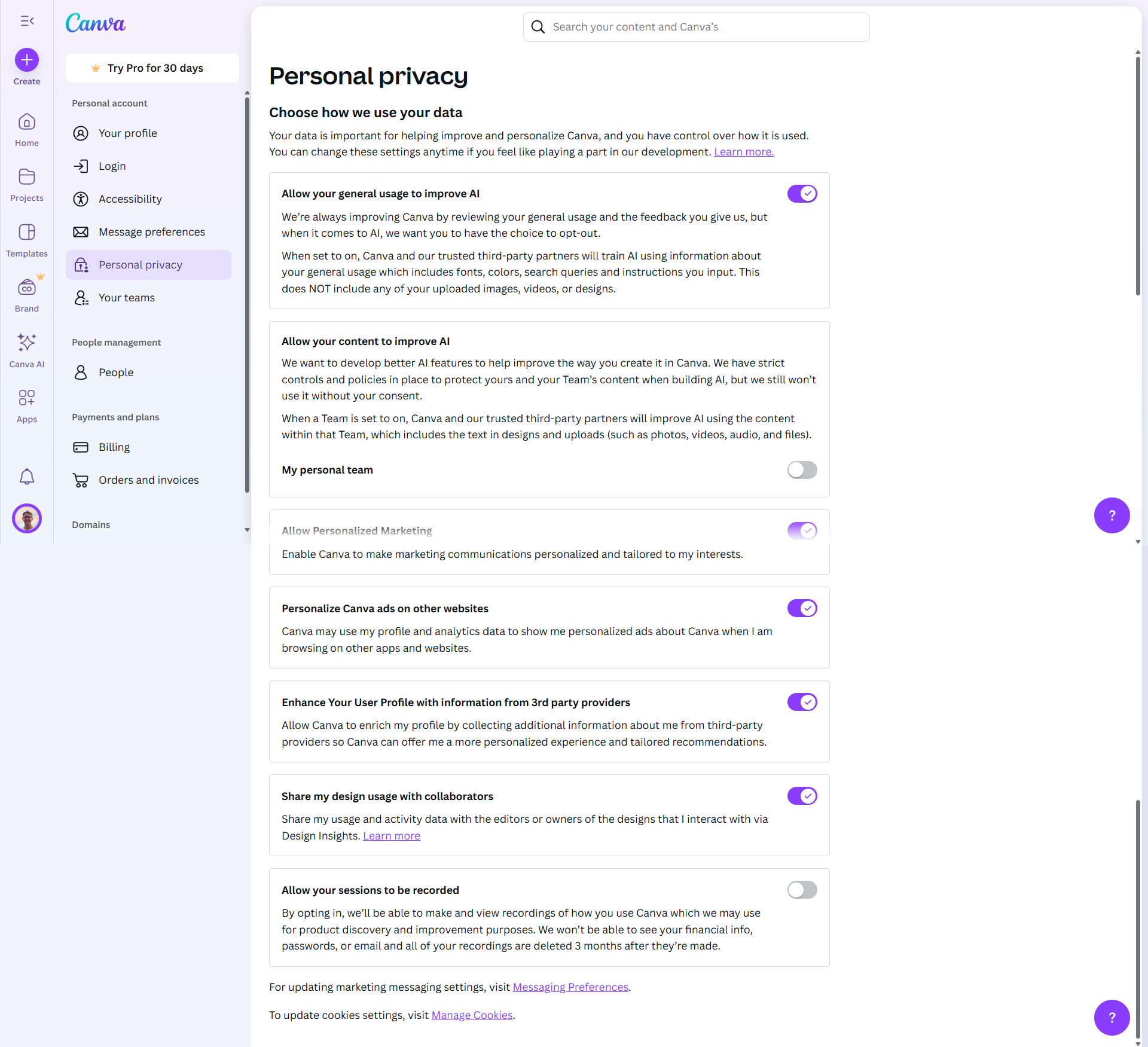
Canva Screenshots

Canva screenshot 1
Canva screenshot 2
Canva screenshot 3
Canva screenshot 4
Canva screenshot 5
Canva screenshot 6
Canva screenshot 7
Canva screenshot 8
Canva screenshot 9
Canva screenshot 10

Adobe InDesign Screenshots

Adobe InDesign screenshot 1
Adobe InDesign screenshot 2