Sign in to review
Join our community of software reviewers on Subscribed.fyi

Continue With Google
Continue With LinkedIn
Continue Review with Email
Continue with Email
Enter your email to continue.
Continue
Enter your password
Enter your password to finish setting up your account.
Continue
Activate your email
Enter activation code we sent to your email.
Submit
Reset your password
Enter activation code we sent to your email.
Submit
Set your new password
Enter a new password for your account.
Submit
Categories
For Business
Log in
Provide My Insights
Add Product
Suggested products People also compare with
Add to Comparison
Suggested products People also compare with

Compare Claritee and Figjam

We are comparing Claritee and Figjam to evaluate which one is the best product.

Suggested products People also compare with
Review Pricing Alternatives Experience

Review

68%
24/36 Metric achieved
83%
29/36 Metric achieved

Subscribed Metric

Customer Support 6/6
Security 0/6
Ease of Use 5/6
Value of Money 5/6
Integration 3/6
Popularity 5/6

Subscribed Metric

Customer Support 4/6
Security 4/6
Ease of Use 5/6
Value of Money 5/6
Integration 5/6
Popularity 6/6

Pros & Cons

User-friendly interface with minimal learning curve.
Streamlines wireframing and sitemap creation.
Effective real-time collaboration features.
Cost-effective solution compared to alternatives.
AI-generated content requires frequent adjustments.
Limited advanced design and exporting options.
Mobile and breakpoint functionality needs improvement.
Can feel clunky or slow at times.

Pros & Cons

Seamless collaboration with real-time editing
Intuitive and easy-to-use interface
Integrates well with Figma for workflows
Versatile templates for brainstorming
Limited functionality compared to competitors
Requires internet connection to access
High pricing for startups or students
Lacks advanced version control features

Conclusion

Claritee is a wireframing tool ideal for designers, developers, and marketers. Its standout features include visual sitemaps, drag-and-drop wireframes, real-time collaboration, AI-driven workflows, and Figma integration. Pricing begins at $10/month, scaling for solo users and agencies. Compared to competitors like Figma or Miro, Claritee focuses on simplicity and speed for low-fidelity prototypes but lacks advanced design capabilities. Customer support is highly rated, and its ease of use enhances cost-effectiveness.

Conclusion

FigJam Overview
FigJam is a collaborative whiteboard tool designed for brainstorming, ideation, and team collaboration. Key features include templates for workflows, mind mapping, diagramming, voting, and seamless integration with Figma for design workflows. Its intuitive interface supports real-time collaboration for designers, marketers, and developers.

Performance & Pricing
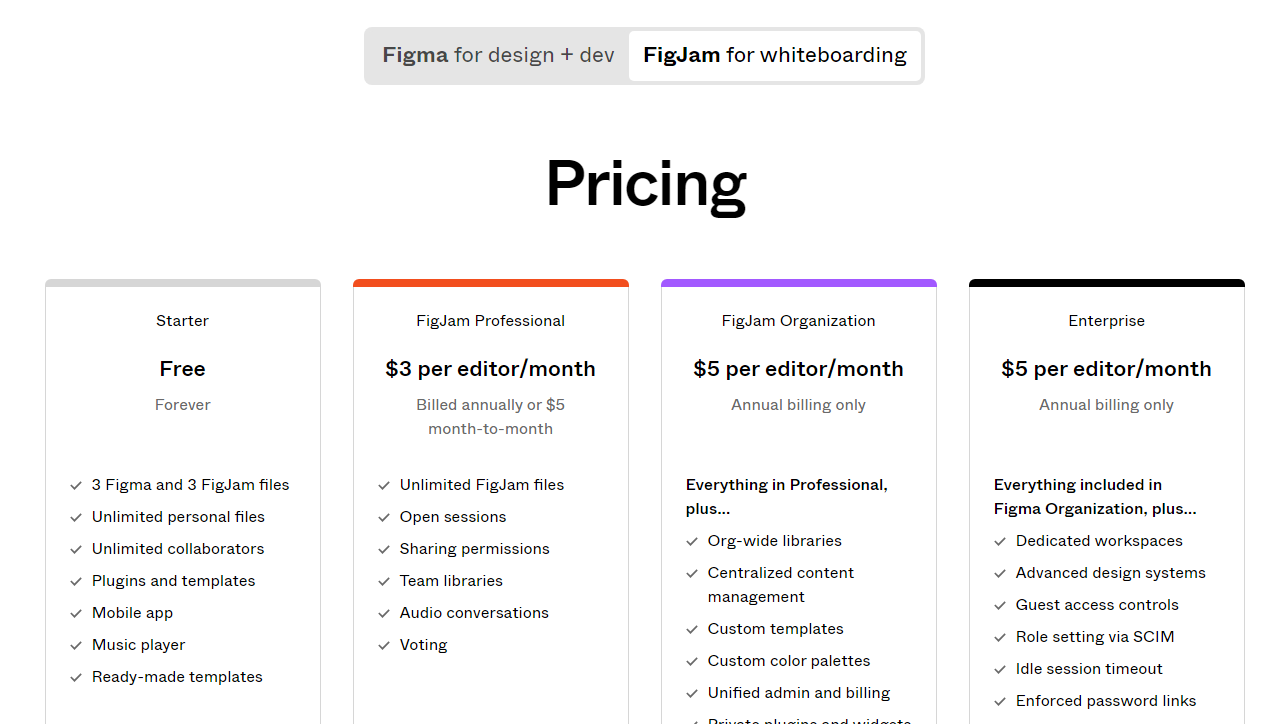
Available plans include:

  • Free: Basic whiteboarding tools, limited files.
  • Professional: $3/user/month (annual billing).
  • Organization: $5/user/month (annual billing).

Pros vs. Competitors
Compared to Miro and Mural, FigJam stands out for its Figma integration and ease of use. Though feature-rich, it lacks the advanced functionalities of Miro. Great for smaller teams; less appealing for non-Figma users.

Customer Support & Value
Known for responsive support and community resources. Cost-effective, especially for Figma users, though high-tier pricing may deter individuals or small teams.

Pricing

Claritee Pricing

Pricing Range Not specified See Claritee Pricing

Figjam Pricing

Pricing Range $15-$75/Month See Figjam Pricing

Alternatives

Claritee Alternatives

Miro logo

Miro

93%
Figma logo

Figma

85%
Figjam logo

Figjam

83%
Balsamiq logo

Balsamiq

71%
See All Claritee Alternatives

Figjam Alternatives

Miro logo

Miro

93%
Figma logo

Figma

85%
Mural logo

Mural

80%
Jamboard logo

Jamboard

68%
See All Figjam Alternatives

Experience

Claritee Screenshots

Claritee screenshot 1
Claritee screenshot 2

Figjam Screenshots

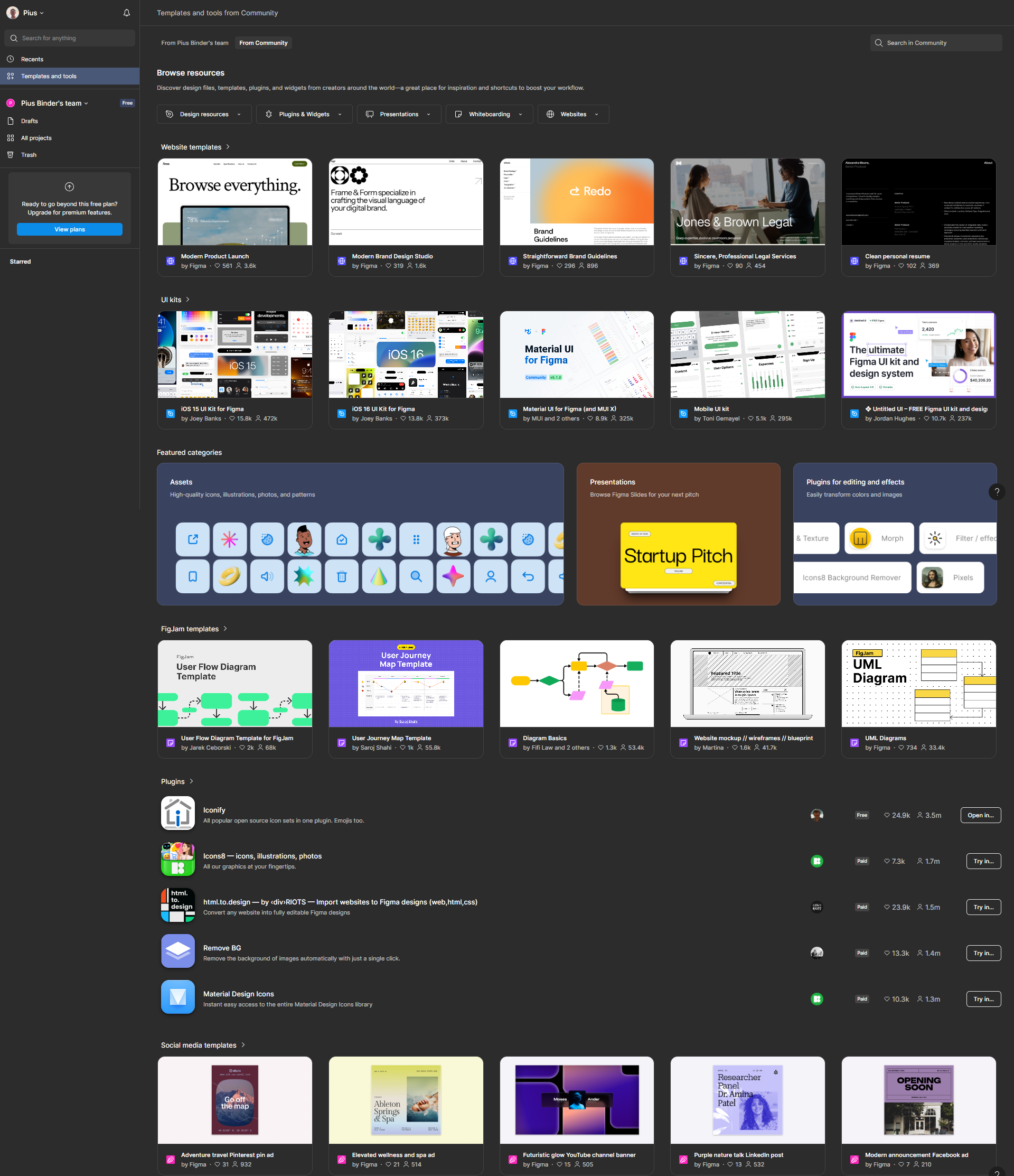
Figjam screenshot 1
Figjam screenshot 2
Figjam screenshot 3
Figjam screenshot 4
Figjam screenshot 5
Figjam screenshot 6