Project management tools like , Notion, Basecamp, Lark, Slack, Asana and Trello.
AI chatbot tools like ChatGPT, Grok, Perplexity, Claude, Gemini and Copilot.
Marketing analytics platforms like Google Analytics, Similarweb and Semrush.
CRM systems like HubSpot, Apollo.io Pipedrive, Zoho CRM, and Salesforce.
VPNs, SSO providers, and password managers like NordVPN, Okta, and LastPass.
Email marketing and campaign tools like MailerLite, Instantly, and Mailchimp.
Website builders, hosting tools like Hostinger, Webflow, Framer, and Shopify
HR and recruiting software like ATS platforms, BambooHR, Workday, and Lever.
Automate finances with confidence like Quickbooks, Stripe, Brex, and Mercury.
Design and editing tools like Figma, Canva, Adobe Creative Cloud, CapCut.
Workflow automation tools like Zapier, Make, Clay, and Reclaim.ai.
No-code and AI-native dev tools like Cursor, Windsurf, Lovable and Bubble.

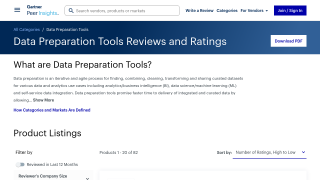
Data Preparer is a no-code data preparation tool targeting analysts, data scientists, and business intelligence professionals. It simplifies tasks like data cleaning, integration, and transformation across diverse formats, reducing manual pipeline creation. Users describe outcomes, and the system automates the process while offering data lineage insights. It ensures ease of use (4.5/5), strong customer support (4.8/5), and cost-efficiency (4.6/5), although its features may not satisfy advanced developers seeking customization.
Compared to Tableau and Alteryx, Data Preparer is faster and more affordable but lacks advanced visualization and comprehensive integration options. Designed for professionals aiming to cut time on data wrangling, it is well-suited for users with moderate technical proficiency.
Customer support is responsive, and its cost-effectiveness makes it viable for SMBs and organizations handling multiple data sources. However, it may require a learning curve for novices. Recommended for teams prioritizing efficiency over extensive customization.
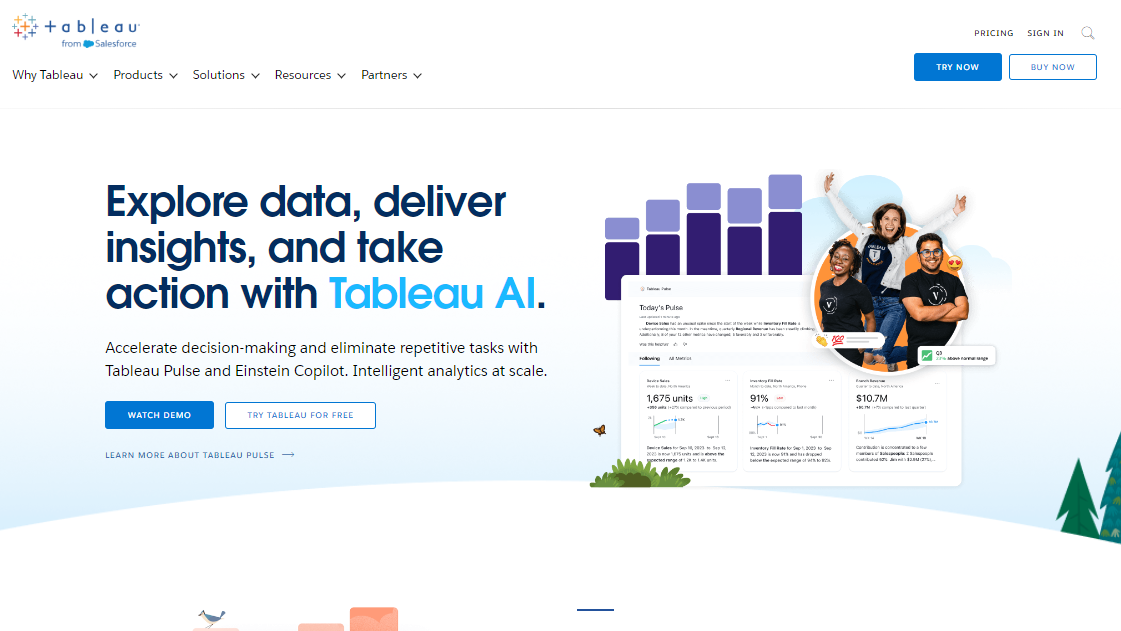
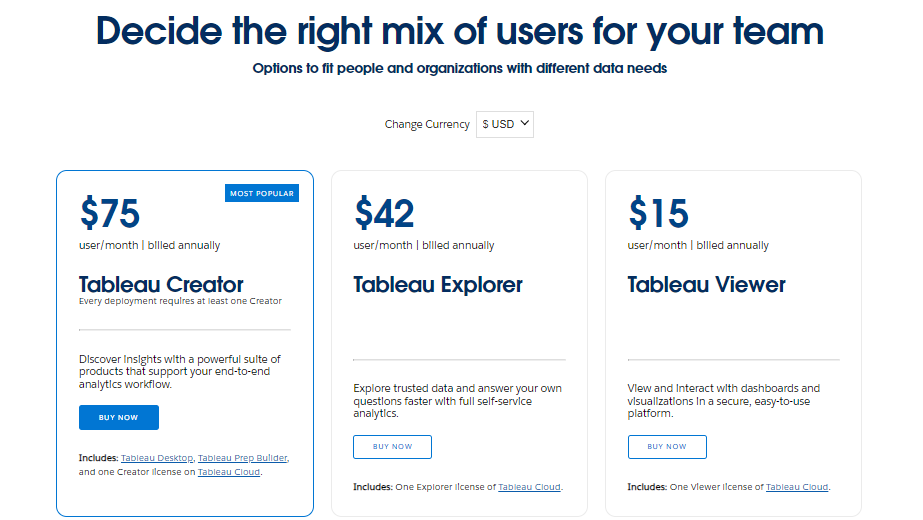
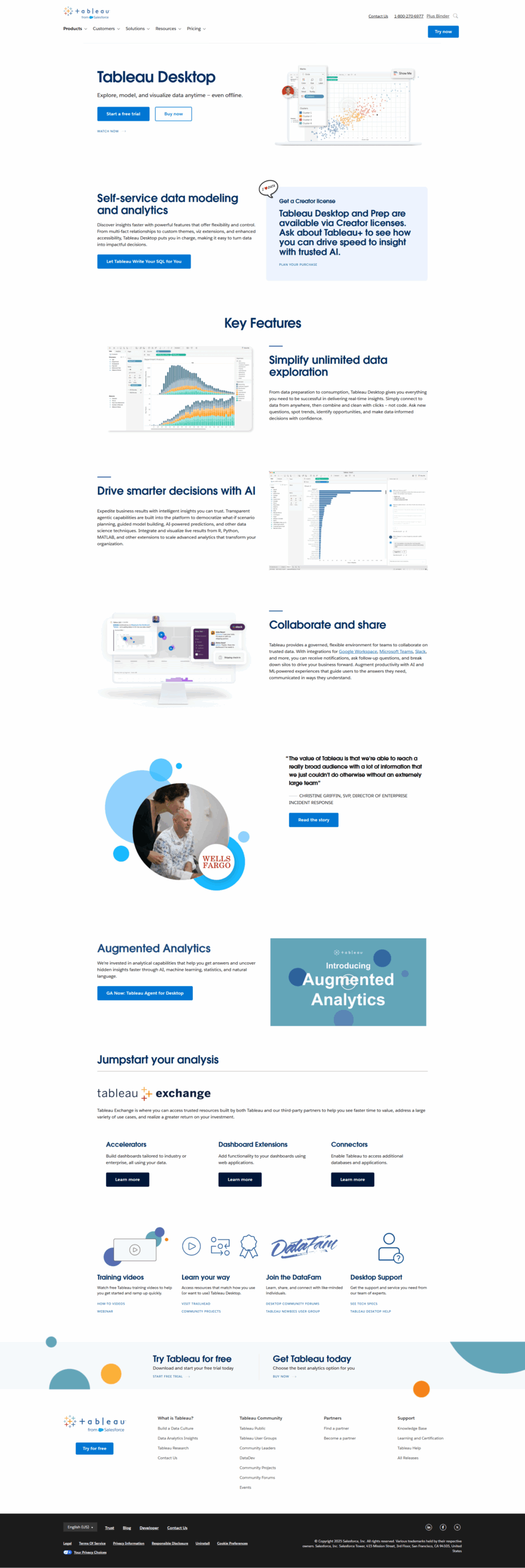
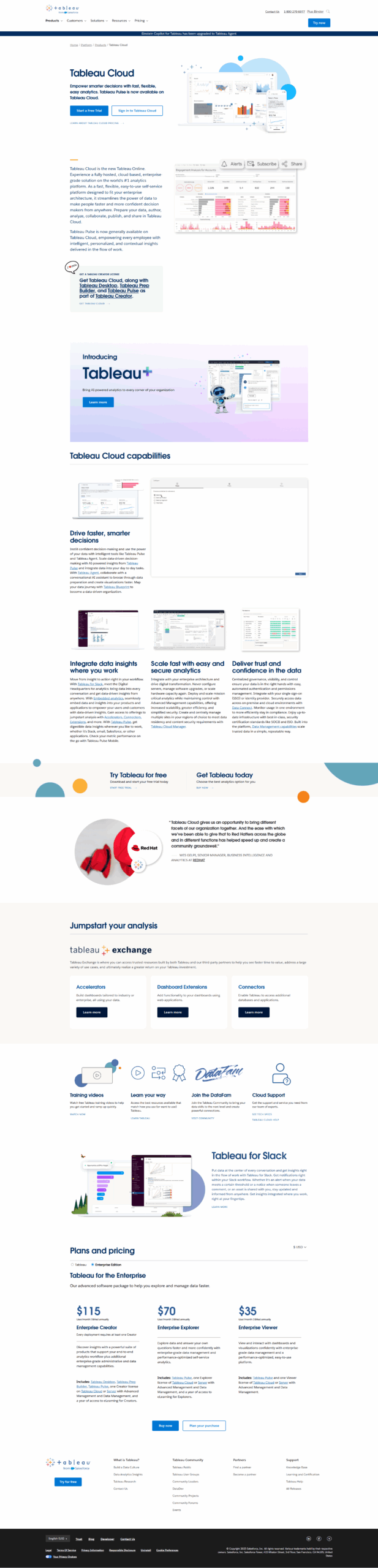
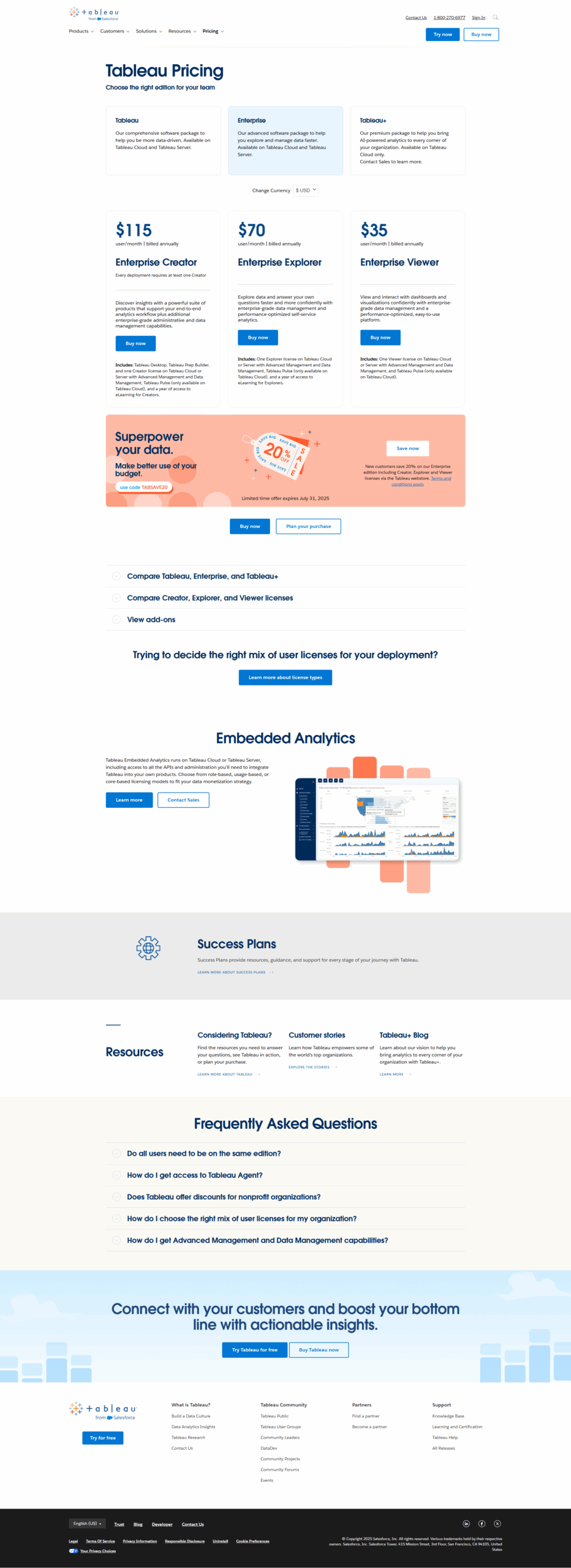
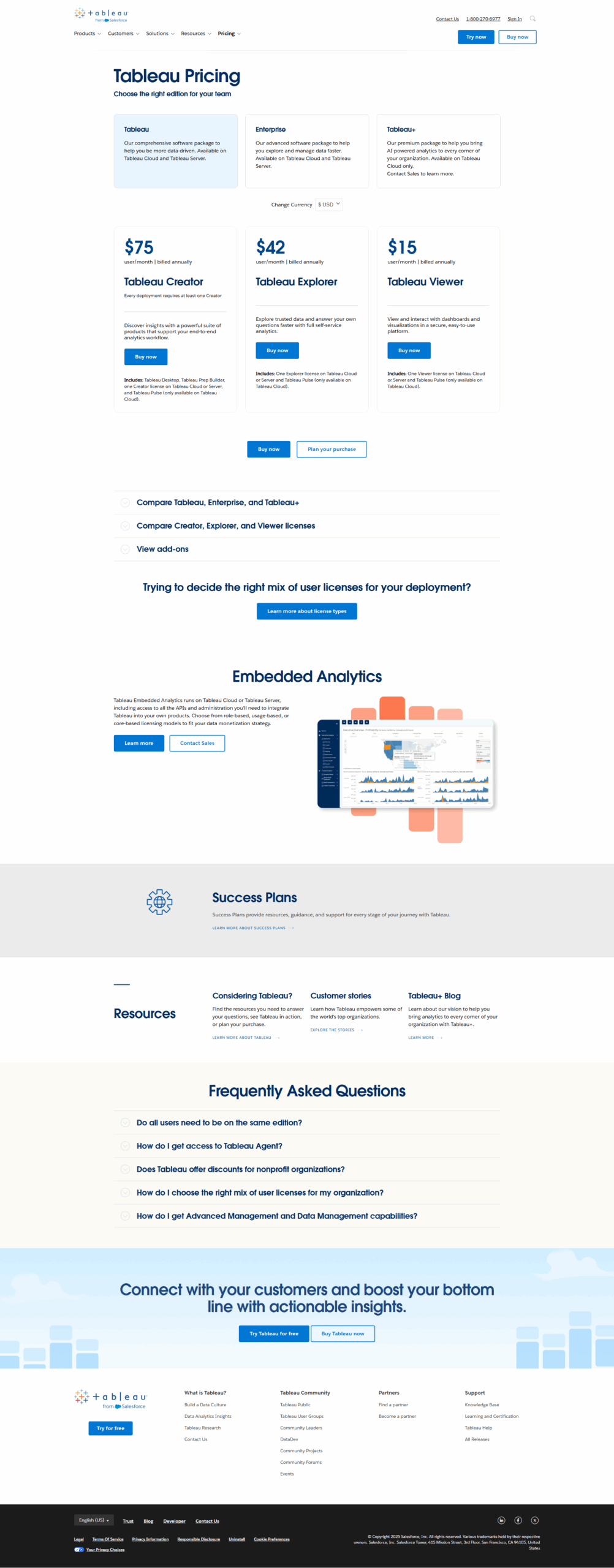
Tableau is a leading analytics platform designed for professionals like data analysts, marketers, and business users. Its intuitive drag-and-drop interface enables creating dynamic dashboards, data visualizations, and impactful reports. Key features include predictive analytics, AI-powered insights, and seamless integration with diverse data sources (e.g., Salesforce, Excel). Pricing starts at $15/month/user for Viewer plans and $70 for Creator plans.
Compared to tools like Power BI (more budget-friendly) and Qlik Sense (robust for complex tasks), Tableau excels in sophisticated visuals and enterprise-level scalability. While ideal for businesses with abundant data, it may feel costly or complex for smaller teams. Pros include flexibility, advanced customization, and rich community support, while cons involve a steep learning curve and high licensing fees.
Customer support is reliable, but Tableau’s cost-effectiveness is debatable for individual users, as it favors team-based capabilities. It’s a powerful choice for enterprises prioritizing data-driven strategies and visualization.