Sign in to review
Join our community of software reviewers on Subscribed.fyi

Continue With Google
Continue With LinkedIn
Continue Review with Email
Continue with Email
Enter your email to continue.
Continue
Enter your password
Enter your password to finish setting up your account.
Continue
Activate your email
Enter activation code we sent to your email.
Submit
Reset your password
Enter activation code we sent to your email.
Submit
Set your new password
Enter a new password for your account.
Submit
Categories
For Business
Log in
Provide My Insights
Add Product
Suggested products People also compare with
Add to Comparison
Suggested products People also compare with

Compare Docusign and DocHub

We are comparing Docusign and DocHub to evaluate which one is the best product.

Suggested products People also compare with
Review Pricing Alternatives Experience

Review

88%
31/36 Metric achieved
90%
32/36 Metric achieved

Subscribed Metric

Customer Support 4/6
Security 6/6
Ease of Use 6/6
Value of Money 4/6
Integration 5/6
Popularity 6/6

Subscribed Metric

Customer Support 4/6
Security 5/6
Ease of Use 6/6
Value of Money 6/6
Integration 5/6
Popularity 6/6

Pros & Cons

Easy to use and intuitive interface
Time-saving for document signing
Secure and legally compliant
Customizable branding for professionalism
High cost compared to alternatives
Issues with customer support responsiveness
Limited functionality for modifying sent documents
Challenges with integration in some workflows

Pros & Cons

Ease of use and intuitive interface
Affordable pricing and good value
Seamless Google Drive integration
Excellent for document signing and management
Issues with large document loading
Limited flexibility in templates and tools
Occasional technical difficulties with fields
Mobile functionality could improve

Conclusion

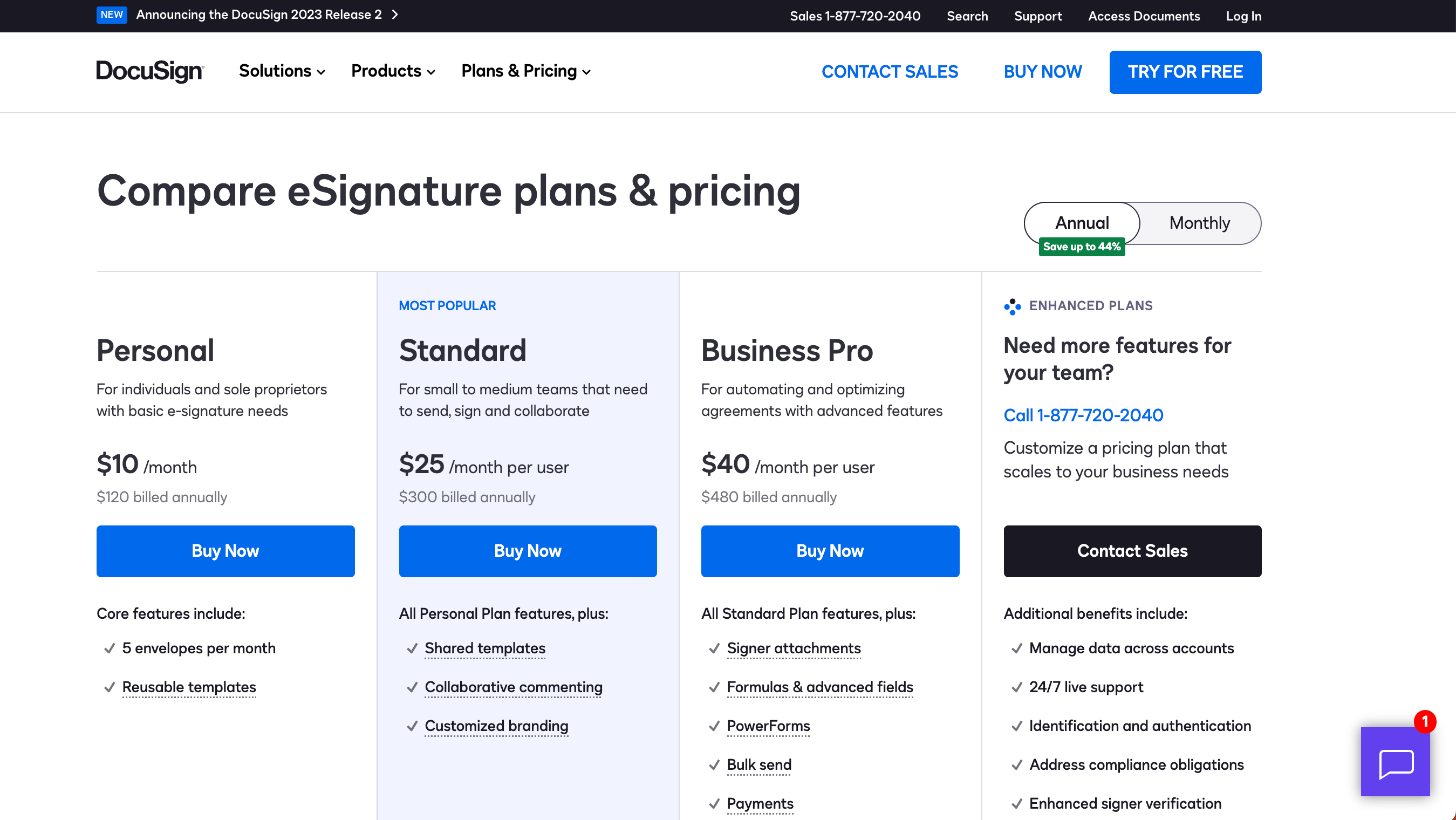
DocuSign is a market leader in e-signature software, offering features like secure document signing, robust compliance, API integrations, and audit trails. Ideal for businesses across sectors, including real estate, HR, and legal, it enables streamlined workflows by reducing manual tasks. Its plans range from $10/month for personal use to $40 for advanced features.

Compared to PandaDoc or Adobe Acrobat Sign, DocuSign excels in user experience and global compliance but may be pricier and less customizable for niche needs. For small businesses, alternatives like DocHub or SignNow may offer better cost-effectiveness.

Customer support is available 24/7, but response times vary. DocuSign is most beneficial for professionals needing user-friendly, reliable, and legally binding e-signature solutions.

Conclusion

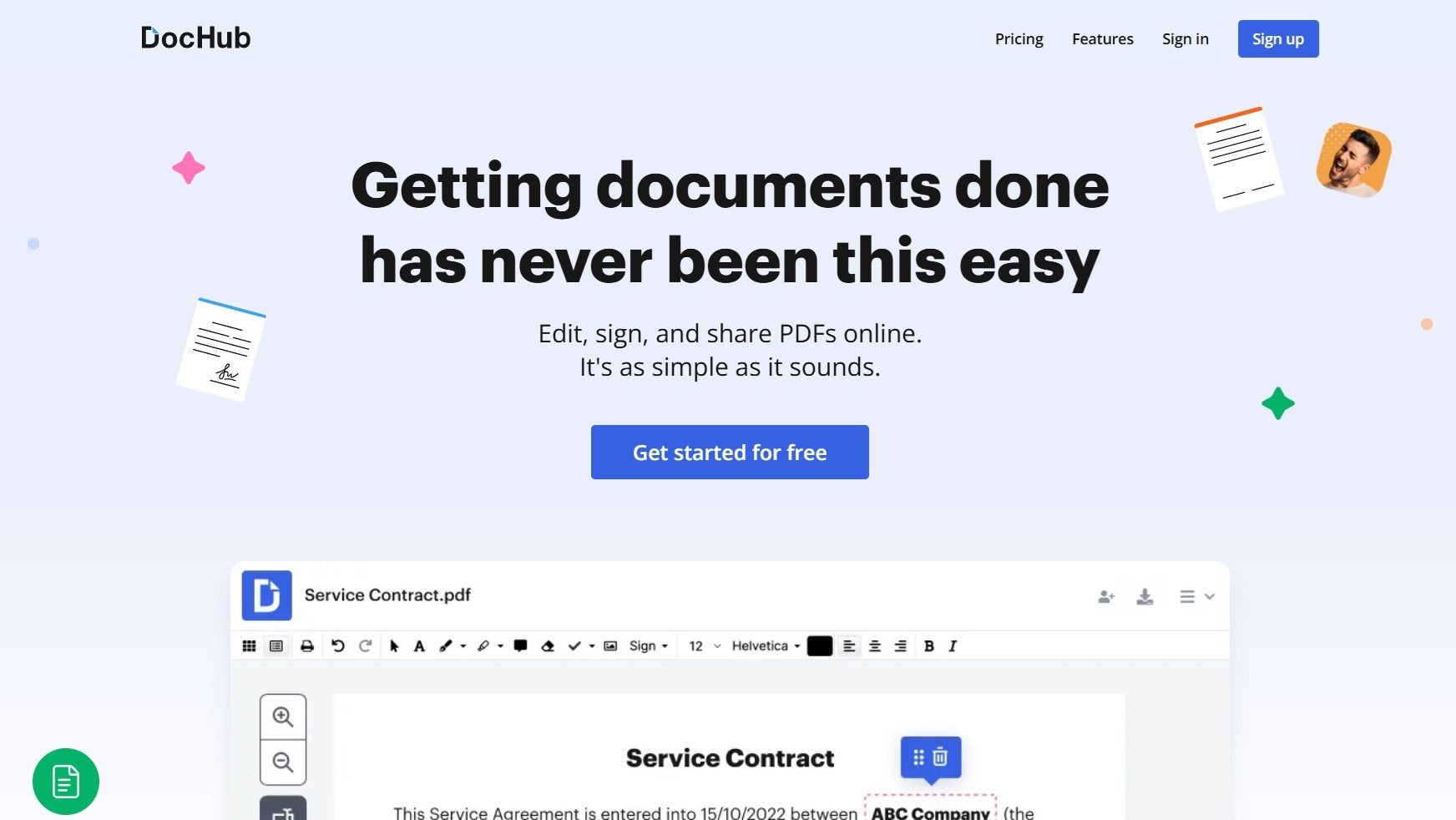
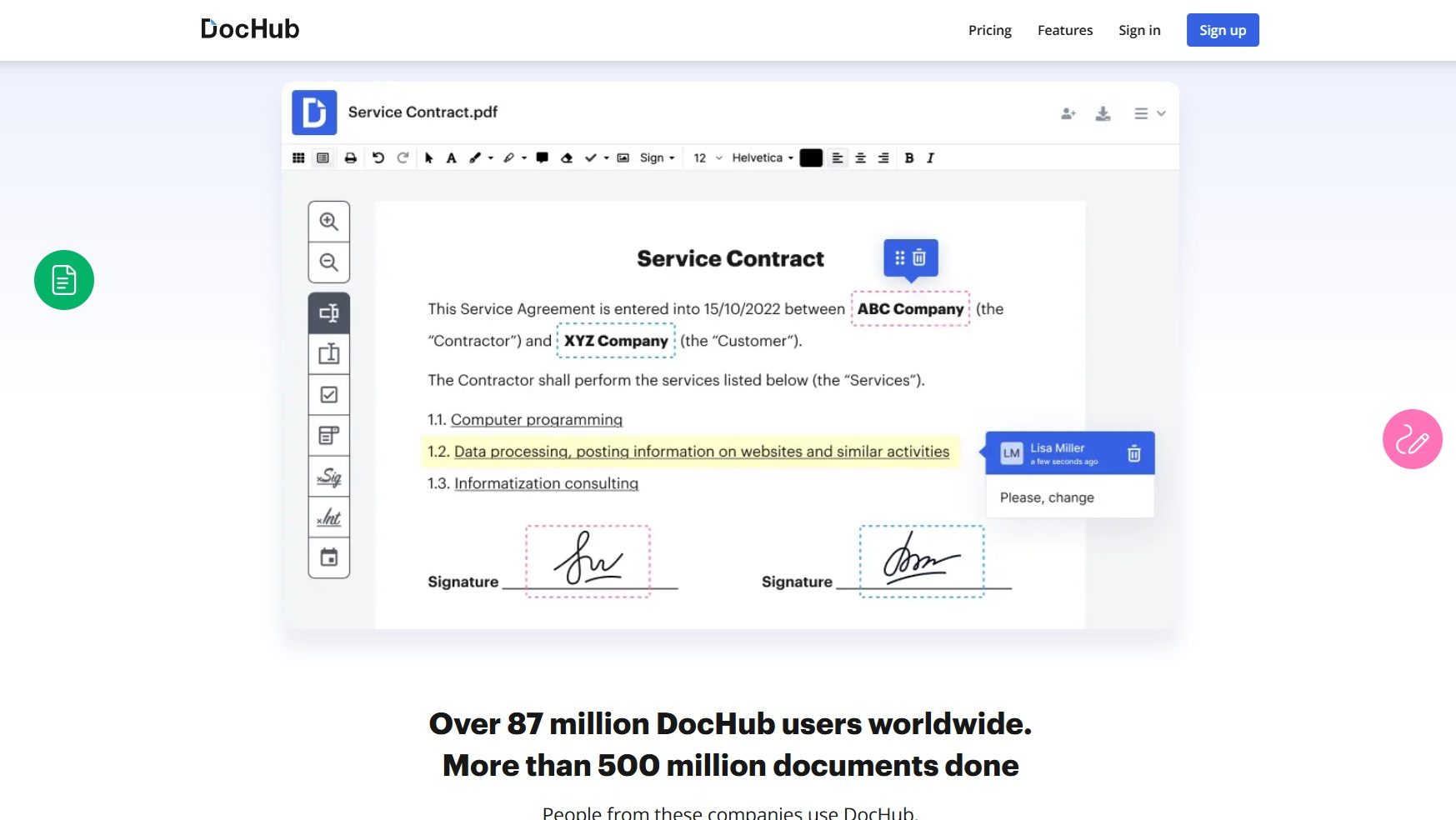
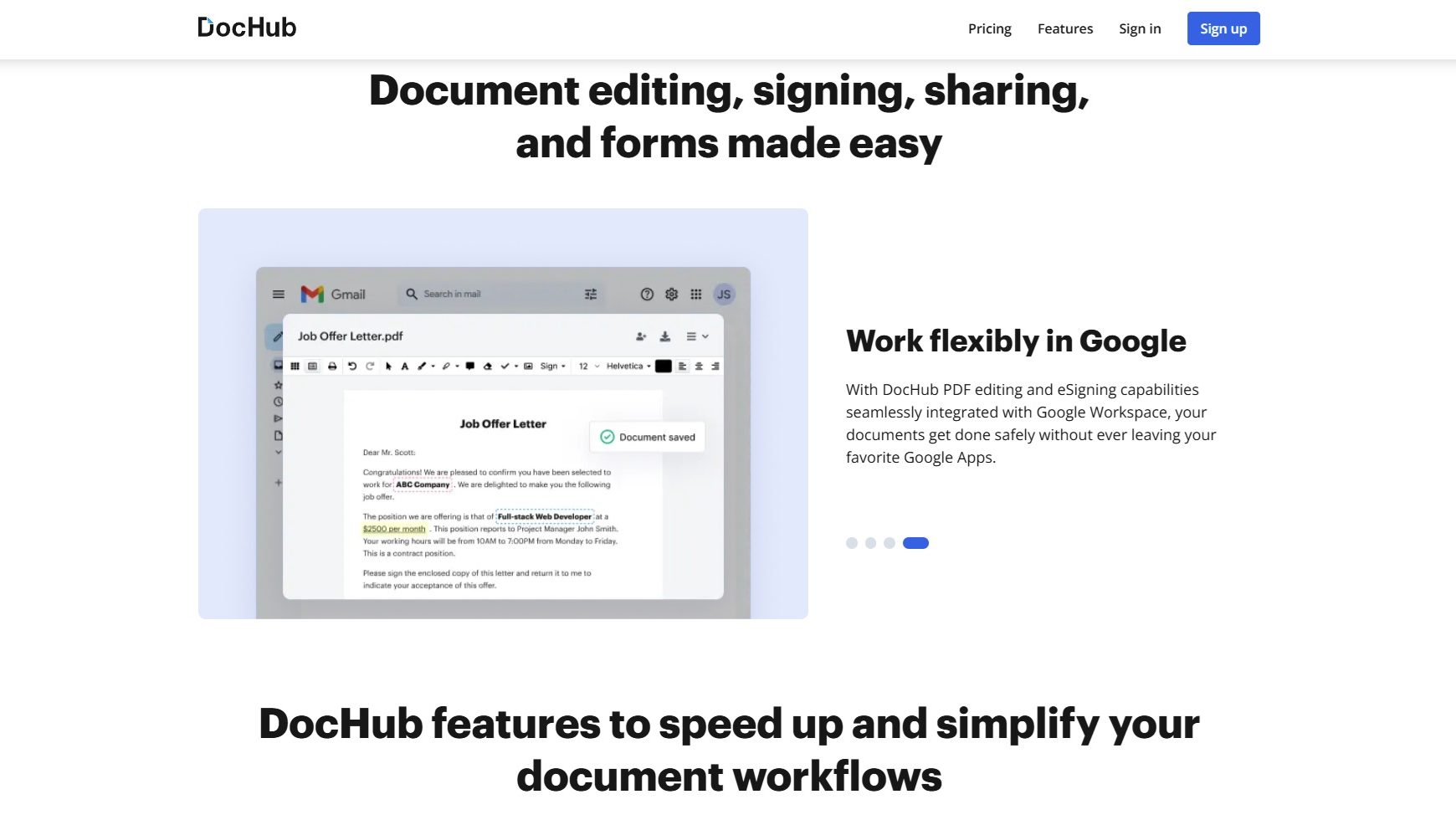
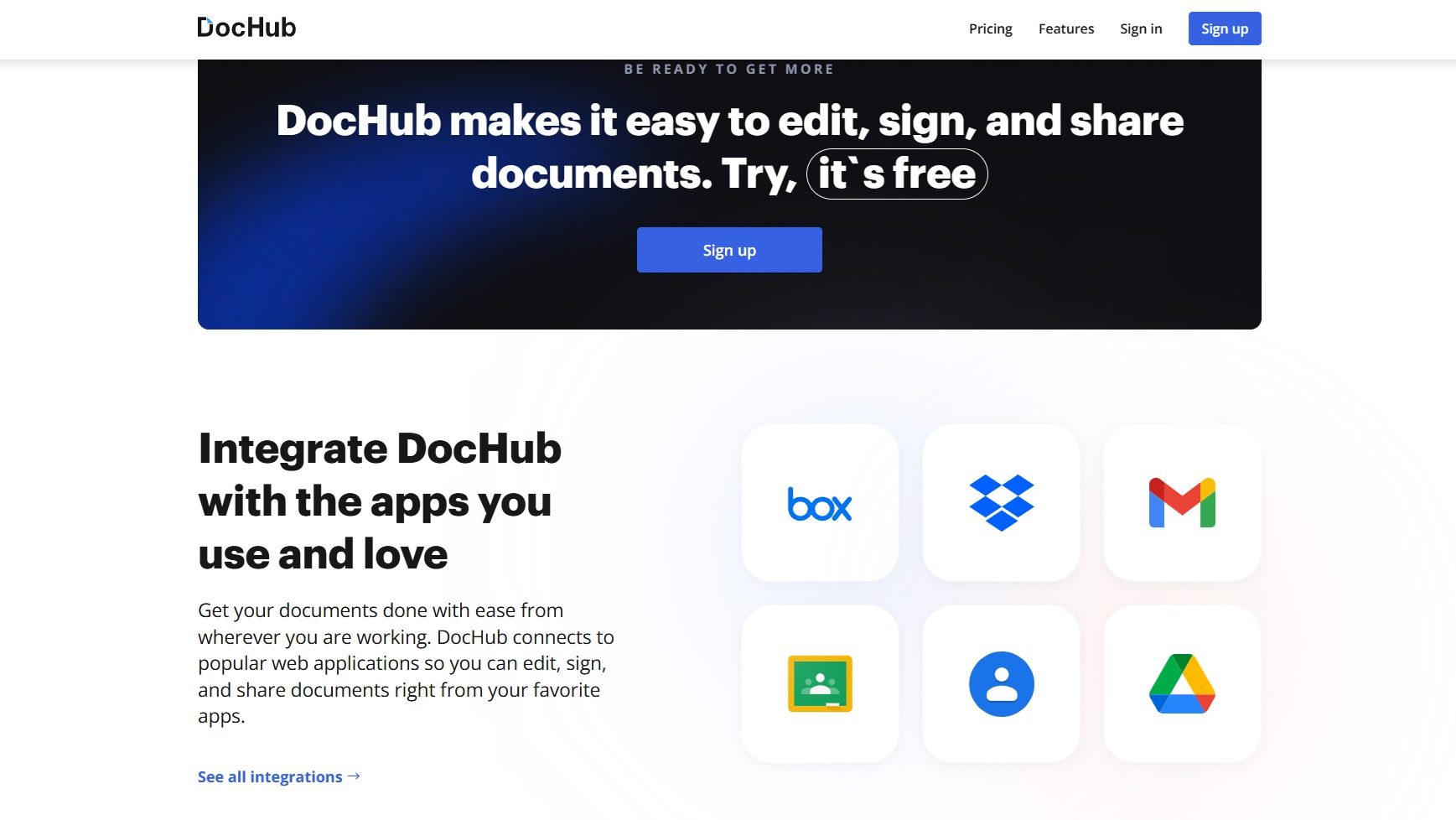
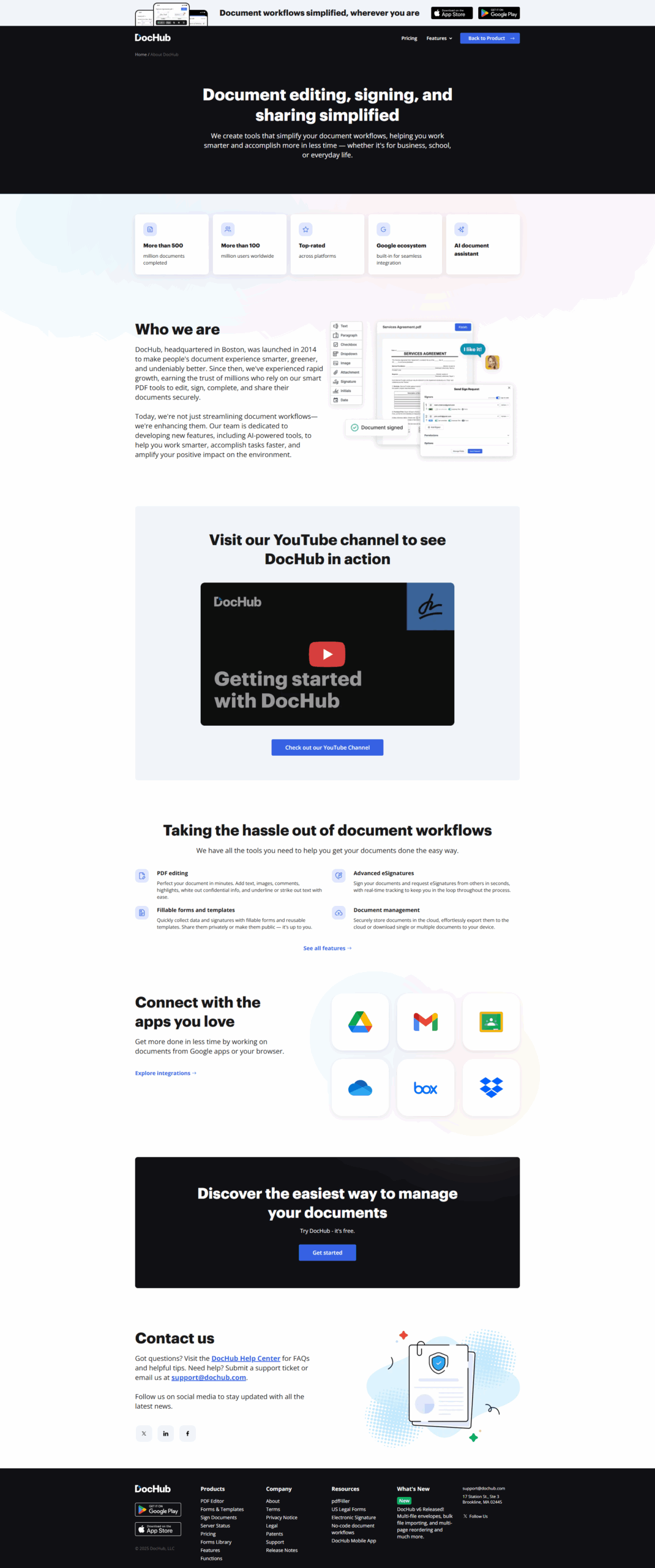
DocHub is a streamlined solution for document editing, signing, form completion, and distribution. It integrates seamlessly with Google Workspace, offering real-time cloud saving for over 500 million secure documents. With an intuitive interface, key features include signature workflows, bulk document management, and customizable templates. Pricing starts at free, with Pro plans at $10/user per month (annual).

Compared to Adobe Acrobat or DocuSign, DocHub stands out for cost-effectiveness and simplicity, ideal for small businesses, educators, and marketers needing quick, straightforward workflows. However, advanced features like intricate form templates are better in alternatives like Adobe. DocHub’s customer support is generally responsive, and its affordability makes it a strong contender in professional settings.

Pricing

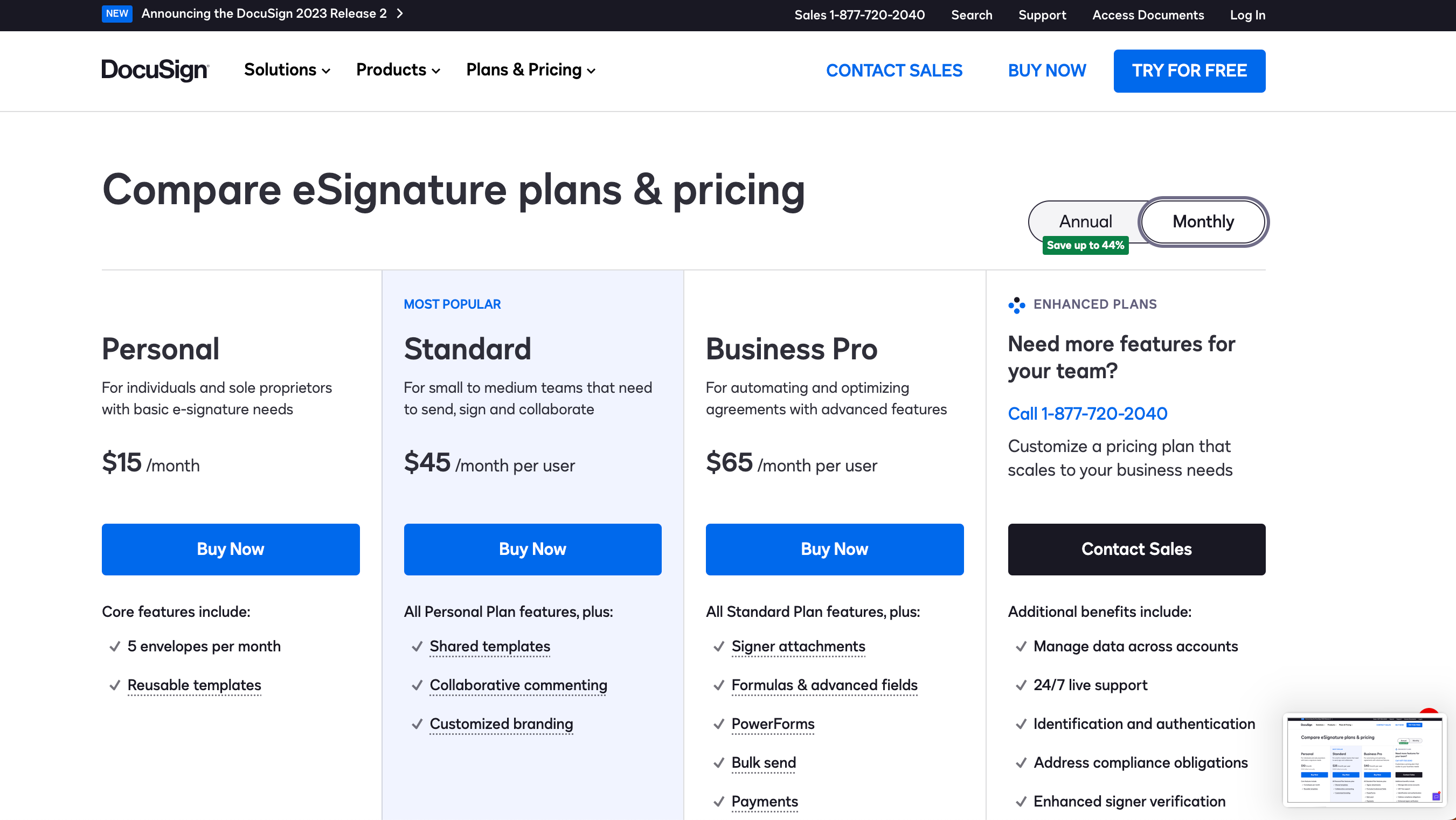
Docusign Pricing

Pricing Range $15-$65/Month

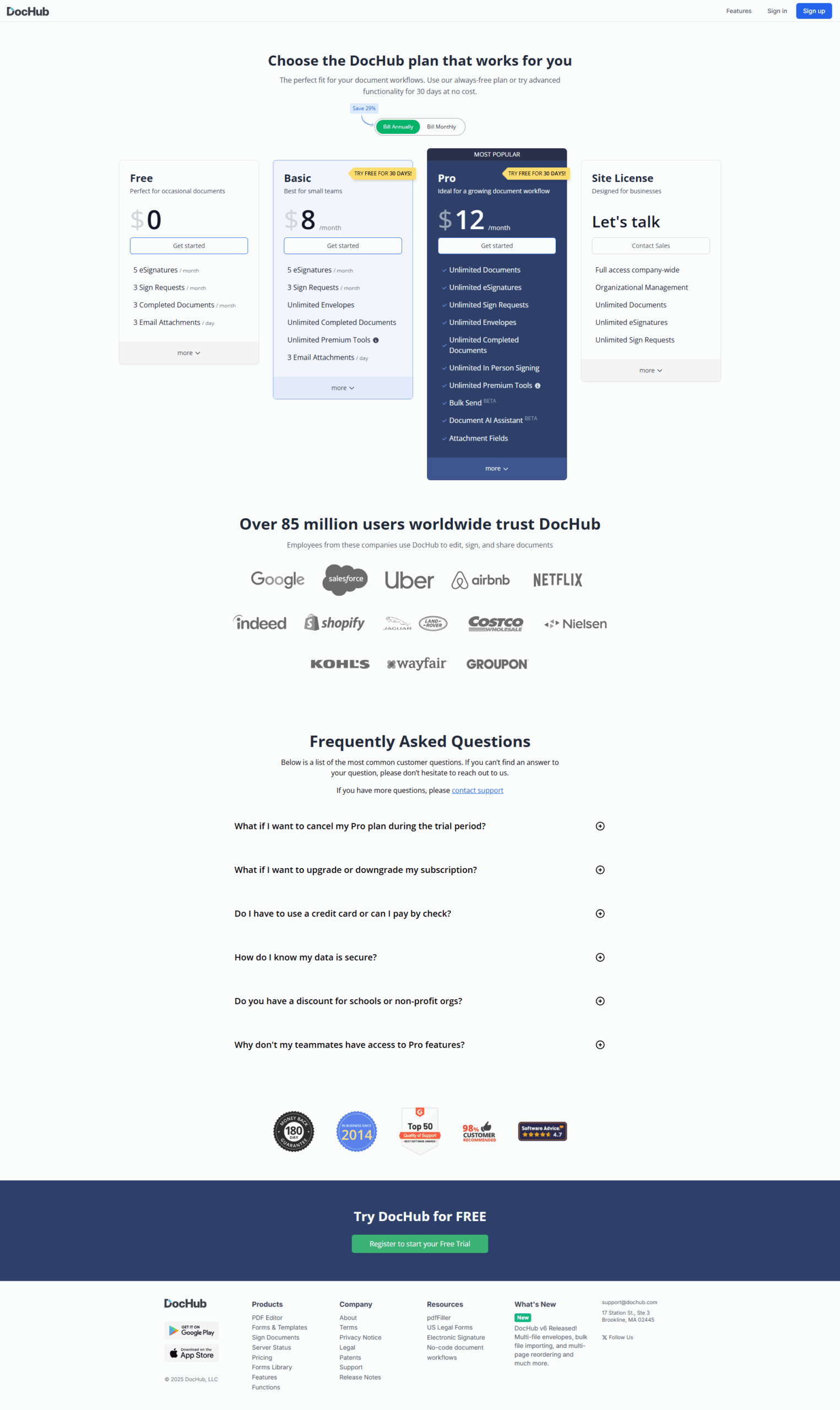
DocHub Pricing

Pricing Range $0-$14/Month See DocHub Pricing

Alternatives

Docusign Alternatives

Box logo

Box

93%
PandaDoc logo

PandaDoc

93%
DocHub logo

DocHub

90%
Jotform Sign logo

Jotform Sign

88%
See All Docusign Alternatives

DocHub Alternatives

PandaDoc logo

PandaDoc

93%
Dropbox logo

Dropbox

90%
Docusign logo

Docusign

88%
See All DocHub Alternatives

Experience

Docusign Screenshots

Docusign screenshot 1
Docusign screenshot 2
Docusign screenshot 3

DocHub Screenshots

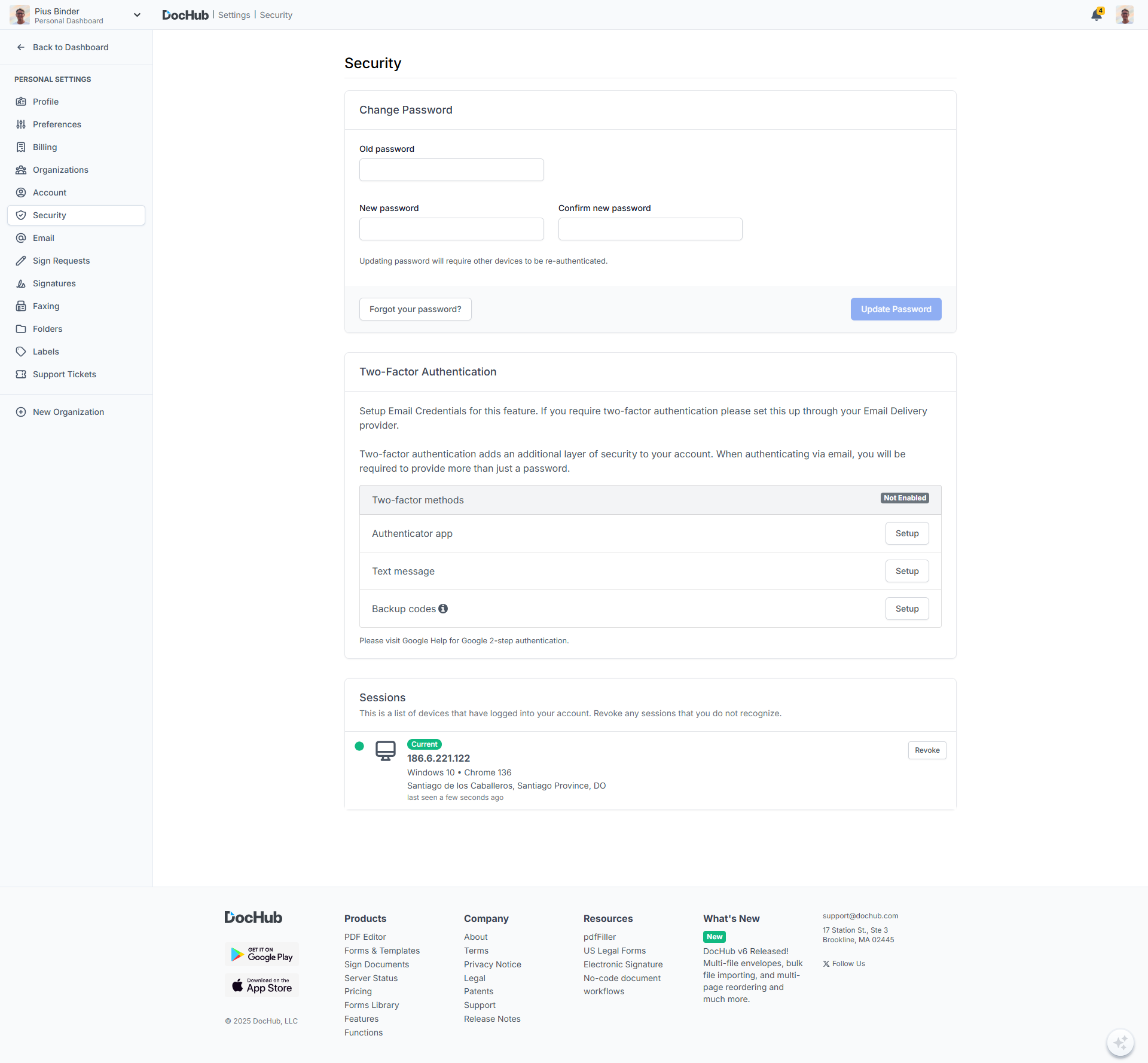
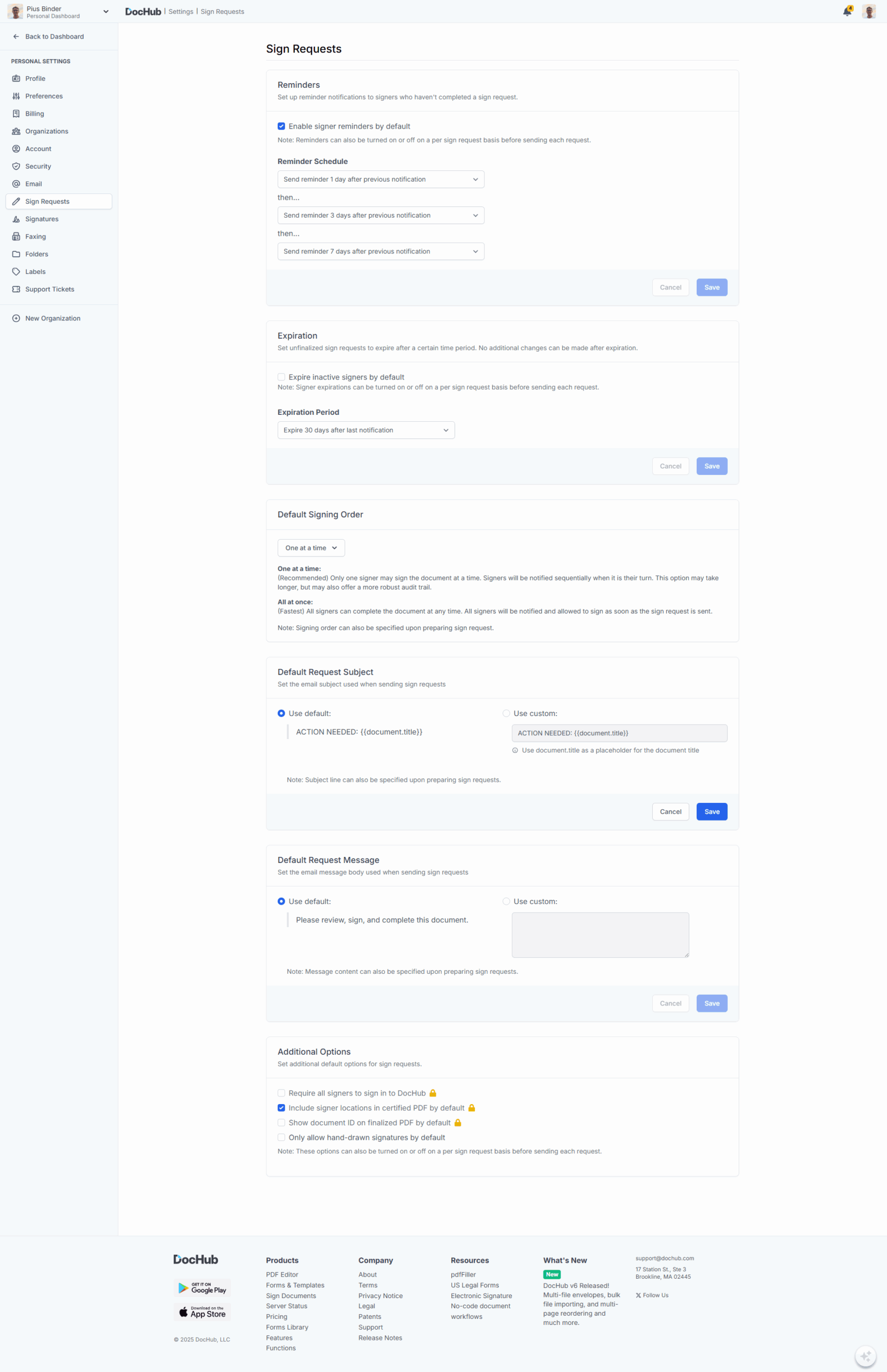
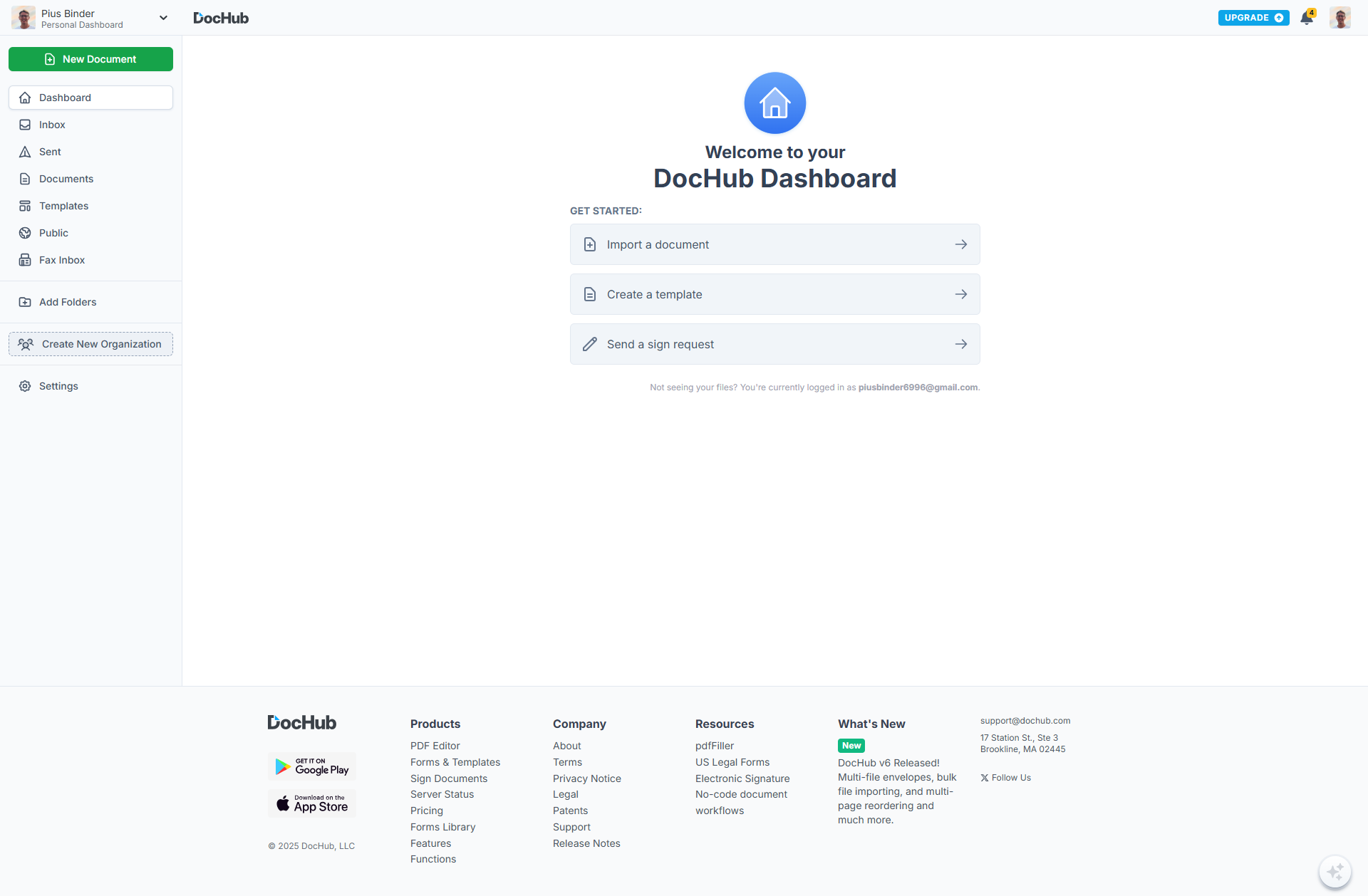
DocHub screenshot 1
DocHub screenshot 2
DocHub screenshot 3
DocHub screenshot 4
DocHub screenshot 5
DocHub screenshot 6
DocHub screenshot 7
DocHub screenshot 8
DocHub screenshot 9
DocHub screenshot 10