Sign in to review
Join our community of software reviewers on Subscribed.fyi

Continue With Google
Continue With LinkedIn
Continue Review with Email
Continue with Email
Enter your email to continue.
Continue
Enter your password
Enter your password to finish setting up your account.
Continue
Activate your email
Enter activation code we sent to your email.
Submit
Reset your password
Enter activation code we sent to your email.
Submit
Set your new password
Enter a new password for your account.
Submit
Categories
For Business
Log in
Provide My Insights
Add Product
Suggested products People also compare with
Add to Comparison
Suggested products People also compare with

Compare EasyMorph and Tableau

We are comparing EasyMorph and Tableau to evaluate which one is the best product.

Suggested products People also compare with
Review Pricing Alternatives Experience

Review

68%
25/36 Metric achieved
83%
29/36 Metric achieved

Subscribed Metric

Customer Support 6/6
Security 0/6
Ease of Use 6/6
Value of Money 6/6
Integration 4/6
Popularity 3/6

Subscribed Metric

Customer Support 5/6
Security 4/6
Ease of Use 5/6
Value of Money 4/6
Integration 5/6
Popularity 6/6

Pros & Cons

User-friendly for non-technical users
Cost-effective and powerful features
Wide range of data transformation options
Fast data handling and performance
Only available for Windows
Outdated documentation
Limited output data source options
License renewal process is cumbersome

Pros & Cons

Flexible and customizable dashboards
Supports multiple data sources and formats
Easy drag-and-drop interface
Advanced data visualization options
Expensive for individual users
Steep learning curve for beginners
Performance issues with large datasets
Limited chart and graph options

Conclusion

EasyMorph is an intuitive Data Preparation tool, ideal for non-technical users in fields like marketing, business intelligence, and finance. It offers 100+ actions for data transformation, profiling, and automation, supporting workflows with parameters, loops, and conditional branching. Its strong points include ease of use, reasonable pricing ($750/year with free updates and support), and a free version for basic needs.

Compared to tools like Alteryx or Tableau, EasyMorph is simpler and more cost-effective, though it lacks advanced visualizations and is Windows-only. While it handles small-to-moderate datasets effectively, large data volumes could slow performance. Its customer support is highly praised for responsiveness and reliability. Overall, it’s an excellent value for small to medium-sized businesses prioritizing cost-efficiency and data accessibility.

Conclusion

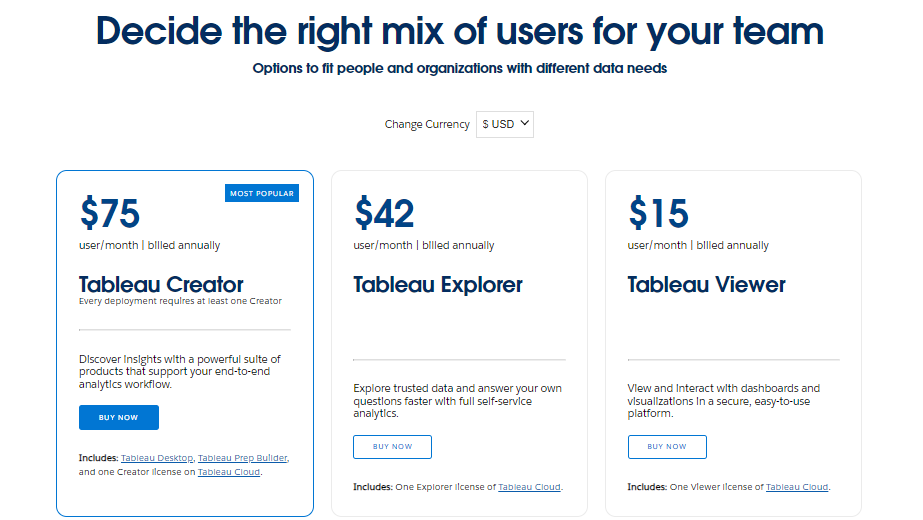
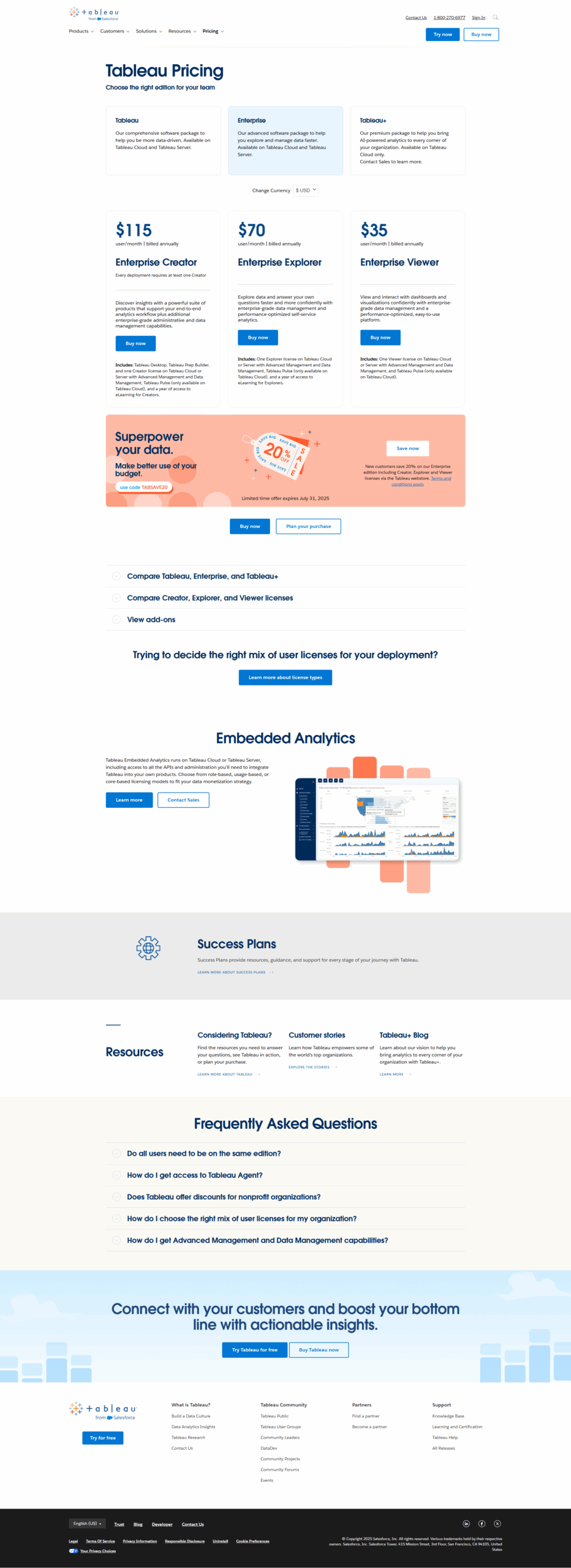
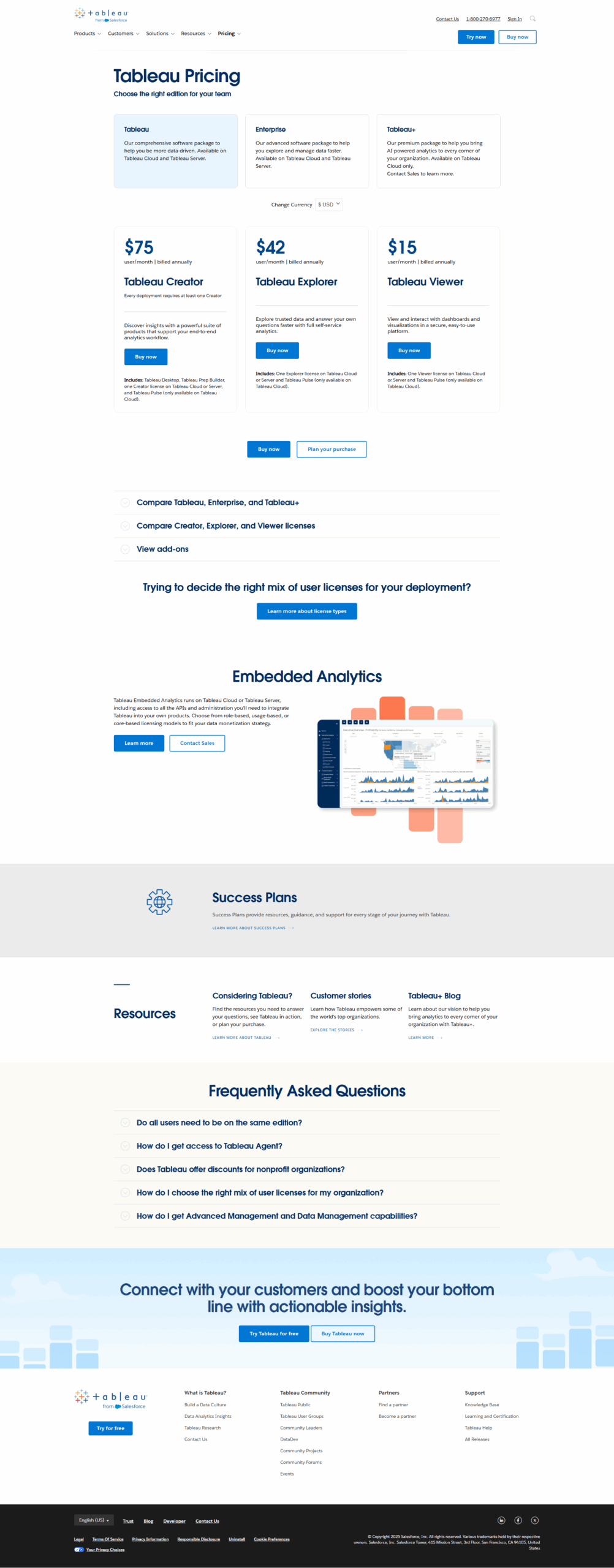
Tableau is a leading analytics platform designed for professionals like data analysts, marketers, and business users. Its intuitive drag-and-drop interface enables creating dynamic dashboards, data visualizations, and impactful reports. Key features include predictive analytics, AI-powered insights, and seamless integration with diverse data sources (e.g., Salesforce, Excel). Pricing starts at $15/month/user for Viewer plans and $70 for Creator plans.

Compared to tools like Power BI (more budget-friendly) and Qlik Sense (robust for complex tasks), Tableau excels in sophisticated visuals and enterprise-level scalability. While ideal for businesses with abundant data, it may feel costly or complex for smaller teams. Pros include flexibility, advanced customization, and rich community support, while cons involve a steep learning curve and high licensing fees.

Customer support is reliable, but Tableau’s cost-effectiveness is debatable for individual users, as it favors team-based capabilities. It’s a powerful choice for enterprises prioritizing data-driven strategies and visualization.

Pricing

EasyMorph Pricing

Pricing Range $25-$2.5k/Month See EasyMorph Pricing

Tableau Pricing

Pricing Range $0.83-$75/Month See Tableau Pricing

Alternatives

EasyMorph Alternatives

Tableau logo

Tableau

83%
See All EasyMorph Alternatives

Tableau Alternatives

Qlik Sense logo

Qlik Sense

83%
Domo logo

Domo

80%
See All Tableau Alternatives

Experience

EasyMorph Screenshots

EasyMorph screenshot 1

Tableau Screenshots

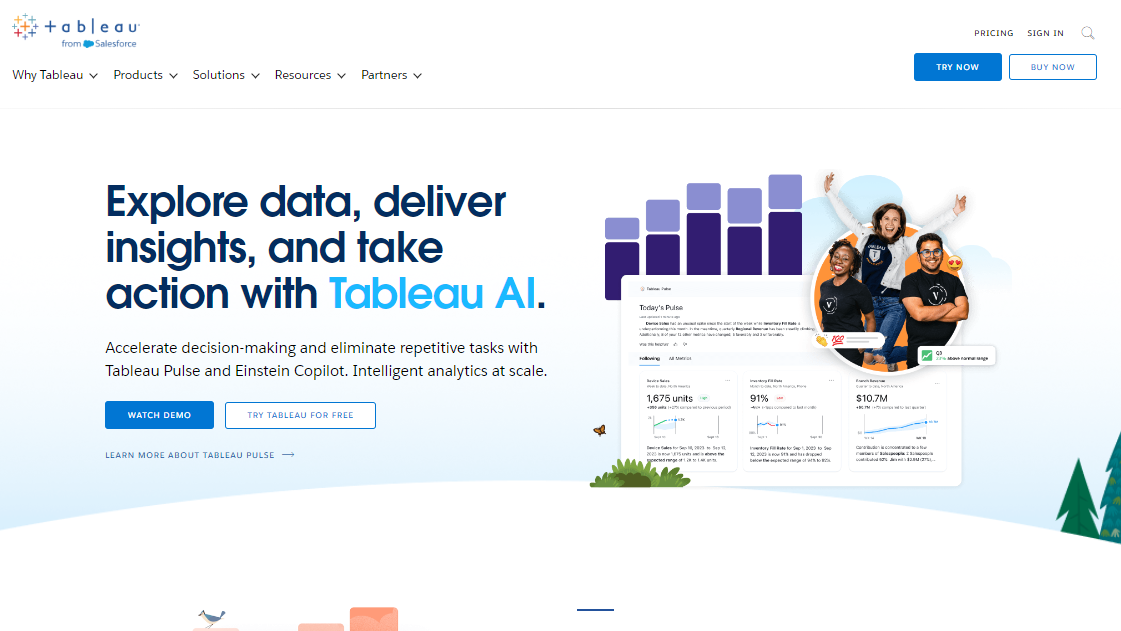
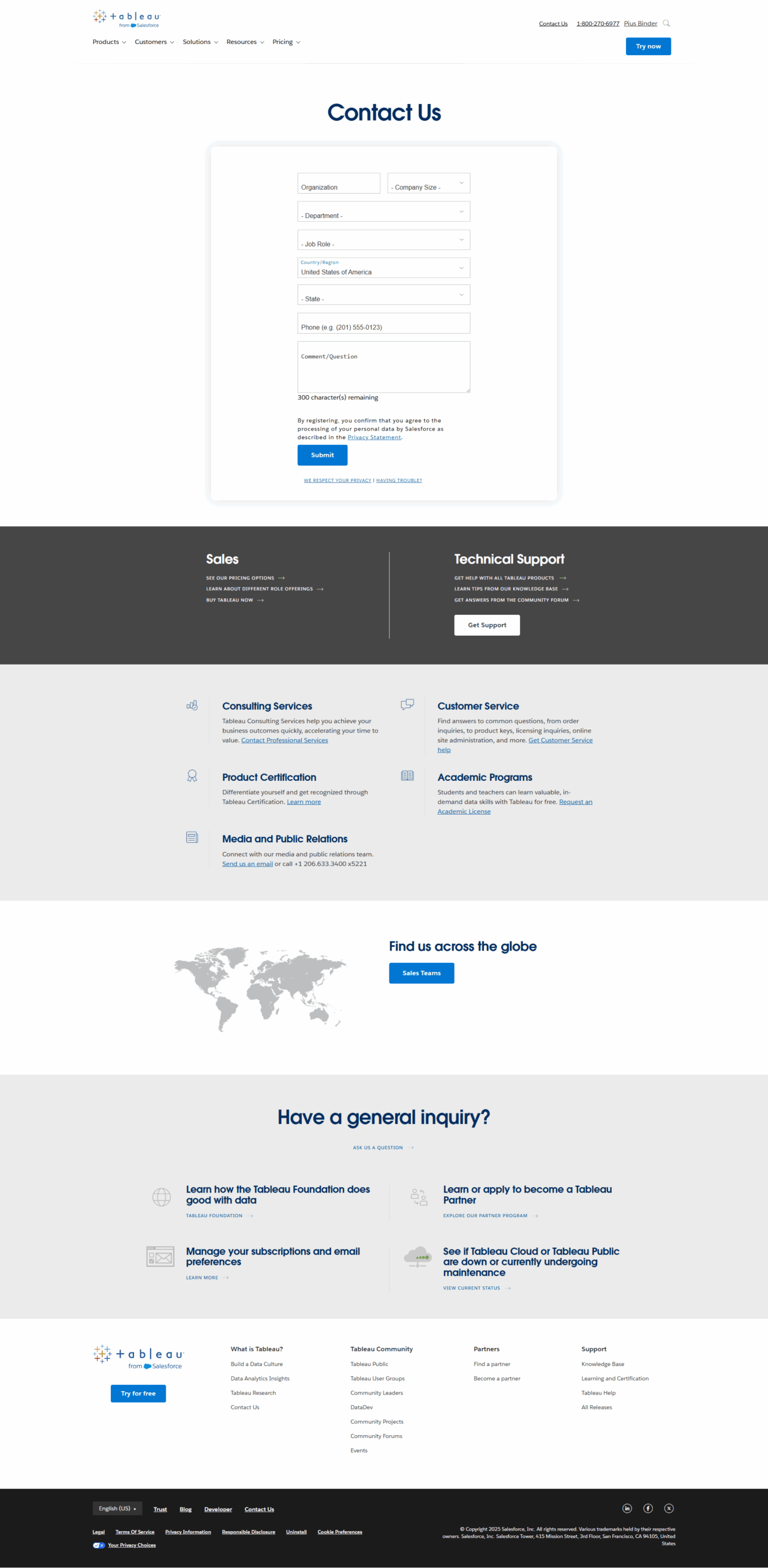
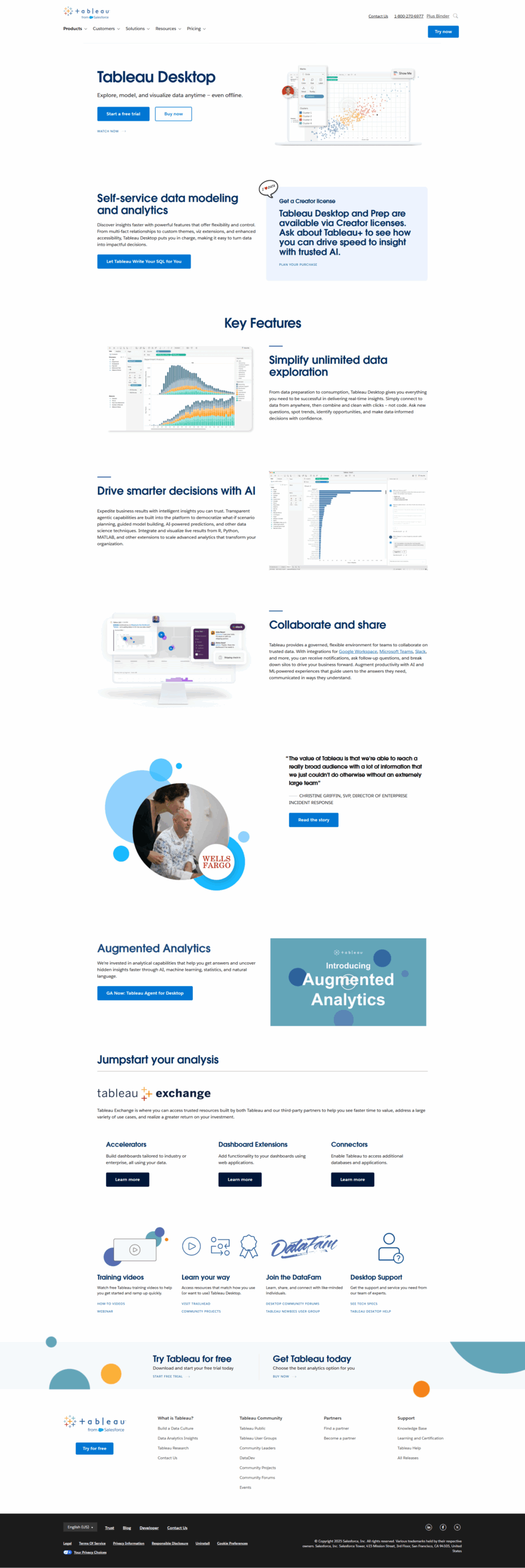
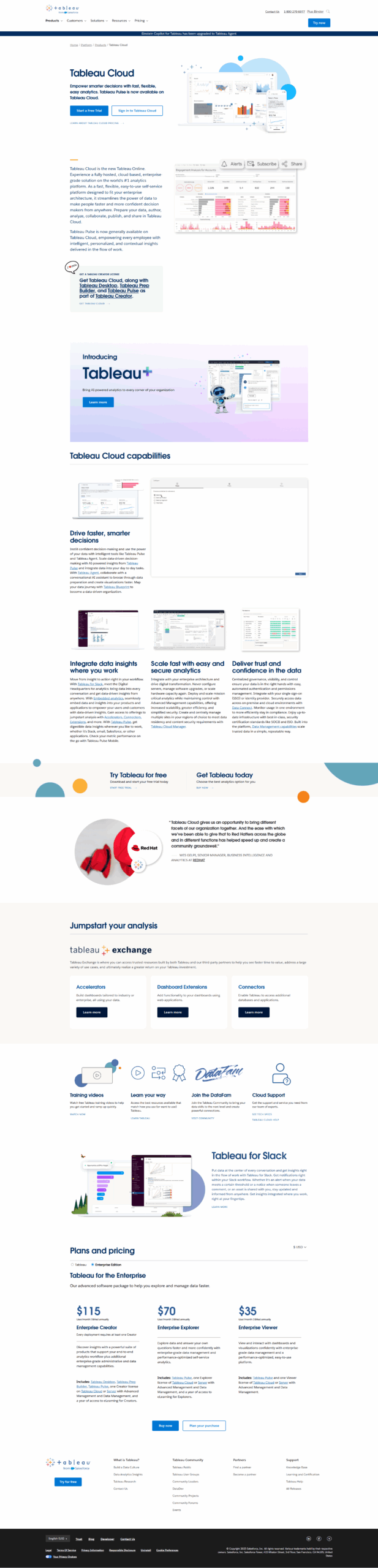
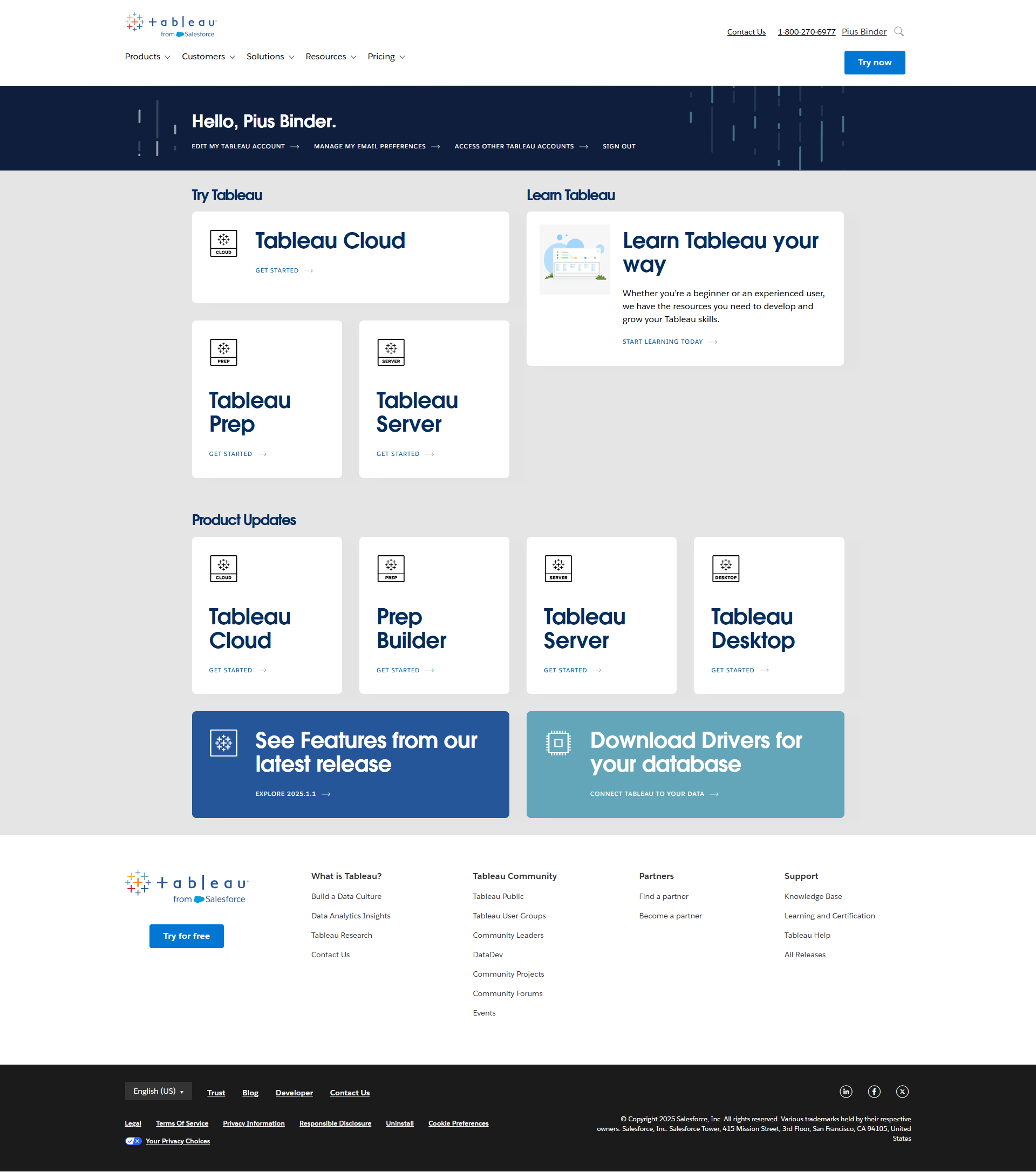
Tableau screenshot 1
Tableau screenshot 2
Tableau screenshot 3
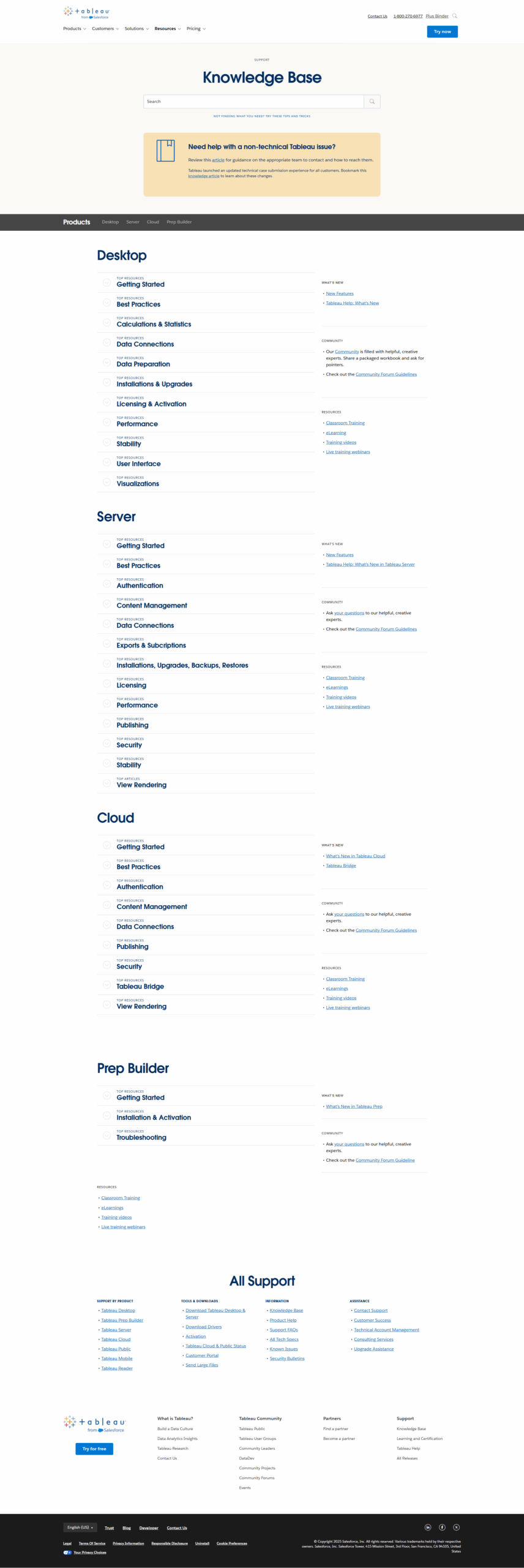
Tableau screenshot 4
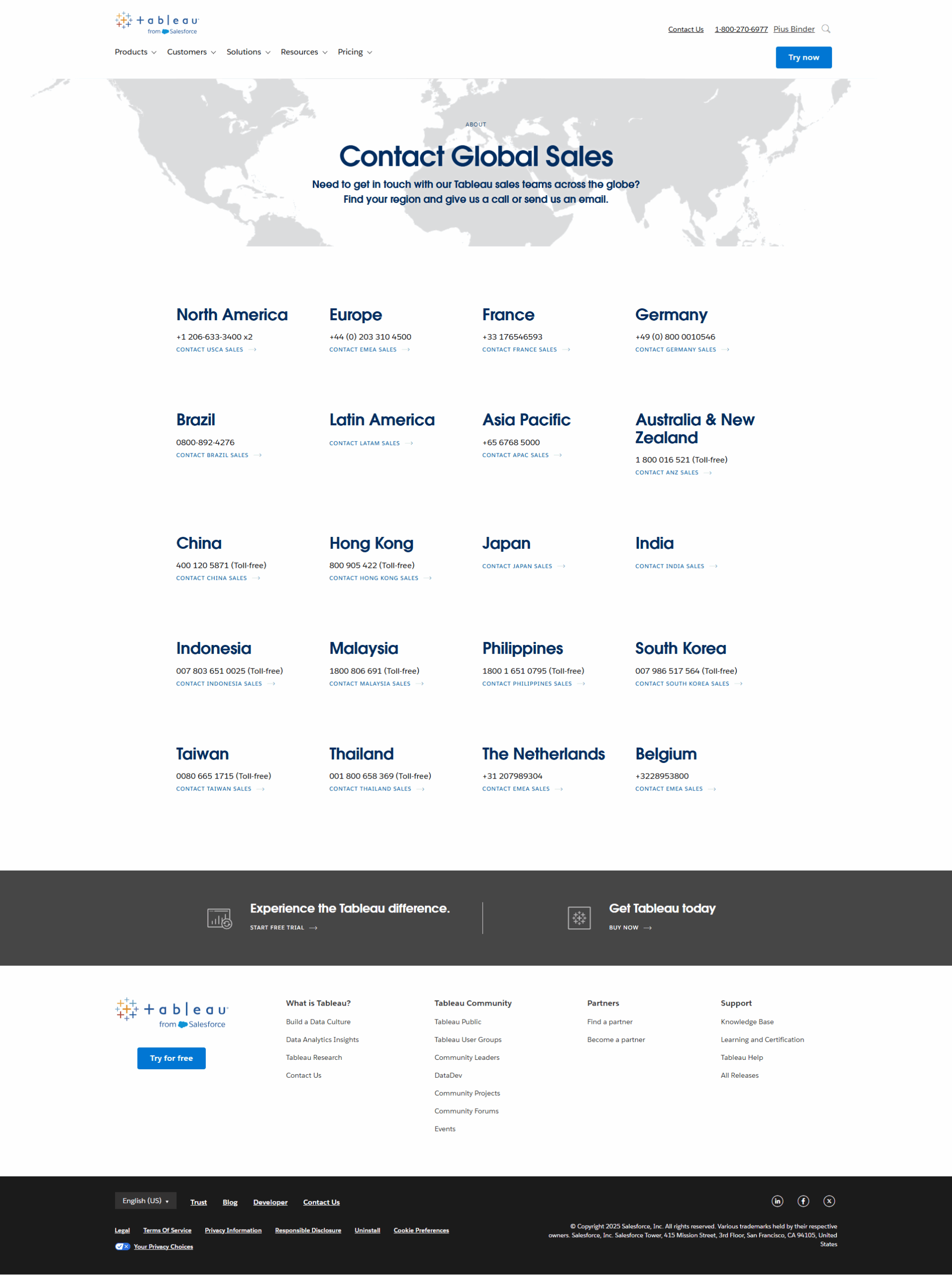
Tableau screenshot 5
Tableau screenshot 6
Tableau screenshot 7
Tableau screenshot 8
Tableau screenshot 9
Tableau screenshot 10