Sign in to review
Join our community of software reviewers on Subscribed.fyi

Continue With Google
Continue With LinkedIn
Continue Review with Email
Continue with Email
Enter your email to continue.
Continue
Enter your password
Enter your password to finish setting up your account.
Continue
Activate your email
Enter activation code we sent to your email.
Submit
Reset your password
Enter activation code we sent to your email.
Submit
Set your new password
Enter a new password for your account.
Submit
Categories
For Business
Log in
Provide My Insights
Add Product
Suggested products People also compare with
Add to Comparison
Suggested products People also compare with

Compare GIMP and Adobe Photoshop

We are comparing GIMP and Adobe Photoshop to evaluate which one is the best product.

Suggested products People also compare with
Review Pricing Alternatives Experience

Review

68%
24/36 Metric achieved
80%
28/36 Metric achieved

Subscribed Metric

Customer Support 4/6
Security 4/6
Ease of Use 3/6
Value of Money 6/6
Integration 2/6
Popularity 5/6

Subscribed Metric

Customer Support 4/6
Security 4/6
Ease of Use 5/6
Value of Money 4/6
Integration 5/6
Popularity 6/6

Pros & Cons

Free and open-source with extensive features
Compatible with various file formats
Highly customizable interface
Regular updates with new features
Steep learning curve for beginners
Outdated and non-intuitive interface
Occasional compatibility issues with plugins
Lacks some advanced tools found in competitors

Pros & Cons

Versatile and powerful tools for editing.
AI features boost productivity and creativity.
Extensive online tutorials for learning.
Industry standard for professionals.
Steep learning curve for beginners.
Subscription pricing lacks one-time purchase.
Performance issues on less powerful devices.
Interface can feel bloated at times.

Conclusion

GIMP is a free, open-source image editing tool designed for graphic designers, photographers, and illustrators. It offers features like advanced photo retouching, layer edits, customizable UI, and extensive format support. While GIMP excels in cost-effectiveness and flexibility, it has a steeper learning curve, lacks advanced features like face detection, and has an outdated interface compared to premium tools like Adobe Photoshop. However, its open-source nature allows extensive plugin support, customization, and a community-driven help system. GIMP is ideal for professionals or budget-conscious users prioritizing functionality over ease of use. It offers no formal customer support but thrives on an active community. It outshines competitors in affordability but requires patience to master.

Conclusion

Adobe Photoshop is the leading photo editing software, ideal for designers, photographers, and marketers. Key features include advanced editing tools, AI-powered capabilities, and seamless integration within Adobe Creative Cloud. It offers industry-standard layer editing, color correction, and generative AI tools. Priced at $59.99/month, it’s costlier than alternatives like GIMP (free) or Canva ($10/month), but unbeatable in depth. Support is strong yet subscription costs deter some. Best for professionals prioritizing advanced control over affordability.

Pricing

GIMP Pricing

Pricing Range Not specified

Adobe Photoshop Pricing

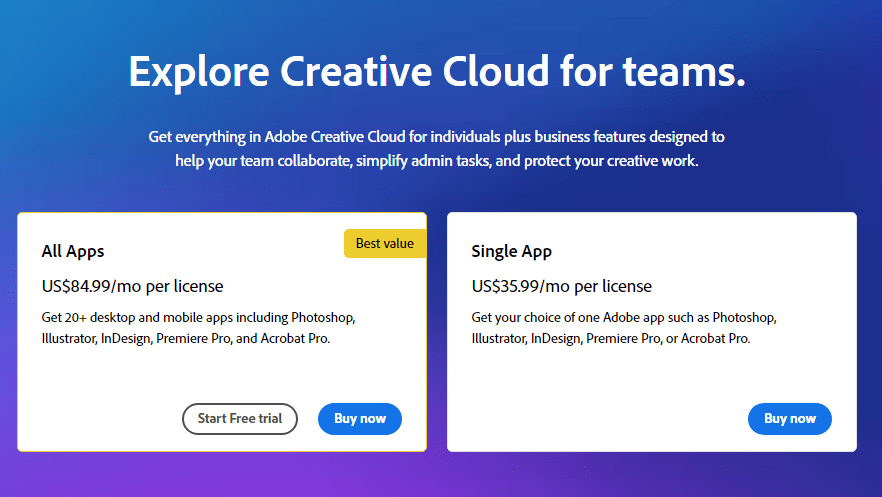
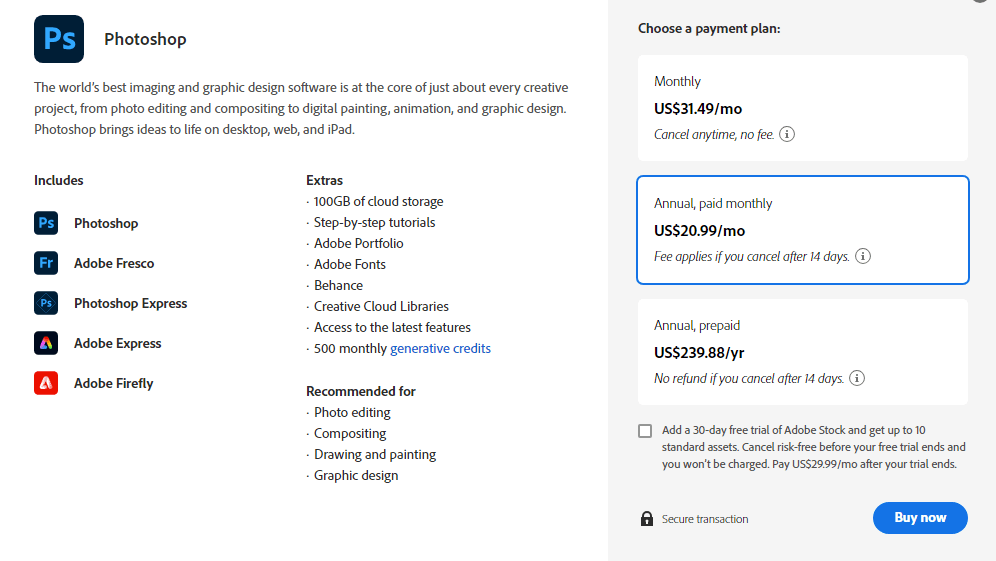
Pricing Range $14.99-$89.99/Month See Adobe Photoshop Pricing

Alternatives

GIMP Alternatives

Canva logo

Canva

90%
Kittl logo

Kittl

81%
Adobe Photoshop logo

Adobe Photoshop

80%
Photoshop Elements logo

Photoshop Elements

75%
See All GIMP Alternatives

Adobe Photoshop Alternatives

Canva logo

Canva

90%
Fotor Photo Editor logo

Fotor Photo Editor

83%
CorelDRAW logo

CorelDRAW

73%
Affinity Photo logo

Affinity Photo

70%
See All Adobe Photoshop Alternatives

Experience

GIMP Screenshots

GIMP screenshot 1

Adobe Photoshop Screenshots

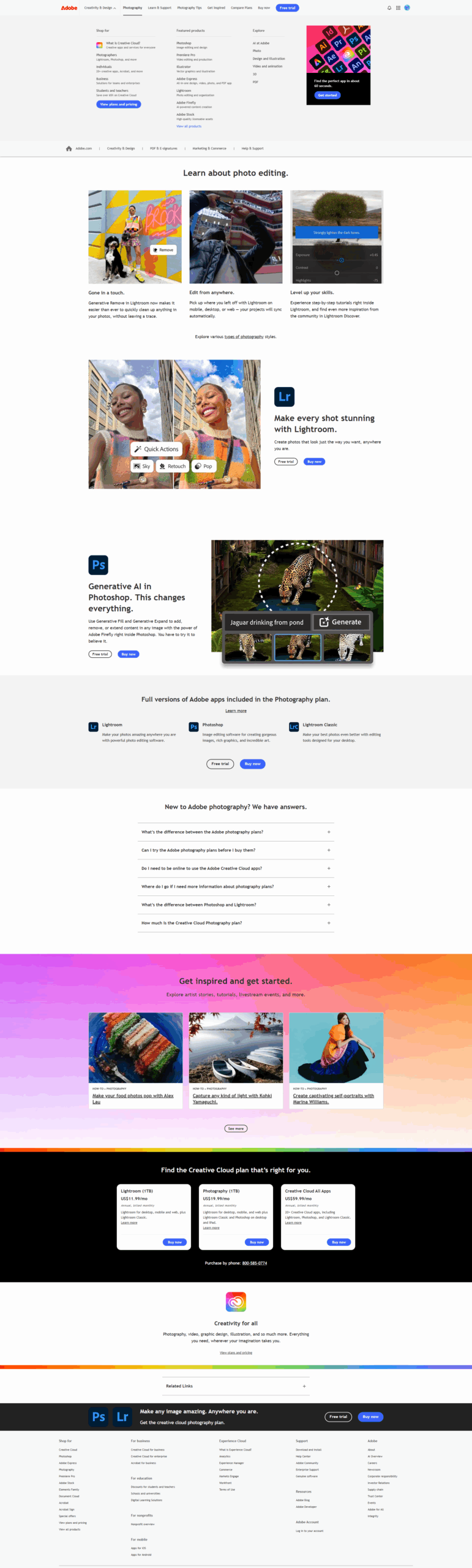
Adobe Photoshop screenshot 1
Adobe Photoshop screenshot 2
Adobe Photoshop screenshot 3
Adobe Photoshop screenshot 4
Adobe Photoshop screenshot 5
Adobe Photoshop screenshot 6