Sign in to review
Join our community of software reviewers on Subscribed.fyi

Continue With Google
Continue With LinkedIn
Continue Review with Email
Continue with Email
Enter your email to continue.
Continue
Enter your password
Enter your password to finish setting up your account.
Continue
Activate your email
Enter activation code we sent to your email.
Submit
Reset your password
Enter activation code we sent to your email.
Submit
Set your new password
Enter a new password for your account.
Submit
Categories
For Business
Log in
Provide My Insights
Add Product
Suggested products People also compare with
Add to Comparison
Suggested products People also compare with

Compare GMass and Brevo (Sendinblue)

We are comparing GMass and Brevo (Sendinblue) to evaluate which one is the best product.

Suggested products People also compare with
Review Pricing Alternatives Experience

Review

86%
31/36 Metric achieved
80%
28/36 Metric achieved

Subscribed Metric

Customer Support 5/6
Security 5/6
Ease of Use 6/6
Value of Money 6/6
Integration 4/6
Popularity 5/6

Subscribed Metric

Customer Support 4/6
Security 4/6
Ease of Use 5/6
Value of Money 5/6
Integration 4/6
Popularity 6/6

Pros & Cons

Easy to set up and use for campaigns
Affordable pricing with great value
Integration with Gmail and Google Sheets
Advanced features like tracking and scheduling
Daily Gmail sending limits
Reports sometimes lack accuracy
Startup can feel complex for beginners
No free version for limited usage

Pros & Cons

Affordable pricing and free tier options
Ease of use with intuitive UI
Comprehensive email and marketing features
Helpful automation tools
Customer support response delays
Limited templates for email design
UI can be confusing in specific areas
Deliverability issues for some users

Conclusion

GMass is a Gmail plugin designed for email marketing and automation, ideal for marketers, small businesses, and sales teams. Key features include high-volume email sending, Google Sheets integration, follow-up automation, tracking (opens, clicks, replies), and A/B testing. With competitive pricing starting at $8.95/month, it is cost-effective yet lacks advanced analytics compared to alternatives like Mailchimp or Brevo. It excels in simplicity and usability but may face Gmail sending limits. Customer support is responsive, ensuring a smooth experience for users needing a straightforward mass-emailing tool.

Conclusion

Brevo (formerly Sendinblue) offers an all-in-one marketing and CRM platform tailored for small to large businesses. Key features include email/SMS campaigns, automation, A/B testing, and robust analytics. Its flexible pricing starts at $9/month, while the free plan includes up to 300 daily emails. Unlike Mailchimp or ActiveCampaign, Brevo charges based on emails sent, not contacts, making it cost-effective for scaling businesses. It excels for marketers but may lack deep customization for developers or advanced integrations. Users praise its ease of use, intuitive design, and reliable customer support, but complex automation setups may require improvement. Overall, Brevo combines affordability and performance for fast-growing brands.

Pricing

GMass Pricing

Pricing Range $25-1.8k/Month See GMass Pricing

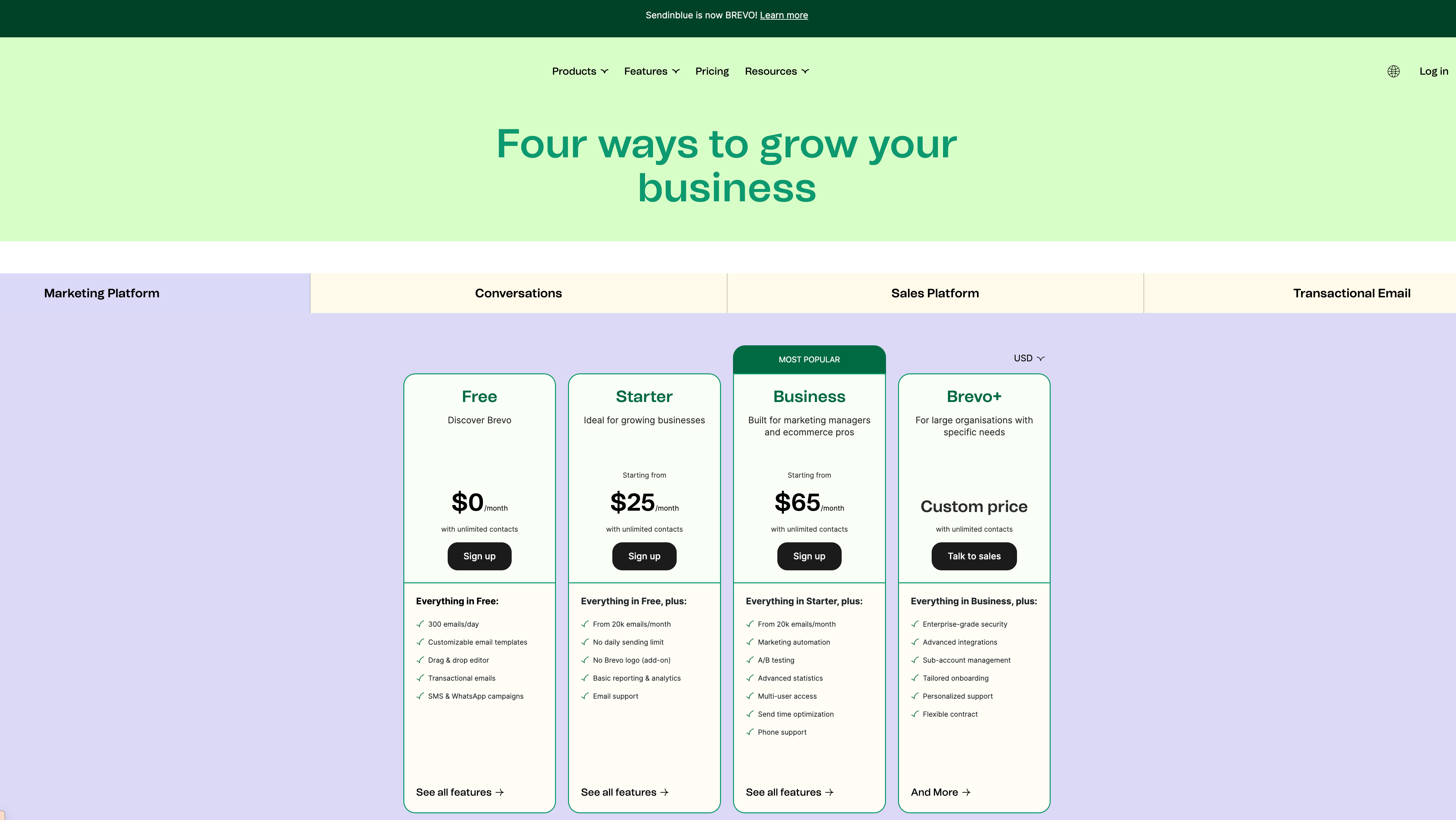
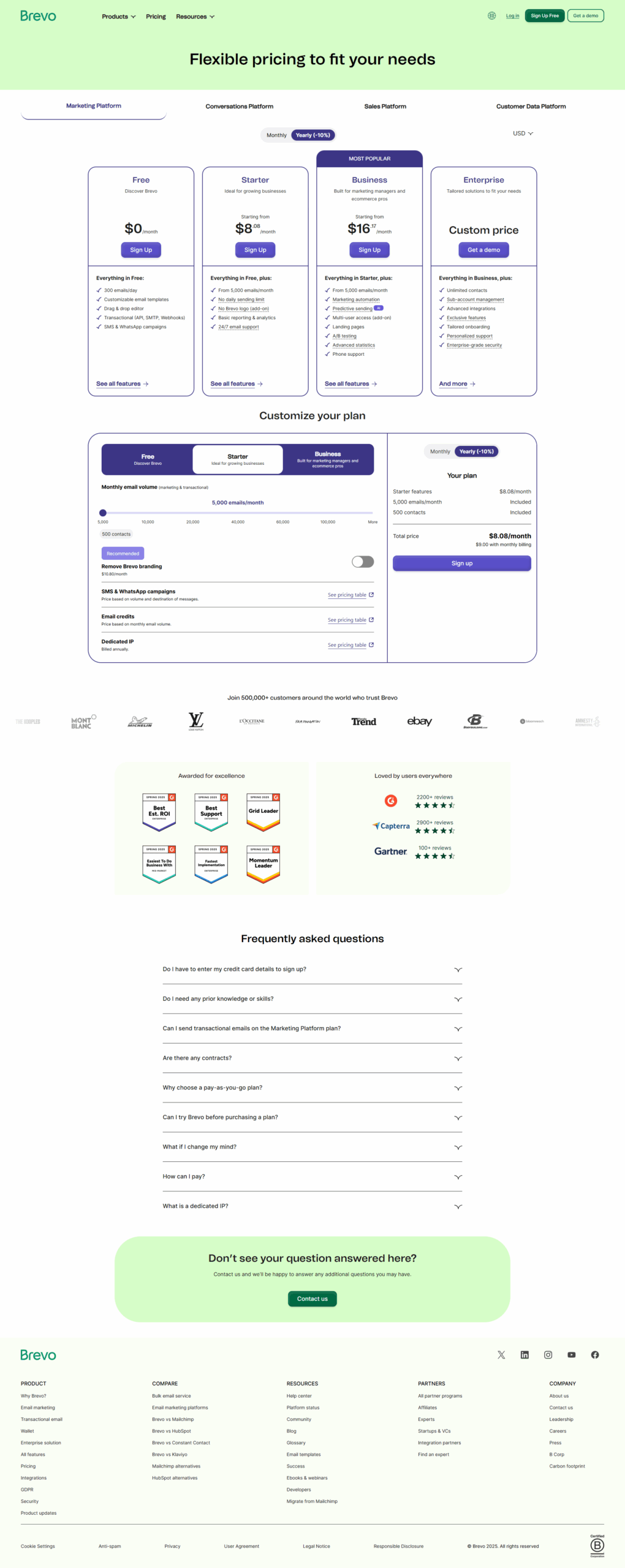
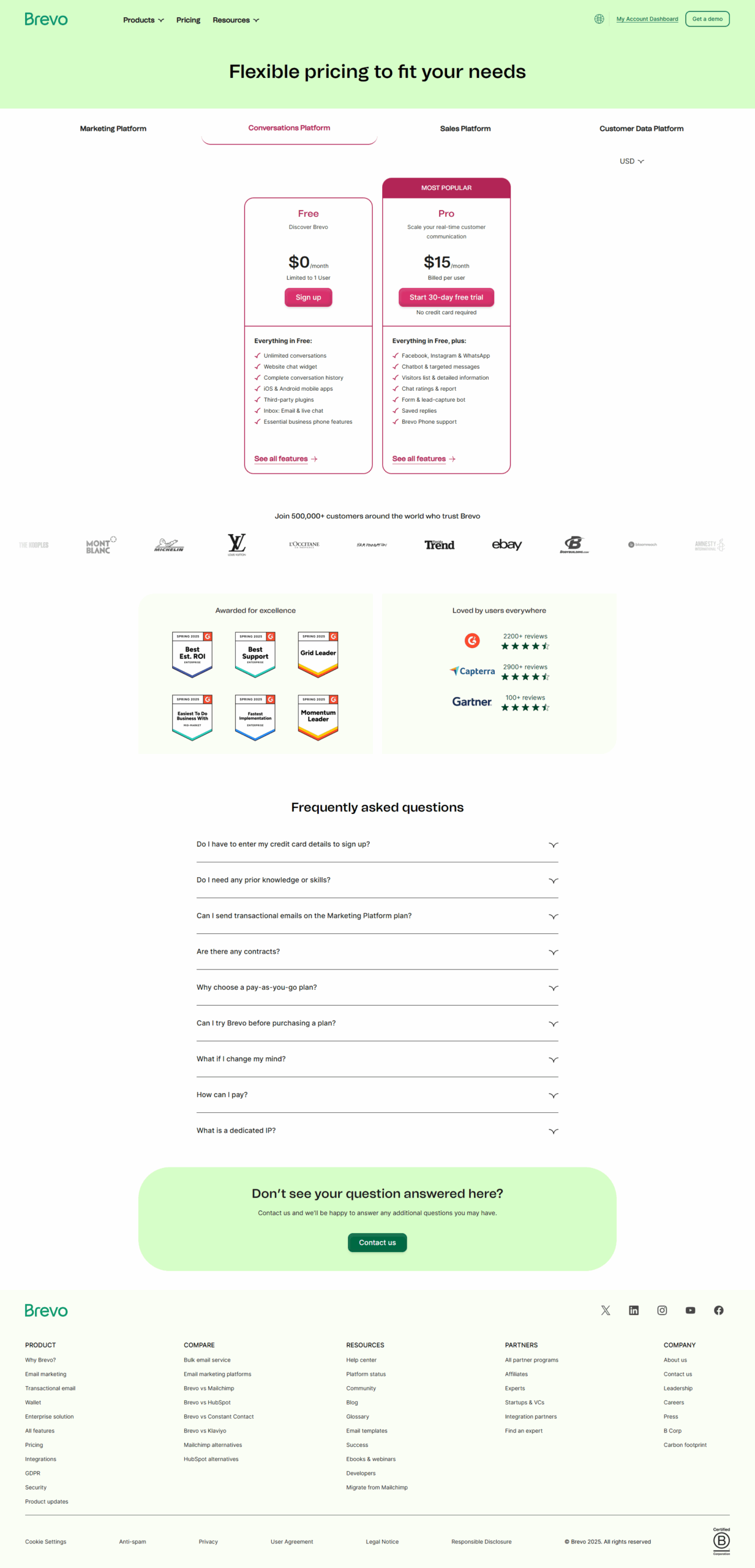
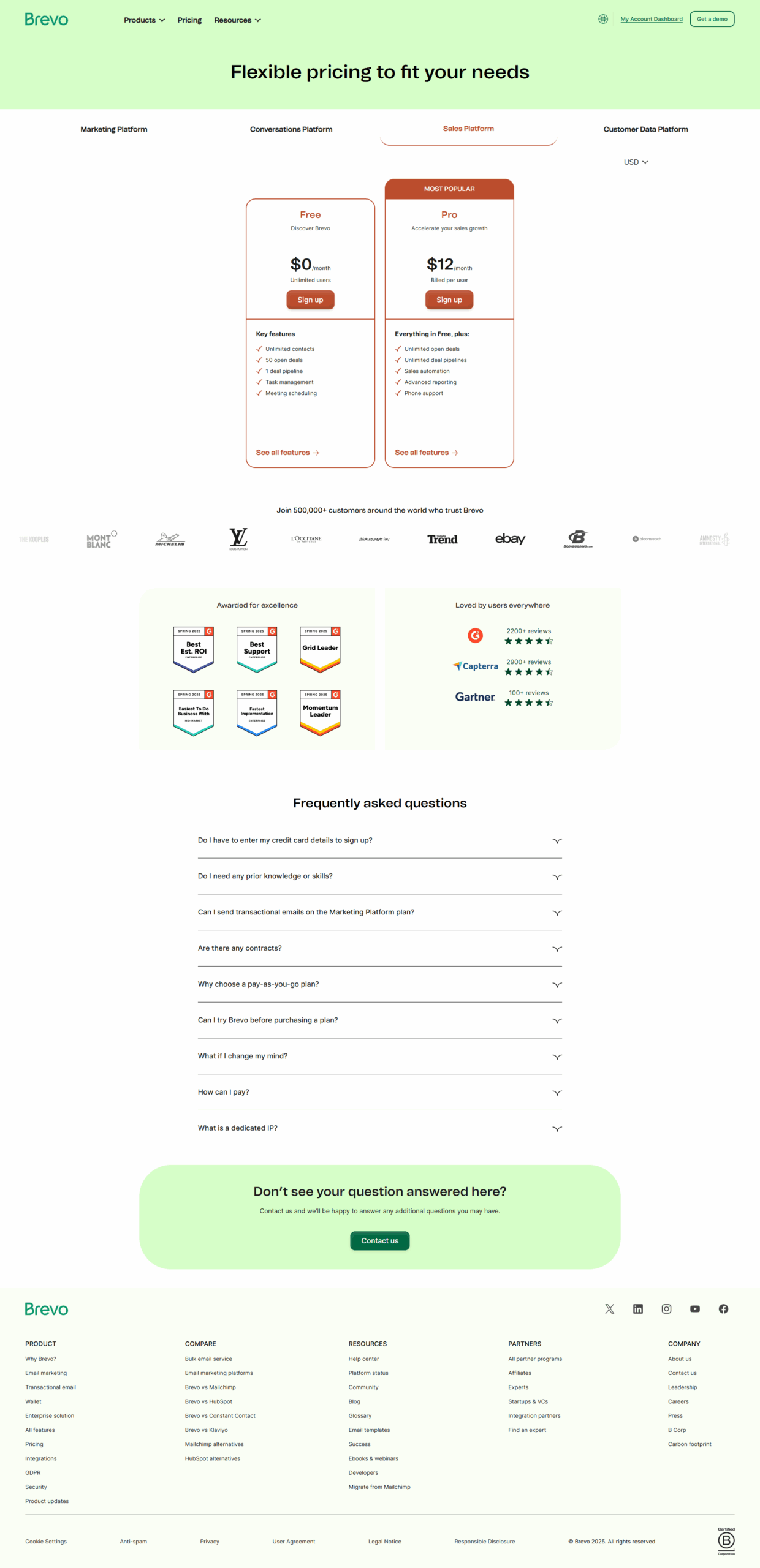
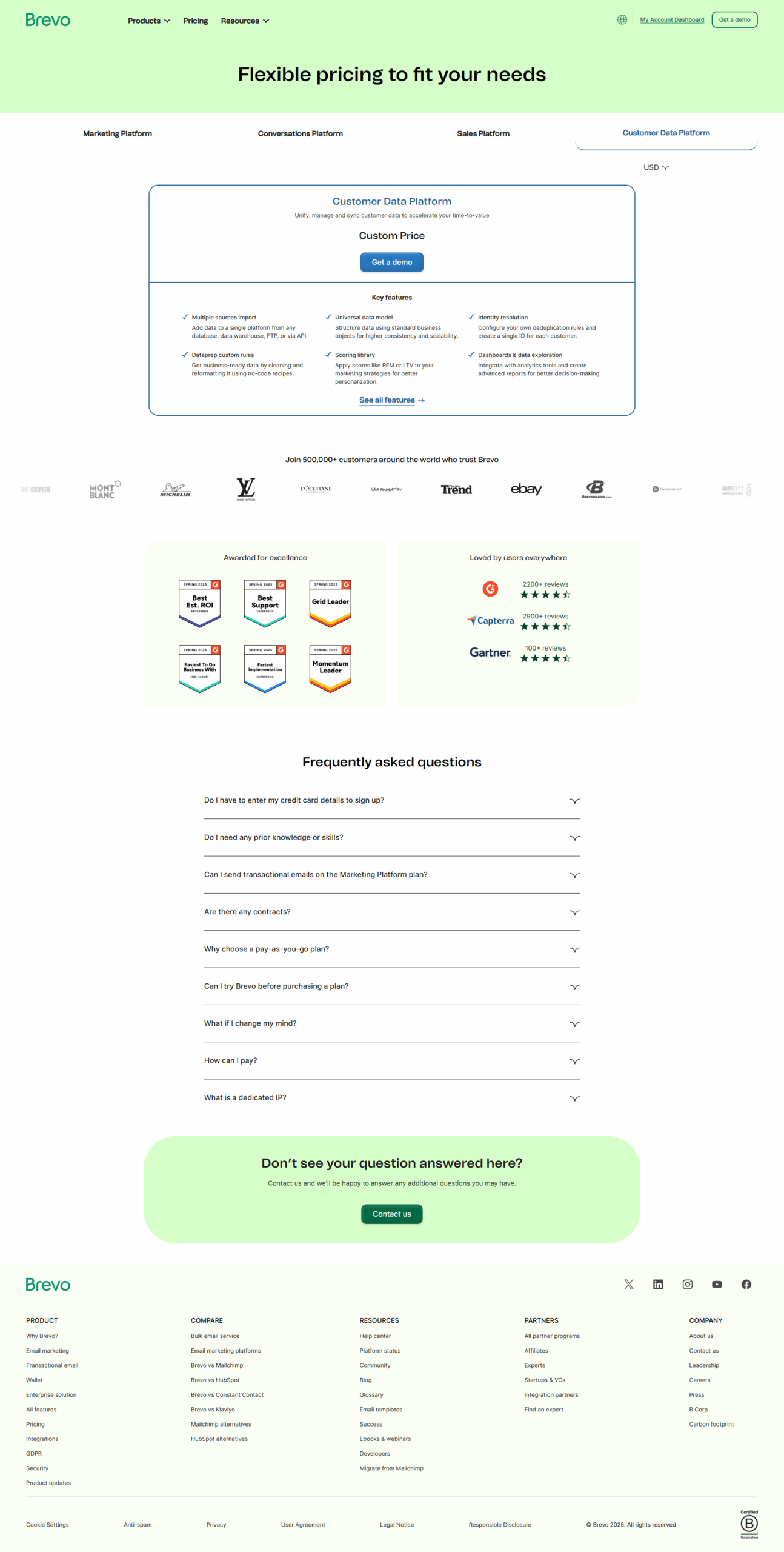
Brevo (Sendinblue) Pricing

Pricing Range $0-37/Month See Brevo (Sendinblue) Pricing

Alternatives

GMass Alternatives

ActiveCampaign logo

ActiveCampaign

88%
Mailchimp logo

Mailchimp

85%
Brevo (Sendinblue) logo

Brevo (Sendinblue)

80%
lemlist logo

lemlist

80%
See All GMass Alternatives

Brevo (Sendinblue) Alternatives

MailerLite logo

MailerLite

90%
ActiveCampaign logo

ActiveCampaign

88%
Mailchimp logo

Mailchimp

85%
SendPulse logo

SendPulse

83%
See All Brevo (Sendinblue) Alternatives

Experience

GMass Screenshots

Data Unavailable This information for the product is not yet available. Please check back later or explore directly on product website.

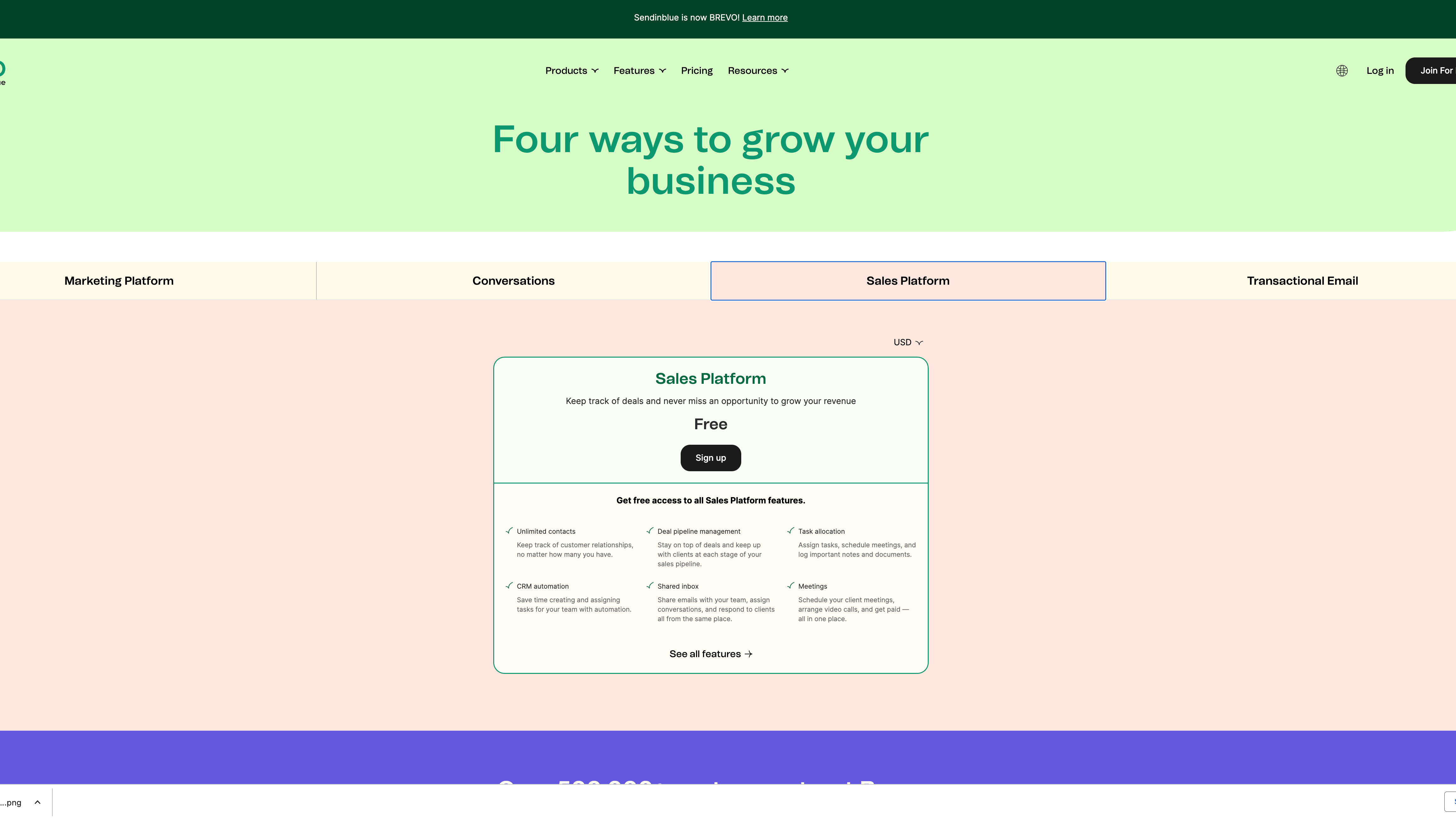
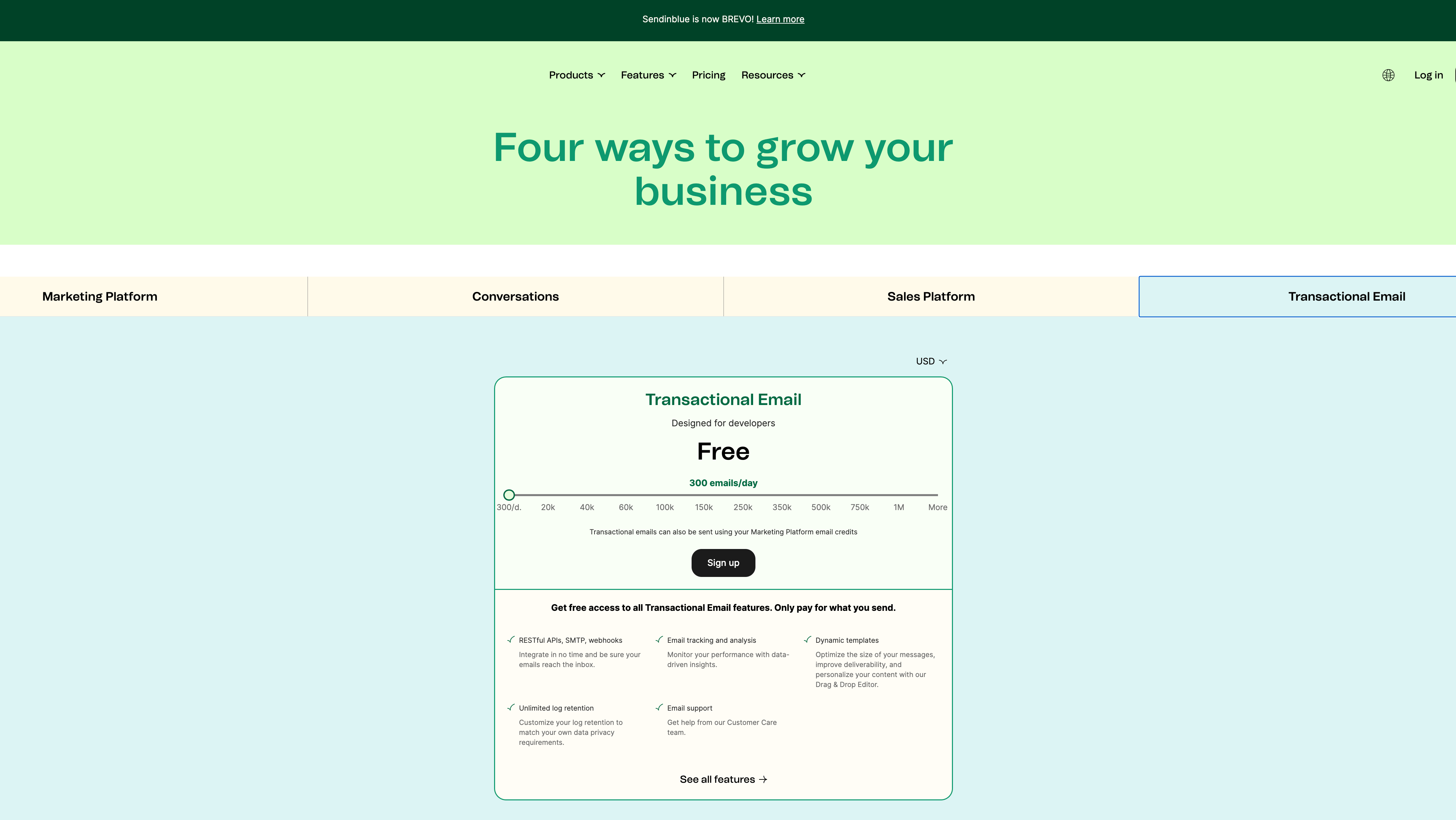
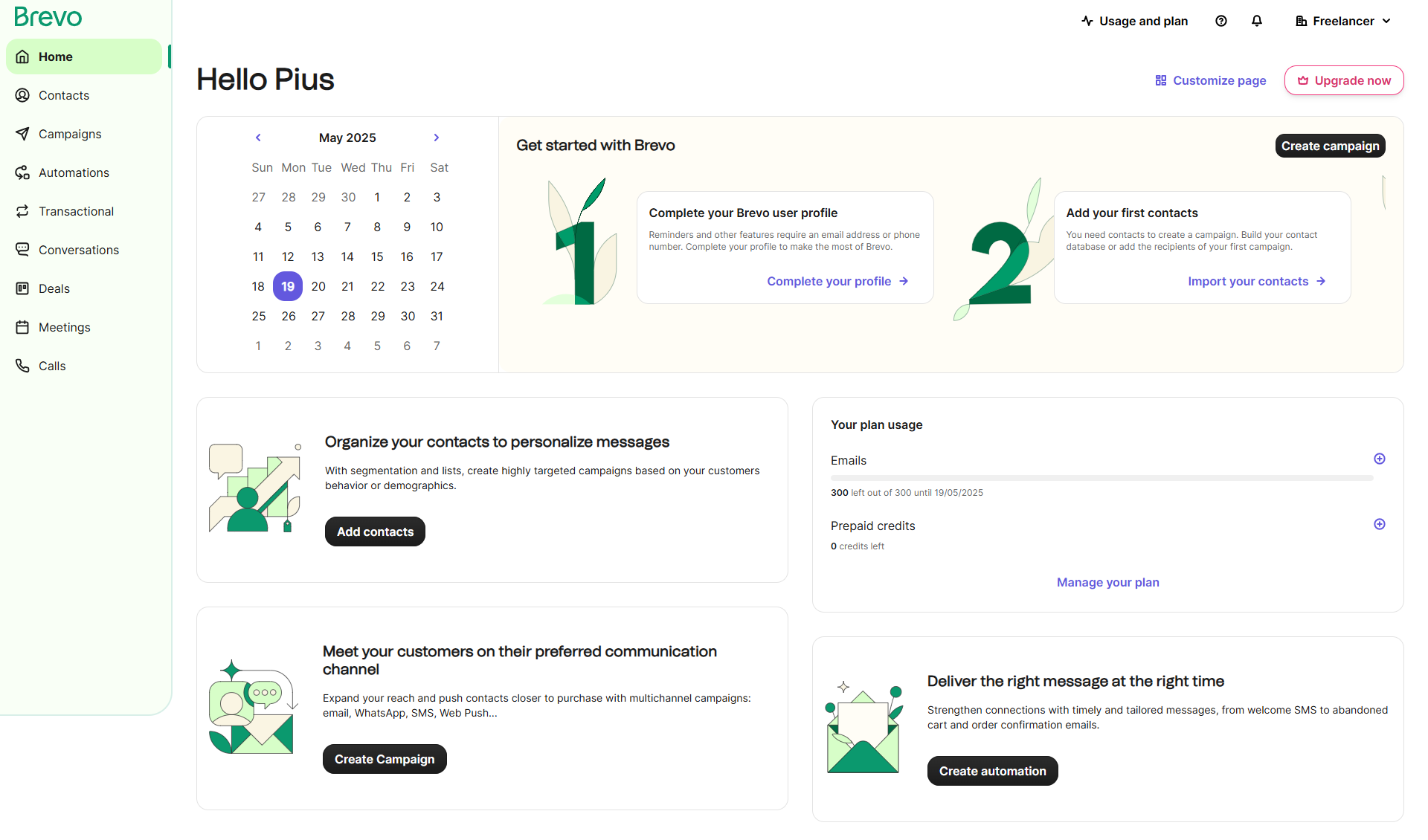
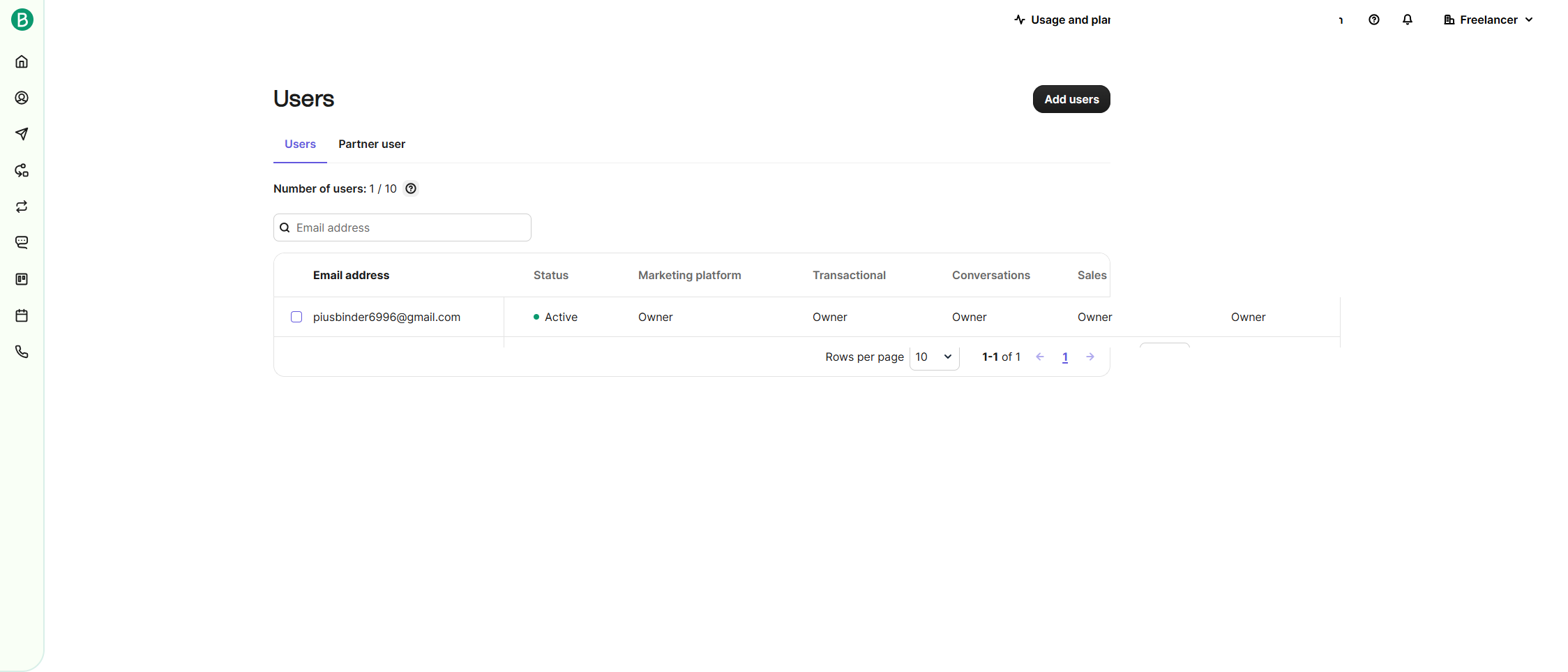
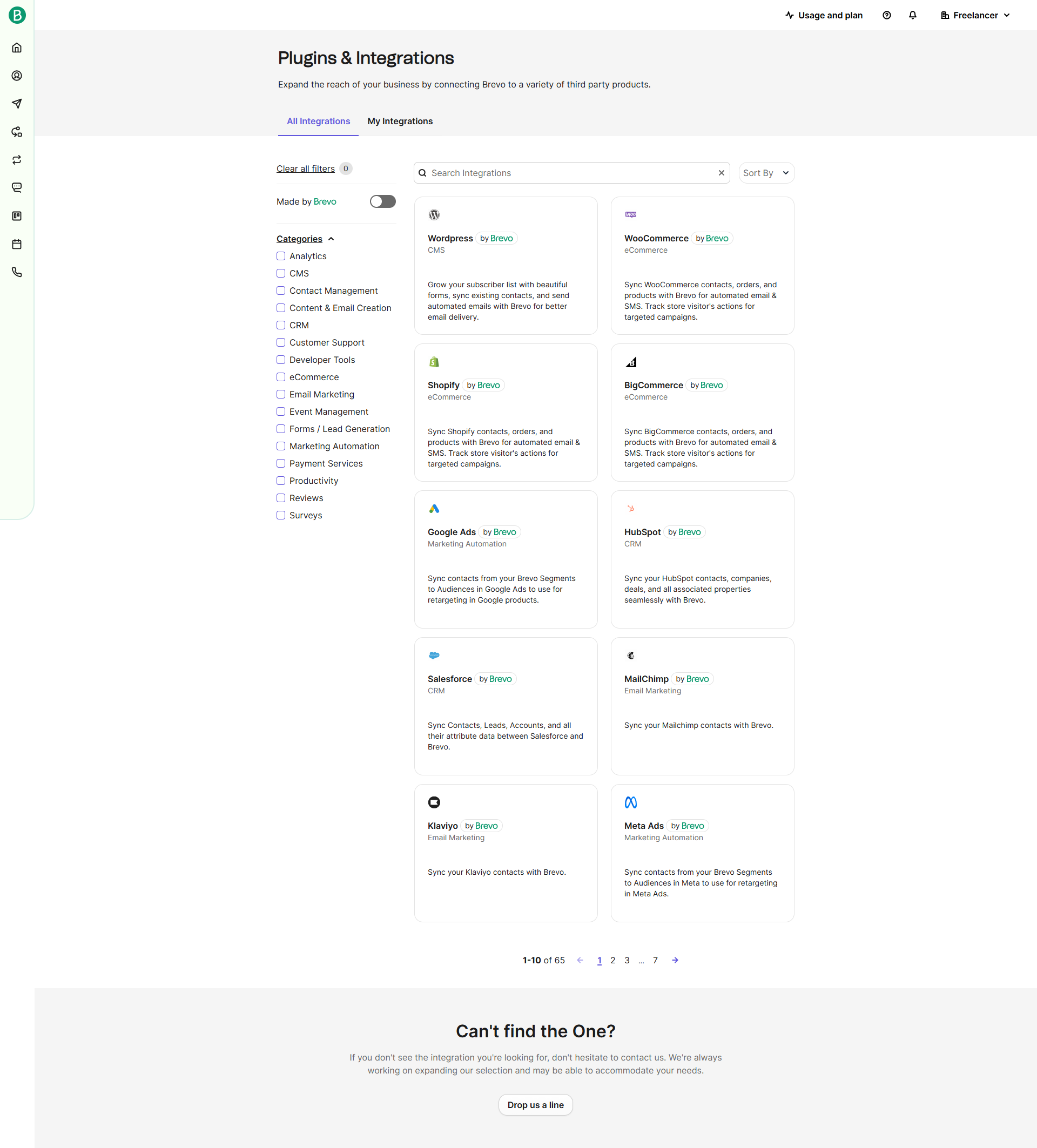
Brevo (Sendinblue) Screenshots

Brevo (Sendinblue) screenshot 1
Brevo (Sendinblue) screenshot 2
Brevo (Sendinblue) screenshot 3
Brevo (Sendinblue) screenshot 4
Brevo (Sendinblue) screenshot 5
Brevo (Sendinblue) screenshot 6
Brevo (Sendinblue) screenshot 7
Brevo (Sendinblue) screenshot 8
Brevo (Sendinblue) screenshot 9
Brevo (Sendinblue) screenshot 10