Sign in to review
Join our community of software reviewers on Subscribed.fyi

Continue With Google
Continue With LinkedIn
Continue Review with Email
Continue with Email
Enter your email to continue.
Continue
Enter your password
Enter your password to finish setting up your account.
Continue
Activate your email
Enter activation code we sent to your email.
Submit
Reset your password
Enter activation code we sent to your email.
Submit
Set your new password
Enter a new password for your account.
Submit
Categories
For Business
Log in
Provide My Insights
Add Product
Suggested products People also compare with
Add to Comparison
Suggested products People also compare with

Compare Google Cloud Storage and Cloudways

We are comparing Google Cloud Storage and Cloudways to evaluate which one is the best product.

Suggested products People also compare with
Review Pricing Alternatives Experience

Review

88%
31/36 Metric achieved
78%
27/36 Metric achieved

Subscribed Metric

Customer Support 4/6
Security 5/6
Ease of Use 5/6
Value of Money 5/6
Integration 6/6
Popularity 6/6

Subscribed Metric

Customer Support 3/6
Security 4/6
Ease of Use 5/6
Value of Money 4/6
Integration 5/6
Popularity 6/6

Pros & Cons

Reliable and robust infrastructure.
Easy integration with Google tools.
Secure with encryption and access control.
Scalable and cost-effective storage options.
Limited offline access.
Complex for new users or non-tech roles.
Pricing can become expensive with high usage.
Free storage space is insufficient for many users.

Pros & Cons

Easy-to-use interface
Flexible hosting options
Excellent server performance
Responsive support team
High additional charges
Lacks built-in email hosting
Occasional support inefficiencies
Service downtime issues

Conclusion

Google Cloud Storage Overview
Google Cloud Storage (GCS) is a reliable, scalable, and secure object storage solution ideal for developers, enterprises, and creatives managing data like videos, AI datasets, or web apps. Key features include high availability, low latency, redundancy, and flexible storage classes (Standard, Nearline, Coldline, Archive). Starting at just $0.0012/GB, GCS offers cost-effective options alongside free tier benefits. It excels in data security with encryption and controlled access. Compared to alternatives like AWS S3 (broader adoption, slightly costlier) and Azure Blob (tight Microsoft integration, less intuitive for Google product users), GCS integrates seamlessly with Google Workspace and Cloud tools, making it especially useful for developers, designers, and marketers in Google’s ecosystem. Customer support is responsive, though learning its unique storage bucket system can be a hurdle for newcomers. Reliable and competitively priced, GCS fits both startups and large-scale enterprises.

Conclusion

Cloudways offers flexible cloud hosting for designers, developers, and agencies, featuring PHP app management, CMS support, built-in scaling, and automated backups. Its pay-as-you-go pricing ranges from $11/month (basic plans) to $1,640/month for extensive resources. While Cloudways simplifies hosting, offering choices between providers like AWS and DigitalOcean, it lacks features like domain registration and built-in email. Compared to tools like Kinsta or SiteGround, Cloudways excels in customization but may lag in support response during complex issues. It provides 24/7 customer support with a fast 90-second response time. Ideal for scalable WordPress or eCommerce projects, it balances cost-effectiveness with premium performance.

Pricing

Google Cloud Storage Pricing

Pricing Range $0.004-$0.026/Month See Google Cloud Storage Pricing

Cloudways Pricing

Pricing Range $11-1.64k/Month See Cloudways Pricing

Alternatives

Google Cloud Storage Alternatives

Azure Blob Storage logo

Azure Blob Storage

83%
Cloudways logo

Cloudways

78%
See All Google Cloud Storage Alternatives

Cloudways Alternatives

Kinsta logo

Kinsta

95%
WP Engine logo

WP Engine

90%
Hostinger logo

Hostinger

86%
SiteGround logo

SiteGround

85%
See All Cloudways Alternatives

Experience

Google Cloud Storage Screenshots

Google Cloud Storage screenshot 1
Google Cloud Storage screenshot 2

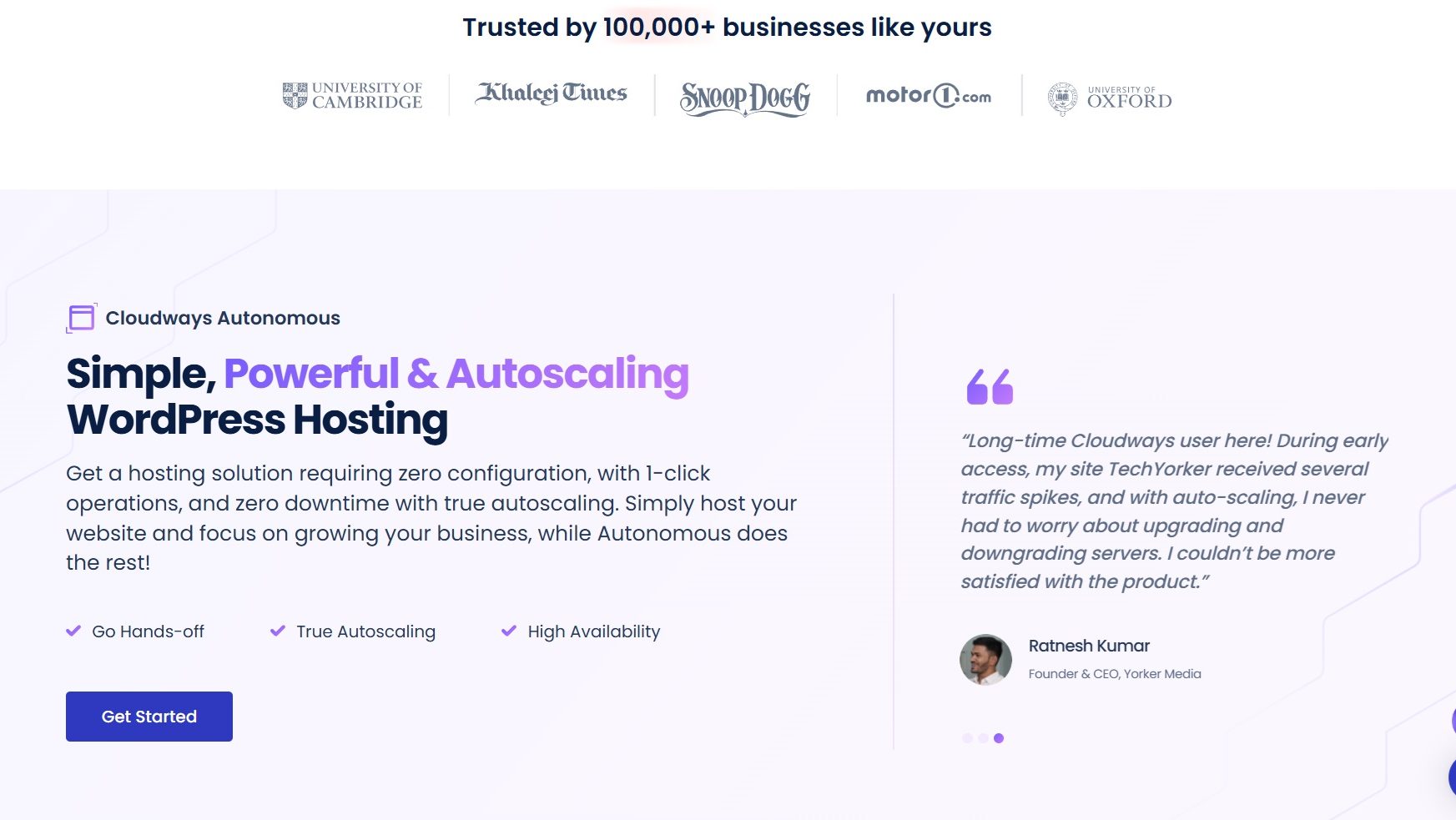
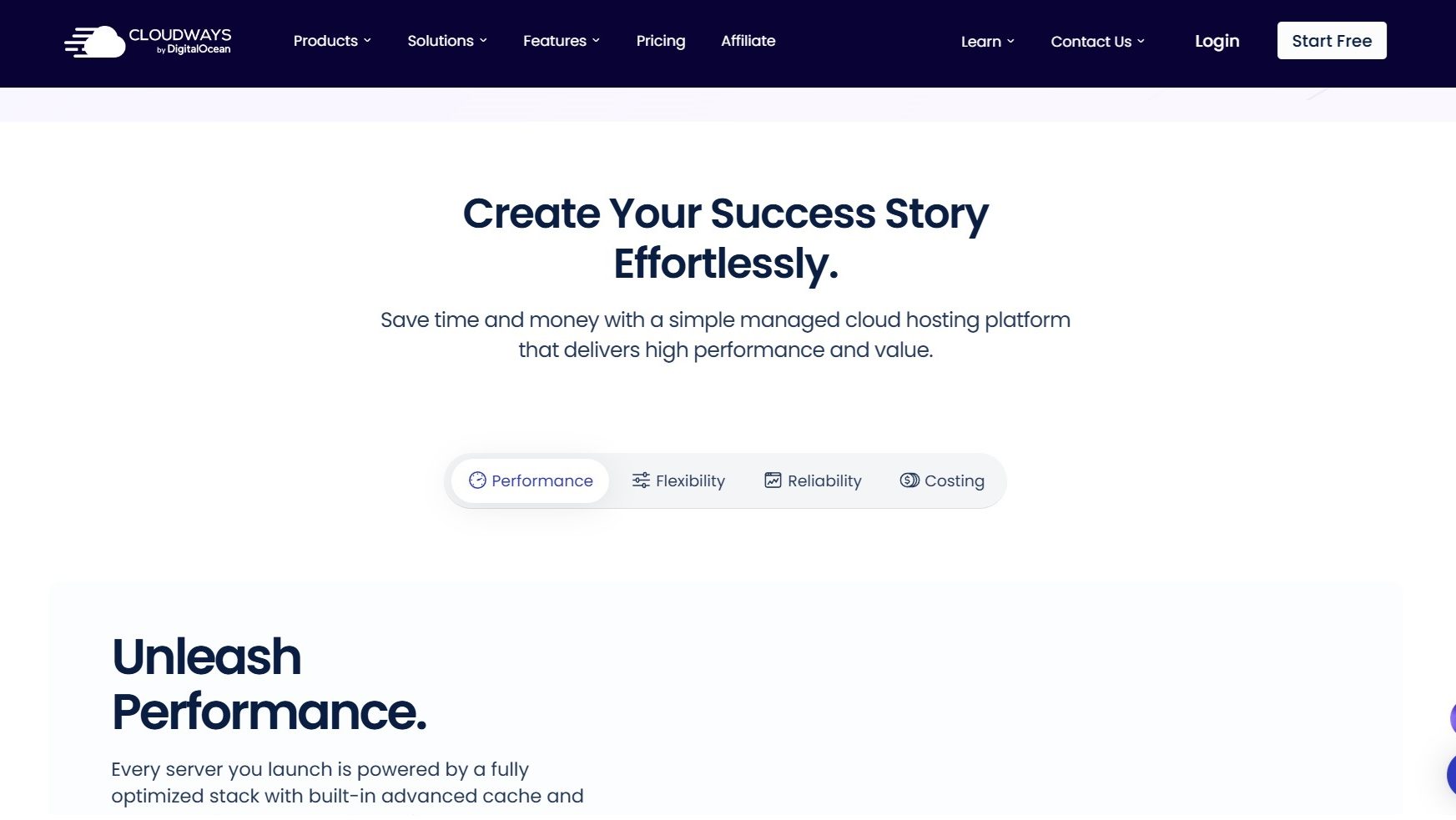
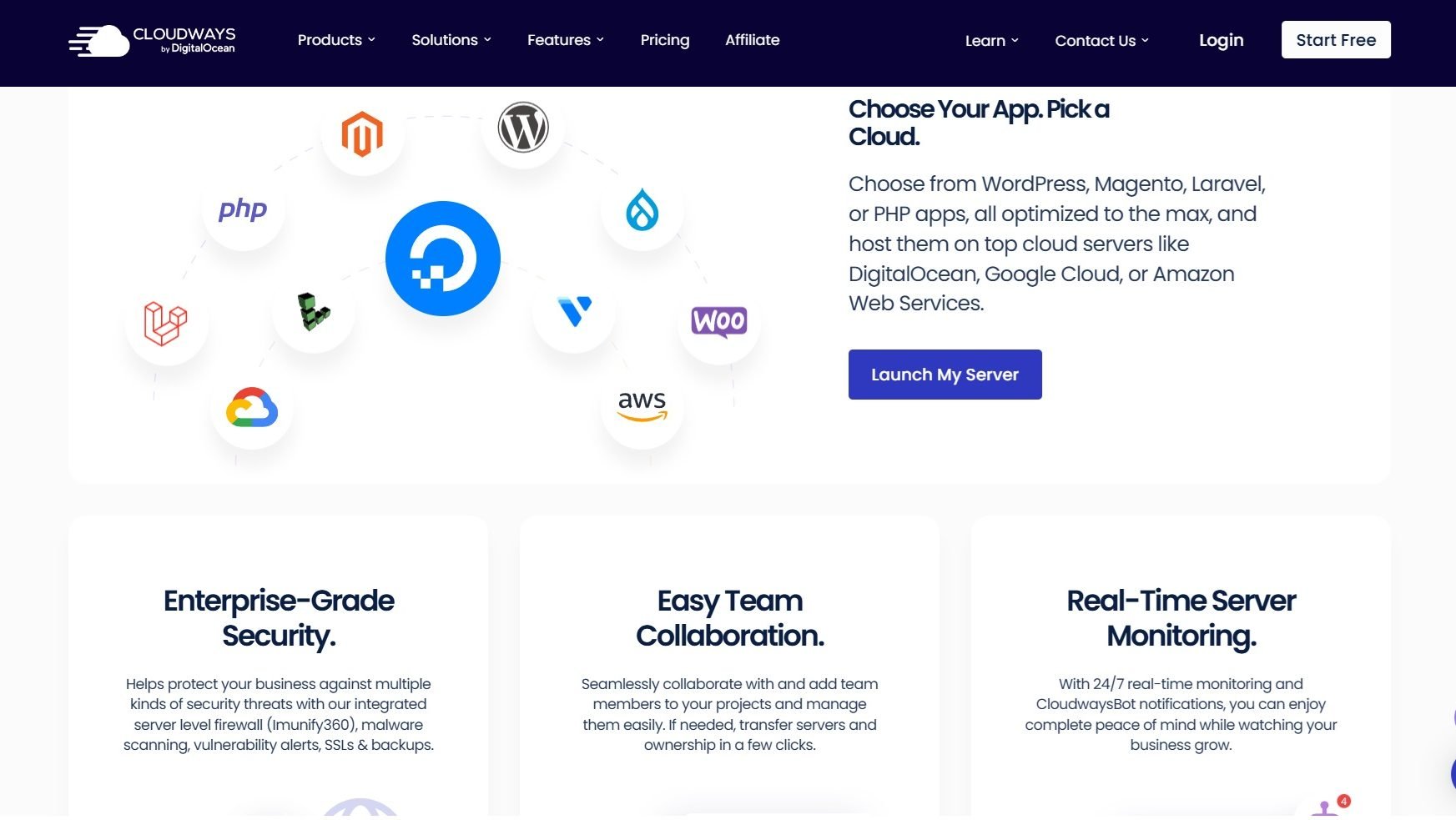
Cloudways Screenshots

Cloudways screenshot 1
Cloudways screenshot 2
Cloudways screenshot 3
Cloudways screenshot 4
Cloudways screenshot 5