Sign in to review
Join our community of software reviewers on Subscribed.fyi

Continue With Google
Continue With LinkedIn
Continue Review with Email
Continue with Email
Enter your email to continue.
Continue
Enter your password
Enter your password to finish setting up your account.
Continue
Activate your email
Enter activation code we sent to your email.
Submit
Reset your password
Enter activation code we sent to your email.
Submit
Set your new password
Enter a new password for your account.
Submit
Categories
For Business
Log in
Provide My Insights
Add Product
Suggested products People also compare with
Add to Comparison
Suggested products People also compare with

Compare Hippo Videos and Loom

We are comparing Hippo Videos and Loom to evaluate which one is the best product.

Suggested products People also compare with
Review Pricing Alternatives Experience

Review

90%
32/36 Metric achieved
85%
30/36 Metric achieved

Subscribed Metric

Customer Support 5/6
Security 4/6
Ease of Use 5/6
Value of Money 6/6
Integration 6/6
Popularity 6/6

Subscribed Metric

Customer Support 4/6
Security 4/6
Ease of Use 6/6
Value of Money 5/6
Integration 5/6
Popularity 6/6

Pros & Cons

Easy-to-use interface with screen recording and webcam integration
Extensive personalization and branding options
Helpful customer support often praised for responsiveness
AI features improve bulk video creation and engagement
Occasional bugs and performance issues reported
Some tools require additional polishing for seamless use
Menu navigation can be confusing for certain features
Limited capabilities in free and basic plans

Pros & Cons

Easy to create and share video messages
Streamlines team communication
High-quality screen recording and AI features
Useful for training and client reporting
Limited editing in free version
Occasional crashes and performance issues
Tricky video uploads and functionality bugs
Recording length restrictions on free plan

Conclusion

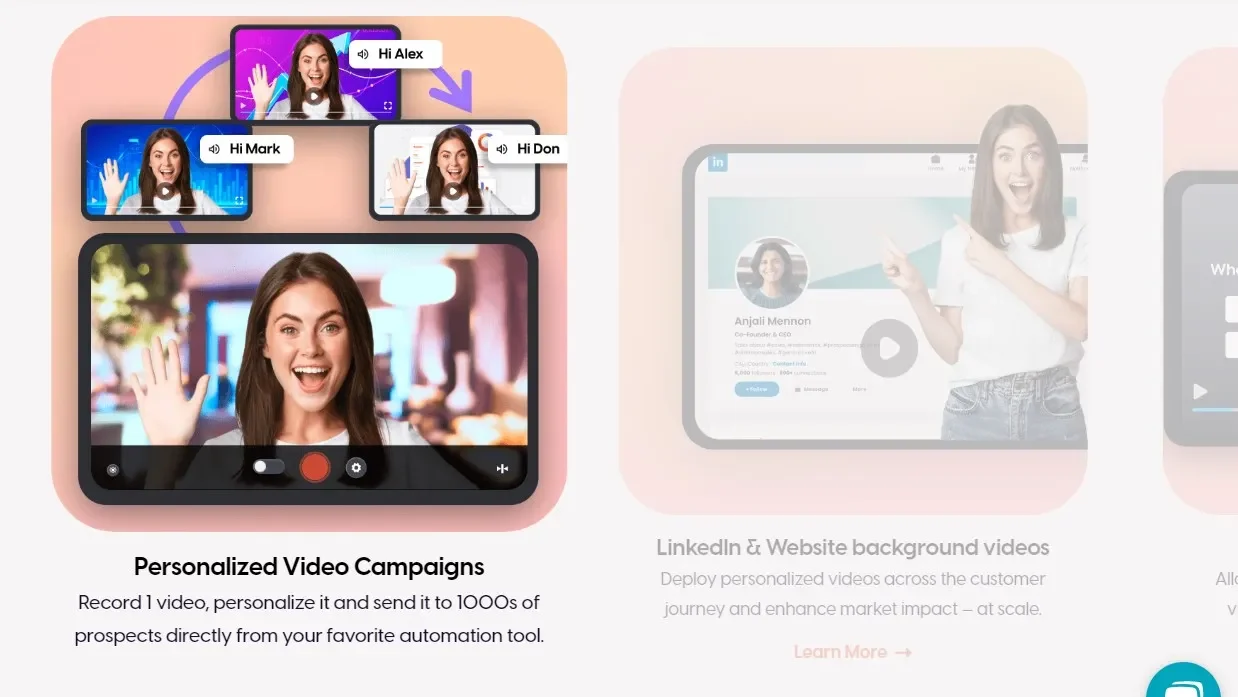
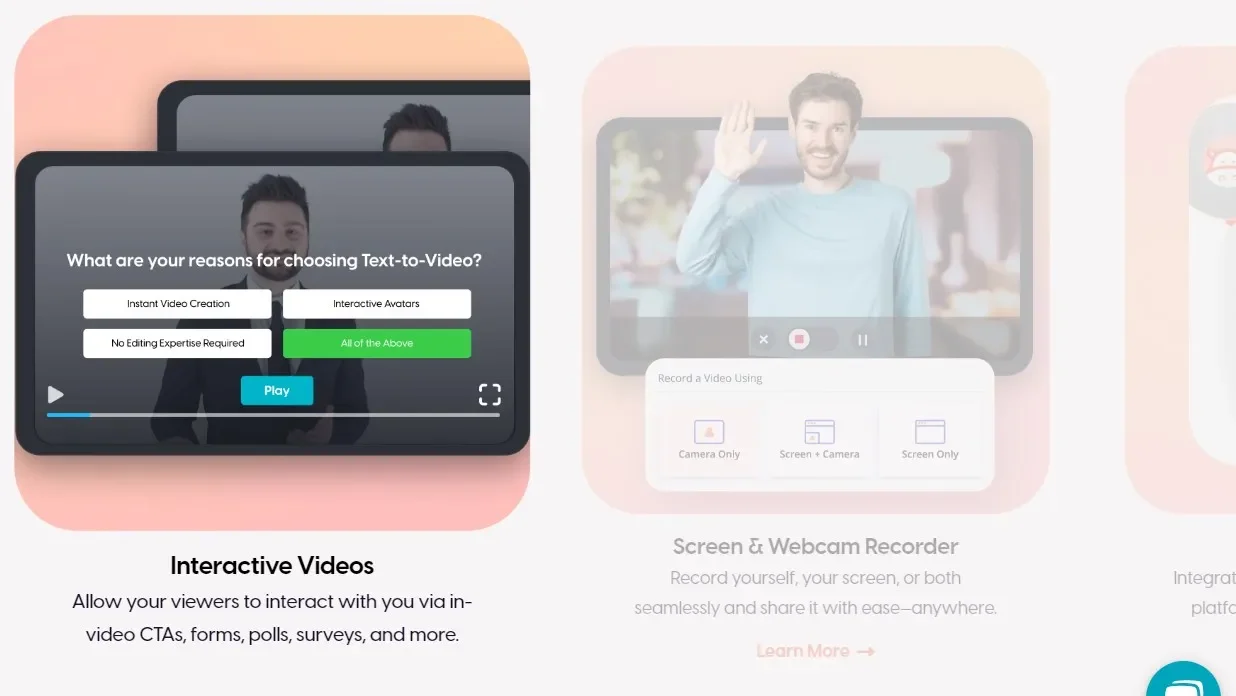
Hippo Video is an AI-powered platform tailored for creating personalized, professional-grade videos quickly. Key features include text-to-video capabilities, interactive avatars, screen/webcam recording, analytics, and CRM integration. It serves marketers, sales professionals, and educators, enhancing engagement with custom branding, interactive CTAs, and multilingual support.

Pricing starts with a free plan, advancing to $20/user/month for Pro features like virtual backgrounds and $80 for Enterprise use, making it cost-effective. While alternatives like Vidyard offer similar abilities, Hippo Video excels in AI automation and scalability.

Strengths include ease of use, customization, and robust customer support. However, advanced features like bulk AI editing could improve. Ideal for scaling video outreach and engagement, the platform is particularly beneficial for professionals emphasizing personalization and video automation.

Conclusion

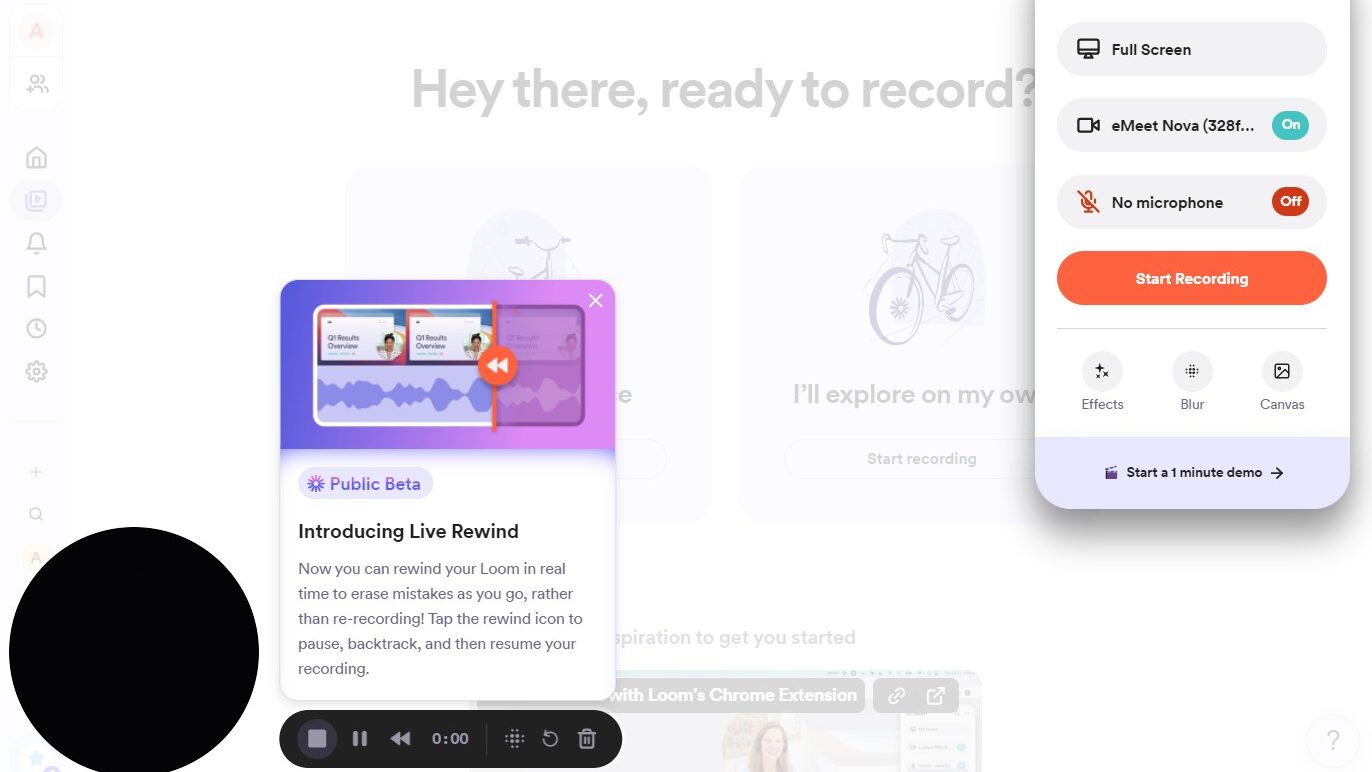
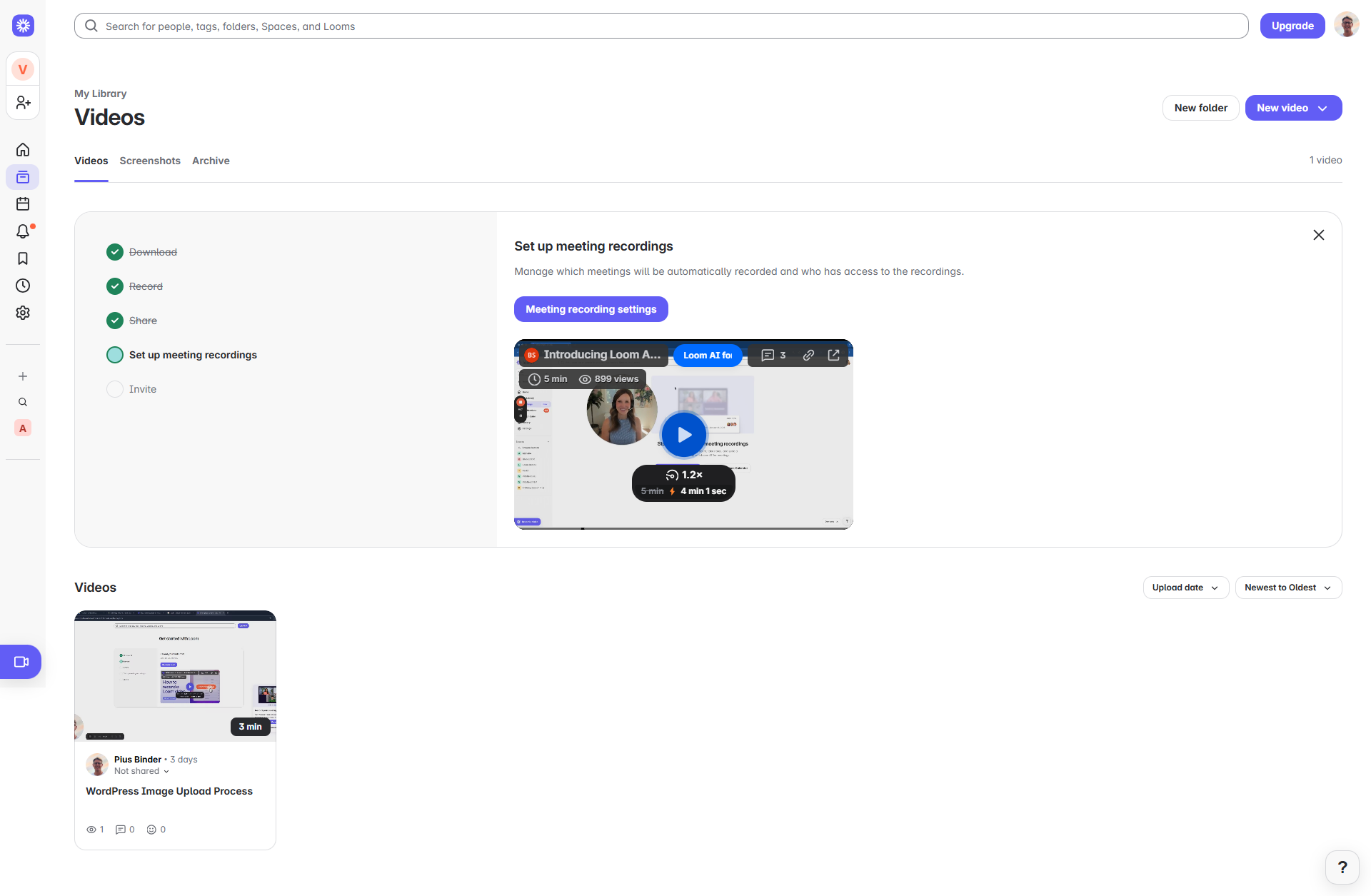
Loom is a video messaging tool designed for quick screen and video capture, ideal for remote workers, designers, developers, and marketers. Its free plan offers 5-minute recordings, while the Business plan ($12.50/month) includes features like unlimited recording, viewer insights, and AI transcription. Pro: Easy recording, sharing, and collaboration. Con: Limited free features and occasional bugs. Compared to Vidyard or Zight, Loom is more intuitive but less robust for extensive video branding. Customer support is responsive, making it cost-effective for teams needing efficient asynchronous communication.

Pricing

Hippo Videos Pricing

Pricing Range $19-$99/Month See Hippo Videos Pricing

Loom Pricing

Pricing Range $12.5/Month See Loom Pricing

Alternatives

Hippo Videos Alternatives

Loom logo

Loom

85%
Vidyard logo

Vidyard

85%
BombBomb logo

BombBomb

83%
See All Hippo Videos Alternatives

Loom Alternatives

Vidyard logo

Vidyard

85%
ScreenPal logo

ScreenPal

80%
Screencastify logo

Screencastify

61%
See All Loom Alternatives

Experience

Hippo Videos Screenshots

Hippo Videos screenshot 1
Hippo Videos screenshot 2
Hippo Videos screenshot 3
Hippo Videos screenshot 4

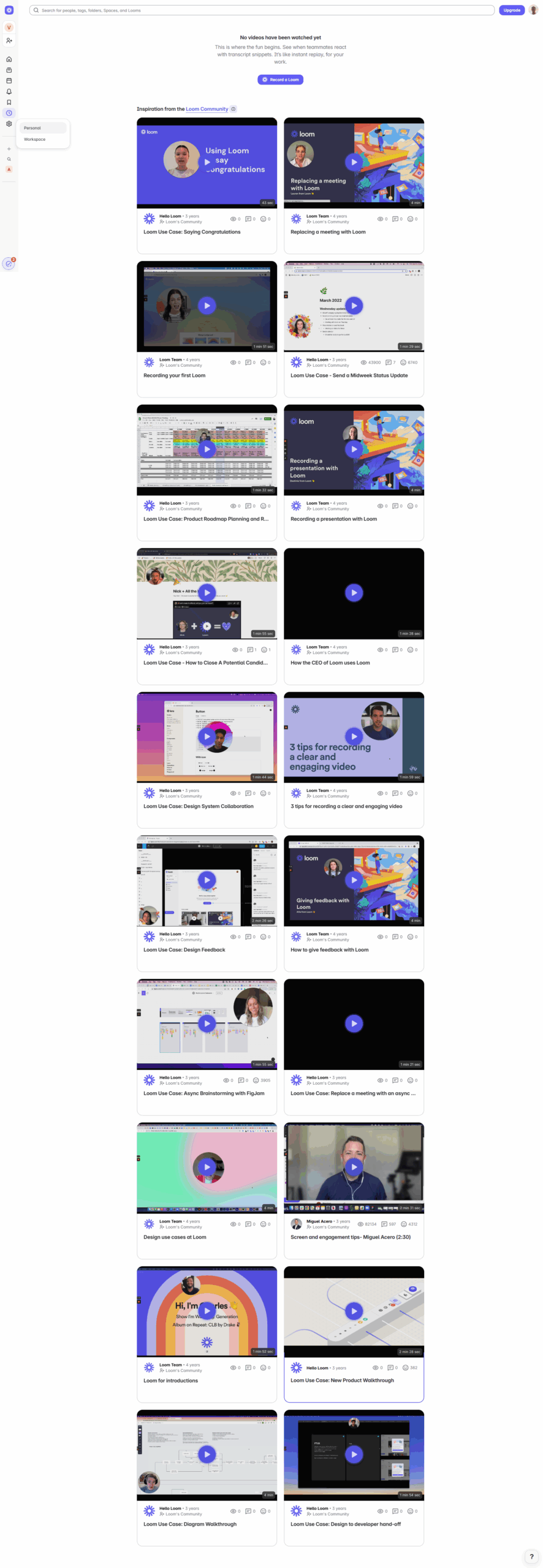
Loom Screenshots

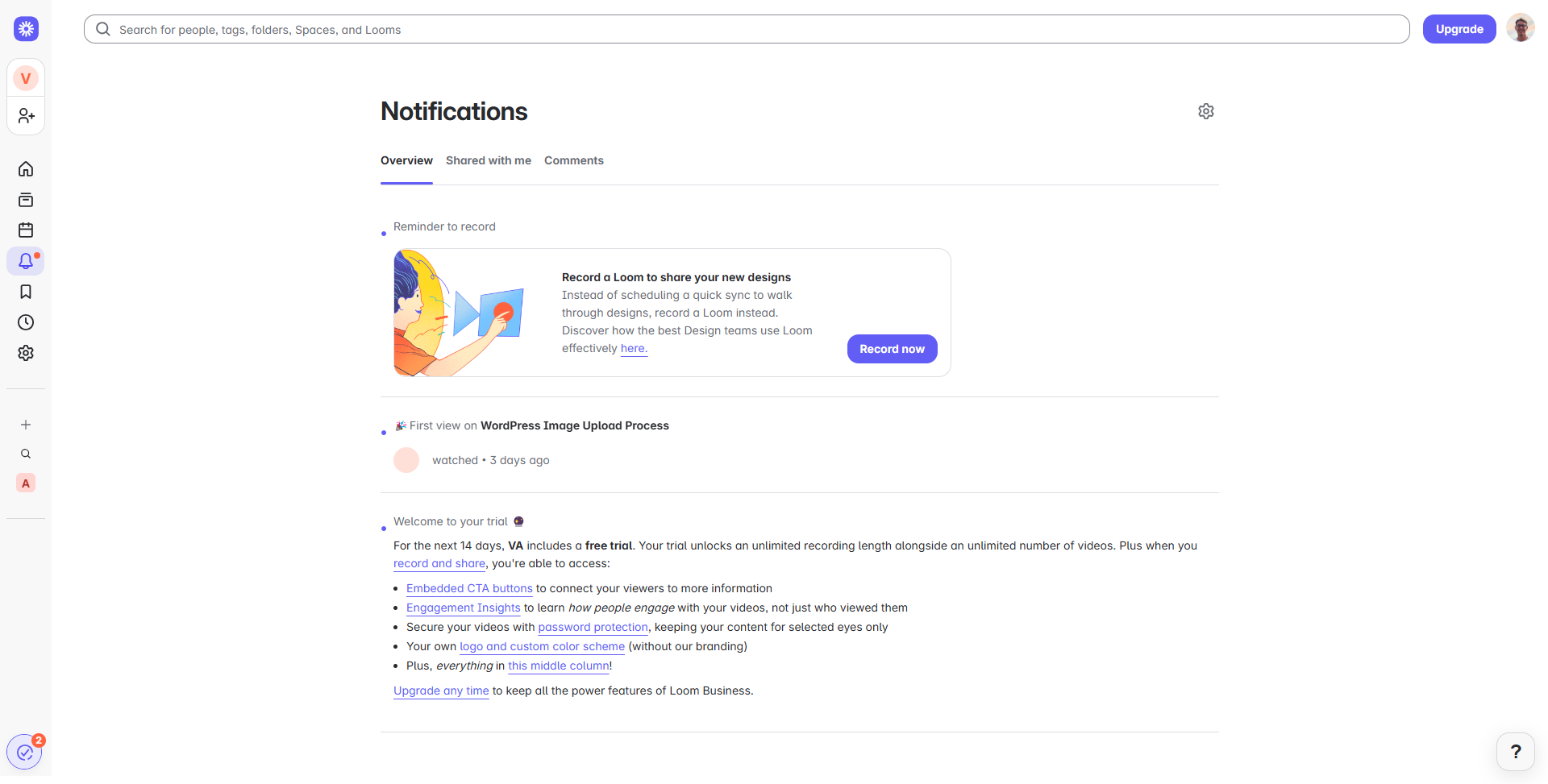
Loom screenshot 1
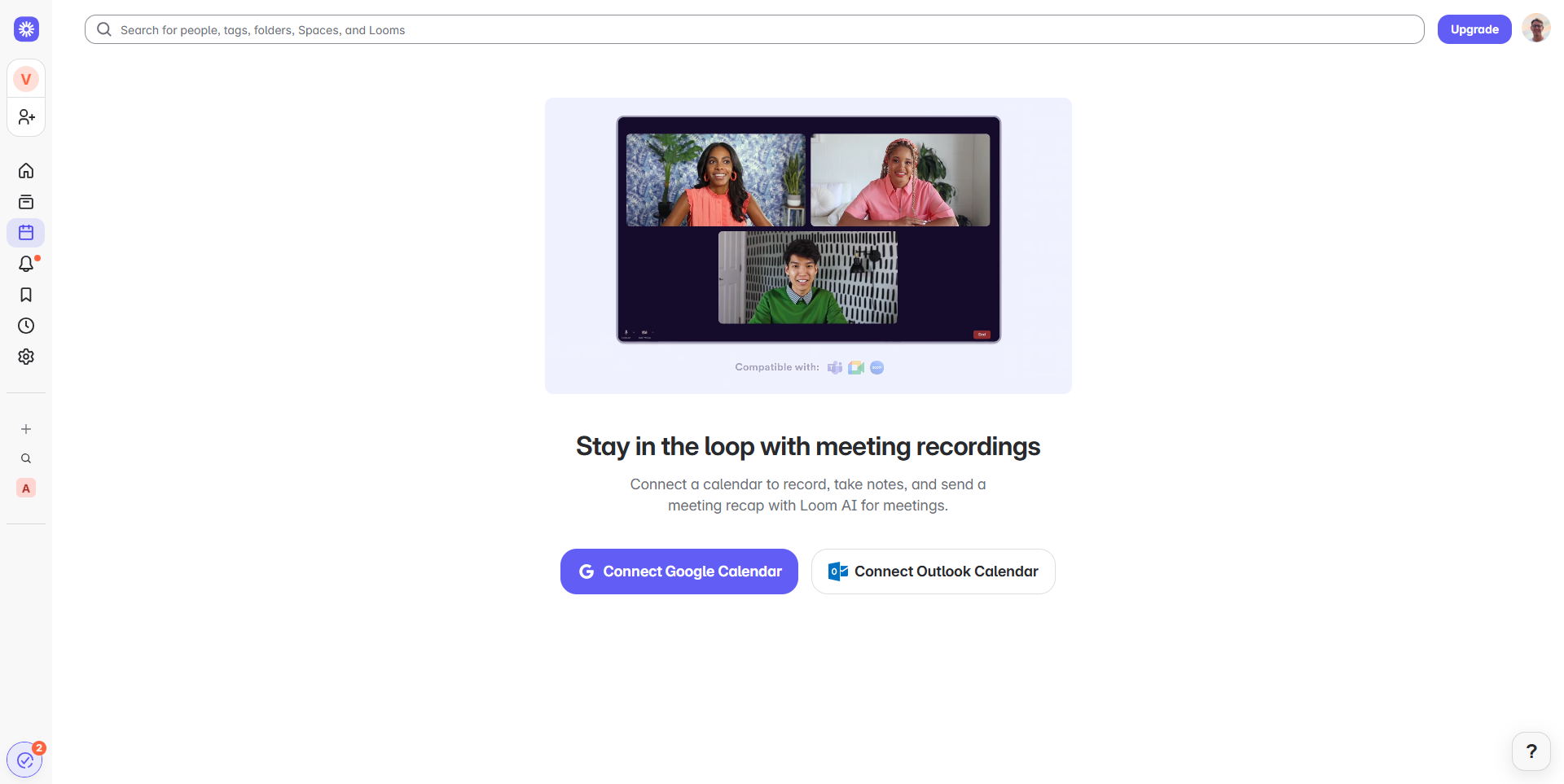
Loom screenshot 2
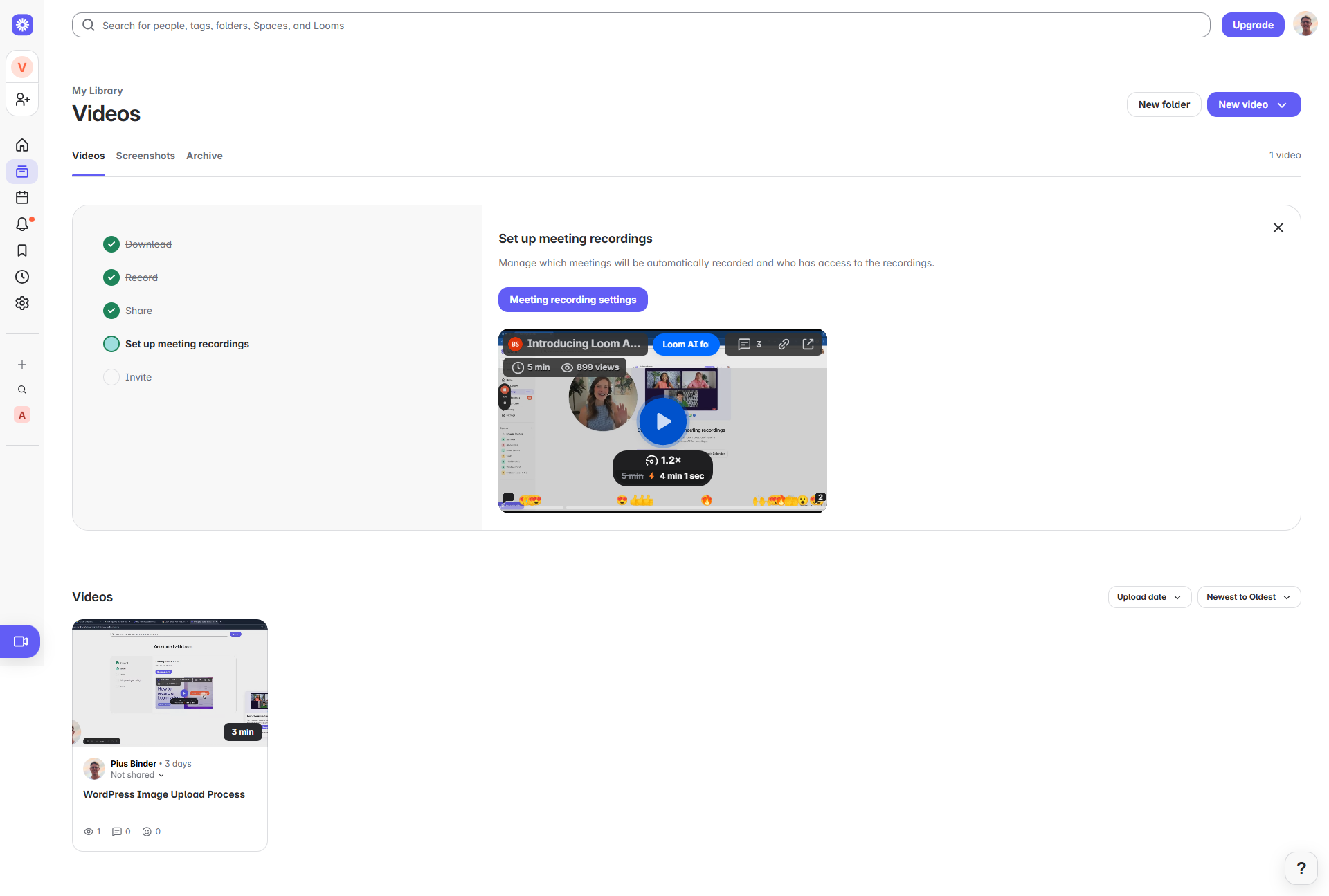
Loom screenshot 3
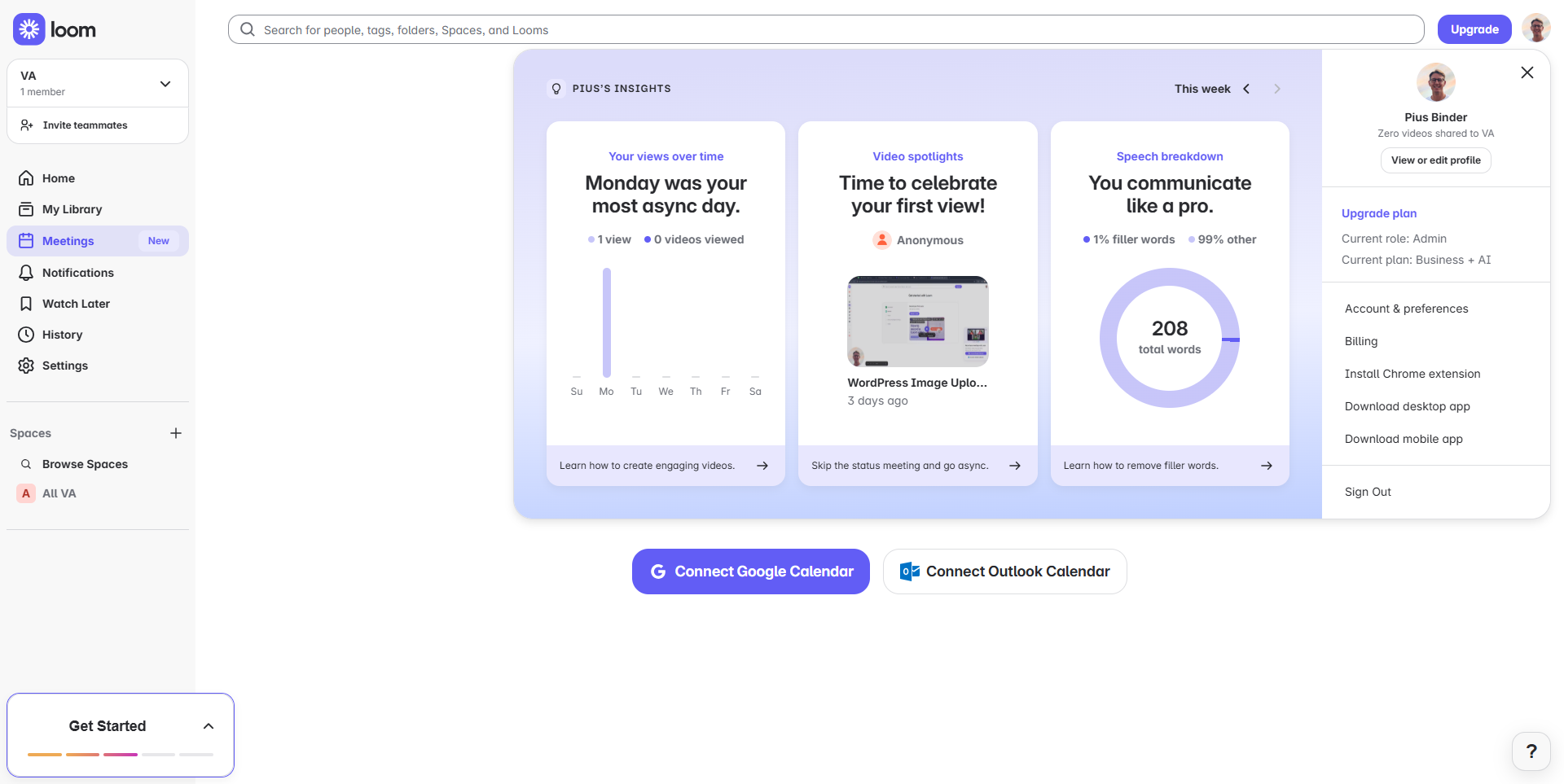
Loom screenshot 4
Loom screenshot 5
Loom screenshot 6
Loom screenshot 7
Loom screenshot 8
Loom screenshot 9
Loom screenshot 10
Loom screenshot 11