Sign in to review
Join our community of software reviewers on Subscribed.fyi

Continue With Google
Continue With LinkedIn
Continue Review with Email
Continue with Email
Enter your email to continue.
Continue
Enter your password
Enter your password to finish setting up your account.
Continue
Activate your email
Enter activation code we sent to your email.
Submit
Reset your password
Enter activation code we sent to your email.
Submit
Set your new password
Enter a new password for your account.
Submit
Categories
For Business
Log in
Provide My Insights
Add Product
Suggested products People also compare with
Add to Comparison
Suggested products People also compare with

Compare kitchen co and Notion

We are comparing kitchen co and Notion to evaluate which one is the best product.

Suggested products People also compare with
Review Pricing Alternatives Experience

Review

79%
29/36 Metric achieved
88%
31/36 Metric achieved

Subscribed Metric

Customer Support 5/6
Security 5/6
Ease of Use 6/6
Value of Money 5/6
Integration 4/6
Popularity 4/6

Subscribed Metric

Customer Support 5/6
Security 4/6
Ease of Use 6/6
Value of Money 6/6
Integration 4/6
Popularity 6/6

Pros & Cons

User-friendly interface and ease of use
Efficient project and client management features
Reliable team communication and collaboration tools
Cost-effective with needed integrations
Limited task automation features
Inadequate time-tracking options
Occasional delays in customer support
Mobile app performance issues

Pros & Cons

Highly customizable features
Effective for collaboration and planning
Combines multiple tools in one
Numerous templates for productivity
Steep learning curve for beginners
Interface can feel cluttered
Limited offline functionality
Free plan has constraints

Conclusion

Kitchen.co is a robust project-client management platform tailored for creative agencies, designers, and freelancers. Its intuitive interface supports task management, client communication, invoicing, and collaboration in one workspace. Compared to competitors like ClickUp, Asana, and Monday.com, Kitchen.co stands out for ease of use, cost-effectiveness, and tailored features for smaller teams. However, it lacks advanced task automation and customization options present in alternatives. Customer support is responsive, offering high value, especially for budget-conscious users seeking simplicity and efficiency in their workflows.

Conclusion

Notion is a versatile, unified workspace for note-taking, project management, and team collaboration, offering customizable features such as task tracking, wikis, content databases, and Notion AI. It caters to designers (asset organization), developers (task management), and marketers (content planning). Its seamless integrations and templates simplify workflows, but its steep learning curve may deter casual users. Compared to ClickUp or monday.com, Notion excels in customization but lacks advanced project tracking. Pricing ranges from free to $15/user/month (Business plan). Support is responsive, enhancing its cost-effectiveness, especially for teams.

Pricing

kitchen co Pricing

Pricing Range Not specified. See kitchen co Pricing

Notion Pricing

Pricing Range $0-$15/Month See Notion Pricing

Alternatives

kitchen co Alternatives

Monday.com logo

Monday.com

90%
Notion logo

Notion

88%
ClickUp logo

ClickUp

88%
Project co logo

Project co

84%
See All kitchen co Alternatives

Notion Alternatives

Guru logo

Guru

95%
Monday.com logo

Monday.com

90%
ClickUp logo

ClickUp

88%
Confluence logo

Confluence

85%
See All Notion Alternatives

Experience

kitchen co Screenshots

kitchen co screenshot 1
kitchen co screenshot 2

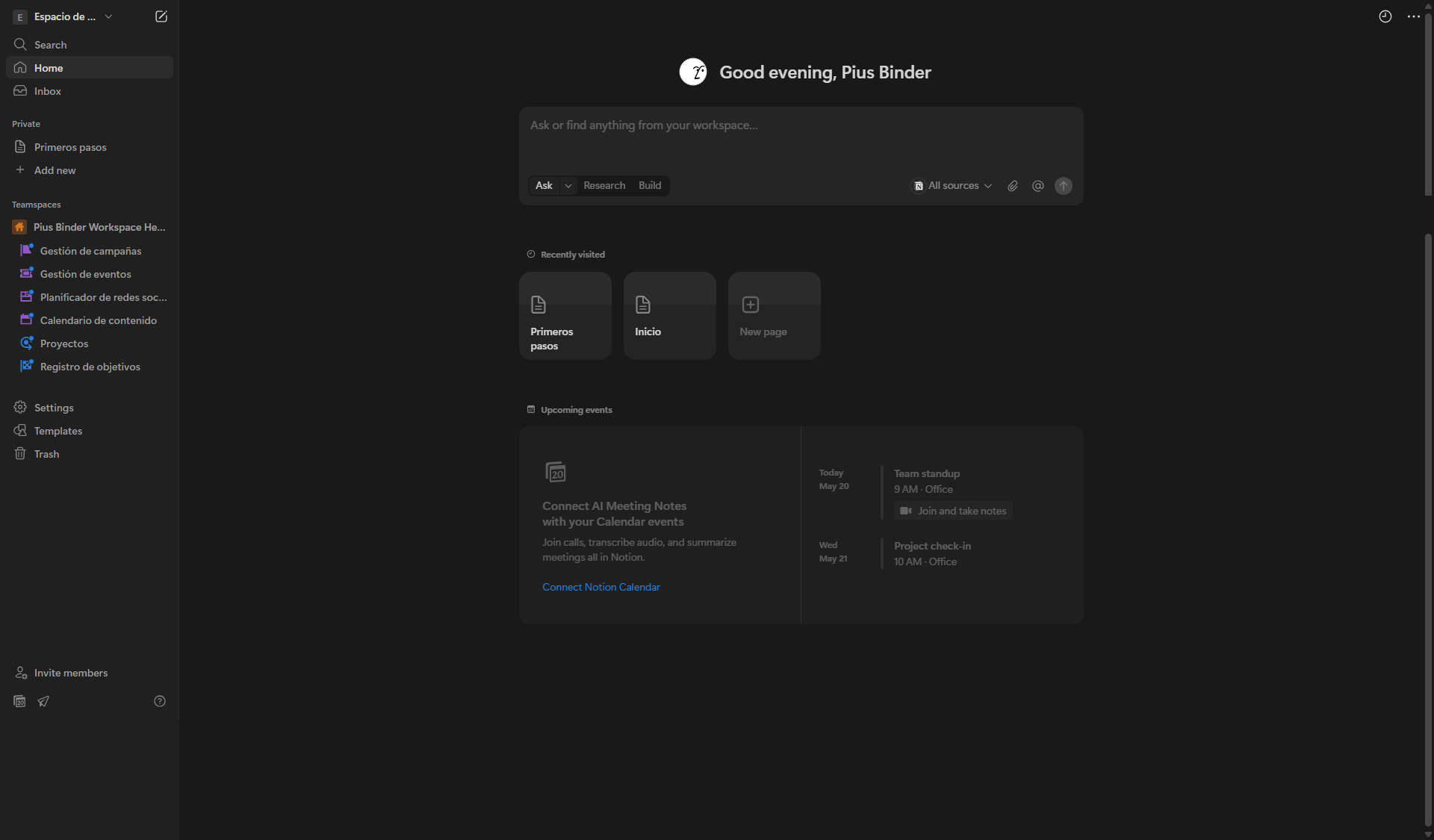
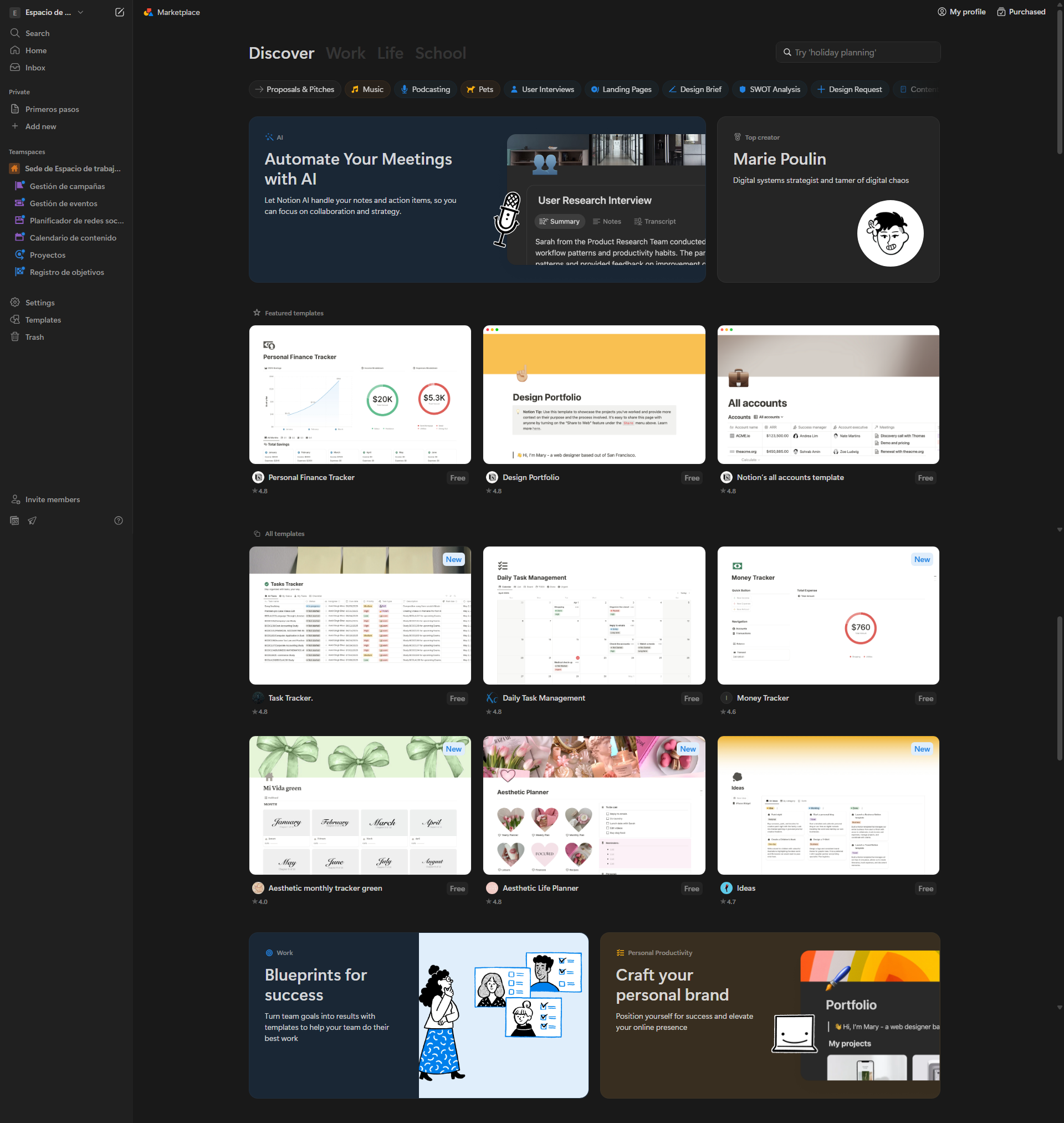
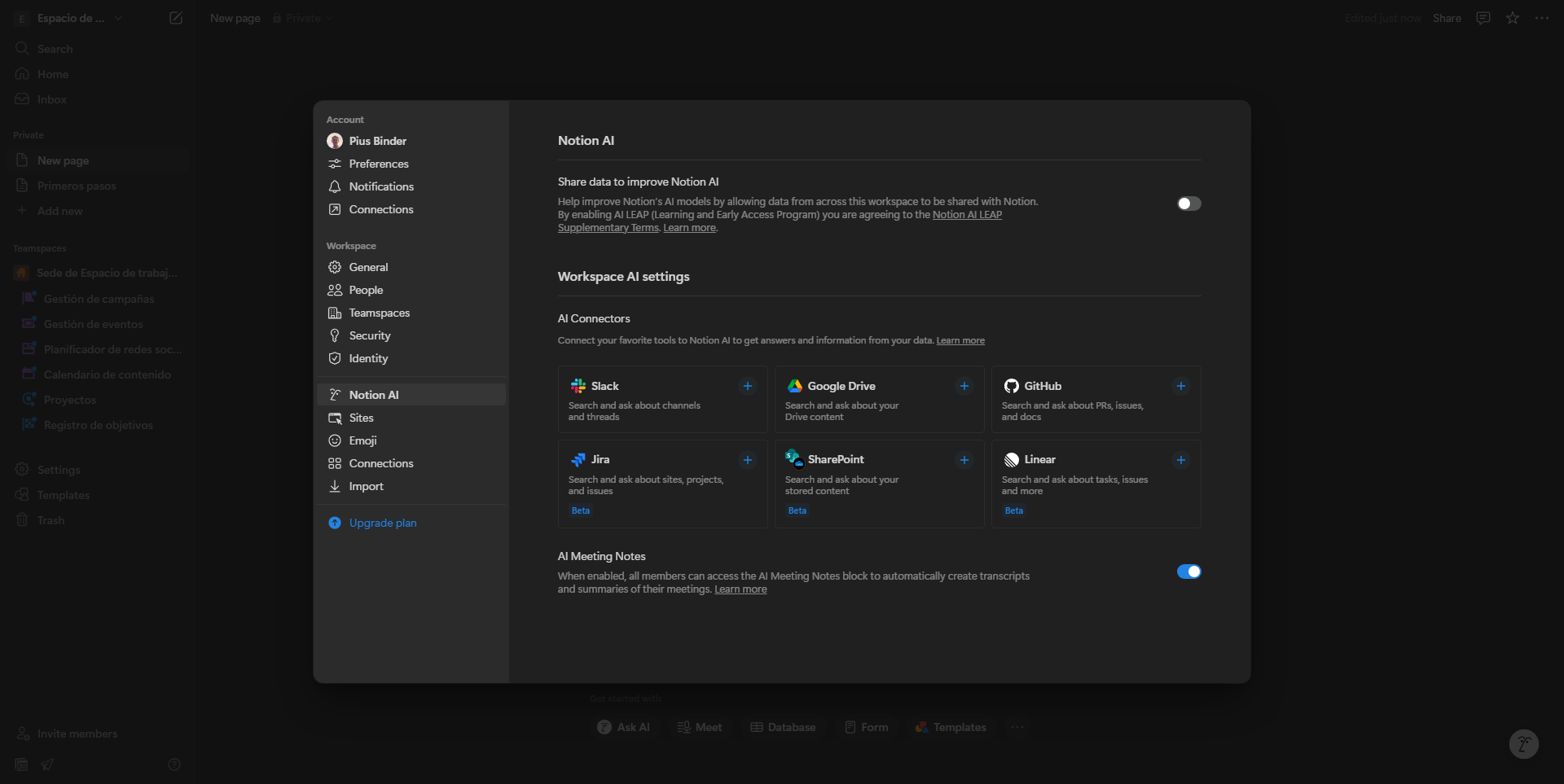
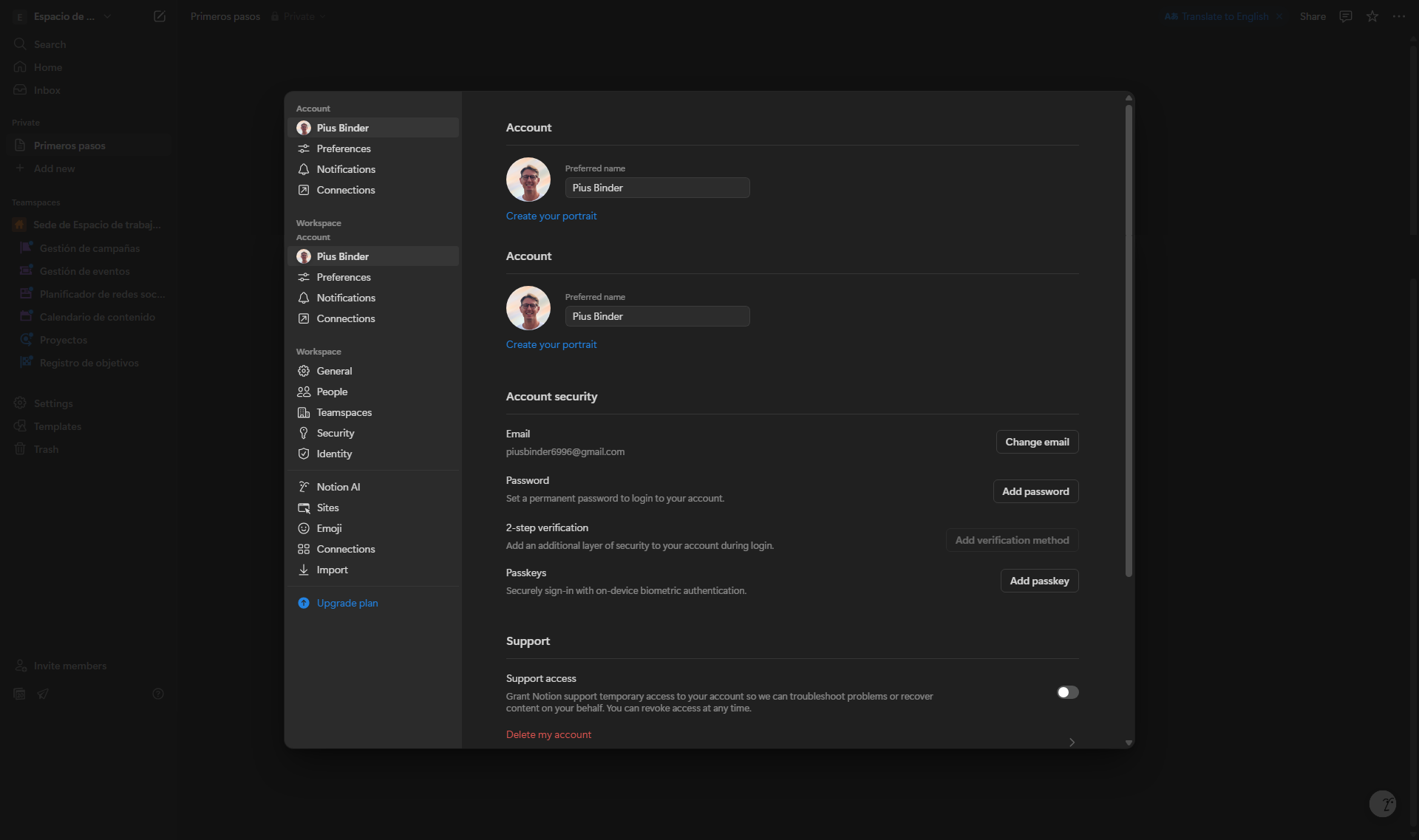
Notion Screenshots

Notion screenshot 1
Notion screenshot 2
Notion screenshot 3
Notion screenshot 4
Notion screenshot 5
Notion screenshot 6