Project management tools like , Notion, Basecamp, Lark, Slack, Asana and Trello.
AI chatbot tools like ChatGPT, Grok, Perplexity, Claude, Gemini and Copilot.
Marketing analytics platforms like Google Analytics, Similarweb and Semrush.
CRM systems like HubSpot, Apollo.io Pipedrive, Zoho CRM, and Salesforce.
VPNs, SSO providers, and password managers like NordVPN, Okta, and LastPass.
Email marketing and campaign tools like MailerLite, Instantly, and Mailchimp.
Website builders, hosting tools like Hostinger, Webflow, Framer, and Shopify
HR and recruiting software like ATS platforms, BambooHR, Workday, and Lever.
Automate finances with confidence like Quickbooks, Stripe, Brex, and Mercury.
Design and editing tools like Figma, Canva, Adobe Creative Cloud, CapCut.
Workflow automation tools like Zapier, Make, Clay, and Reclaim.ai.
No-code and AI-native dev tools like Cursor, Windsurf, Lovable and Bubble.

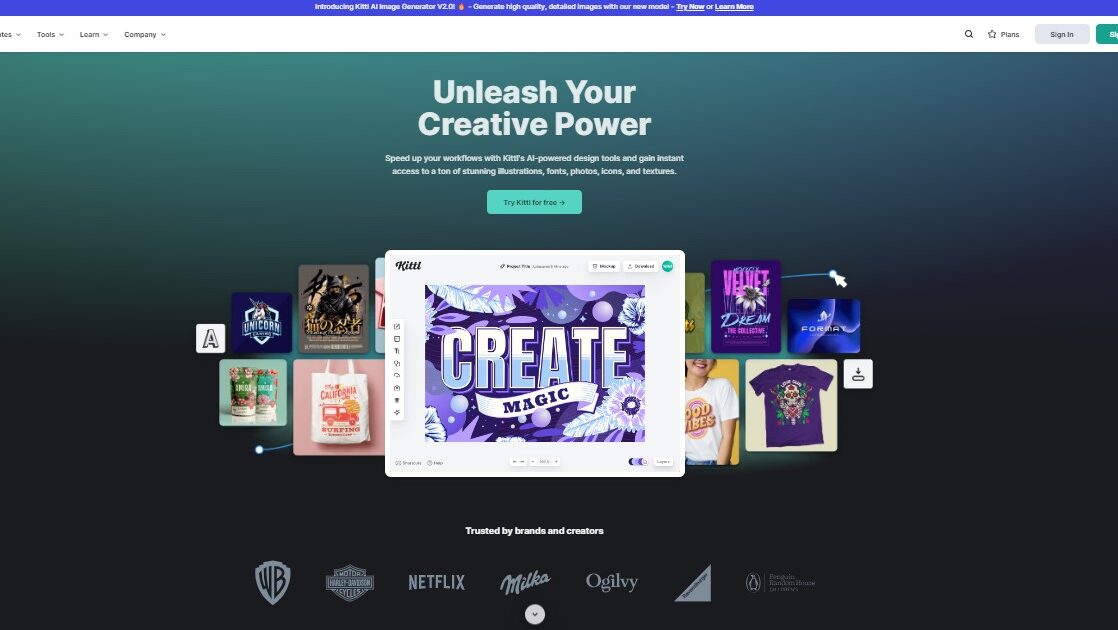
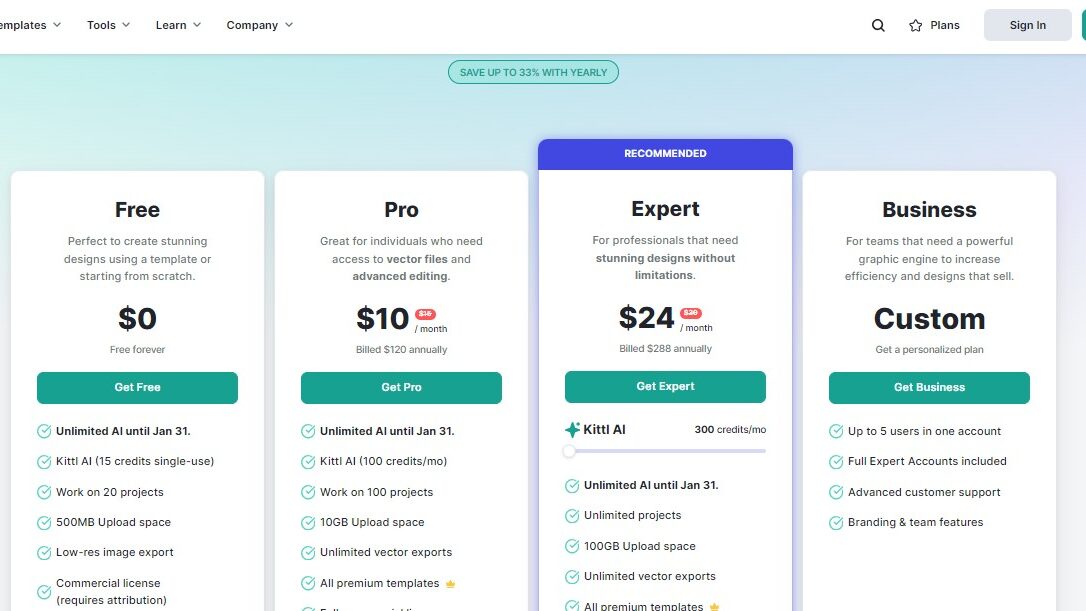
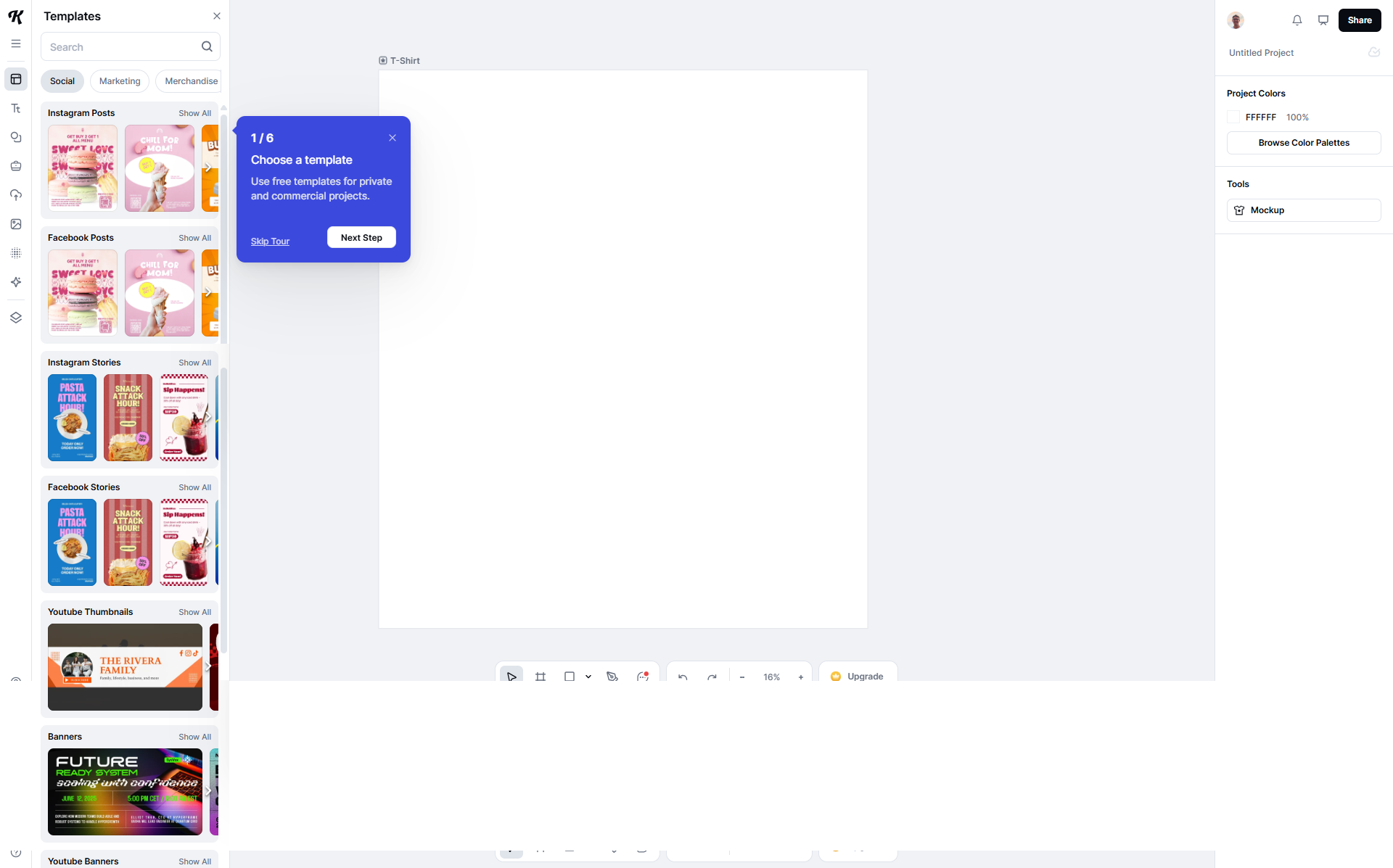
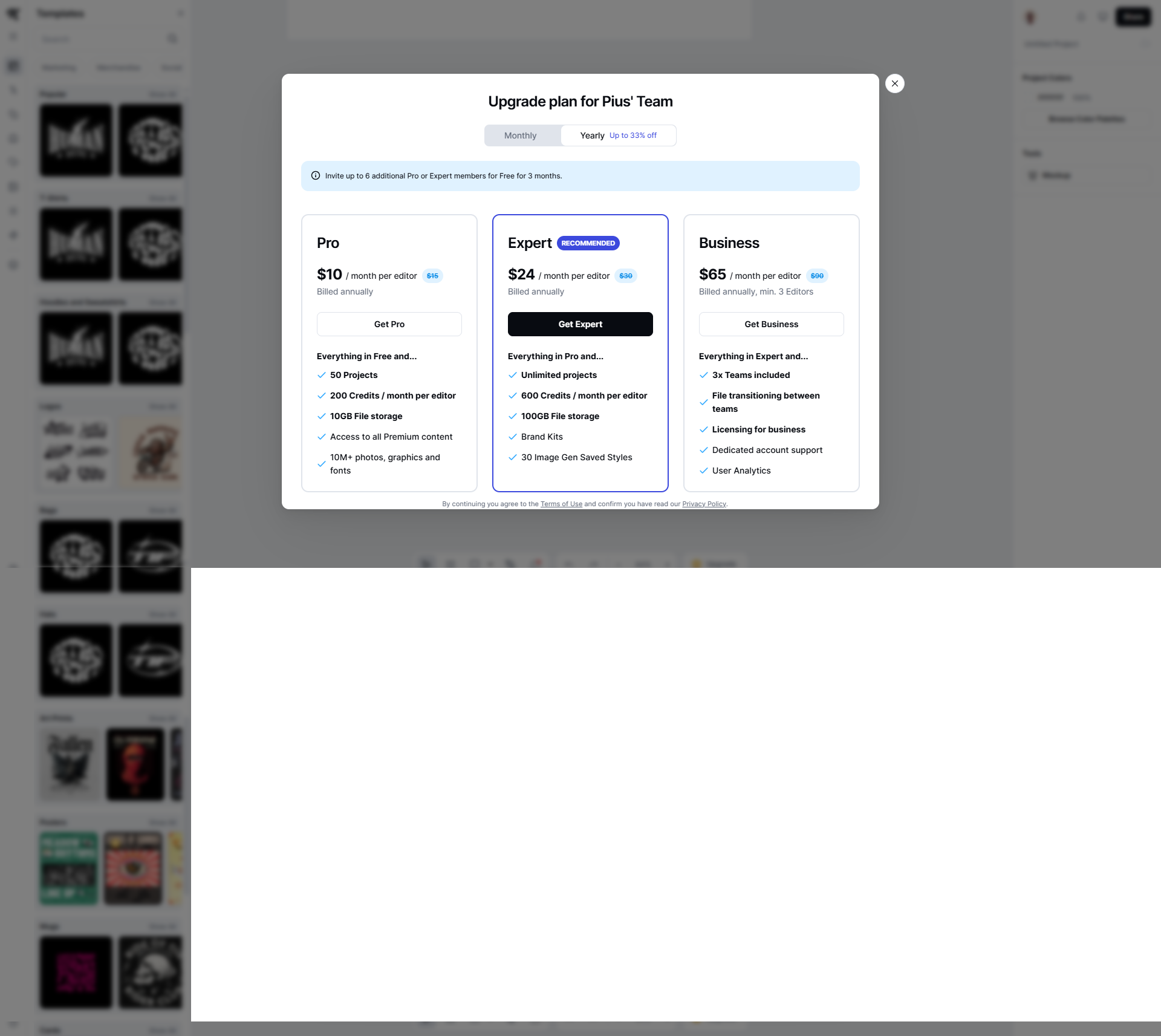
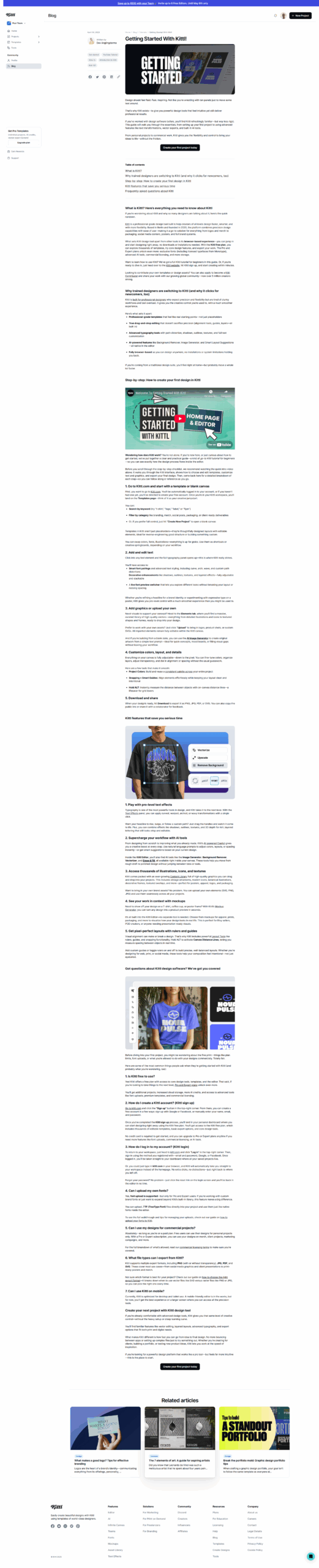
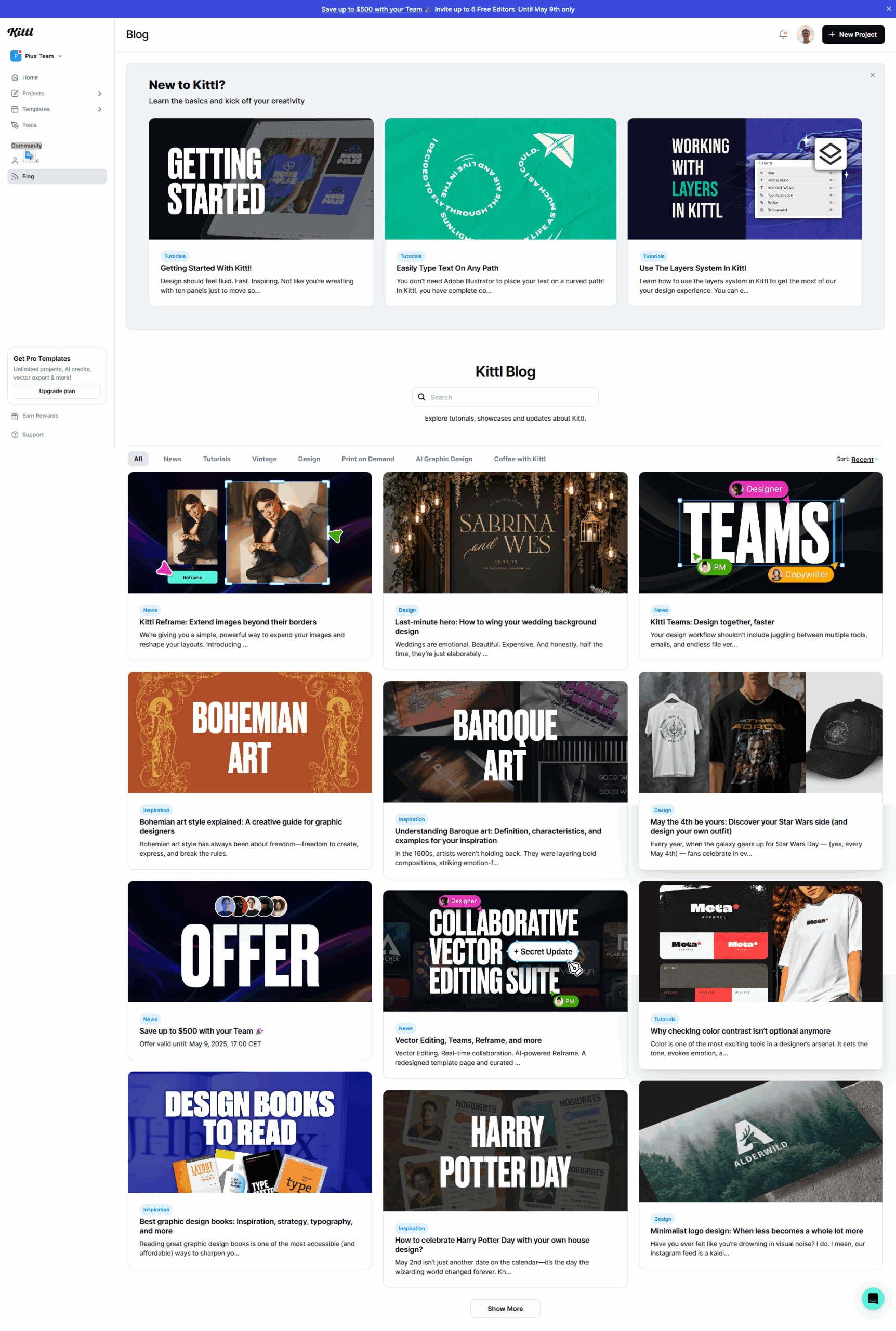
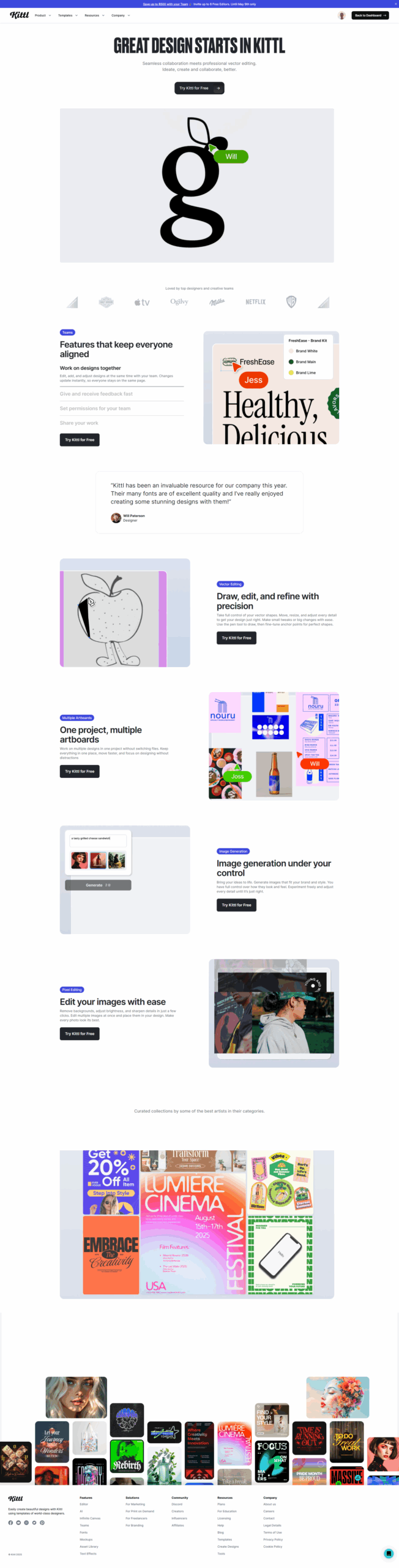
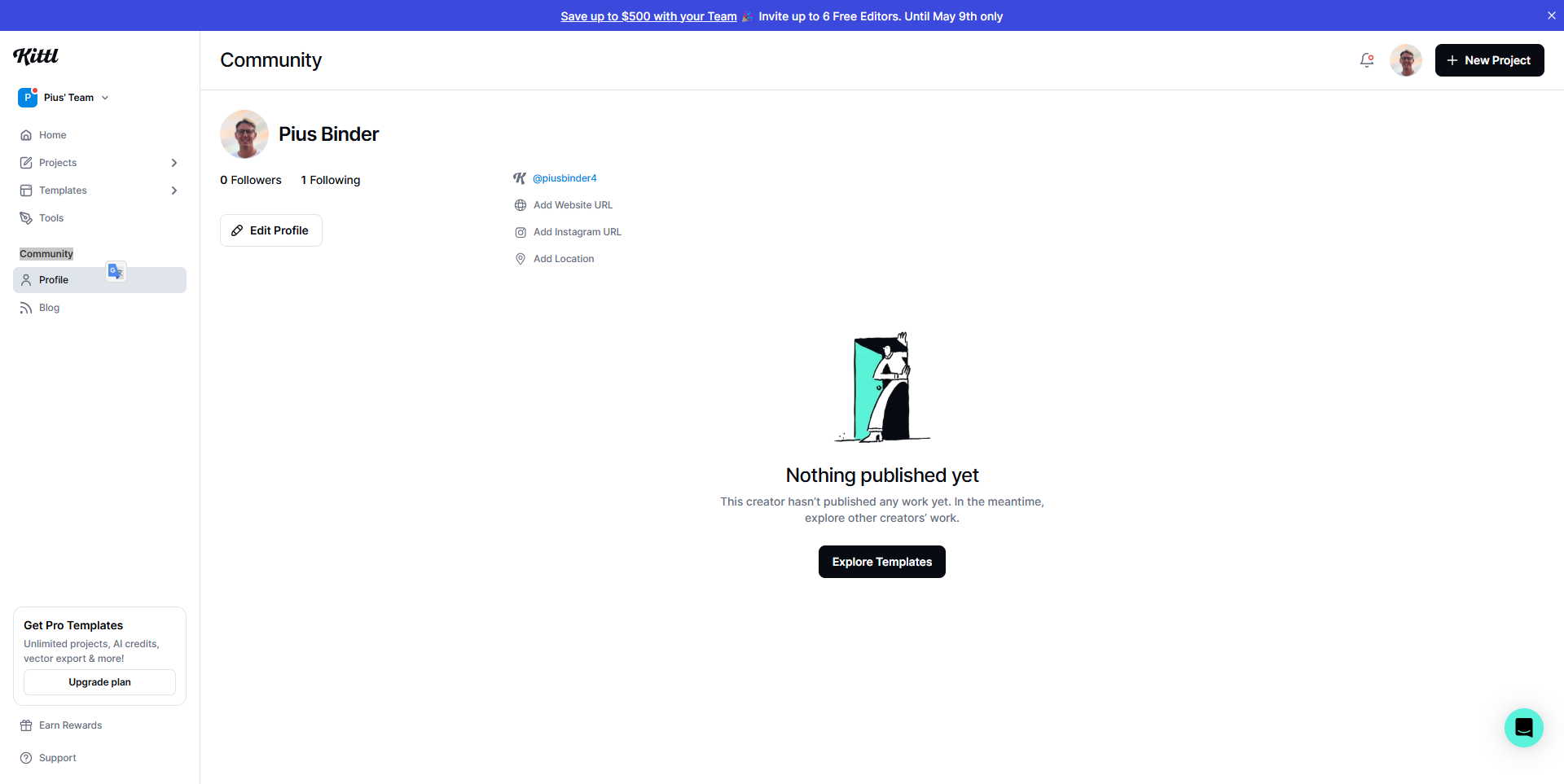
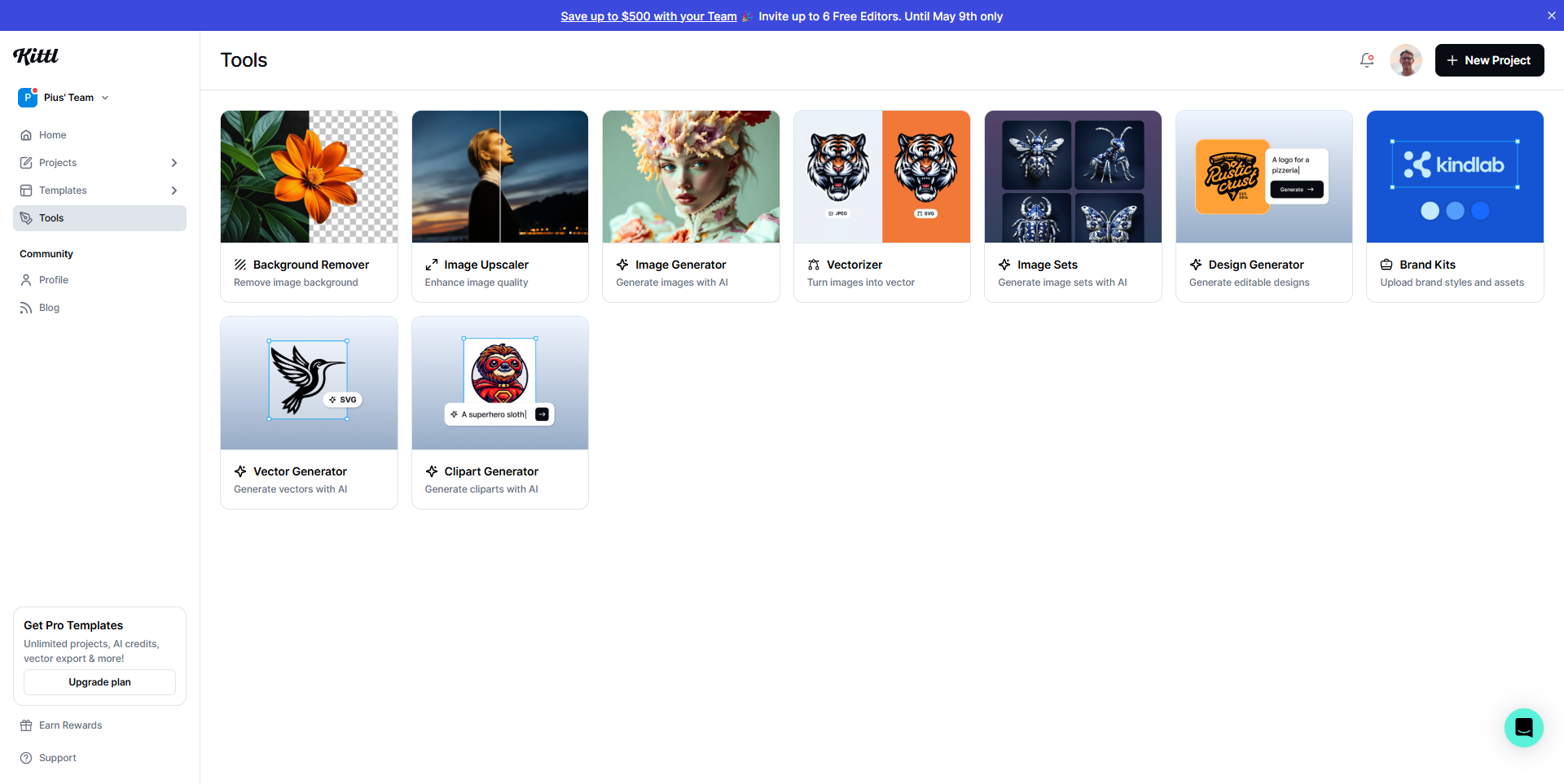
Kittl is an intuitive graphic design tool tailored for designers, marketers, and small business owners, offering advanced features like AI tools, templates, and vector exports. It streamlines creative workflows with a user-friendly layout editor, infographics tools, and cloud file storage. Pricing spans Free, Pro ($10/month), and Expert ($24/month) tiers. Compared to Canva and Adobe Illustrator, Kittl excels in simplicity and affordability but lacks enterprise-grade depth. Customer support is well-rated, making it cost-effective for versatile users.
Canva Product Overview
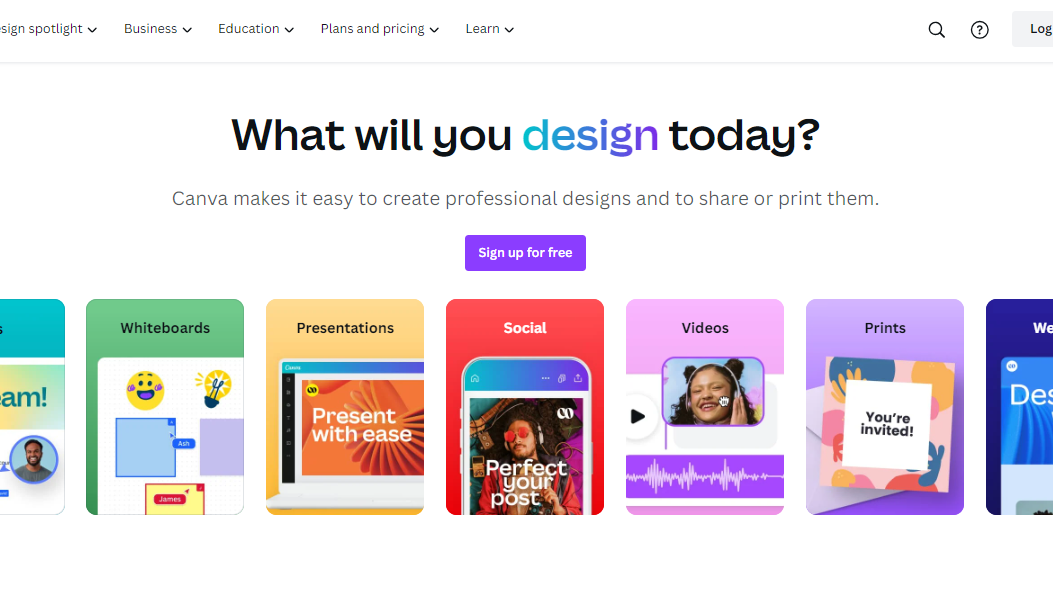
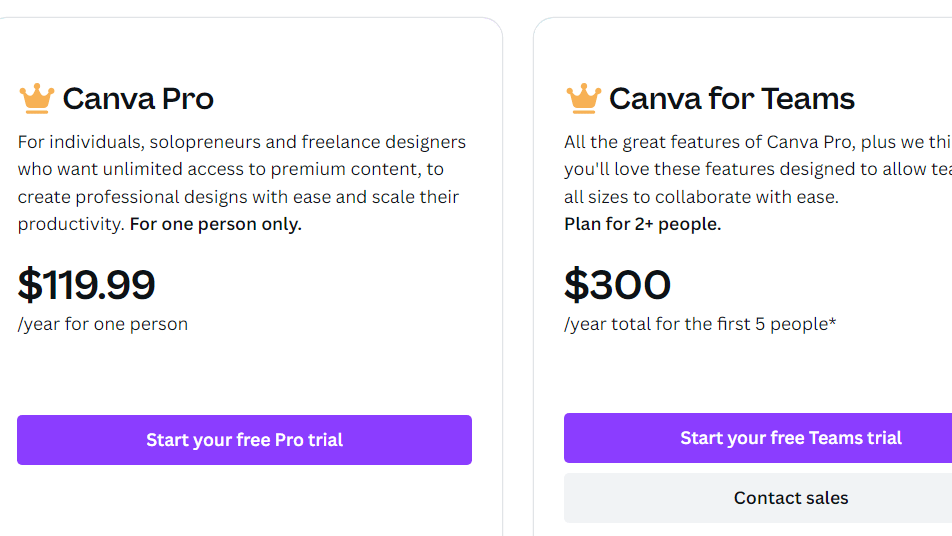
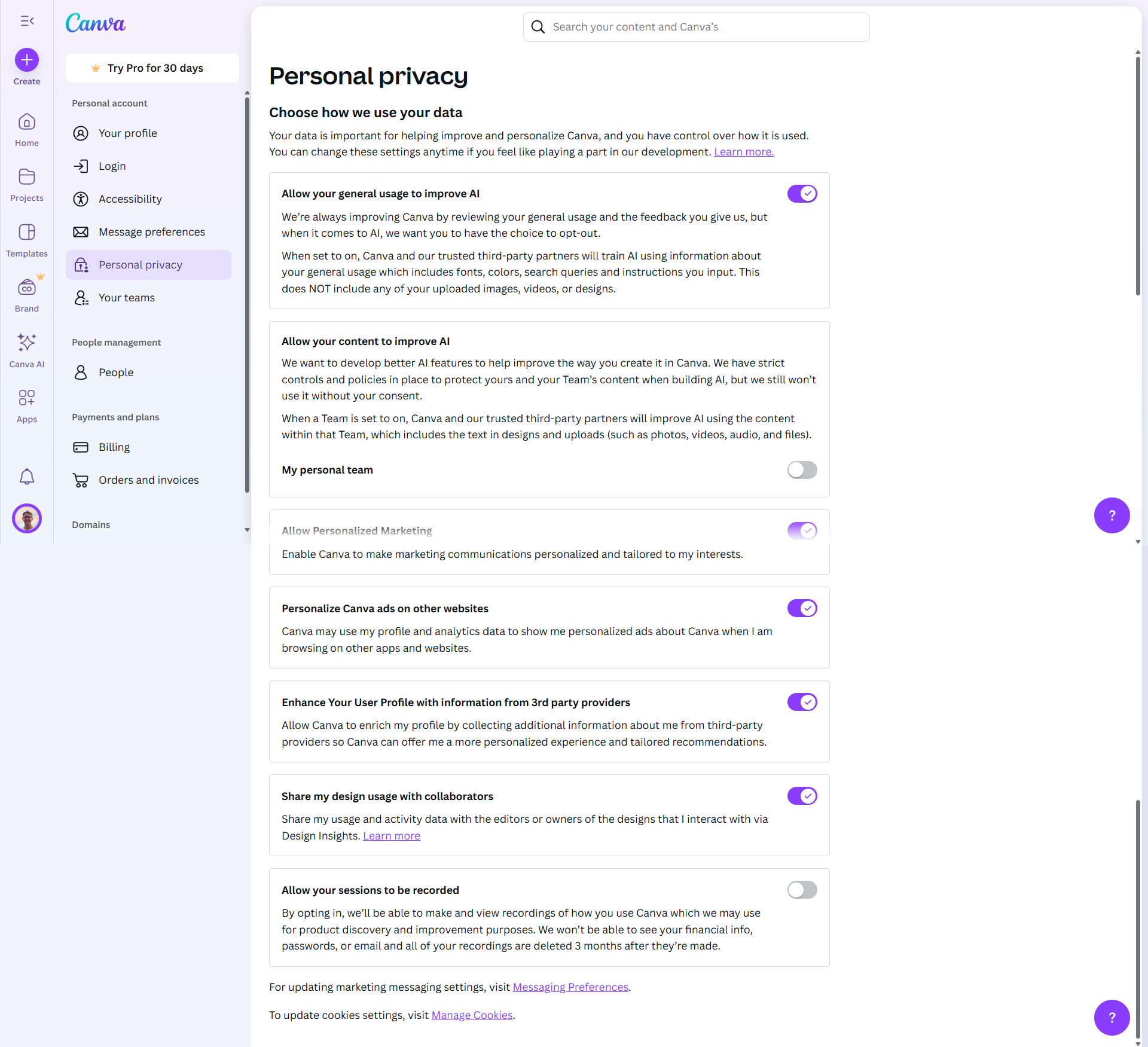
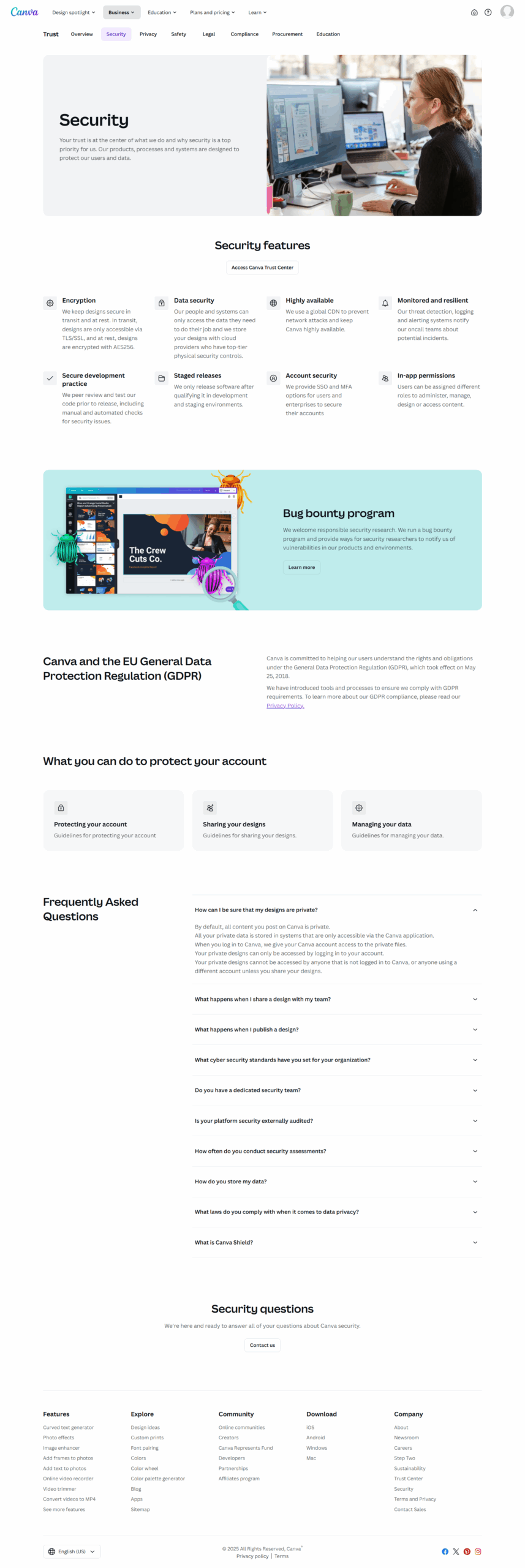
Canva is a versatile design platform tailored for marketers, educators, small businesses, and non-designers. Key features include an intuitive drag-and-drop editor, 1M+ templates, a vast stock library, and AI tools like text-to-image generation and background removal. It simplifies visual creation for web, social media, and print. Prices range from free to $15/user/month for Pro, offering premium elements and storage. Teams features ($10/user/month) enhance collaboration, while Enterprise caters to large organizations.
Comparison with Alternatives
Compared to tools like Adobe Photoshop or Visme, Canva excels in ease of use and templates but lacks advanced customization needed by professional designers. Its collaboration tools and quick output suit marketers and small teams. Developers might miss technical customization, while design experts may prefer Photoshop or Illustrator for control over details.
Pros & Cons
Pros: Easy for beginners, affordable, robust templates, and team features. Cons: Limited advanced customization and export options.
Customer Support & Cost-Effectiveness
Well-rated support (4.4/5) with online resources. Affordable even for small teams, combining features and functionality. Ideal for quick, professional designs without steep learning curves.