Sign in to review
Join our community of software reviewers on Subscribed.fyi

Continue With Google
Continue With LinkedIn
Continue Review with Email
Continue with Email
Enter your email to continue.
Continue
Enter your password
Enter your password to finish setting up your account.
Continue
Activate your email
Enter activation code we sent to your email.
Submit
Reset your password
Enter activation code we sent to your email.
Submit
Set your new password
Enter a new password for your account.
Submit
Categories
For Business
Log in
Provide My Insights
Add Product
Suggested products People also compare with
Add to Comparison
Suggested products People also compare with

Compare LibreOffice and Microsoft 365

We are comparing LibreOffice and Microsoft 365 to evaluate which one is the best product.

Suggested products People also compare with
Review Pricing Alternatives Experience

Review

76%
27/36 Metric achieved
88%
31/36 Metric achieved

Subscribed Metric

Customer Support 4/6
Security 4/6
Ease of Use 5/6
Value of Money 6/6
Integration 3/6
Popularity 5/6

Subscribed Metric

Customer Support 4/6
Security 5/6
Ease of Use 6/6
Value of Money 4/6
Integration 6/6
Popularity 6/6

Pros & Cons

Free and open-source with no license costs.
Comprehensive suite with all basic features.
Compatible with multiple OS including Linux.
Supports various file formats including MS Office.
UI feels outdated compared to competitors.
Formatting issues with MS Office files.
Lacks advanced features like macros support.
Slow updates and feature releases.

Pros & Cons

Seamless app and cloud integration
Collaboration tools with real-time updates
Wide range of productivity features
Access across multiple devices
Subscription costs can be high
Occasional syncing issues
Limited integration with non-Microsoft tools
Complexity for new users

Conclusion

LibreOffice is a free, open-source office suite providing robust tools like Writer (word processing), Calc (spreadsheets), and Impress (presentations). It supports various file formats, offering cross-platform compatibility across Windows, macOS, and Linux. Designers may find its limited advanced formatting less suitable, while marketers and developers benefit greatly from its spreadsheet and document-handling capabilities. Unlike paid alternatives (e.g., MS 365, Google Workspace), collaborative and cloud support is weaker. It excels in cost-effectiveness, though customer support relies heavily on community forums. Perfect for budget-conscious users prioritizing core office functions.

Conclusion

Microsoft 365 is a cloud-based productivity suite offering versatile tools like Word, Excel, Teams, and Outlook. Key features include real-time collaboration, 1TB storage with OneDrive, and enterprise-grade security. Its intuitive design and extensive integrations cater well to remote teams and collaborative projects. Plans range from $6 for Business Basic to $22 for Premium per month.

Compared to Google Workspace, Microsoft 365 excels in advanced tools for enterprise users but has a steeper learning curve and higher costs. Designers may favor Google’s simplicity, while developers and marketers benefit from Microsoft’s robust features like Excel analytics or Teams.

Microsoft 365’s customer support is reliable, though advanced issue resolution may require IT expertise. Its cost-effectiveness improves for larger organizations due to bundled services and regular updates.

Pricing

LibreOffice Pricing

Pricing Range Not specified

Microsoft 365 Pricing

Pricing Range $14-$24/Month See Microsoft 365 Pricing

Alternatives

LibreOffice Alternatives

Google Workspace logo

Google Workspace

90%
Microsoft 365 logo

Microsoft 365

88%
WPS Office logo

WPS Office

76%
See All LibreOffice Alternatives

Microsoft 365 Alternatives

Zoho Mail logo

Zoho Mail

93%
Google Workspace logo

Google Workspace

90%
WPS Office logo

WPS Office

76%
See All Microsoft 365 Alternatives

Experience

LibreOffice Screenshots

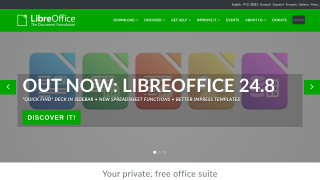
LibreOffice screenshot 1

Microsoft 365 Screenshots

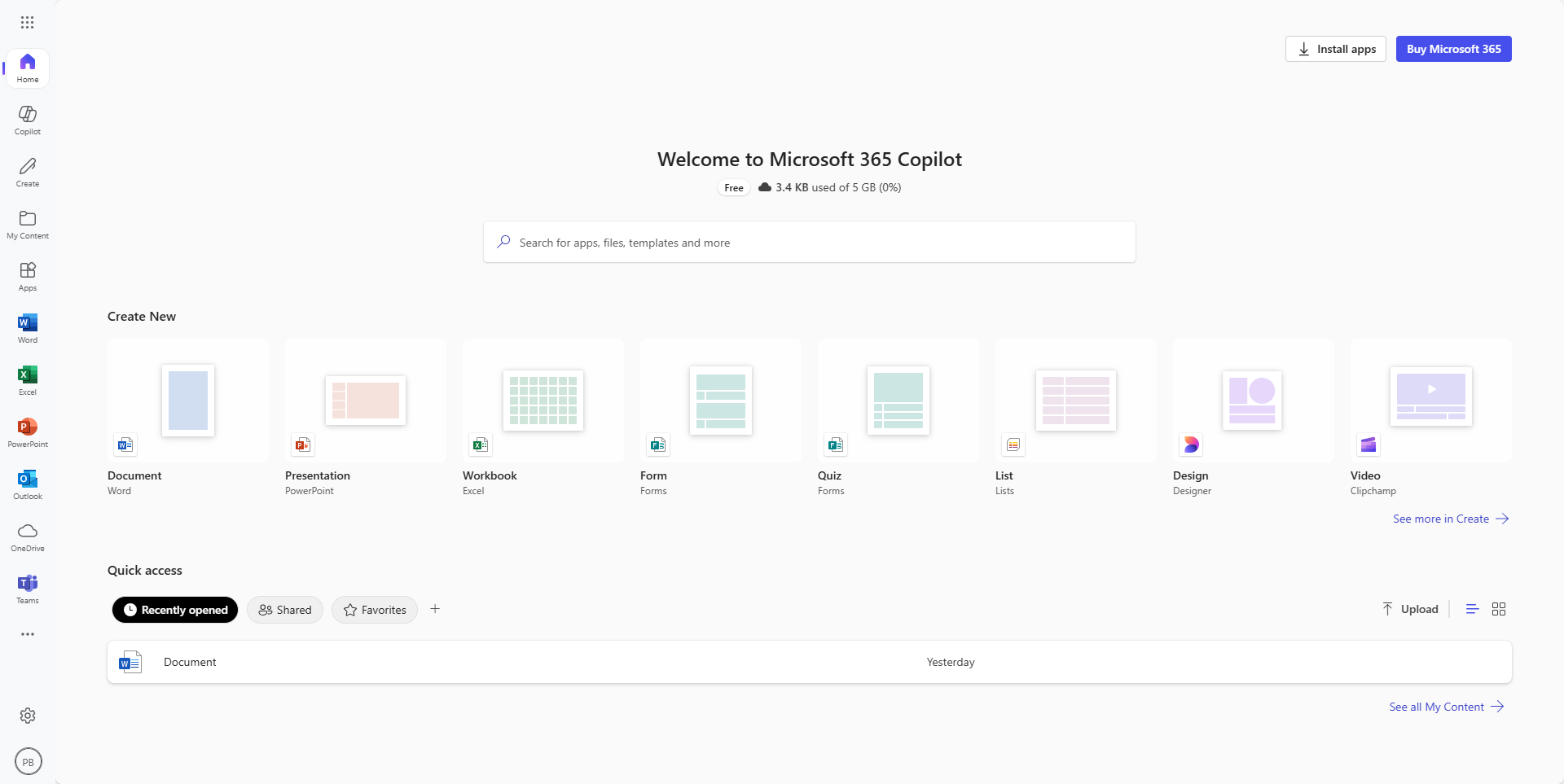
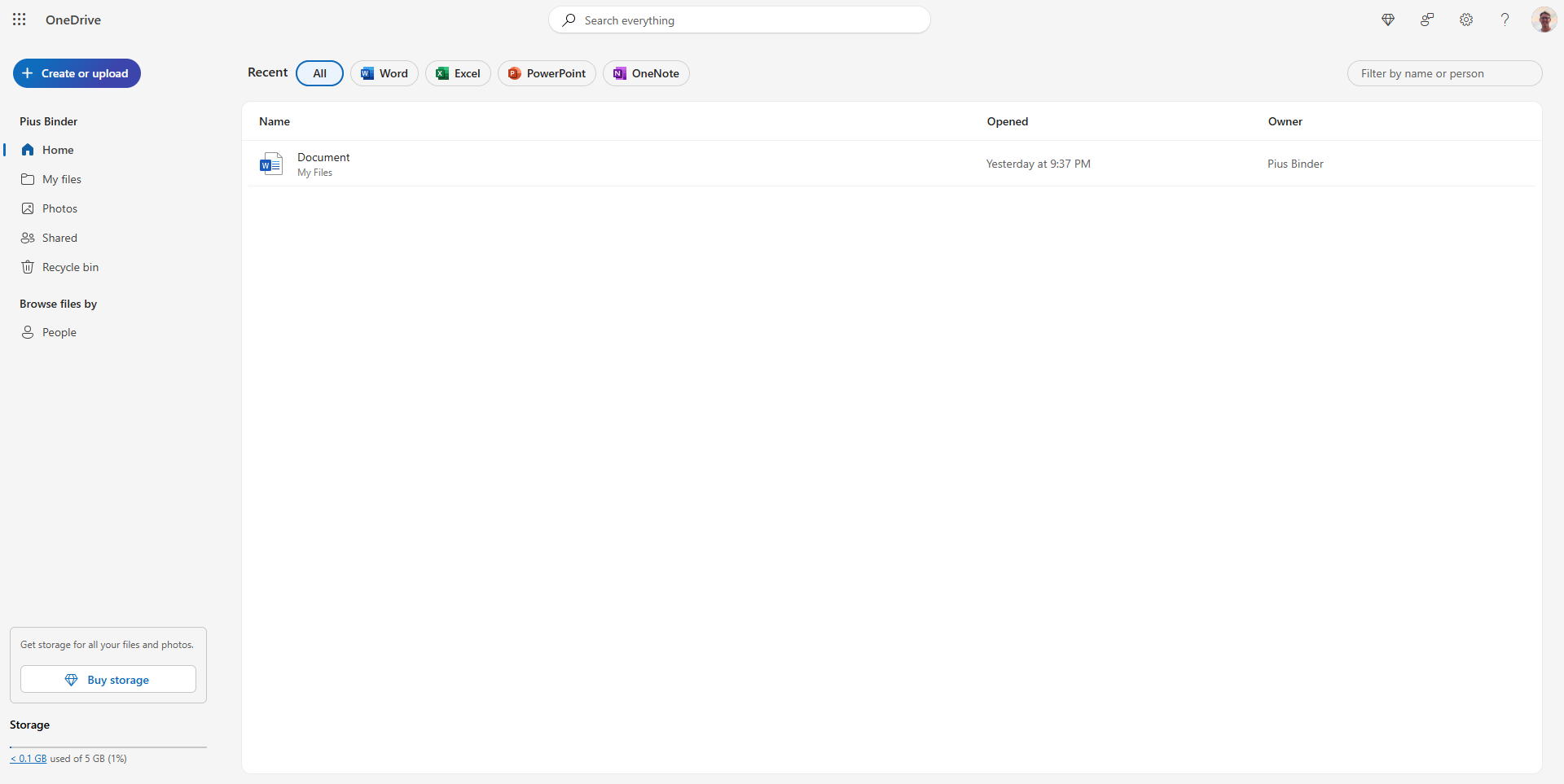
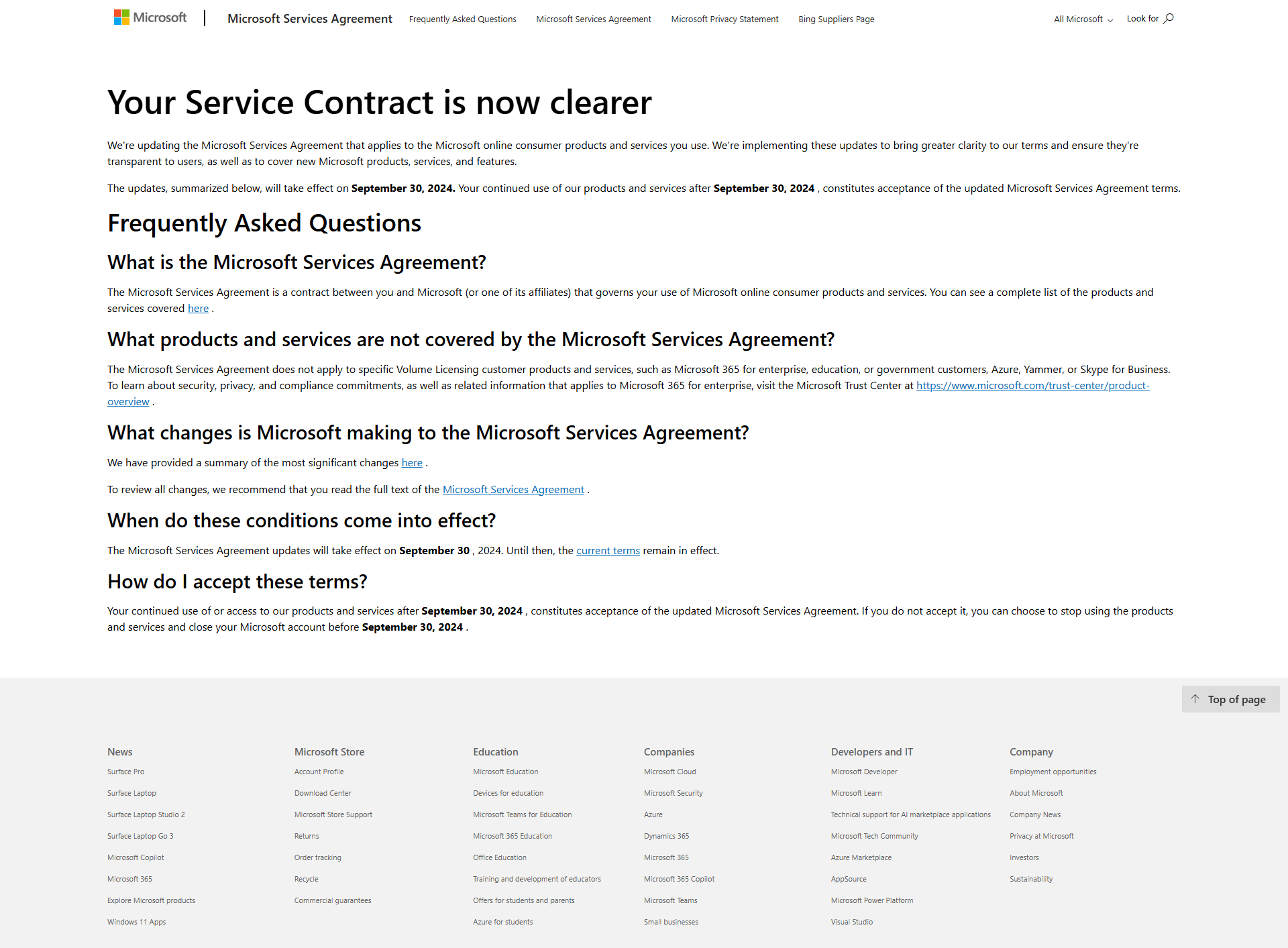
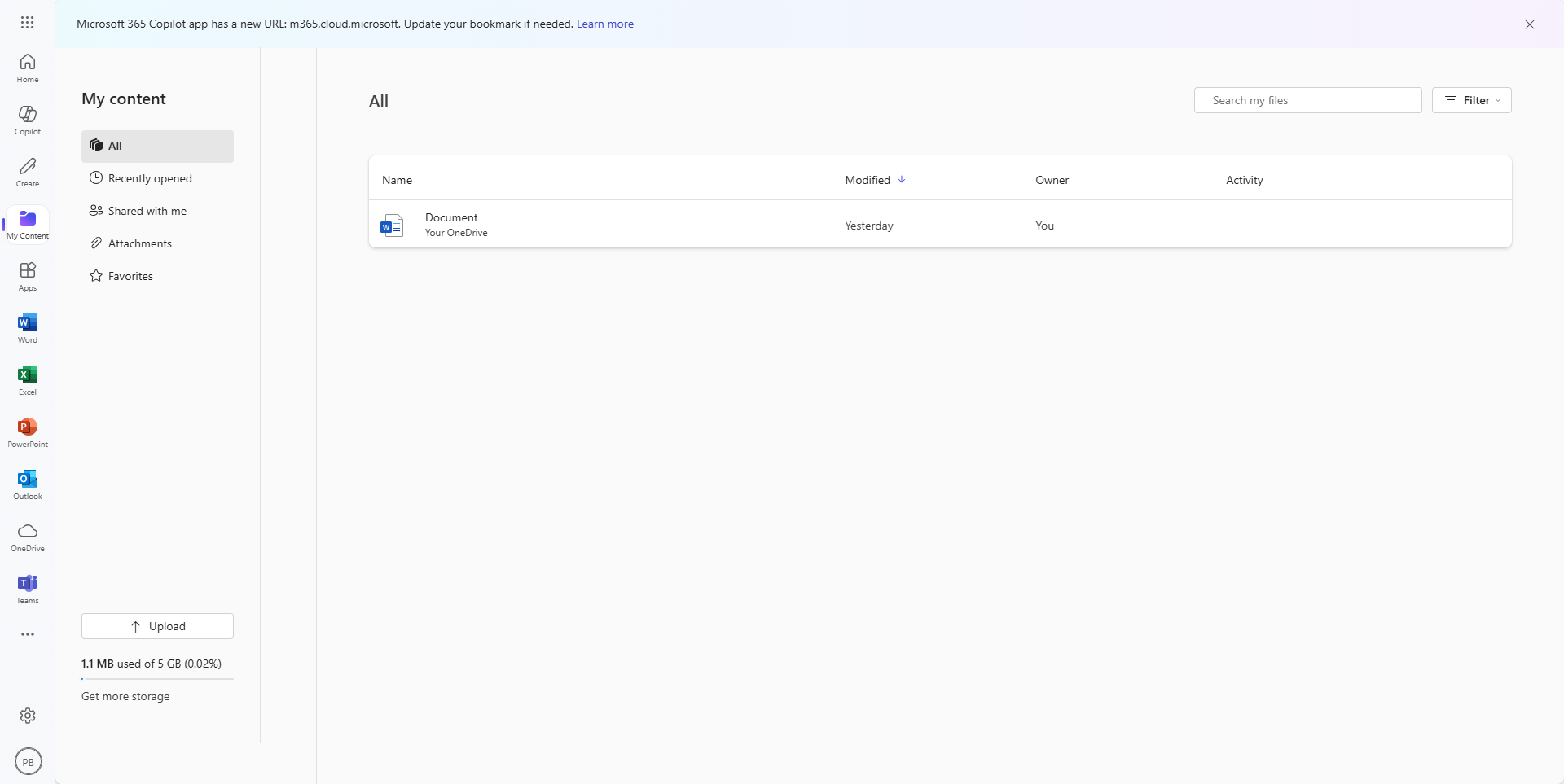
Microsoft 365 screenshot 1
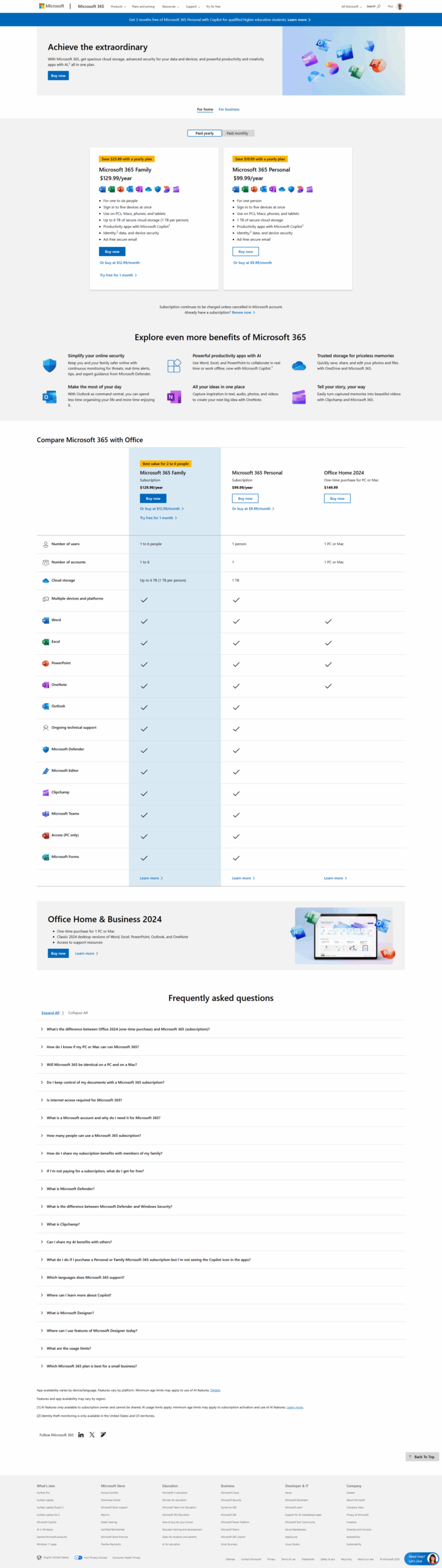
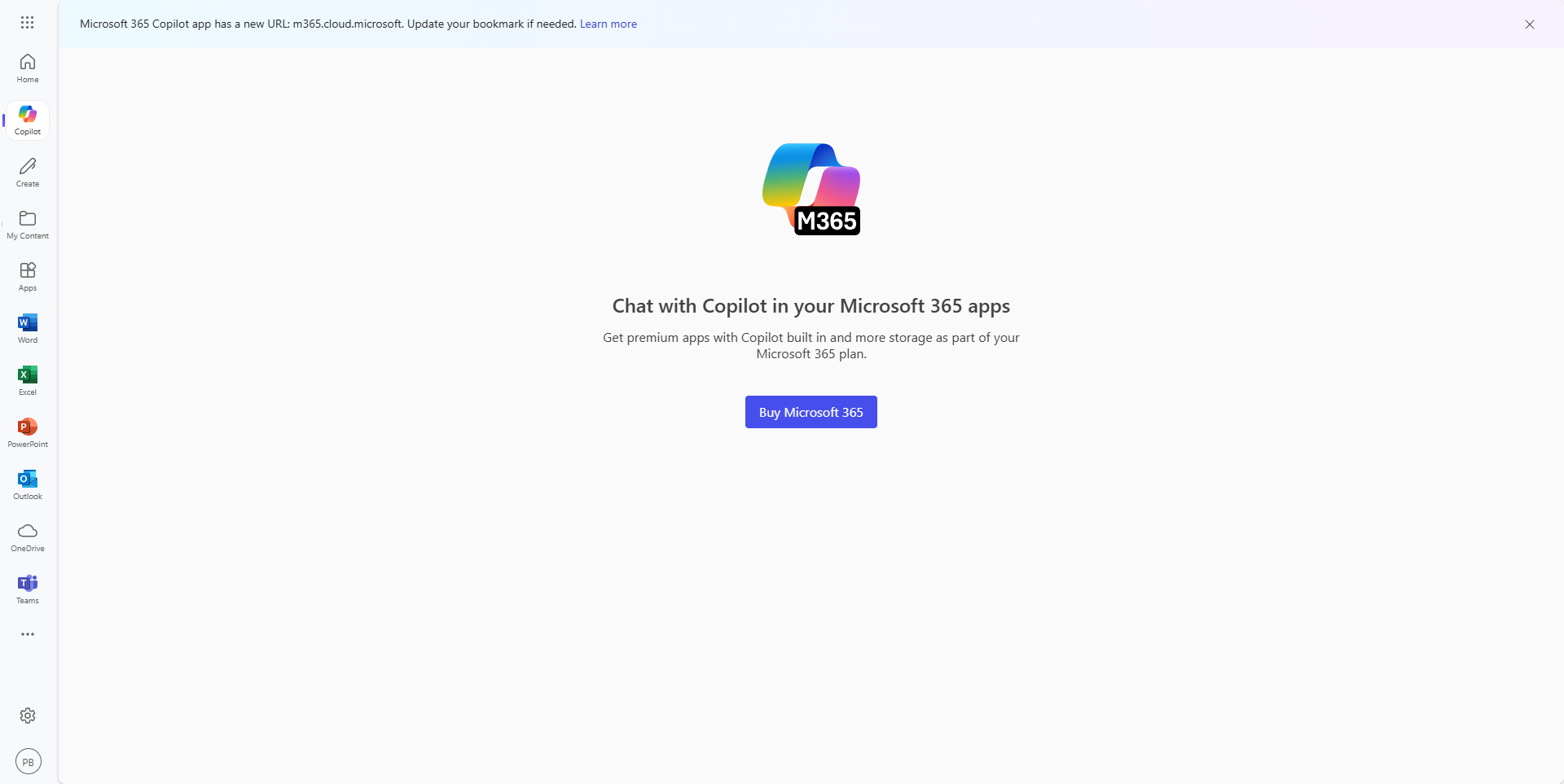
Microsoft 365 screenshot 2
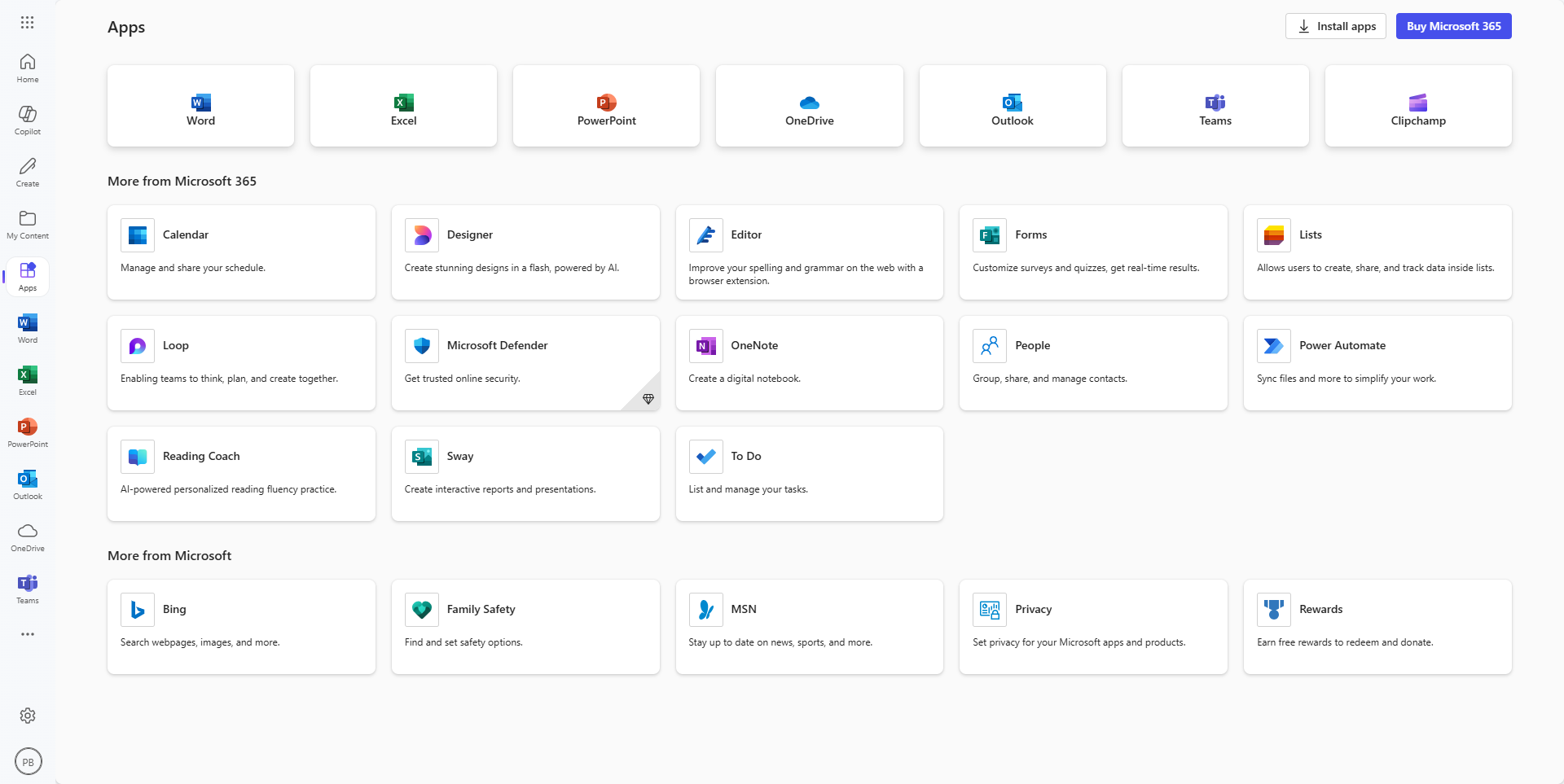
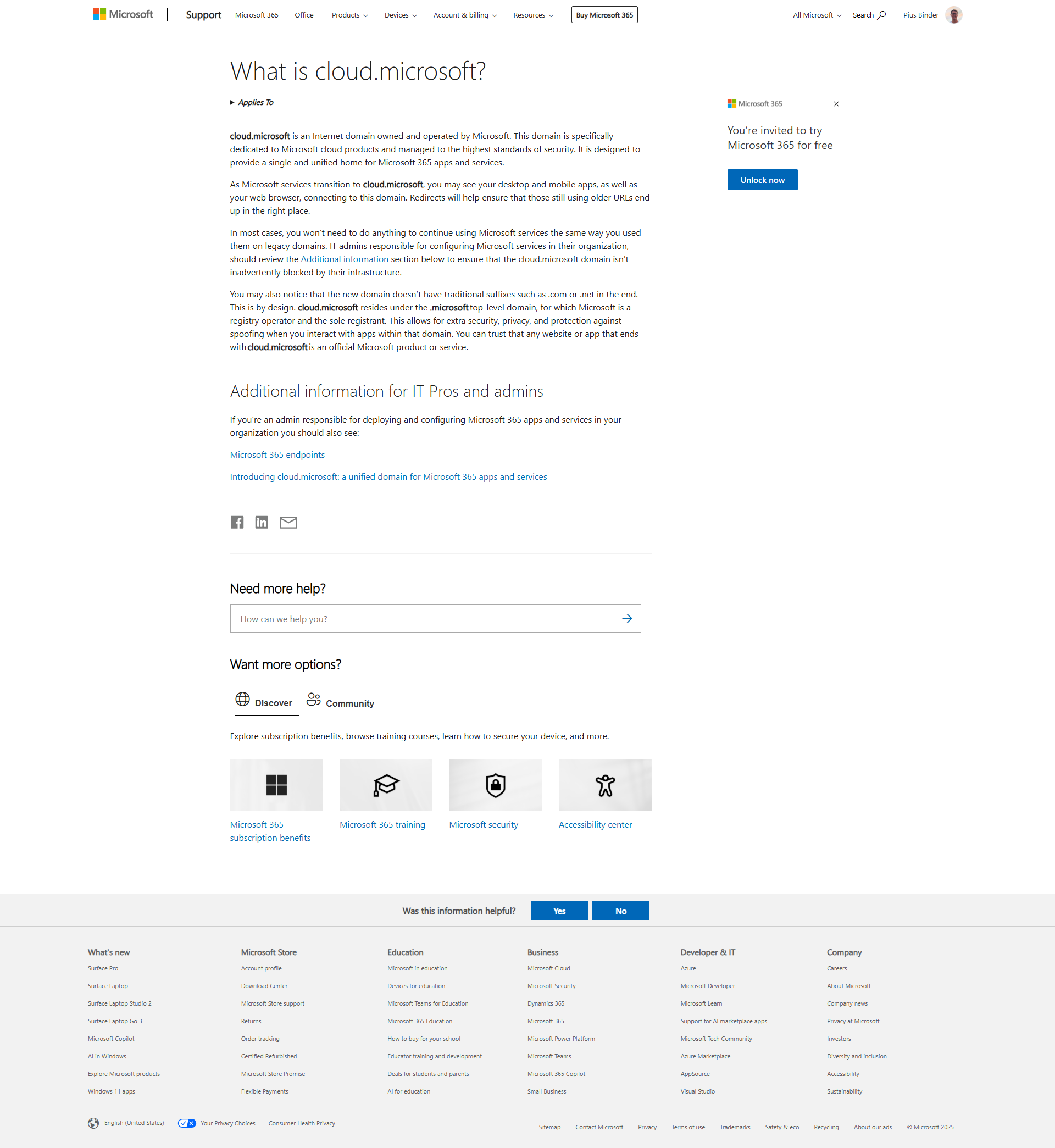
Microsoft 365 screenshot 3
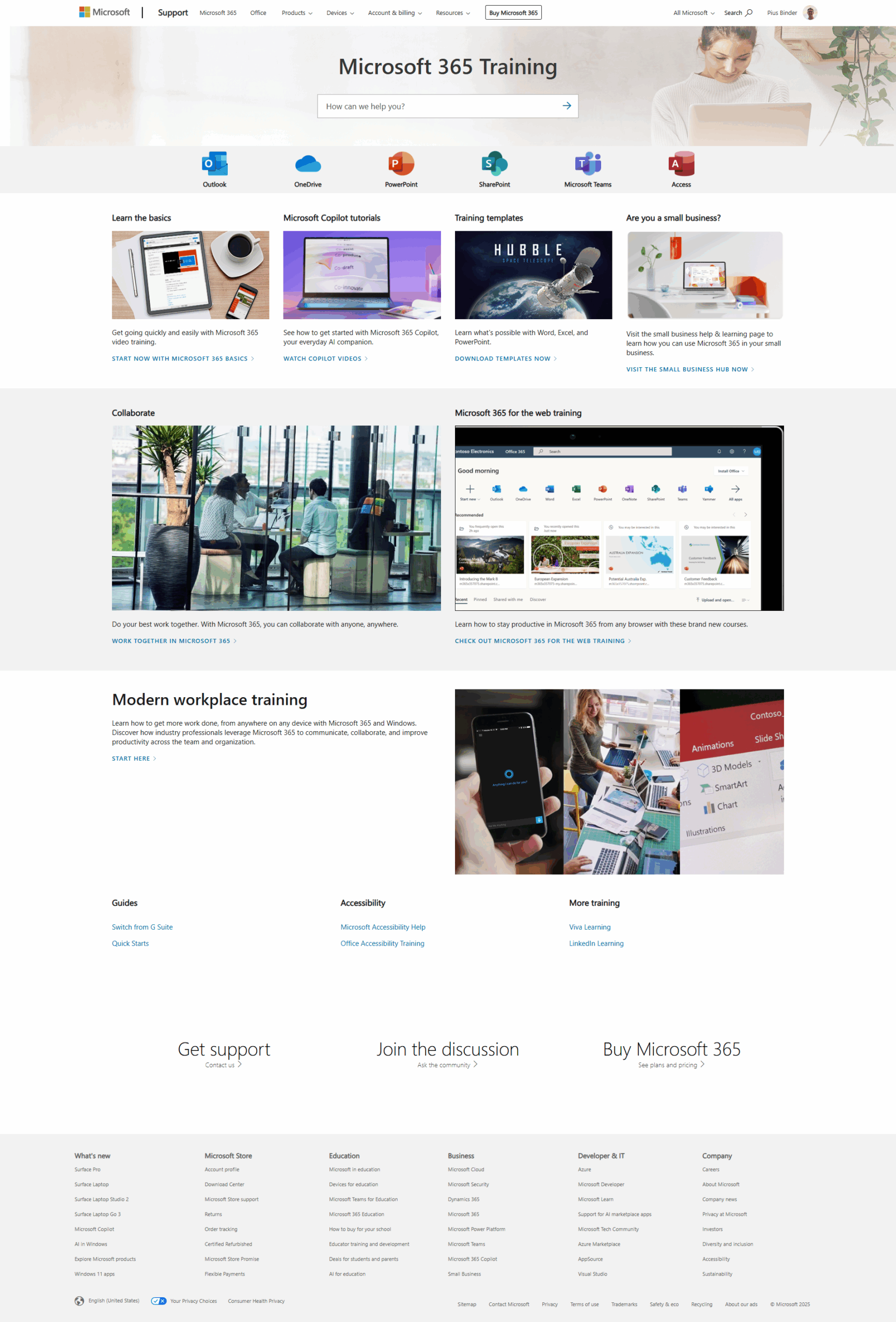
Microsoft 365 screenshot 4
Microsoft 365 screenshot 5
Microsoft 365 screenshot 6
Microsoft 365 screenshot 7
Microsoft 365 screenshot 8
Microsoft 365 screenshot 9
Microsoft 365 screenshot 10