Sign in to review
Join our community of software reviewers on Subscribed.fyi

Continue With Google
Continue With LinkedIn
Continue Review with Email
Continue with Email
Enter your email to continue.
Continue
Enter your password
Enter your password to finish setting up your account.
Continue
Activate your email
Enter activation code we sent to your email.
Submit
Reset your password
Enter activation code we sent to your email.
Submit
Set your new password
Enter a new password for your account.
Submit
Categories
For Business
Log in
Provide My Insights
Add Product
Suggested products People also compare with
Add to Comparison
Suggested products People also compare with

Compare Looker and Mode

We are comparing Looker and Mode to evaluate which one is the best product.

Suggested products People also compare with
Review Pricing Alternatives Experience

Review

73%
25/36 Metric achieved
85%
30/36 Metric achieved

Subscribed Metric

Customer Support 4/6
Security 0/6
Ease of Use 5/6
Value of Money 5/6
Integration 5/6
Popularity 6/6

Subscribed Metric

Customer Support 5/6
Security 4/6
Ease of Use 5/6
Value of Money 5/6
Integration 5/6
Popularity 6/6

Pros & Cons

User-friendly interface for creating dashboards.
Effective data visualization and customization.
Supports real-time data integration and updates.
Accessible for non-technical users.
Performance issues with large datasets.
Limited dashboard customization options.
Occasional lags and slow loading times.
Requires a tech background for advanced features.

Pros & Cons

Easy to use SQL editor and queries.
Strong integration with Python and R.
Great visualization creation options.
Efficient for team collaboration.
Limited advanced chart customization.
Steep learning curve for non-SQL users.
Occasional slow dashboard editing.
No support for local file imports.

Conclusion

Looker is a robust BI platform designed for seamless data analysis and visualization, empowering professionals like analysts, marketers, and data engineers. It enables self-service reporting, real-time insights, and customizable dashboards across data sources. With its LookML for complex modeling, it offers unparalleled flexibility but requires technical knowledge. Compared to alternatives like Tableau (easier for non-tech users) or Power BI (cost-efficient), Looker excels at enhancing data exploration. While customer support is reliable, its pricing tends to suit larger enterprises. Ideal for scalability and collaboration; however, small businesses may find entry challenging.

Conclusion

Mode is a cloud-based analytics platform catering to data analysts and business teams, offering SQL-based querying, Python/R integration, and customizable dashboards. Key features include rapid data exploration, shareable live reports, and code-free exploration for non-technical users. Compared to alternatives like Tableau or Power BI, Mode excels in flexibility and performance but requires SQL knowledge for full utilization. Pricing ranges from a free plan to tailored enterprise features, ensuring versatility for diverse teams. It stands out for collaborative capabilities and responsive customer support, making it ideal for organizations valuing data-driven decision-making. However, visualization customization is limited, potentially challenging for design-heavy needs. Cost-effectiveness is suitable for its robust features.

Pricing

Looker Pricing

Pricing Range Not specified See Looker Pricing

Mode Pricing

Pricing Range Not specified. See Mode Pricing

Alternatives

Looker Alternatives

Zoho Analytics logo

Zoho Analytics

88%
Mode logo

Mode

85%
Sisense logo

Sisense

85%
Domo logo

Domo

80%
See All Looker Alternatives

Mode Alternatives

Sisense logo

Sisense

85%
Tableau logo

Tableau

83%
Looker logo

Looker

73%
See All Mode Alternatives

Experience

Looker Screenshots

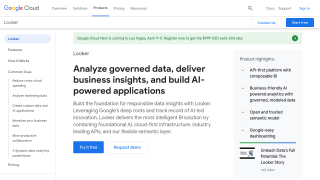
Looker screenshot 1
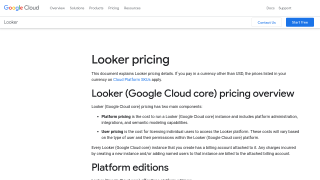
Looker screenshot 2

Mode Screenshots

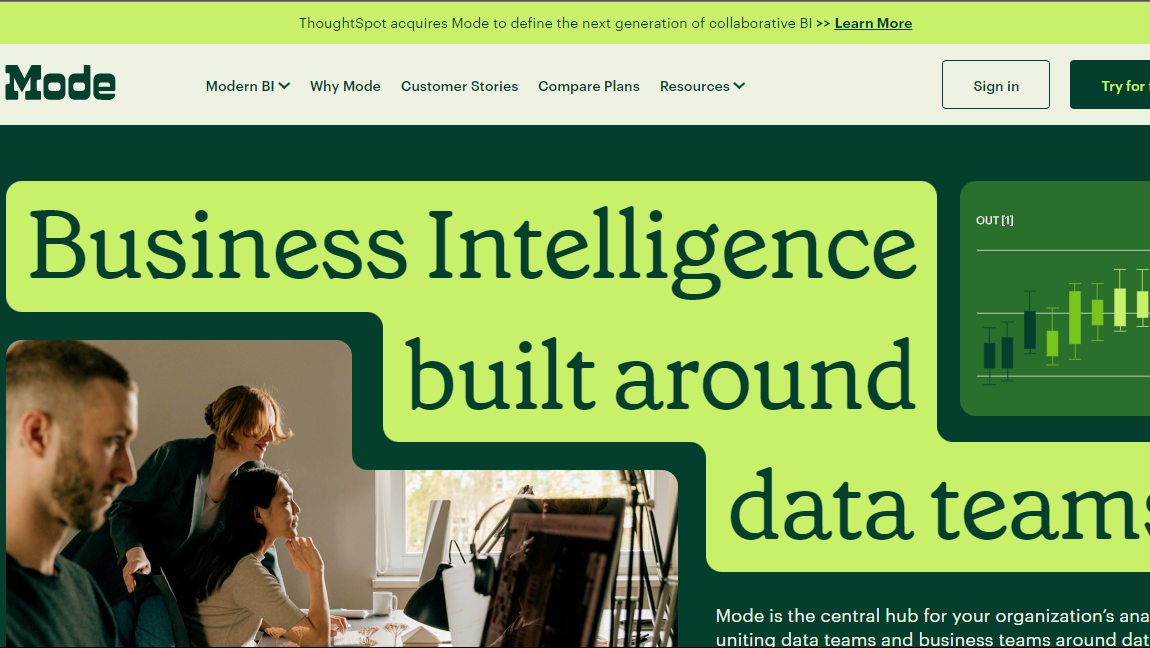
Mode screenshot 1
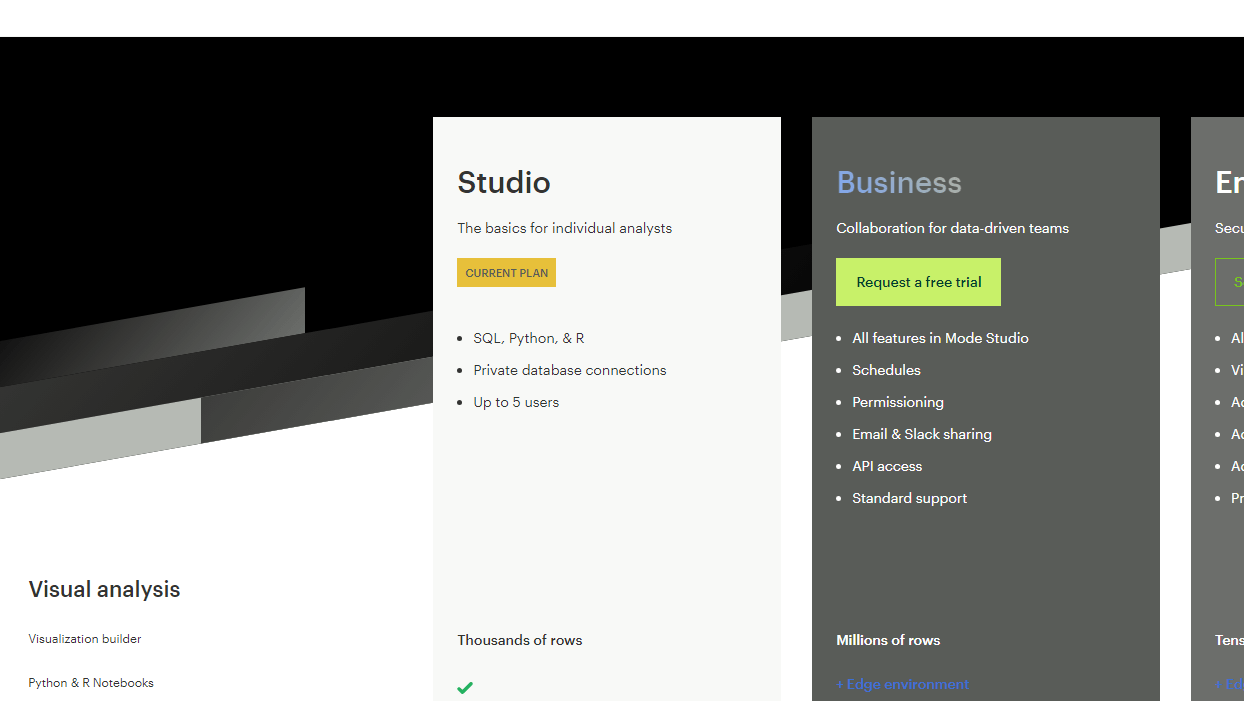
Mode screenshot 2