Project management tools like , Notion, Basecamp, Lark, Slack, Asana and Trello.
AI chatbot tools like ChatGPT, Grok, Perplexity, Claude, Gemini and Copilot.
Marketing analytics platforms like Google Analytics, Similarweb and Semrush.
CRM systems like HubSpot, Apollo.io Pipedrive, Zoho CRM, and Salesforce.
VPNs, SSO providers, and password managers like NordVPN, Okta, and LastPass.
Email marketing and campaign tools like MailerLite, Instantly, and Mailchimp.
Website builders, hosting tools like Hostinger, Webflow, Framer, and Shopify
HR and recruiting software like ATS platforms, BambooHR, Workday, and Lever.
Automate finances with confidence like Quickbooks, Stripe, Brex, and Mercury.
Design and editing tools like Figma, Canva, Adobe Creative Cloud, CapCut.
Workflow automation tools like Zapier, Make, Clay, and Reclaim.ai.
No-code and AI-native dev tools like Cursor, Windsurf, Lovable and Bubble.

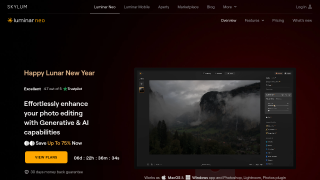
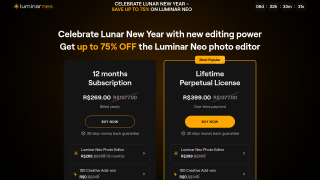
Luminar Neo is a powerful AI-driven photo editing software ideal for photographers and designers. Key features include AI tools for sky replacement, portrait retouching, and advanced layers, making editing intuitive and efficient. It offers flexible pricing, including one-time purchase options, making it cost-effective for professionals seeking to avoid subscriptions. Compared to alternatives like Photoshop, Luminar Neo is user-friendly but lacks some advanced features. Customer support is prompt, though limited to email. Pros: ease of use, innovative AI tools, affordability. Cons: slower rendering on low-performance devices, less robust than Adobe’s offerings for high-end editing. Best suited for photographers and graphic designers prioritizing creativity and time-saving tools.
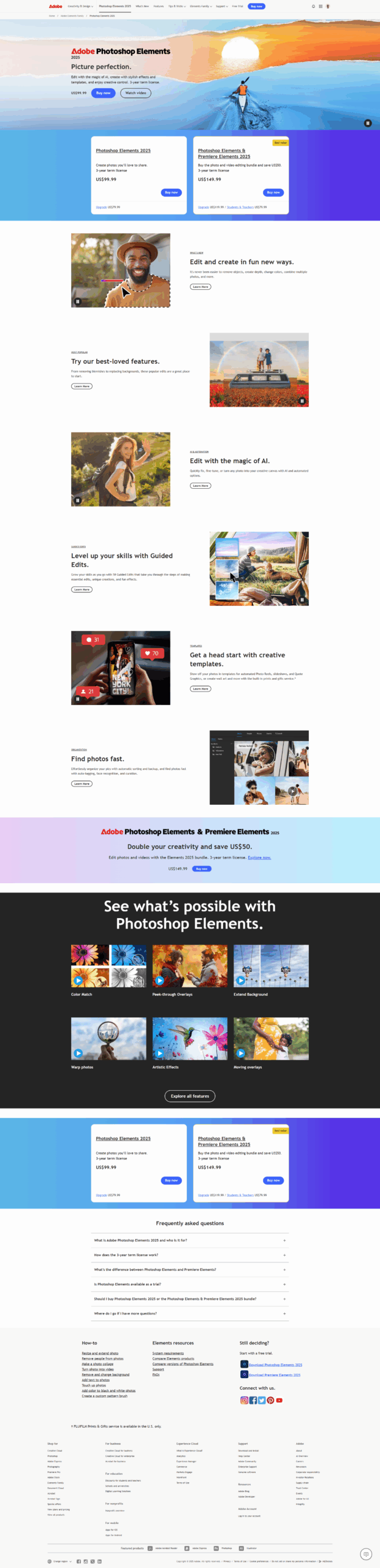
Photoshop Elements is an easy-to-use photo editing software catering to hobbyists, marketers, and amateur designers. It supports guided edits, organizational tools, and AI-powered features like sky replacements and facial cleanup. With a one-time purchase model, it’s cost-effective but priced slightly higher than average competitors. Compared to GIMP (free, complex UI) and Canva (simpler, limited editing), it offers better advanced tools but lacks professional-grade features like CMYK support. Ideal for non-professionals, it’s user-friendly with accessible customer support, though limited for heavy designers. Pricing varies by tier.