Sign in to review
Join our community of software reviewers on Subscribed.fyi

Continue With Google
Continue With LinkedIn
Continue Review with Email
Continue with Email
Enter your email to continue.
Continue
Enter your password
Enter your password to finish setting up your account.
Continue
Activate your email
Enter activation code we sent to your email.
Submit
Reset your password
Enter activation code we sent to your email.
Submit
Set your new password
Enter a new password for your account.
Submit
Categories
For Business
Log in
Provide My Insights
Add Product
Suggested products People also compare with
Add to Comparison
Suggested products People also compare with

Compare ManageWP and Zoho Vault

We are comparing ManageWP and Zoho Vault to evaluate which one is the best product.

Suggested products People also compare with
Review Pricing Alternatives Experience

Review

86%
31/36 Metric achieved
88%
31/36 Metric achieved

Subscribed Metric

Customer Support 5/6
Security 5/6
Ease of Use 6/6
Value of Money 6/6
Integration 4/6
Popularity 5/6

Subscribed Metric

Customer Support 4/6
Security 6/6
Ease of Use 5/6
Value of Money 6/6
Integration 4/6
Popularity 6/6

Pros & Cons

Simplifies management of multiple websites
Offers affordable and flexible pricing
Automates backups and updates effectively
User-friendly interface with useful features
Occasional plugin disconnections or errors
Some features require paid plans
Notification system needs improvement
Design feels outdated to some users

Pros & Cons

Secure password sharing for teams.
Affordable pricing with free plan available.
Cross-platform functionality and browser extension.
Strong password generation and encryption.
Offline access can be cumbersome.
Occasional issues with Chrome extension.
Confusing setup for chambers and secrets.
Limited mobile app functionality.

Conclusion

ManageWP is a centralized WordPress management tool for developers, agencies, and IT professionals managing multiple websites. Its features include one-click updates, backups, performance/security monitoring, cloning, and white-label client reporting. The free plan suits basic needs, while premium features start at $1/site/month, offering flexible pricing. Unlike alternatives, it saves time with automation and streamlined dashboards but lacks advanced design tools. Its user-friendly system, robust customer support, and cost-effectiveness make it ideal for scaling operations, albeit slower with heavy sites. Competing tools may offer more granular analytics or different UI preferences.

Conclusion

Zoho Vault is a secure password manager designed for individuals and teams like developers, IT admins, and marketers. Features include AES-256 encryption, password sharing with role-based access, secure login, activity tracking, and real-time syncing across devices. Plans range from a free version to enterprise options starting at $1/user/month. Compared to alternatives like LastPass or 1Password, Zoho Vault excels in cost-effectiveness and team management but lacks advanced UI polish. Customer support is prompt but limited in non-English languages. Ideal for budget-conscious teams prioritizing security and collaboration.

Pricing

ManageWP Pricing

Pricing Range $0-$150/Month See ManageWP Pricing

Zoho Vault Pricing

Pricing Range $1-$8/Month See Zoho Vault Pricing

Alternatives

ManageWP Alternatives

WPMU DEV logo

WPMU DEV

93%
Datadog logo

Datadog

88%
Zoho Vault logo

Zoho Vault

88%
WordPress logo

WordPress

85%
See All ManageWP Alternatives

Zoho Vault Alternatives

Bitwarden logo

Bitwarden

95%
1Password logo

1Password

90%
LastPass logo

LastPass

85%
TeamsID logo

TeamsID

72%
See All Zoho Vault Alternatives

Experience

ManageWP Screenshots

ManageWP screenshot 1
ManageWP screenshot 2

Zoho Vault Screenshots

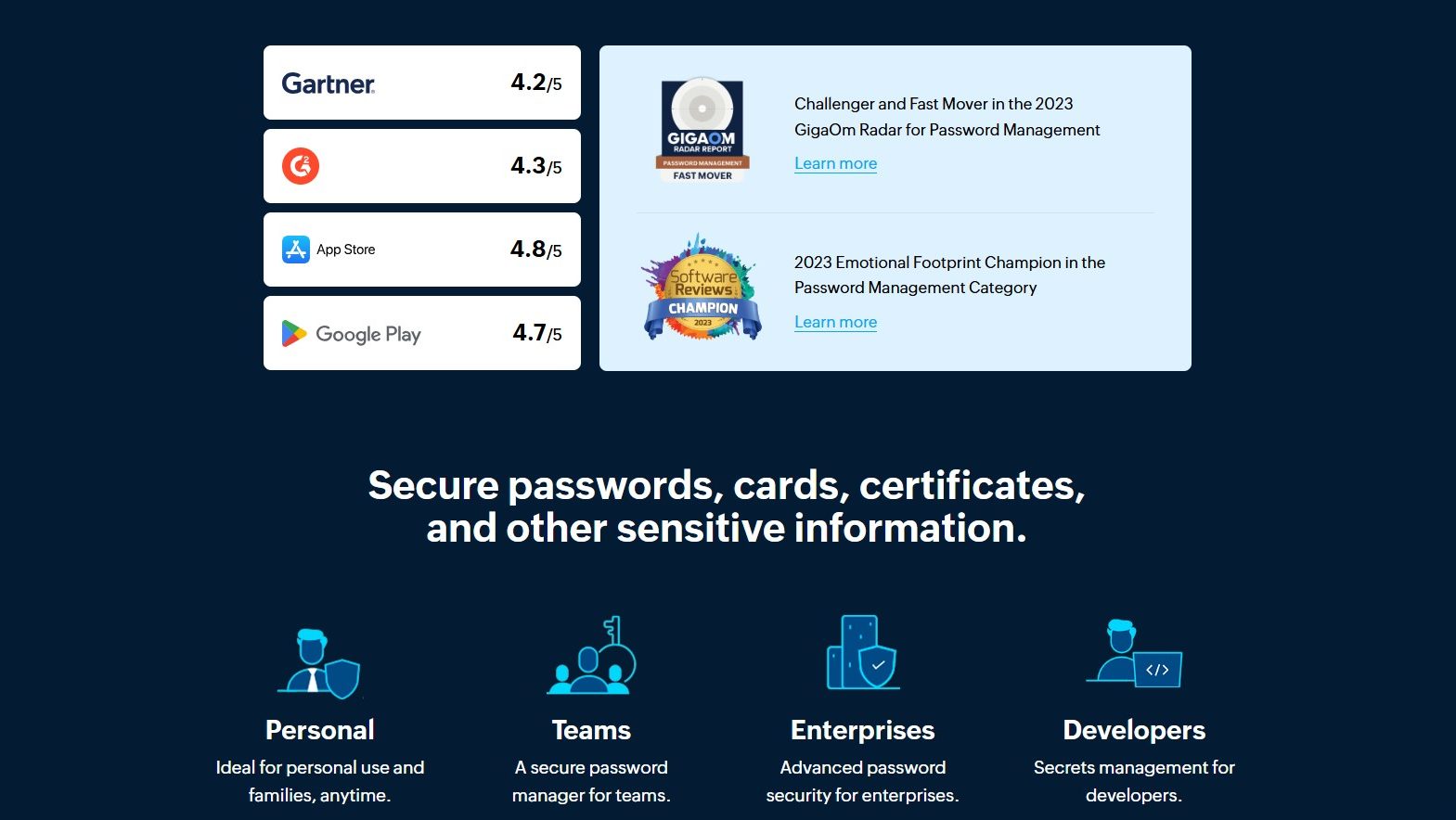
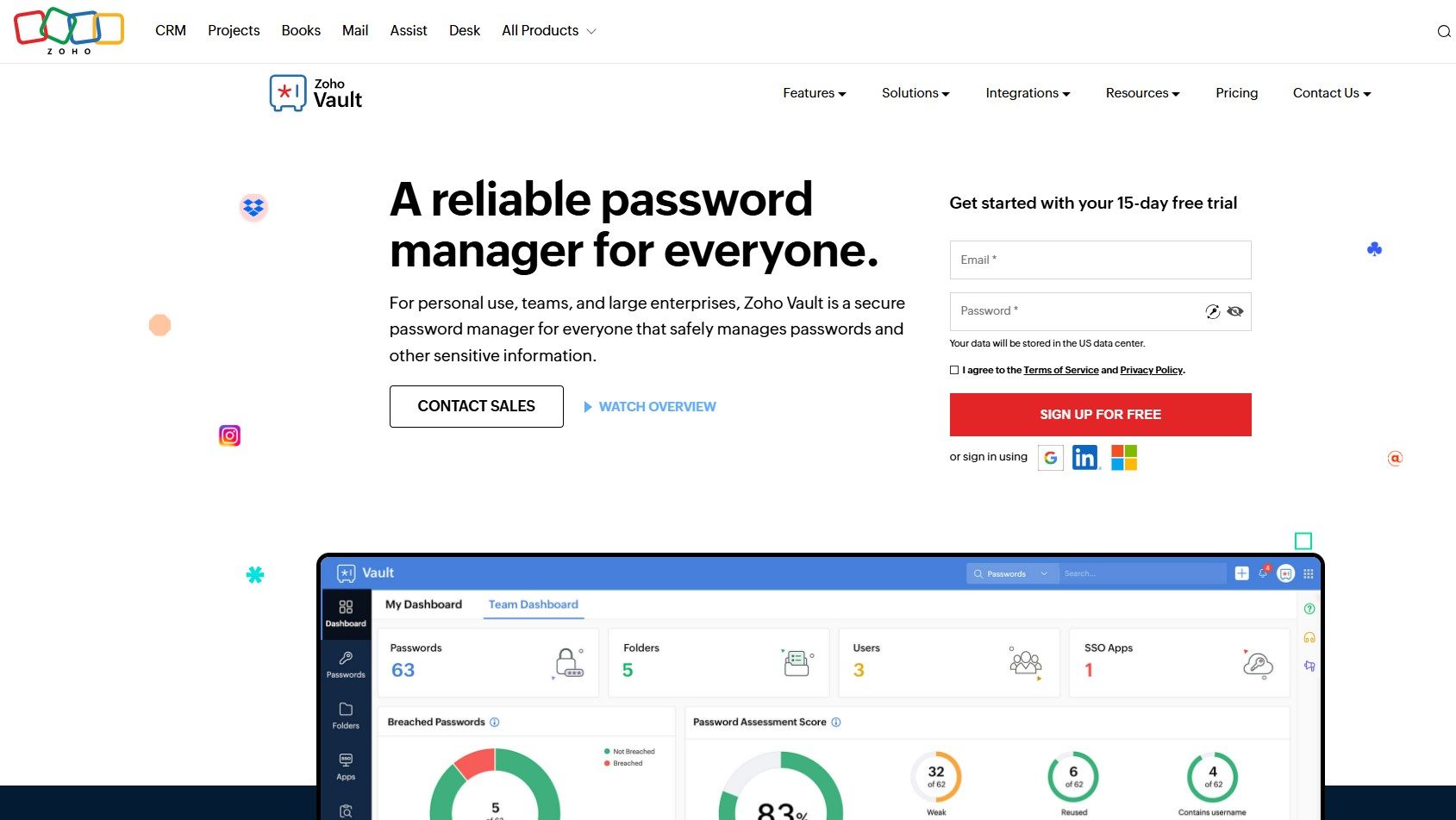
Zoho Vault screenshot 1
Zoho Vault screenshot 2