Sign in to review
Join our community of software reviewers on Subscribed.fyi

Continue With Google
Continue With LinkedIn
Continue Review with Email
Continue with Email
Enter your email to continue.
Continue
Enter your password
Enter your password to finish setting up your account.
Continue
Activate your email
Enter activation code we sent to your email.
Submit
Reset your password
Enter activation code we sent to your email.
Submit
Set your new password
Enter a new password for your account.
Submit
Categories
For Business
Log in
Provide My Insights
Add Product
Suggested products People also compare with
Add to Comparison
Suggested products People also compare with

Compare Microsoft OneNote and Evernote

We are comparing Microsoft OneNote and Evernote to evaluate which one is the best product.

Suggested products People also compare with
Review Pricing Alternatives Experience

Review

78%
27/36 Metric achieved
80%
28/36 Metric achieved

Subscribed Metric

Customer Support 4/6
Security 0/6
Ease of Use 6/6
Value of Money 6/6
Integration 5/6
Popularity 6/6

Subscribed Metric

Customer Support 4/6
Security 4/6
Ease of Use 5/6
Value of Money 5/6
Integration 4/6
Popularity 6/6

Pros & Cons

Highly intuitive and user-friendly interface.
Efficient organization with notebooks, sections, and pages.
Seamless integration with other Microsoft tools.
Real-time collaboration and automatic sync across devices.
Limited advanced features compared to competitors.
Search functionality can be restrictive.
Syncing issues between devices may occur.
Collaboration setup can feel clunky.

Pros & Cons

Robust organization and search capabilities
Easy cross-platform syncing and access
Great for team collaboration and task management
User-friendly design for note-taking
High pricing for advanced features
Learning curve for new users
Occasional performance issues
Task export functions are cumbersome

Conclusion

Microsoft OneNote is a feature-rich digital note-taking application that allows users to organize, share, and collaborate with ease. Key features include seamless integration with Microsoft 365, audio recording, handwriting recognition, and multi-device synchronization. It’s particularly useful for educators, marketers, and developers for its structure (notebooks, sections, pages) and searchability.

Compared to alternatives like Evernote (better for individual use) or Notion (superior for team collaboration), OneNote stands out for cost-efficiency and extensive Microsoft ecosystem integration but lacks Notion’s advanced collaboration tools and Evernote’s simplicity. Designers might find the interface minimal, while developers benefit from its structure for technical notes.

Pricing as part of Microsoft 365 makes it more affordable, with enterprise plans offering savings of up to 17% compared to similar tools. Its customer support is highly rated, making it reliable for both individual and professional use. Cost-effective and versatile, OneNote is an excellent choice for organizing workflows effectively.

Conclusion

Evernote is a versatile note-taking and organizational tool for professionals like designers, marketers, and developers. It supports text, images, web clippings, and file attachments, with powerful search features and offline accessibility. Pricing starts at free for Basic, with Premium at $7.99/month, and Teams at $14.99/month. Designers can benefit from its multimedia capabilities; developers may prefer tools like Notion for better collaboration; marketers appreciate its task-tracking flexibility. Customer support is reliable, but higher-tier subscriptions can be pricey, especially compared to free/cheaper alternatives. Evernote excels in cross-platform usability but can overwhelm beginners with its feature set. Its modern design remains appealing but faces tough competition from Google Keep and Notion. Cost-effectiveness depends on your needs.

Pricing

Microsoft OneNote Pricing

Pricing Range $6-$22/Month

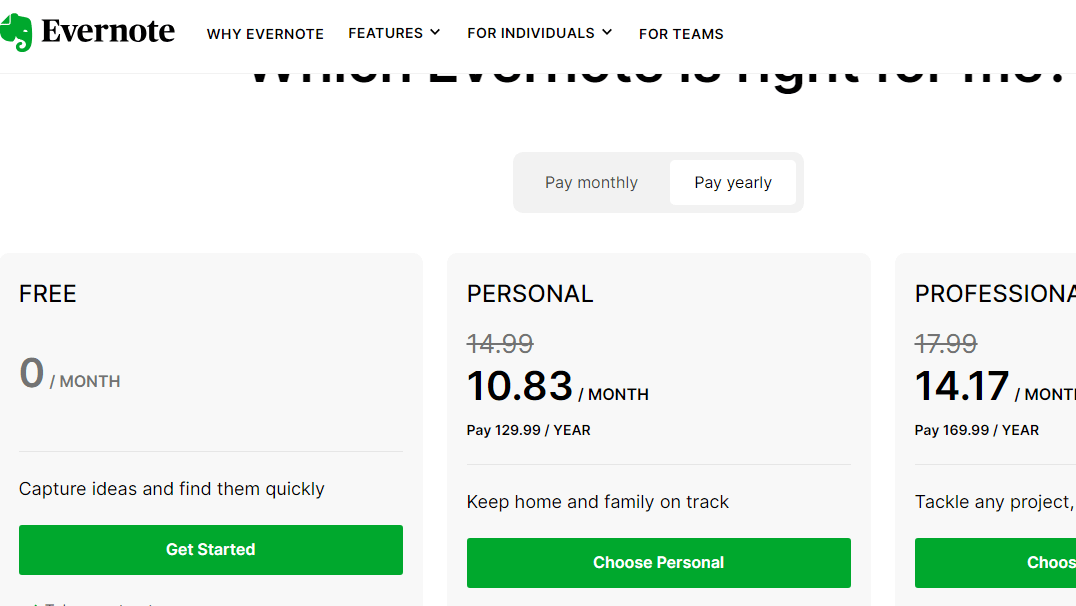
Evernote Pricing

Pricing Range $14.99-$24.99/Month

Alternatives

Microsoft OneNote Alternatives

Google Workspace logo

Google Workspace

90%
Notion logo

Notion

88%
Evernote logo

Evernote

80%
Notability logo

Notability

72%
See All Microsoft OneNote Alternatives

Evernote Alternatives

Google Workspace logo

Google Workspace

90%
Notion logo

Notion

88%
ClickUp logo

ClickUp

88%
Microsoft OneNote logo

Microsoft OneNote

78%
See All Evernote Alternatives

Experience

Microsoft OneNote Screenshots

Microsoft OneNote screenshot 1

Evernote Screenshots

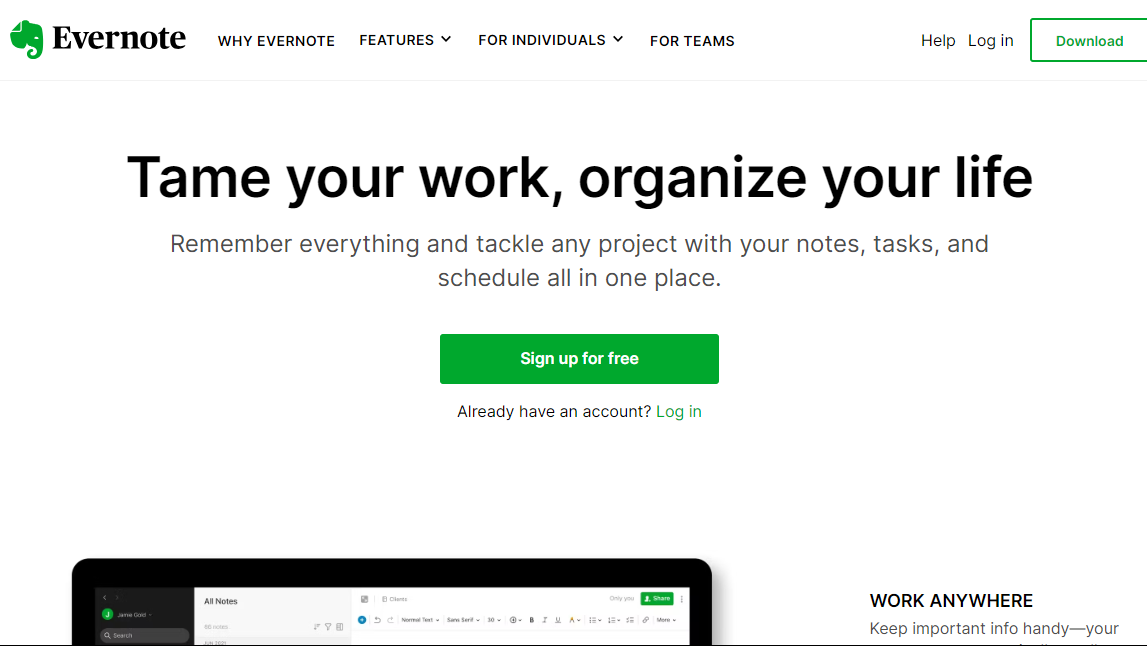
Evernote screenshot 1
Evernote screenshot 2
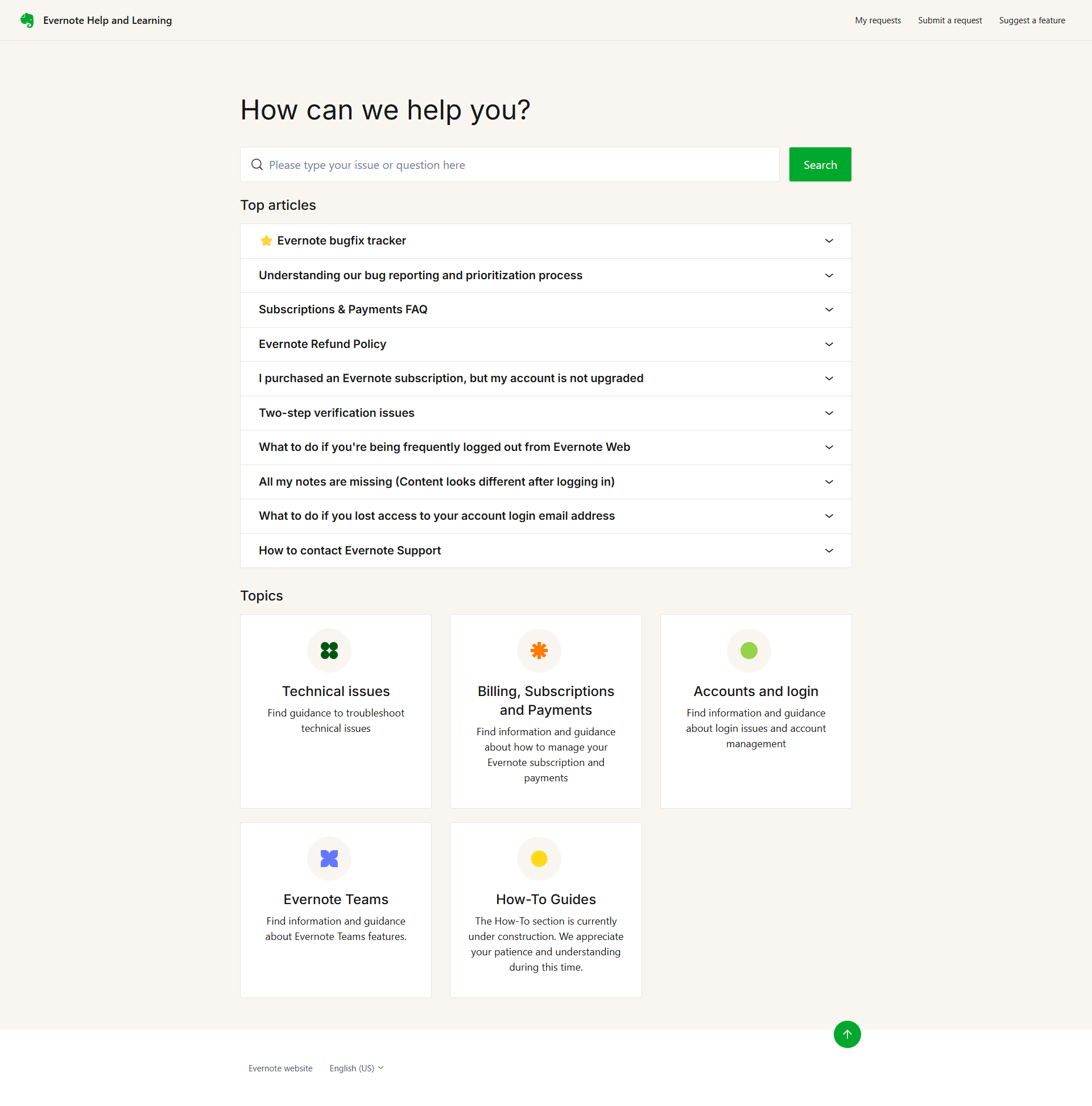
Evernote screenshot 3
Evernote screenshot 4