Sign in to review
Join our community of software reviewers on Subscribed.fyi

Continue With Google
Continue With LinkedIn
Continue Review with Email
Continue with Email
Enter your email to continue.
Continue
Enter your password
Enter your password to finish setting up your account.
Continue
Activate your email
Enter activation code we sent to your email.
Submit
Reset your password
Enter activation code we sent to your email.
Submit
Set your new password
Enter a new password for your account.
Submit
Categories
For Business
Log in
Provide My Insights
Add Product
Suggested products People also compare with
Add to Comparison
Suggested products People also compare with

Compare Mouseflow and Hotjar

We are comparing Mouseflow and Hotjar to evaluate which one is the best product.

Suggested products People also compare with
Review Pricing Alternatives Experience

Review

88%
31/36 Metric achieved
88%
31/36 Metric achieved

Subscribed Metric

Customer Support 5/6
Security 5/6
Ease of Use 6/6
Value of Money 5/6
Integration 4/6
Popularity 6/6

Subscribed Metric

Customer Support 5/6
Security 4/6
Ease of Use 6/6
Value of Money 5/6
Integration 5/6
Popularity 6/6

Pros & Cons

Easy to set up and use
Valuable session recordings
Comprehensive heatmaps
Improves user insights
Confusing mobile usability
Expensive plans for small users
Issues with JavaScript tracking
Limited cross-domain tracking

Pros & Cons

Intuitive heatmaps and session recordings for insights.
Tracks user behavior and conversion funnels effectively.
Easy setup and user-friendly interface.
Helps identify and resolve user pain points.
Can be complex to configure for beginners.
Sampling limits may hinder insights for large sites.
Issues with tracking reliability reported by some users.
Higher plans can be costly for small businesses.

Conclusion

Mouseflow is a comprehensive behavior analytics tool ideal for marketers, UX designers, and product managers. It offers session recordings, six types of heatmaps, funnel visualization, form analytics, and user feedback tools. Its filters and friction scores enhance usability optimization. Pricing ranges from a Free Forever plan to $399/month for advanced needs. Compared to tools like Fullstory and Hotjar, Mouseflow is more affordable and offers machine learning insights but may lack A/B testing. Support is well-rated, and it provides great cost-effectiveness for small to mid-sized enterprises.

Conclusion

Hotjar, part of Contentsquare, is a behavioral analytics and feedback tool tailored for marketers, designers, and user researchers. Its key features include heatmaps, session recordings, surveys, and conversion funnel tracking. It efficiently combines qualitative and quantitative data, offering a user-friendly interface with GDPR compliance and strong collaboration tools. Pricing begins with a free tier, scaling up to premium plans for detailed insights.

Pros: Simplified setup, intuitive UI, versatile data analysis for optimizing UX.
Cons: Limited sampling on free plans, occasional tracking issues.

Comparatively, tools like Fullstory and Mouseflow provide deeper integrations and segmenting, but Hotjar excels in cost-effectiveness and ease of use. Its support is well-regarded, though performance lags have been noted under high traffic.

Overall, Hotjar is ideal for identifying user pain points and testing hypotheses, especially for small to mid-sized teams.

Pricing

Mouseflow Pricing

Pricing Range $31-$499/Month

Hotjar Pricing

Pricing Range $31-350/Month See Hotjar Pricing

Alternatives

Mouseflow Alternatives

Glassbox logo

Glassbox

95%
Hotjar logo

Hotjar

88%
FullStory logo

FullStory

83%
Lucky Orange logo

Lucky Orange

83%
See All Mouseflow Alternatives

Hotjar Alternatives

Glassbox logo

Glassbox

95%
Mouseflow logo

Mouseflow

88%
FullStory logo

FullStory

83%
Plerdy logo

Plerdy

81%
See All Hotjar Alternatives

Experience

Mouseflow Screenshots

Mouseflow screenshot 1

Hotjar Screenshots

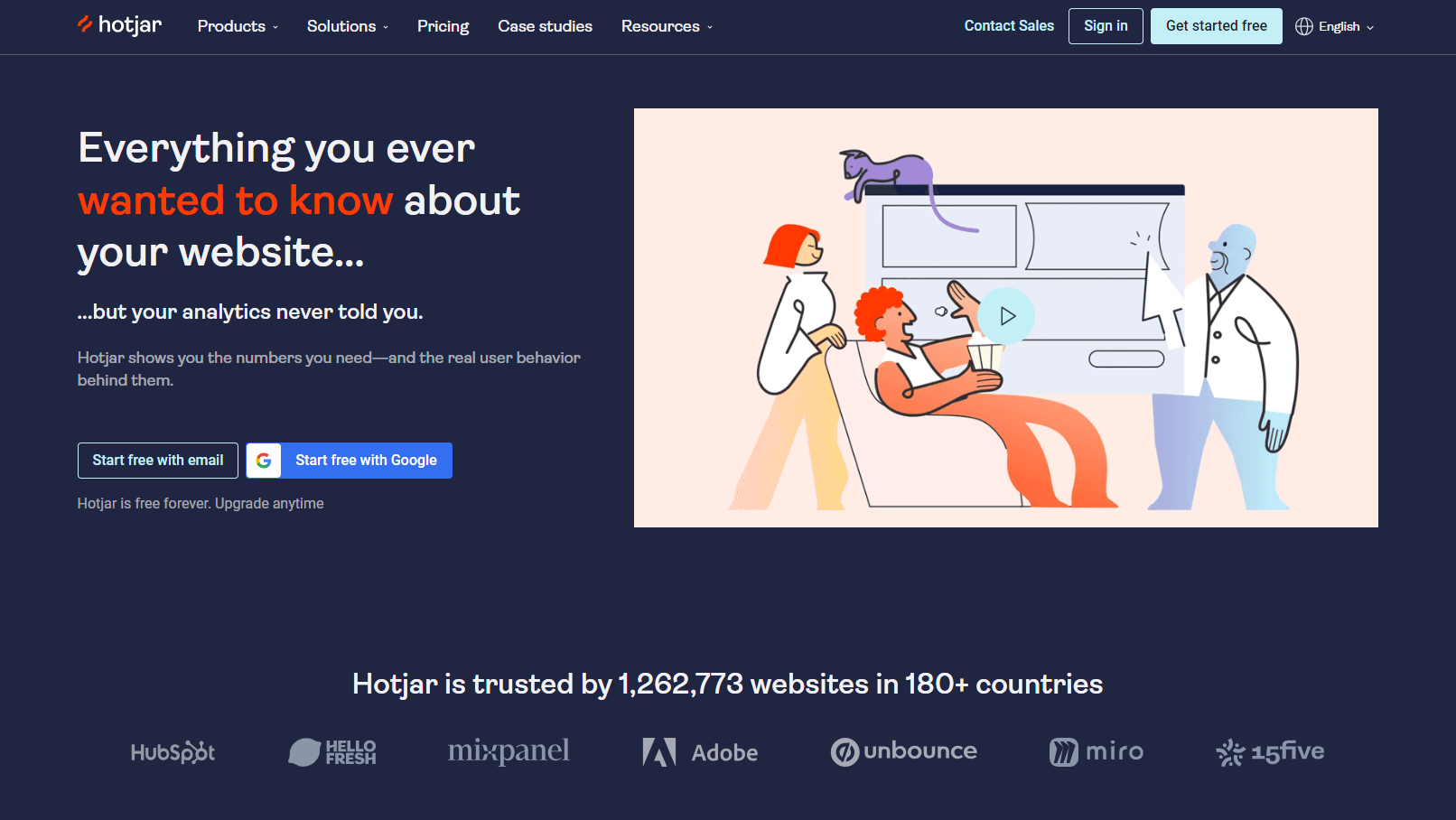
Hotjar screenshot 1
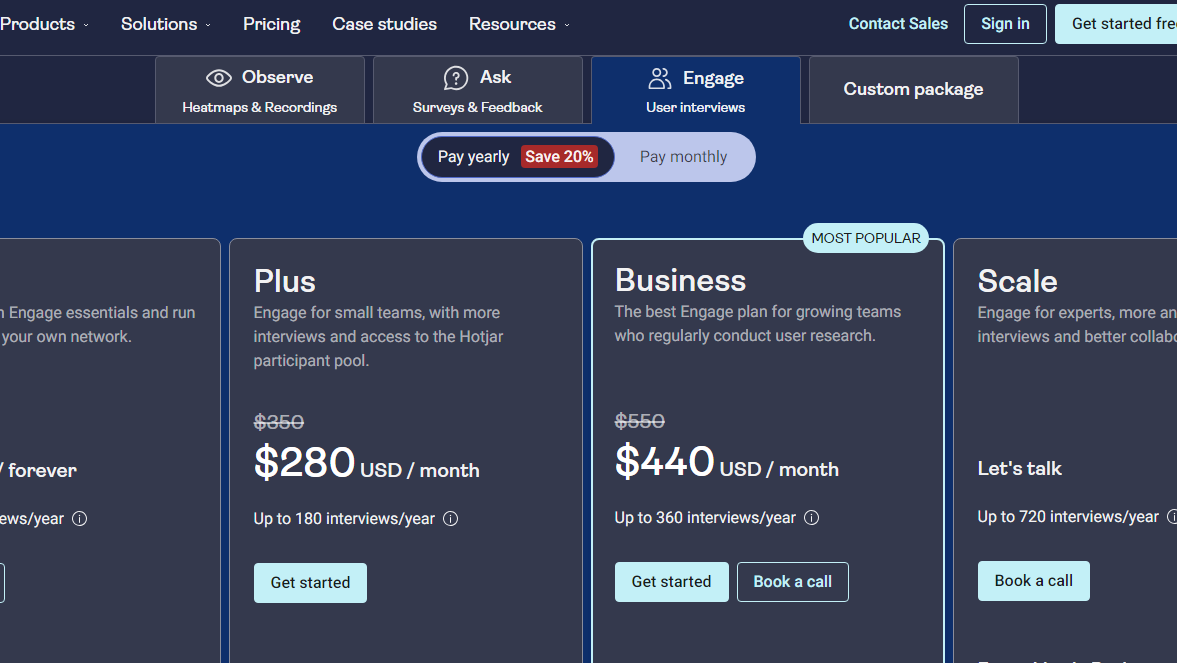
Hotjar screenshot 2
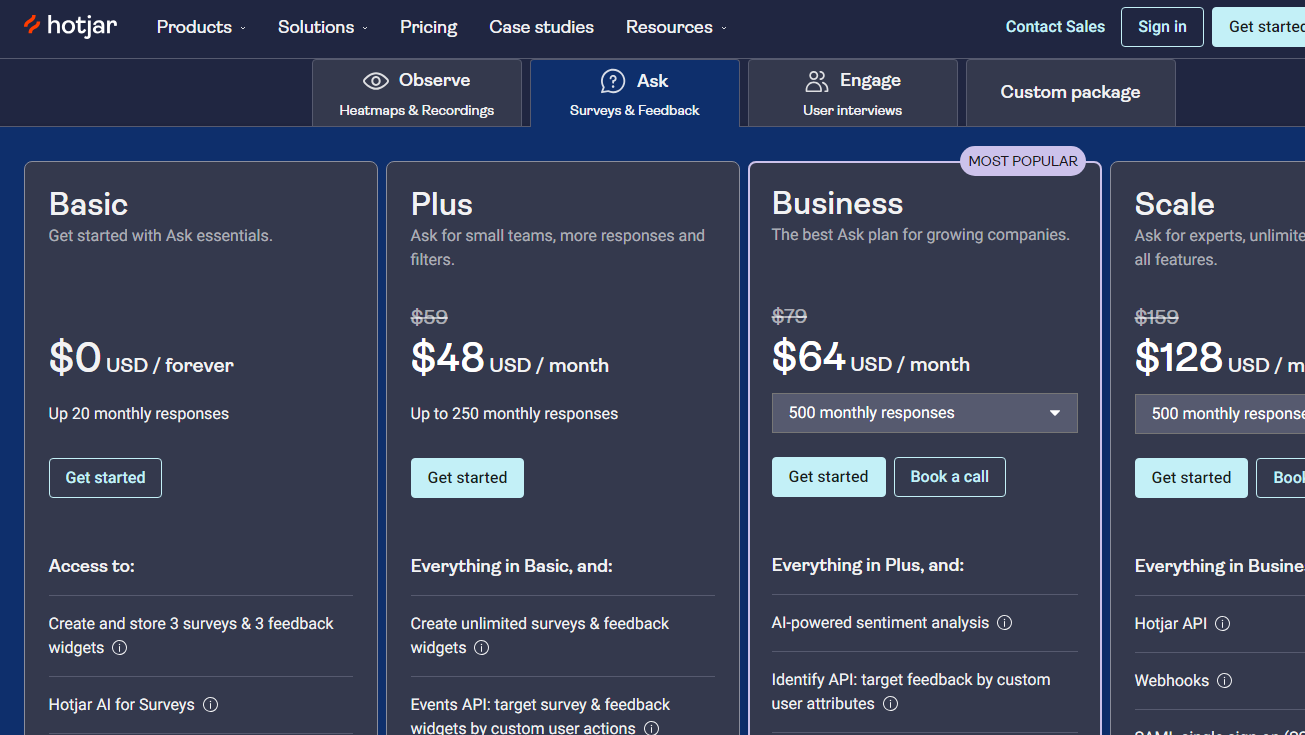
Hotjar screenshot 3
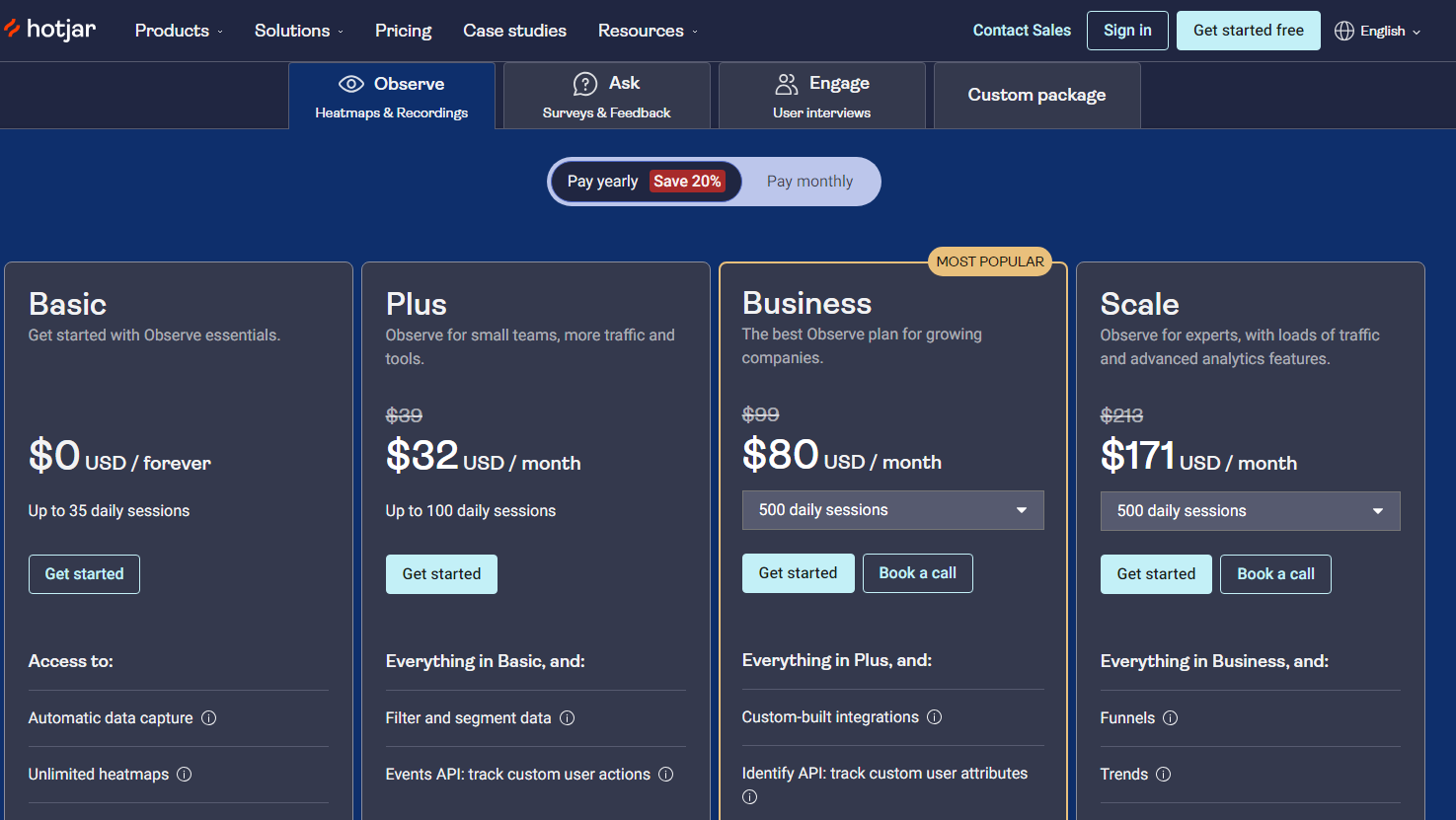
Hotjar screenshot 4