Sign in to review
Join our community of software reviewers on Subscribed.fyi

Continue With Google
Continue With LinkedIn
Continue Review with Email
Continue with Email
Enter your email to continue.
Continue
Enter your password
Enter your password to finish setting up your account.
Continue
Activate your email
Enter activation code we sent to your email.
Submit
Reset your password
Enter activation code we sent to your email.
Submit
Set your new password
Enter a new password for your account.
Submit
Categories
For Business
Log in
Provide My Insights
Add Product
Suggested products People also compare with
Add to Comparison
Suggested products People also compare with

Compare Notepad and UltraEdit

We are comparing Notepad and UltraEdit to evaluate which one is the best product.

Suggested products People also compare with
Review Pricing Alternatives Experience

Review

90%
32/36 Metric achieved
78%
27/36 Metric achieved

Subscribed Metric

Customer Support 4/6
Security 5/6
Ease of Use 6/6
Value of Money 6/6
Integration 5/6
Popularity 6/6

Subscribed Metric

Customer Support 4/6
Security 5/6
Ease of Use 5/6
Value of Money 4/6
Integration 3/6
Popularity 6/6

Pros & Cons

Free and lightweight
Supports multiple programming languages
Powerful search and replace
Customizable with plugins
Limited to Windows OS
High memory usage with many files open
Plugins vary in quality
Interface feels complex for new users

Pros & Cons

Handles large files efficiently
Column editing and customization options
Supports various programming languages
Fast and reliable text editing features
High price compared to alternatives
Outdated user interface design
Limited free version availability
Can feel overwhelming due to extensive features

Conclusion

Notepad++ Product Overview

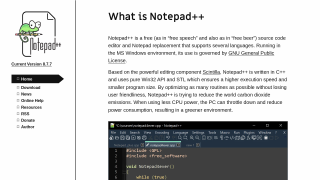
Notepad++ is a free, open-source text and code editor built for developers and IT professionals. Key features include syntax highlighting for numerous languages, code folding, autocomplete, multi-tab functionality, and plugin support to enhance productivity. Lightweight yet powerful, it is resource-efficient and versatile.

Comparison with Alternatives:
Compared to VS Code or Sublime Text, Notepad++ is simpler but lacks advanced collaboration features or visual debugging. Best for beginners or lightweight tasks.

Pros for Developers: Free, fast, customizable, and easy-to-use. Cons for Designers/Marketers: Limited beyond coding tasks.

Customer support is community-driven, and it’s highly cost-effective. Ideal for small budgets or personal use!

Conclusion

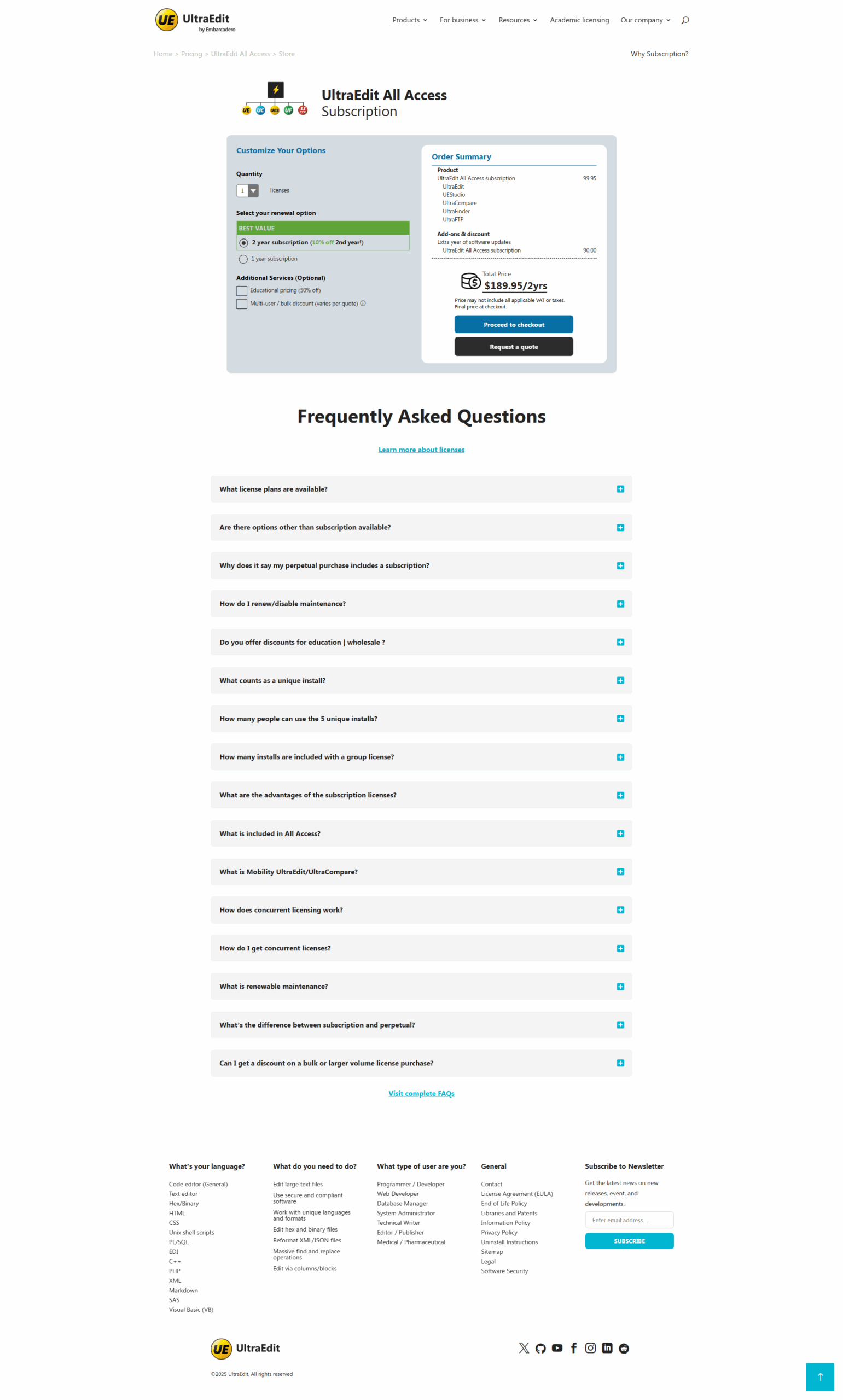
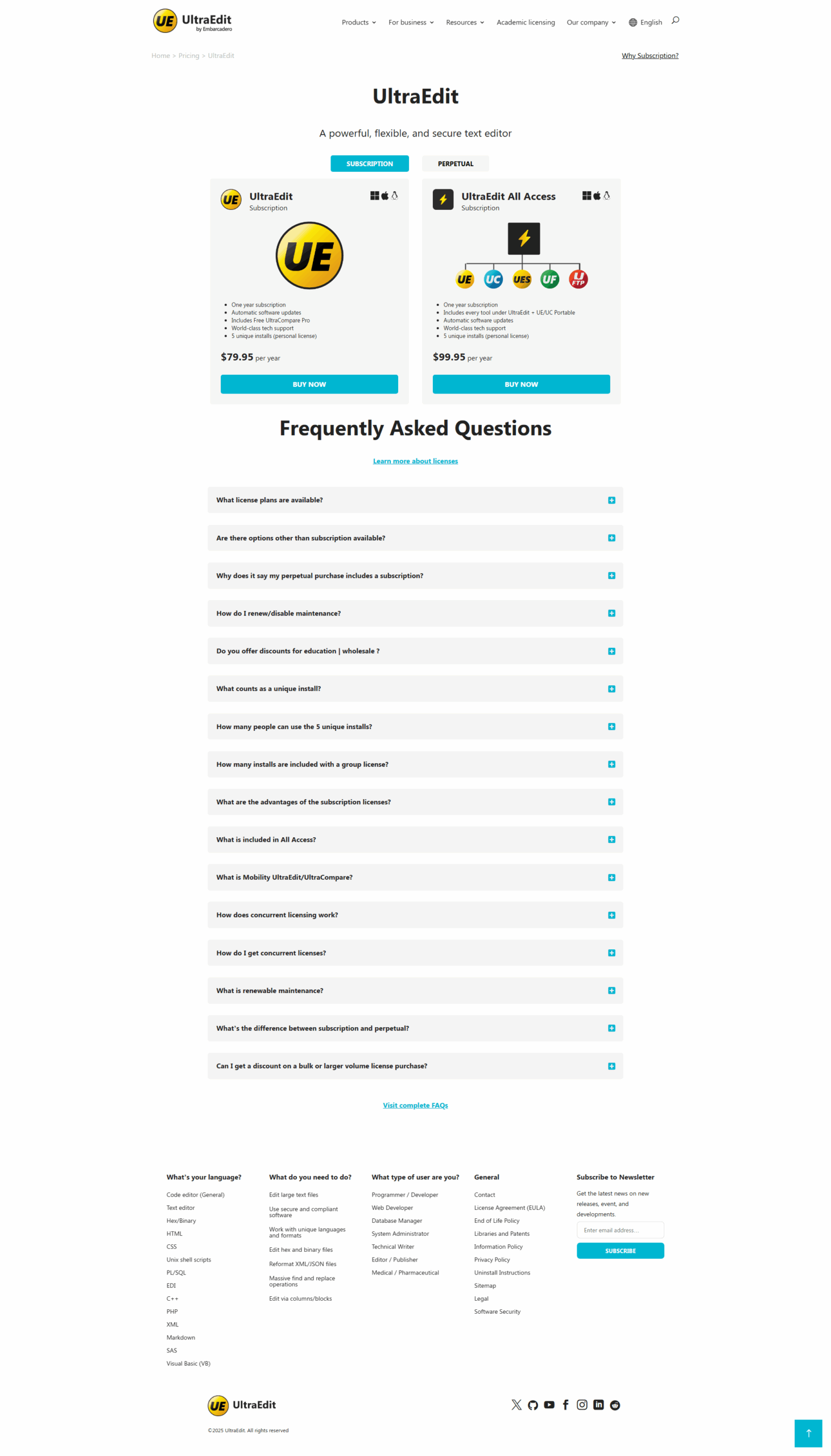
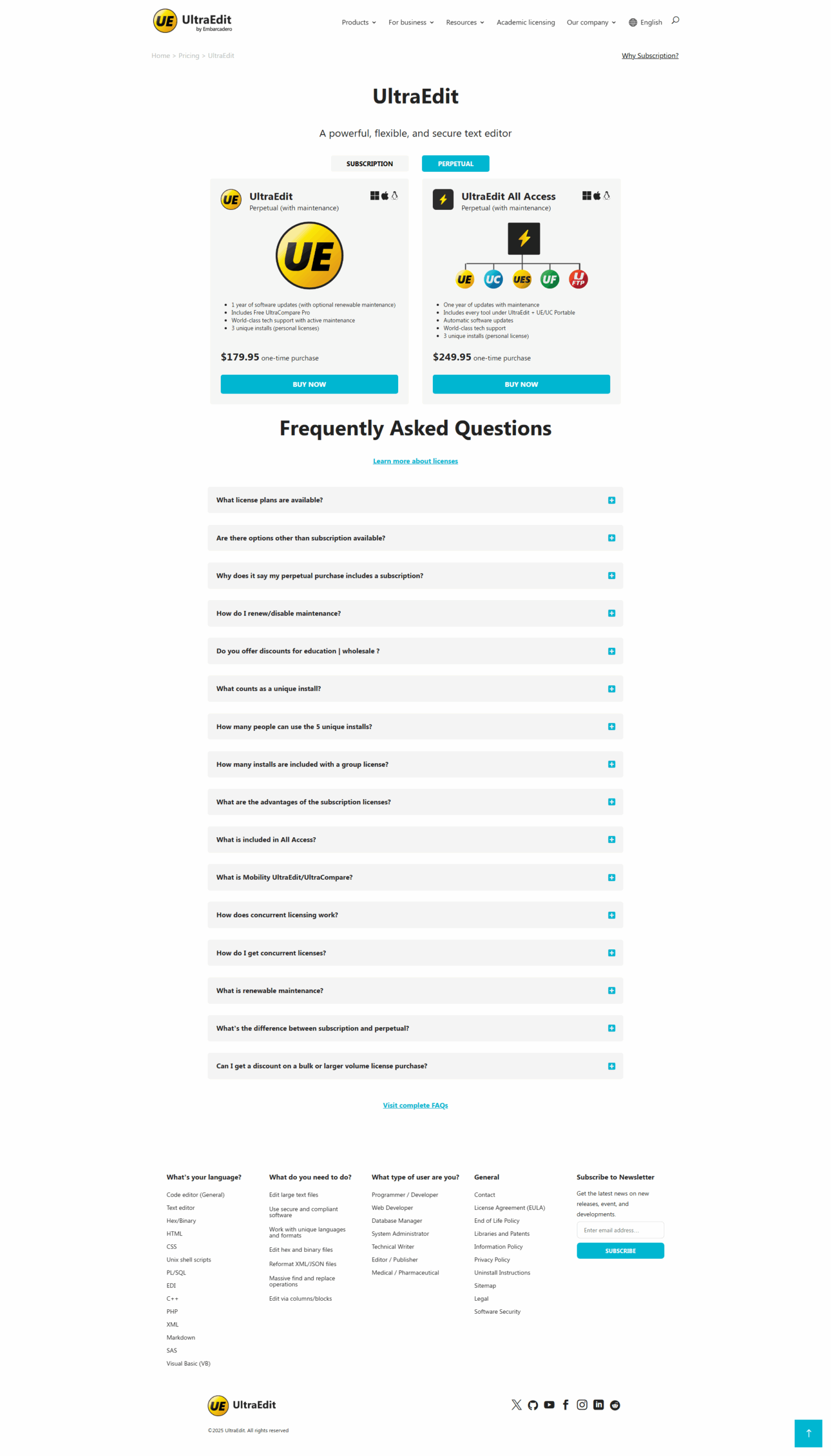
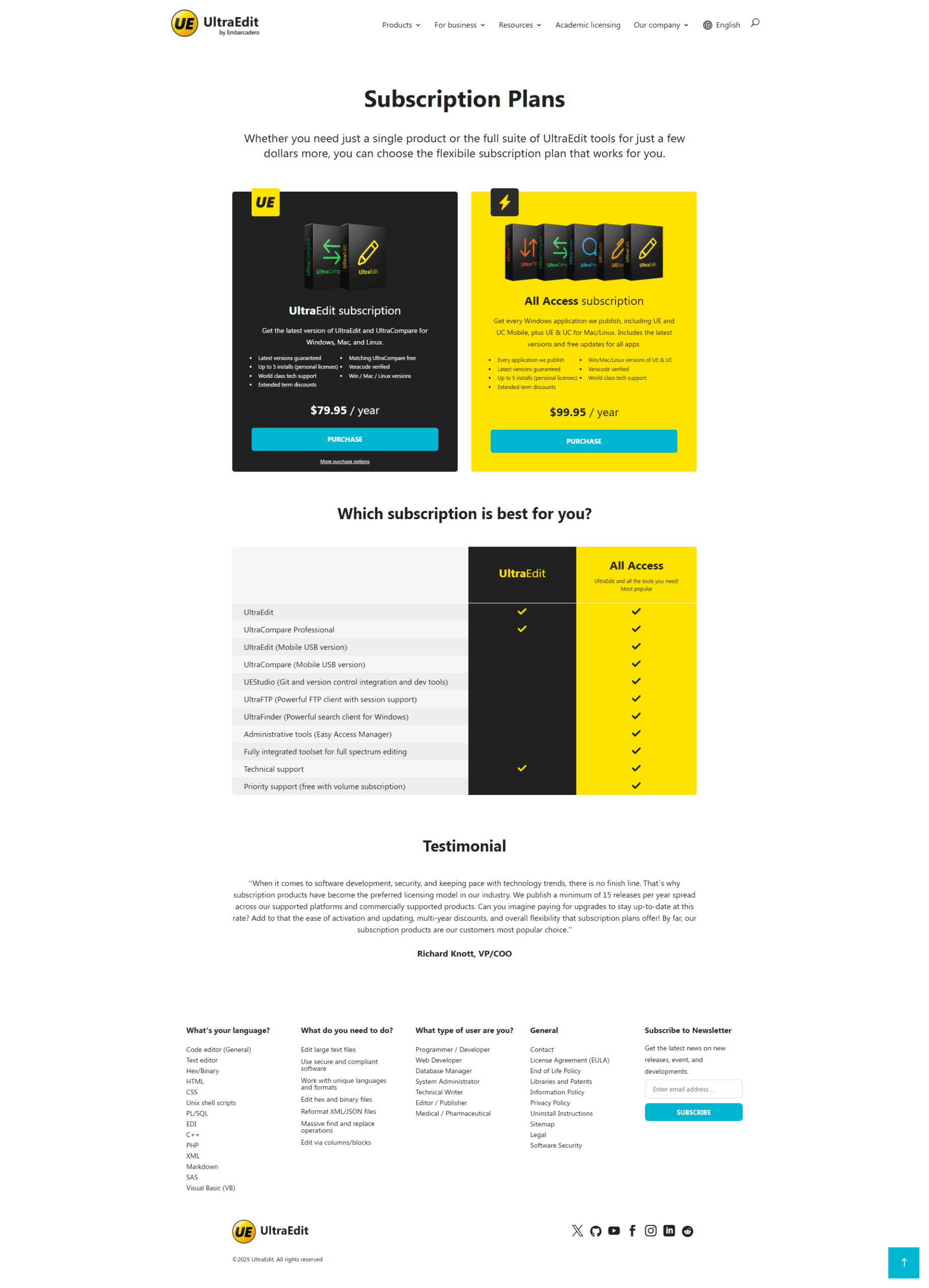
UltraEdit is a robust text editor tailored to developers, data analysts, and IT professionals, handling large files with ease. Key features include syntax highlighting, column editing, (S)FTP support, and cross-platform compatibility (Windows, Mac, Linux). Advantages over alternatives like Notepad++ or Visual Studio Code include superior file-handling capacity and workflow customization without plugins. Priced at $99.95/year or $119.95/one-time, its cost may deter users favoring free software. UltraEdit’s excellent customer support and integrated tools (e.g., UltraCompare) enhance productivity, making it ideal for heavy-duty editing, though its interface could use refinement.

Pricing

Notepad Pricing

Pricing Range Not specified

UltraEdit Pricing

Pricing Range $6.66-$8.33/Month See UltraEdit Pricing

Alternatives

Notepad Alternatives

Visual Studio Code logo

Visual Studio Code

93%
Sublime Text logo

Sublime Text

83%
UltraEdit logo

UltraEdit

78%
TextPad logo

TextPad

73%
See All Notepad Alternatives

UltraEdit Alternatives

Visual Studio Code logo

Visual Studio Code

93%
Notepad logo

Notepad

90%
Sublime Text logo

Sublime Text

83%
Evernote logo

Evernote

80%
See All UltraEdit Alternatives

Experience

Notepad Screenshots

Notepad screenshot 1

UltraEdit Screenshots

UltraEdit screenshot 1
UltraEdit screenshot 2
UltraEdit screenshot 3
UltraEdit screenshot 4