Sign in to review
Join our community of software reviewers on Subscribed.fyi

Continue With Google
Continue With LinkedIn
Continue Review with Email
Continue with Email
Enter your email to continue.
Continue
Enter your password
Enter your password to finish setting up your account.
Continue
Activate your email
Enter activation code we sent to your email.
Submit
Reset your password
Enter activation code we sent to your email.
Submit
Set your new password
Enter a new password for your account.
Submit
Categories
For Business
Log in
Provide My Insights
Add Product
Suggested products People also compare with
Add to Comparison
Suggested products People also compare with

Compare Phind and GitHub

We are comparing Phind and GitHub to evaluate which one is the best product.

Suggested products People also compare with
Review Pricing Alternatives Experience

Review

67%
24/36 Metric achieved
85%
30/36 Metric achieved

Subscribed Metric

Customer Support 3/6
Security 4/6
Ease of Use 5/6
Value of Money 5/6
Integration 3/6
Popularity 4/6

Subscribed Metric

Customer Support 4/6
Security 4/6
Ease of Use 5/6
Value of Money 5/6
Integration 6/6
Popularity 6/6

Pros & Cons

Specialized for developers with deep understanding of programming languages and frameworks
Provides real-time answers using live web data and up-to-date documentation
Combines AI chat with search for faster and more accurate coding solutions
Explains errors and suggests fixes with clear, contextual guidance
Free to use with no login required for basic access
Primarily useful for coding tasks, limited value for non-technical users
Accuracy still depends on available web sources and context
Advanced capabilities or higher usage may require paid access
Not a full development environment or IDE replacement

Pros & Cons

Facilitates efficient collaboration on projects.
Extensive integrations and automation tools.
User-friendly interface with vast community support.
Free tier and cost-effective for small projects.
Steep learning curve for beginners.
Complex navigation in large repositories.
Conflict resolution can be tricky at times.
Premium features can be expensive.

Other Platform Review

Data Unavailable This information for the product is not yet available. Please check back later or explore directly on product website.

Conclusion

Phind AI’s biggest advantage is its specialization. Unlike general-purpose AI tools, it is built specifically for developers, which results in more accurate and context-aware coding answers. Its integration with live web data also ensures responses are aligned with current documentation and best practices.

However, its narrow focus limits its usefulness outside of programming. It also does not replace full IDEs or advanced coding agents, as it mainly focuses on search, explanation, and assistance rather than full workflow automation. It is best suited for developers who want faster, more reliable answers to technical questions without switching between multiple resources.

Conclusion

GitHub, a leading version control and DevOps platform, simplifies collaborative software development with key features like GitHub Actions for CI/CD, Codespaces for remote development, and secure code hosting. It’s ideal for developers and organizations of all sizes, though designers and marketers might find its UI technical. Compared to GitLab and Bitbucket, GitHub offers a polished UX and extensive third-party integrations but has costly advanced plans. Customer support and free-tier features make it cost-effective.

Pricing

Phind Pricing

Pricing Range $0–$20/Month See Phind Pricing

GitHub Pricing

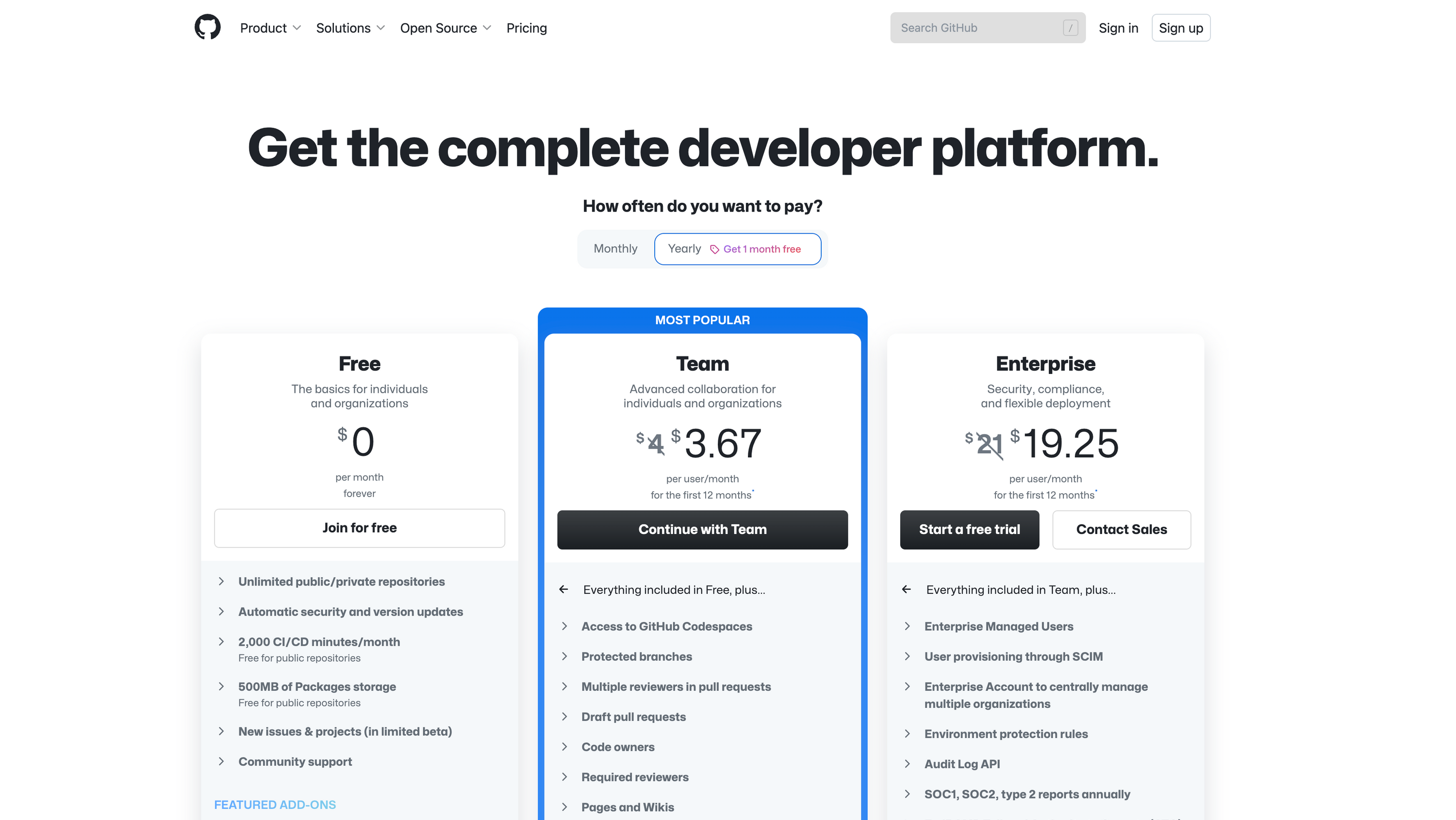
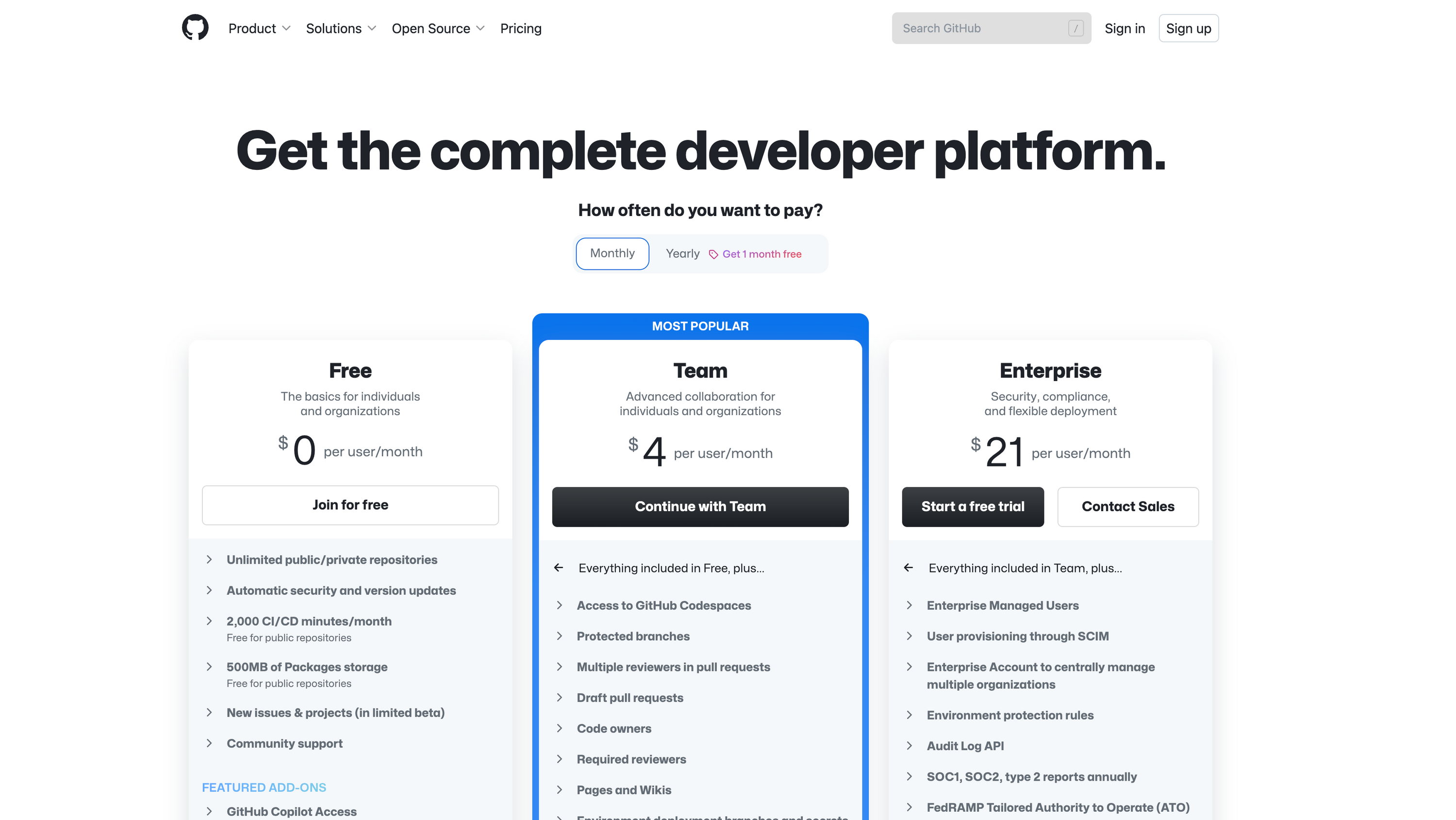
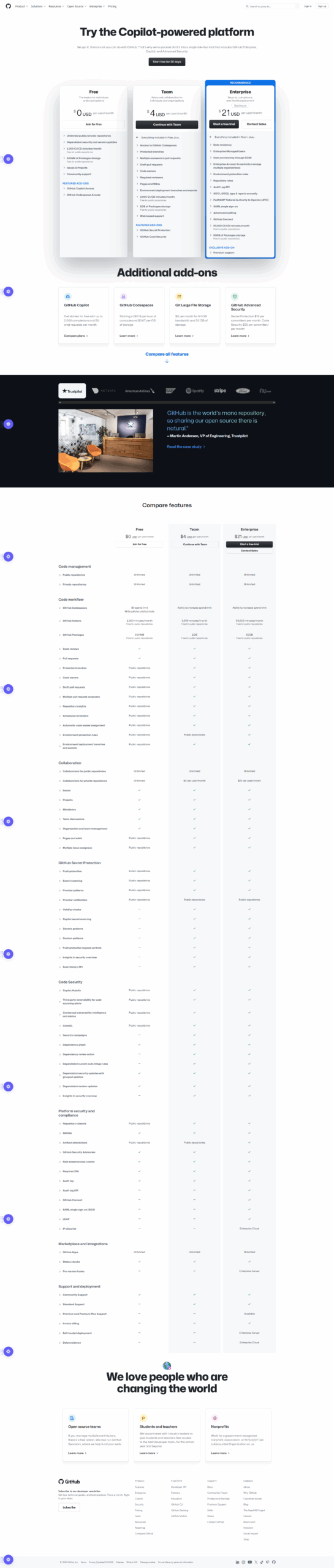
Pricing Range $4-$21/Month See GitHub Pricing

Alternatives

Phind Alternatives

ChatGPT logo

ChatGPT

88%
GitHub logo

GitHub

85%
You.com logo

You.com

64%
See All Phind Alternatives

GitHub Alternatives

JIRA logo

JIRA

90%
Bitbucket logo

Bitbucket

85%
GitLab logo

GitLab

83%
Jenkins logo

Jenkins

80%
See All GitHub Alternatives

Experience

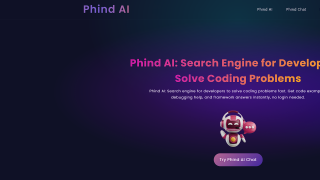
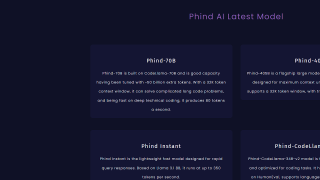
Phind Screenshots

Phind screenshot 1
Phind screenshot 2

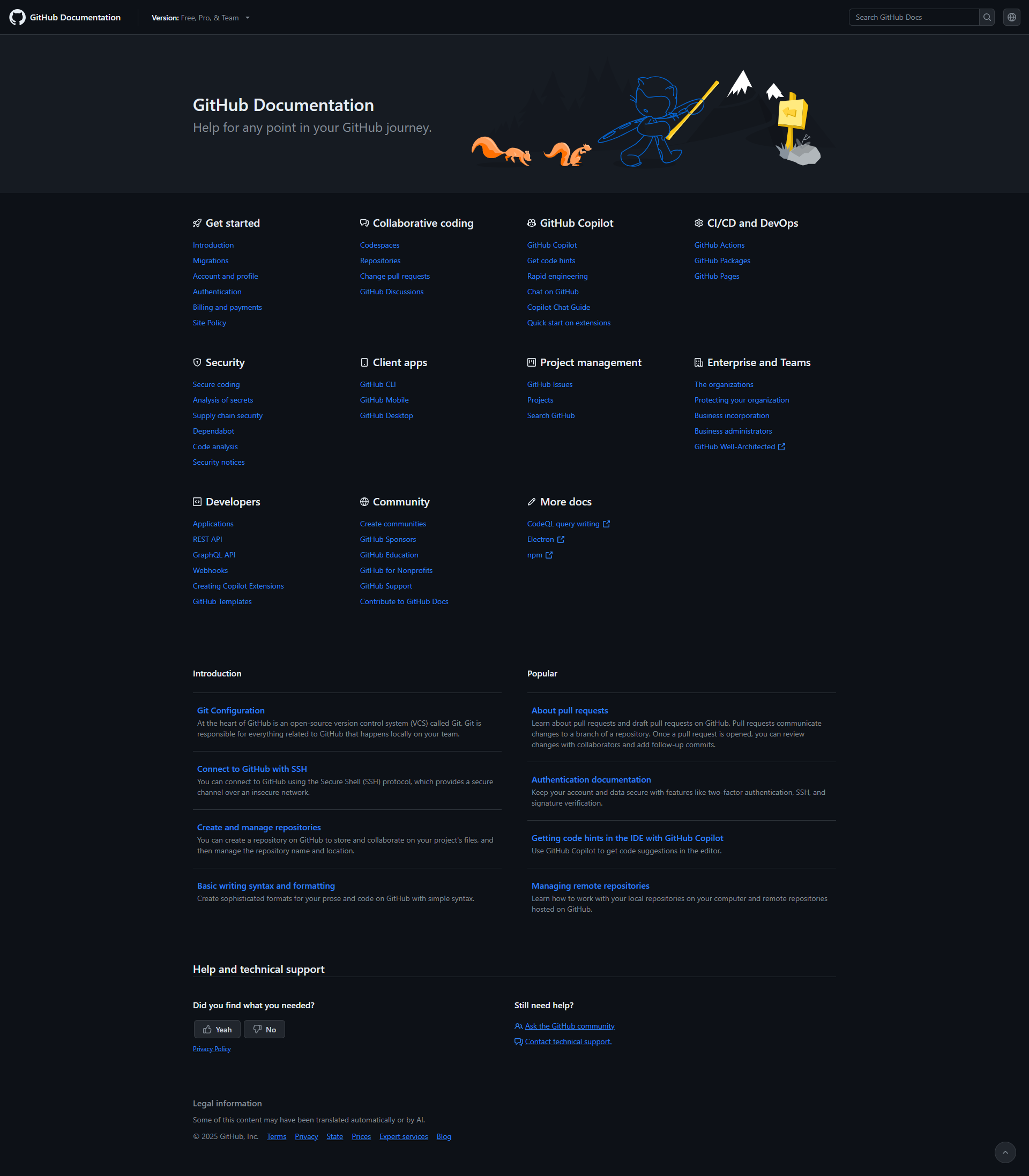
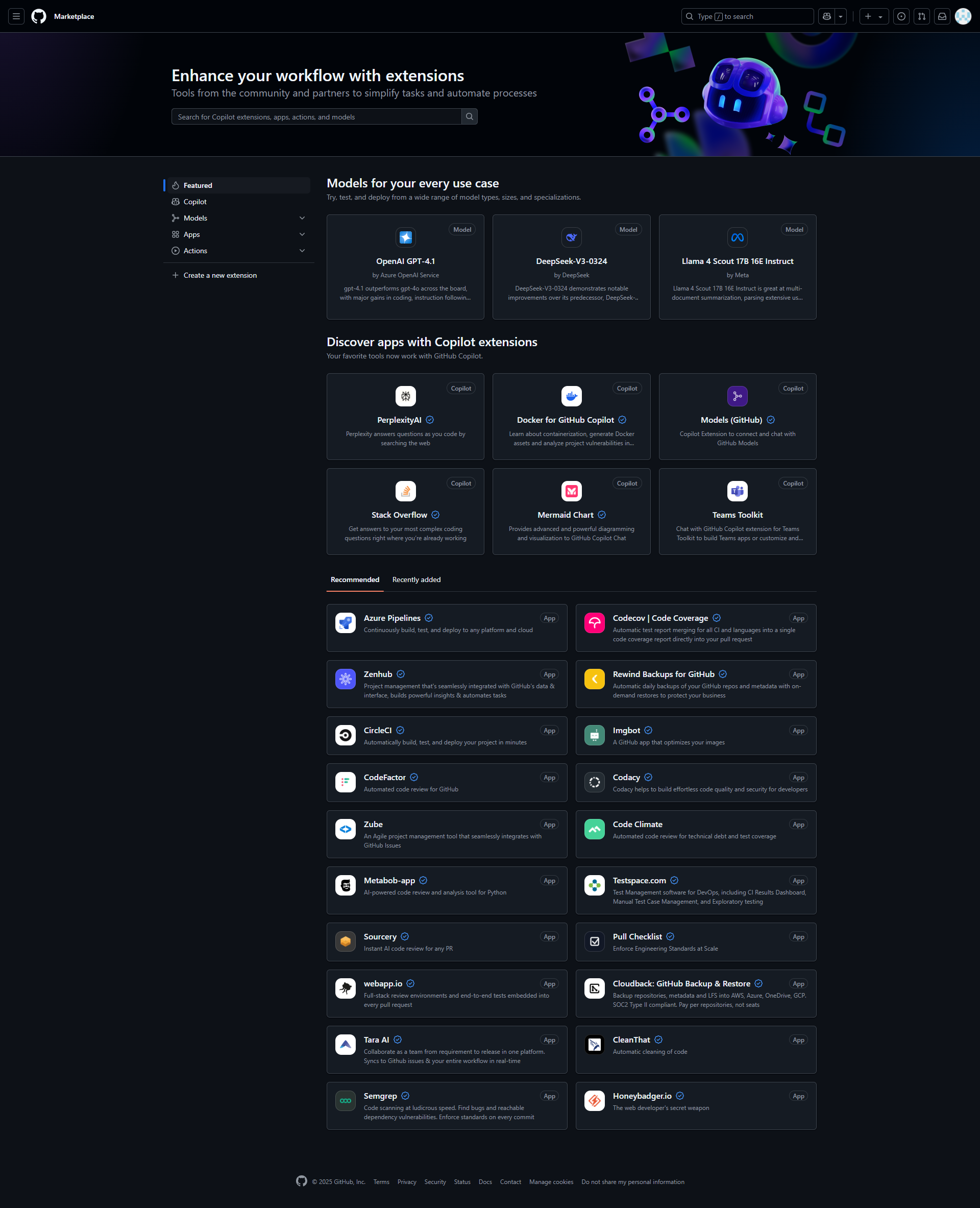
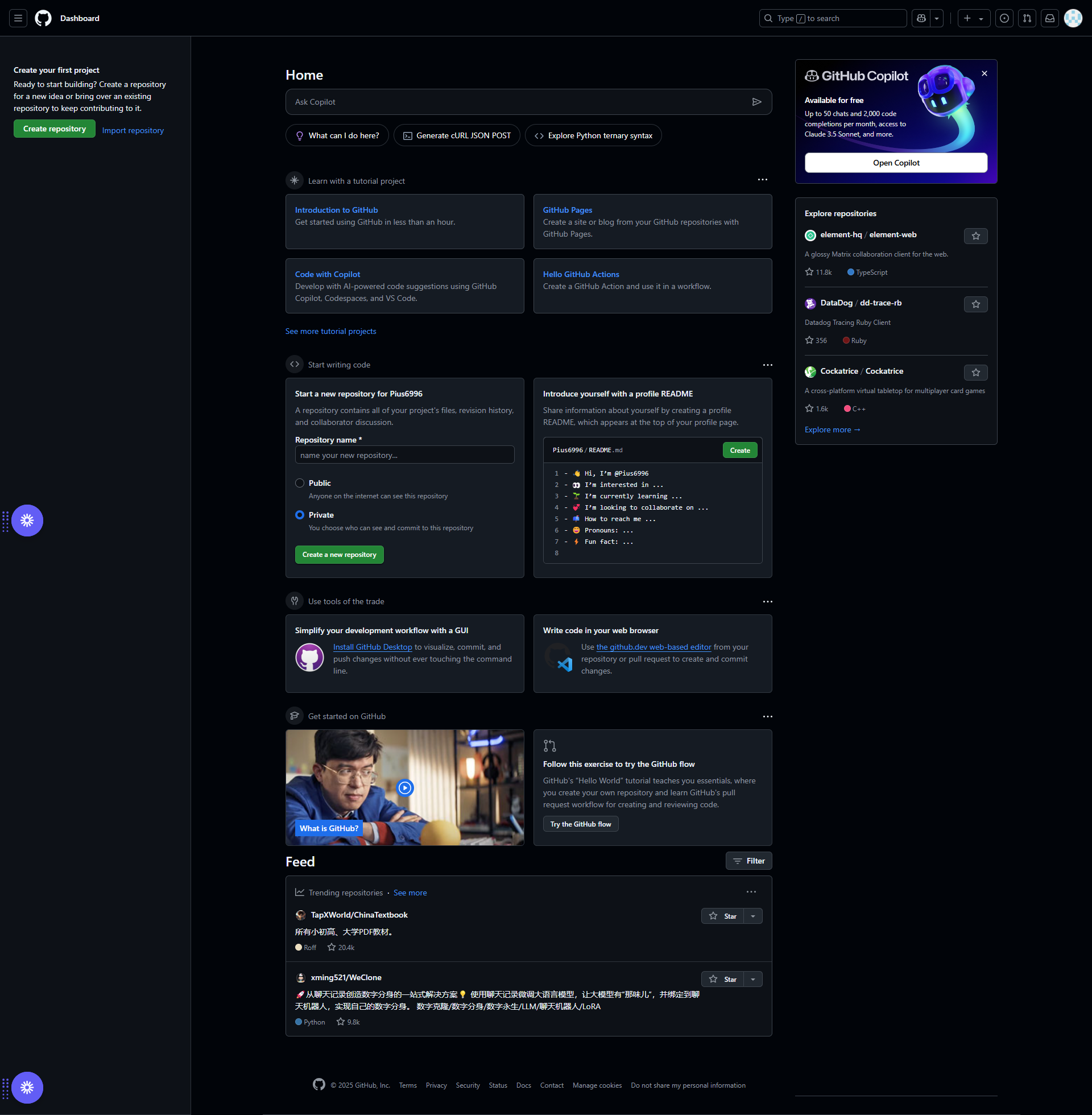
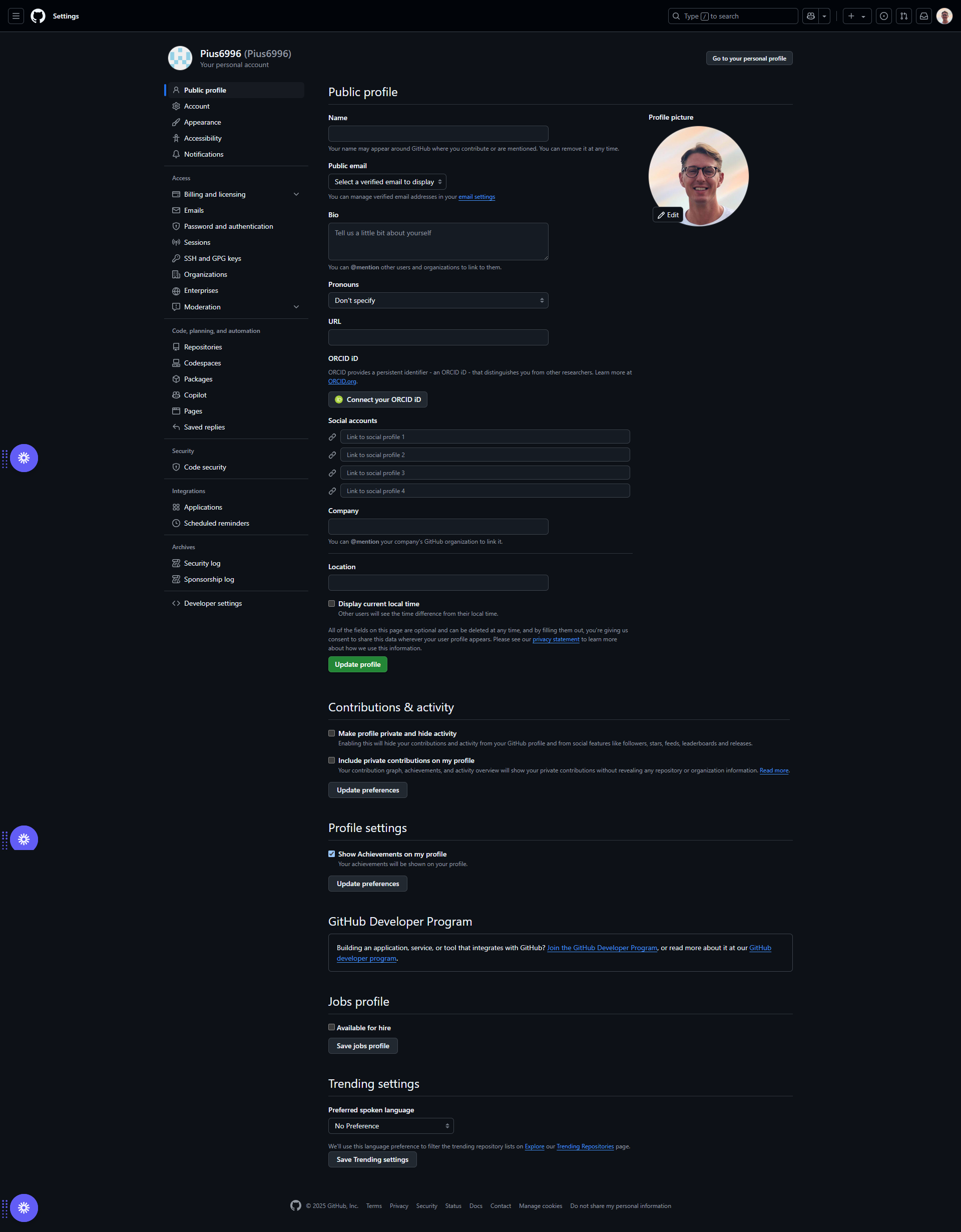
GitHub Screenshots

GitHub screenshot 1
GitHub screenshot 2
GitHub screenshot 3
GitHub screenshot 4
GitHub screenshot 5
GitHub screenshot 6
GitHub screenshot 7
GitHub screenshot 8
GitHub screenshot 9
GitHub screenshot 10