Sign in to review
Join our community of software reviewers on Subscribed.fyi

Continue With Google
Continue With LinkedIn
Continue Review with Email
Continue with Email
Enter your email to continue.
Continue
Enter your password
Enter your password to finish setting up your account.
Continue
Activate your email
Enter activation code we sent to your email.
Submit
Reset your password
Enter activation code we sent to your email.
Submit
Set your new password
Enter a new password for your account.
Submit
Categories
For Business
Log in
Provide My Insights
Add Product
Suggested products People also compare with
Add to Comparison
Suggested products People also compare with

Compare PhotoBulk and Simplified

We are comparing PhotoBulk and Simplified to evaluate which one is the best product.

Suggested products People also compare with
Review Pricing Alternatives Experience

Review

50%
18/36 Metric achieved
73%
25/36 Metric achieved

Subscribed Metric

Customer Support 4/6
Security 0/6
Ease of Use 6/6
Value of Money 5/6
Integration 0/6
Popularity 3/6

Subscribed Metric

Customer Support 4/6
Security 0/6
Ease of Use 6/6
Value of Money 5/6
Integration 4/6
Popularity 6/6

Pros & Cons

Easy and fast batch editing
Minimal and user-friendly interface
Efficient for resizing, watermarking, optimizing
Handles bulk file processing smoothly
Limited text style options
Occasional crashes with heavy multitasking
Lacks automation features like folder monitoring
Expensive for small businesses or advanced needs

Pros & Cons

User-friendly and easy to navigate
Comprehensive tool for content creation
Effective AI content generation
All-in-one marketing solution
Limited free credit availability
Occasional complexity with template options
Some advanced features require paid plans
AI-generated images need improvement

Conclusion

PhotoBulk is an easy-to-use Mac-based batch photo editor designed for photographers, designers, and marketers. Its features include resizing, watermarking, optimizing, and renaming multiple images with one click, streamlining workflows. It offers fast performance but lacks advanced editing capabilities like shadow effects or automation.

Compared to Adobe Photoshop or Lightroom, PhotoBulk is more cost-effective and user-friendly, particularly for small to mid-scale projects. However, it falls short in offering extensive customization or advanced retouching features.

Support is responsive but basic, and the pricing is tailored to be budget-friendly. Ideal for professionals needing quick, bulk image edits rather than deep customizing.

Conclusion

Simplified is an all-in-one tool for marketers, designers, and content creators, offering features like AI design, copywriting, video editing, and social media management. Its strengths include stunning design templates, a robust AI writer, team collaboration, and scheduling—making it a time and cost-efficient solution. Starting from $14.99/month, it undercuts competitors like Canva for multi-feature offerings. However, the abundance of options can feel overwhelming. Customer support is reliable but could improve response times. Overall, ideal for scaling small to mid-sized brands while staying budget-friendly.

Pricing

PhotoBulk Pricing

Pricing Range Not specified.

Simplified Pricing

Pricing Range Not specified. See Simplified Pricing

Alternatives

PhotoBulk Alternatives

Adobe Photoshop logo

Adobe Photoshop

80%
Simplified logo

Simplified

73%
See All PhotoBulk Alternatives

Simplified Alternatives

Canva logo

Canva

90%
Synthesia logo

Synthesia

85%
Writesonic logo

Writesonic

85%
Jasper logo

Jasper

83%
See All Simplified Alternatives

Experience

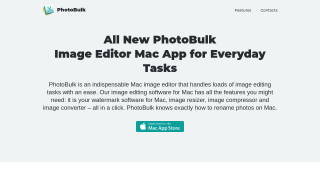
PhotoBulk Screenshots

PhotoBulk screenshot 1

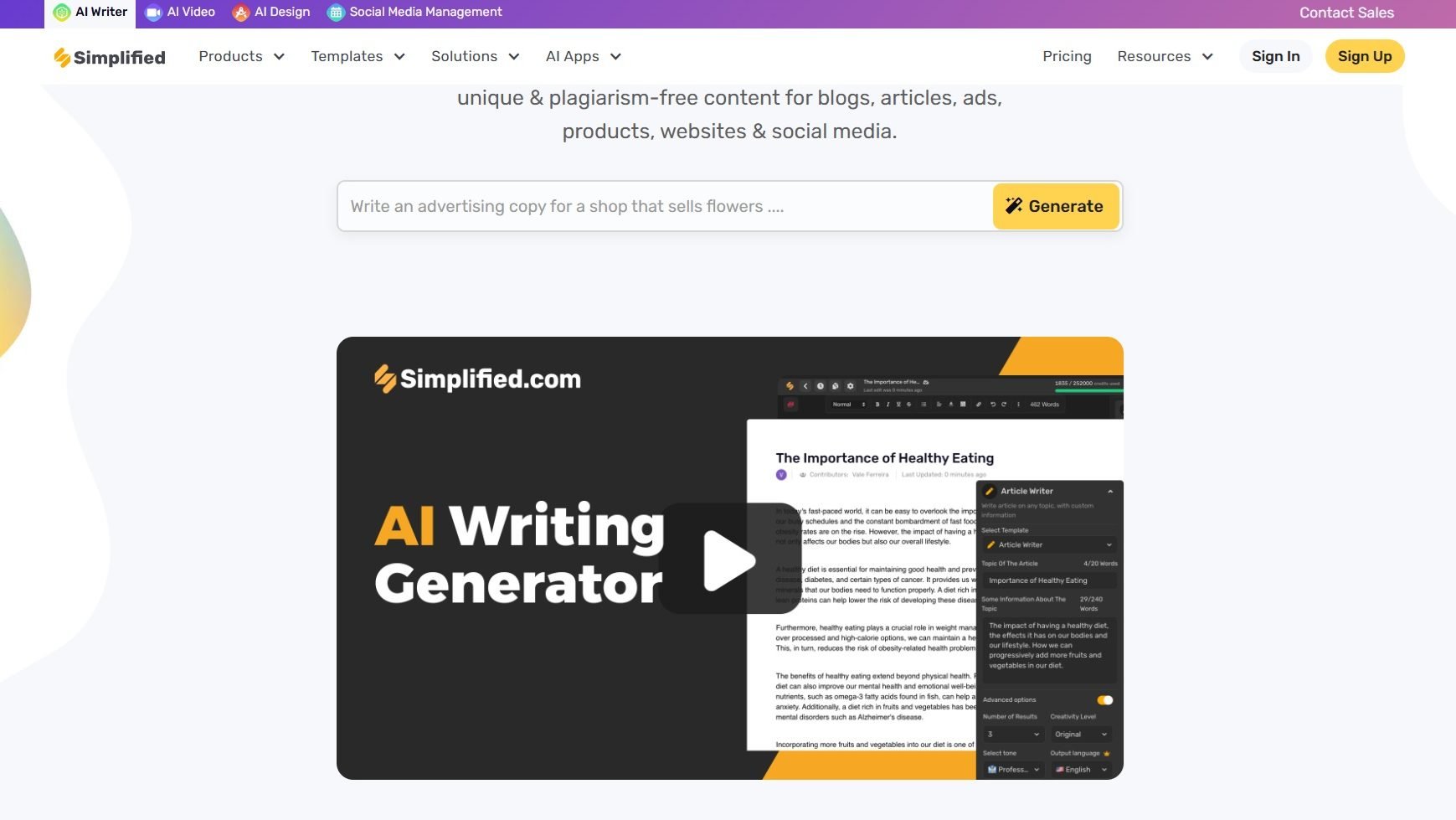
Simplified Screenshots

Simplified screenshot 1
Simplified screenshot 2
Simplified screenshot 3
Simplified screenshot 4