Sign in to review
Join our community of software reviewers on Subscribed.fyi

Continue With Google
Continue With LinkedIn
Continue Review with Email
Continue with Email
Enter your email to continue.
Continue
Enter your password
Enter your password to finish setting up your account.
Continue
Activate your email
Enter activation code we sent to your email.
Submit
Reset your password
Enter activation code we sent to your email.
Submit
Set your new password
Enter a new password for your account.
Submit
Categories
For Business
Log in
Provide My Insights
Add Product
Suggested products People also compare with
Add to Comparison
Suggested products People also compare with

Compare Pleo and Spendesk

We are comparing Pleo and Spendesk to evaluate which one is the best product.

Suggested products People also compare with
Review Pricing Alternatives Experience

Review

95%
34/36 Metric achieved
88%
31/36 Metric achieved

Subscribed Metric

Customer Support 6/6
Security 5/6
Ease of Use 6/6
Value of Money 6/6
Integration 5/6
Popularity 6/6

Subscribed Metric

Customer Support 5/6
Security 5/6
Ease of Use 6/6
Value of Money 5/6
Integration 4/6
Popularity 6/6

Pros & Cons

Streamlines expense tracking and reporting
Easy to use with clear UI/UX
Reduces admin workload significantly
Instant visibility and control over expenses
Occasional card declines and outages
Limited search functionality for old expenses
Setup can be confusing for some users
Pending transactions delay account clarity

Pros & Cons

Ease of use and intuitive interface.
Efficient expense tracking and management.
Quick approval processes and virtual cards.
Good customer support and functionality.
Some vendors reject virtual cards.
Limited multi-currency support.
Subscription and reporting require improvements.
Occasional autofill and card issues.

Conclusion

Pleo offers a user-friendly expense management platform featuring smart company cards (virtual/physical), real-time tracking, automated reports, and spending controls, tailored for teams including designers, developers, and marketers. Plans start at £39/month, with a free starter tier available.

Compared to alternatives like Spendesk or Payhawk, Pleo excels in ease of use (rated 4.9) and flexibility; however, it lacks advanced travel integrations and VAT handling in base tiers. Known for exceptional support and regular updates, it remains cost-effective, improving efficiency and reducing admin workload.

Conclusion

Spendesk is an all-in-one spend management platform offering tools for expense management, invoice processing, corporate cards, and financial reporting. Designed for startups, SMBs, and enterprises, its key features include real-time tracking, customizable workflows, automated approvals, and robust integrations. Spendesk provides solutions for finance teams, marketers, and agencies to streamline expenses, reduce admin workload, and optimize budgets.

Compared to alternatives like Airbase, Ramp, and Payhawk, Spendesk excels in ease of use and comprehensive tools. While competitors may offer advanced reporting or cost-effective options, Spendesk is more robust for handling multi-entity management and user-friendly for non-finance teams. However, its reliance on prepaid cards might not suit businesses with high credit needs.

Customer support is responsive, and pricing is customized based on business requirements, ensuring cost-effectiveness for medium to large organizations. Overall, Spendesk is a versatile choice with excellent usability, suitable for managing operational expenses efficiently.

Pricing

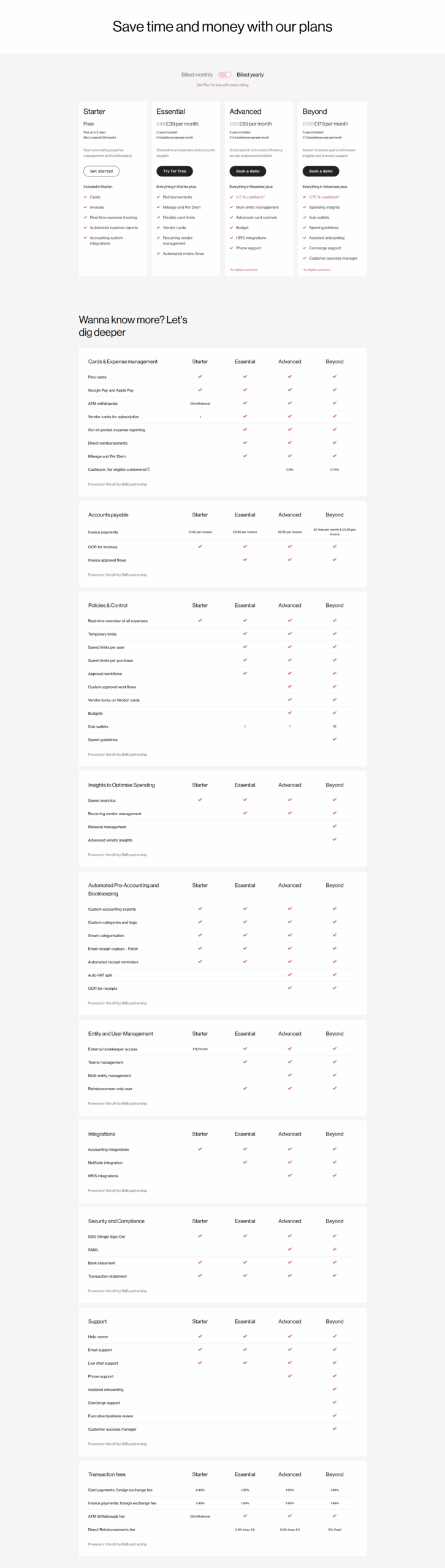
Pleo Pricing

Pricing Range Not specified See Pleo Pricing

Spendesk Pricing

Pricing Range Not specified See Spendesk Pricing

Alternatives

Pleo Alternatives

Airbase logo

Airbase

95%
Soldo logo

Soldo

93%
Spendesk logo

Spendesk

88%
Expensify logo

Expensify

80%
See All Pleo Alternatives

Spendesk Alternatives

Airbase logo

Airbase

95%
Pleo logo

Pleo

95%
Ramp logo

Ramp

86%
Expensify logo

Expensify

80%
See All Spendesk Alternatives

Experience

Pleo Screenshots

Pleo screenshot 1

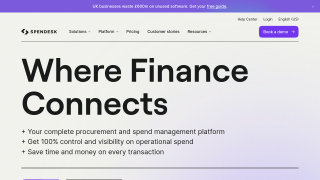
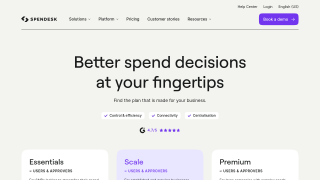
Spendesk Screenshots

Spendesk screenshot 1
Spendesk screenshot 2