Sign in to review
Join our community of software reviewers on Subscribed.fyi

Continue With Google
Continue With LinkedIn
Continue Review with Email
Continue with Email
Enter your email to continue.
Continue
Enter your password
Enter your password to finish setting up your account.
Continue
Activate your email
Enter activation code we sent to your email.
Submit
Reset your password
Enter activation code we sent to your email.
Submit
Set your new password
Enter a new password for your account.
Submit
Categories
For Business
Log in
Provide My Insights
Add Product
Suggested products People also compare with
Add to Comparison
Suggested products People also compare with

Compare Portalink and Xero

We are comparing Portalink and Xero to evaluate which one is the best product.

Suggested products People also compare with
Review Pricing Alternatives Experience

Review

73%
27/36 Metric achieved
80%
28/36 Metric achieved

Subscribed Metric

Customer Support 6/6
Security 4/6
Ease of Use 5/6
Value of Money 5/6
Integration 4/6
Popularity 3/6

Subscribed Metric

Customer Support 3/6
Security 4/6
Ease of Use 5/6
Value of Money 4/6
Integration 6/6
Popularity 6/6

Pros & Cons

Efficient order processing
Customizable to business needs
Great customer support
Accurate data extraction
Limited reporting options
Occasional order recognition issues
Mapping orders can be challenging
Unnecessary confirmation screens

Pros & Cons

User-friendly interface
Efficient bank reconciliation
Comprehensive integrations
Great mobile app features
Steep learning curve for new users
High cost for advanced needs
Limited customization in reports
Slow data syncing at times

Conclusion

Portalink is a robust cloud-based SaaS solution designed for B2B businesses (e.g., distributors, wholesalers) to automate invoice and transaction processing efficiently, bypassing manual errors. Key features include PDF data extraction (non-OCR-based), ERP integration, and order tracking with minimal setup time. It enhances order accuracy while reducing processing times and administrative workload.

Pros:

  • Excellent customer support (4.8/5).
  • High ease of use (4.7/5).
  • Customization options to fit business needs.
  • Cost-effective for medium to large transactional volumes.

Cons:

  • Limited reporting capabilities.
  • Requires mapping adjustments for new POs.

Compared to alternatives like NetSuite or SAP Concur, Portalink excels in PDF-based automation but lags in advanced reporting and large-scale ERP compatibility.

Ideal for mid-to-large-scale businesses handling frequent PDFs, Portalink is particularly suited for accounting teams and operational managers. Pricing includes setup, a transaction-based fee, and annual licensing, offering good ROI for its features. It’s a reliable, user-friendly, and versatile tool.

Conclusion

Xero is a cloud-based accounting software designed for small businesses and freelancers, like accountants, marketers, and startup founders. Key features include invoicing, expense tracking, inventory management, payroll, and bank reconciliation. Its real-time dashboards and 800+ app integrations enhance usability. It offers three plans: Starter ($13/month), Standard ($37/month), and Premium ($70/month). While praised for ease of use and scalability, its learning curve and occasional performance lags impact user experience. Compared to QuickBooks, Xero stands out with unlimited users and robust customization but lacks advanced reporting. Customer support is helpful but could improve response times. It’s cost-effective, especially for growing businesses.

Pricing

Portalink Pricing

Pricing Range $3.2k/Month

Xero Pricing

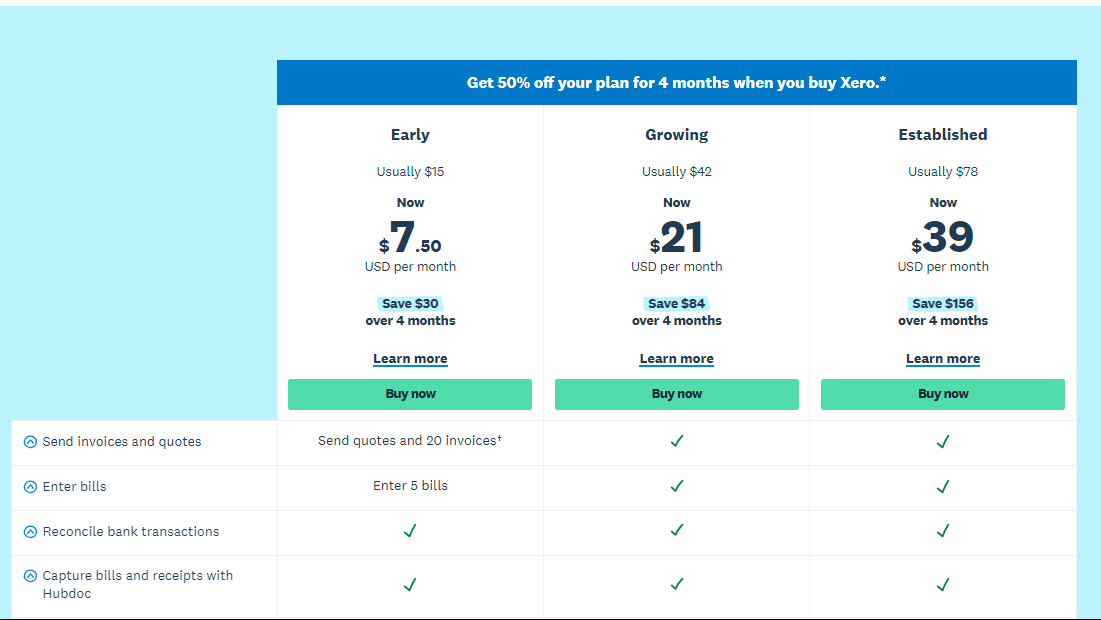
Pricing Range $13-$70/Month See Xero Pricing

Alternatives

Portalink Alternatives

SAP Concur logo

SAP Concur

82%
Xero logo

Xero

80%
See All Portalink Alternatives

Xero Alternatives

Zoho Invoice logo

Zoho Invoice

90%
FreshBooks logo

FreshBooks

85%
QuickBooks Online logo

QuickBooks Online

83%
NetSuite

NetSuite

78%
See All Xero Alternatives

Experience

Portalink Screenshots

Portalink screenshot 1

Xero Screenshots

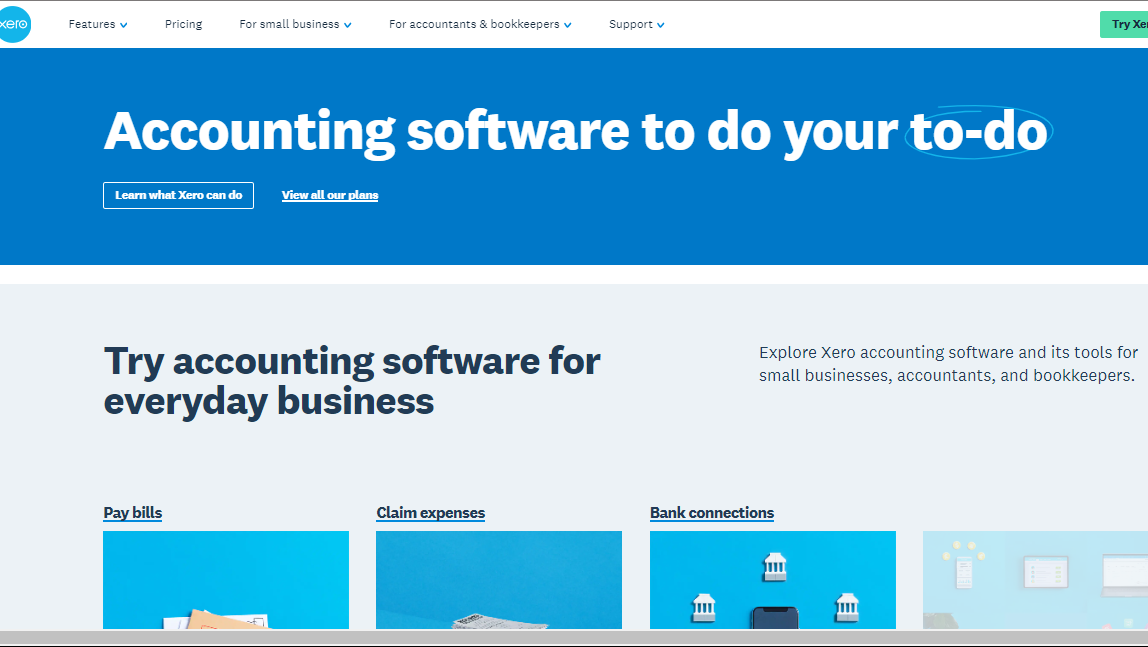
Xero screenshot 1
Xero screenshot 2