Sign in to review
Join our community of software reviewers on Subscribed.fyi

Continue With Google
Continue With LinkedIn
Continue Review with Email
Continue with Email
Enter your email to continue.
Continue
Enter your password
Enter your password to finish setting up your account.
Continue
Activate your email
Enter activation code we sent to your email.
Submit
Reset your password
Enter activation code we sent to your email.
Submit
Set your new password
Enter a new password for your account.
Submit
Categories
For Business
Log in
Provide My Insights
Add Product
Suggested products People also compare with
Add to Comparison
Suggested products People also compare with

Compare Qulture Rocks and Deel

We are comparing Qulture Rocks and Deel to evaluate which one is the best product.

Suggested products People also compare with
Review Pricing Alternatives Experience

Review

65%
24/36 Metric achieved
90%
32/36 Metric achieved

Subscribed Metric

Customer Support 5/6
Security 4/6
Ease of Use 5/6
Value of Money 4/6
Integration 3/6
Popularity 3/6

Subscribed Metric

Customer Support 5/6
Security 5/6
Ease of Use 6/6
Value of Money 6/6
Integration 4/6
Popularity 6/6

Pros & Cons

Intuitive and user-friendly platform design.
Effective modules like Feedback, 1:1, and OKRs.
Excellent customer support and responsiveness.
Customization options for performance reviews.
Modules like surveys lack customization.
Complex configuration processes for some features.
Reporting and advanced analytics need improvement.
Performance management could integrate better with calendars.

Pros & Cons

User-friendly interface with clear processes
Global coverage with multiple currency support
Automated payroll and compliance features
Quick and secure payment processing
Occasional delays in payment processing
Higher fees for smaller businesses
Limited integrations with external tools
Customer support response times can be slow

Conclusion

Qulture Rocks is a performance management tool designed to streamline goal tracking, performance reviews, 1:1 meetings, and feedback systems. Ideal for HR teams and growing companies, it enables efficient employee development through features like OKRs, PDIs, and engagement surveys. It offers a user-friendly interface, strong customer support, and frequent updates. However, some modules, like surveys and dashboards, lack customization. Compared to Lattice and Leapsome, Qulture Rocks is cost-effective but less feature-comprehensive, appealing more to small-to-mid businesses. Pricing details are not disclosed.

Conclusion

Deel is a versatile HR platform designed for global teams, enabling companies to hire, onboard, and pay employees or contractors worldwide. Key features include compliance management across 150+ countries, multi-currency payroll, benefits administration, automated invoicing, and integrated reporting. Pricing starts at $49/month for contractors and $599/month for EOR (Employer of Record) services.

Compared to alternatives like Rippling, Oyster, and Remote, Deel excels in compliance, localization, and user experience. However, pricing may be higher for small businesses or startups, and support delays have been noted. It’s ideal for businesses with international remote teams, particularly developers and marketers needing global talent.

Customer support is highly rated, but occasionally slow for complex issues. Deel’s pricing reflects value with streamlined features, reducing administrative burdens for global operations. Overall, it offers high cost-effectiveness for scaling international businesses.

Pricing

Qulture Rocks Pricing

Pricing Range Not specified

Deel Pricing

Pricing Range $0-599/Month See Deel Pricing

Alternatives

Qulture Rocks Alternatives

Deel logo

Deel

90%
Leapsome logo

Leapsome

90%
Lattice logo

Lattice

48%

Deel Alternatives

Rippling Logo

Rippling

93%
Remote logo

Remote

88%
See All Deel Alternatives

Experience

Qulture Rocks Screenshots

Data Unavailable This information for the product is not yet available. Please check back later or explore directly on product website.

Deel Screenshots

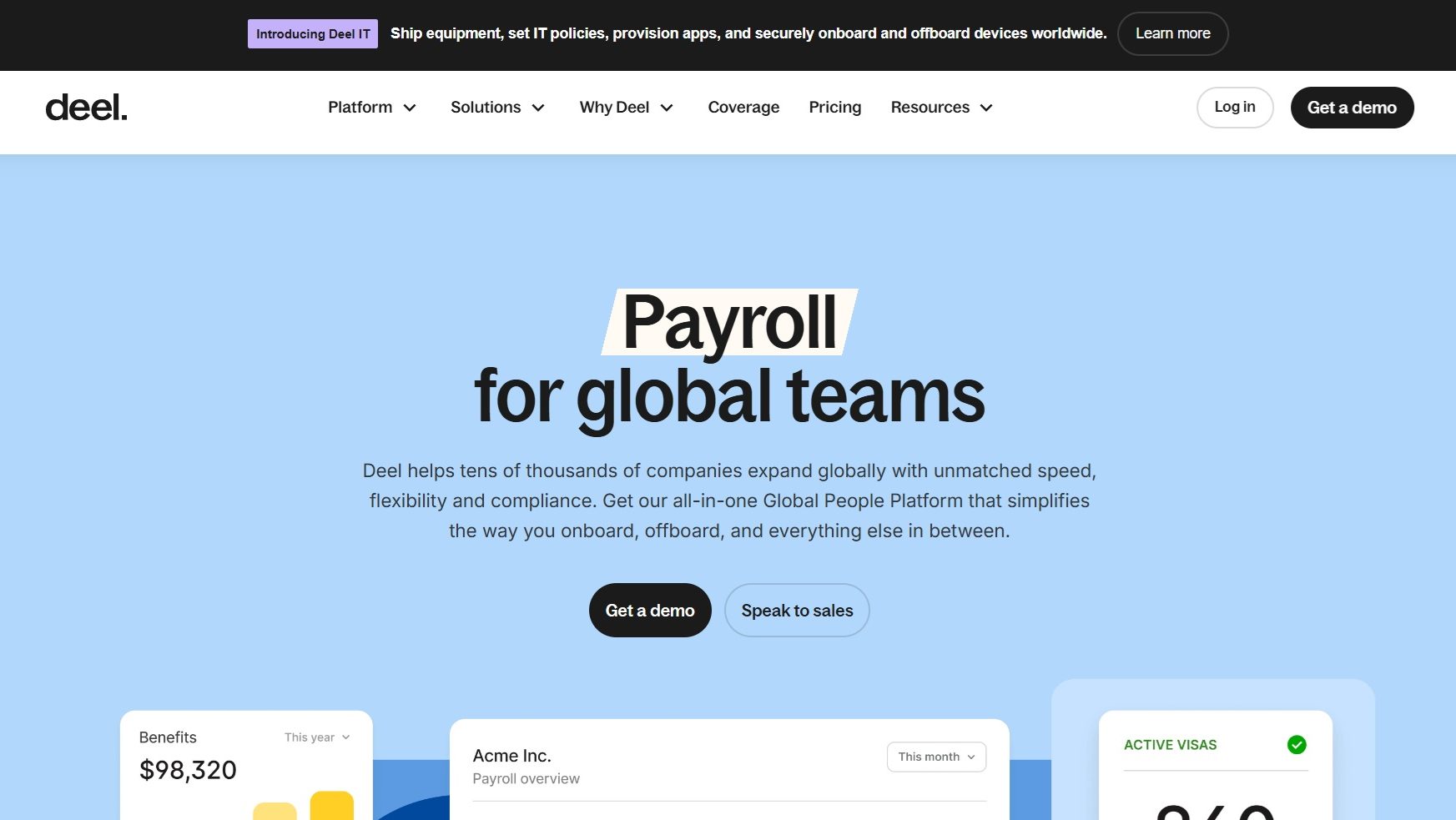
Deel screenshot 1
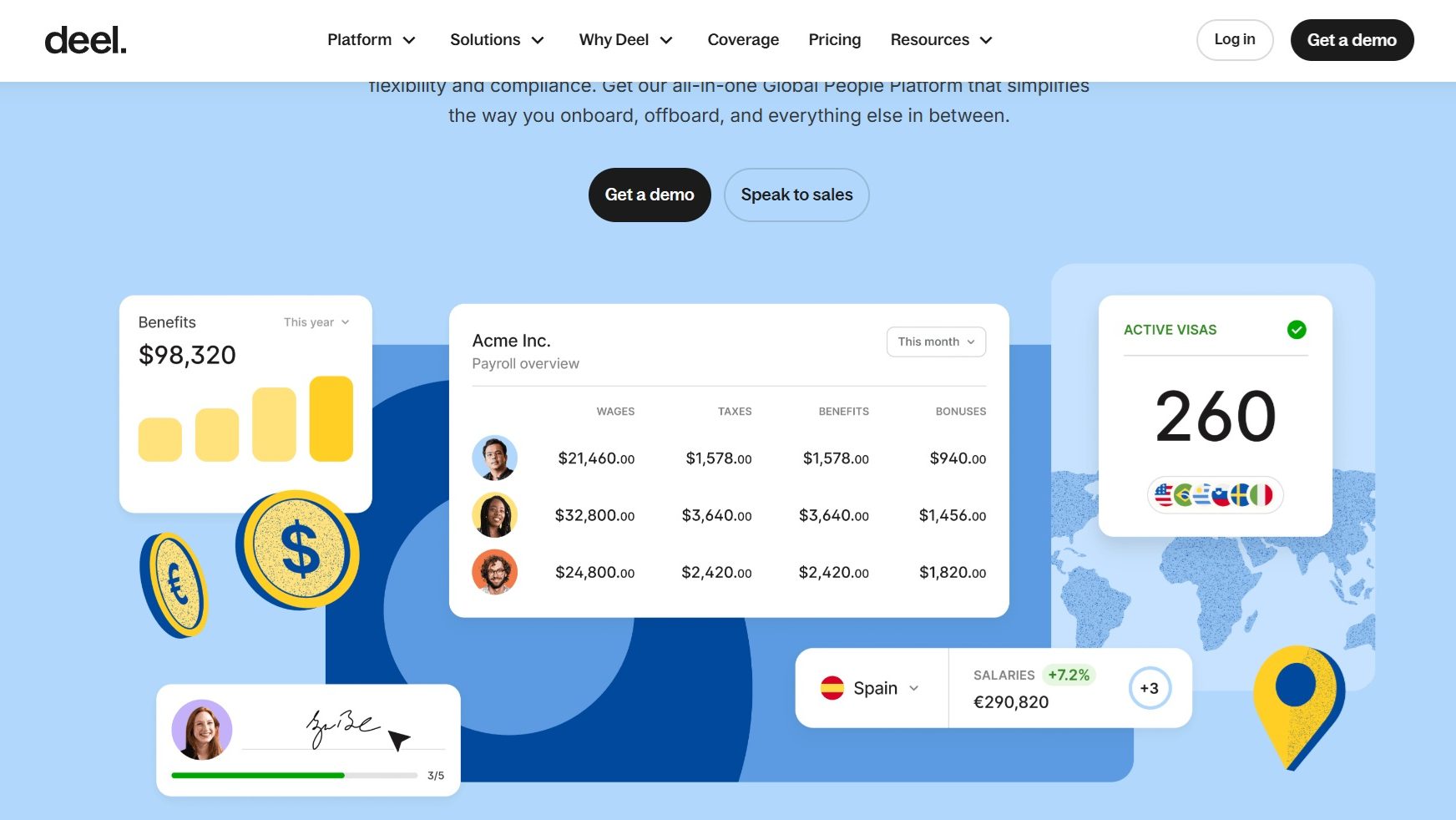
Deel screenshot 2
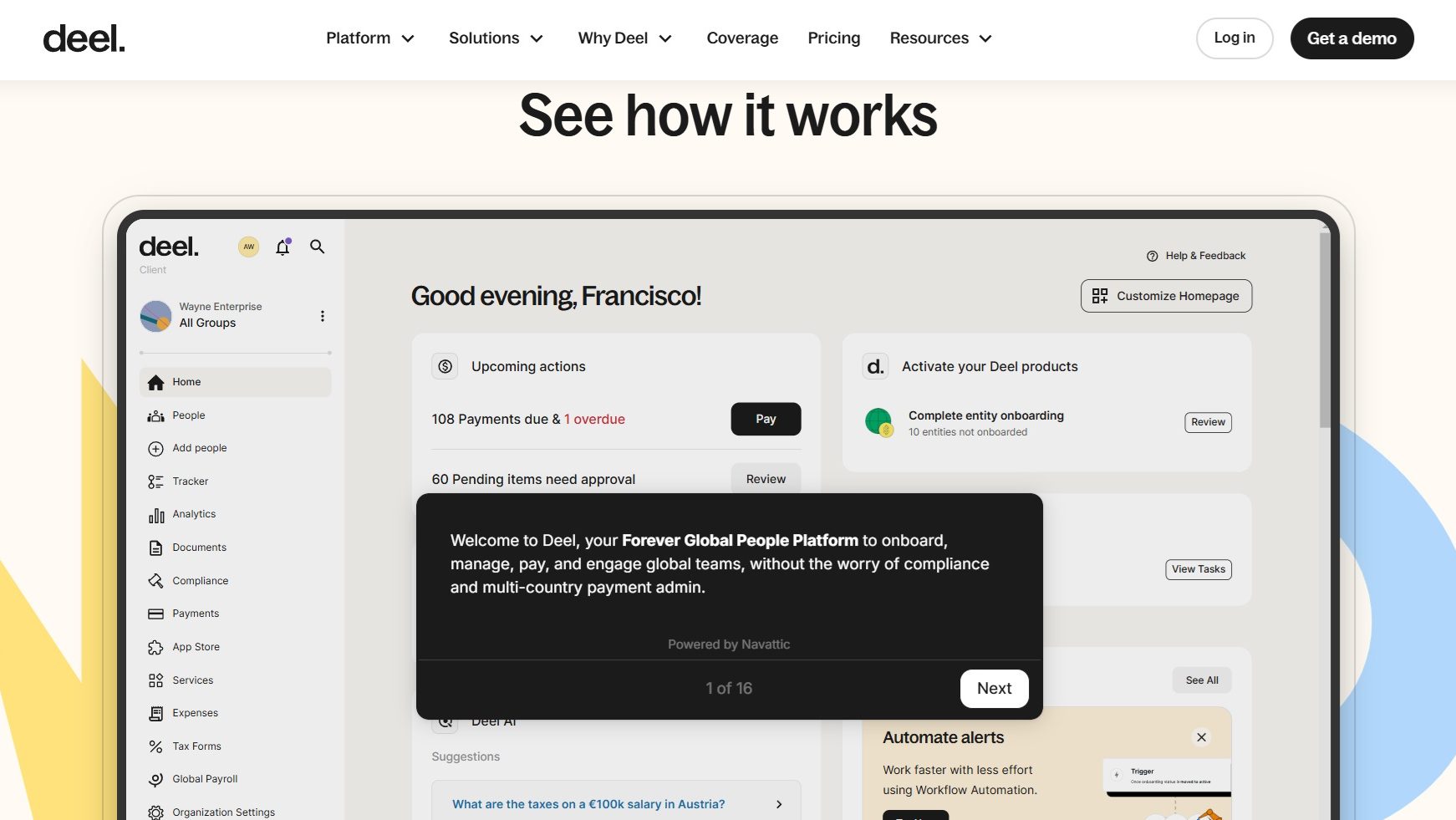
Deel screenshot 3
Deel screenshot 4