Sign in to review
Join our community of software reviewers on Subscribed.fyi

Continue With Google
Continue With LinkedIn
Continue Review with Email
Continue with Email
Enter your email to continue.
Continue
Enter your password
Enter your password to finish setting up your account.
Continue
Activate your email
Enter activation code we sent to your email.
Submit
Reset your password
Enter activation code we sent to your email.
Submit
Set your new password
Enter a new password for your account.
Submit
Categories
For Business
Log in
Provide My Insights
Add Product
Suggested products People also compare with
Add to Comparison
Suggested products People also compare with

Compare Sketchbook and Clip Studio Paint

We are comparing Sketchbook and Clip Studio Paint to evaluate which one is the best product.

Suggested products People also compare with
Review Pricing Alternatives Experience

Review

66%
23/36 Metric achieved
70%
24/36 Metric achieved

Subscribed Metric

Customer Support 4/6
Security 0/6
Ease of Use 6/6
Value of Money 5/6
Integration 3/6
Popularity 5/6

Subscribed Metric

Customer Support 4/6
Security 0/6
Ease of Use 5/6
Value of Money 5/6
Integration 4/6
Popularity 6/6

Pros & Cons

Intuitive interface and ease of use.
Wide variety of brushes and tools.
Supports touch and stylus input.
Customizable workspace for artists.
Limited support for vector formats.
Old or cluttered user interface for some.
Text editing options are restricted.
Mobile app lacks features of desktop version.

Pros & Cons

Wide variety of brushes and tools.
Great for comic creation with paneling features.
Supports seamless PSD file integration.
Excellent pen stabilization for clean artwork.
Interface is overwhelming for beginners.
Imported text and font options are limited.
Subscription model criticized by users.
CPU-heavy features may lag on older machines.

Conclusion

Sketchbook is a versatile digital drawing app designed for artists, illustrators, and designers. Key features include customizable brushes, perspective tools, layers, and an intuitive interface. It performs efficiently across devices like Windows, Mac, iOS, and Android. Compared to alternatives like GIMP (free but complex) or Photoshop (feature-rich but expensive), Sketchbook balances accessibility and functionality. While praised for its affordability, some critique limited vector support. Customer support is reliable, ensuring cost-effective value for creatives.

Conclusion

Clip Studio Paint is a go-to for illustrators, comic creators, and animators, featuring customizable brushes, vector tools, 3D model support, and animation capabilities. Its one-time license ($49.99 PRO/$219 EX) or subscription options ($0.99+/month) offer flexibility. Compared to Adobe Photoshop, its affordability and specialized comic tools are standout advantages, though beginners may find the interface overwhelming. While GIMP and Krita are free alternatives, Clip Studio excels in precision and functionality for professionals. Customer support is reliable, while cost-effectiveness shines through its non-subscription desktop versions. A strong choice for digital artists seeking versatility.

Pricing

Sketchbook Pricing

Pricing Range Not specified.

Clip Studio Paint Pricing

Pricing Range $0.99-$14.99/Month See Clip Studio Paint Pricing

Alternatives

Sketchbook Alternatives

Clip Studio Paint logo

Clip Studio Paint

70%
SketchUp logo

SketchUp

70%
GIMP logo

GIMP

68%
Krita logo

Krita

66%
See All Sketchbook Alternatives

Clip Studio Paint Alternatives

GIMP logo

GIMP

68%
Krita logo

Krita

66%
Sketchbook logo

Sketchbook

66%
PaintTool SAI logo

PaintTool SAI

54%
See All Clip Studio Paint Alternatives

Experience

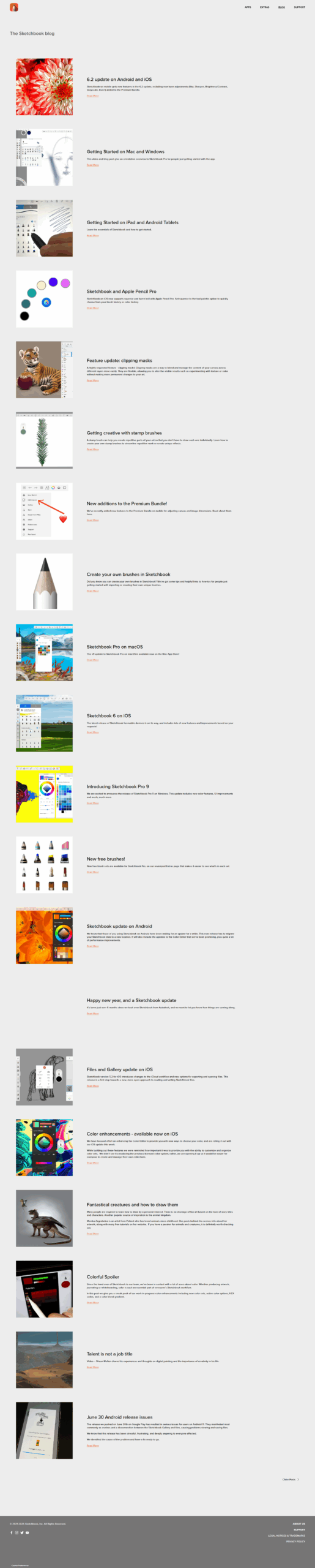
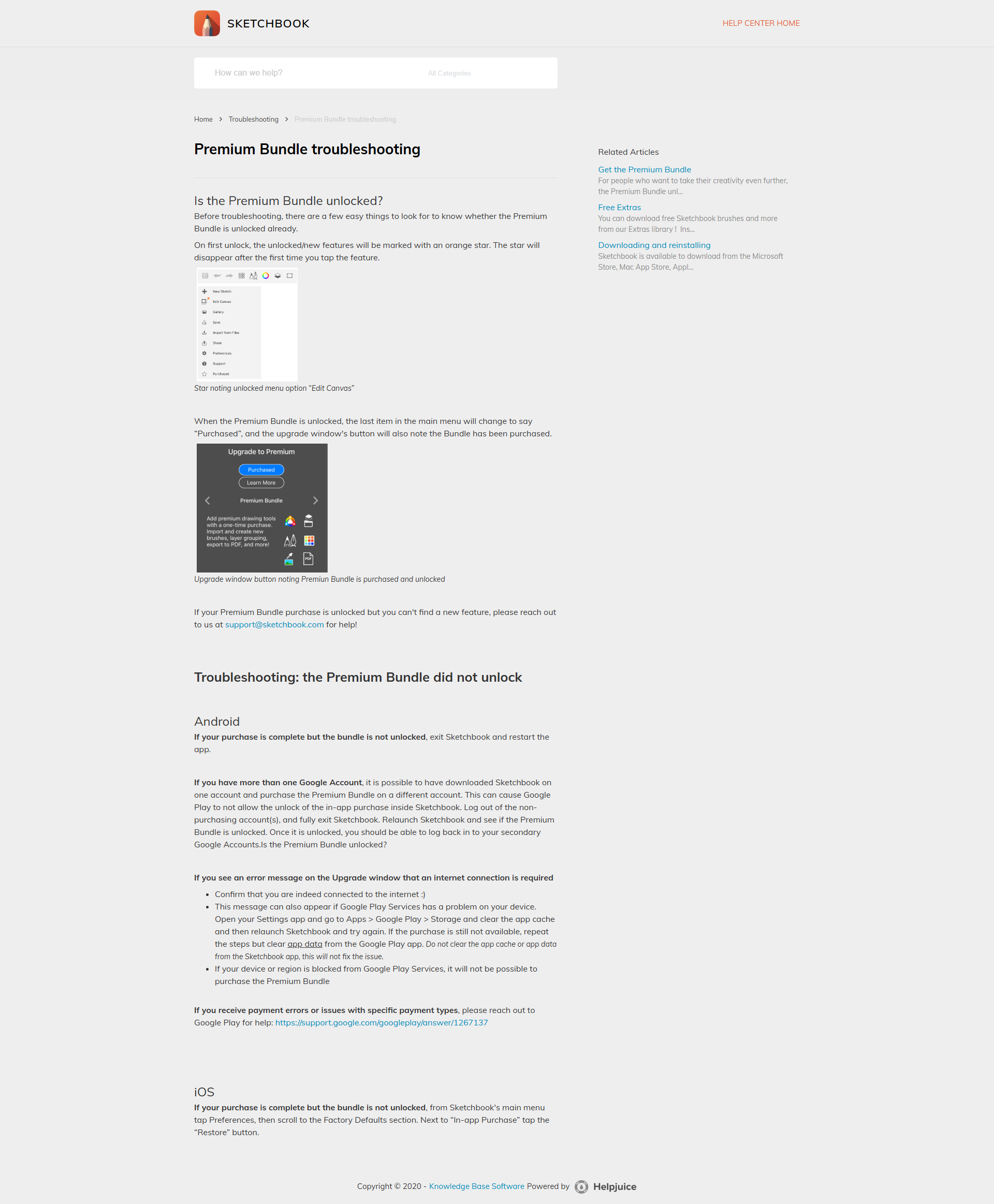
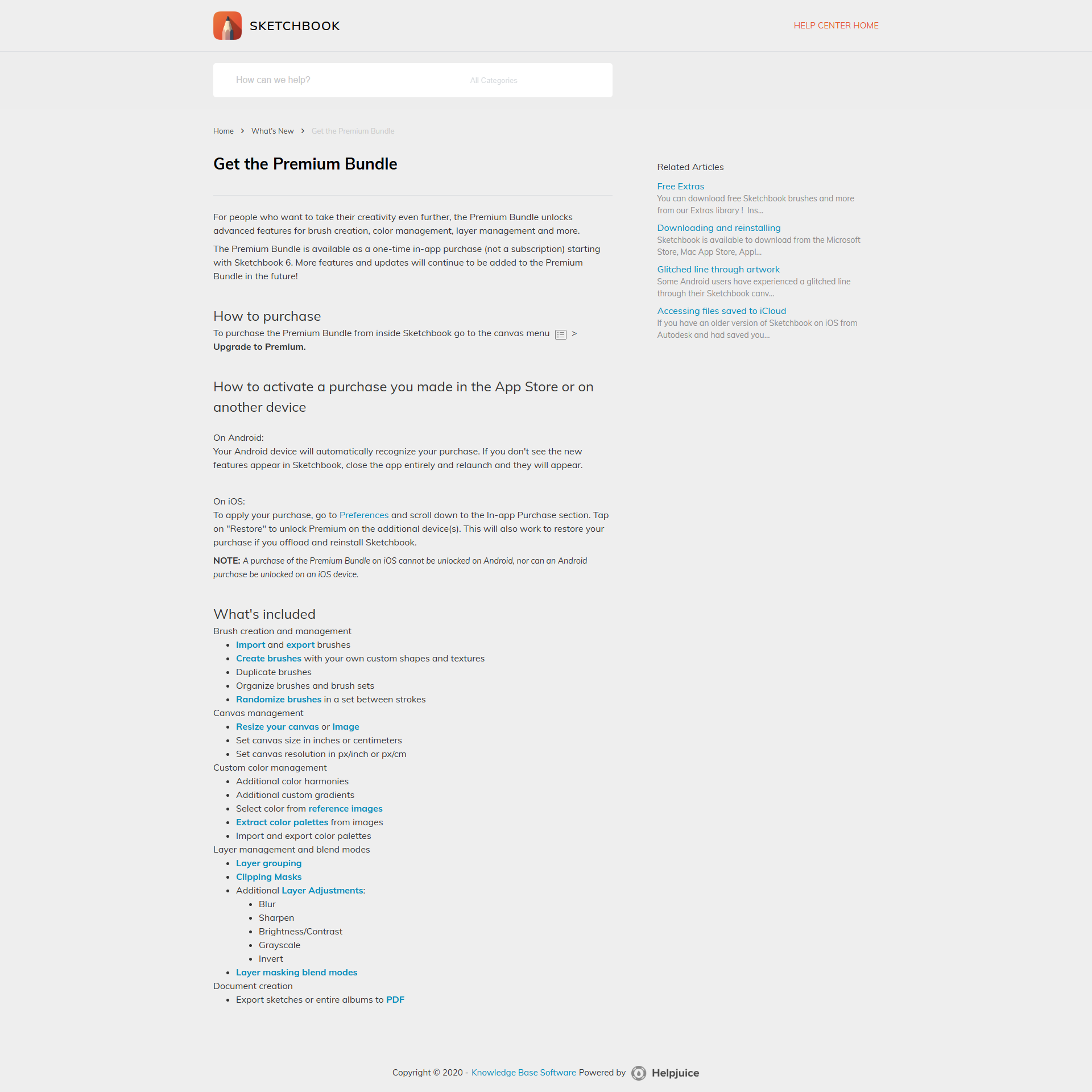
Sketchbook Screenshots

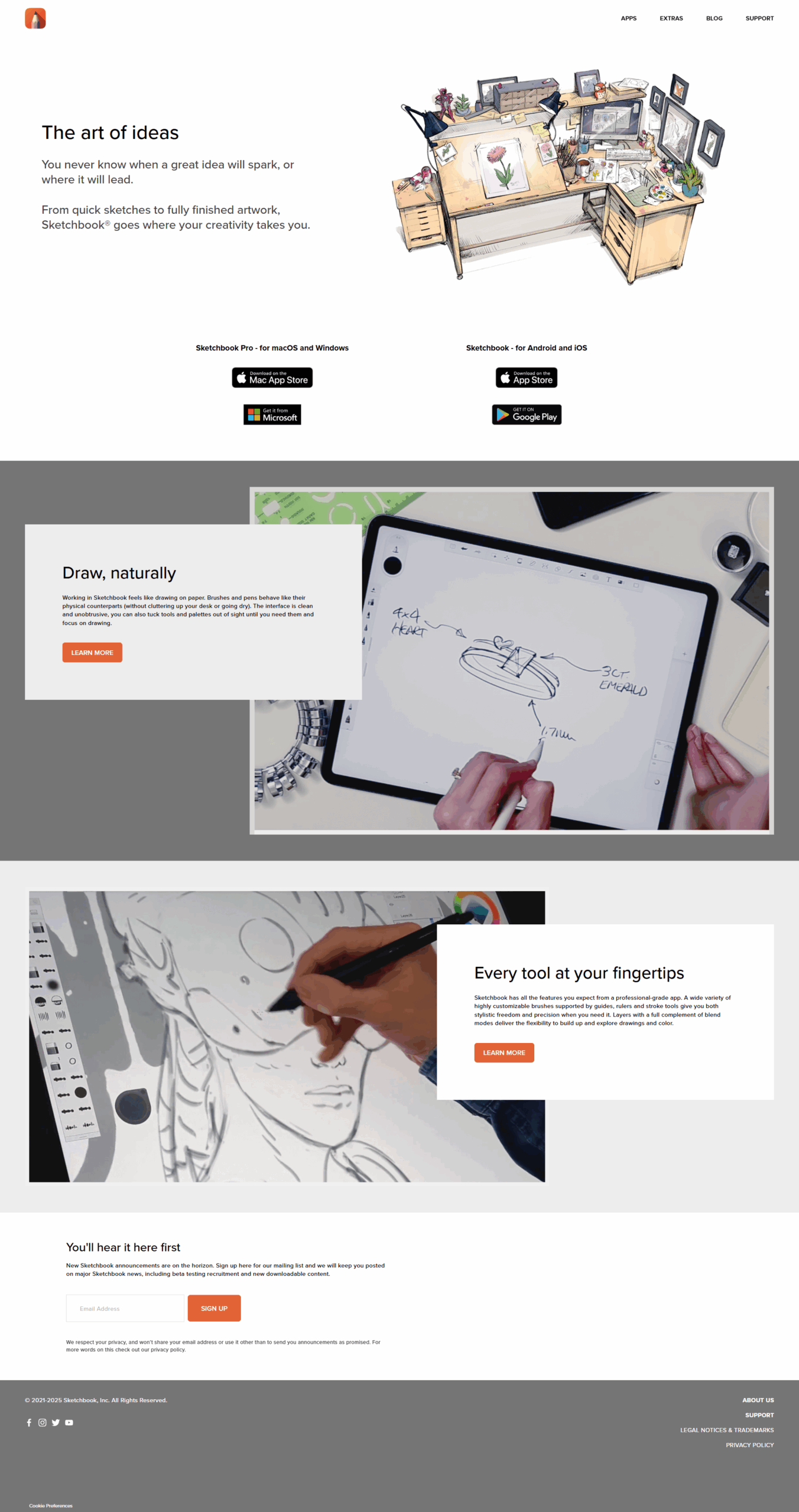
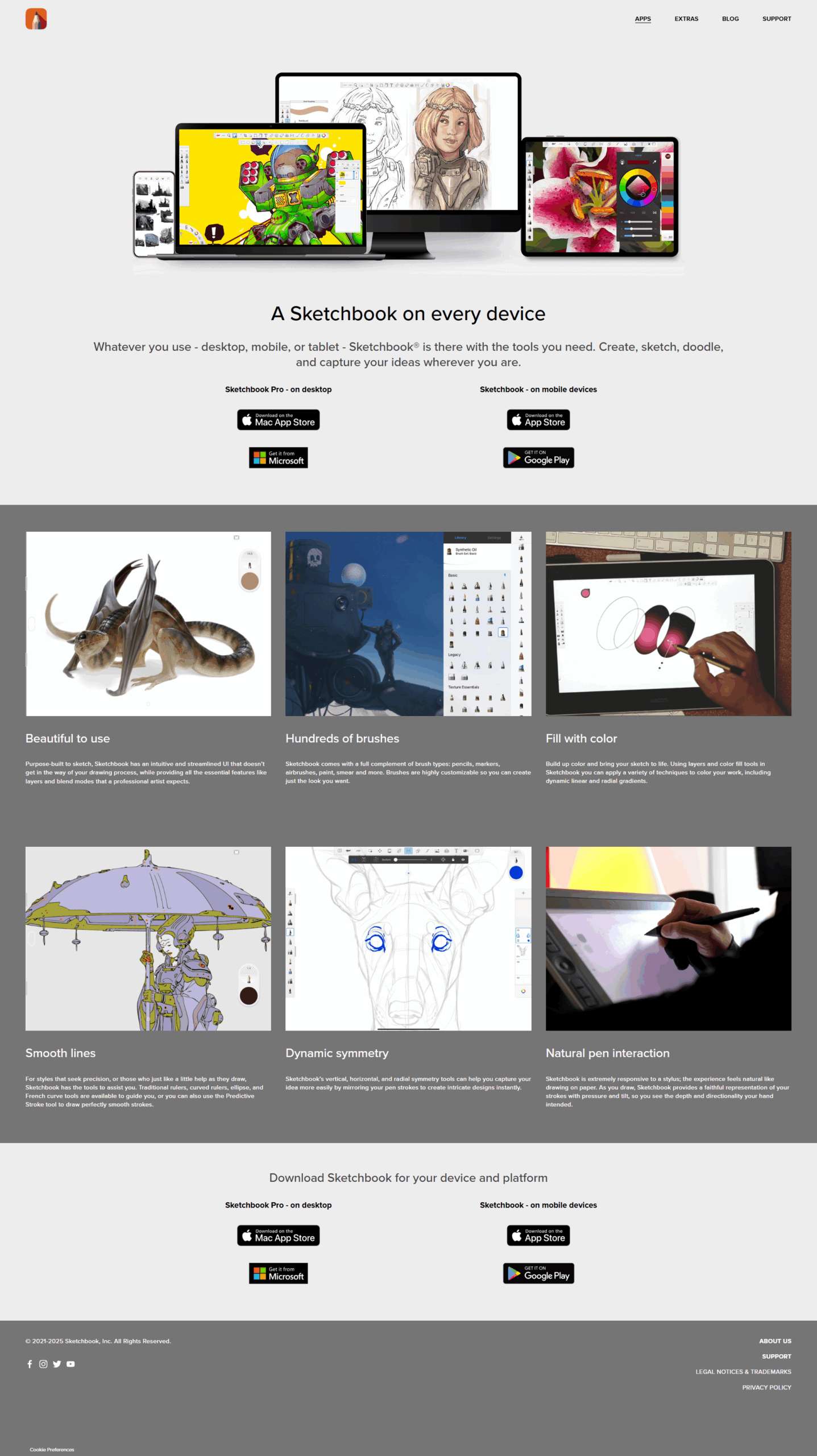
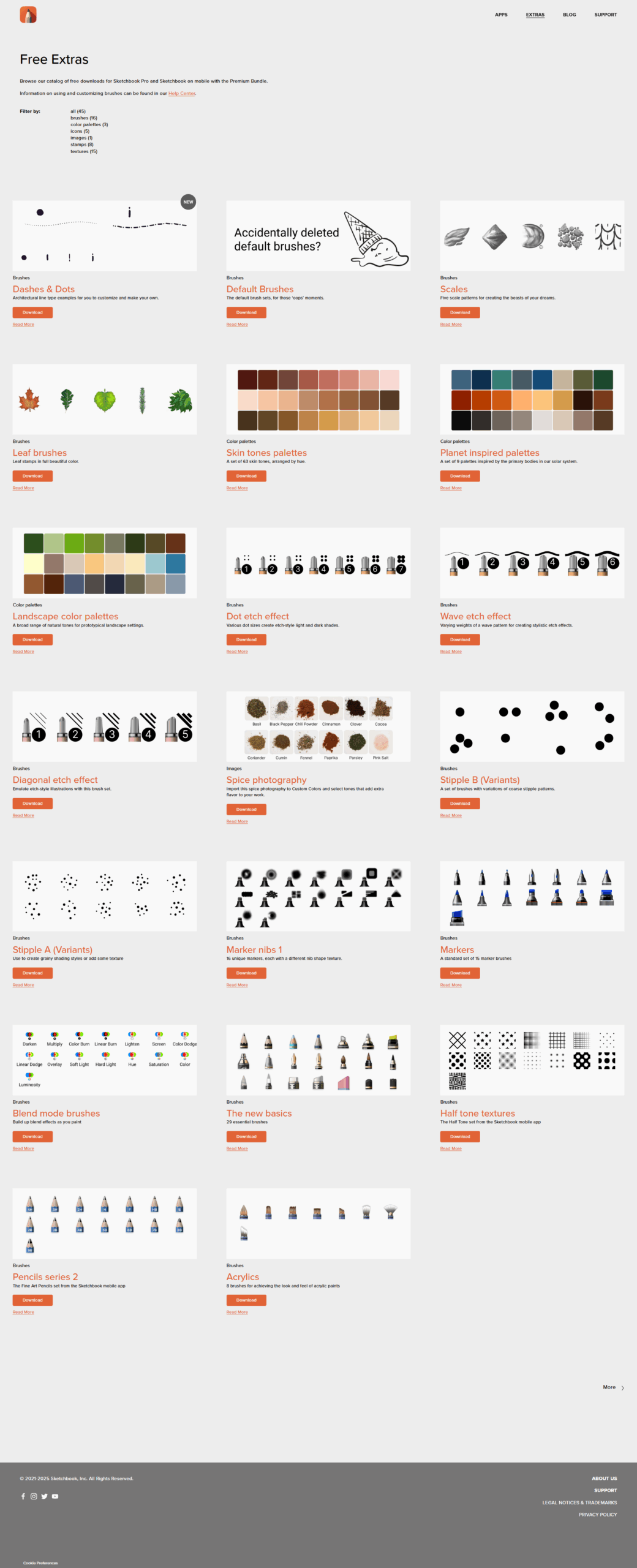
Sketchbook screenshot 1
Sketchbook screenshot 2
Sketchbook screenshot 3
Sketchbook screenshot 4
Sketchbook screenshot 5
Sketchbook screenshot 6

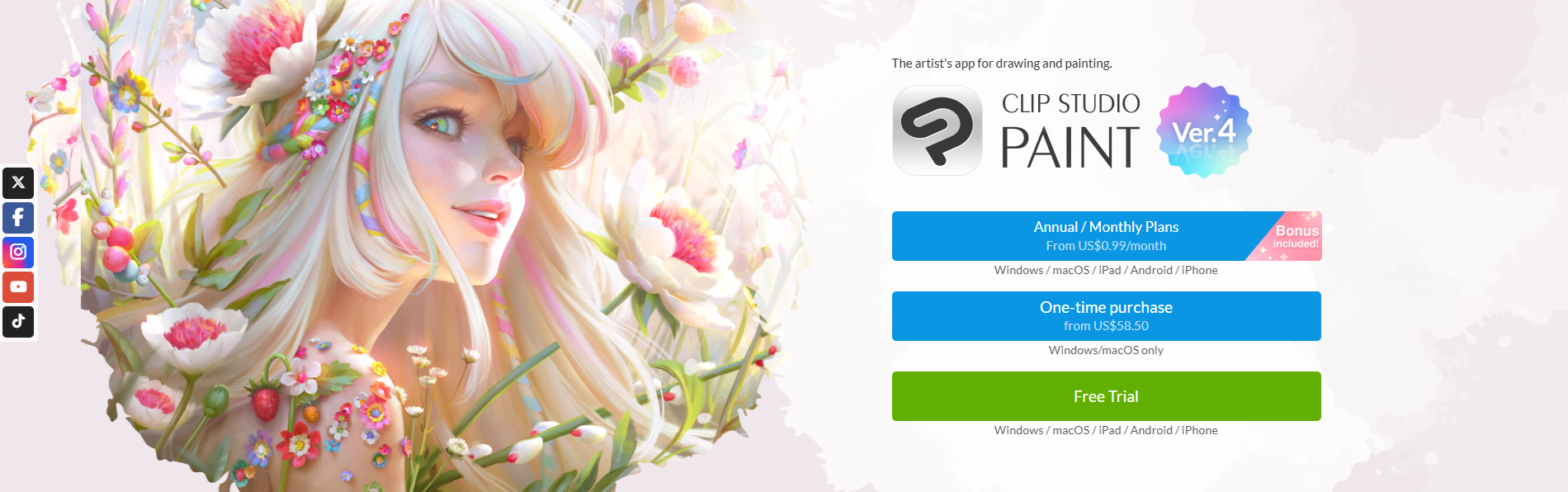
Clip Studio Paint Screenshots

Clip Studio Paint screenshot 1