Sign in to review
Join our community of software reviewers on Subscribed.fyi

Continue With Google
Continue With LinkedIn
Continue Review with Email
Continue with Email
Enter your email to continue.
Continue
Enter your password
Enter your password to finish setting up your account.
Continue
Activate your email
Enter activation code we sent to your email.
Submit
Reset your password
Enter activation code we sent to your email.
Submit
Set your new password
Enter a new password for your account.
Submit
Categories
For Business
Log in
Provide My Insights
Add Product
Suggested products People also compare with
Add to Comparison
Suggested products People also compare with

Compare Sketchbook and SketchUp

We are comparing Sketchbook and SketchUp to evaluate which one is the best product.

Suggested products People also compare with
Review Pricing Alternatives Experience

Review

66%
23/36 Metric achieved
70%
24/36 Metric achieved

Subscribed Metric

Customer Support 4/6
Security 0/6
Ease of Use 6/6
Value of Money 5/6
Integration 3/6
Popularity 5/6

Subscribed Metric

Customer Support 4/6
Security 0/6
Ease of Use 6/6
Value of Money 5/6
Integration 3/6
Popularity 6/6

Pros & Cons

Intuitive interface and ease of use.
Wide variety of brushes and tools.
Supports touch and stylus input.
Customizable workspace for artists.
Limited support for vector formats.
Old or cluttered user interface for some.
Text editing options are restricted.
Mobile app lacks features of desktop version.

Pros & Cons

Intuitive and user-friendly interface
Quick modeling and easy to learn
Supports various file formats
Useful plugins and tools
Limited handling of complex models
Performance issues with large files
Price could be more competitive
Occasional software crashes and bugs

Conclusion

Sketchbook is a versatile digital drawing app designed for artists, illustrators, and designers. Key features include customizable brushes, perspective tools, layers, and an intuitive interface. It performs efficiently across devices like Windows, Mac, iOS, and Android. Compared to alternatives like GIMP (free but complex) or Photoshop (feature-rich but expensive), Sketchbook balances accessibility and functionality. While praised for its affordability, some critique limited vector support. Customer support is reliable, ensuring cost-effective value for creatives.

Conclusion

SketchUp is a versatile 3D modeling software popular among architects, designers, and planners. Its key features include an intuitive interface, seamless modeling, and integration with tools like V-Ray for rendering. Pricing starts at $119/year for personal use, with professional plans up to $749/year. Unlike alternatives like AutoCAD or Revit, SketchUp excels in ease of use but lags in handling complex projects or detailed collaborative workflows. Designers praise its speed, flexibility, and vast 3D object library. However, it may falter with large files or intricate designs. Customer support is reliable, and its cost-effectiveness, especially for small-scale projects, stands out.

Pricing

Sketchbook Pricing

Pricing Range Not specified.

SketchUp Pricing

Pricing Range $17.99-$49.99/Month See SketchUp Pricing

Alternatives

Sketchbook Alternatives

Clip Studio Paint logo

Clip Studio Paint

70%
SketchUp logo

SketchUp

70%
GIMP logo

GIMP

68%
Krita logo

Krita

66%
See All Sketchbook Alternatives

SketchUp Alternatives

ArchiCAD logo

ArchiCAD

80%
Revit logo

Revit

73%
AutoCAD logo

AutoCAD

68%
See All SketchUp Alternatives

Experience

Sketchbook Screenshots

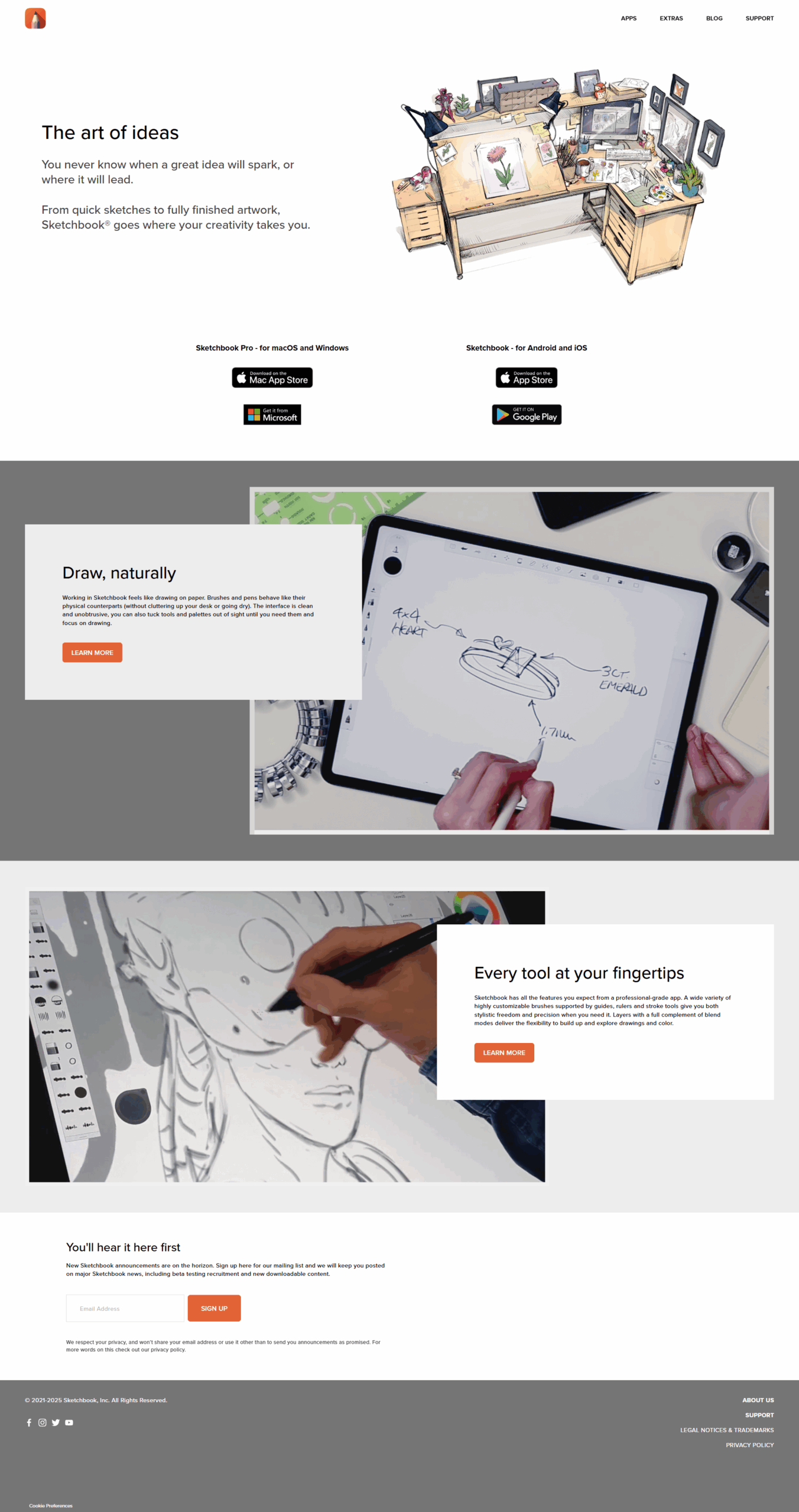
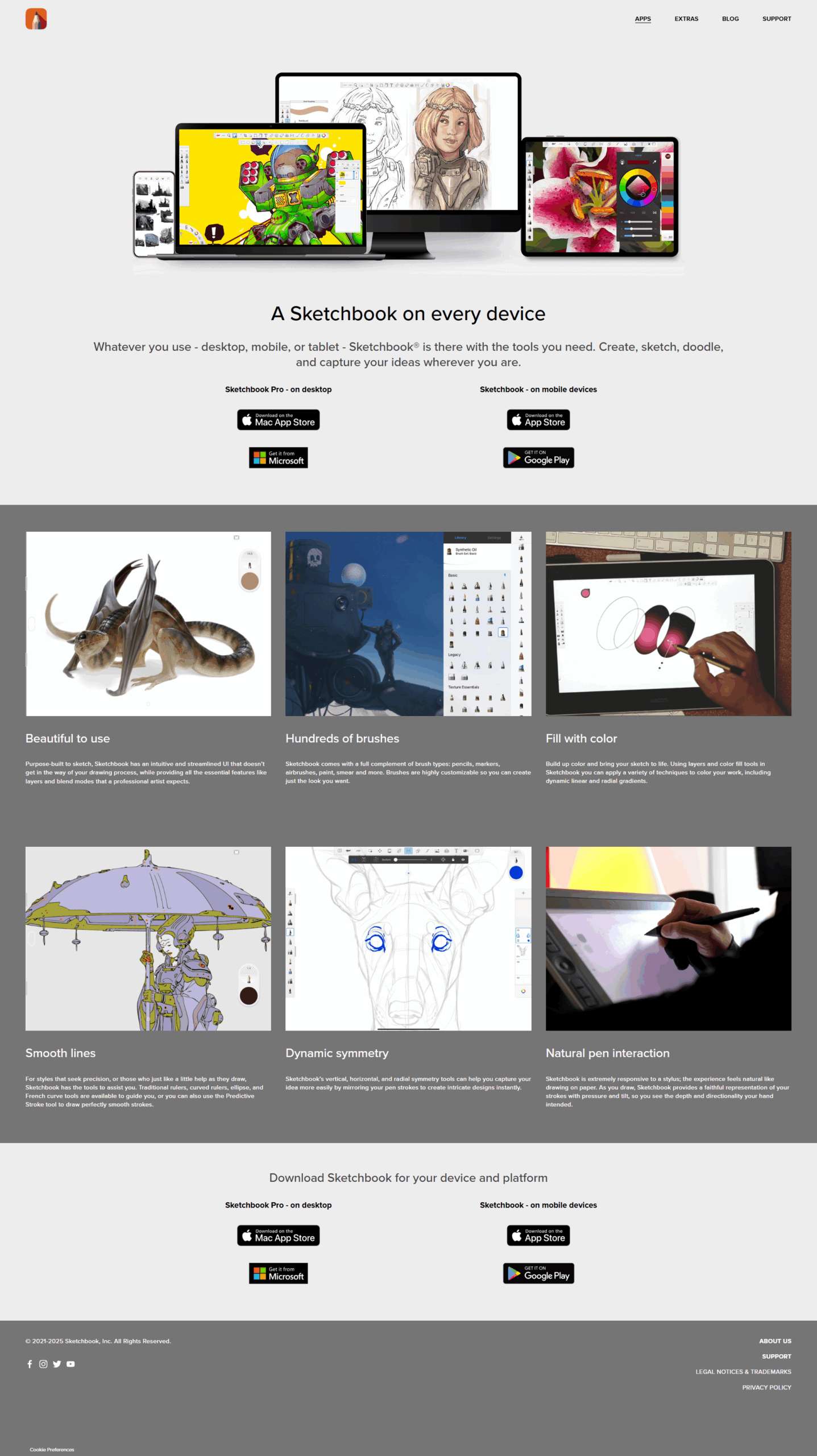
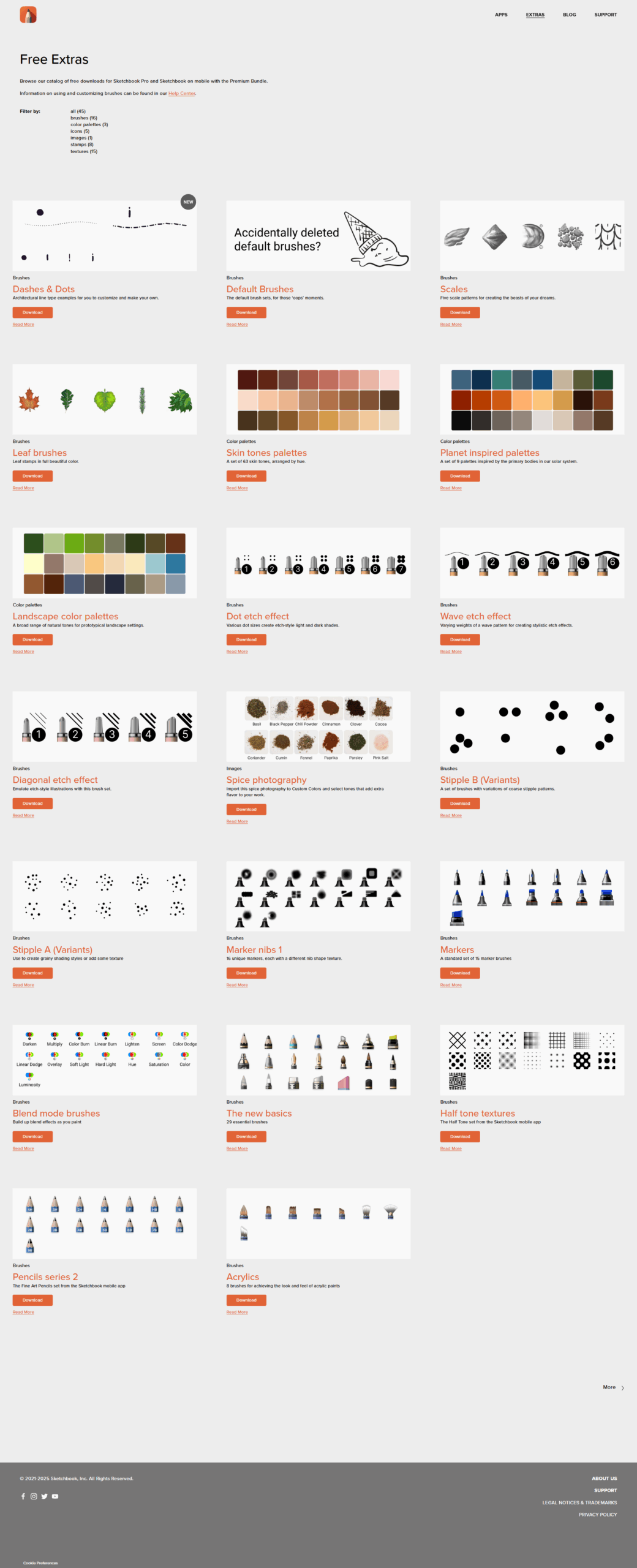
Sketchbook screenshot 1
Sketchbook screenshot 2
Sketchbook screenshot 3
Sketchbook screenshot 4
Sketchbook screenshot 5
Sketchbook screenshot 6

SketchUp Screenshots

SketchUp screenshot 1
SketchUp screenshot 2