Sign in to review
Join our community of software reviewers on Subscribed.fyi

Continue With Google
Continue With LinkedIn
Continue Review with Email
Continue with Email
Enter your email to continue.
Continue
Enter your password
Enter your password to finish setting up your account.
Continue
Activate your email
Enter activation code we sent to your email.
Submit
Reset your password
Enter activation code we sent to your email.
Submit
Set your new password
Enter a new password for your account.
Submit
Categories
For Business
Log in
Provide My Insights
Add Product
Suggested products People also compare with
Add to Comparison
Suggested products People also compare with

Compare Speakap and Slack

We are comparing Speakap and Slack to evaluate which one is the best product.

Suggested products People also compare with
Review Pricing Alternatives Experience

Review

81%
29/36 Metric achieved
90%
32/36 Metric achieved

Subscribed Metric

Customer Support 5/6
Security 5/6
Ease of Use 5/6
Value of Money 5/6
Integration 4/6
Popularity 5/6

Subscribed Metric

Customer Support 4/6
Security 5/6
Ease of Use 6/6
Value of Money 5/6
Integration 6/6
Popularity 6/6

Pros & Cons

Intuitive and user-friendly platform
Effective for employee engagement
Great customer support
Customizable branding options
Limited reporting and analytics
Some features missing on Android
Manual user addition is time-consuming
Workshops needed for user onboarding

Pros & Cons

User-friendly interface and ease of use
Strong integration with apps and platforms
Efficient team collaboration and communication
Valuable features like huddles and threads
Search functionality needs improvement
Overwhelming notifications for some users
Limited features in the free plan
Dependence on user knowledge for optimal use

Conclusion

Speakap is a streamlined employee communication platform tailored for deskless and frontline workers. It offers branded white-label apps, hierarchical content delivery, custom API integrations, and features like group messaging, news feeds, and employee engagement tools. Known for its 100% implementation success rate, it outpaces competitors in ease of use and mobile accessibility. However, its higher-than-average pricing and limited reporting options may deter smaller teams. For marketers, it enables real-time coordination; for retail staff, improves internal communication. Users commend its responsive customer support and branding flexibility. Compared to tools like Staffbase or Beekeeper, Speakap excels in customization but may lack advanced analytics. Cost-effectiveness depends on company size and needs.

Conclusion

Slack is a leading business communication tool offering real-time messaging, voice/video calls, file sharing, and extensive app integrations, supporting designers, developers, and marketers alike. With channels for team collaboration, customizable notifications, Slack Huddles, and an AI-powered search, it simplifies workflows. Pricing includes Free, Standard ($6.67/user/month), Plus ($12.50/user/month), and Enterprise plans. Compared to alternatives like Microsoft Teams, Slack excels in user experience and integrations but can be costly. Its customer support is effective, though some features are paywalled. For SMEs and remote teams, Slack is highly beneficial but may overwhelm larger organizations without proper structure.

Pricing

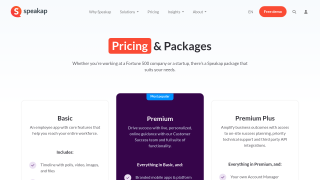
Speakap Pricing

Pricing Range Not specified See Speakap Pricing

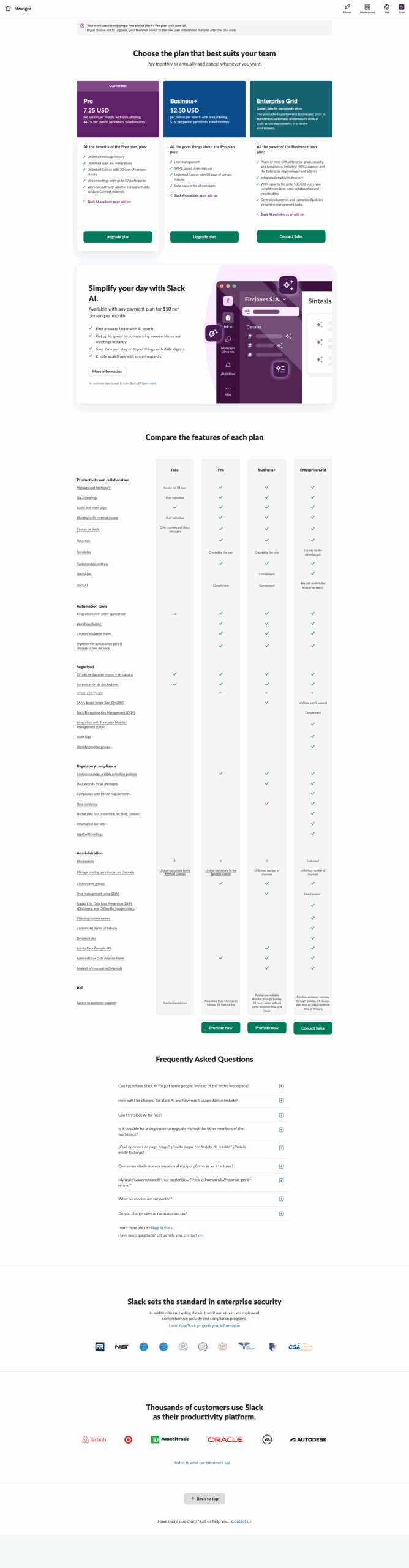
Slack Pricing

Pricing Range $0-$15/Month See Slack Pricing

Alternatives

Speakap Alternatives

Workvivo logo

Workvivo

93%
Slack logo

Slack

90%
Simpplr logo

Simpplr

90%
Beekeeper logo

Beekeeper

86%
See All Speakap Alternatives

Slack Alternatives

ClickUp logo

ClickUp

88%
Microsoft Teams logo

Microsoft Teams

88%
Confluence logo

Confluence

85%
Hubspot CRM logo

Hubspot CRM

80%
See All Slack Alternatives

Experience

Speakap Screenshots

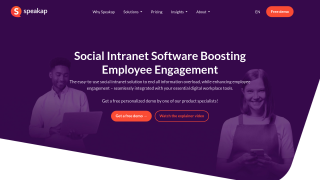
Speakap screenshot 1
Speakap screenshot 2

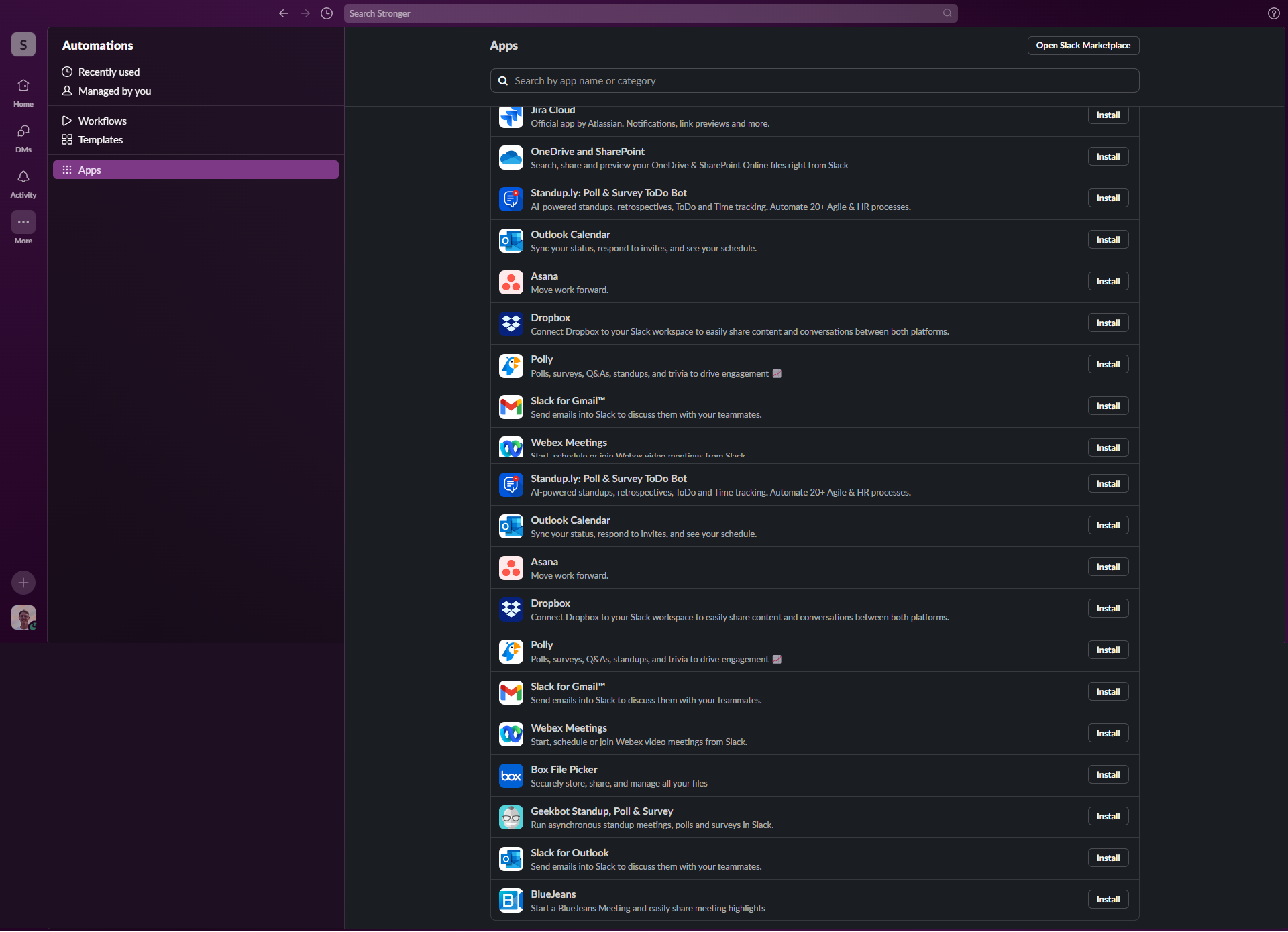
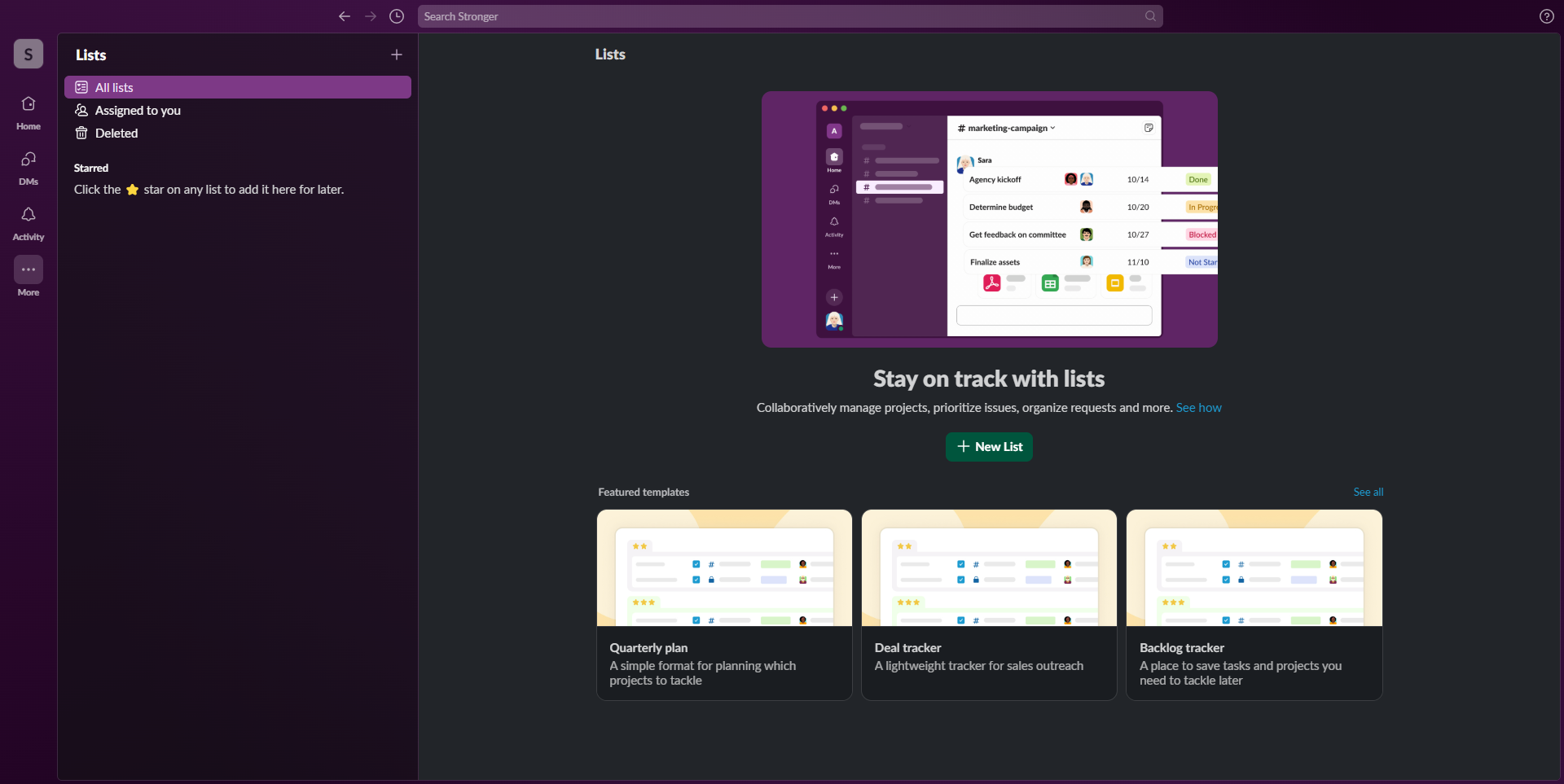
Slack Screenshots

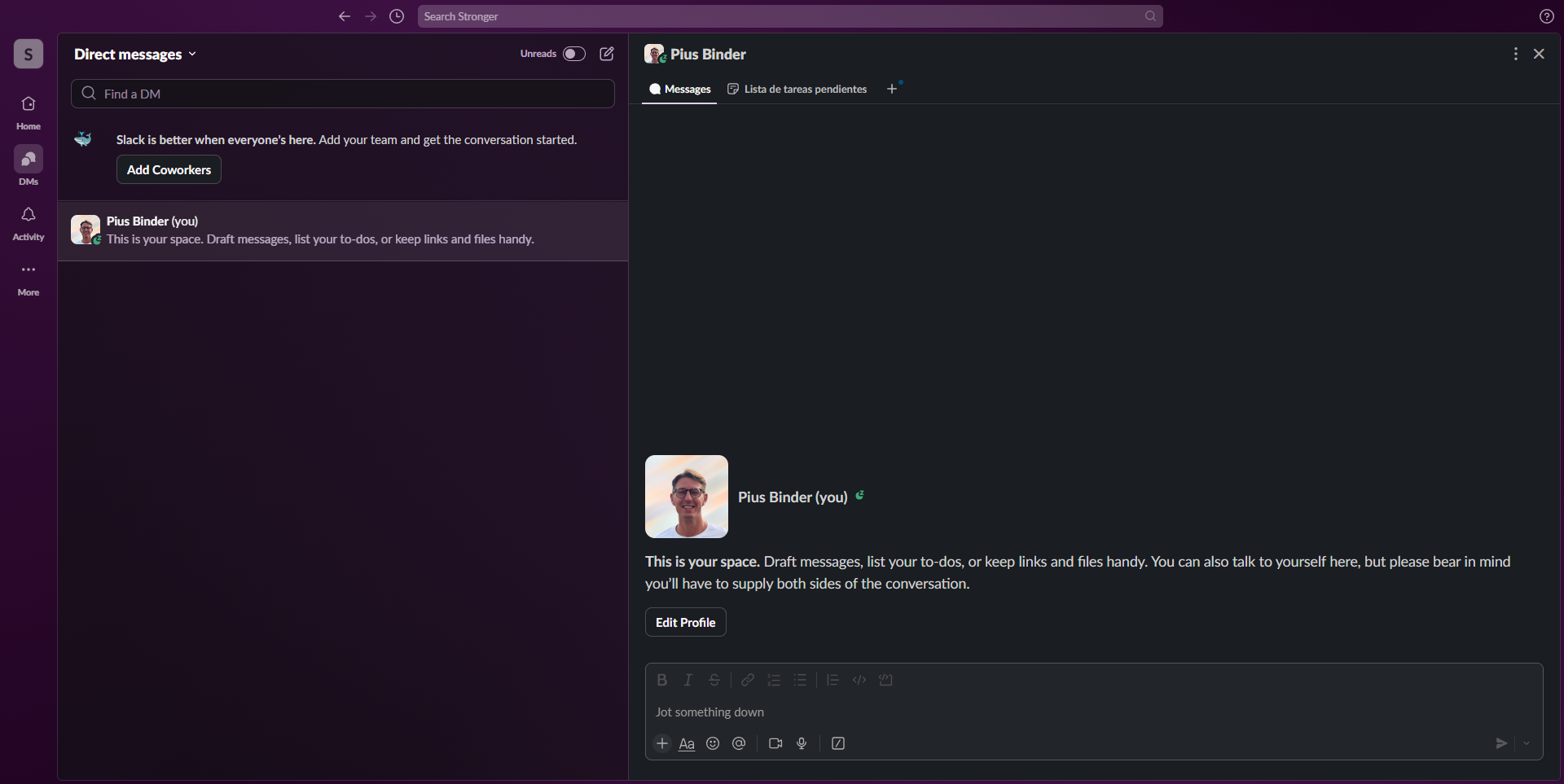
Slack screenshot 1
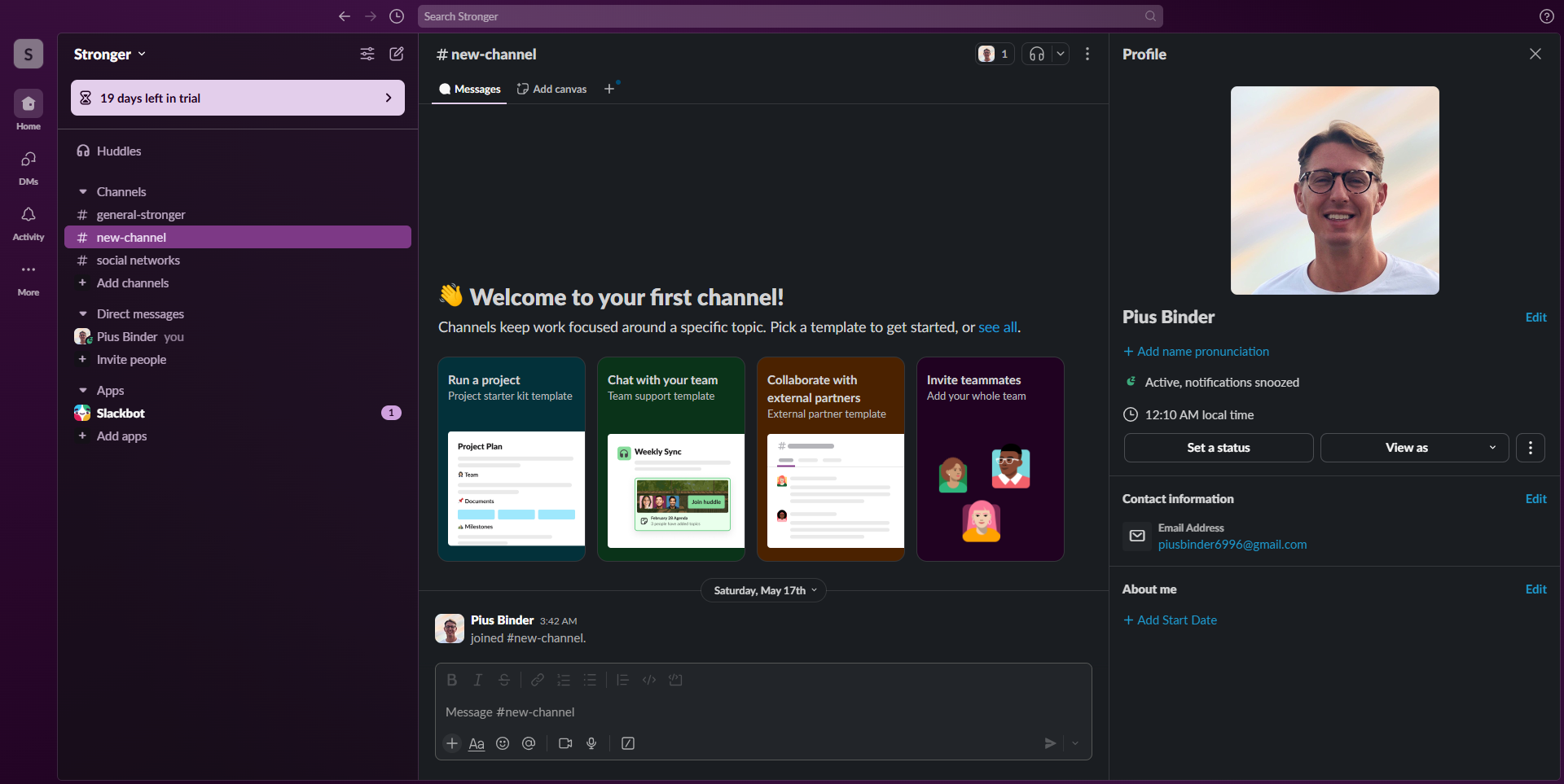
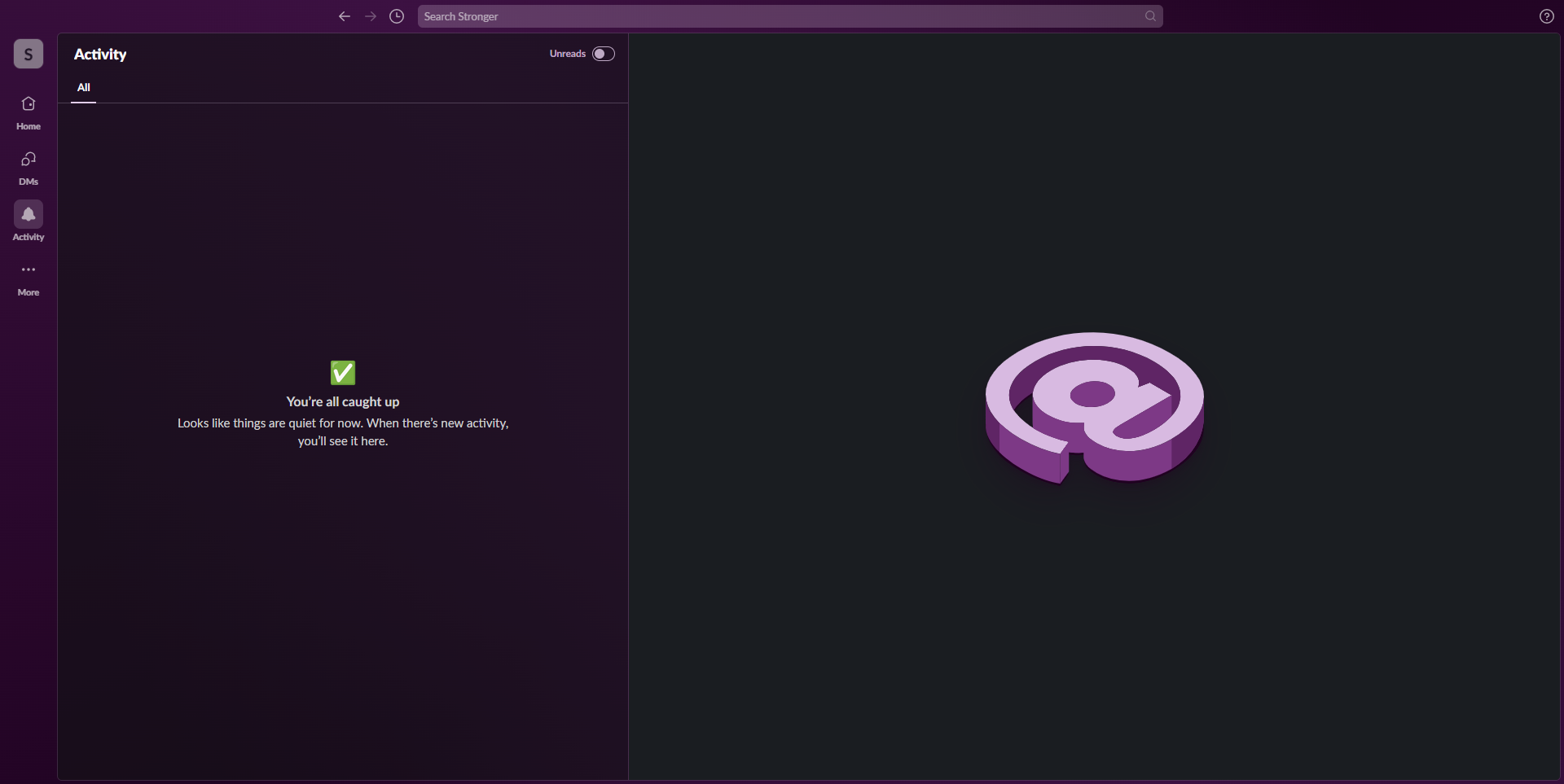
Slack screenshot 2
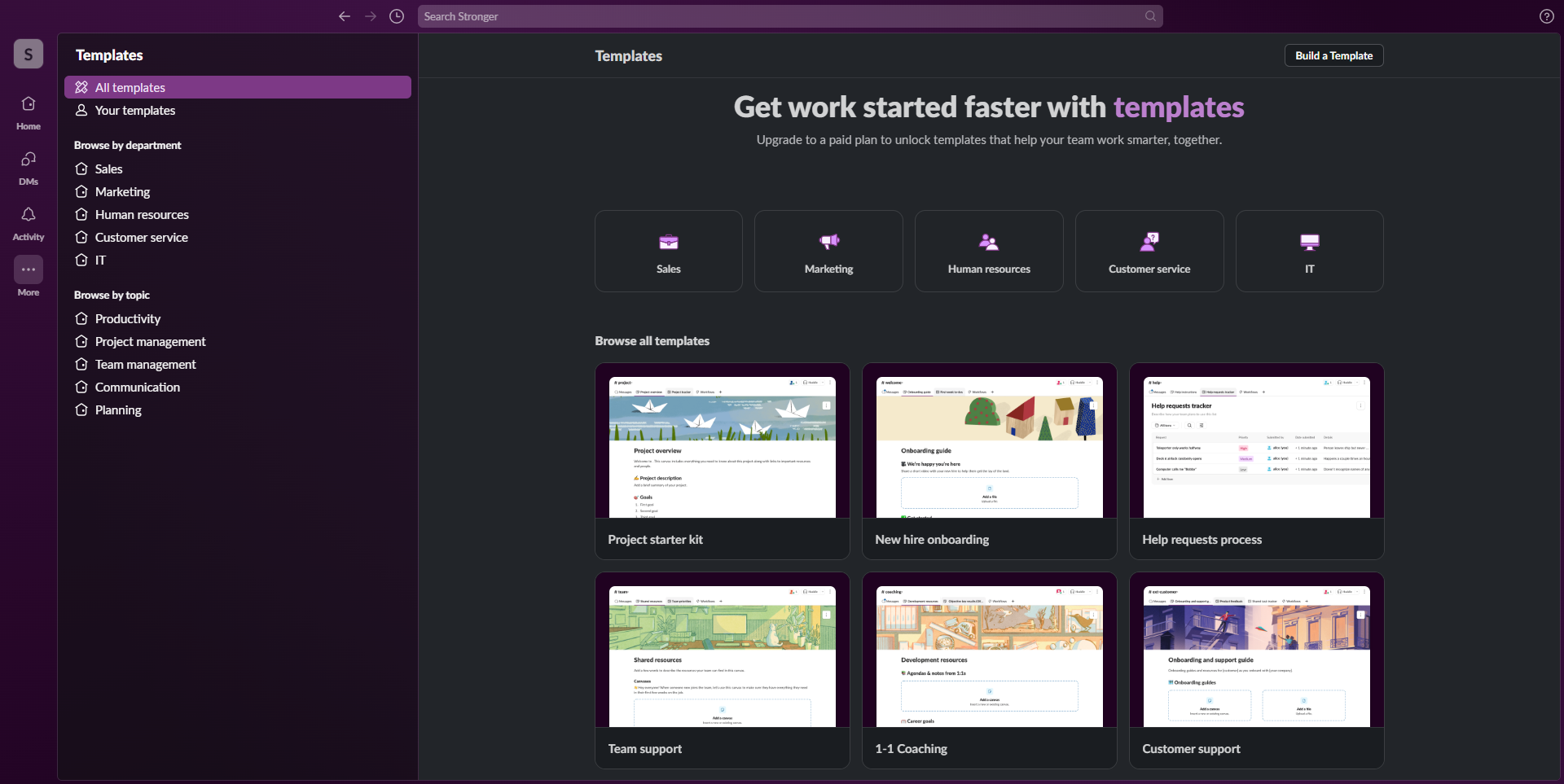
Slack screenshot 3
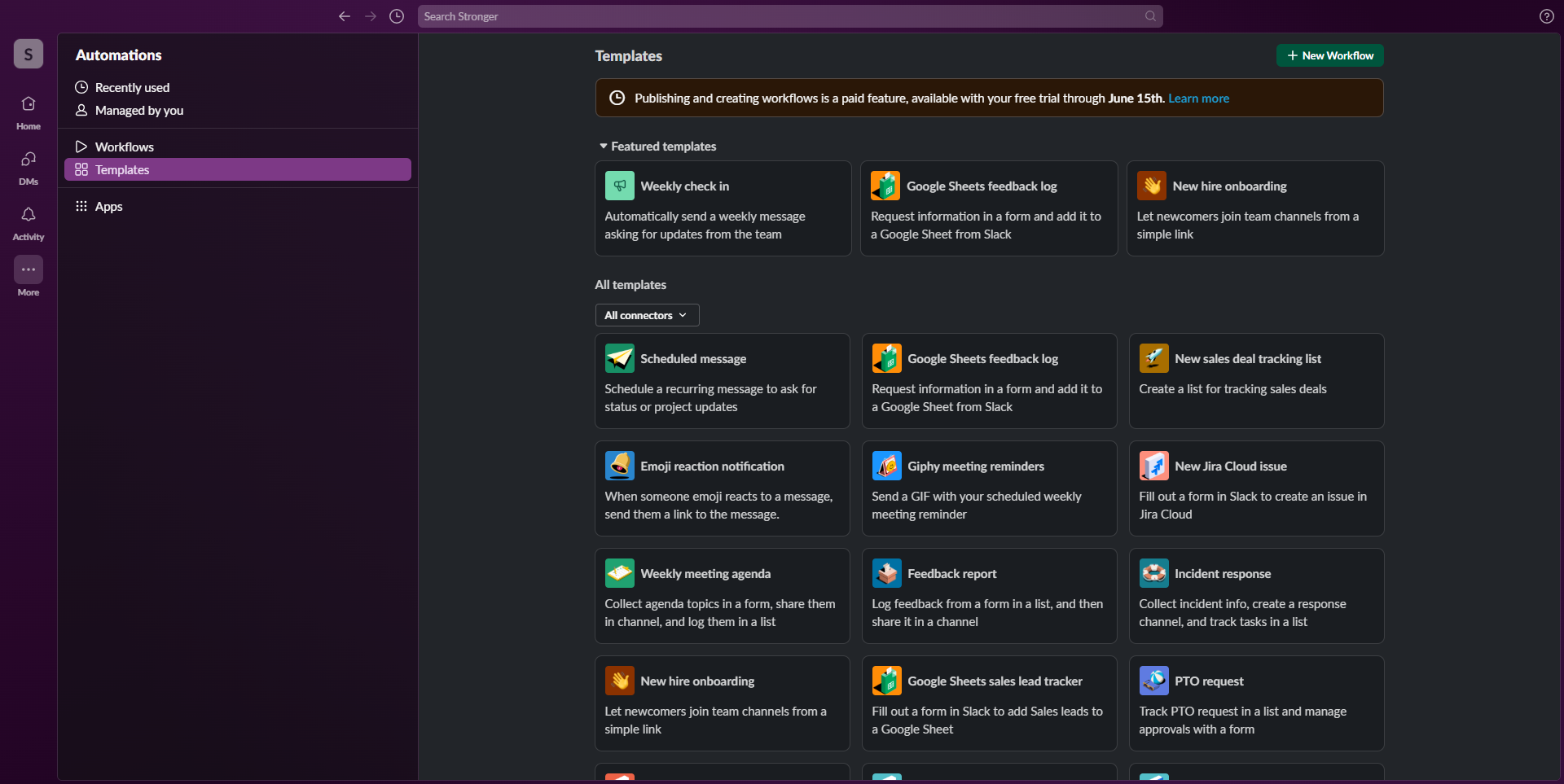
Slack screenshot 4
Slack screenshot 5
Slack screenshot 6
Slack screenshot 7
Slack screenshot 8
Slack screenshot 9
Slack screenshot 10