Sign in to review
Join our community of software reviewers on Subscribed.fyi

Continue With Google
Continue With LinkedIn
Continue Review with Email
Continue with Email
Enter your email to continue.
Continue
Enter your password
Enter your password to finish setting up your account.
Continue
Activate your email
Enter activation code we sent to your email.
Submit
Reset your password
Enter activation code we sent to your email.
Submit
Set your new password
Enter a new password for your account.
Submit
Categories
For Business
Log in
Provide My Insights
Add Product
Suggested products People also compare with
Add to Comparison
Suggested products People also compare with

Compare Submagic and Pixlr

We are comparing Submagic and Pixlr to evaluate which one is the best product.

Suggested products People also compare with
Review Pricing Alternatives Experience

Review

68%
23/36 Metric achieved
68%
24/36 Metric achieved

Subscribed Metric

Customer Support 6/6
Security 0/6
Ease of Use 6/6
Value of Money 4/6
Integration 1/6
Popularity 6/6

Subscribed Metric

Customer Support 3/6
Security 4/6
Ease of Use 5/6
Value of Money 4/6
Integration 3/6
Popularity 5/6

Pros & Cons

Fast caption generation
Improves social media retention
Easy to use for creators
Quality customer support
Limited pricing transparency
Slightly more expensive than competitors
Minimal language support
Few detailed feature options

Pros & Cons

Easy to use for beginners
Accessible via web browser
Offers layered editing
Great for quick photo edits
Limited advanced features
Occasional lag on browser
Basic AI tool performance
Restricted file format options

Conclusion

Submagic is an AI-powered tool for content creators, enabling quick creation of captions, transitions, sound effects, and b-rolls to enhance social media videos in under 2 minutes. Designed for marketers, designers, and influencers, it boosts engagement and retention with ease. Pros: fast, user-friendly, and highly rated customer support. Cons: higher cost compared to competitors like Pictory or Ayrshare. Though slightly pricier, Submagic’s efficiency and intuitive design justify its value for professionals.

Conclusion

Pixlr is a versatile, browser-based photo editing and design tool offering AI-powered features like background removal, cutting-edge templates, and layered editing with options for quick creative processes through Pixlr X and advanced adjustments with Pixlr E. It caters to designers, marketers, and small business owners seeking affordable yet robust tools. Pricing ranges from a free plan with ads to a $14.99/month premium subscription.

Compared to Photoshop, Pixlr is cost-effective with a beginner-friendly UI but lacks some advanced features, making it less ideal for professional-grade tasks. Canva offers better templates for social media but falls short in photo editing depth. Pixlr’s strengths lie in its lightweight design and accessibility, while its drawbacks include occasional lag and limited file formats. Customer support is rated highly, and its AI features continually improve. For budget users or non-specialists, Pixlr is an excellent alternative.

Pricing

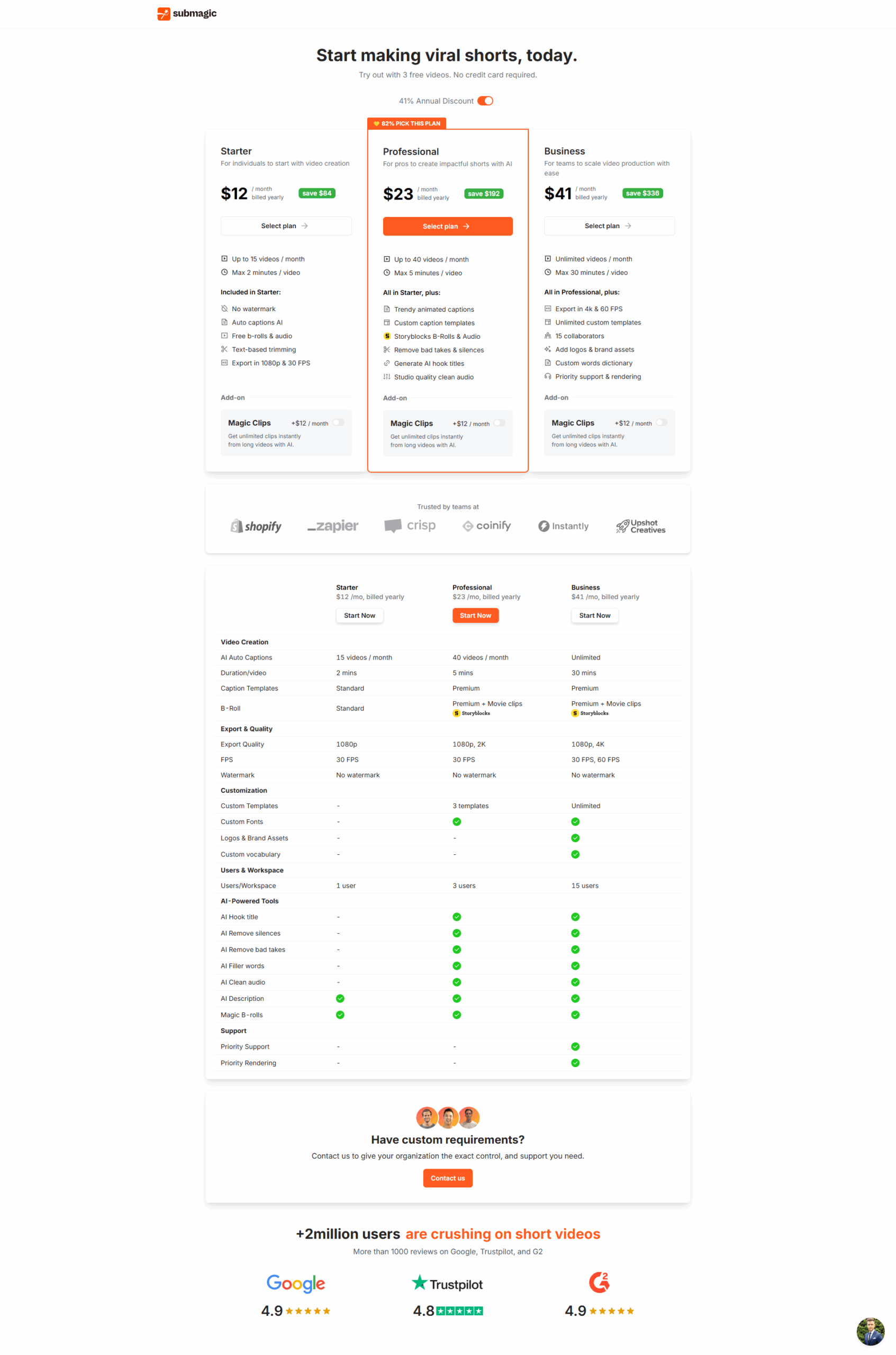
Submagic Pricing

Pricing Range $14-$89/Month See Submagic Pricing

Pixlr Pricing

Pricing Range $1.99-$12.99/Month See Pixlr Pricing

Alternatives

Submagic Alternatives

Noteburner logo

Noteburner

78%
Pixlr logo

Pixlr

68%
See All Submagic Alternatives

Pixlr Alternatives

Adobe Photoshop logo

Adobe Photoshop

80%
Adobe Photoshop Lightroom logo

Adobe Photoshop Lightroom

70%
GIMP logo

GIMP

68%
See All Pixlr Alternatives

Experience

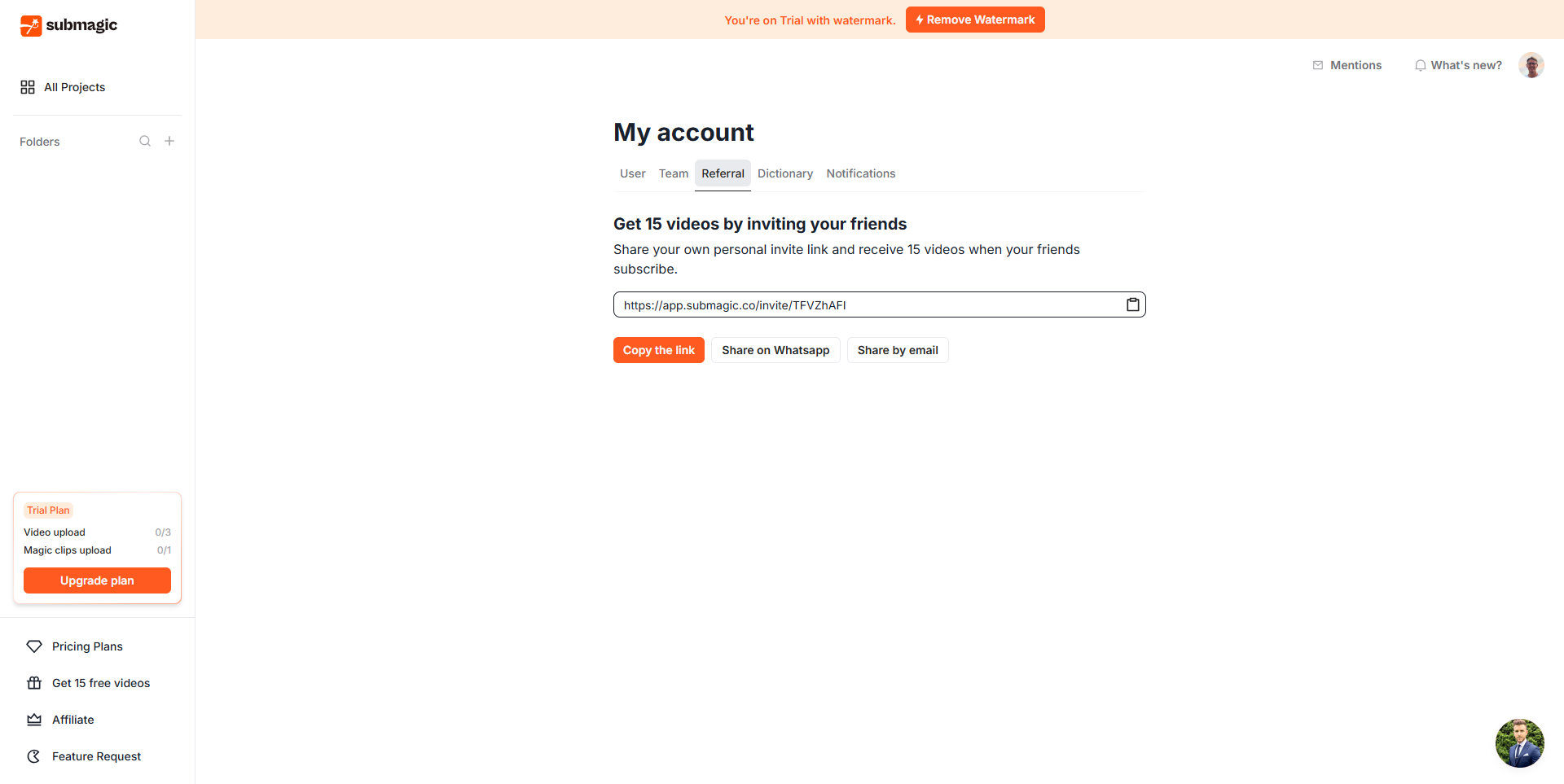
Submagic Screenshots

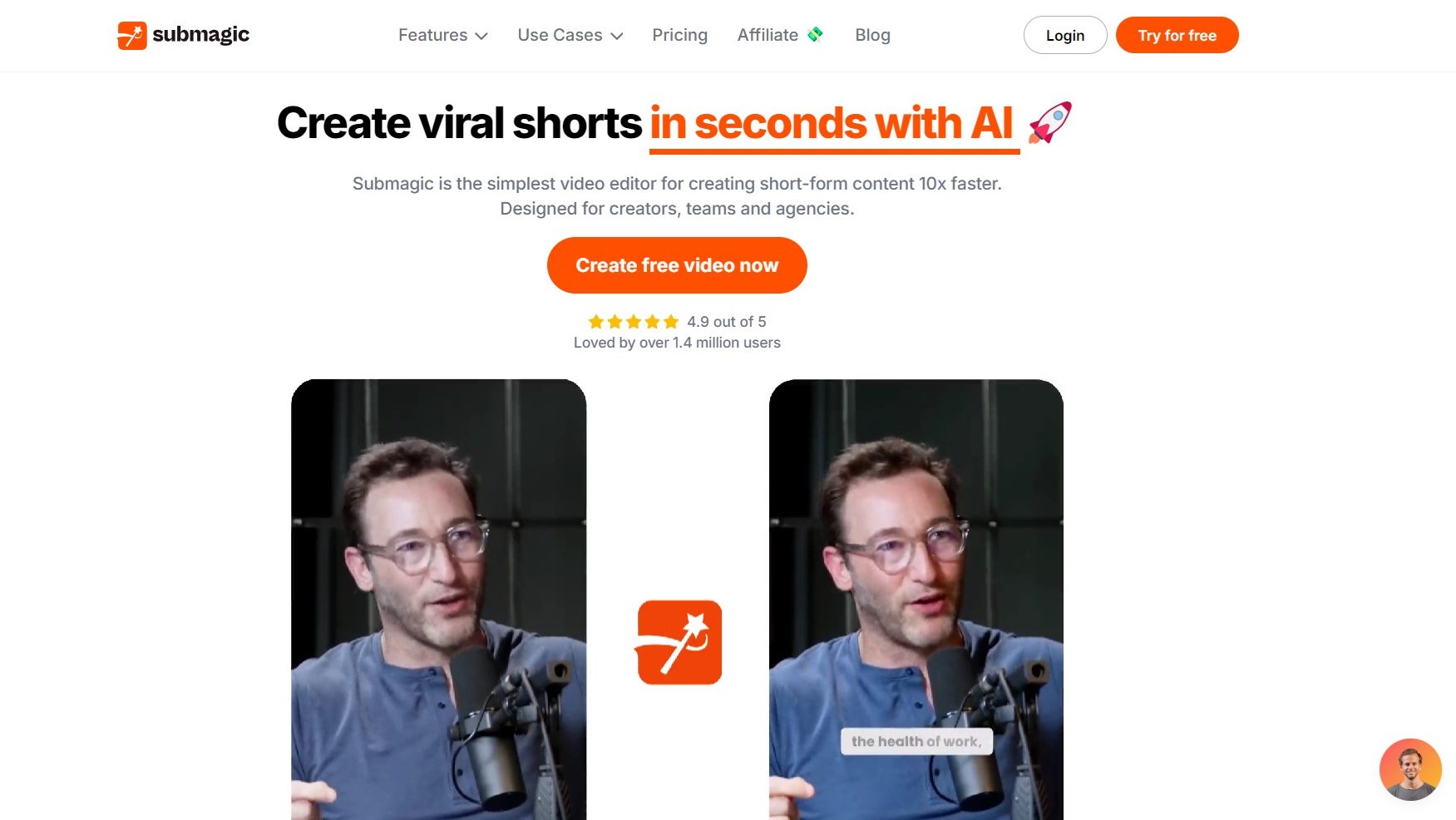
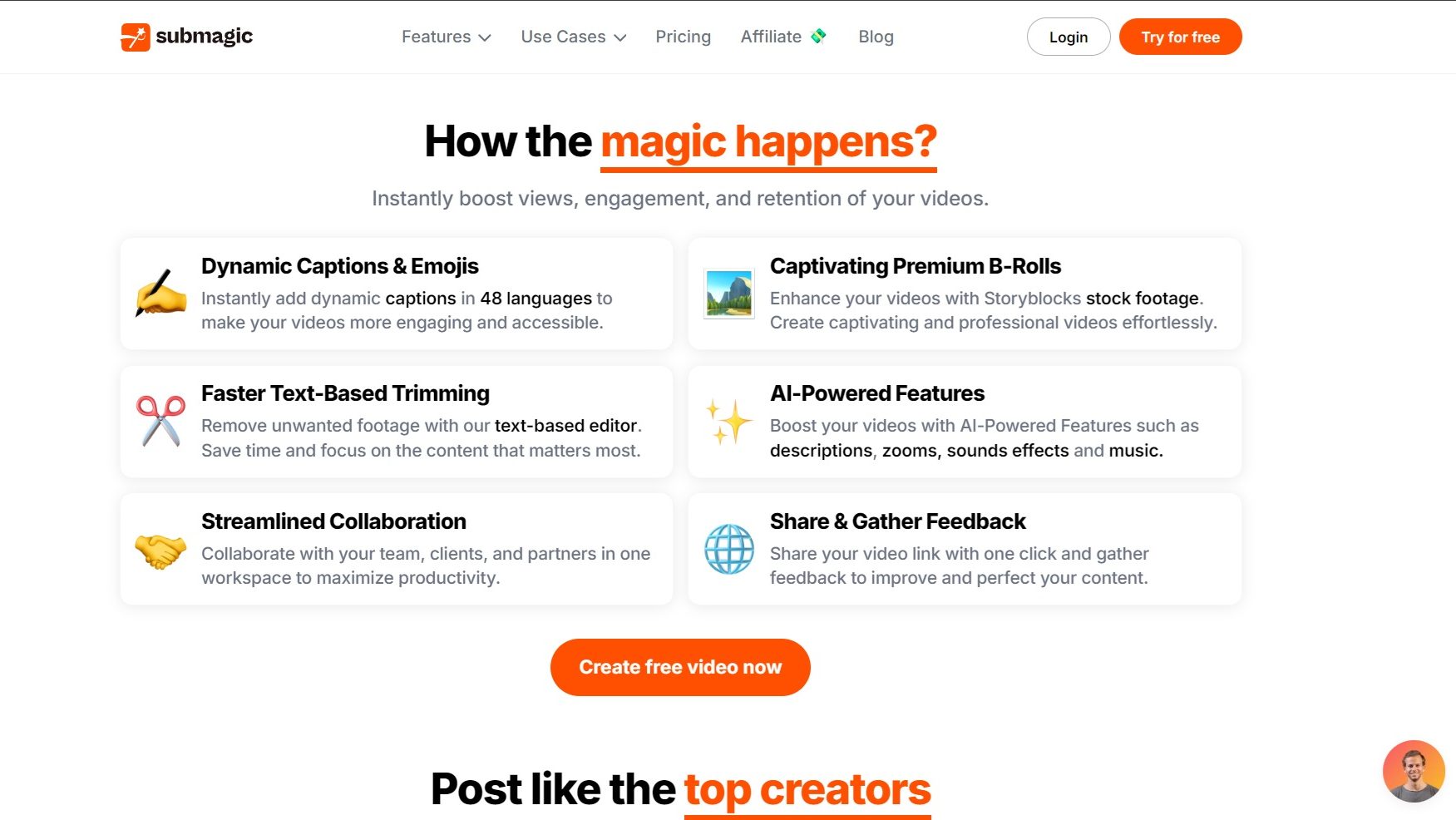
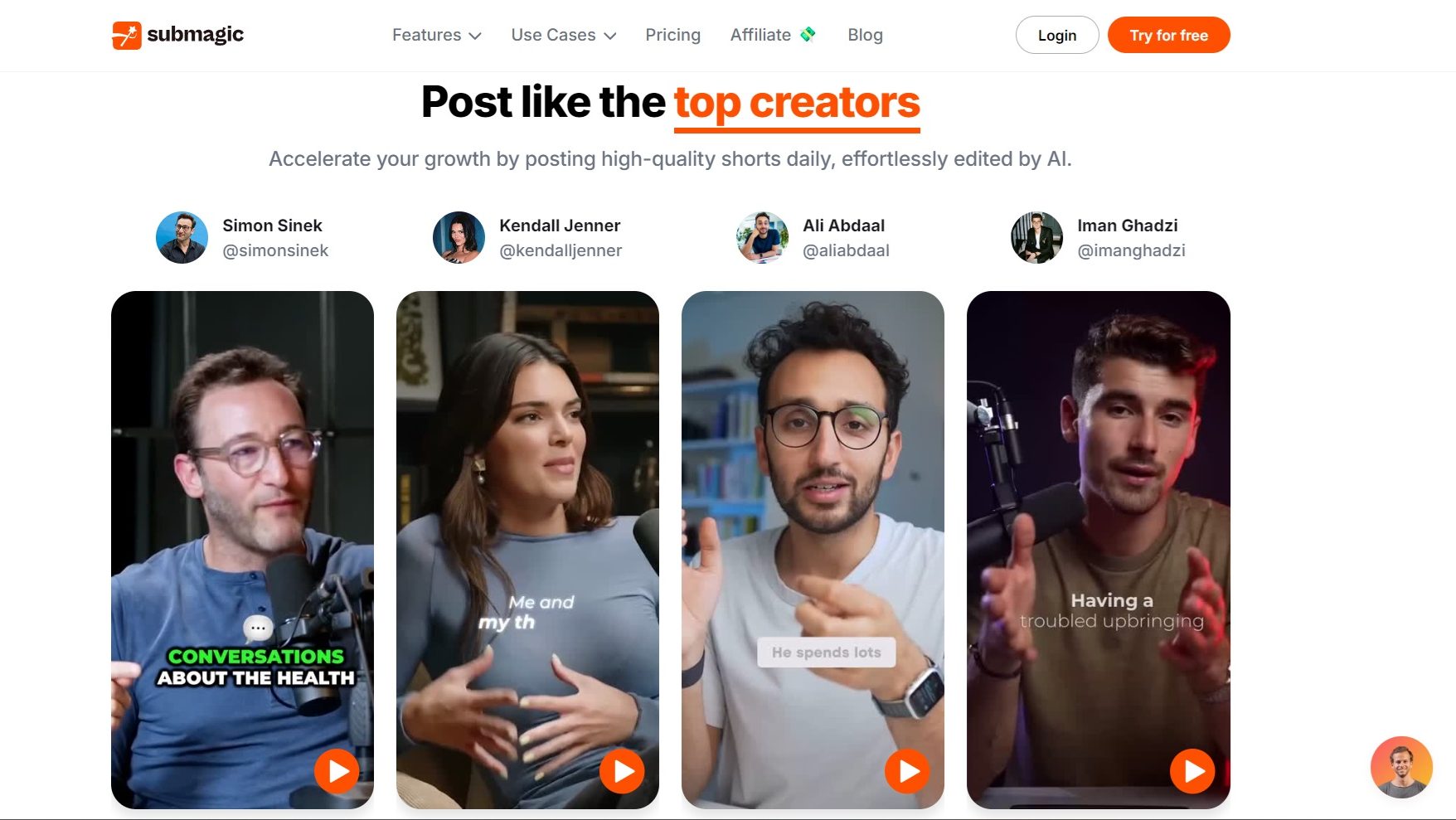
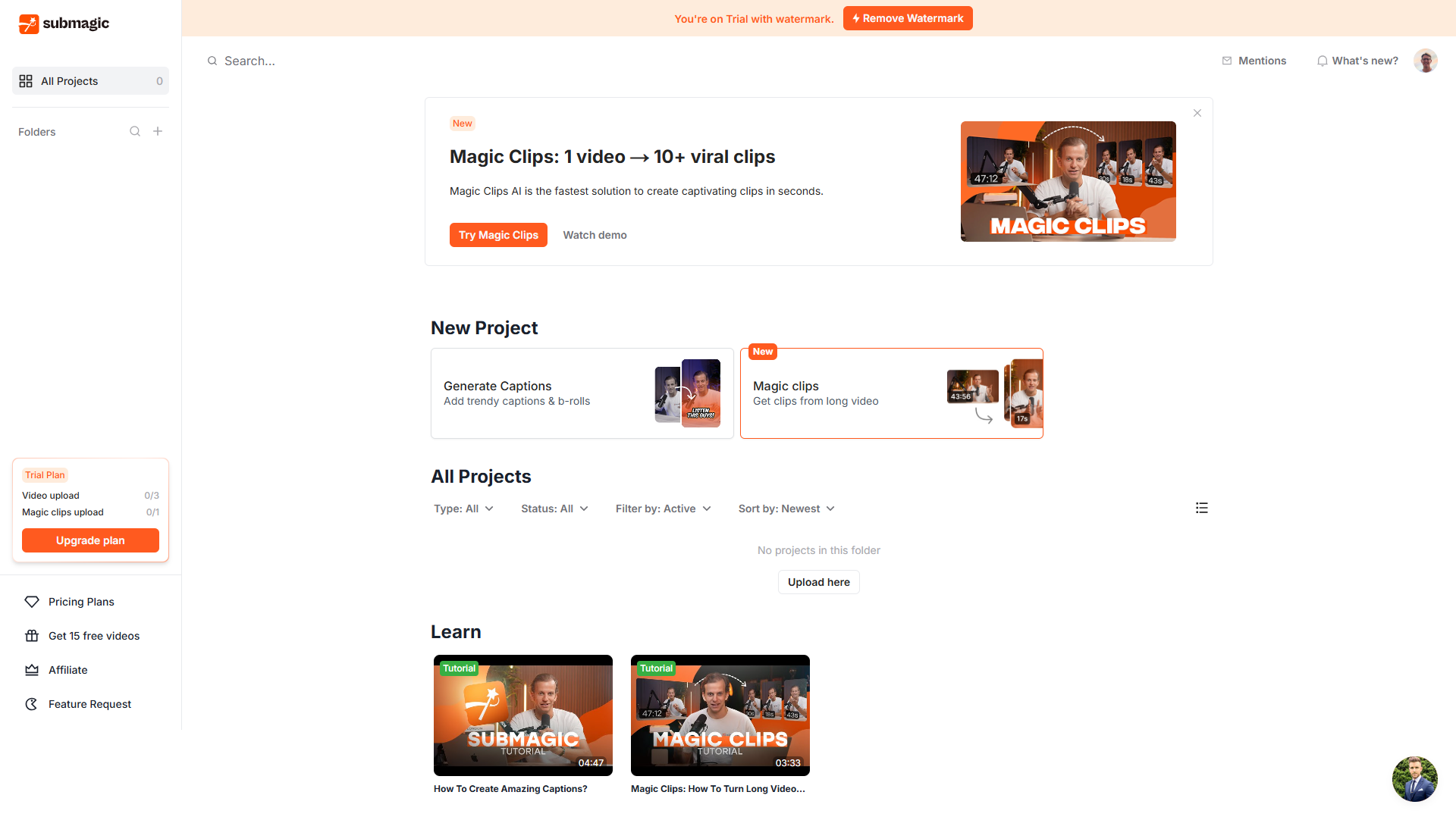
Submagic screenshot 1
Submagic screenshot 2
Submagic screenshot 3
Submagic screenshot 4
Submagic screenshot 5
Submagic screenshot 6

Pixlr Screenshots

Data Unavailable This information for the product is not yet available. Please check back later or explore directly on product website.