Sign in to review
Join our community of software reviewers on Subscribed.fyi

Continue With Google
Continue With LinkedIn
Continue Review with Email
Continue with Email
Enter your email to continue.
Continue
Enter your password
Enter your password to finish setting up your account.
Continue
Activate your email
Enter activation code we sent to your email.
Submit
Reset your password
Enter activation code we sent to your email.
Submit
Set your new password
Enter a new password for your account.
Submit
Categories
For Business
Log in
Provide My Insights
Add Product
Suggested products People also compare with
Add to Comparison
Suggested products People also compare with

Compare Superblocks and AppSmith

We are comparing Superblocks and AppSmith to evaluate which one is the best product.

Suggested products People also compare with
Review Pricing Alternatives Experience

Review

82%
30/36 Metric achieved
88%
32/36 Metric achieved

Subscribed Metric

Customer Support 5/6
Security 6/6
Ease of Use 5/6
Value of Money 4/6
Integration 6/6
Popularity 4/6

Subscribed Metric

Customer Support 6/6
Security 5/6
Ease of Use 5/6
Value of Money 6/6
Integration 5/6
Popularity 5/6

Pros & Cons

Fast, low-code development of internal tools with full-stack flexibility.
Integrates seamlessly with databases, REST APIs, GraphQL, and queues.
Enterprise-ready features like SSO, RBAC, audit logs, and Git sync.
Built-in support for automations, workflows, and cron-based scheduling.
Cloud, self-hosted, and hybrid deployment options available.
Highly responsive support and active developer documentation.
Pro plan pricing can become expensive for large creator teams.
Limited design customization for complex UI/UX needs.
Advanced features (e.g., SAML, SCIM) locked behind enterprise tier.
Currently limited to internal tools use cases; not ideal for customer-facing apps.
Requires technical knowledge—best suited for developers, not non-tech users.

Pros & Cons

Highly customizable with JavaScript
Ease of creating responsive UIs
Free community edition available
Integrates with multiple data sources
Functionality can be limited for advanced features
Performance issues in complex setups
No mobile app for development
Steep learning curve for beginners

Other Platform Review

Other Platform Review

Conclusion

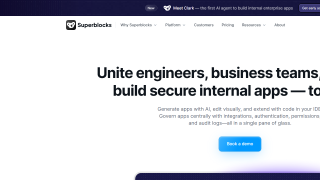
Superblocks is a low-code platform for developers to swiftly design and deploy internal tools. Key features include an intuitive drag-and-drop UI builder, robust integration with APIs/databases, AI-supported development via Superblocks Copilot, and enterprise-grade scalability with centralized permissions and logging. Starting at $49/month, it caters to developers prioritizing flexibility and security. Compared to tools like Retool or OutSystems, Superblocks excels in extensibility and performance but may lack beginner-friendly simplicity. Customer support is reliable, and it delivers solid cost-effectiveness for advanced teams.

Conclusion

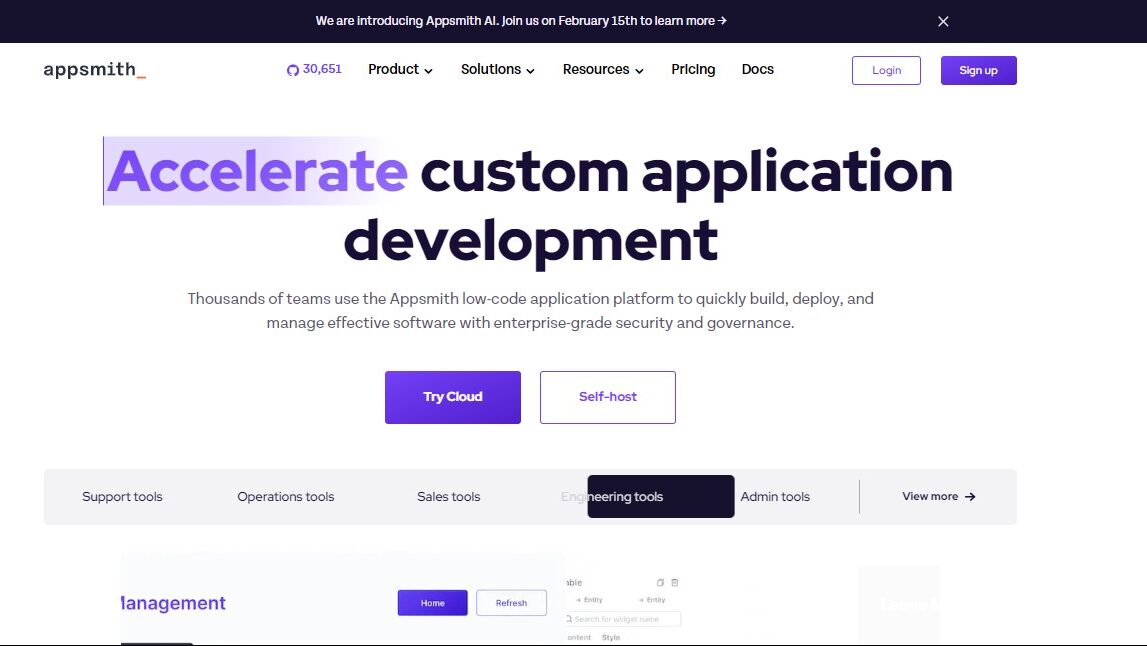
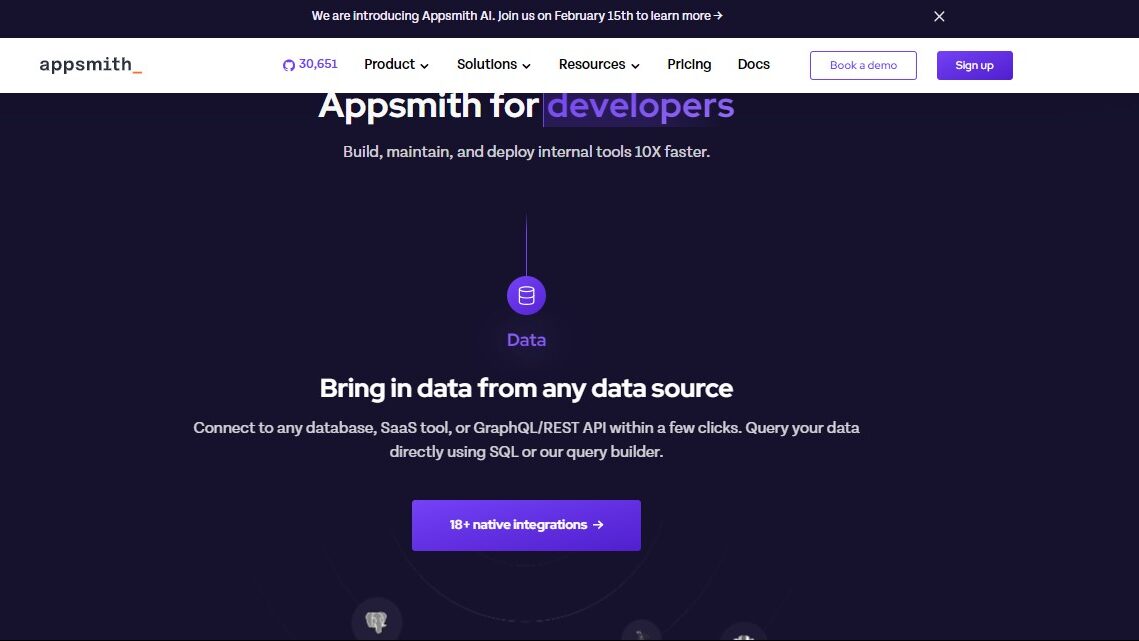
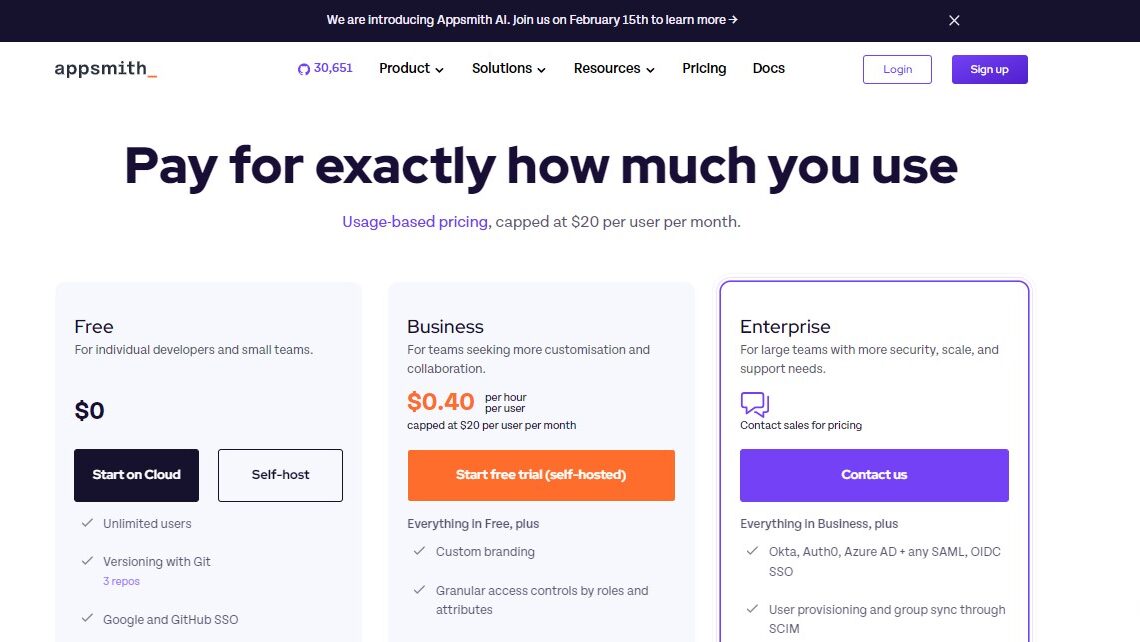
Appsmith is an open-source, low-code platform tailored for developers and data teams to build internal tools, dashboards, and automations. It offers drag-and-drop UI design, easy API/database integration, Git-based versioning, and custom JavaScript support. Free for most features, with advanced plans starting at $40/month. Compared to tools like Retool, Appsmith is cost-effective and highly flexible but may lack enterprise-level polish in certain workflows. Support is community-driven but efficient. Ideal for developers seeking extensibility and cost control.

Pricing

Superblocks Pricing

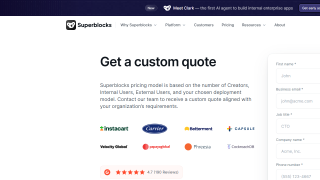
Pricing Range $49/Month See Superblocks Pricing

AppSmith Pricing

Pricing Range $0-2.5k/Month See AppSmith Pricing

Alternatives

Superblocks Alternatives

Retool logo

Retool

98%
AppSmith logo

AppSmith

88%
Appian logo

Appian

88%
OutSystems logo

OutSystems

83%
See All Superblocks Alternatives

AppSmith Alternatives

Retool logo

Retool

98%
Appian logo

Appian

88%
OutSystems logo

OutSystems

83%
See All AppSmith Alternatives

Experience

Superblocks Screenshots

Superblocks screenshot 1
Superblocks screenshot 2

AppSmith Screenshots

AppSmith screenshot 1
AppSmith screenshot 2
AppSmith screenshot 3