Sign in to review
Join our community of software reviewers on Subscribed.fyi

Continue With Google
Continue With LinkedIn
Continue Review with Email
Continue with Email
Enter your email to continue.
Continue
Enter your password
Enter your password to finish setting up your account.
Continue
Activate your email
Enter activation code we sent to your email.
Submit
Reset your password
Enter activation code we sent to your email.
Submit
Set your new password
Enter a new password for your account.
Submit
Categories
For Business
Log in
Provide My Insights
Add Product
Suggested products People also compare with
Add to Comparison
Suggested products People also compare with

Compare TablePlus and DBeaver

We are comparing TablePlus and DBeaver to evaluate which one is the best product.

Suggested products People also compare with
Review Pricing Alternatives Experience

Review

76%
27/36 Metric achieved
83%
29/36 Metric achieved

Subscribed Metric

Customer Support 3/6
Security 4/6
Ease of Use 6/6
Value of Money 4/6
Integration 5/6
Popularity 5/6

Subscribed Metric

Customer Support 4/6
Security 4/6
Ease of Use 5/6
Value of Money 5/6
Integration 5/6
Popularity 6/6

Pros & Cons

Clean and intuitive UI.
Supports multiple database types.
Efficiency in managing database queries.
Lightweight with strong performance.
Limited features in the free version.
High price for advanced features.
Challenges with Linux version and plugin availability.
Lacking advanced database schema tools.

Pros & Cons

Supports multiple database engines in one tool
User-friendly interface for easy navigation
Highly customizable tabs and panels
Efficient data migration and replication
Frequent updates may disrupt compatibility
Cluttered UI for new users
Reconnection process can be slow
Limited compatibility with certain database features

Conclusion

TablePlus is a lightweight, intuitive GUI tool ideal for developers managing multiple relational databases like MySQL, PostgreSQL, and SQLite. Key features include a clean UI, multi-tab support, query history, and robust data encryption. It’s fast and integrates seamlessly across MacOS, Windows, and Linux. Compared to DBeaver and DataGrip, TablePlus excels in simplicity but lacks advanced features like ER diagrams and deep debugging. Designers or developers favor it for streamlined database management, though its licensing ($79/one-time) is pricey for limited-use cases. While customer support is responsive, Linux compatibility is still limited. Cost-effective for small to medium projects but less viable for enterprises. A solid choice for speed and UI-centric management.

Conclusion

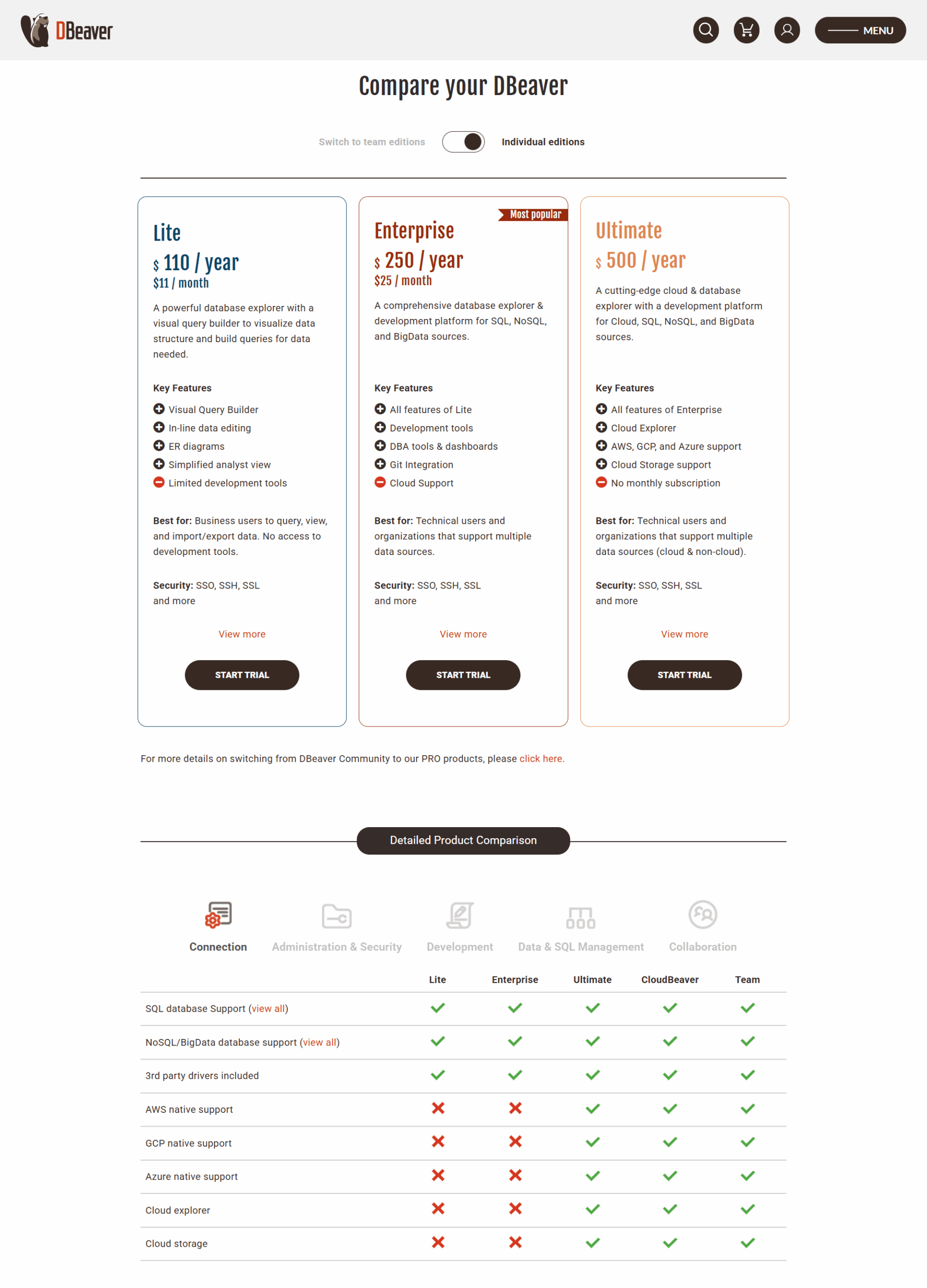
DBeaver is a robust database management tool ideal for developers, data analysts, and DBAs handling SQL, NoSQL, or cloud databases. Key features include multi-database connectivity, data visualization, ER diagrams, automation, and high-level security. Pricing is competitive, starting at $10/month for the Pro version, with a free community edition available. Compared to alternatives like DataGrip and DbVisualizer, it offers more database integrations and better cost-effectiveness but has a steeper learning curve. Customer support is responsive, with frequent updates. While powerful for professionals, non-technical users might find its interface overwhelming. Overall, DBeaver is a cost-effective, feature-rich tool for database operations.

Pricing

TablePlus Pricing

Pricing Range $59-$129/Month See TablePlus Pricing

DBeaver Pricing

Pricing Range $11-$133/Month

Alternatives

TablePlus Alternatives

Navicat Premium logo

Navicat Premium

88%
DBeaver logo

DBeaver

83%
MySQL logo

MySQL

78%
See All TablePlus Alternatives

DBeaver Alternatives

DbVisualizer logo

DbVisualizer

91%
Navicat Premium logo

Navicat Premium

88%
MySQL logo

MySQL

78%
TablePlus logo

TablePlus

76%
See All DBeaver Alternatives

Experience

TablePlus Screenshots

TablePlus screenshot 1
TablePlus screenshot 2

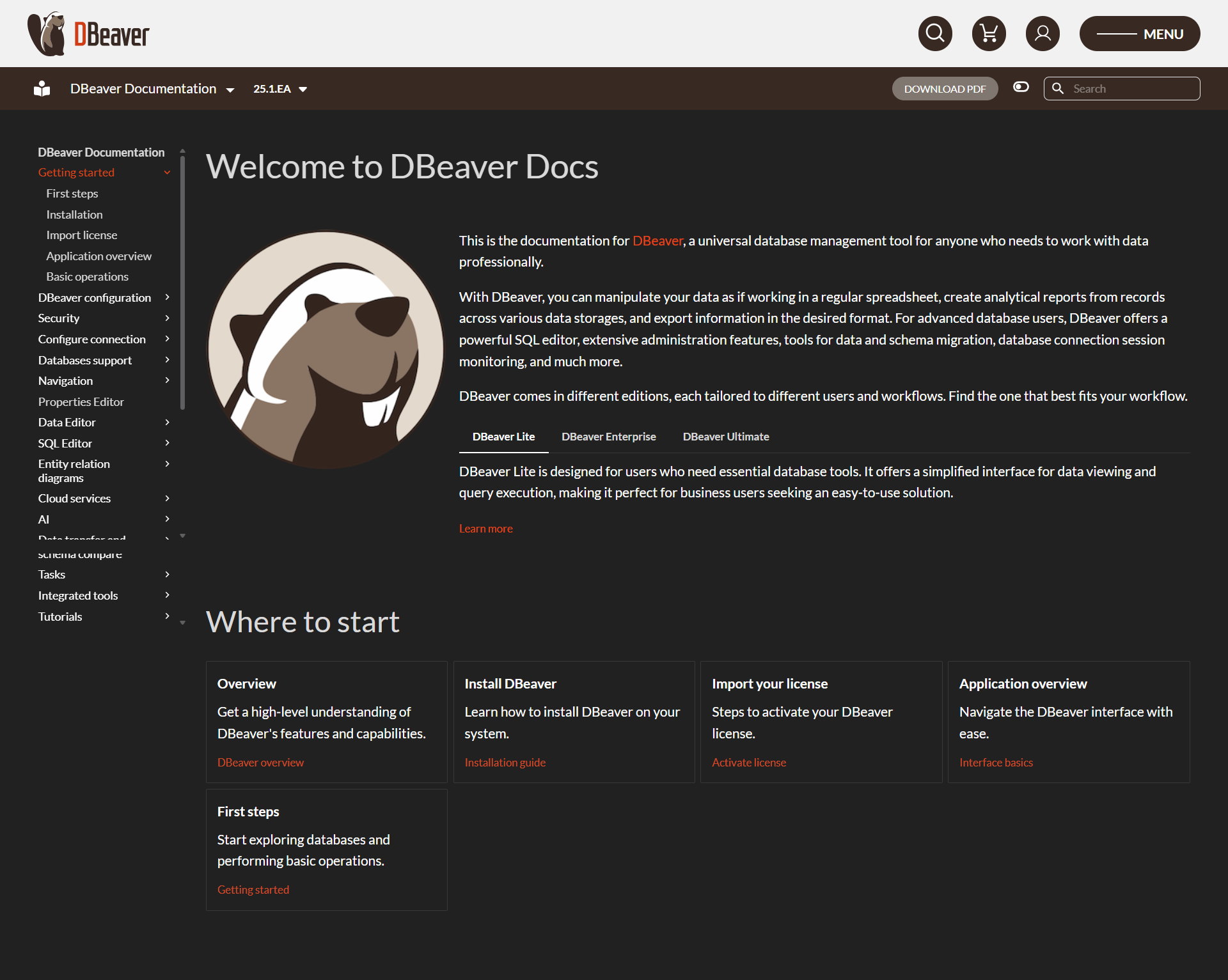
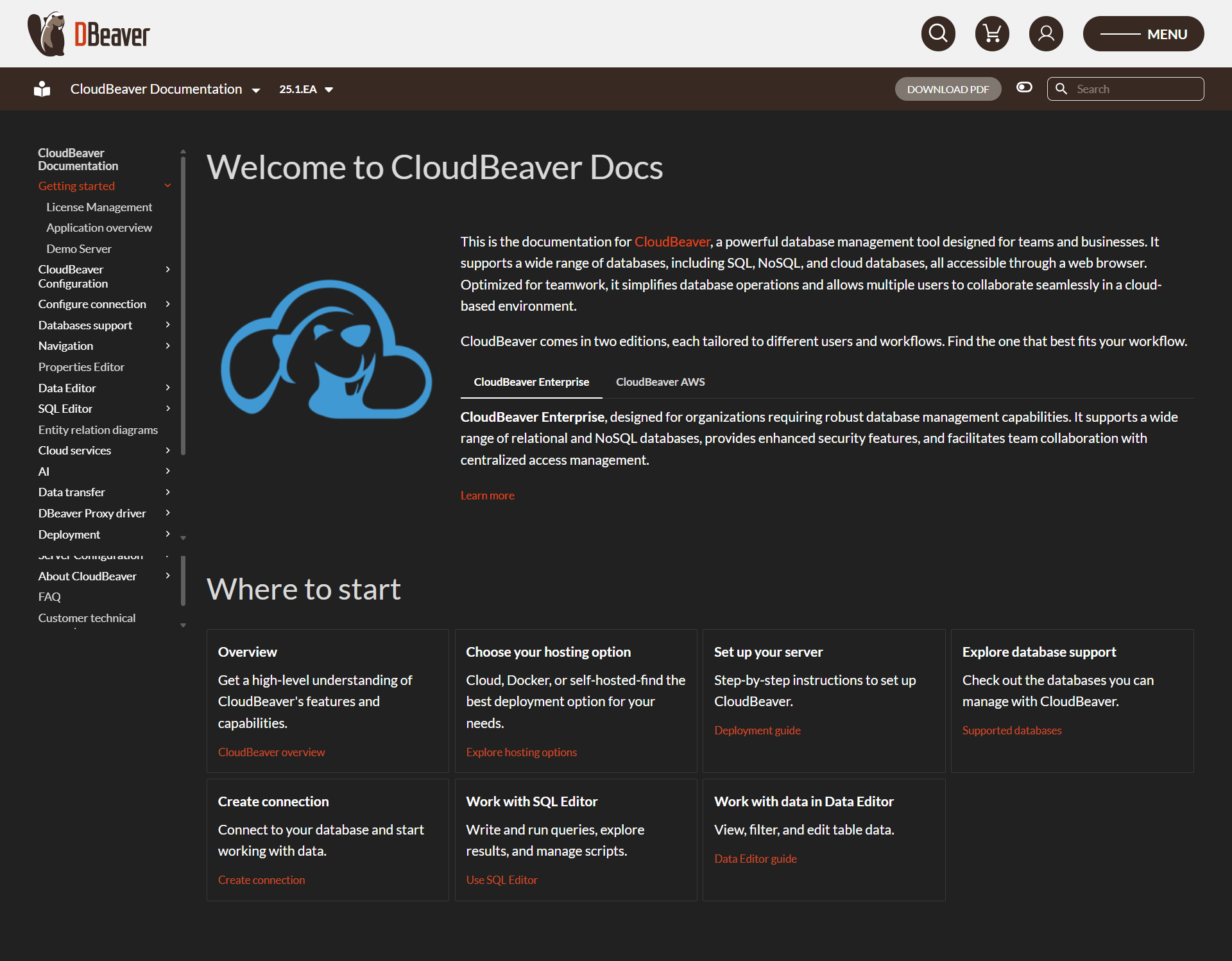
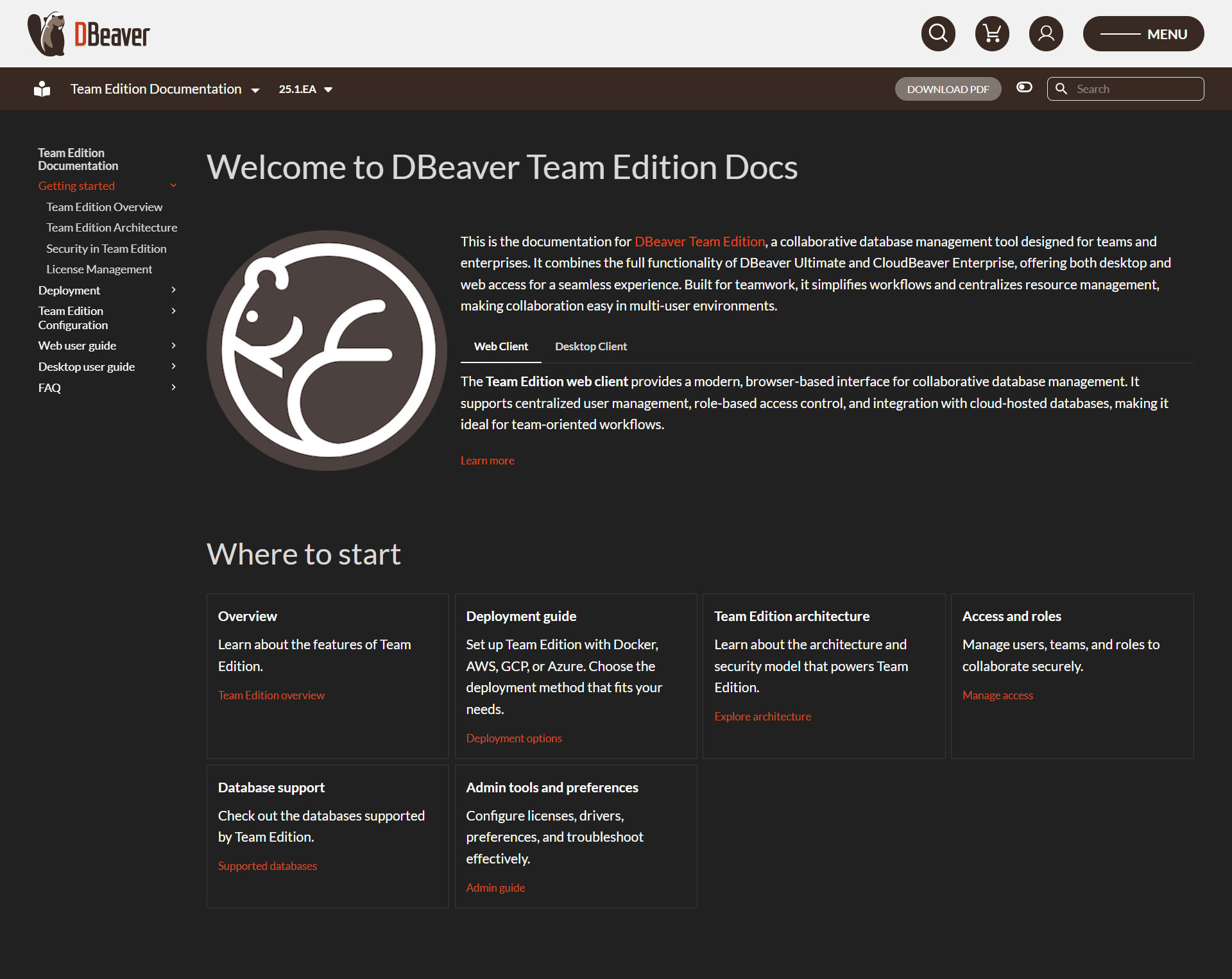
DBeaver Screenshots

DBeaver screenshot 1
DBeaver screenshot 2
DBeaver screenshot 3
DBeaver screenshot 4
DBeaver screenshot 5