Sign in to review
Join our community of software reviewers on Subscribed.fyi

Continue With Google
Continue With LinkedIn
Continue Review with Email
Continue with Email
Enter your email to continue.
Continue
Enter your password
Enter your password to finish setting up your account.
Continue
Activate your email
Enter activation code we sent to your email.
Submit
Reset your password
Enter activation code we sent to your email.
Submit
Set your new password
Enter a new password for your account.
Submit
Categories
For Business
Log in
Provide My Insights
Add Product
Suggested products People also compare with
Add to Comparison
Suggested products People also compare with

Compare Typeform and FormAssembly

We are comparing Typeform and FormAssembly to evaluate which one is the best product.

Suggested products People also compare with
Review Pricing Alternatives Experience

Review

88%
31/36 Metric achieved
88%
31/36 Metric achieved

Subscribed Metric

Customer Support 5/6
Security 4/6
Ease of Use 6/6
Value of Money 4/6
Integration 6/6
Popularity 6/6

Subscribed Metric

Customer Support 4/6
Security 5/6
Ease of Use 5/6
Value of Money 5/6
Integration 6/6
Popularity 6/6

Pros & Cons

Intuitive and user-friendly interface
Highly customizable designs
Effective conditional logic
Seamless integrations with other tools
Expensive pricing plans
Lag with complex surveys
Limited features in the free version
Challenging with multiple scenarios

Pros & Cons

Seamless Salesforce integration
Highly customizable forms
Drag-and-drop interface
Responsive customer support
Complex learning curve
Limited visual customization
No auto-save feature for users
Conditional logic setup can be tricky

Conclusion

Typeform is a user-friendly, visually appealing form-building platform ideal for marketers, designers, and educators. It enables interactive surveys, quizzes, and lead-generation forms with features like conditional logic, branding, multimedia, and advanced analytics. Integrations with tools like Slack and HubSpot enhance workflows. Compared to alternatives like Google Forms and SurveyMonkey, Typeform excels in design and customization but has higher pricing starting at $29/month. Its steep cost may deter small teams, but intuitive usage, robust templates, and strong customer support (4.4/5) compensate. While alternatives provide basic functionality, Typeform is preferred for professionalism and engagement.

Conclusion

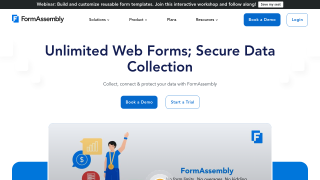
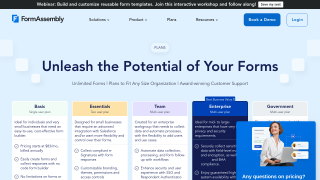
FormAssembly is a no-code, secure, and highly customizable data collection platform designed for organizations requiring advanced form building, automation, and seamless integrations with tools like Salesforce, Microsoft, and Google. Key features include multi-stage workflows, robust compliance (GDPR, HIPAA), and Salesforce prefill capabilities. Its pricing starts at $83/user/month, with higher-tier plans offering team workflows and compliance features.

Compared to alternatives like Typeform, Jotform, and Formstack, FormAssembly excels in enterprise-grade data security and Salesforce integration but may lack modern aesthetics and intuitive UI. Designers might prefer visually rich tools like Typeform, while developers benefit from its complex workflows.

Customer support is responsive but can be limited post-sign-up. With top-notch features for mid-large organizations, its value shines for businesses prioritizing data security and CRM alignment. However, it may not suit users seeking a low-cost or simple form tool.

Pricing

Typeform Pricing

Pricing Range $29-349/Month See Typeform Pricing

FormAssembly Pricing

Pricing Range Not specified See FormAssembly Pricing

Alternatives

Typeform Alternatives

FormAssembly logo

FormAssembly

88%
SurveyMonkey logo

SurveyMonkey

78%
See All Typeform Alternatives

FormAssembly Alternatives

Typeform logo

Typeform

88%
SurveyMonkey logo

SurveyMonkey

78%
See All FormAssembly Alternatives

Experience

Typeform Screenshots

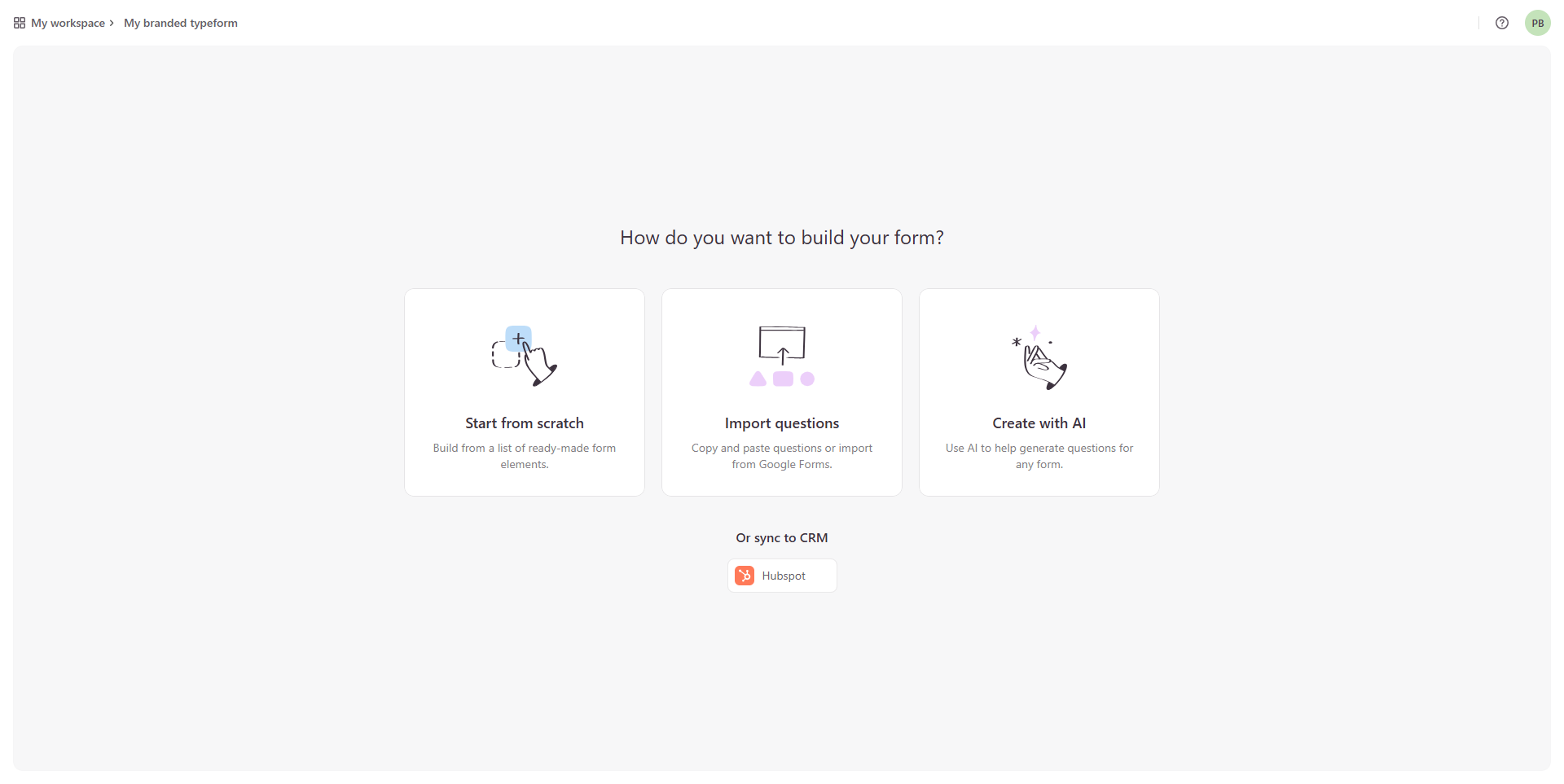
Typeform screenshot 1
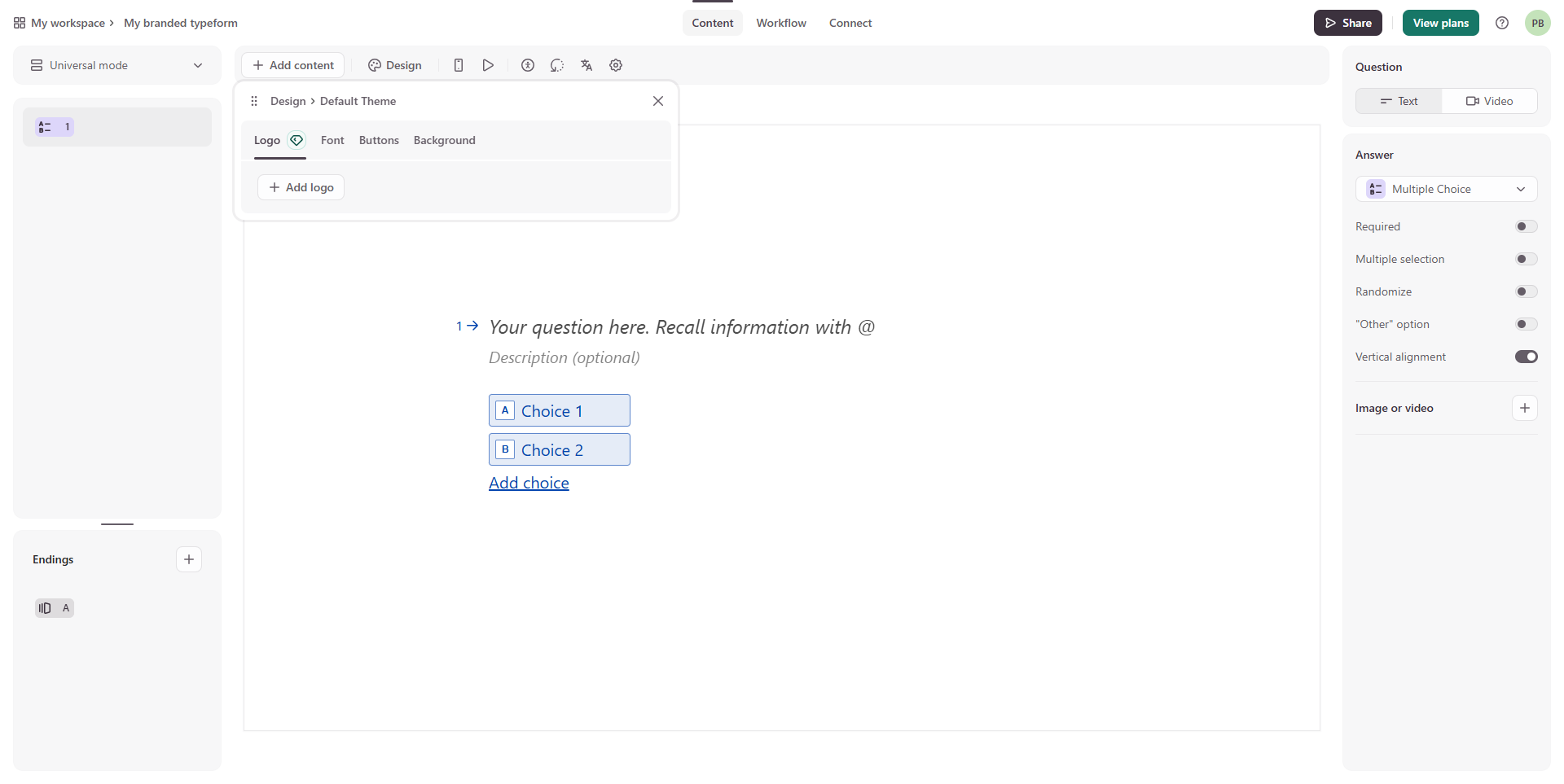
Typeform screenshot 2
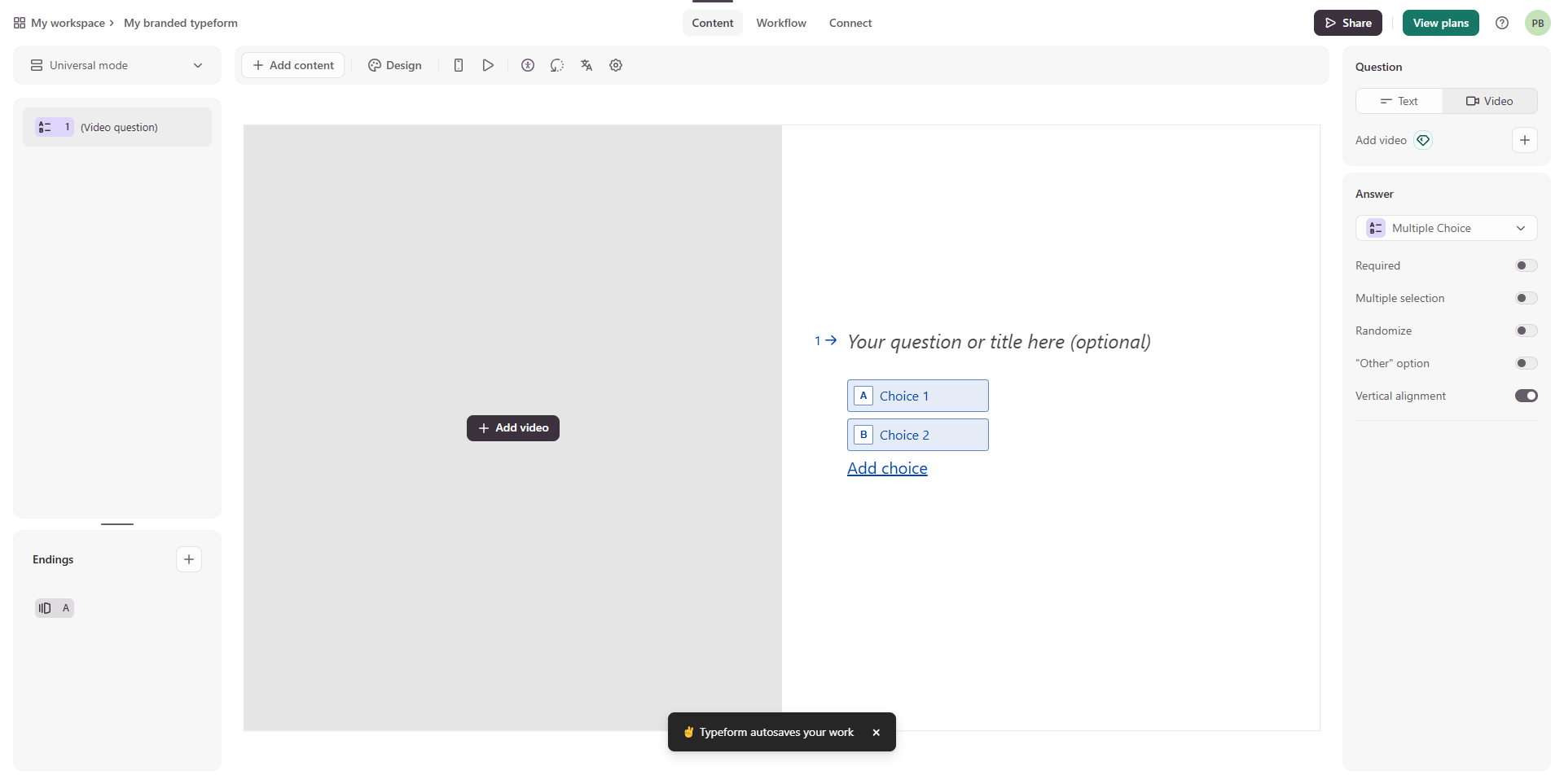
Typeform screenshot 3
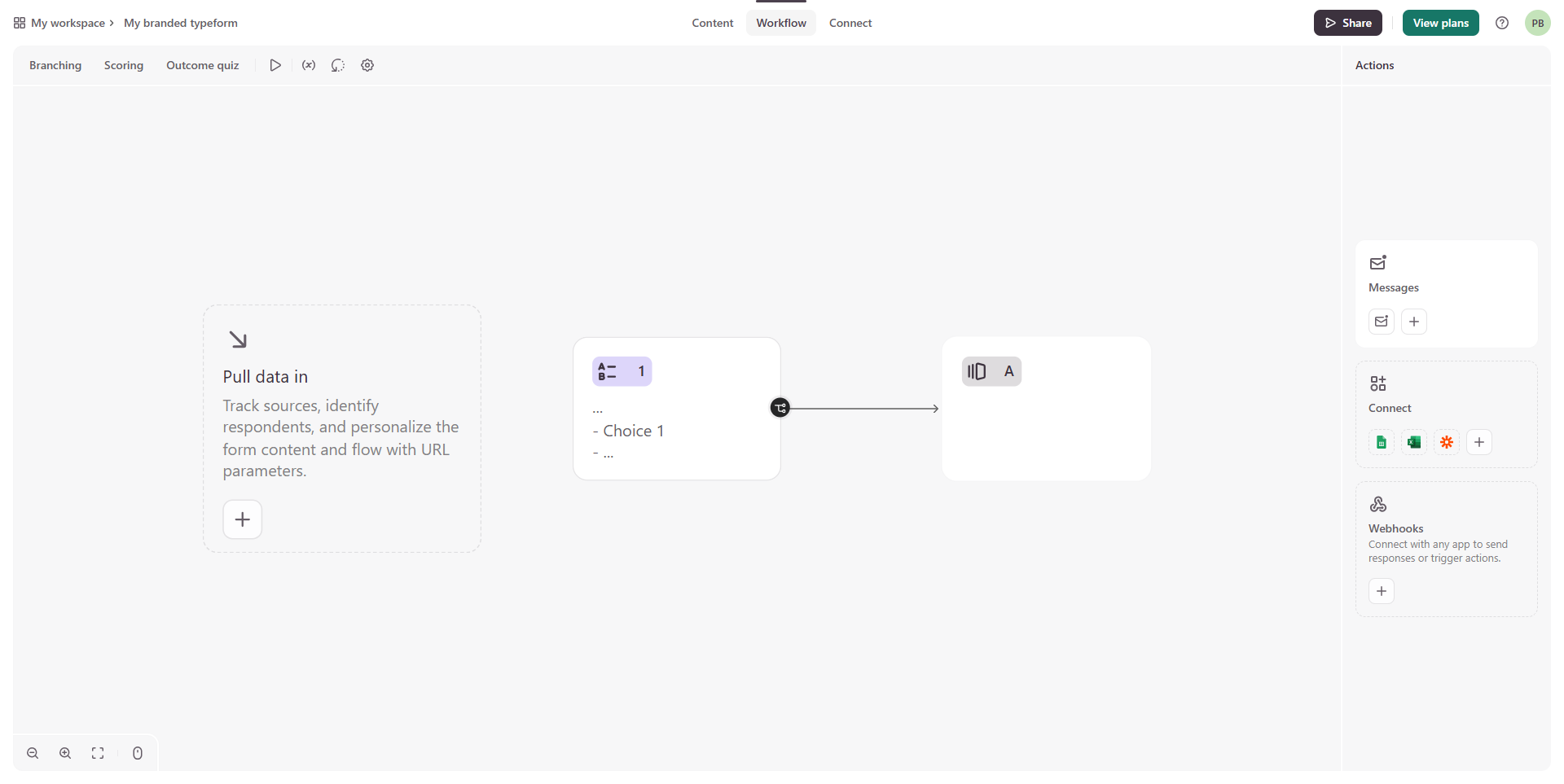
Typeform screenshot 4
Typeform screenshot 5
Typeform screenshot 6

FormAssembly Screenshots

FormAssembly screenshot 1
FormAssembly screenshot 2