Sign in to review
Join our community of software reviewers on Subscribed.fyi

Continue With Google
Continue With LinkedIn
Continue Review with Email
Continue with Email
Enter your email to continue.
Continue
Enter your password
Enter your password to finish setting up your account.
Continue
Activate your email
Enter activation code we sent to your email.
Submit
Reset your password
Enter activation code we sent to your email.
Submit
Set your new password
Enter a new password for your account.
Submit
Categories
For Business
Log in
Provide My Insights
Add Product
Suggested products People also compare with
Add to Comparison
Suggested products People also compare with

Compare UX Pilot and Figma

We are comparing UX Pilot and Figma to evaluate which one is the best product.

Suggested products People also compare with
Review Pricing Alternatives Experience

Review

65%
24/36 Metric achieved
85%
30/36 Metric achieved

Subscribed Metric

Customer Support 4/6
Security 3/6
Ease of Use 5/6
Value of Money 5/6
Integration 4/6
Popularity 3/6

Subscribed Metric

Customer Support 4/6
Security 4/6
Ease of Use 6/6
Value of Money 5/6
Integration 5/6
Popularity 6/6

Pros & Cons

Generates designs in seconds
10x faster than traditional tools
Figma plugin integration
Streamlines full UX workflow
Limited to AI-generated styles
May require Figma for advanced edits
New tool with fewer templates
Pricing not transparent

Pros & Cons

Real-time collaboration praised for ease of teamwork
Wide array of plugins and customization features
Versatile for multiple use cases like prototyping and UI/UX design
Browser-based access ensures flexibility
Performance lags on large/complex files
Limited offline access and advanced features can be confusing
Navigation and workspace organization need improvement
Occasional sync and editing issues on the web version

Other Platform Review

Data Unavailable This information for the product is not yet available. Please check back later or explore directly on product website.

Conclusion

UX Pilot excels in AI-driven UI/UX design, generating wireframes and prototypes from ideas or sketches in seconds. Key features include real-time suggestions, Figma integration, and full workflow support. Pricing not publicly detailed; appears subscription-based. Customer support via standard channels; highly cost-effective for rapid prototyping (347 chars).

Conclusion

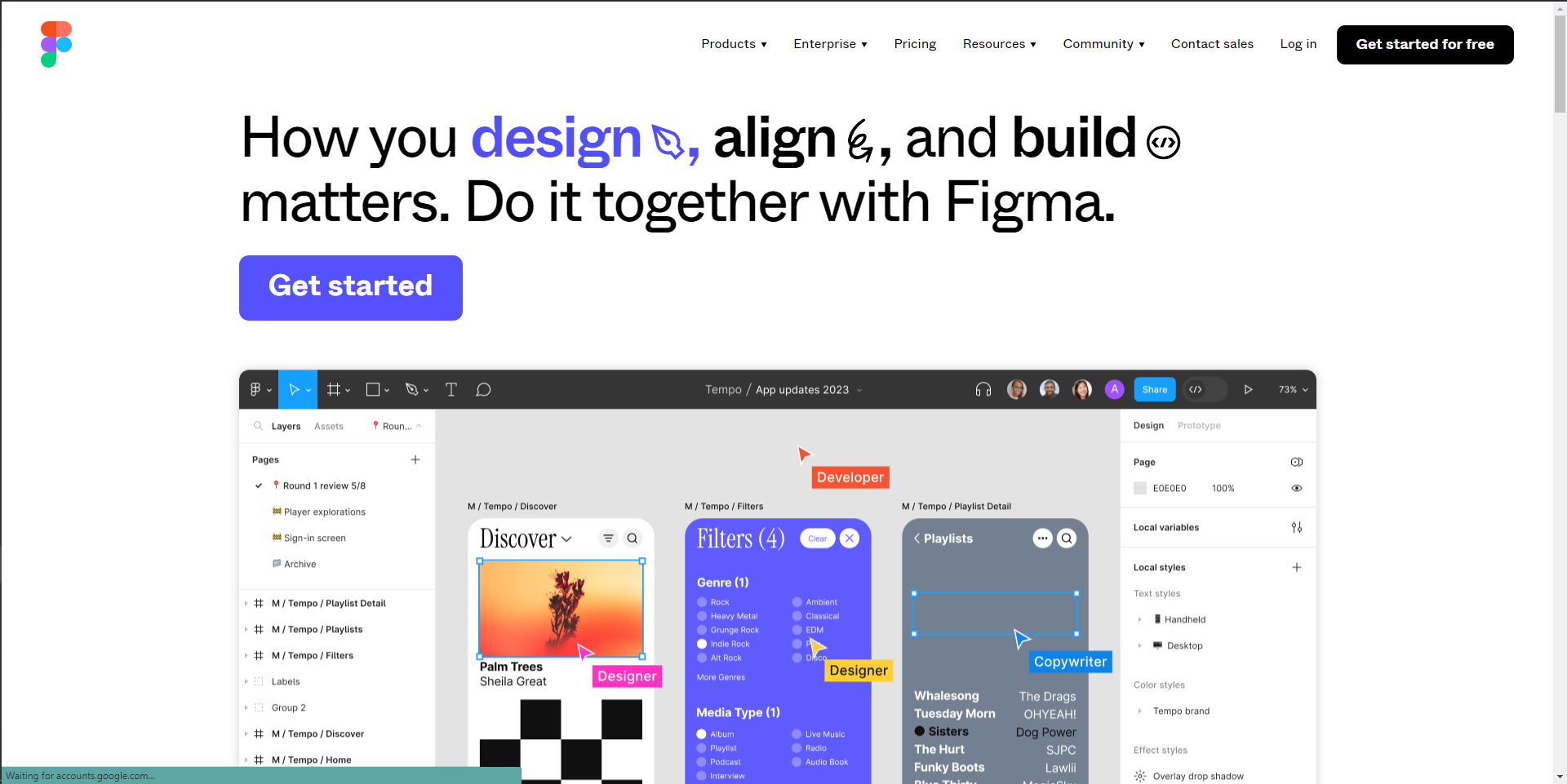
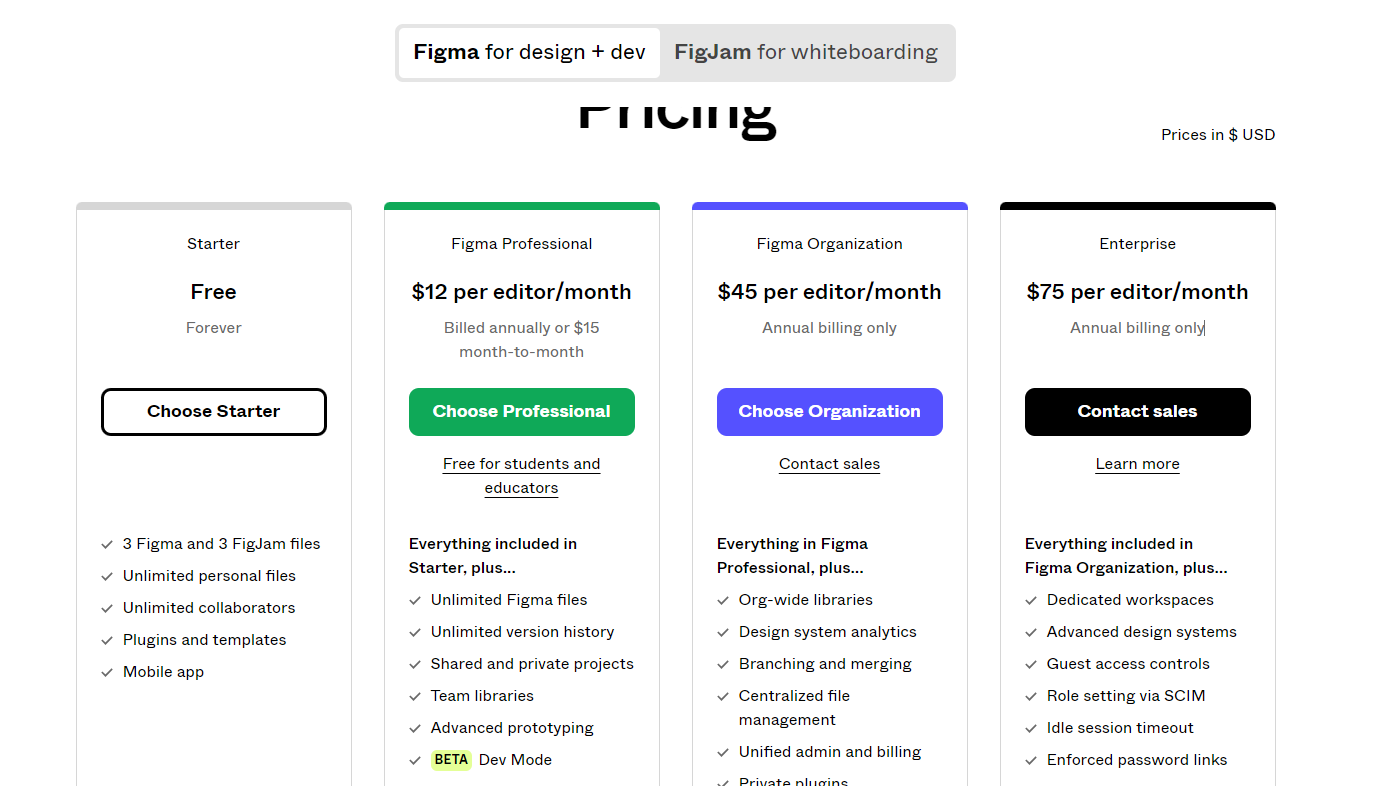
Figma is a web-based collaborative design tool ideal for designers, developers, and product teams. It features real-time collaboration, prototyping, reusable components, plugins, and platform flexibility across browsers and OS. Pricing starts free for small teams, with Pro plans at $12/month and advanced Organization features for $45/month. Compared to Adobe XD, Sketch, and InVision, Figma excels in collaboration but may lag with large files or lack offline access. It’s cost-effective for teams, but business-level user management could improve. Customer support is rated average.

Pricing

UX Pilot Pricing

Pricing Range -

Figma Pricing

Pricing Range $0-$75/Month See Figma Pricing

Alternatives

UX Pilot Alternatives

Figma logo

Figma

85%
Uizard logo

Uizard

59%
See All UX Pilot Alternatives

Figma Alternatives

Miro logo

Miro

93%
Sketch logo

Sketch

85%
InVision logo

InVision

73%
Marvel logo

Marvel

71%
See All Figma Alternatives

Experience

UX Pilot Screenshots

Data Unavailable This information for the product is not yet available. Please check back later or explore directly on product website.

Figma Screenshots

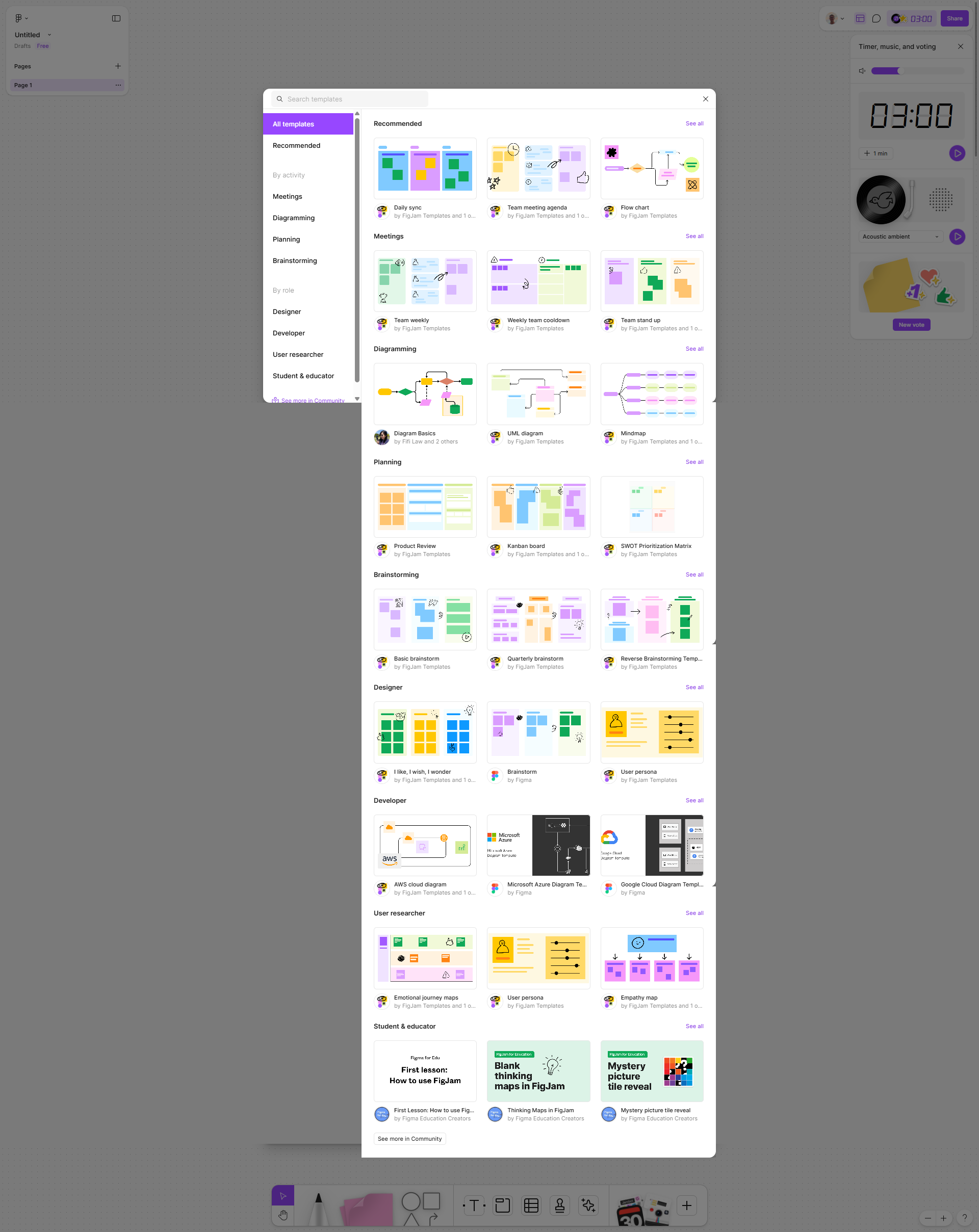
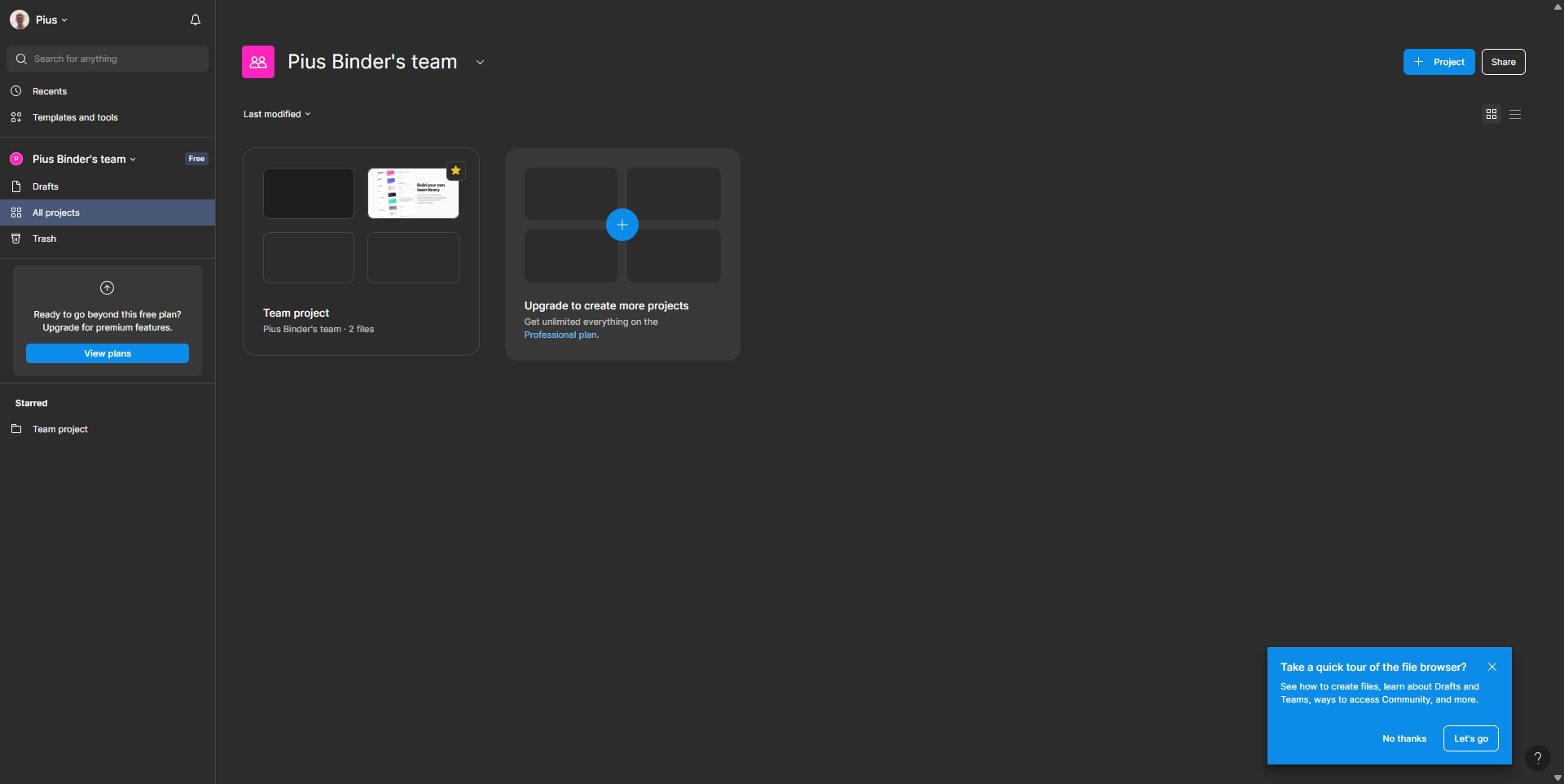
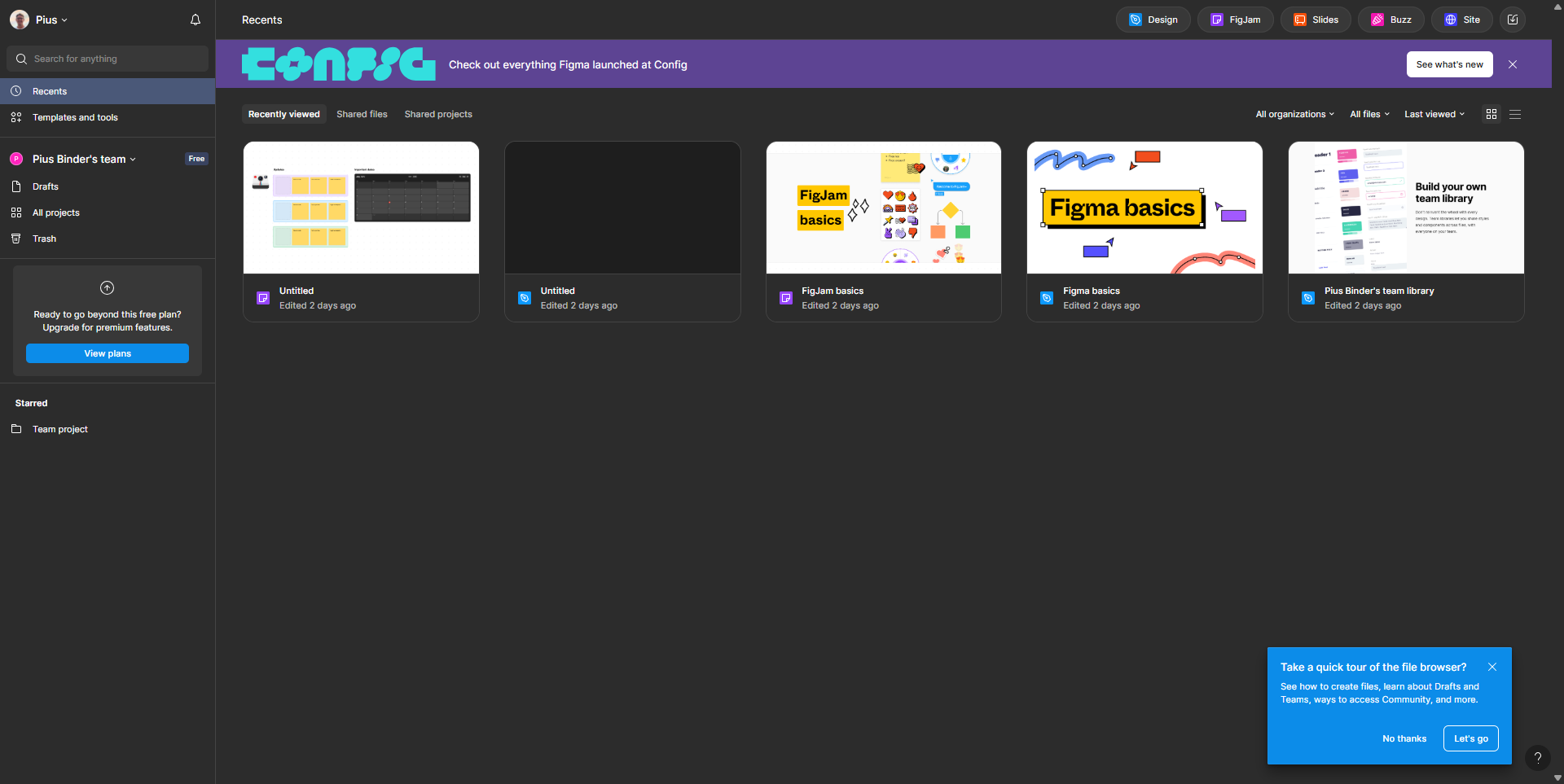
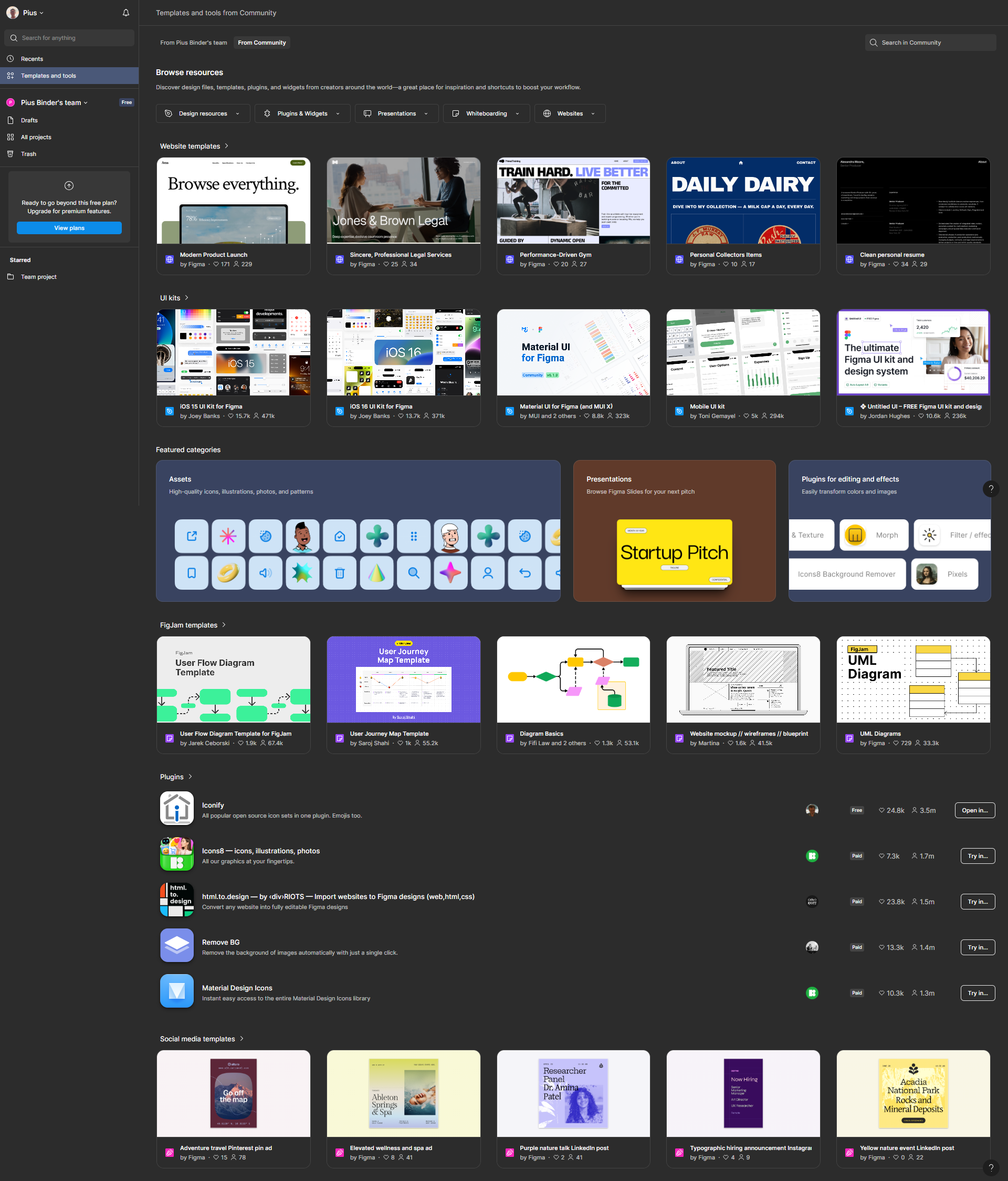
Figma screenshot 1
Figma screenshot 2
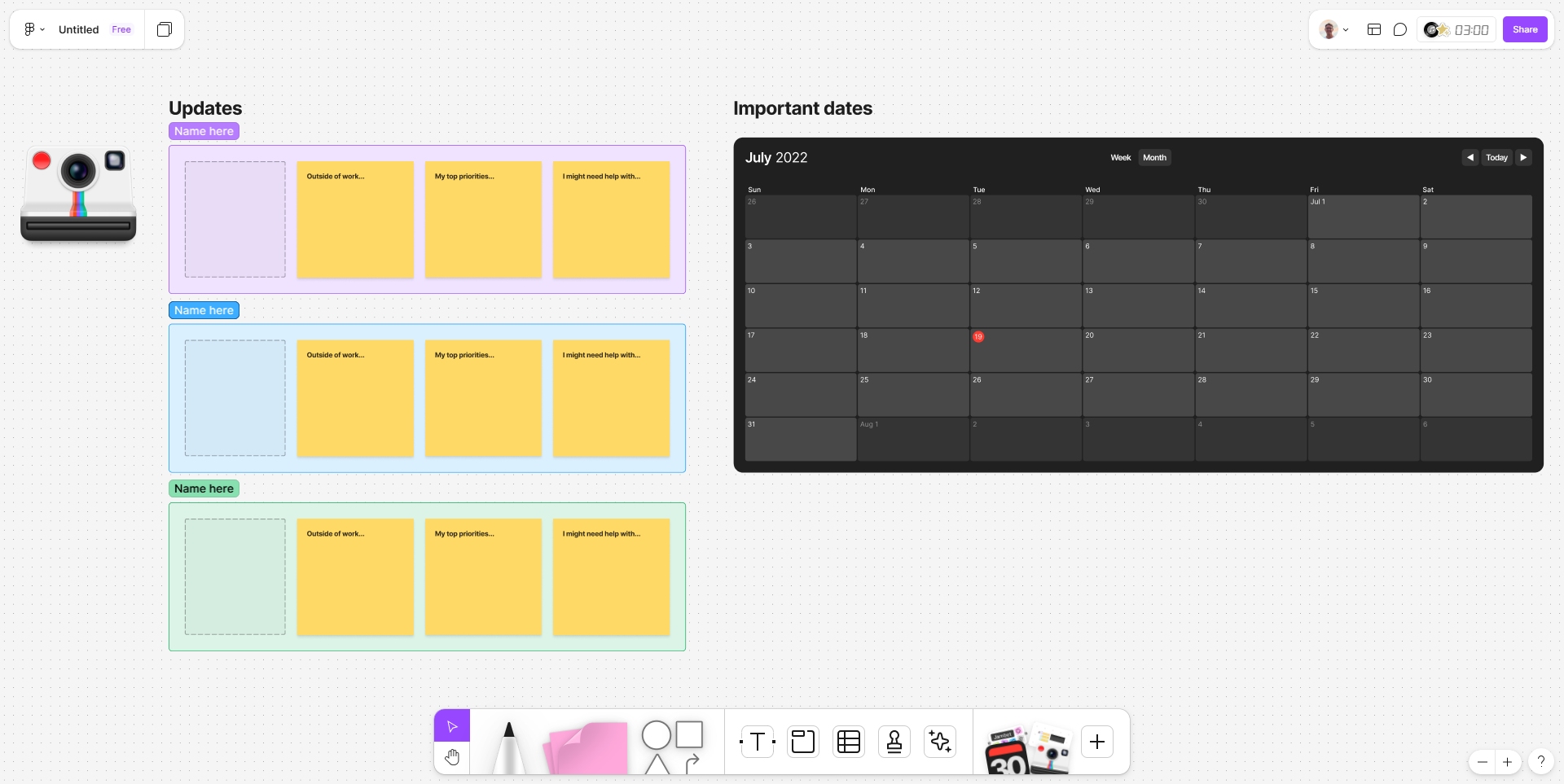
Figma screenshot 3
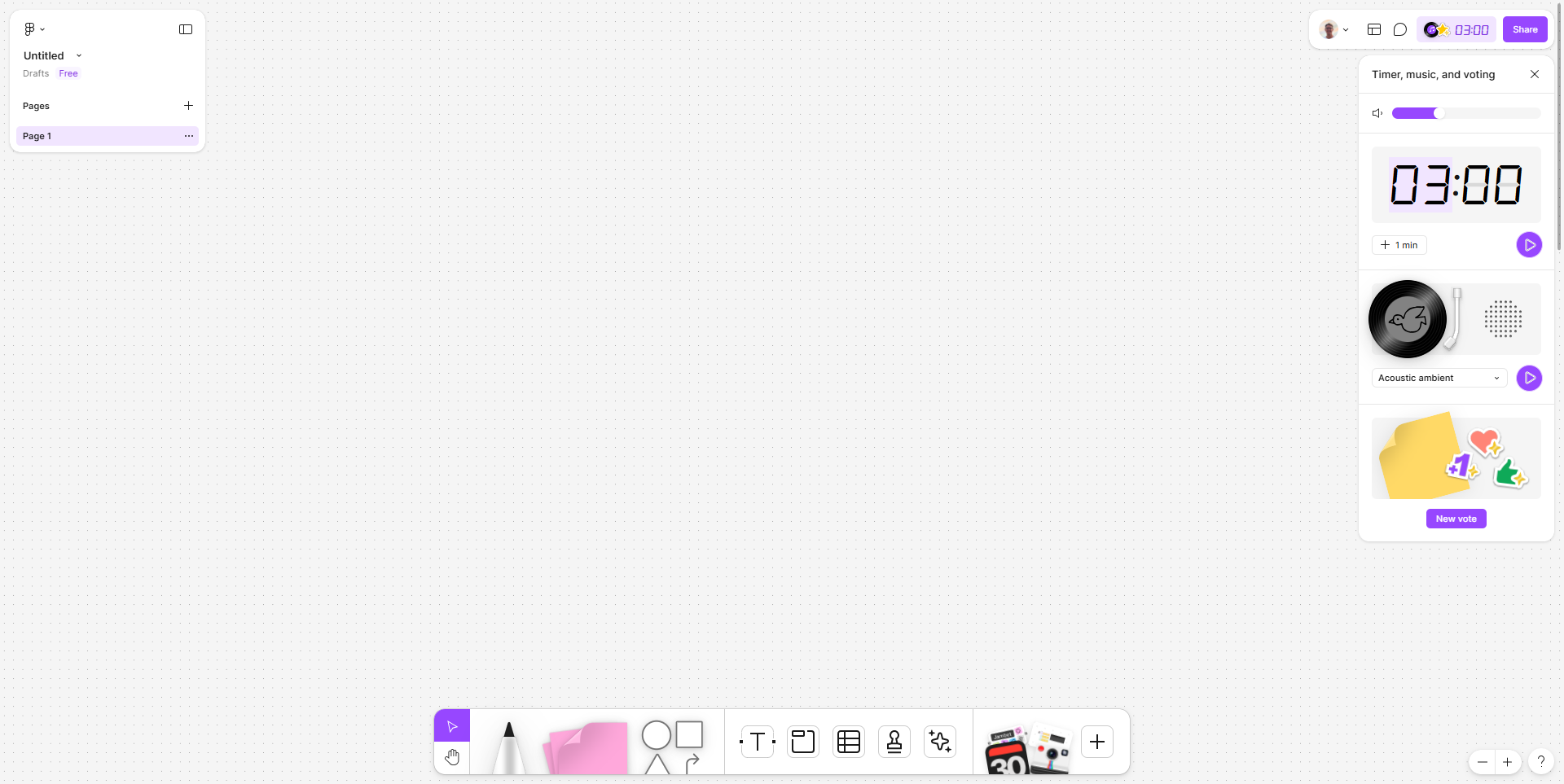
Figma screenshot 4
Figma screenshot 5
Figma screenshot 6
Figma screenshot 7
Figma screenshot 8