Sign in to review
Join our community of software reviewers on Subscribed.fyi

Continue With Google
Continue With LinkedIn
Continue Review with Email
Continue with Email
Enter your email to continue.
Continue
Enter your password
Enter your password to finish setting up your account.
Continue
Activate your email
Enter activation code we sent to your email.
Submit
Reset your password
Enter activation code we sent to your email.
Submit
Set your new password
Enter a new password for your account.
Submit
Categories
For Business
Log in
Provide My Insights
Add Product
Suggested products People also compare with
Add to Comparison
Suggested products People also compare with

Compare Visitor Queue and ZoomInfo sales

We are comparing Visitor Queue and ZoomInfo sales to evaluate which one is the best product.

Suggested products People also compare with
Review Pricing Alternatives Experience

Review

76%
27/36 Metric achieved
75%
26/36 Metric achieved

Subscribed Metric

Customer Support 5/6
Security 4/6
Ease of Use 5/6
Value of Money 5/6
Integration 3/6
Popularity 5/6

Subscribed Metric

Customer Support 3/6
Security 4/6
Ease of Use 5/6
Value of Money 3/6
Integration 5/6
Popularity 6/6

Pros & Cons

Easy to set up and use
Provides high-quality lead data
Integrates seamlessly with analytics
Helpful for B2B lead generation
Lacks individual visitor identification
Occasional incomplete contact data
UI could use improvement
Leads can repeat across days

Pros & Cons

Accurate and extensive contact database.
Easy integration with CRMs and tools.
Useful intent and scoop features.
Streamlined data export and dashboards.
Expensive for small businesses.
Inconsistent data in some regions.
Poor customer service for issues.
Complicated cancelation process.

Conclusion

Visitor Queue, a B2B lead generation and website personalization tool, identifies business visitors on your website, providing key details like contact information, company profiles, and user behavior. Designed for marketers and sales teams, it streamlines targeting warm leads and personalizing visitor experiences. Stand-out features include multi-channel tracking, lead scoring, and CRM integrations, with pricing starting at $49/month.

Compared to alternatives like Lead Forensics or ZoomInfo Sales, Visitor Queue is cost-effective and intuitive but may lack extensive contact details at times. Its edge lies in ease of setup and clear reports, though competitors may offer broader data scope. Customer support is highly rated, offering quick issue resolution. Best suited for SMB marketers optimizing lead conversion on a budget.

Conclusion

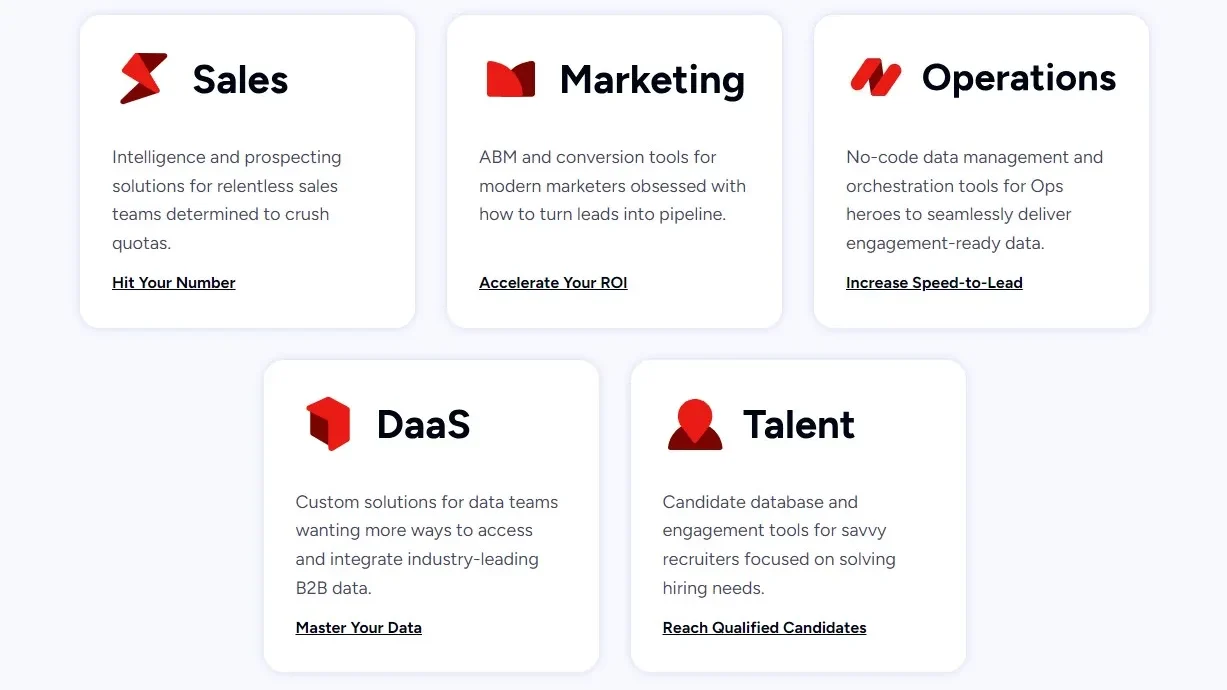
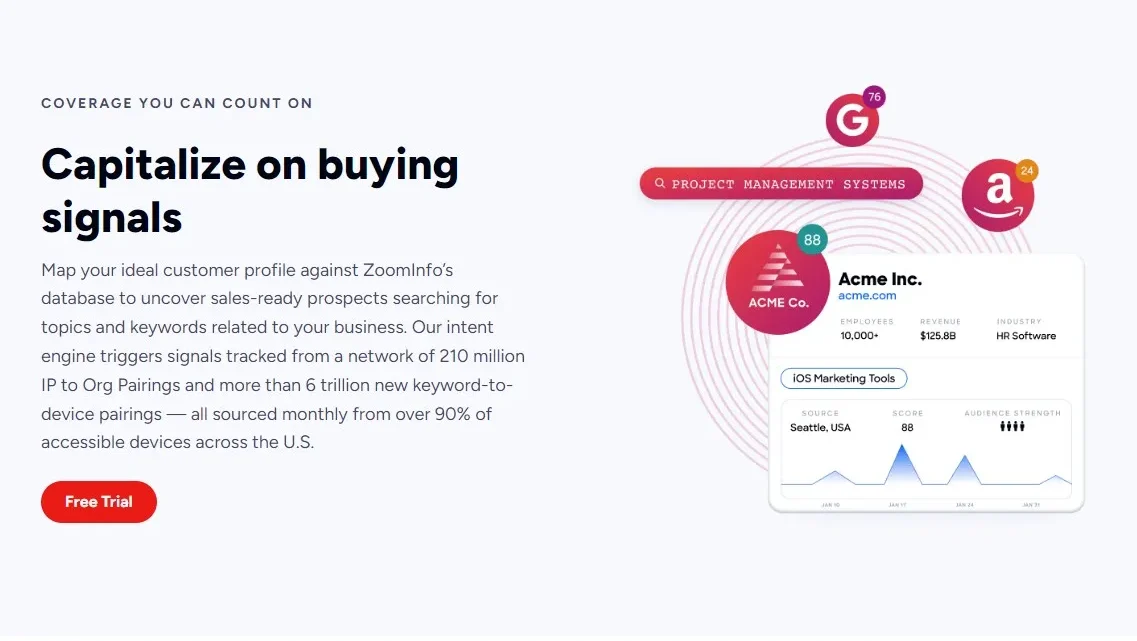
ZoomInfo Sales is a leading B2B go-to-market platform with an extensive, frequently updated database of contact and company insights, covering features like lead enrichment, intent data, CRM integration, and predictive analytics. Its accuracy and data depth especially benefit sales and marketing teams targeting enterprises. However, some alternatives like Apollo.io or Lusha may offer more cost-effective plans with better customization for smaller teams and developers. ZoomInfo stands out for its robust insights but faces criticism for high costs, limited international data, and inconsistent customer support. Best for experienced professionals seeking detailed insights; less suitable for small businesses.

Pricing

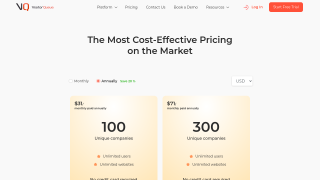
Visitor Queue Pricing

Pricing Range $39-$249/Month See Visitor Queue Pricing

ZoomInfo sales Pricing

Pricing Range $1.25k-$3.33k/Month See ZoomInfo sales Pricing

Alternatives

Visitor Queue Alternatives

Lead Forensics logo

Lead Forensics

83%
ZoomInfo sales logo

ZoomInfo sales

75%
See All Visitor Queue Alternatives

ZoomInfo sales Alternatives

Cognism logo

Cognism

83%
Apollo logo

Apollo

80%
LinkedIn Sales Navigator logo

LinkedIn Sales Navigator

80%
Lusha logo

Lusha

80%
See All ZoomInfo sales Alternatives

Experience

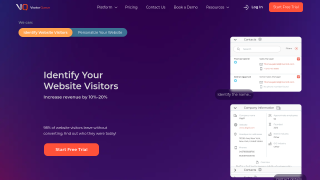
Visitor Queue Screenshots

Visitor Queue screenshot 1
Visitor Queue screenshot 2

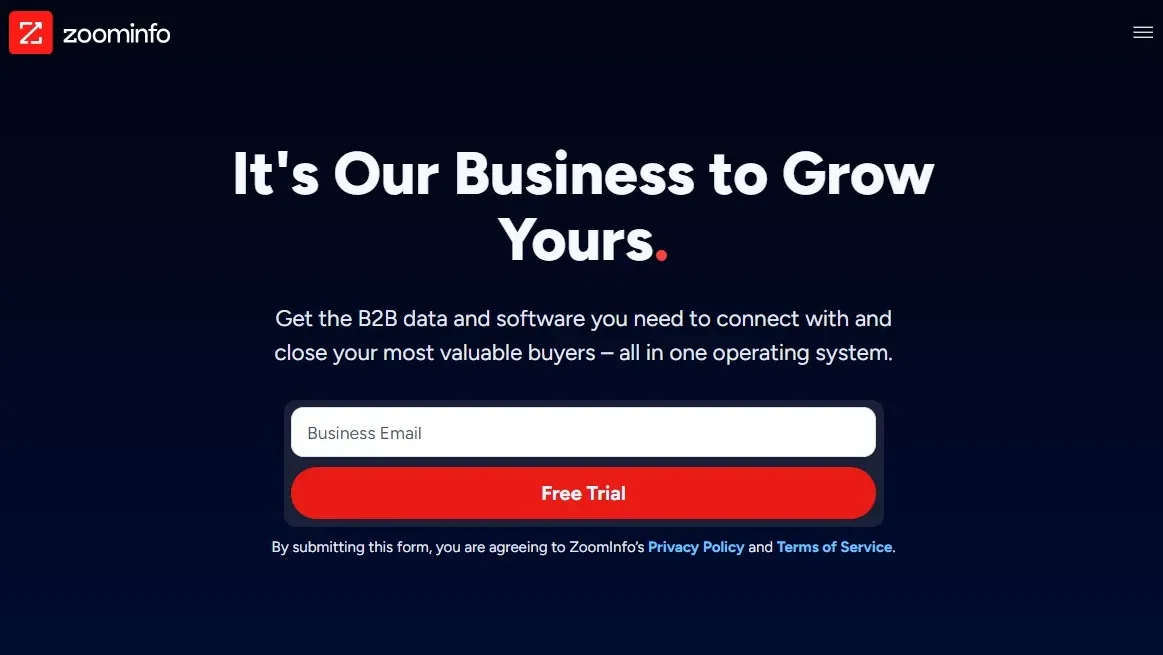
ZoomInfo sales Screenshots

ZoomInfo sales screenshot 1
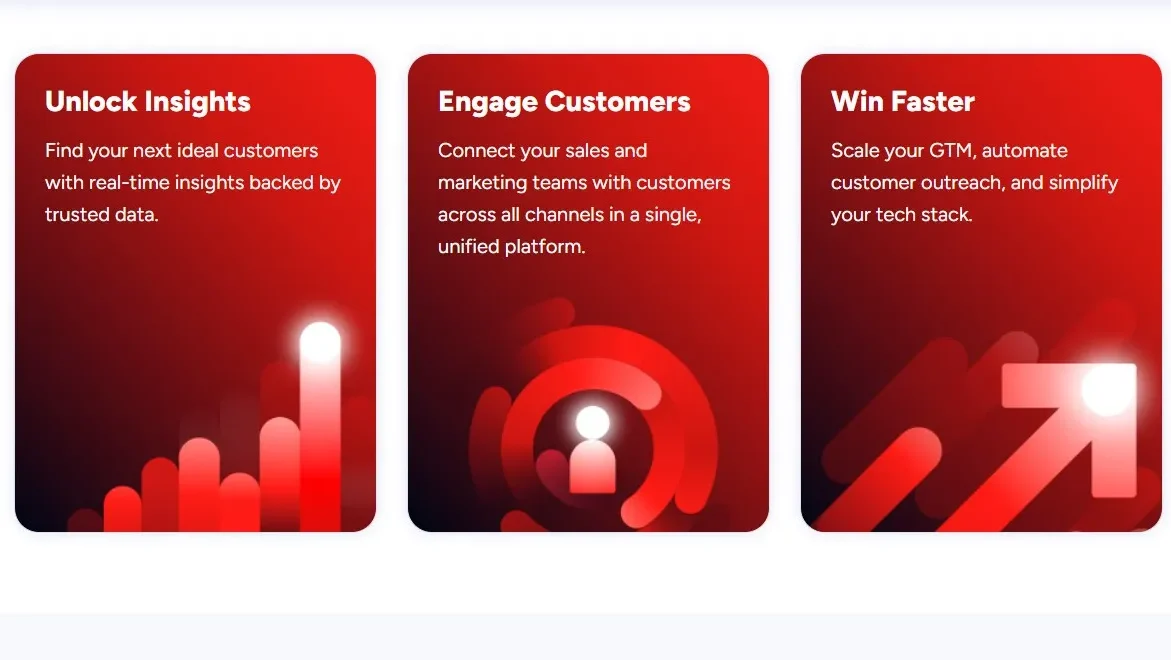
ZoomInfo sales screenshot 2
ZoomInfo sales screenshot 3
ZoomInfo sales screenshot 4