Sign in to review
Join our community of software reviewers on Subscribed.fyi

Continue With Google
Continue With LinkedIn
Continue Review with Email
Continue with Email
Enter your email to continue.
Continue
Enter your password
Enter your password to finish setting up your account.
Continue
Activate your email
Enter activation code we sent to your email.
Submit
Reset your password
Enter activation code we sent to your email.
Submit
Set your new password
Enter a new password for your account.
Submit
Categories
For Business
Log in
Provide My Insights
Add Product
Suggested products People also compare with
Add to Comparison
Suggested products People also compare with

Compare Webflow and WordPress

We are comparing Webflow and WordPress to evaluate which one is the best product.

Suggested products People also compare with
Review Pricing Alternatives Experience

Review

75%
26/36 Metric achieved
85%
30/36 Metric achieved

Subscribed Metric

Customer Support 4/6
Security 4/6
Ease of Use 5/6
Value of Money 4/6
Integration 3/6
Popularity 6/6

Subscribed Metric

Customer Support 4/6
Security 3/6
Ease of Use 6/6
Value of Money 6/6
Integration 5/6
Popularity 6/6

Pros & Cons

Highly customizable drag-and-drop editor
Responsive design and templates
No coding required for advanced features
Integrated hosting and CMS with great performance
Steep learning curve for beginners
Confusing pricing structure
Limited e-commerce features
Slow customer service response times

Pros & Cons

Highly customizable functionality.
Easy setup for beginners.
Large support community and documentation.
Extensive plugin and theme options.
Frequent plugin updates required.
Prone to security issues without precautions.
Can be overwhelming for non-technical users.
Performance optimization may be challenging.

Conclusion

Webflow is a robust no-code web design platform catering to designers, marketers, and small businesses seeking creative control without coding. Key features include customizable templates, responsive design, CMS integration, and SEO optimization. Compared to alternatives like Wix and Duda, Webflow excels in design flexibility and scalability but has a steeper learning curve and higher cost for commerce features. Starting at $16/month, pricing balances features well for professionals. Support is dependable, though more responsive options could enhance user experience. Ideal for visually-driven projects, it’s most cost-effective for businesses prioritizing design and scalability.

Conclusion

WordPress is a versatile and scalable website builder ideal for developers, designers, and marketers. Key features include customizable templates, SEO tools, e-commerce support, and extensive plugin options. It offers free and paid plans starting at $4/month. Compared to alternatives like Wix and Webflow, WordPress offers unmatched flexibility but requires more technical knowledge. Developers value its customization and open-source functionality, while non-technical users may face a learning curve. Support includes a large community and live options on premium plans. Cost-effective for advanced users, but managing plugins and updates can be time-intensive.

Pricing

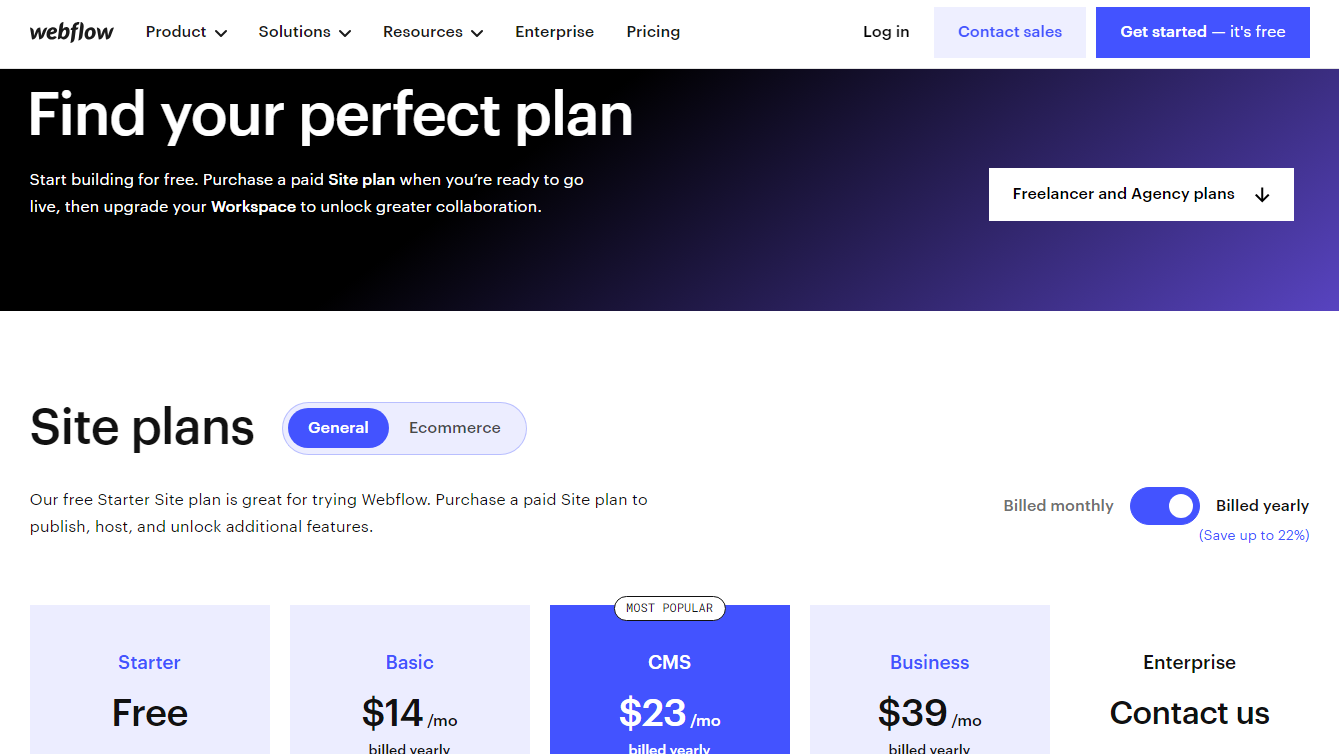
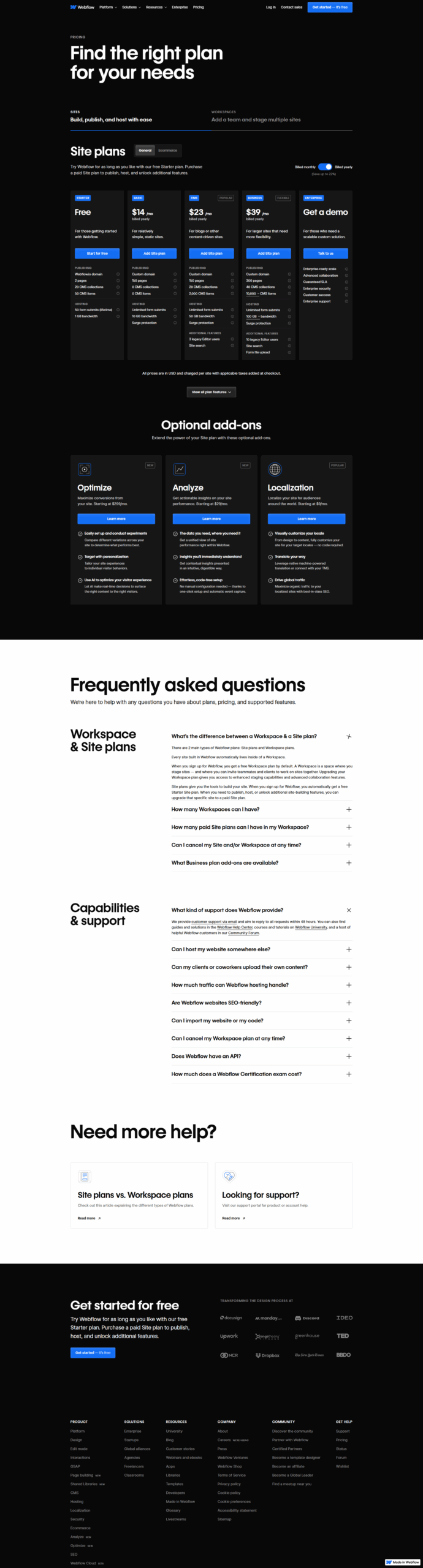
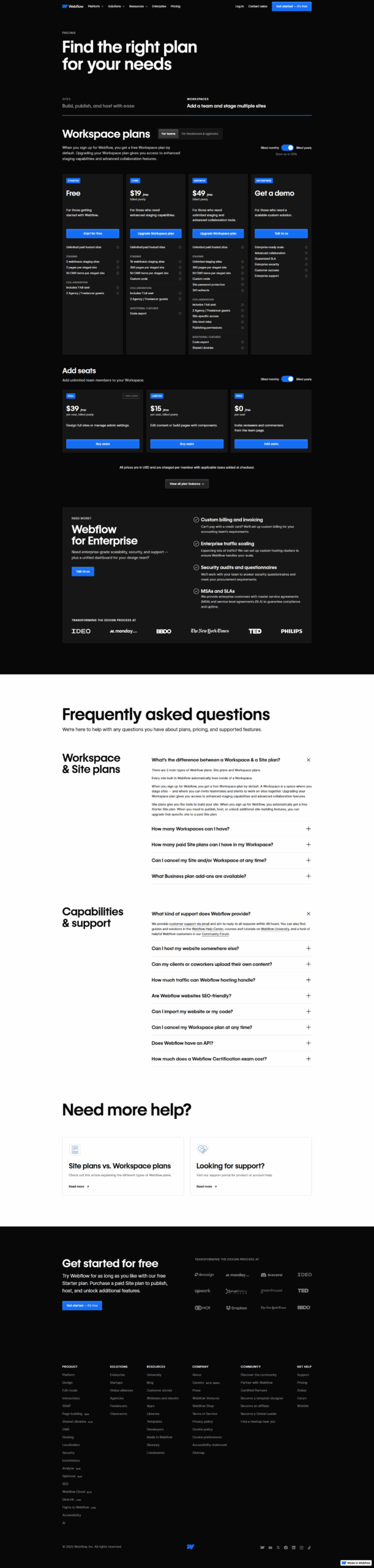
Webflow Pricing

Pricing Range $18-$235/Month See Webflow Pricing

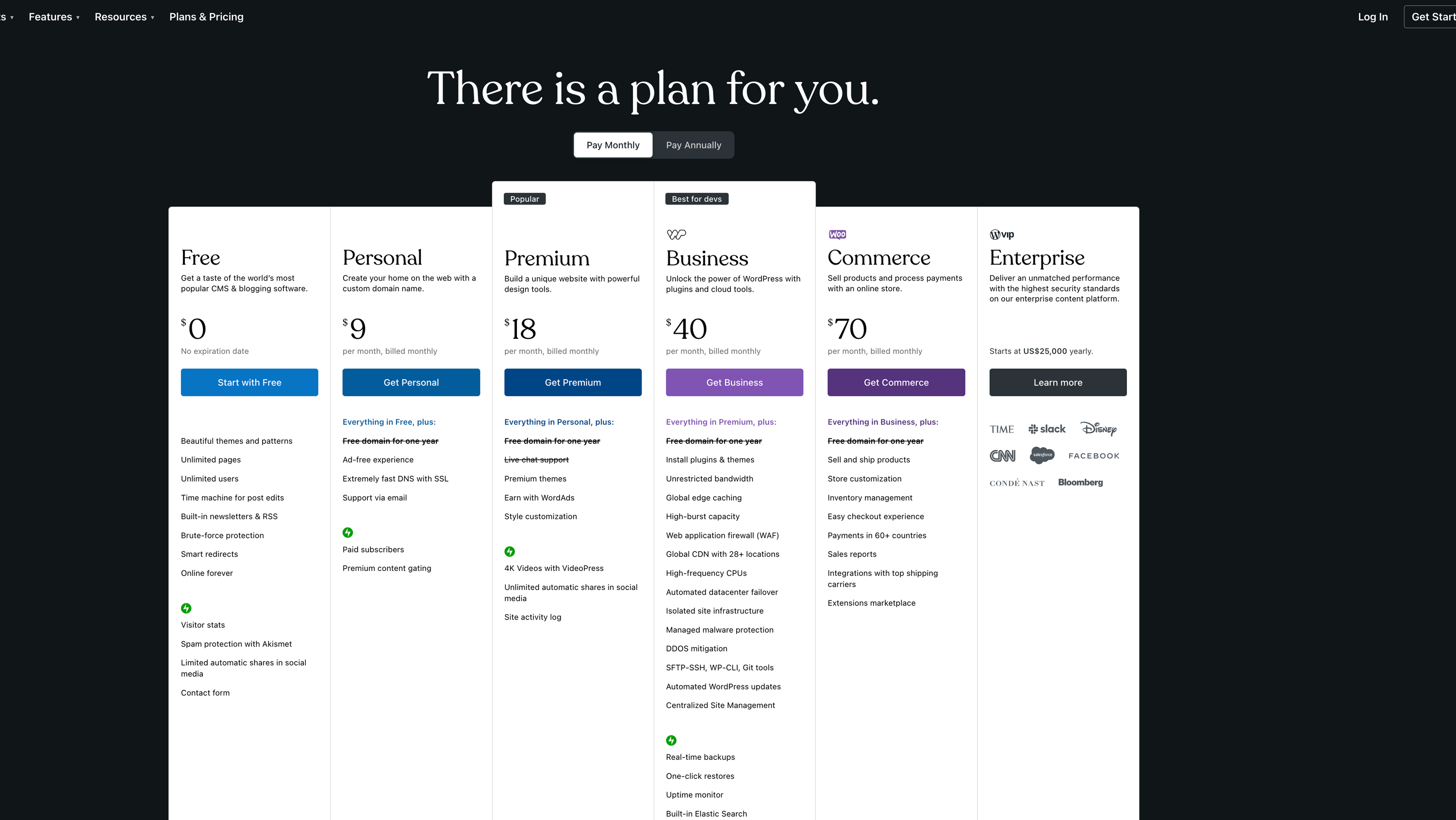
WordPress Pricing

Pricing Range $4-$5.50/Month See WordPress Pricing

Alternatives

Webflow Alternatives

Wix logo

Wix

88%
Squarespace logo

Squarespace

85%
WordPress logo

WordPress

85%
Framer logo

Framer

83%
See All Webflow Alternatives

WordPress Alternatives

Wix logo

Wix

88%
Shopify logo

Shopify

85%
Squarespace logo

Squarespace

85%
Framer logo

Framer

83%
See All WordPress Alternatives

Experience

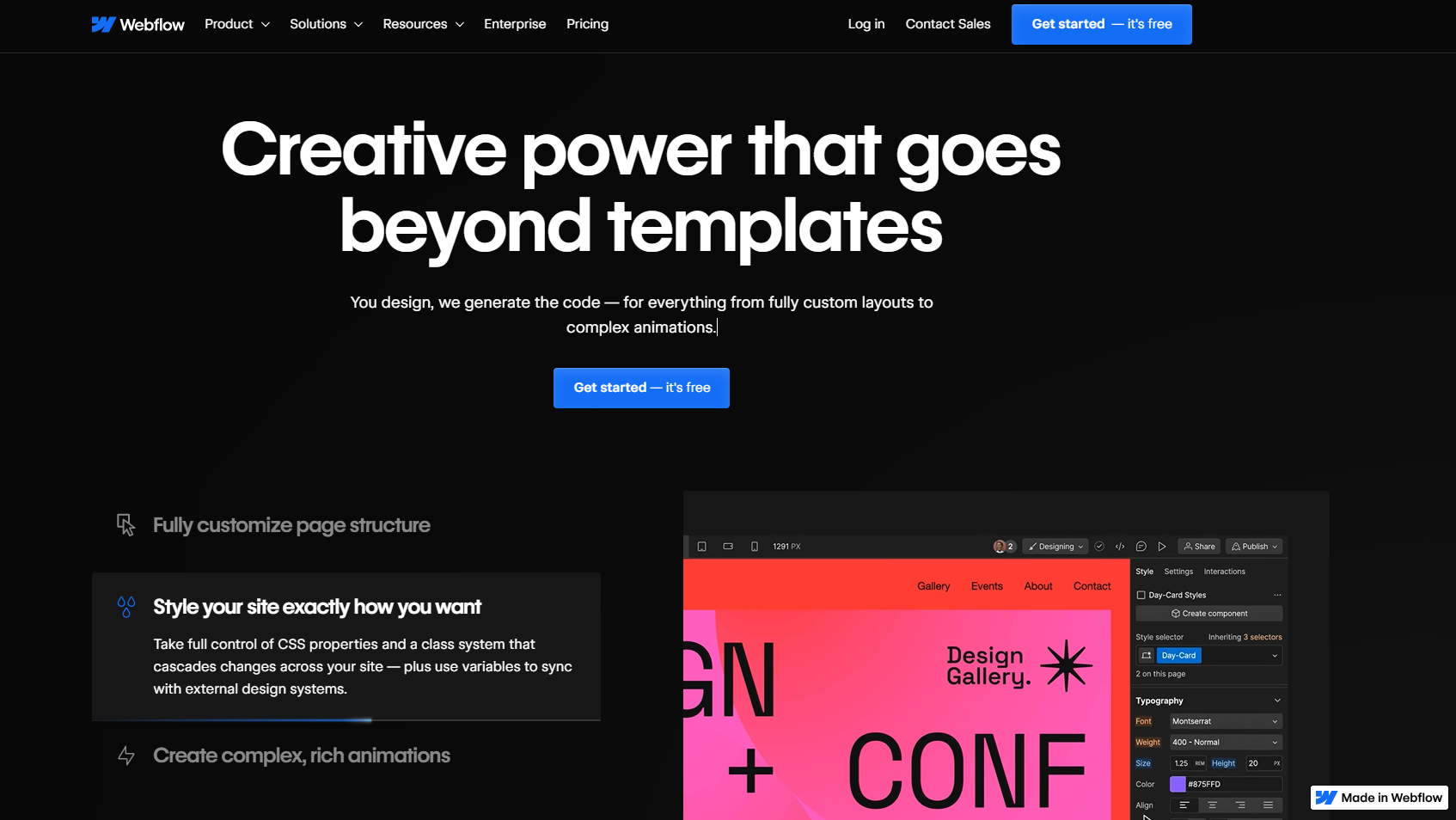
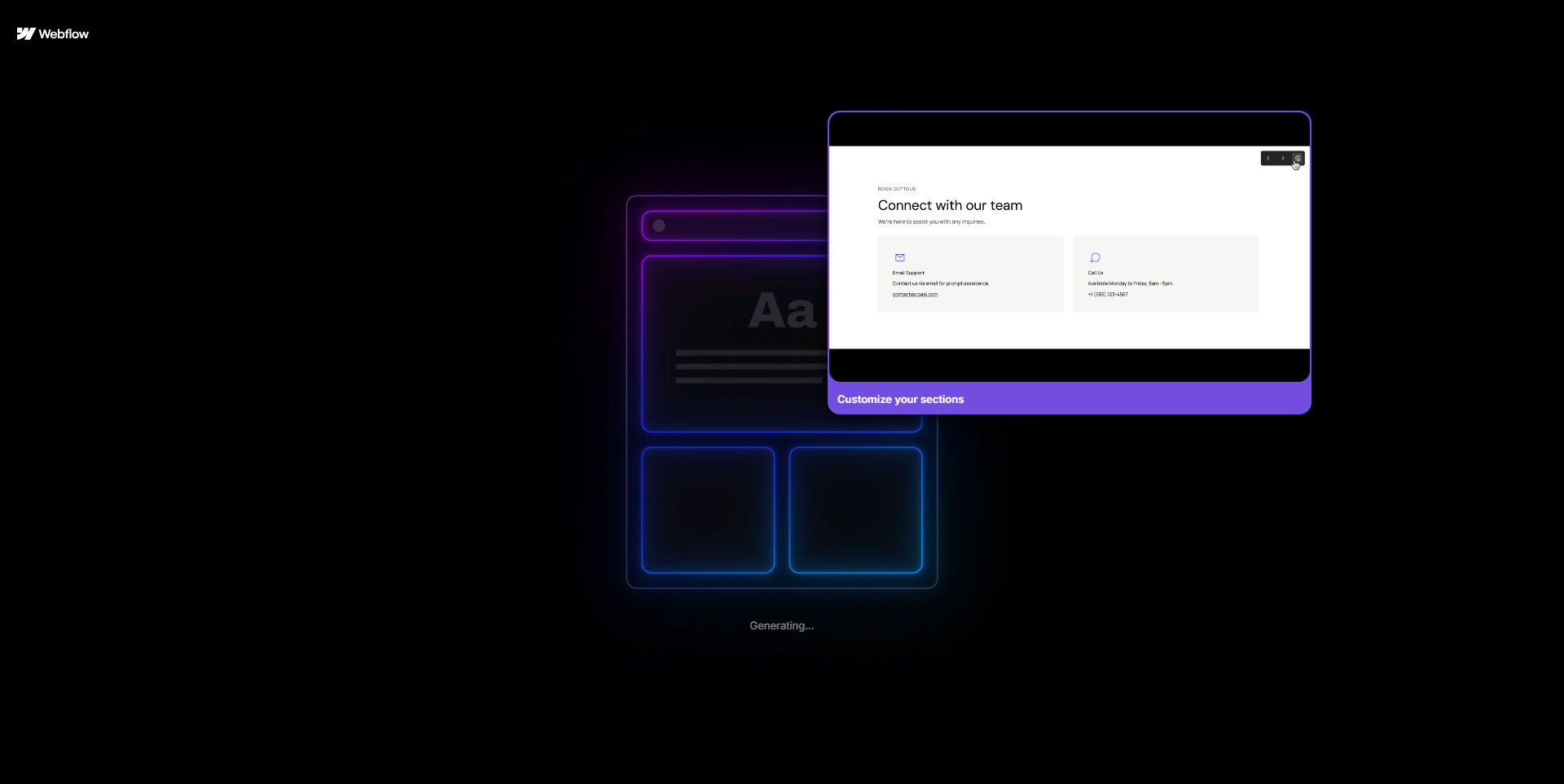
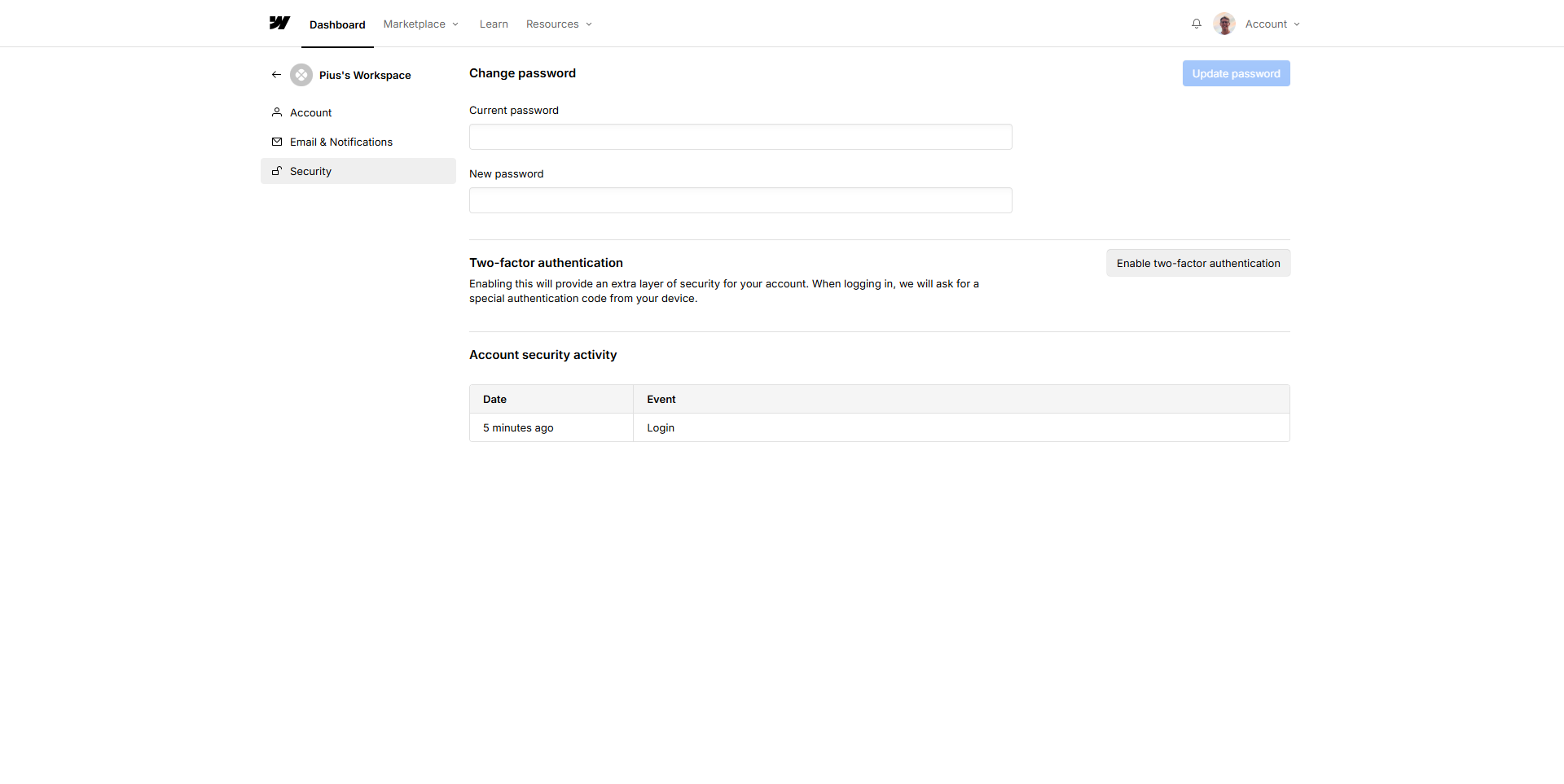
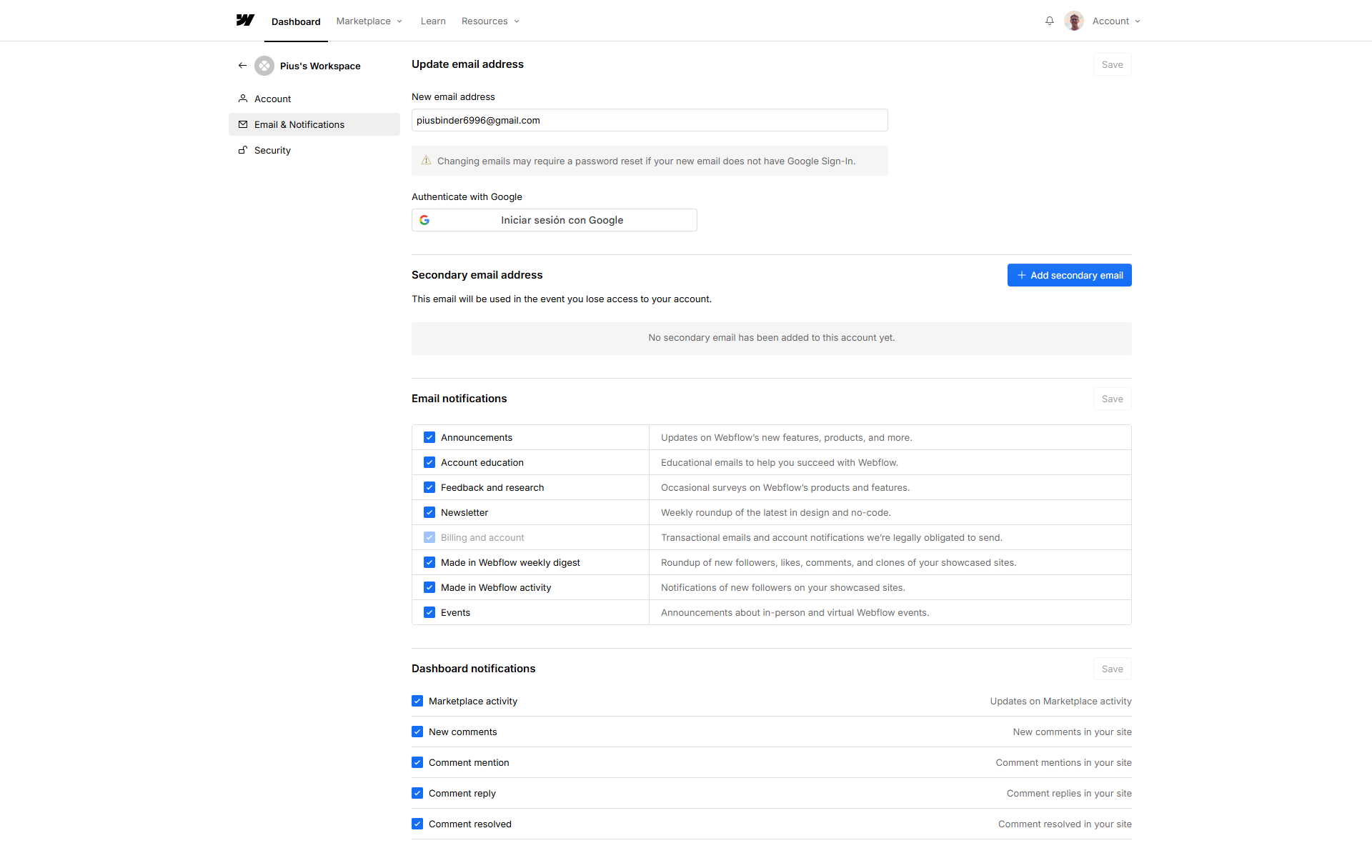
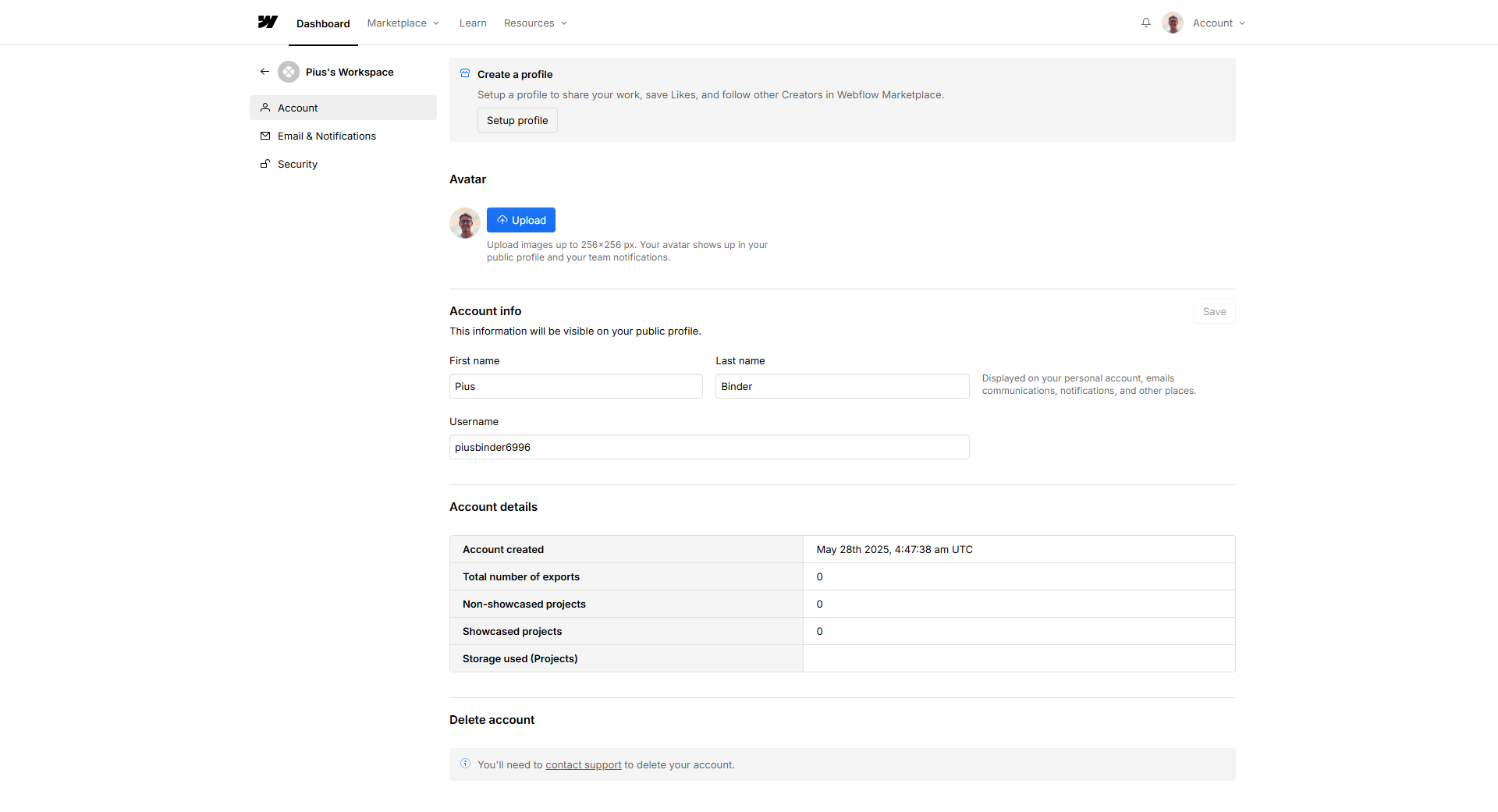
Webflow Screenshots

Webflow screenshot 1
Webflow screenshot 2
Webflow screenshot 3
Webflow screenshot 4
Webflow screenshot 5
Webflow screenshot 6
Webflow screenshot 7
Webflow screenshot 8
Webflow screenshot 9
Webflow screenshot 10

WordPress Screenshots

WordPress screenshot 1
WordPress screenshot 2
WordPress screenshot 3