Sign in to review
Join our community of software reviewers on Subscribed.fyi

Continue With Google
Continue With LinkedIn
Continue Review with Email
Continue with Email
Enter your email to continue.
Continue
Enter your password
Enter your password to finish setting up your account.
Continue
Activate your email
Enter activation code we sent to your email.
Submit
Reset your password
Enter activation code we sent to your email.
Submit
Set your new password
Enter a new password for your account.
Submit
Categories
For Business
Log in
Provide My Insights
Add Product
Suggested products People also compare with
Add to Comparison
Suggested products People also compare with

Compare Wireframe cc and Figma

We are comparing Wireframe cc and Figma to evaluate which one is the best product.

Suggested products People also compare with
Review Pricing Alternatives Experience

Review

48%
17/36 Metric achieved
85%
30/36 Metric achieved

Subscribed Metric

Customer Support 3/6
Security 0/6
Ease of Use 5/6
Value of Money 4/6
Integration 2/6
Popularity 3/6

Subscribed Metric

Customer Support 4/6
Security 4/6
Ease of Use 6/6
Value of Money 5/6
Integration 5/6
Popularity 6/6

Pros & Cons

Simple and intuitive interface
Quick to create basic wireframes
No login required to start
Export to PDF/PNG easily
Limited tools and features
Free version allows only one wireframe
Learning curve for first-time users
No support for interactions/animations

Pros & Cons

Real-time collaboration praised for ease of teamwork
Wide array of plugins and customization features
Versatile for multiple use cases like prototyping and UI/UX design
Browser-based access ensures flexibility
Performance lags on large/complex files
Limited offline access and advanced features can be confusing
Navigation and workspace organization need improvement
Occasional sync and editing issues on the web version

Conclusion

Wireframe.cc is a minimalist wireframing tool ideal for designers and developers needing simple website or app layouts. Its intuitive interface allows for quick creation, sharing through URLs, and PDF/PNG export. Priced at $16/mo for solo users and scalable up to $99/mo, it remains cost-effective for small teams. Compared to alternatives like Figma or Balsamiq, Wireframe.cc is easy to learn but lacks advanced features like interactivity or animations, making it better suited for beginners or low-fidelity sketches. While customer support is limited, its ease-of-use and affordability offer solid value for basic needs.

Conclusion

Figma is a web-based collaborative design tool ideal for designers, developers, and product teams. It features real-time collaboration, prototyping, reusable components, plugins, and platform flexibility across browsers and OS. Pricing starts free for small teams, with Pro plans at $12/month and advanced Organization features for $45/month. Compared to Adobe XD, Sketch, and InVision, Figma excels in collaboration but may lag with large files or lack offline access. It’s cost-effective for teams, but business-level user management could improve. Customer support is rated average.

Pricing

Wireframe cc Pricing

Pricing Range $16-$99/Month

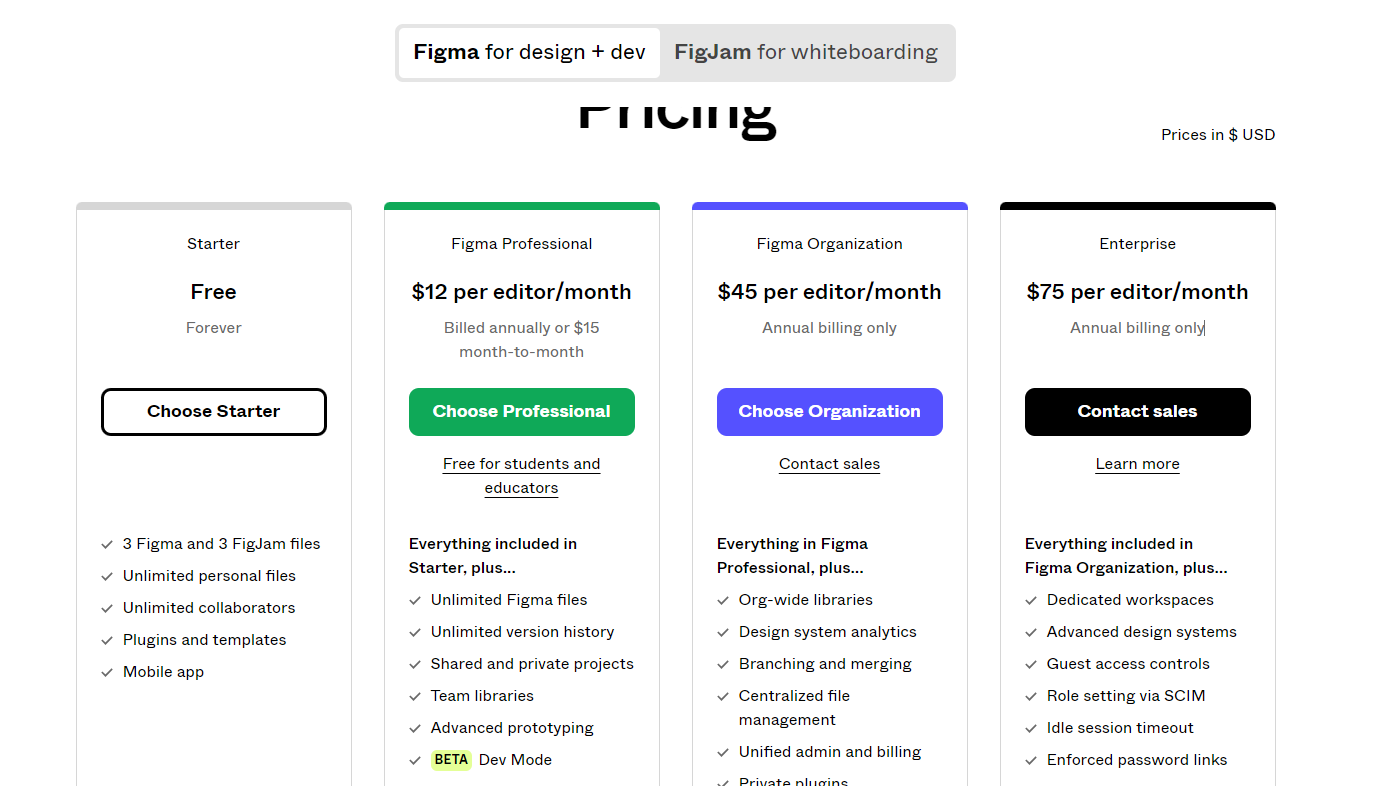
Figma Pricing

Pricing Range $0-$75/Month See Figma Pricing

Alternatives

Wireframe cc Alternatives

Figma logo

Figma

85%
Balsamiq logo

Balsamiq

71%
Moqups logo

Moqups

67%
See All Wireframe cc Alternatives

Figma Alternatives

Miro logo

Miro

93%
Sketch logo

Sketch

85%
InVision logo

InVision

73%
Marvel logo

Marvel

71%
See All Figma Alternatives

Experience

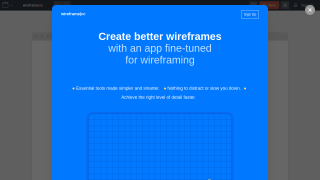
Wireframe cc Screenshots

Wireframe cc screenshot 1

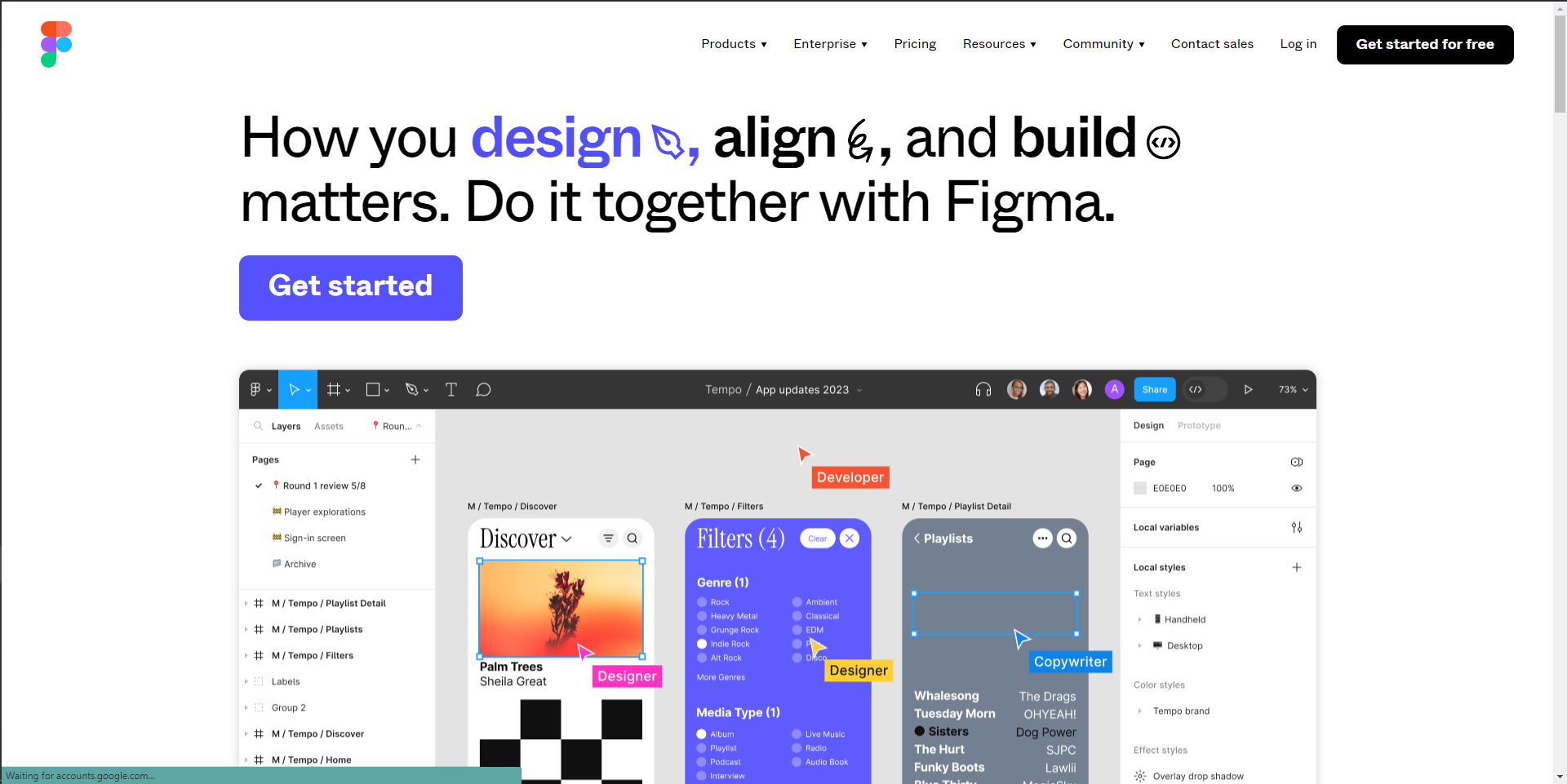
Figma Screenshots

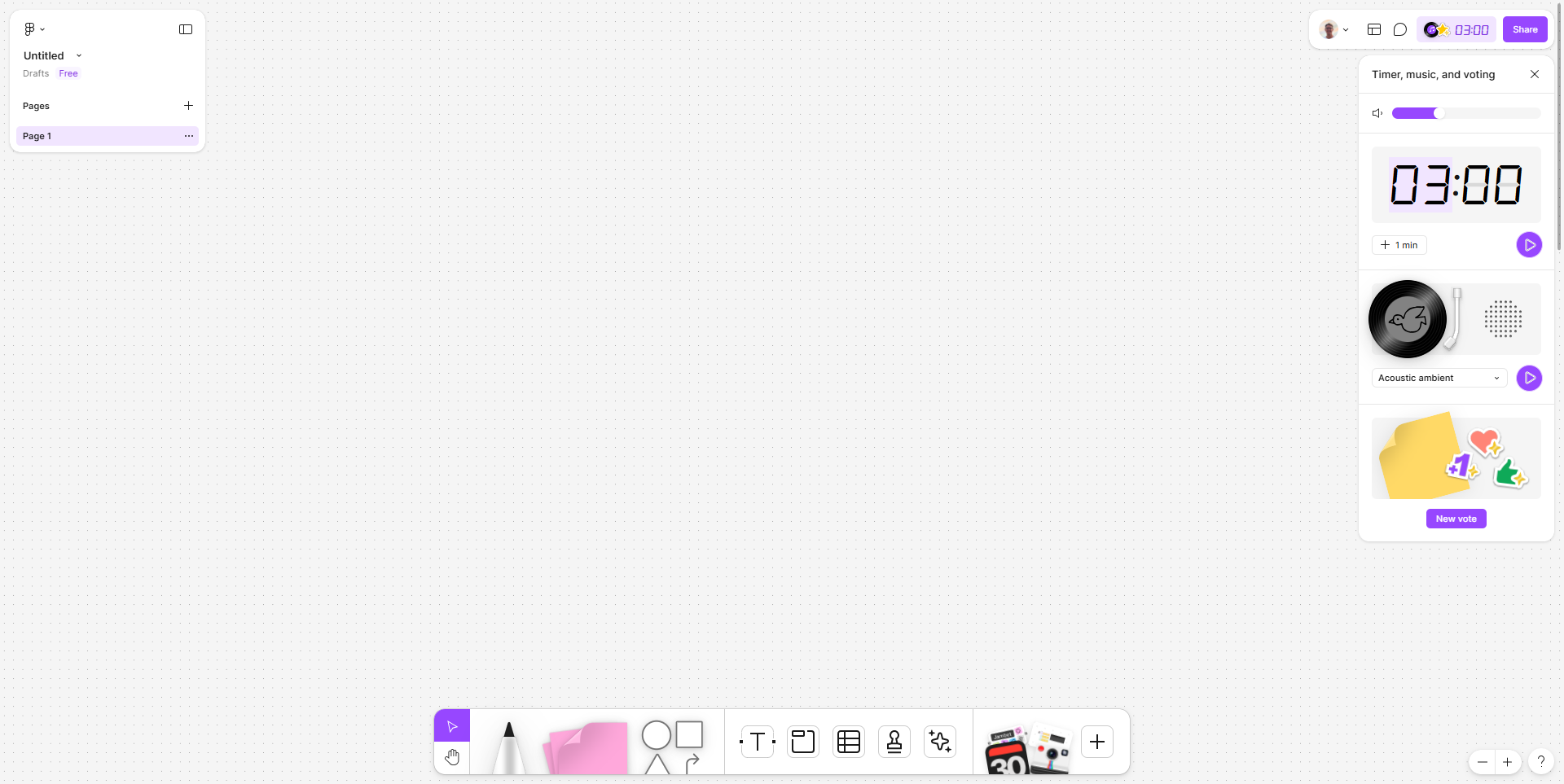
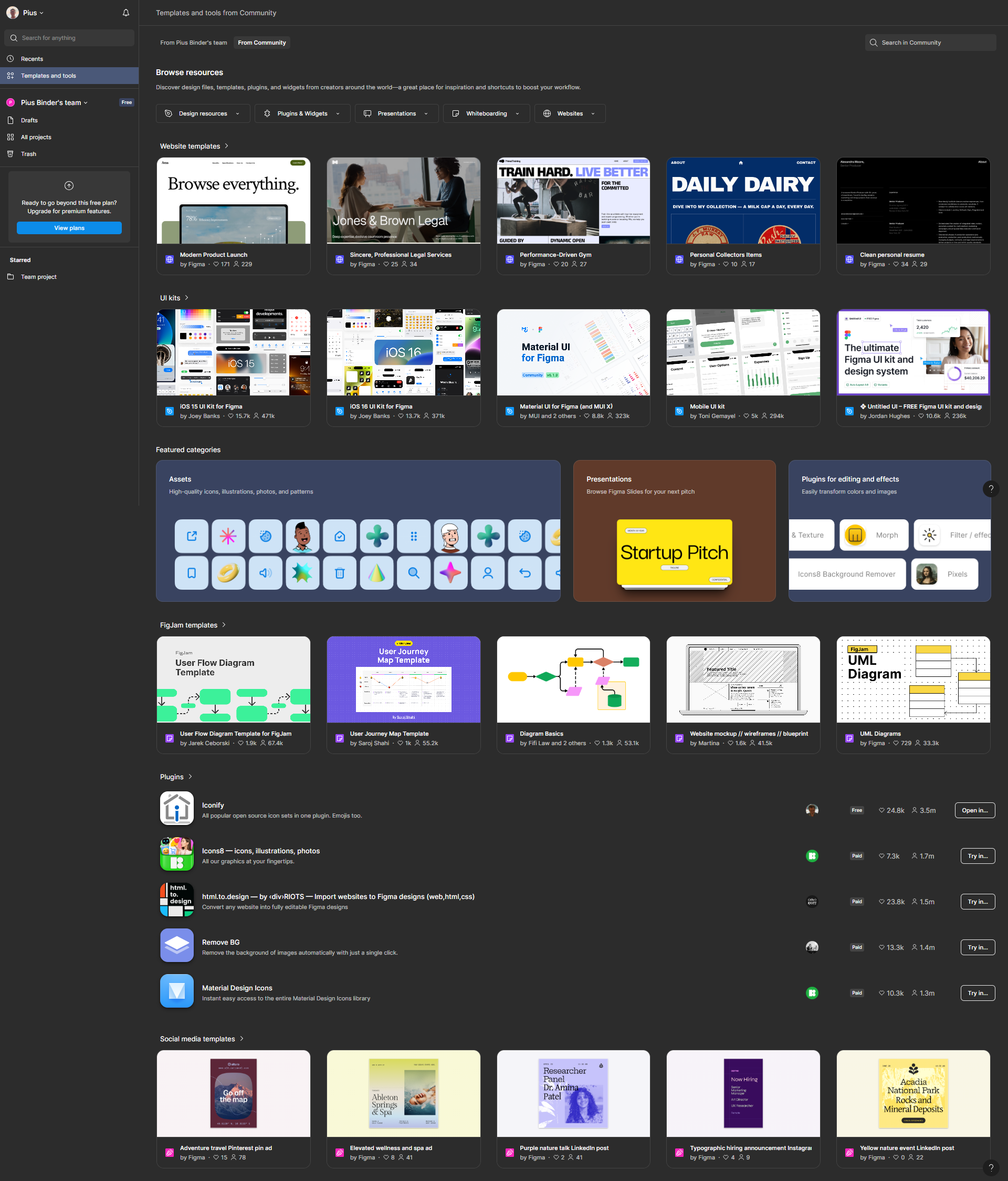
Figma screenshot 1
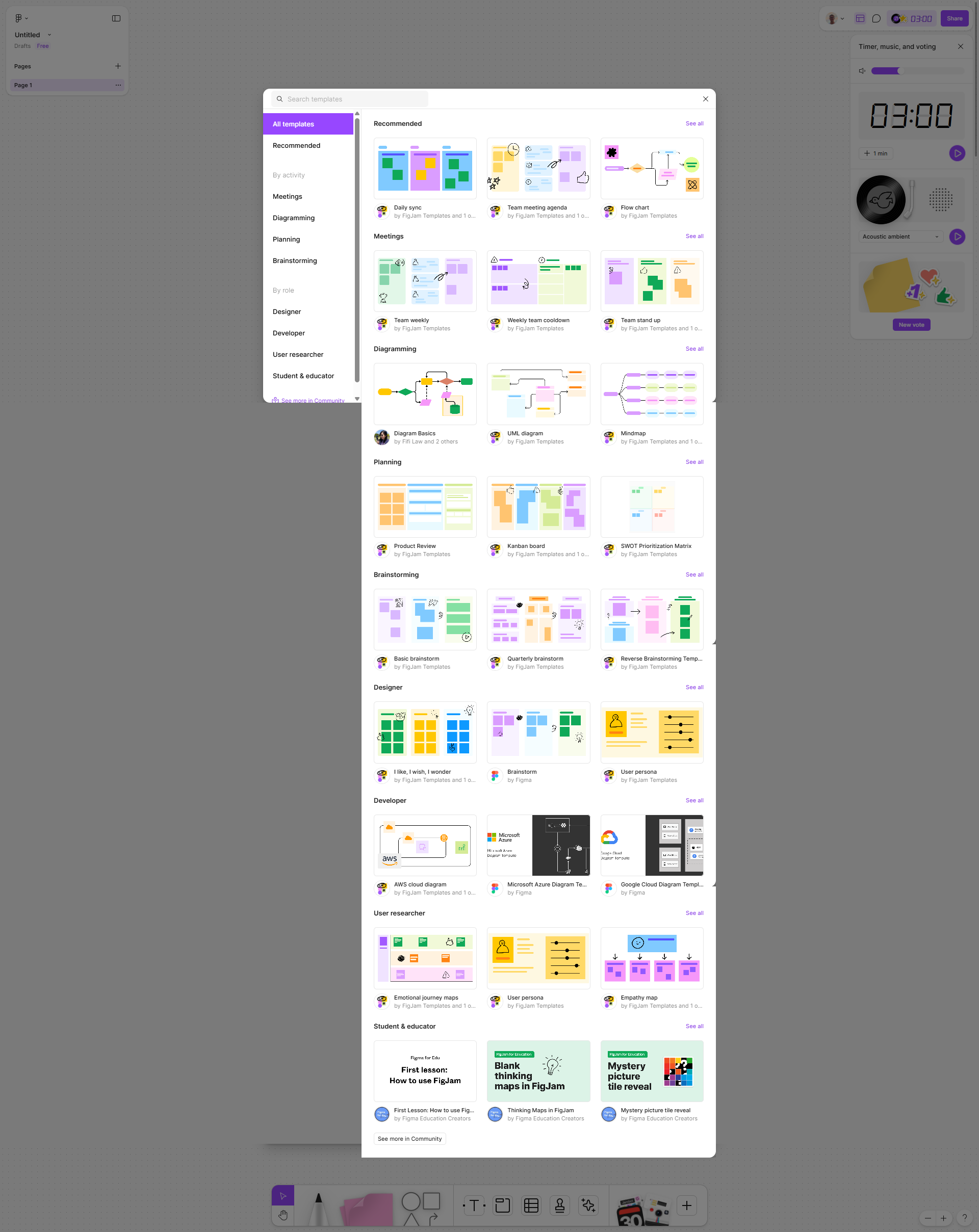
Figma screenshot 2
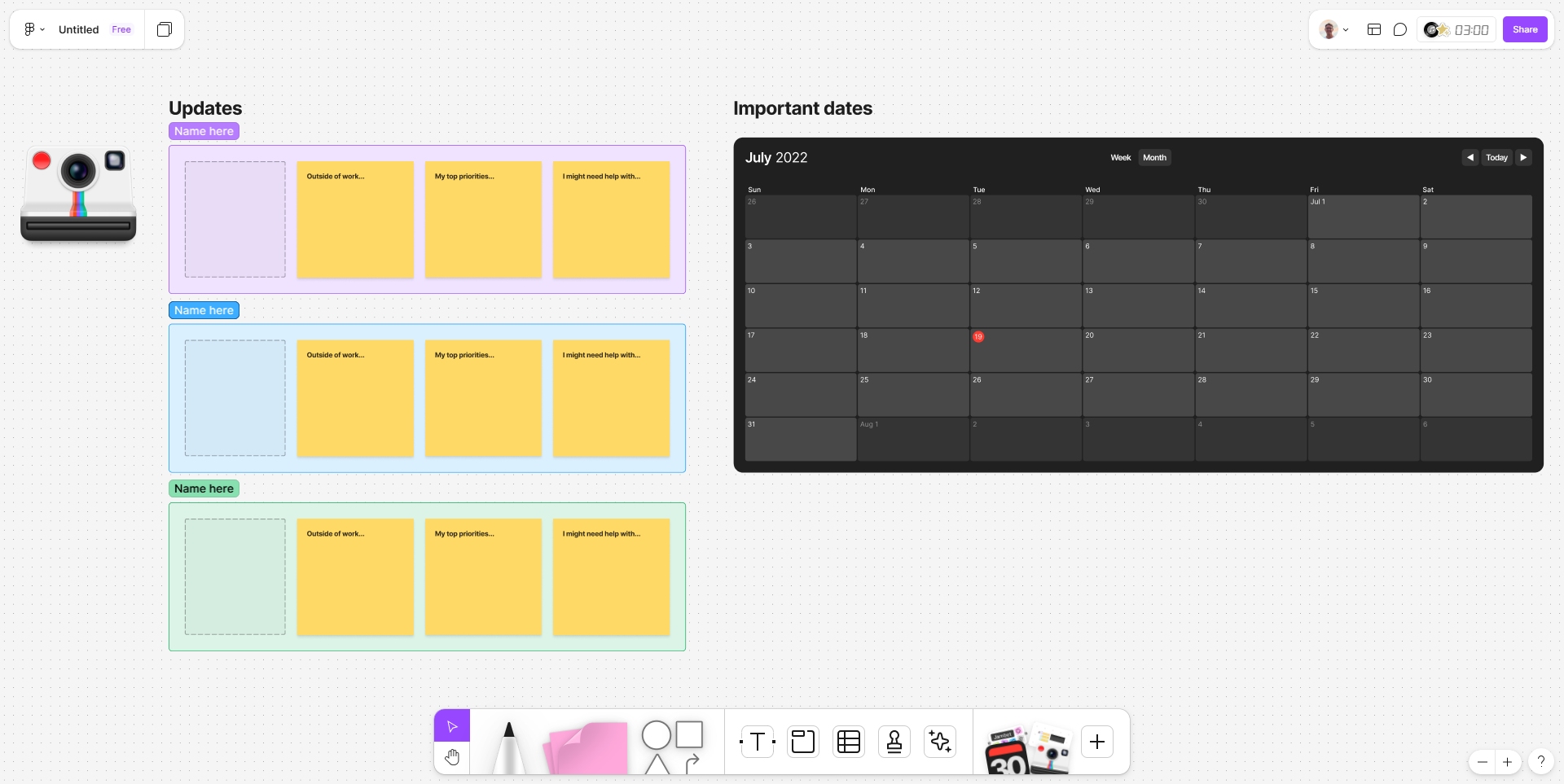
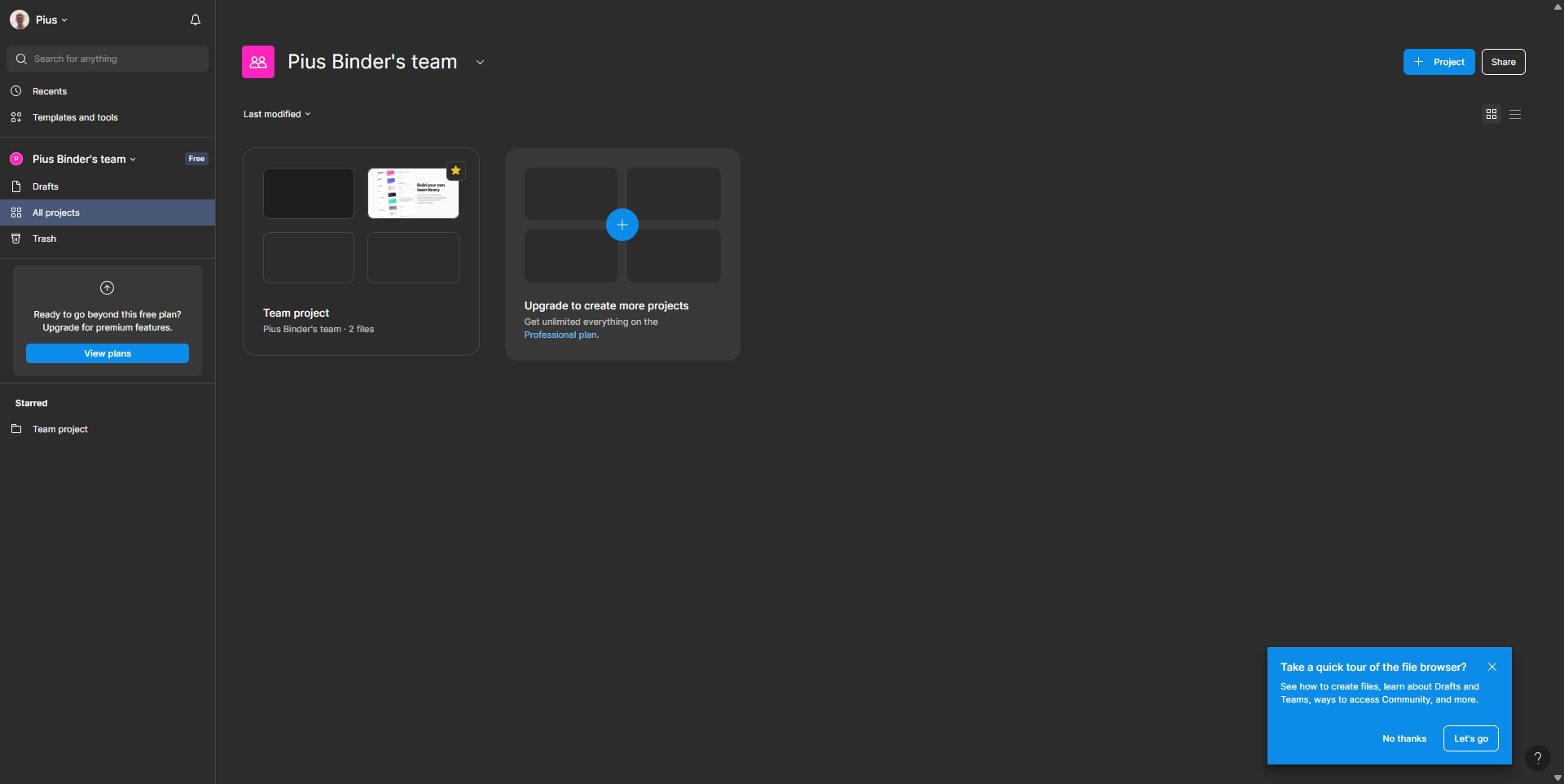
Figma screenshot 3
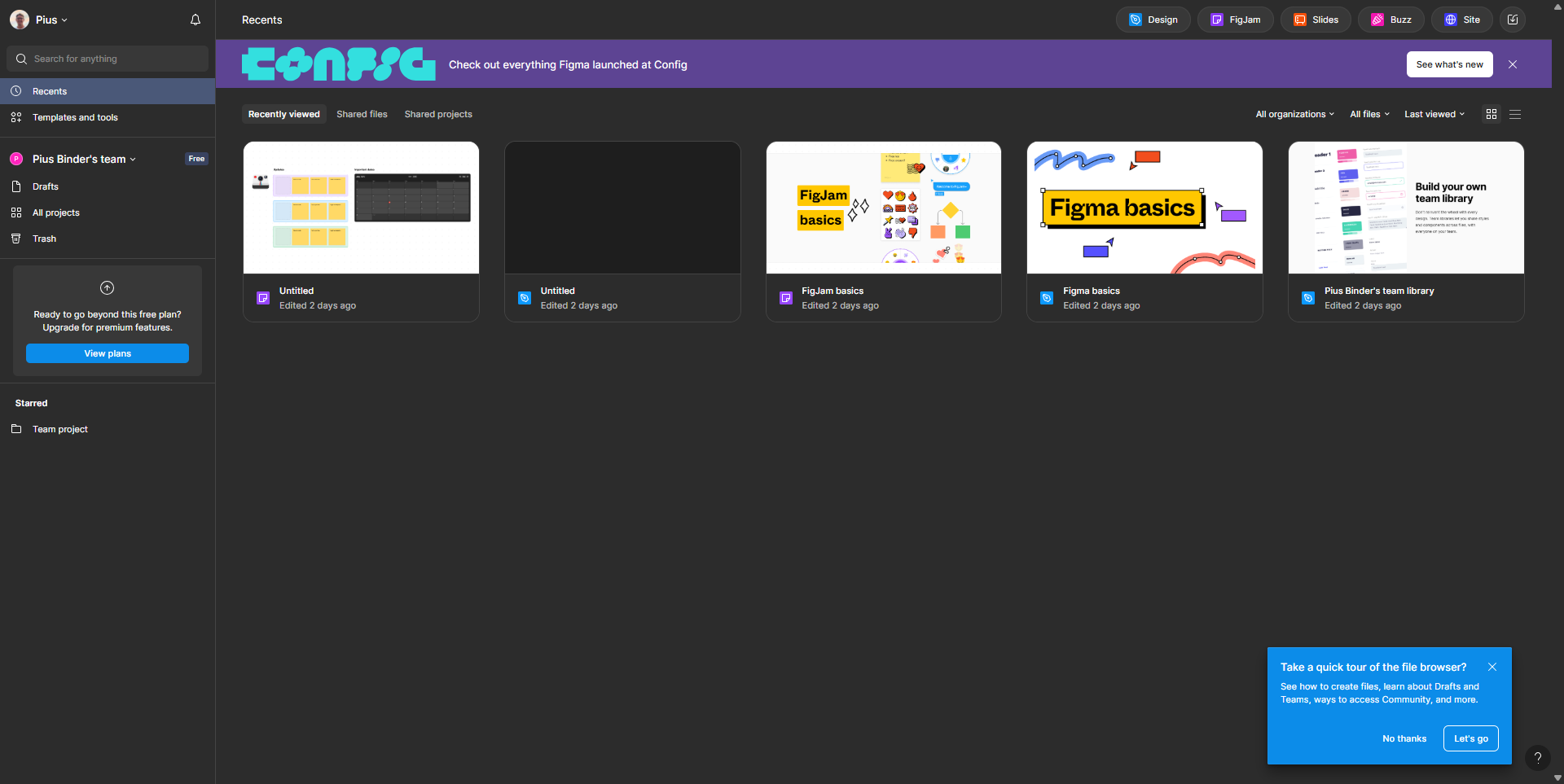
Figma screenshot 4
Figma screenshot 5
Figma screenshot 6
Figma screenshot 7
Figma screenshot 8